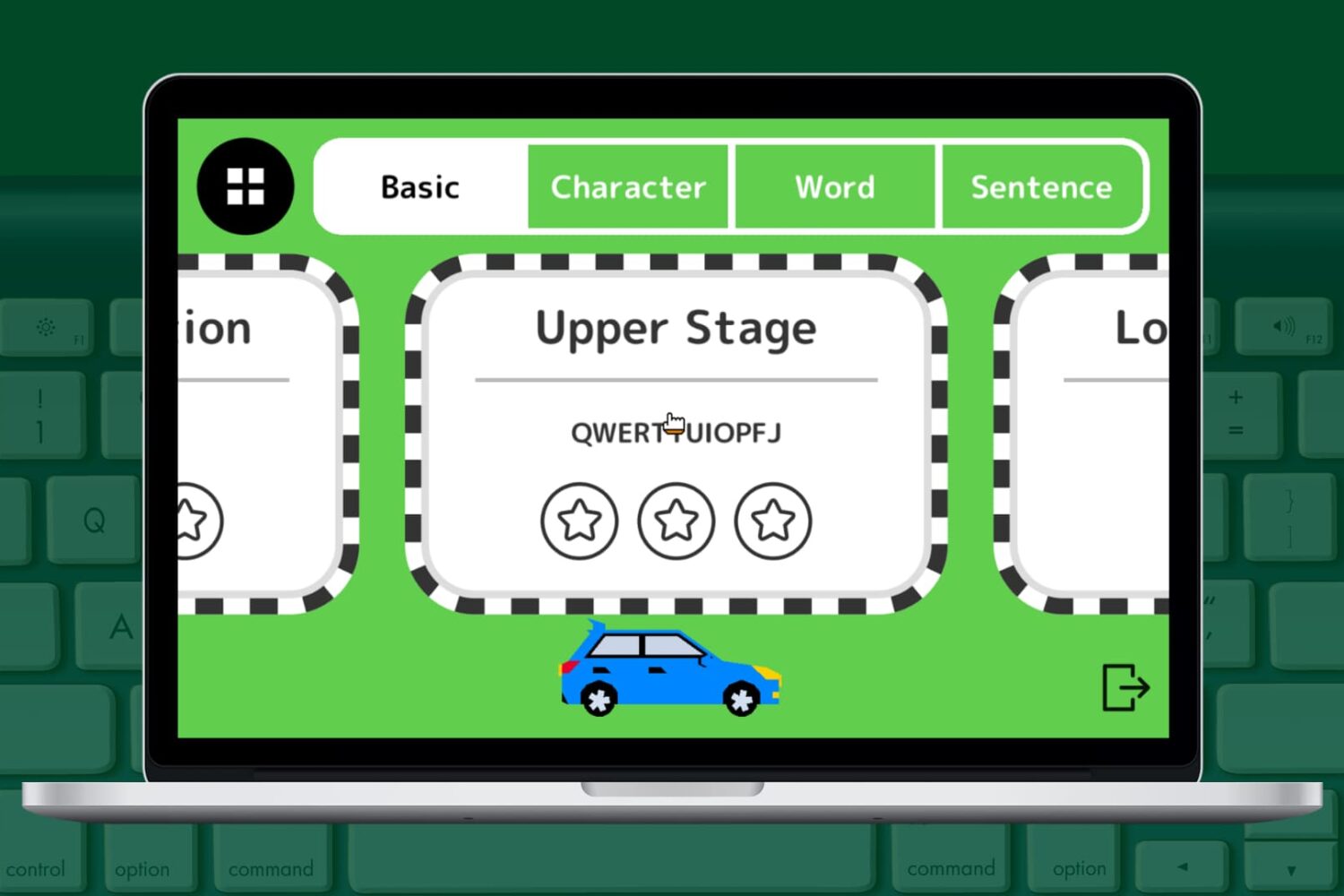
Mac app

The best free Mac typing apps for adults and kids

Best free Mac typing apps

Typing is one of the skills that everyone needs. Whether you only use it for composing emails occasionally or writing several articles per day, we all need to know how to type.

The better you are at typing, the faster you can get things done, and the more accurate your output will be. So for adults as well as children, to brush up on skills or learn the basics, here are the best free typing apps for your Mac.

New to Mac? Make the most of the Apple Maps app

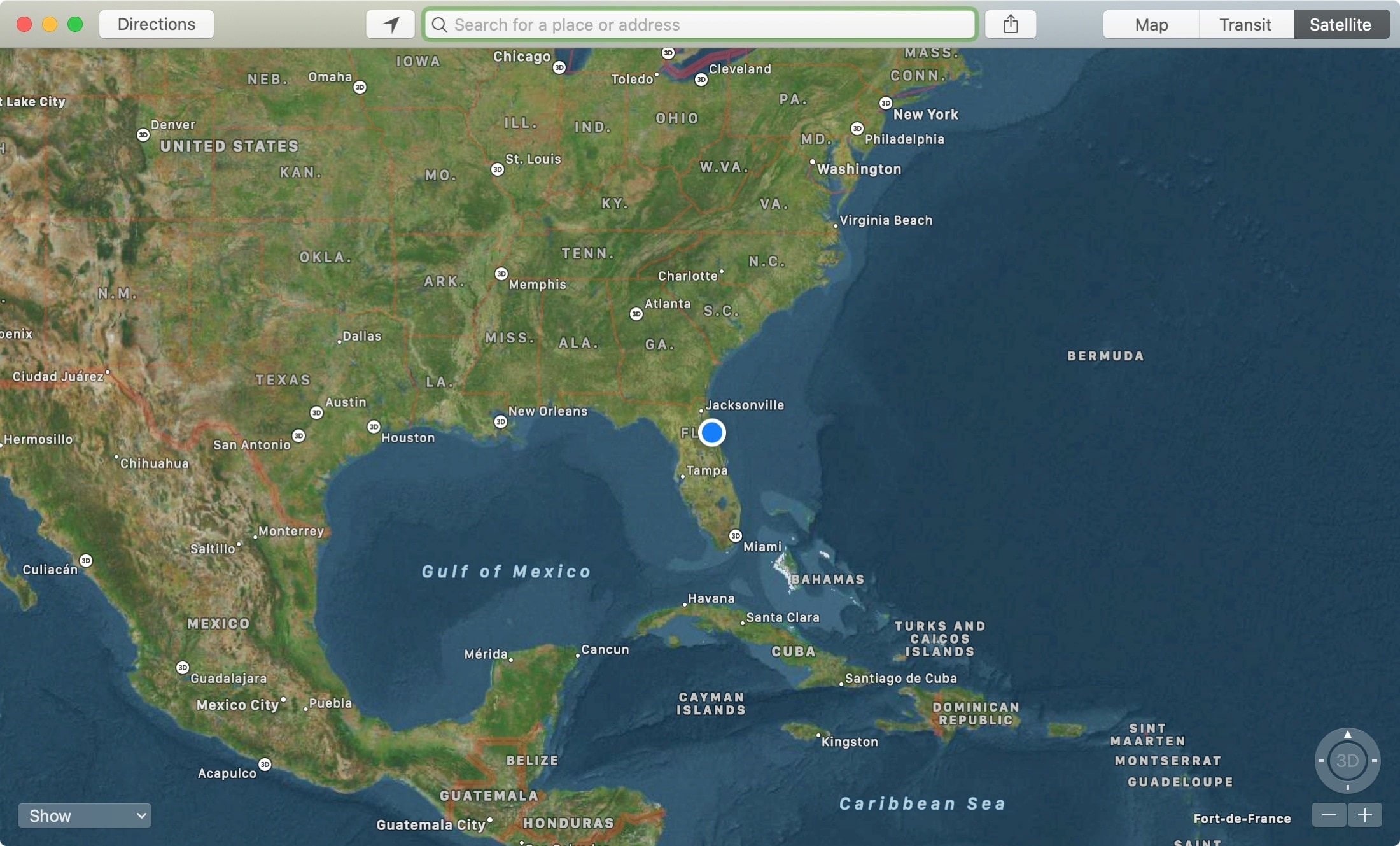
Maps App Satellite Mac

The Apple Maps app is a super handy tool that you likely use on your iPhone more than anywhere else. For getting directions, it makes perfect sense. But, the Maps app on Mac offers some great features as well, like one to send directions straight to your iPhone.

If you’re new to Mac, we’ll show you how to use that feature along with a host of the others you might not know about. Here’s how to make the most of the Apple Maps app on your Mac.

The new AnyTrans 8 helps you make a smooth transition to iPhone 11 [sponsor]

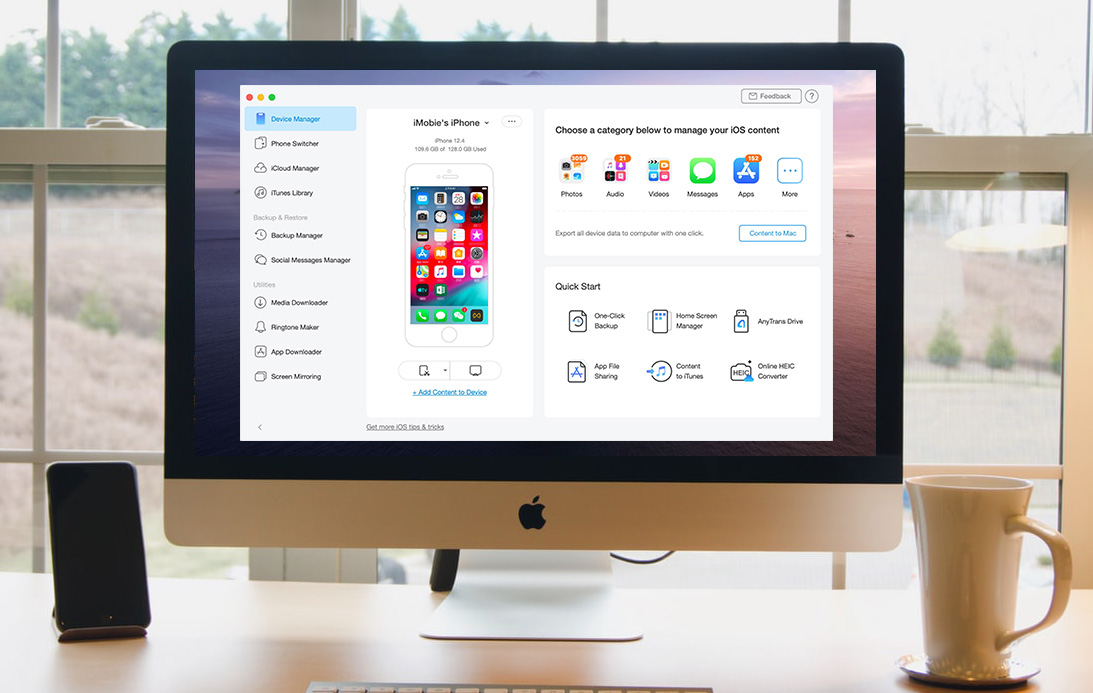
AnyTrans on iMac

Whether you’re ramping up for your first iPhone or upgrading to the iPhone 11, you need a simple way to make a seamless transition. You might want to migrate your data from Android, create a backup of your current iPhone for an easy move, or even erase data from a phone you’re getting rid of.

Whatever the case may be, one tool can take care of all of these tasks and more. AnyTrans is an intuitive iPhone manager that lets you transfer, back up, and manage the content on your device, all in one spot.

We have covered AnyTrans in the past for backups and transfers as well as AnyTrans for Cloud to manage files. But now, we have a brand new AnyTrans to introduce to you, AnyTrans 8. This latest version of AnyTrans gives you new features and enhancements that make managing your iPhone content easier than ever.