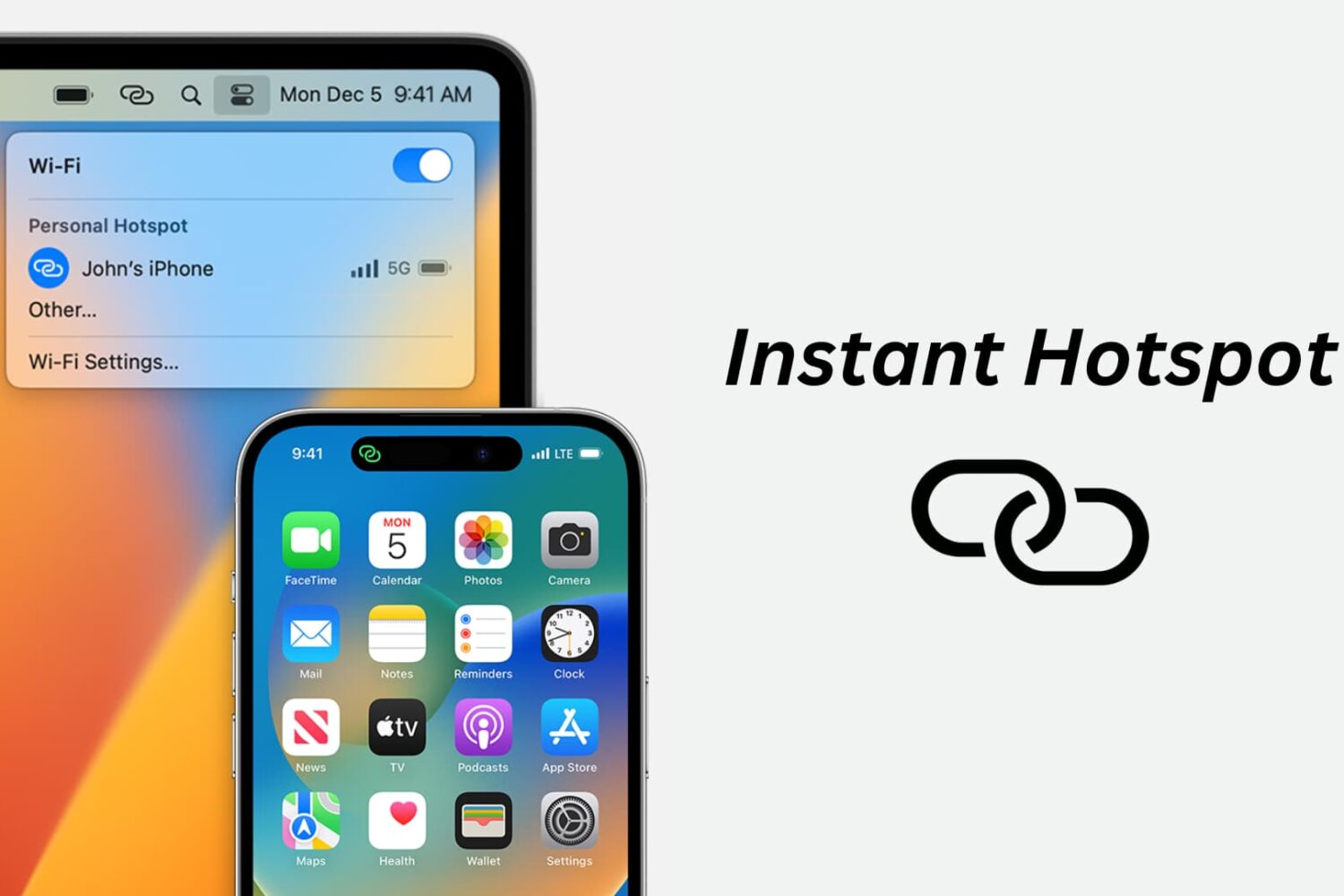
Learn how to use the Instant Hotspot feature to share your iPhone’s cellular data as an internet hotspot that other devices can connect to via Wi-Fi.
How to use your iPhone as an internet hotspot
Stay up-to-date on the latest Mac news, and tutorials. Get expert tips and tricks to optimize your Mac’s performance and learn about the latest Apple products and software updates. Discover the best Mac apps and accessories to enhance your user experience.
Learn how to use the Instant Hotspot feature to share your iPhone’s cellular data as an internet hotspot that other devices can connect to via Wi-Fi.
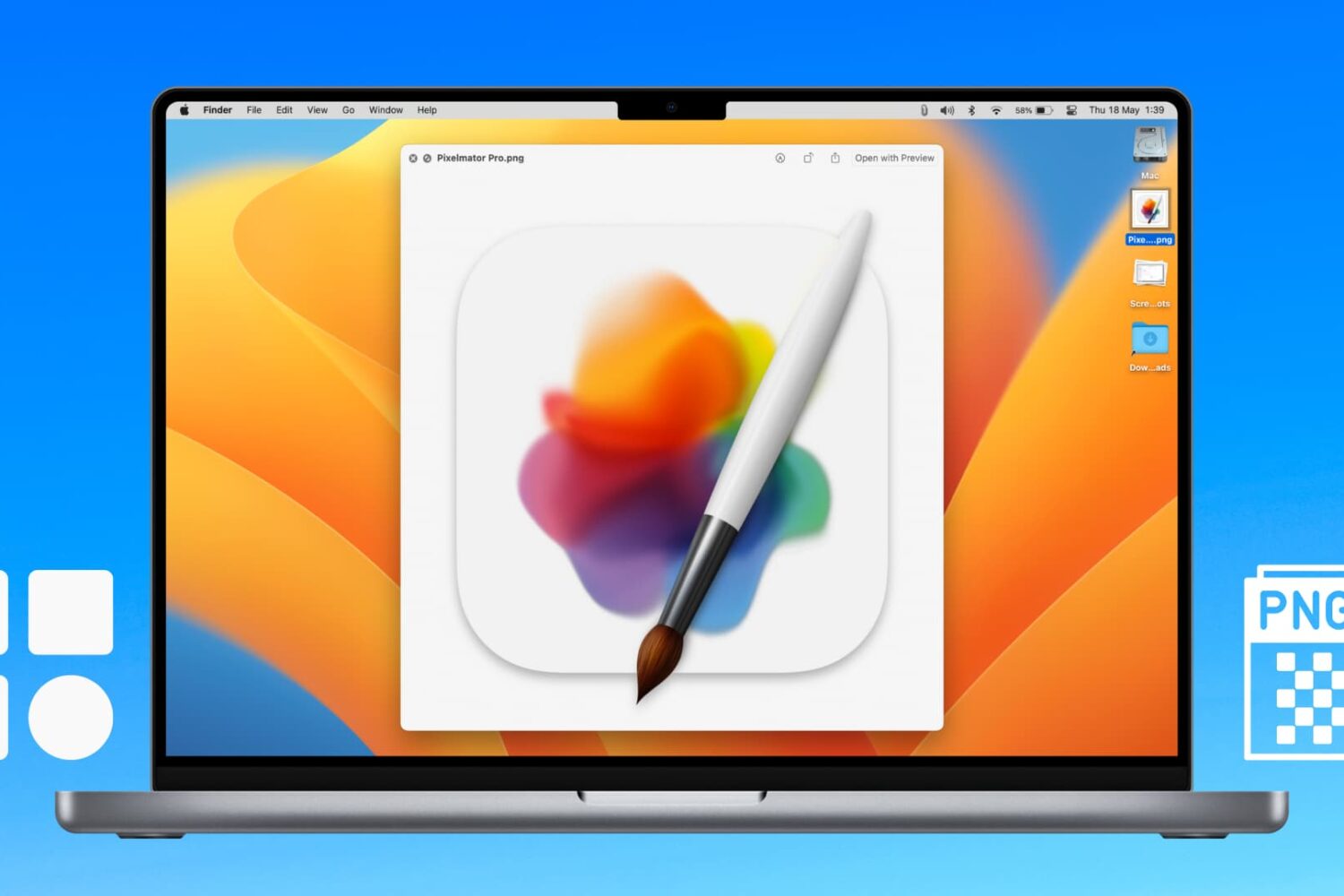
Learn how to extract icons of a Mac app and save them in ubiquitous bitmap image formats such as PNG, JPG, and more.

Learn what to do if you cannot access your iCloud emails or send and receive emails using your iCloud account on your iPhone, iPad, Mac, and web browser.

Looking to create a PDF document? This tutorial will show you multiple free and easy ways to make PDFs on your Apple devices without using any third-party tool.
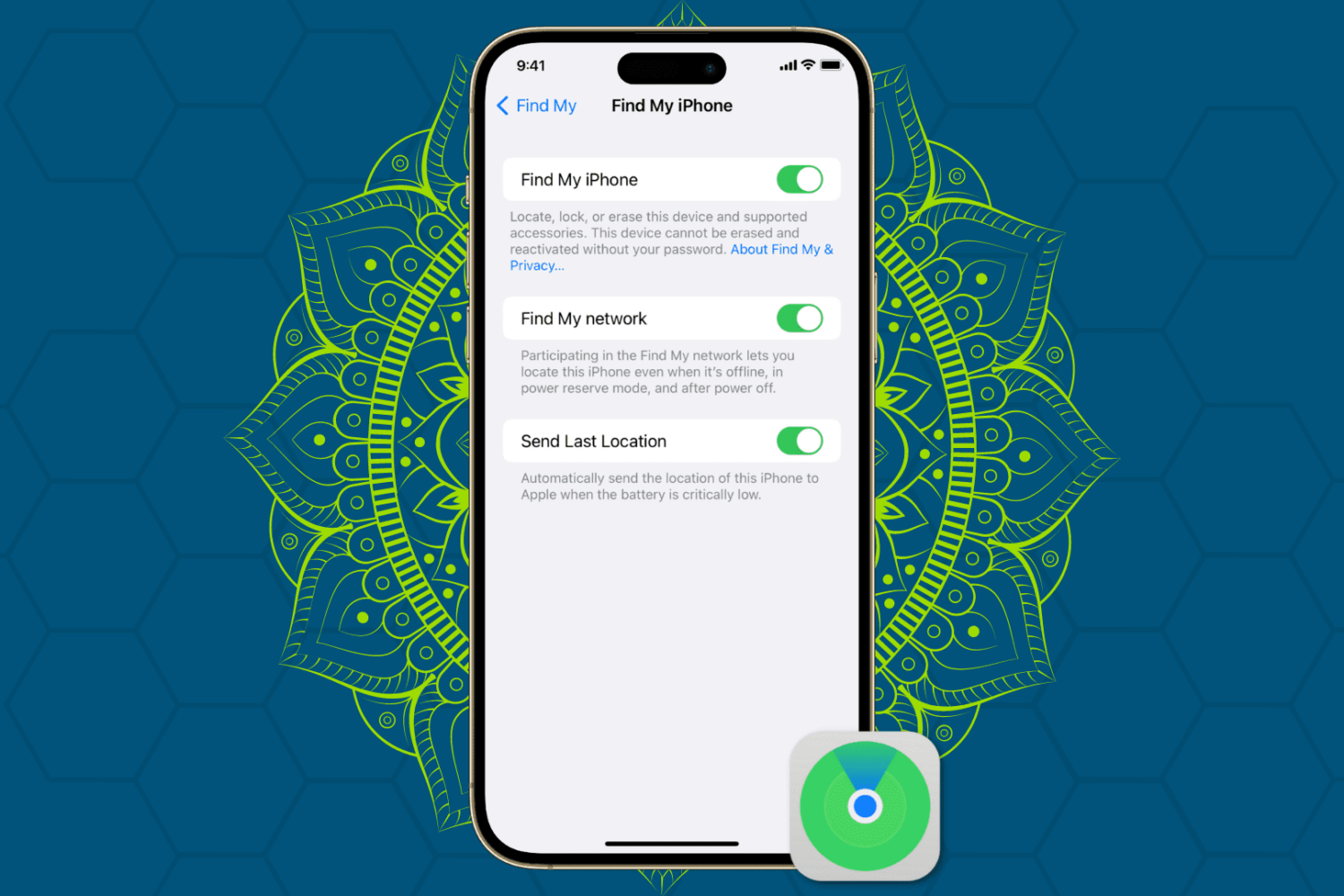
Protect your Apple devices from theft and unauthorized access by enabling Find My Activation Lock, ensuring enhanced security for your iPhone, iPad, Mac, and Watch.
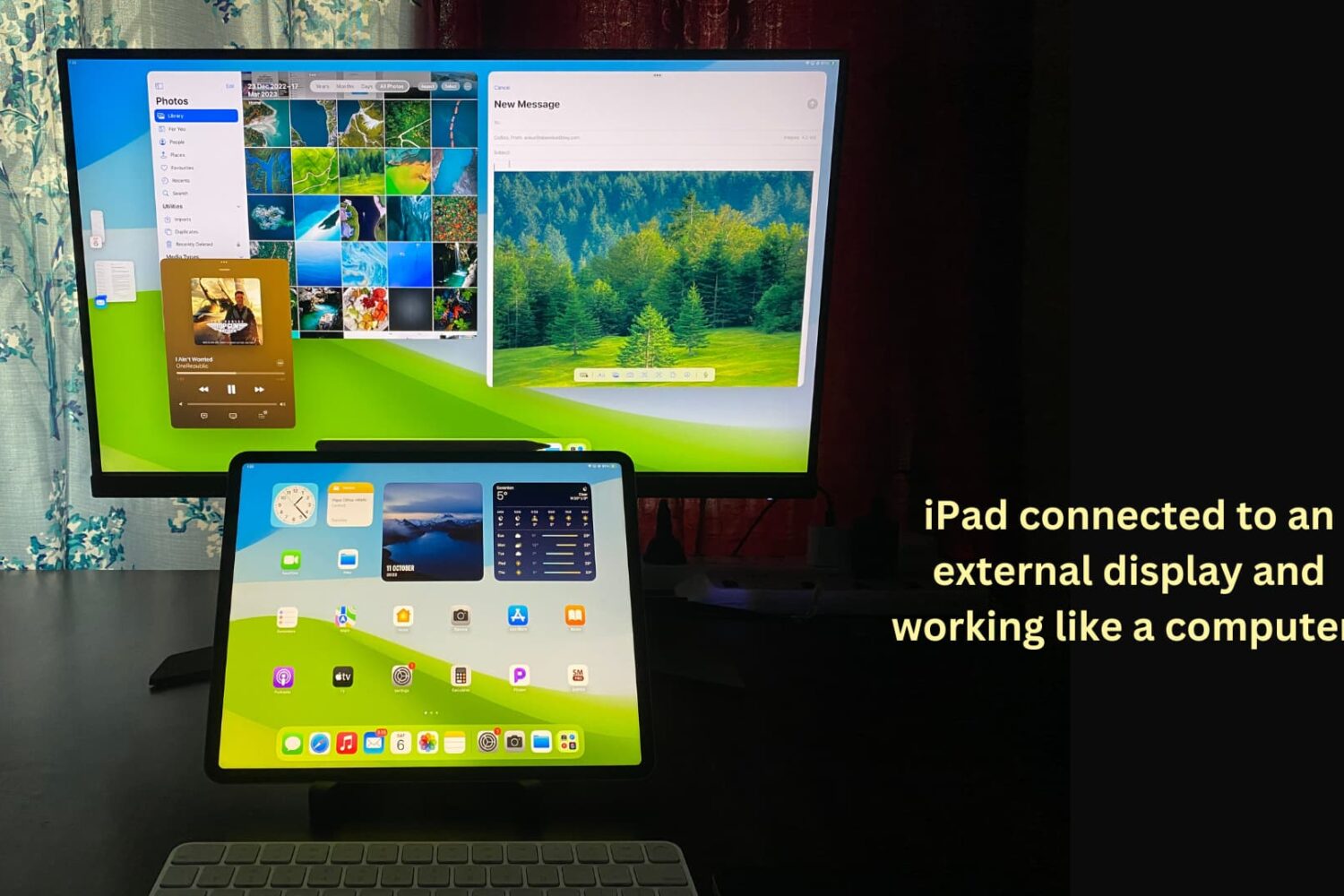
You can connect your iPad to other bigger displays, such as a computer monitor, to increase productivity and view content on a larger screen. This tutorial shows you how to use your iPad apps on another display or simply mirror your iPad to that bigger screen.
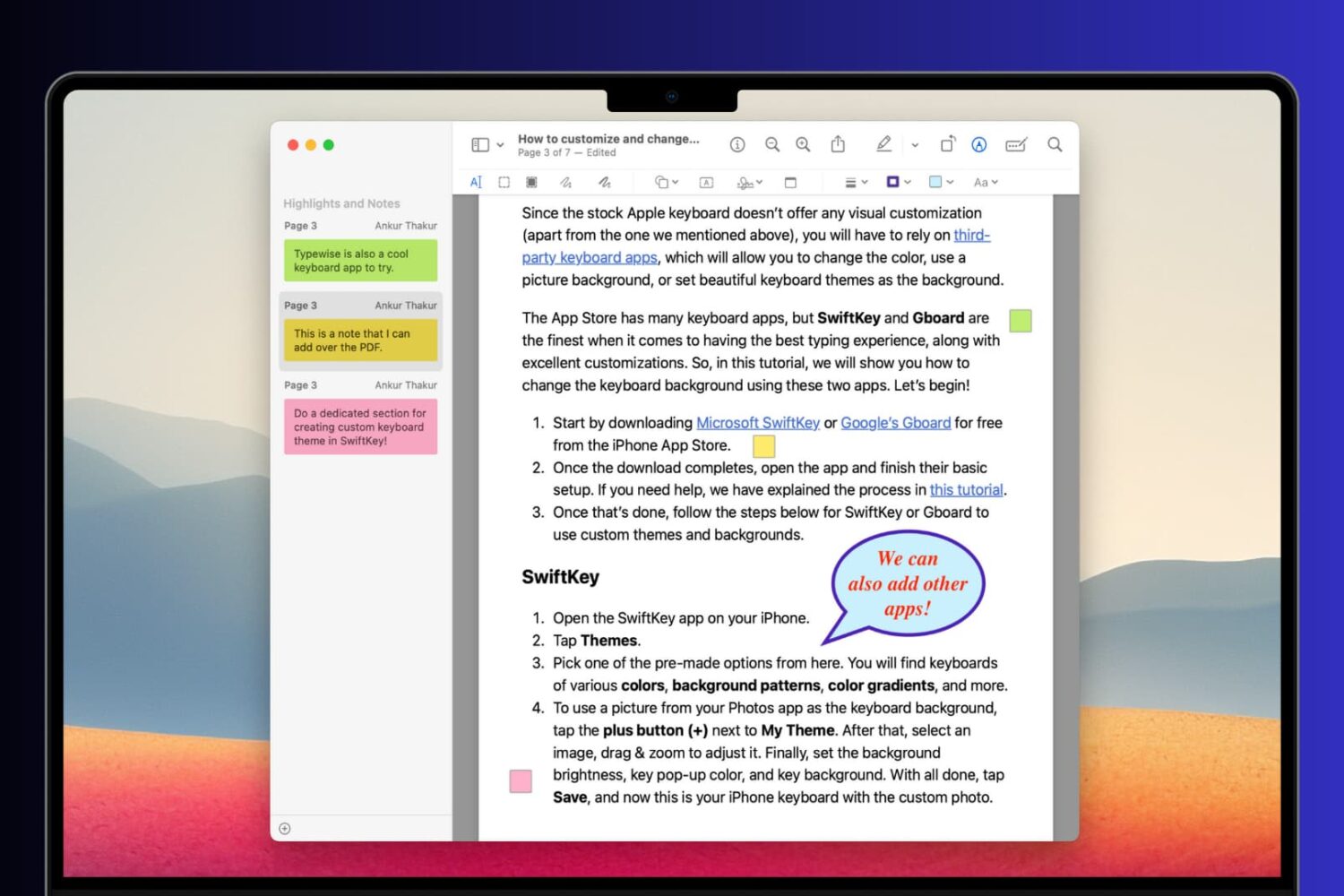
Learn how to add comments, references, extra information, formulas, and hints to your PDF documents using notes and speech bubbles on your Mac, iPhone, and iPad.
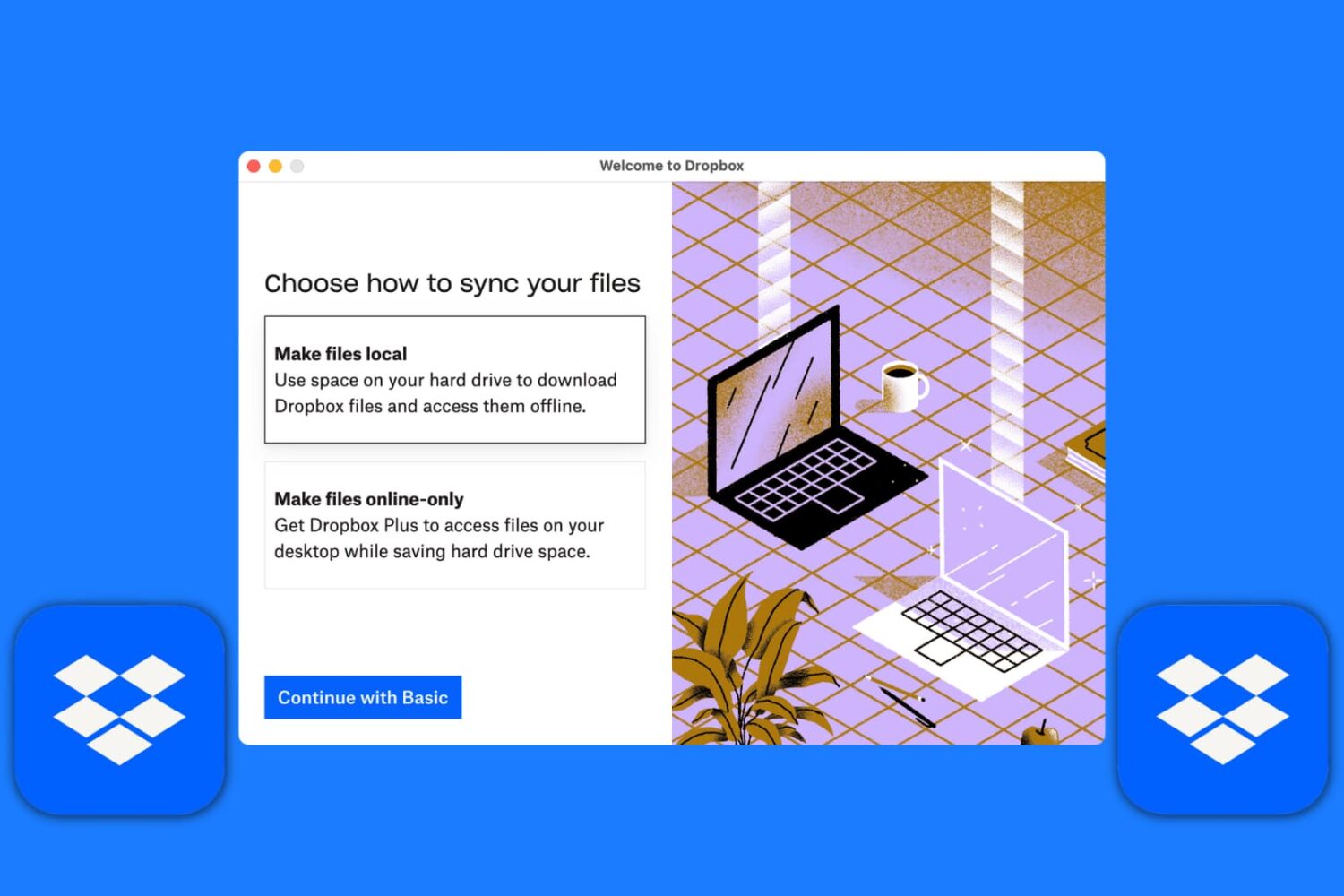
Learn how to set up the Dropbox app on your Mac to manage your new and existing files without having to visit Dropbox’s website every time you need to download or upload a file.
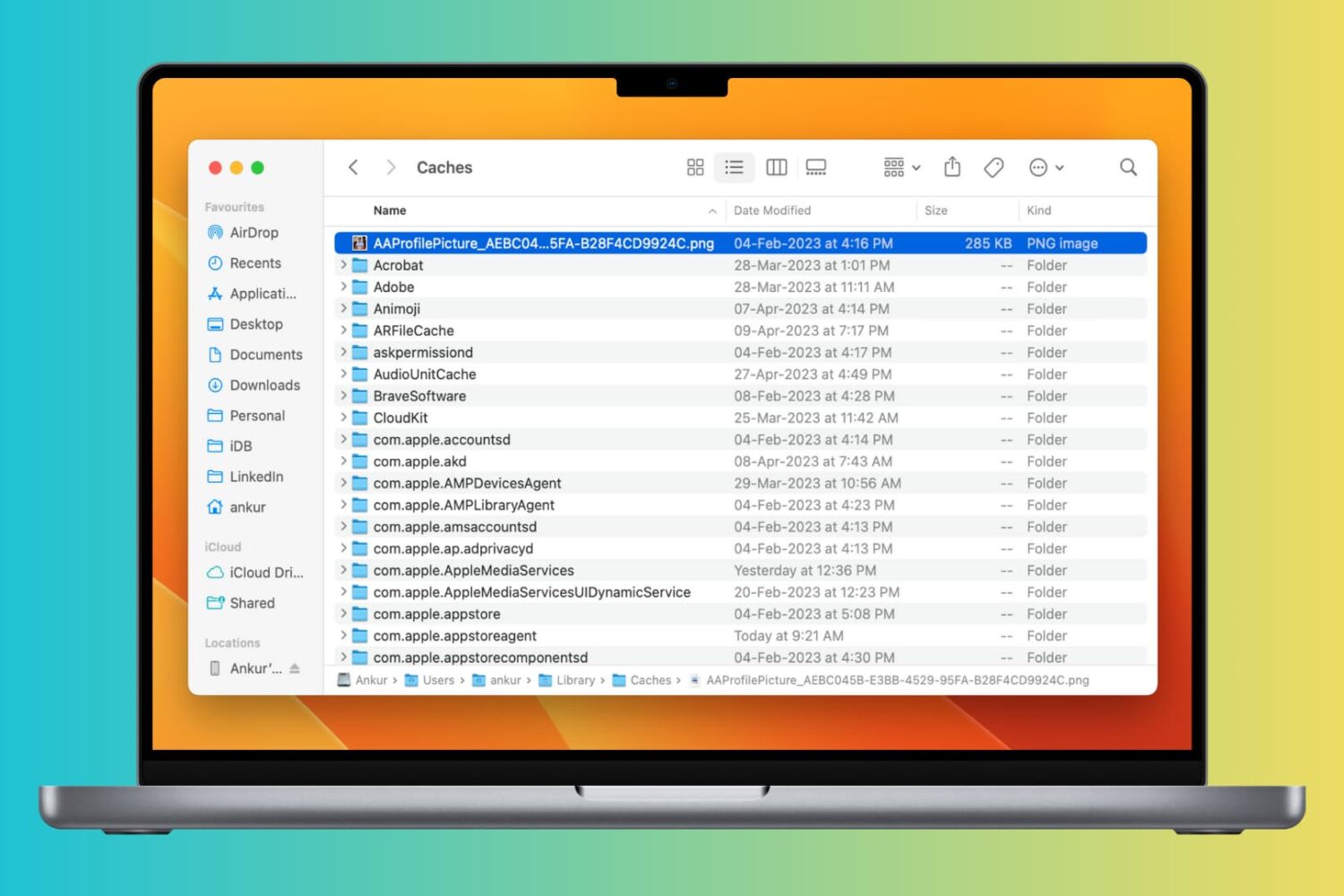
Clearing cache files can help improve the speed and performance of your Mac by freeing up space taken by temporary files. In this article, we will explore how to clear cache on your Mac and help you get your system running smoothly again.

Here are 18 simple yet important tips to protect your Mac so that all your files, documents, and sensitive data remain safe and do not fall into the bad hands.

Getting unbearable input delay when typing with your wireless keyboard on Mac? This tutorial lists all the solutions to fix this problem and make your typing lag-free.

Learn how to edit vertical videos without black bars in iMovie on your Mac, iPhone, or iPad, and make sure they look great in portrait orientation. This is particularly handy if you want to post your videos to Instagram, TikTok, YouTube Shorts, etc.