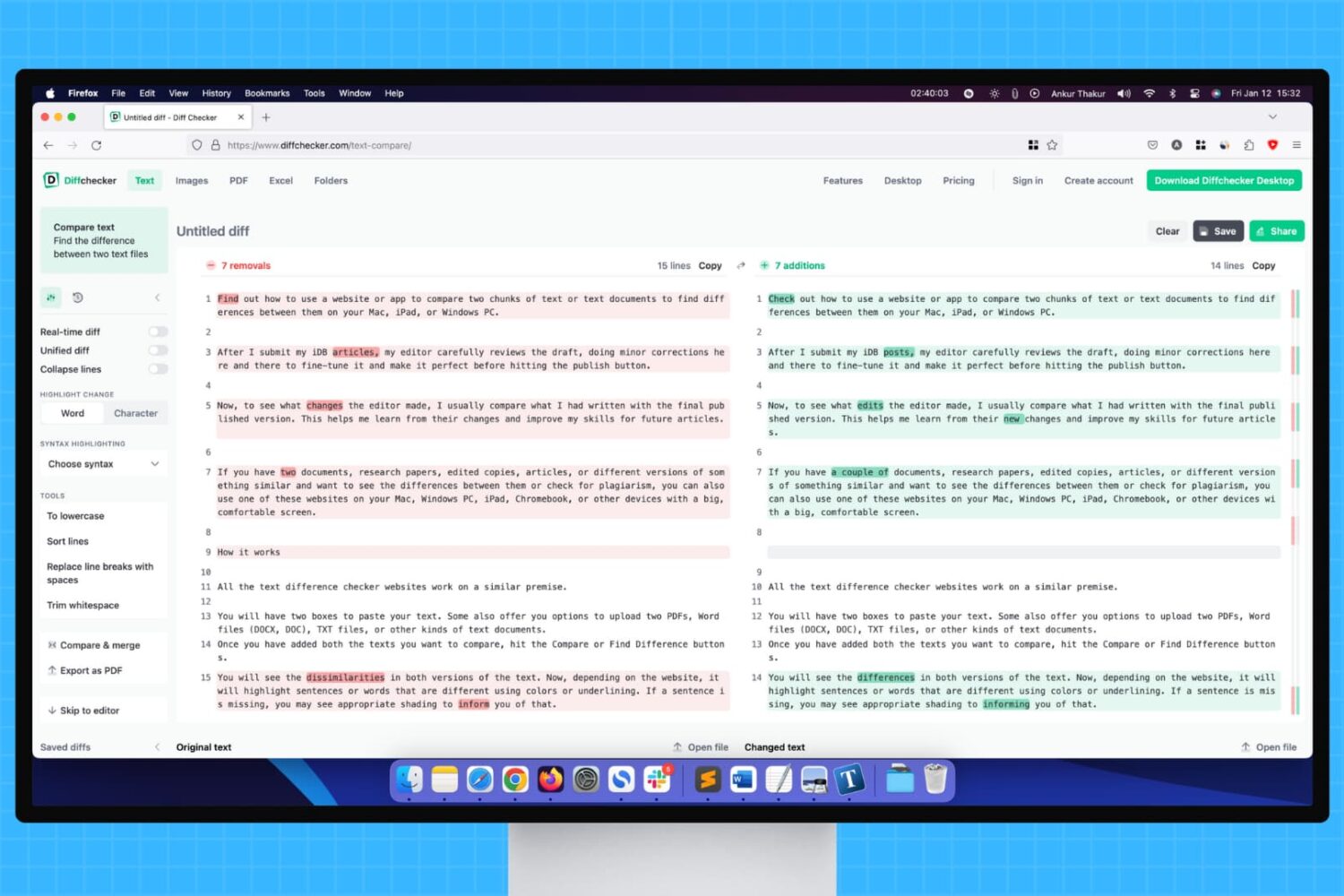
Learn how to use a website or app to compare two chunks of text or documents to find differences between them on your Mac, iPad, or Windows PC.
How to compare differences between two text documents on Mac and PC
Stay up-to-date on the latest Mac news, and tutorials. Get expert tips and tricks to optimize your Mac’s performance and learn about the latest Apple products and software updates. Discover the best Mac apps and accessories to enhance your user experience.
Learn how to use a website or app to compare two chunks of text or documents to find differences between them on your Mac, iPad, or Windows PC.
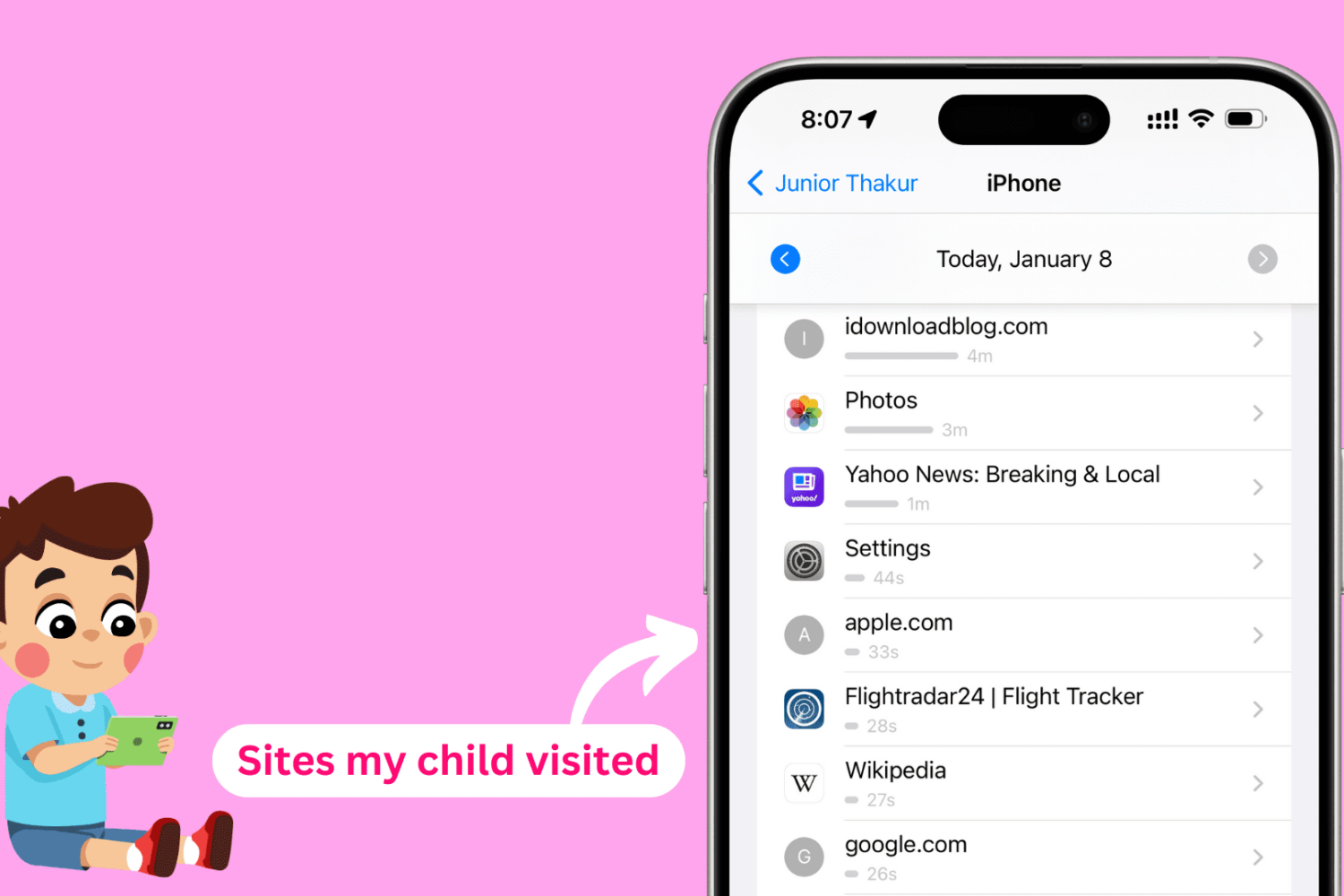
In this tutorial, we will show you how to see the websites your kids have visited on their iPhone, iPad, or Mac and set a daily time limit for individual websites you'd like them to spend less time on.
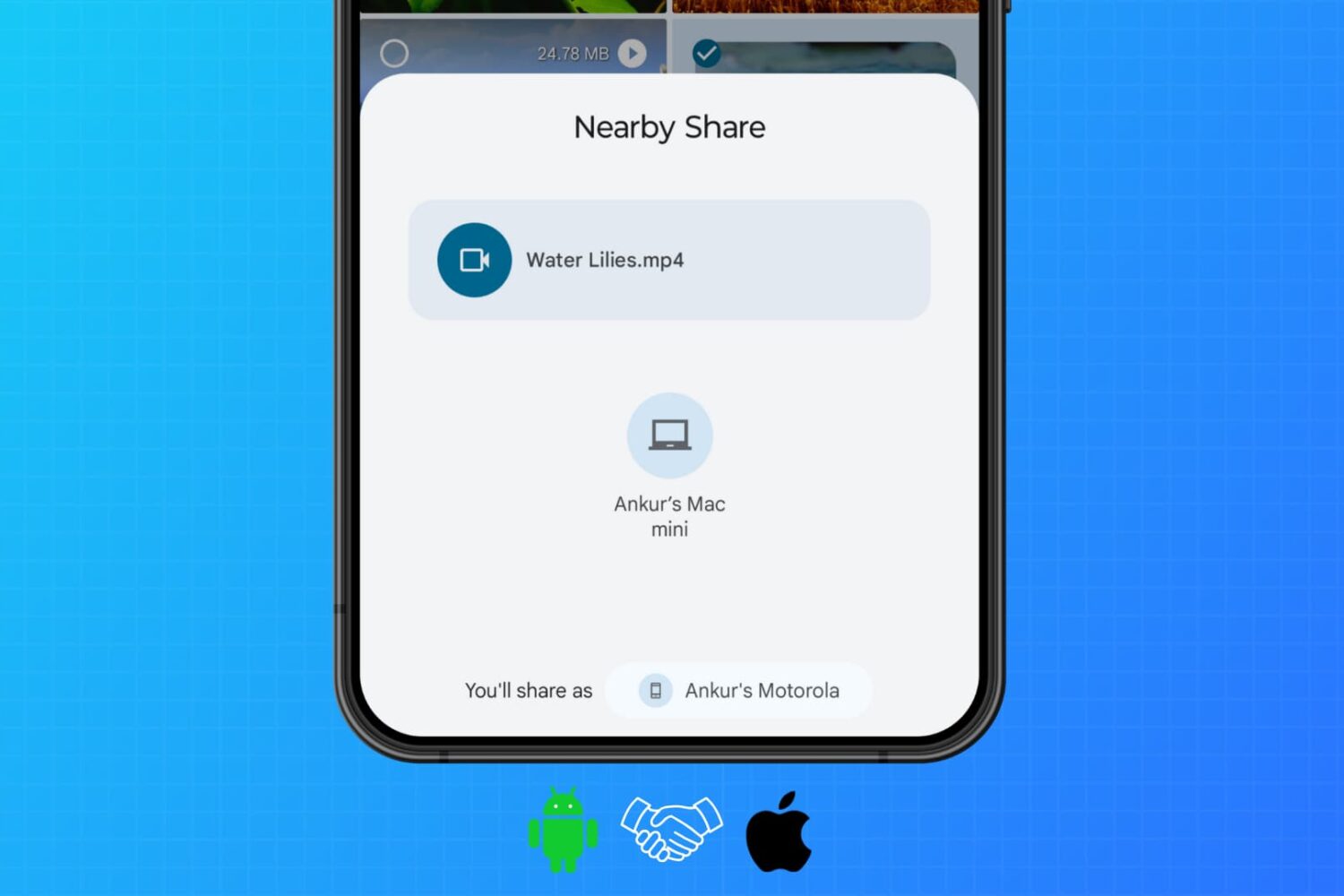
Learn how to use WarpShare and NearDrop apps to utilize Apple's AirDrop and Android's Nearby Share/Quick Share protocols to send photos, videos, audio, documents, and other files from your Android phone to your Mac.
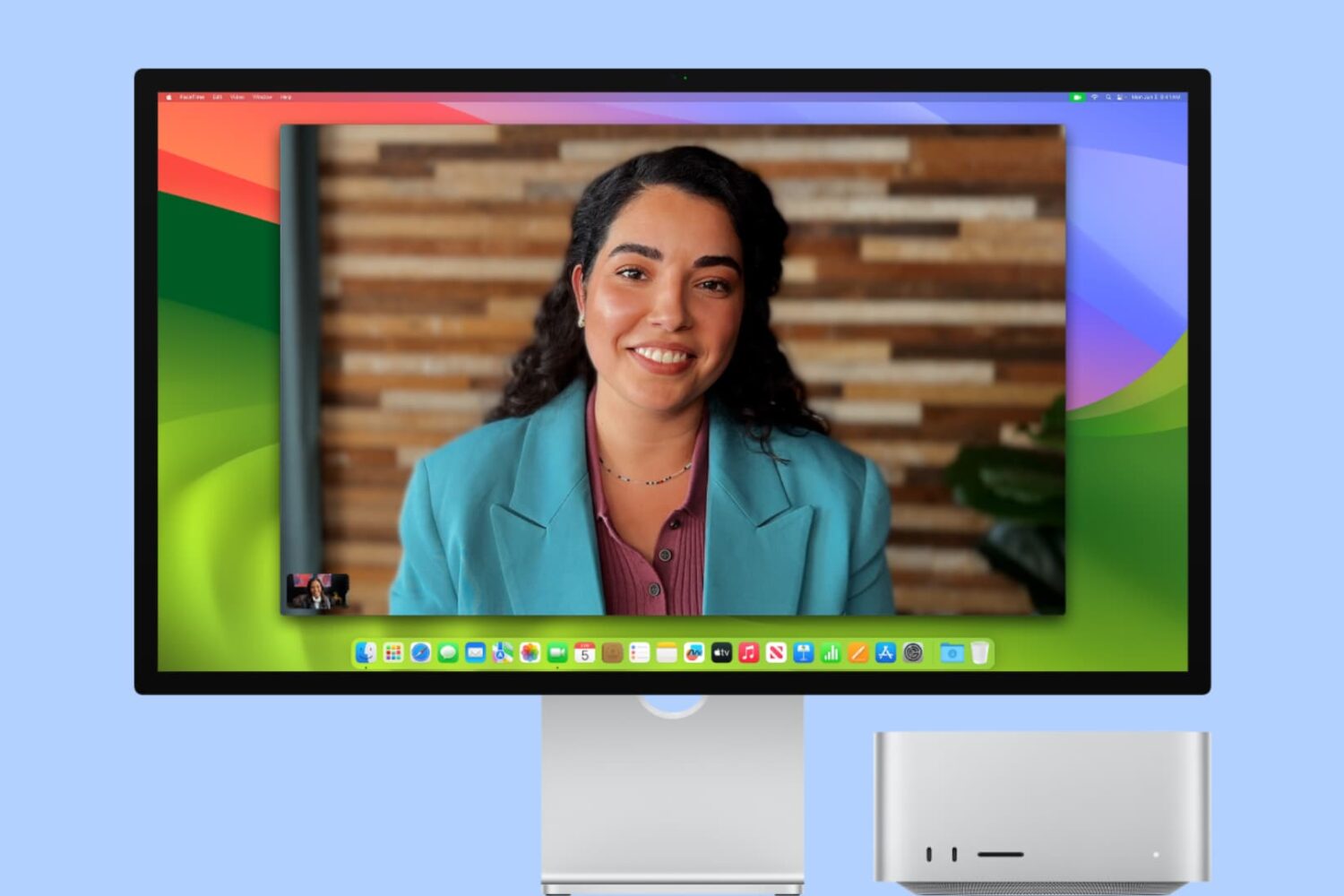
In this tutorial, we will explain what Center Stage is and how to enable or disable it when you are on a video call on your iPad or Mac.
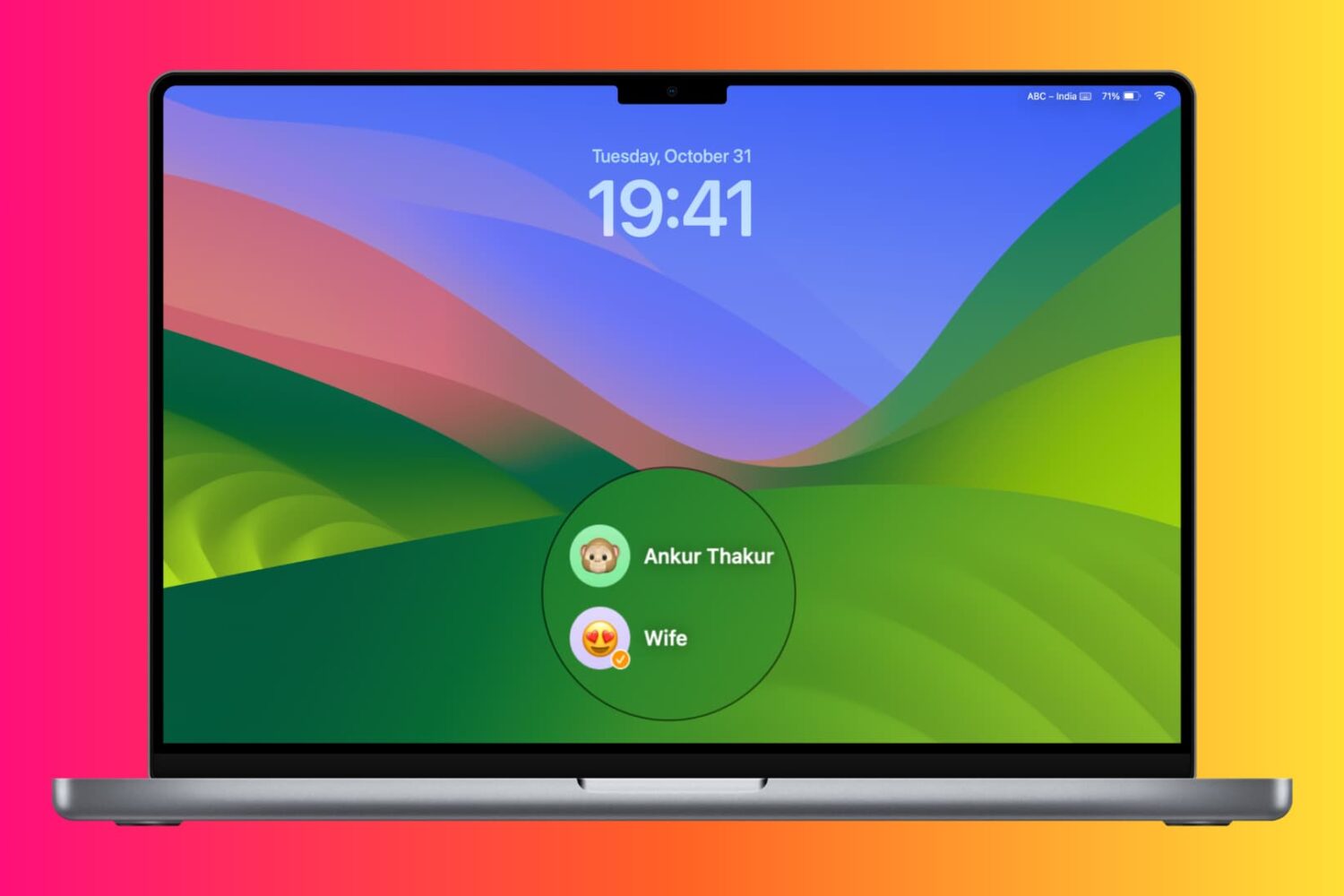
Learn about various ways to switch to a different account on your Mac desktop or MacBook.
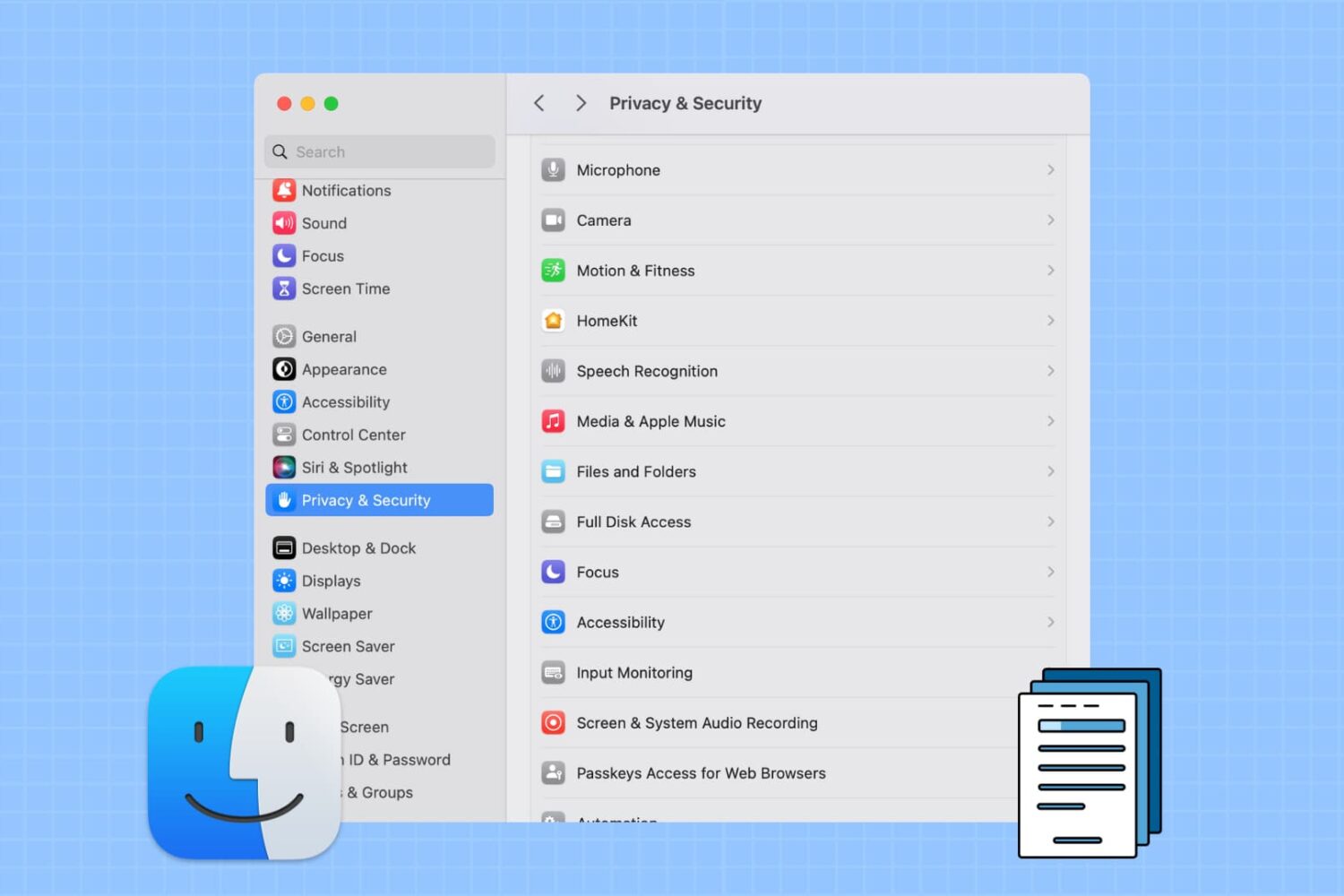
Learn how to prevent specific apps from accessing your personal photos, PDFs, and files stored in Downloads, Documents, Desktop, iCloud Drive, and other Finder folders on your Mac.
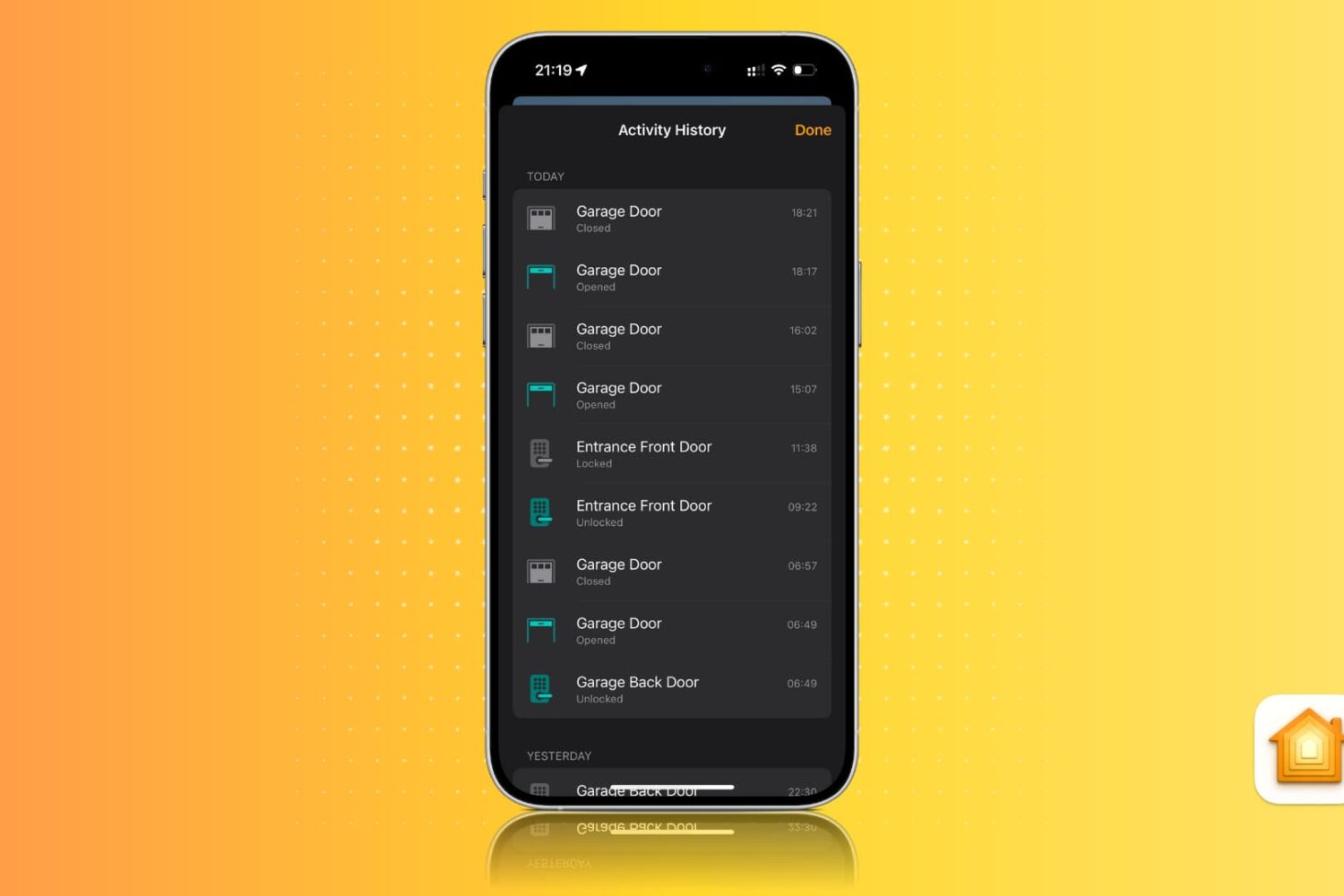
Learn how to view activity history for locks, alarms, sensors, smoke detectors, smart lights, and other smart home accessories in the Apple Home app on an iPhone, iPad, and Mac.
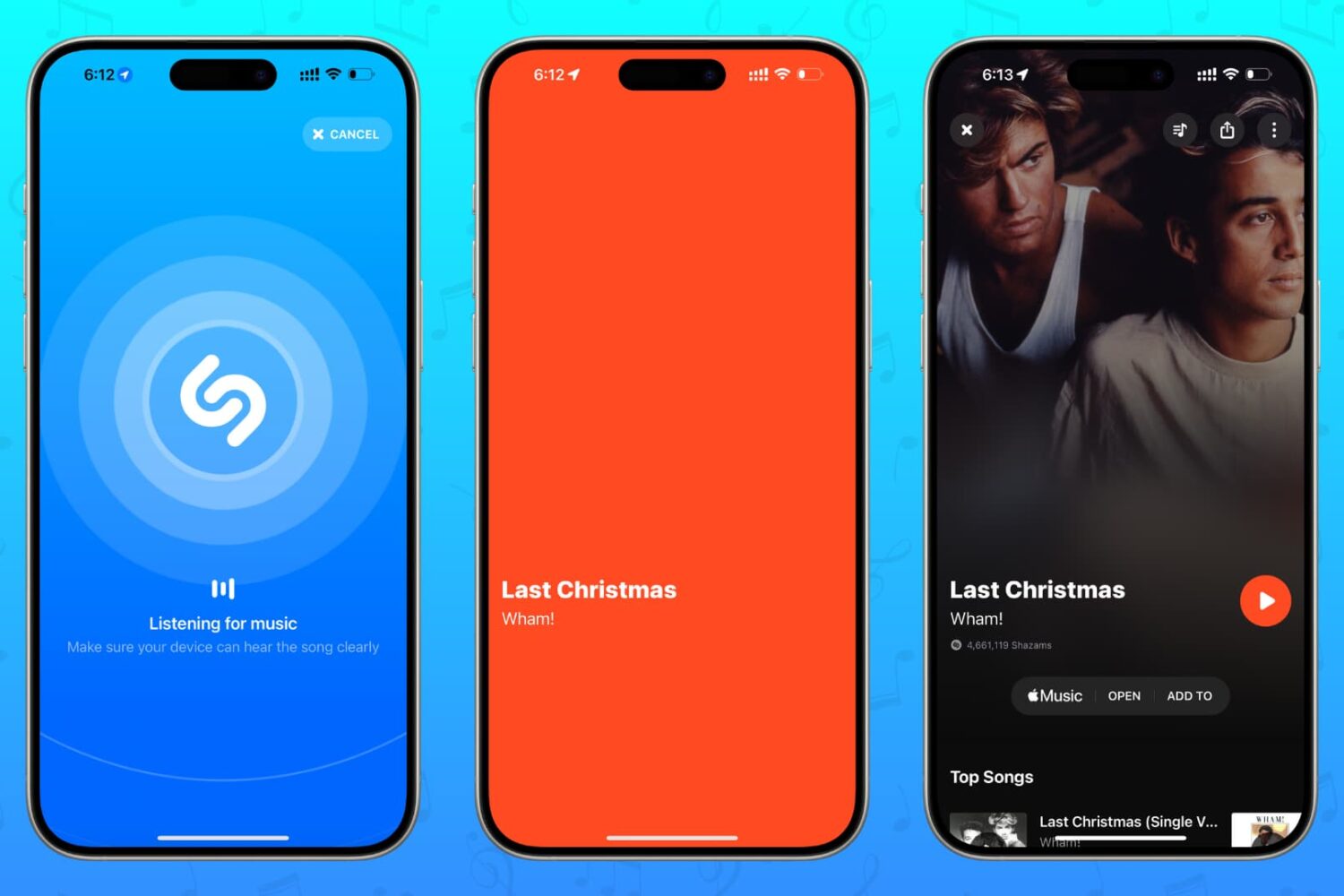
Discover all the different ways to identify which song is playing around you or in a YouTube clip, Instagram Reel, TikTok video, or elsewhere using Shazam on your iPhone, iPad, Android phone, Apple Watch, HomePod, Mac, Windows PC, and even the web!
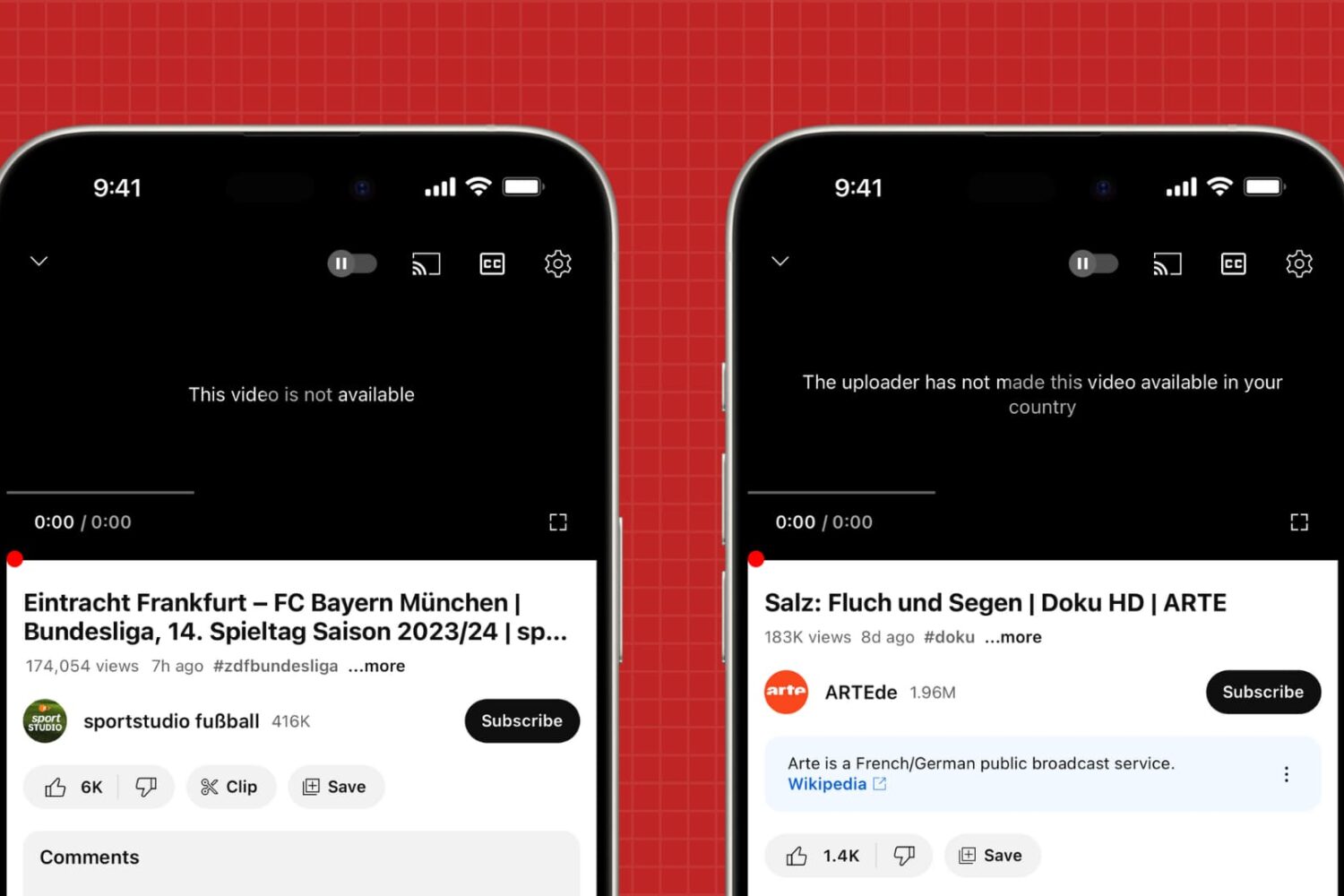
In this tutorial, we will share what to do if you try to play a YouTube video on your phone or computer, but all you get is an error message saying, “This video is not available,” “This video isn't available anymore. Go to Home,” “Video unavailable. This video is not available,” or “The uploader has not made this video available in your country.”
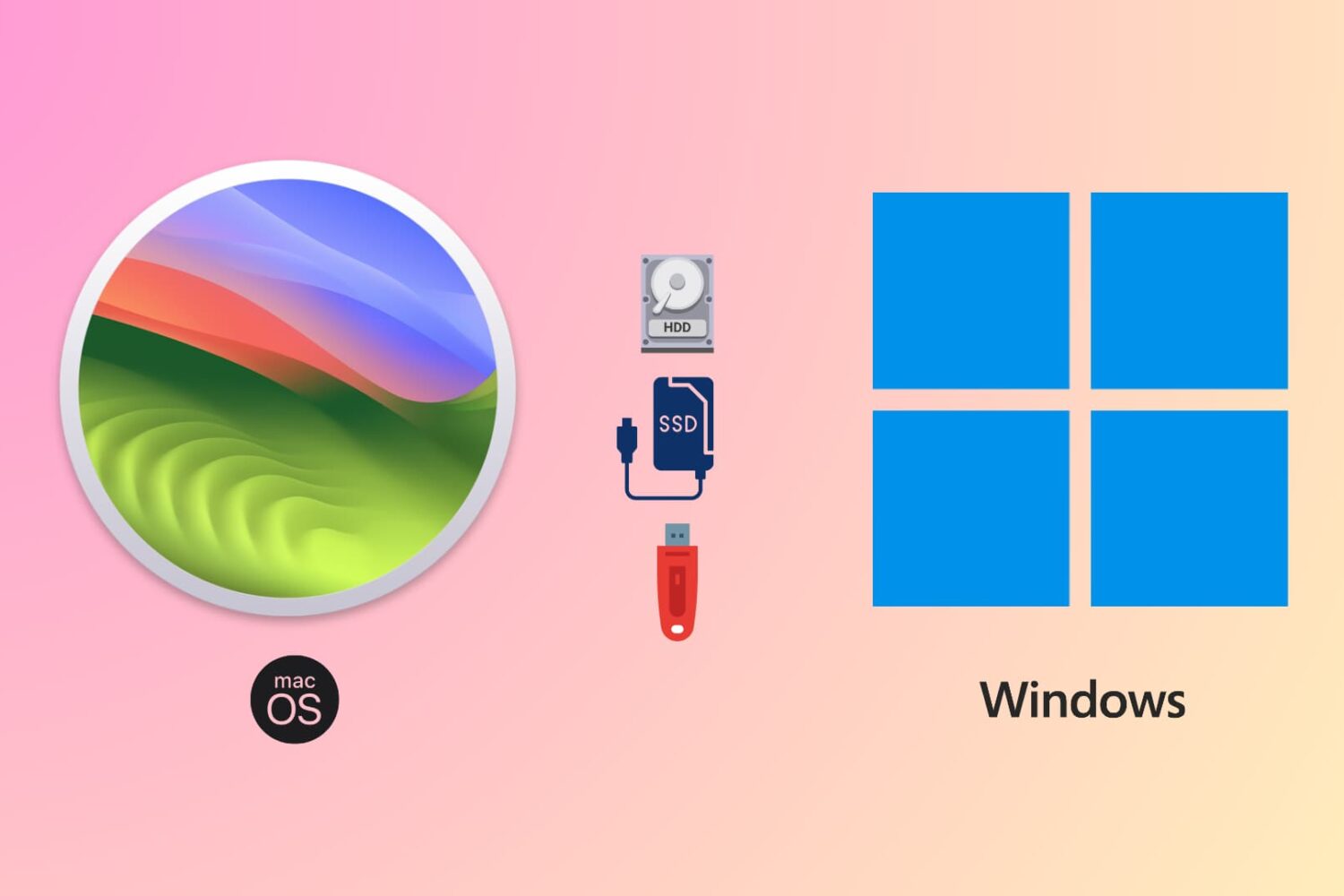
Learn how to use the same flash drive, thumb drive, SSD, hard drive, or other external storage devices on both Mac and Windows computers.
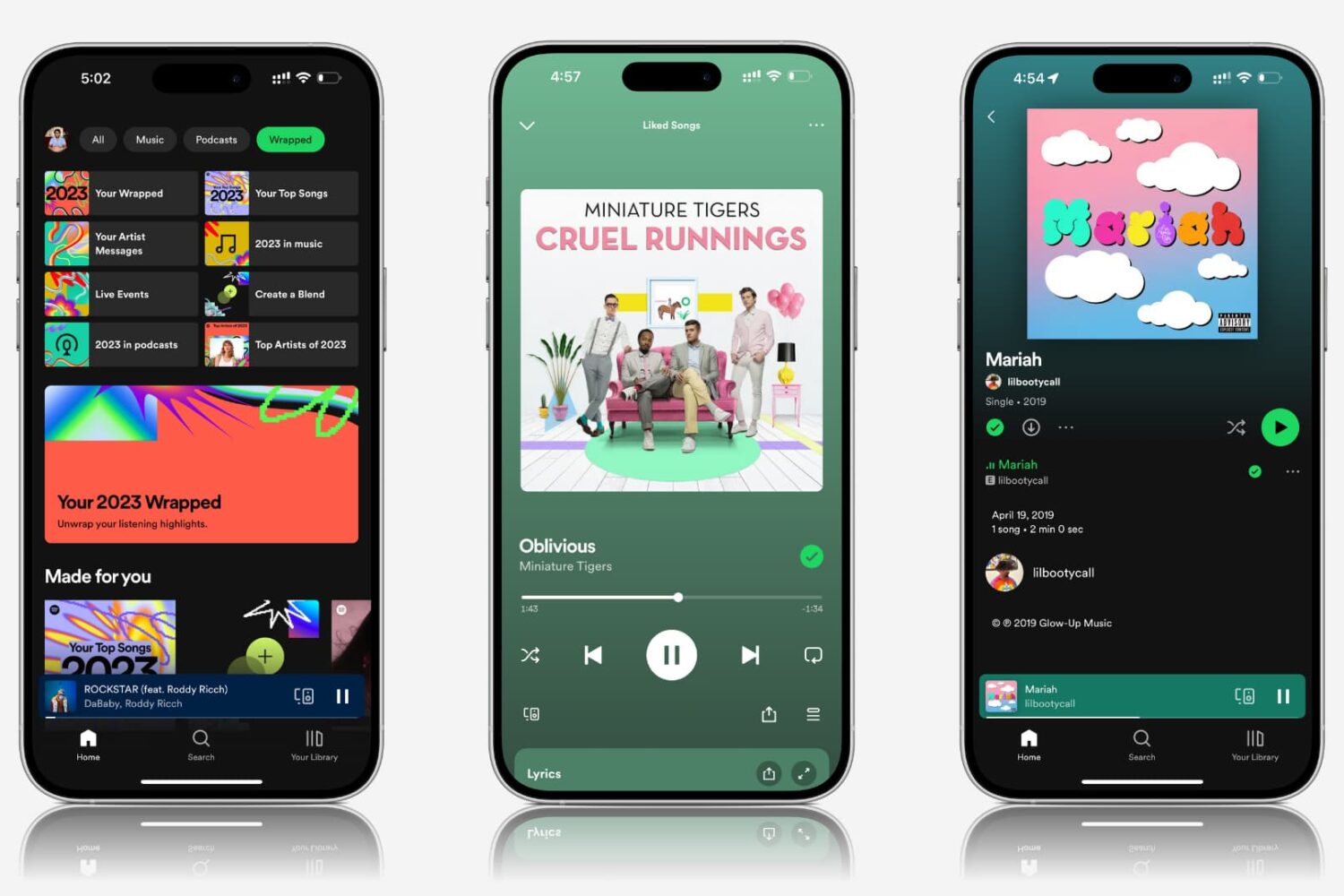
Explore practical solutions to resolve the issue of Spotify songs and podcasts playing at very low volume on your mobile device or computer.
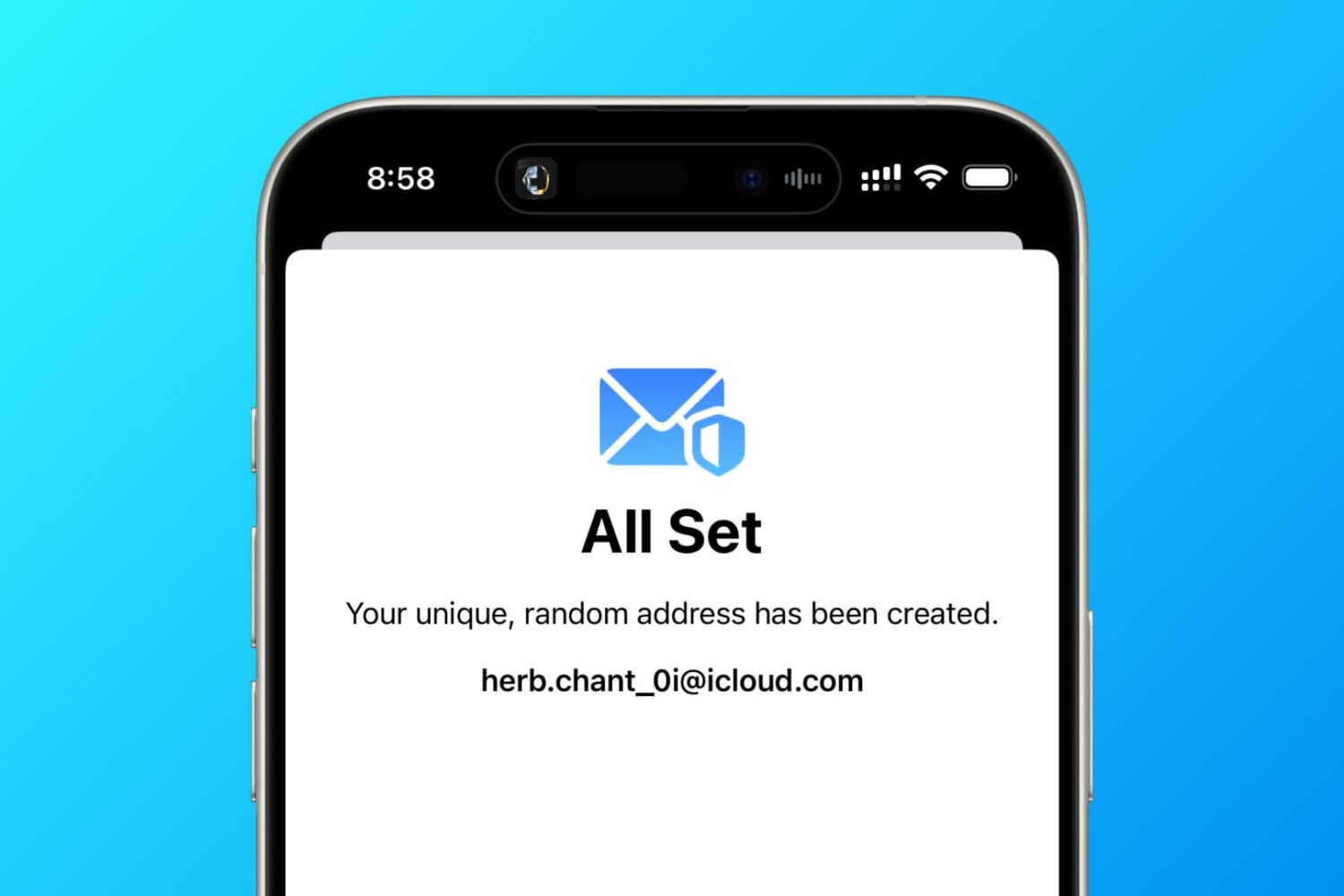
In this tutorial, we tell you about 10 easy ways to create a fake, anonymous, temporary, burner, or disposable email address on your phone or computer to protect your actual email address.