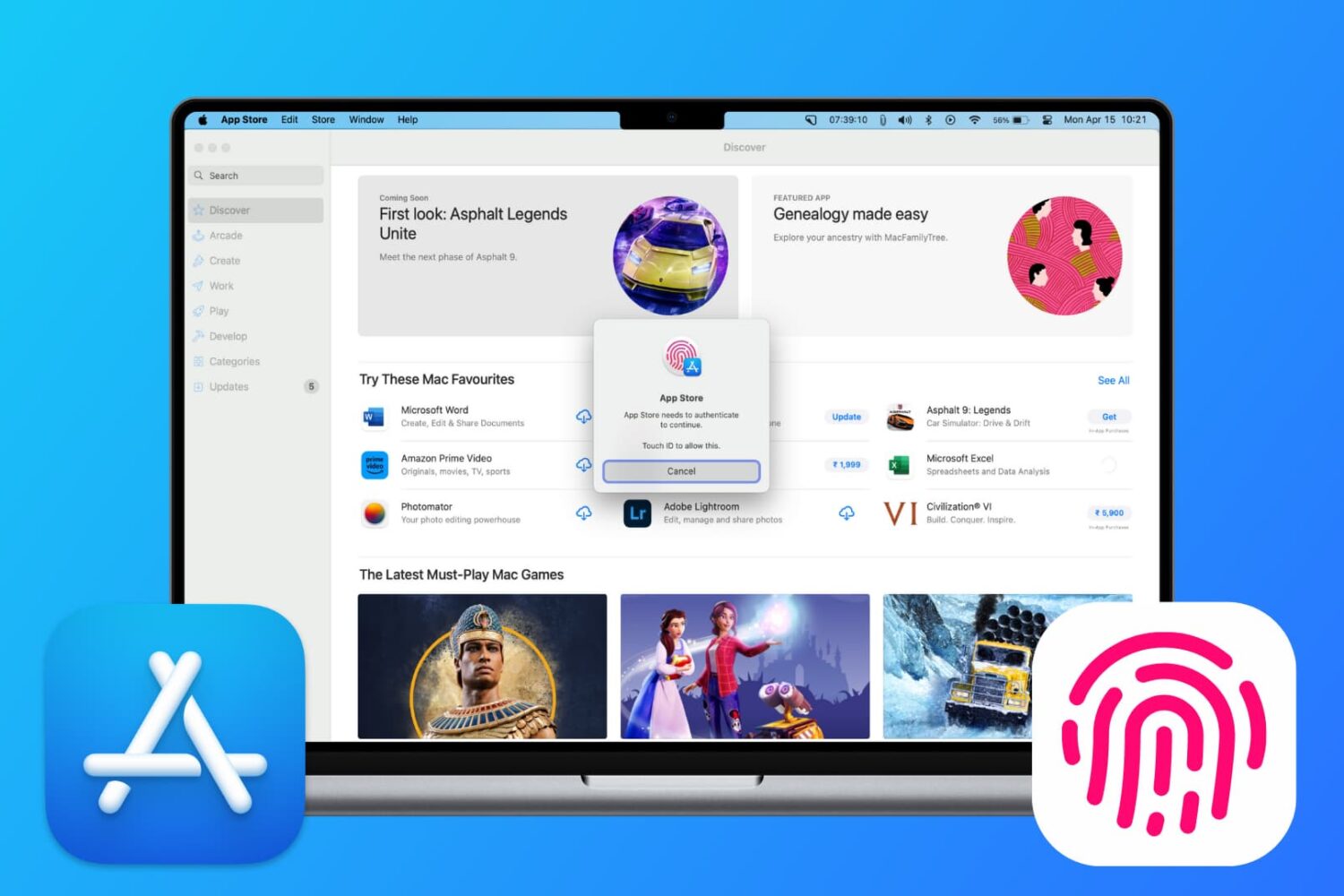
Learn how to download free apps from the Mac App Store without needing to authenticate with Touch ID or your Apple Account password.
How to download Mac apps without Touch ID or password
Stay up-to-date on the latest Mac news, and tutorials. Get expert tips and tricks to optimize your Mac’s performance and learn about the latest Apple products and software updates. Discover the best Mac apps and accessories to enhance your user experience.
Learn how to download free apps from the Mac App Store without needing to authenticate with Touch ID or your Apple Account password.
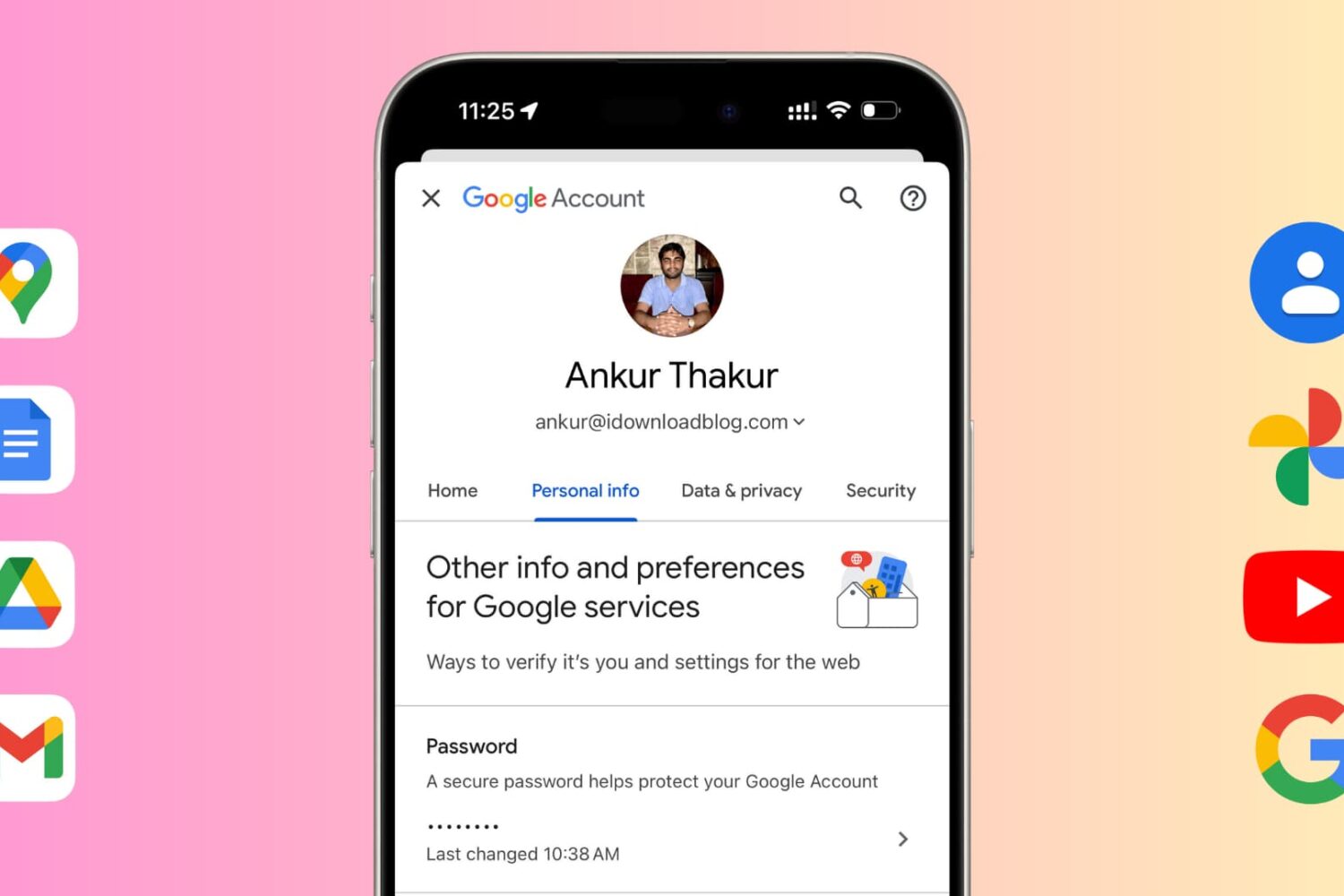
Learn how to change your Google account password for security reasons or reset it if you have forgotten it and can't log in to a new device.
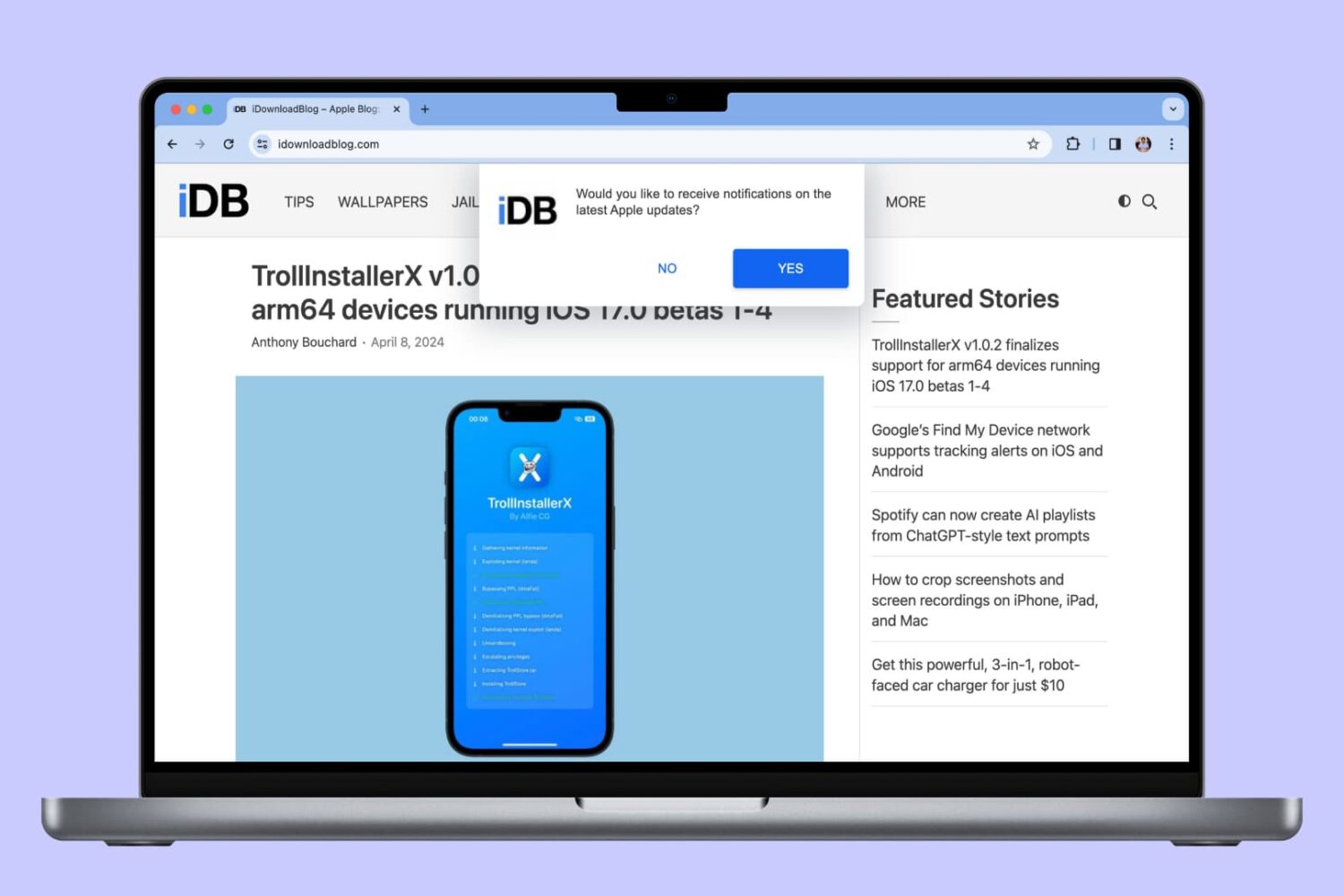
In this tutorial, we will show you how to allow, block, customize, and turn off website notifications in popular browser apps like Safari, Chrome, and Firefox on your Mac.
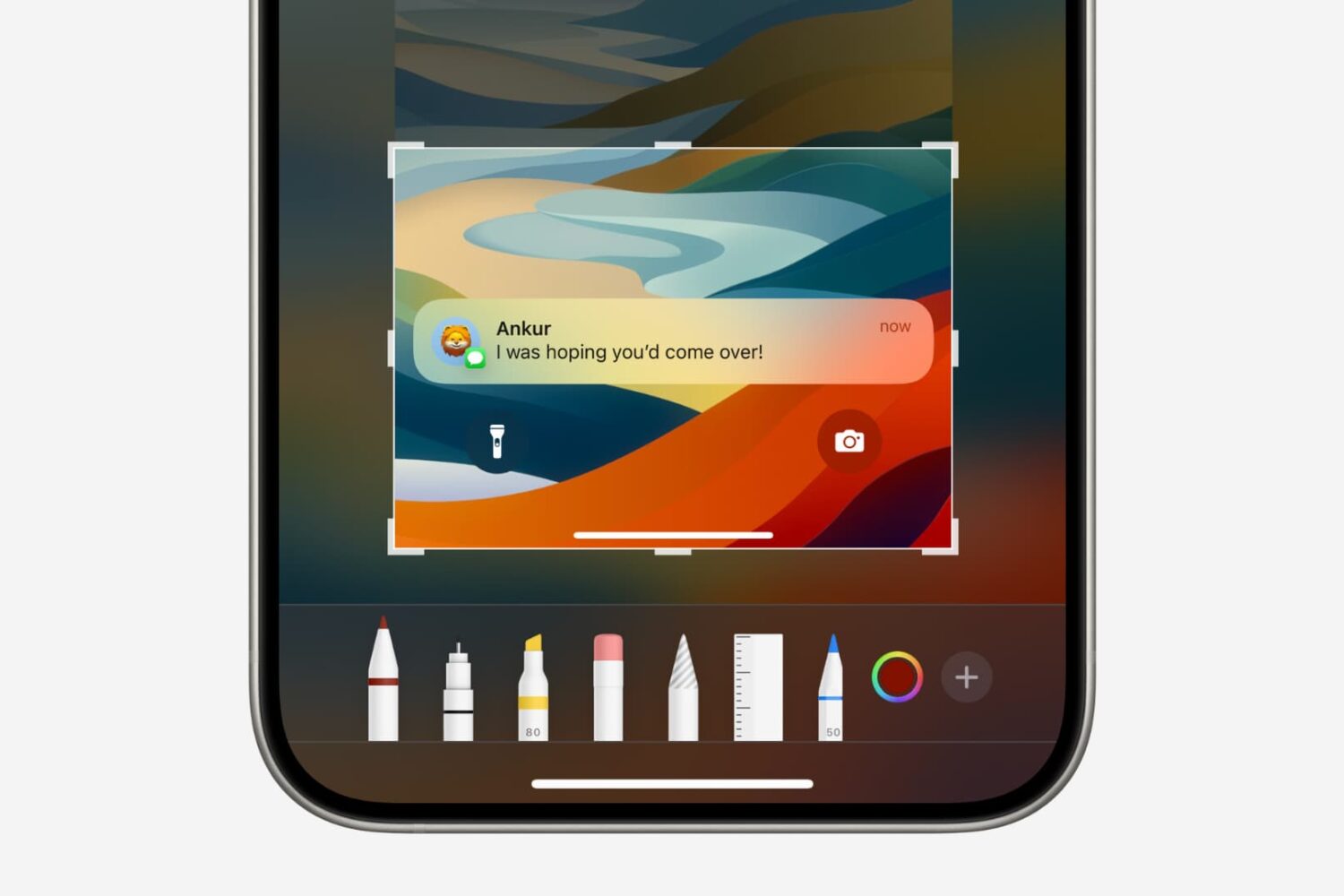
In this tutorial, we will show you how to quickly crop a screenshot or screen recording on your iPhone, iPad, or Mac before you save or share it.
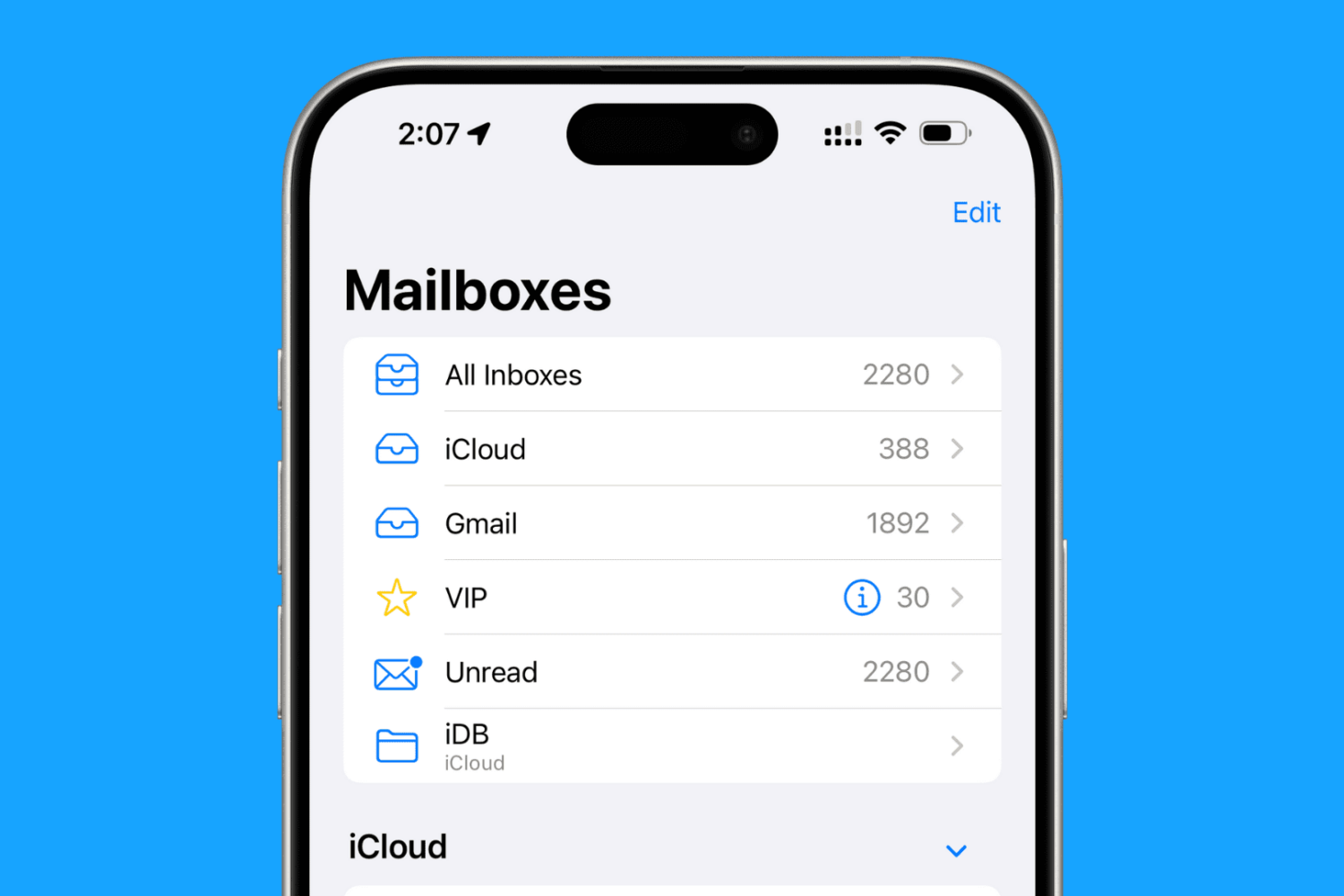
Discover over 40 expert tips to maximize efficiency and productivity in the Mail app across your iPhone, iPad, and Mac devices.
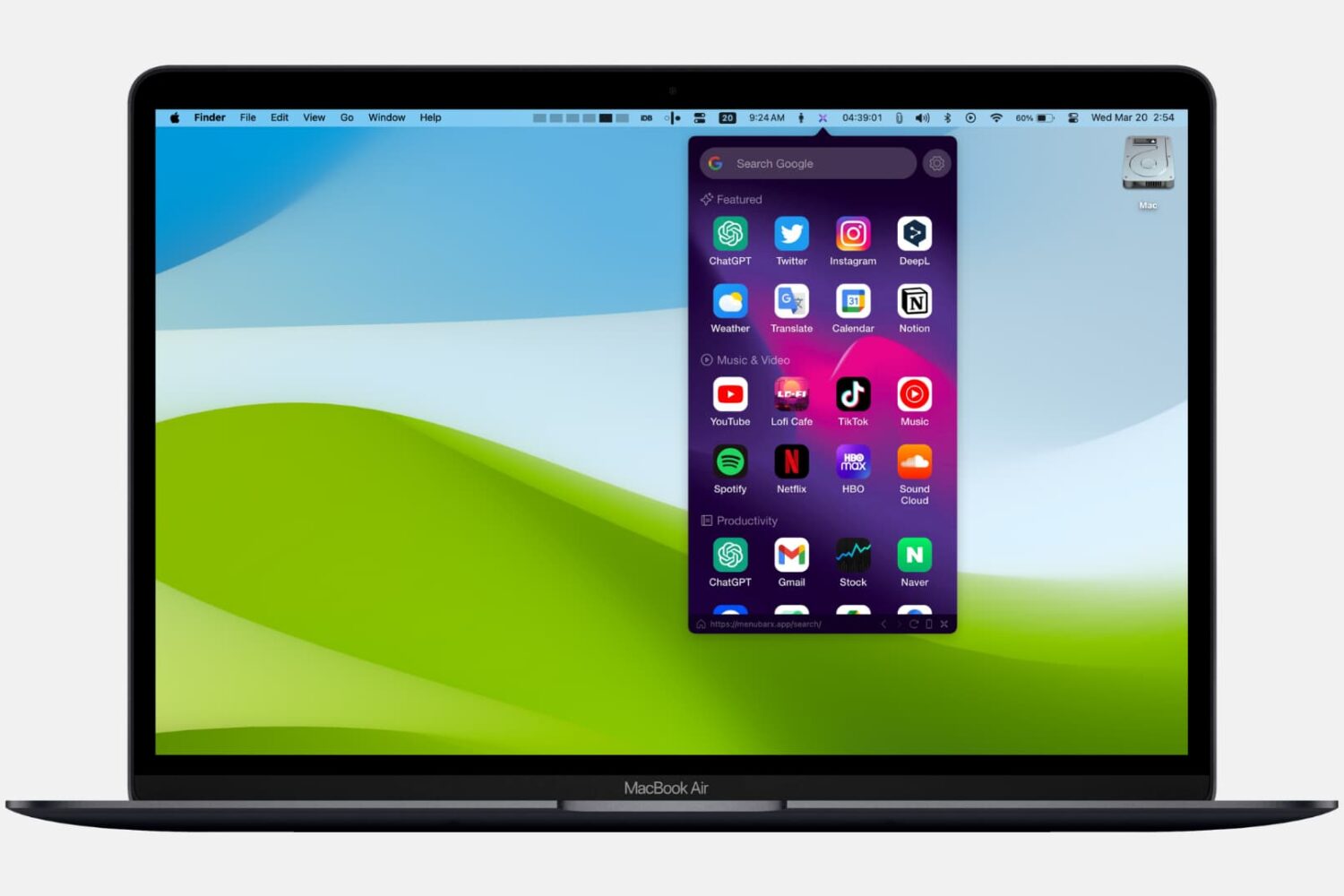
From taking quick notes and accessing recent clipboards to browsing the web, discover some handy little free apps that sit in your Mac's top menu bar and let you do all sorts of things.
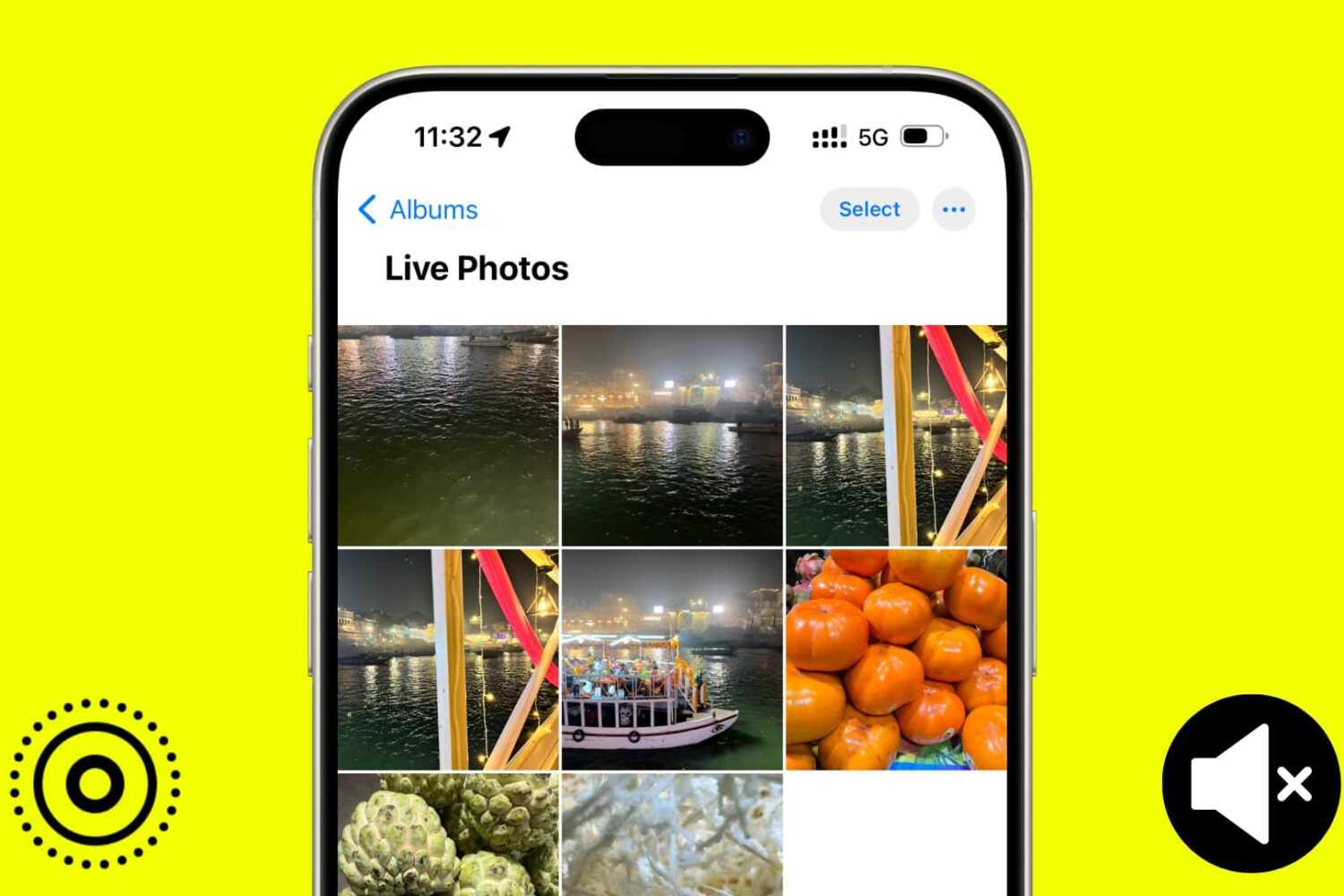
In this tutorial, we will show you how to use the Apple Photos app to remove sound from your Live Photos and save them as soundless media files.
In this tutorial, we will show you how to secure your Google Chrome bookmarks behind a password on your Mac or Windows PC.

In this guide, we'll go over some common problems that can affect Mac users running macOS Sonoma. We've also listed the potential solutions to address these issues.

Learn how to stop your iPhone, iPad, or Mac from showing pictures in the Memories and Featured Photos sections of the Photos app as well as the photo widget.
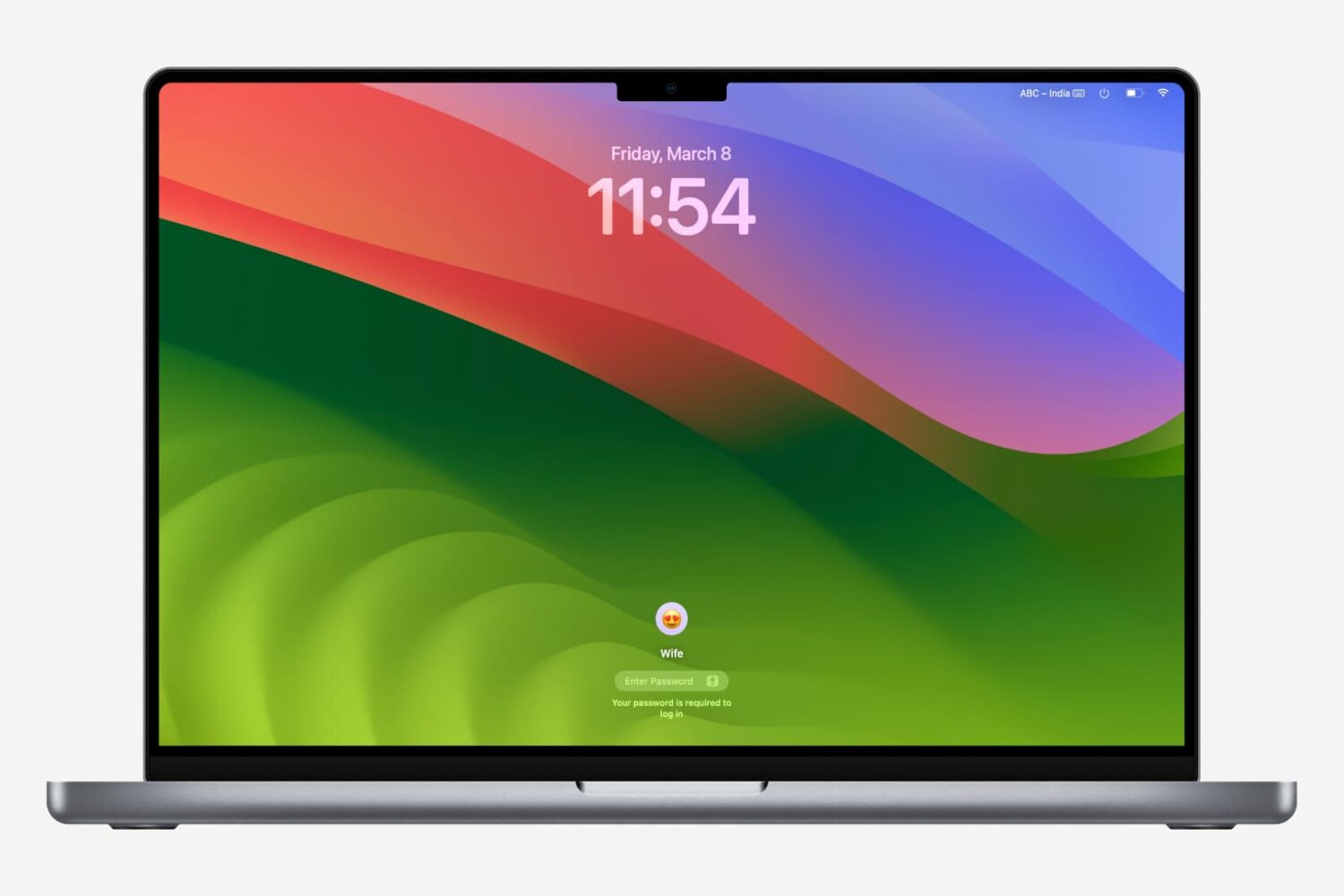
Getting locked out of your computer could easily be one of the most frustrating things that could happen to you. This guide shares a few useful tips that will ensure you do not face this issue on your Mac.