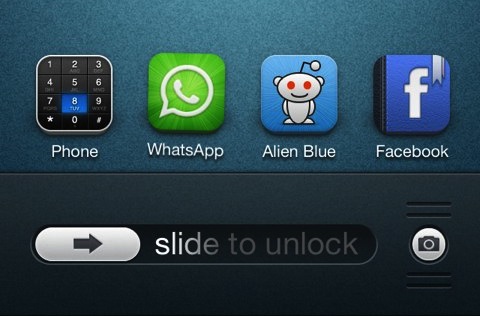
Lockscreen

Customize your Lock screen with widgets and more with LockHTML 2

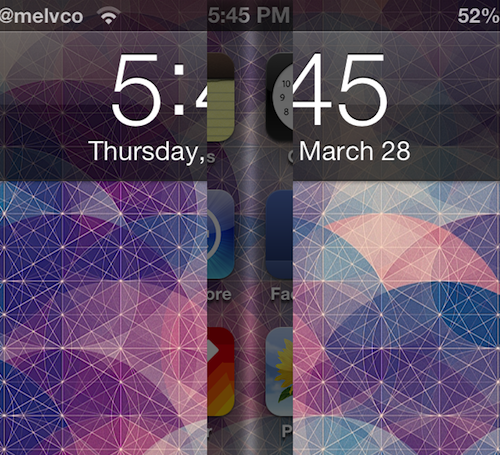
Folks who are fans of the LockHTML jailbreak tweak will be happy to hear that version 2 is now available. The tweak, which is developed by Busche, hit Cydia last week with new code, new features and a number of improvements.

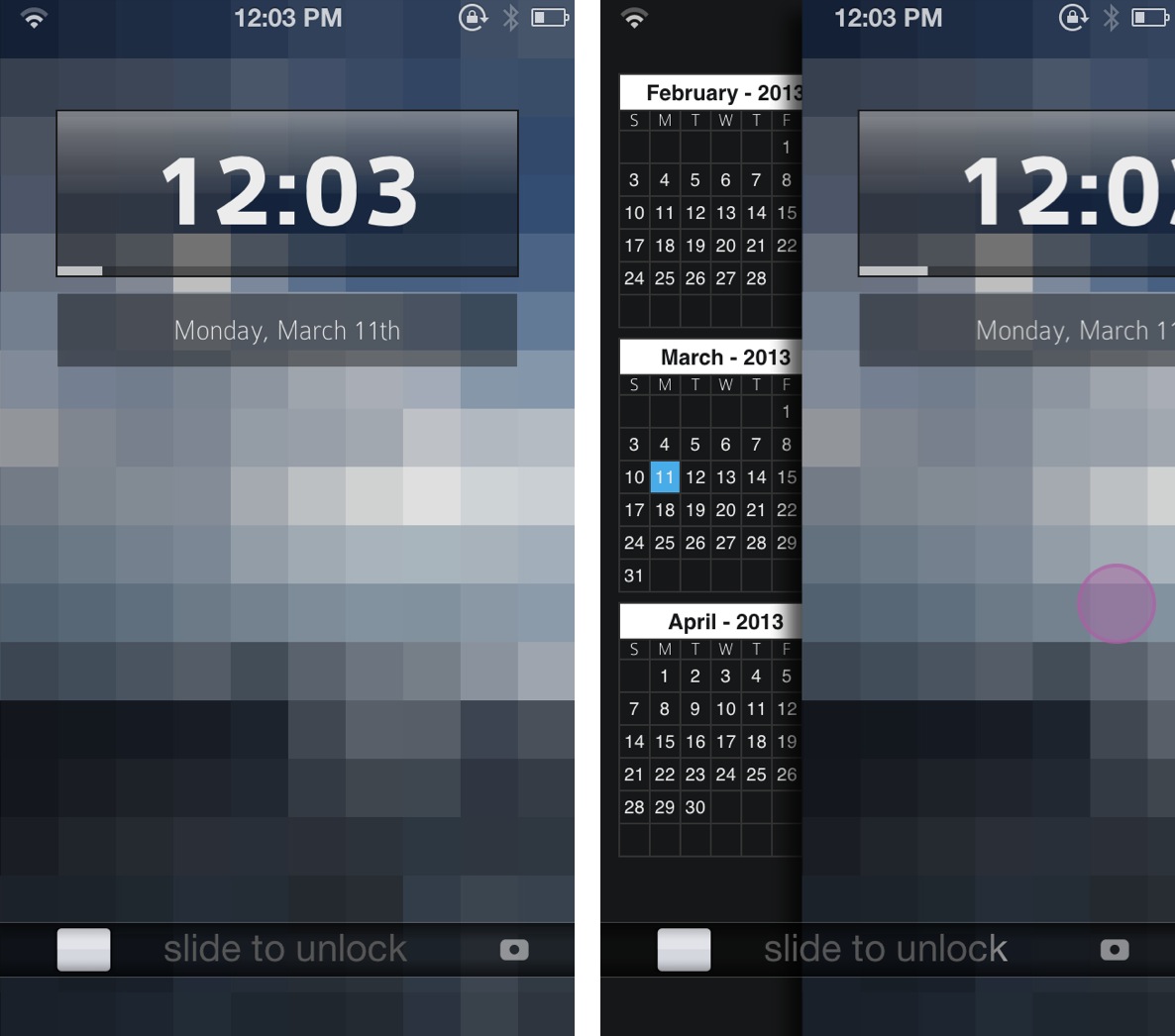
For those unfamiliar with LockHTML, it is (was?) a jailbreak utility that allows you to customize the appearance of your Lock screen with a clock-hider and themeable HTML widgets. And version 2.0 adds a host of new options... 

Spice up your device’s unlock animation with LiveWire

Tired of the standard zoom out animation that you see when you 'Slide to Unlock' your iOS device? You're not alone. Developers have created a number of jailbreak tweaks to spice up the unlock animation. And today, we're adding another one.

Introducing LiveWire, a new jailbreak tweak that modifies your device's behavior as it moves from the Lock screen to the Home screen. Where the default method kind of uses a zoom out effect, LiveWire looks more like stage curtains opening...

SkipLock: a jailbreak tweak that allows you to bypass the Lock screen

Just like TypeStatus has a special place in Jeff's heart, SkipLock holds a special place in mine. If you're wondering why, it's simply because this tweak was born from a request I made to jailbreak developer Filippo Bigarella, who was kind enough to create it specifically for me. And now, it's available for you too.

SkipLock is a very simple tweak that allows you to bypass the Lock screen altogether. Once SkipLock is installed, no more need to "Slide to Unlock" your device. Simply hit the Home button, and you're taken straight to your Home screen.

LSBackView: view the back of album art on the Lock screen

https://www.youtube.com/watch?v=fZPIWE5wljY

LSBackView is an upcoming jailbreak tweak that allows you to view the "back" of album art for music playing via the stock Music app. This rear view of the album art allows you to switch tracks within the same album when playing music using the Music app, but this feature is not available on the Lock screen. Of course, there are Lock screen controls, but those controls are linear, only allowing to you skip each track one by one. LSBackView, on the other hand, allows you to play the exact track you want to hear from an album.

The tweak can be activated using a simple double tap gesture on the album art found on the Lock screen. Another swipe brings you back to the main album art display. Although there's no solid ETA for LSBackView's release, I'd imagine that it will be soon, and it will be a free download. What are your thoughts?

iOS 7 concept visualizes all-new UI for Lock screen, notifications and more

Apple's World Wide Developer Conference is coming up in a few months, and with new leadership in place, a lot of folks are hoping to see some major changes in iOS 7. Many critics feel like the platform is long overdue for a makeover.

And this prospect has led to the creation of several impressive mockups and renderings of what some hope to see from Apple in the future. Today's concept is no different, as it visualizes some beautiful, all-new UI components for iOS...

LS Lyra 5, a clean and minimal theme for your Lock screen

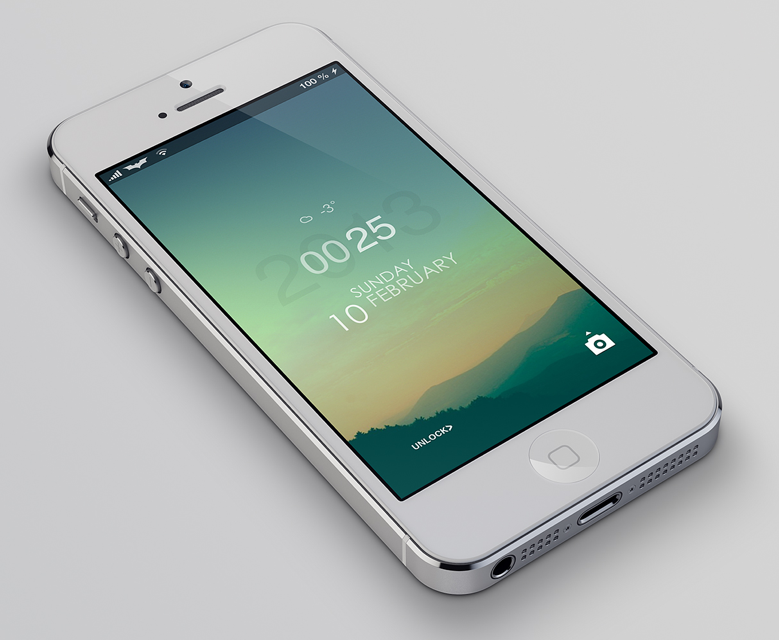
Welcome to our third post about the wonderful world of iPhone Lock screen mods! In this series we lay out instructions on how to turn that boring stock Lock screen into a beautifully crafted setup. The Lock screen is literally the first thing you see every time you turn on your iPhone so why not make it look as pretty as possible. Let's just get started...

Harlem Shake (iPhone Edition)

https://www.youtube.com/watch?v=yaJZzA3m0iI

While I still have some beef with this newfangled Harlem Shake, because it's not the real Harlem Shake, I still have to admit that this creation from @bensge is quite humorous. HarlemShake is a jailbreak tweak that randomly shakes your Lock screen after respringing. It's not available yet on the default Cydia repos, but if you want to try it right now, simply add the following repo to Cydia and install: http://bensge.com/repo.

Remember, it's random, so you may have to respring a few times before it kicks in. And yes, the music plays along with it. What do you think? But wait, that's not all, we have another edition of the Harlem Shake for the iPhone, and this one impacts the Home screen app icons, and includes an Activator gesture. Want to see it in action? Check inside...

Peekly – an awesome new Lock screen theme featuring weather, calendar, and more

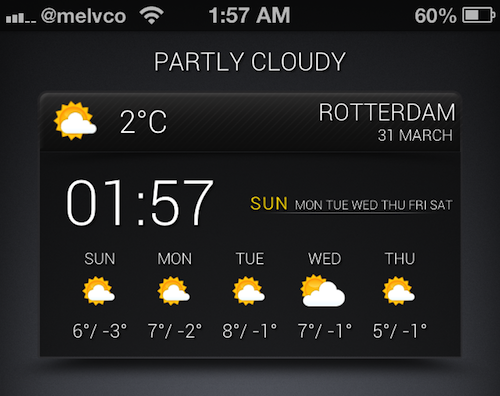
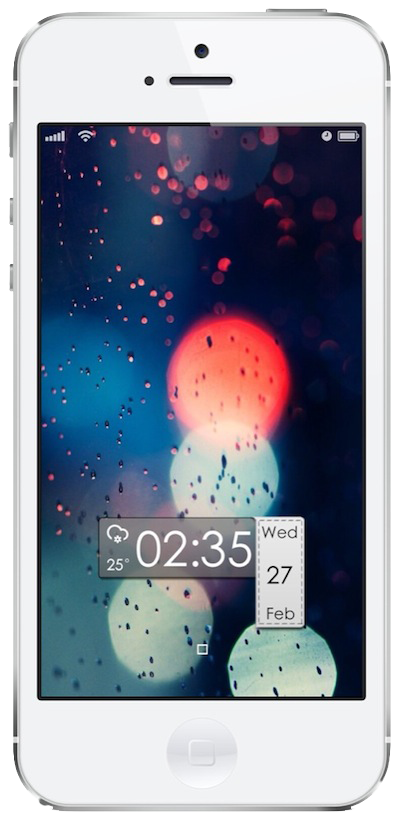
Peekly is an awesome new Lock screen theme for WinterBoard. Not only does it look wonderful, but the theme features built in functionality for current weather, forecasts, calendar, RSS feeds, and more.

Like many Lock screen WinterBoard themes, Peekly can be configured using a simple javascript file, which can be edited by means of the text editor bundled with iFile. If you're looking for a relatively lightweight Lock screen theme that looks absurdly good, then look no further than Peekly. Take a look inside for our full hands-on video review and setup guide.

Mix up your iPhone’s Lock screen with ‘Vexil’

Vexil is an upcoming jailbreak tweak that adds a ton of features to your iPhone's Lock screen. If you can see it on the Lock screen, you can probably change it by means of this tweak.

Virtually nothing is off limits here, from the Lock screen clock to the Slide to Unlock nub. It's not the prettiest, or even the most useful tweak in the world, but with a little effort you can come up with a certified original look for your device.

Auxo designer posts new concept video for Lock screen toggles

Sentry, the designer behind Auxo, has been extremely busy this year. In addition to helping design one of the most popular jailbreak tweaks we've seen in a long time, he's also posted a number of well-received iOS concept videos.

And today, we're adding another concept clip to the list. It's entitled 'iOS Lock Screen Toggles,' and as you might have guessed, it showcases Sentry's vision for a Lock screen tweak that offers users quick access to Settings toggles...

‘ColorLock’ adds an iTunes 11 inspired effect to your iPhone’s Lock screen

I just got through covering MultiDock, and to be honest I wasn't very impressed with it. But another jailbreak tweak from the same developer really holds some serious promise. The tweak, entitled ColorLock, is currently making its rounds on Reddit, as it has not been released on any of Cydia's stock repos thus far.

ColorLock allows you to have an iTunes 11 inspired effect on the iPhone's Lock screen, while playing music from the stock Music app. It basically causes the background color of the Lock screen to match the hue of the now playing album artwork, similar to the way that iTunes 11 displays a hue that matches the album art for the music you play.

Make no mistake about it, this is a jailbreak tweak that's innovative and holds a lot of potential. Check out some additional screenshots and information inside...

Upcoming tweak brings a Do Not Disturb Lock screen toggle to the iPhone

Flusterless is an upcoming jailbreak tweak that will bring a handy Do Not Disturb (DND) toggle to the iPhone's Lock screen. The elegantly designed tweak positions the toggle to the left of the Lock screen clock, and it is invoked using a simple swipe gesture.

Enabling DND using a swipe displays a moon icon that matches the status bar icon indicating that DND is enabled. Disabling DND using a swipe gesture briefly displays a sun icon, which quickly fades from view. If you're someone who often uses DND, then Flusterless is a jailbreak tweak that you should keep an eye out for.