Lockscreen

How I created my clean iPhone 5 Home and Lock screens

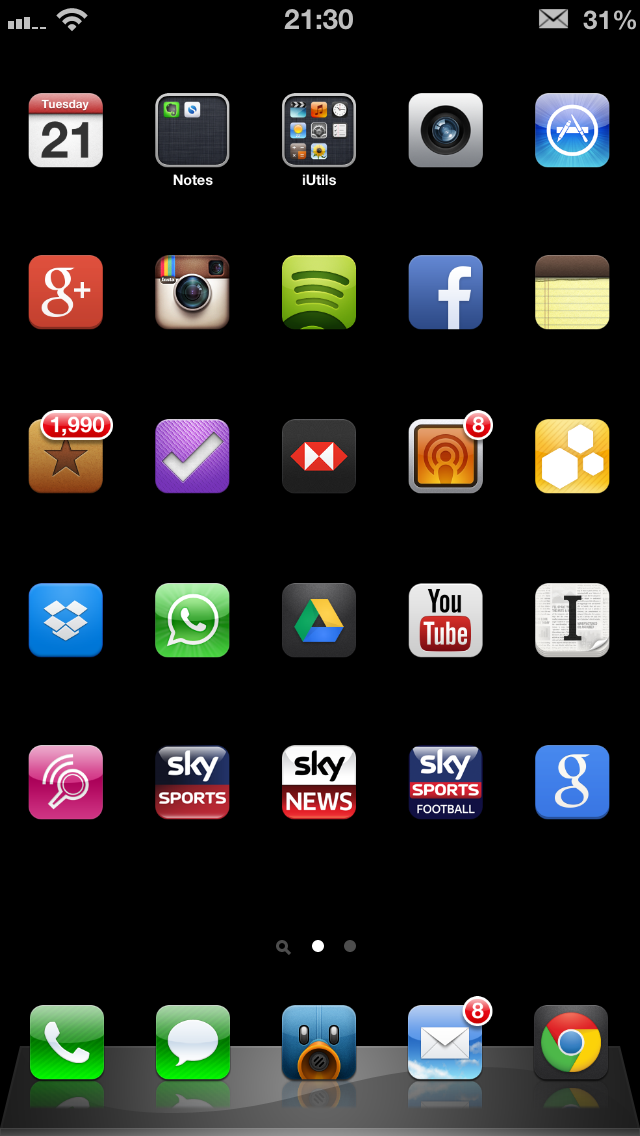
It seems like every time I post a screenshot of my Lock or Home screen, I'm inundated with tweets, Facebook messages and even the odd Google+ message asking how I created the minimalist, clean effect. It looks very different to the stock iOS experience, and offers some features that Apple refuses to offer, and I rather like it!

After the most recent flurry of questions I thought it best to put together a short blog post together detailing what apps or tweaks I used, along with the important settings required to recreate my Home or Lock screen.

So, without further delay, let's get started...

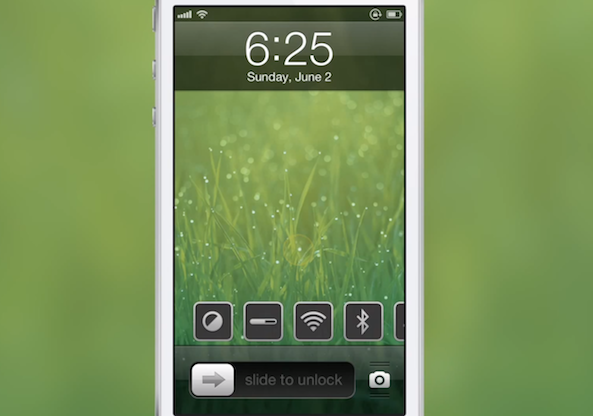
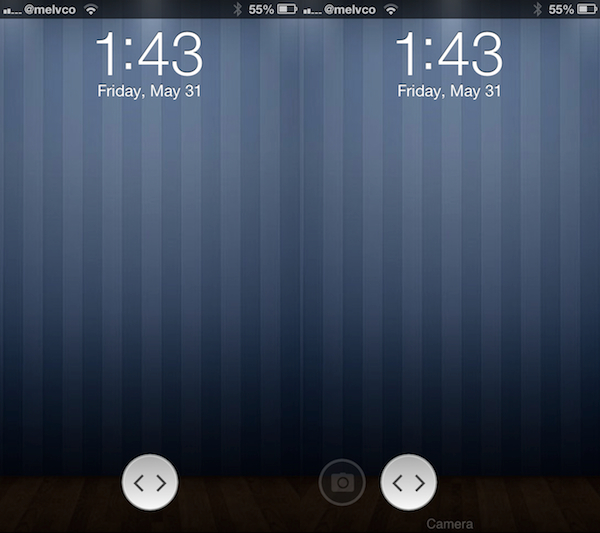
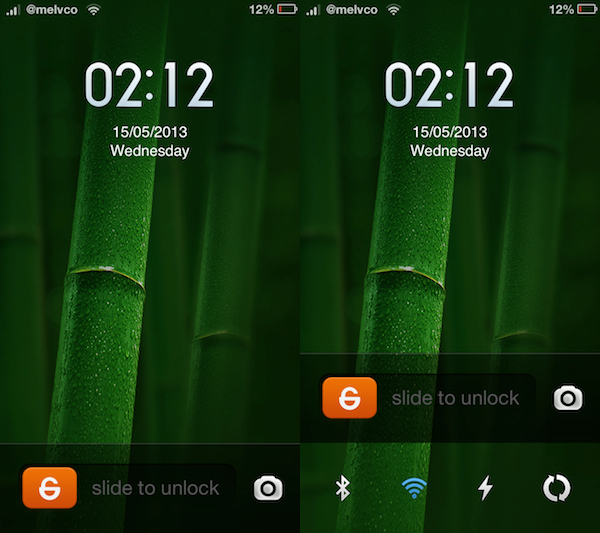
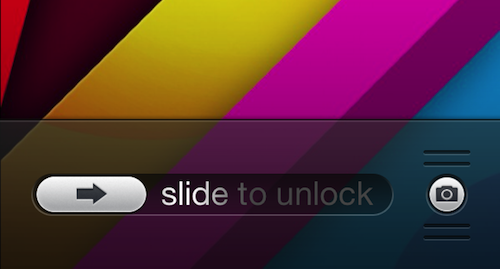
Change the way you ‘slide to unlock’ with FXOSLock

Are you getting tired of the old 'slide to unlock' bar on your iPhone's Lock screen? Tough. It's been like that since Apple unveiled the original handset back in 2007, and I doubt it's going to be changing it anytime soon.

But the good news is, if your iPhone is jailbroken, Cydia has hundreds of slider replacements to choose from. In fact, a new one just recently hit the store called FXOSLock that completely changes the way the slider looks...

Add handy information tiles to your device’s Lock screen with LS Squares

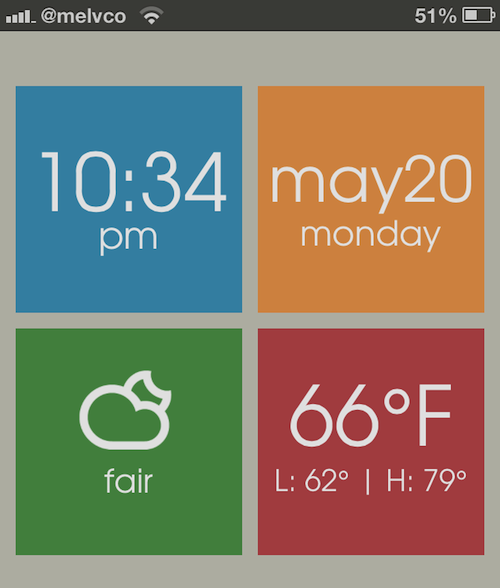
Folks looking to spice up their device's Lock screen will be happy to hear that there's a new jailbreak theme out that can help with that. It's called LS Squares, and it adds 4 tiles to the empty space that each provide you with useful information at a glance.

Sure, there are already hundreds of tweaks and themes available in Cydia that have similar premises. But what sets LS Squares apart from the rest of them is its sharp, Metro-like tile design that can completely change the look of your Lock screen...

LockBar Settings Lite adds hidden toggles to your Lock screen

It's tough sometimes to get excited about a jailbreak tweak that performs the exact same function as several others before it. Today's tweak, for example, adds system toggles to your Lock screen. I can't even count how many others there are that do this.

But that doesn't mean you should ignore LockBar Settings Lite all together. In fact, it's actually a pretty handy little utility. You see, its toggles stay hidden on your Lock screen until you swipe up, or double tap, on the 'slide to unlock' bar to reveal them...

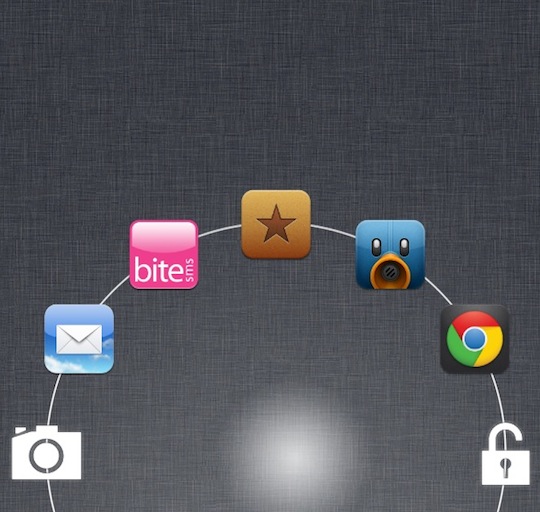
JellyLock adds tons of new features and makes its way to the ModMyi repo

JellyLock has been my Lock screen launcher of choice for a few weeks now. Up until now, the jailbreak tweak was available on the developer's private repo only, limiting its availability to the masses, but the developer recently decided to move the package to the ModMyi repo.

Still labeled as a beta release, JellyLock packs some interesting features that take this tweak to yet another level while giving more customization options to users...

LockscreenToggles updated with new dropdown toggles, icons, and more

LockscreenToggles is a very interesting tweak that we reviewed earlier in the week. An update to the tweak was just published on Cydia, which brings a variety of new options to the fore.

The biggest update to LockscreenToggles is the new dropdown toggle functionality. This new type of toggle, aimed at improving compatibility with other tweaks such as Forecast, Pluck, and others, provides you with a row of toggles under the stock Lock screen clock.

Grabby is a new customizable camera grabber tweak

When Ryan Petrich releases a new tweak, people take note. And that's the case with his latest creation, Grabby, which is currently available as a beta in his personal repo.

Based on a concept by UI designer Sentry, Grabby is a customizable camera grabber tweak, and it allows you to slide the Lock screen's camera grabber to launch more apps. Take a look inside for a further description and screenshots...

How to select a specific song from the Lock screen using ‘Pluck’

http://www.youtube.com/watch?v=gs9Xxc-_a6o

Pluck is a recently released tweak that places a dedicated button on the iPhone's Lock screen for selecting Music. To view the button, simply invoke the iPhone's music controls by double pressing the Home button while on the Lock screen. Tapping the button allows you to "pluck" a new track from your Music Library, instead of forcing you to unlock the device and venture into the Music app just to select a specific song.

Once the button is tapped, a new sheet featuring your Music Library is pulled in from the bottom of the screen. This sheet can also be accessed by means of an Activator gesture, which is configurable in Pluck's preferences. Check inside for a few more details.

App Store app works with jailbreak theme to create custom Lock screens

Trying to find a decent Lock screen theme in Cydia is like trying to find a needle in a haystack. There are thousands of them in there, and there are way more bad ones than there are good. So you're forced to spend hours browsing.

But what if I told you there was an app in the App Store that, when coupled with a jailbreak theme, allowed you to either create your own custom Lock screen themes, or download hundreds of free themes, with a few quick taps?

Well, such an app exists. And if you haven't seen it yet, this post is going to make your day...

PowerSwipe lets you quickly respring or reboot from the Lock screen

If you're not the type of person who takes pictures with their iPhone very often, you've probably looked into alternative uses for the camera grabber on your Lock screen. After all, if you're going to have a button there, why not make it useful?

Luckily, there are a number of jailbreak tweaks available that allow you to change the functionality of the camera toggle to do other things like launch an application or toggle Airplane mode. And today, we're adding another one to the list... 

LockLauncher 2.0 is out with support for iOS 6 and iPhone 5

It seems like there's been a lot of tweaks updated lately to support iOS 6 and the new 4-inch display on the iPhone 5. There's Mail Enhancer Pro, ToDoNotes 2, and iBye. And today, we are adding another one to the list.

LockLauncher, a jailbreak tweak that lets you launch multiple apps at once from your lockscreen, has been updated to version 2.0. The update includes several improvements, including iOS 6, iPhone 5 support and more...

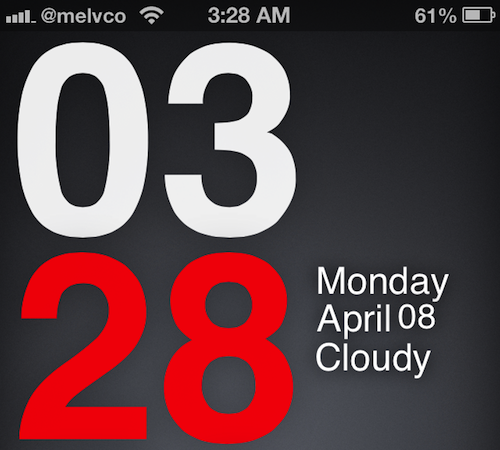
LS Climacons, a tranquil theme for your Lock screen

Well it’s Monday and most of you are returning to work or school and gearing up for the week ahead. What’s going to help, you ask? Well another theme post from your friends over at iDB of course! In this series we lay out instructions on how to turn that boring stock Lock or Home screen into a beautifully crafted setup. The Lock screen has been neglected by Apple long enough so lets make it feel special for once.

Let’s get started…