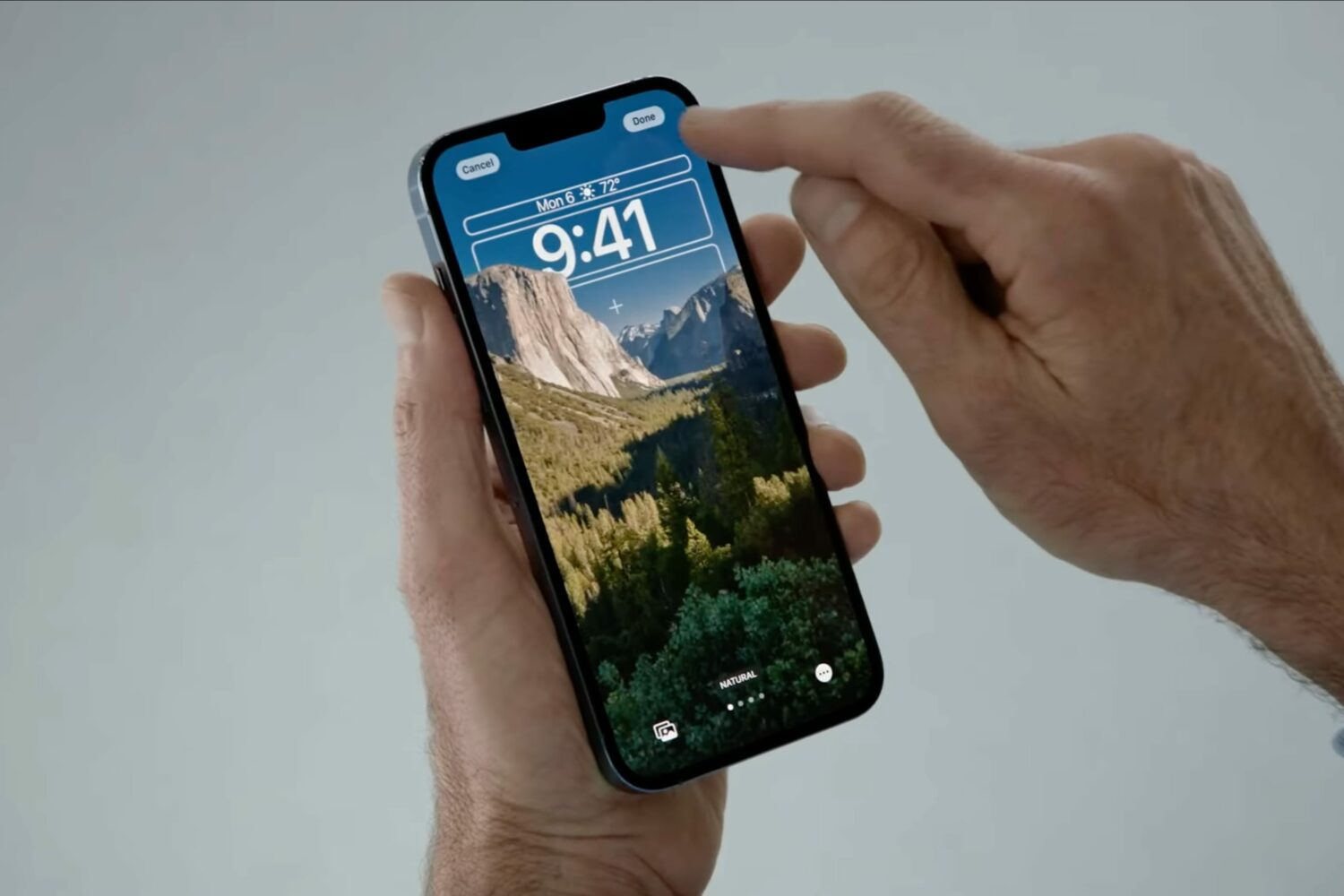
Expect major changes for the iOS 16 lock screen, which should pick up support for special iPhone wallpapers with widget-like functionality, among other changes.
iOS 16 lock screen makeover includes wallpapers with widget-like capabilities
Expect major changes for the iOS 16 lock screen, which should pick up support for special iPhone wallpapers with widget-like functionality, among other changes.
Apple offers about 40 wallpapers which you can see in iPhone settings. Plus, you can download thousands of different wallpapers from places like our Wallpaper gallery. But what if you want to be surprised with a new background every time you change the wallpaper? What if you aren't satisfied with just a few wallpapers and want almost endless options?
In this exciting tutorial, we show you how to use one of the 3 million images from expert photographers around the world as your iPhone wallpaper and switch to a new wallpaper whenever you like.
Anyone who might be in the market for a redesigned Lock Screen might be in luck thanks to the release of a new and free jailbreak tweak called Pom Pom by iOS developer thatcluda.
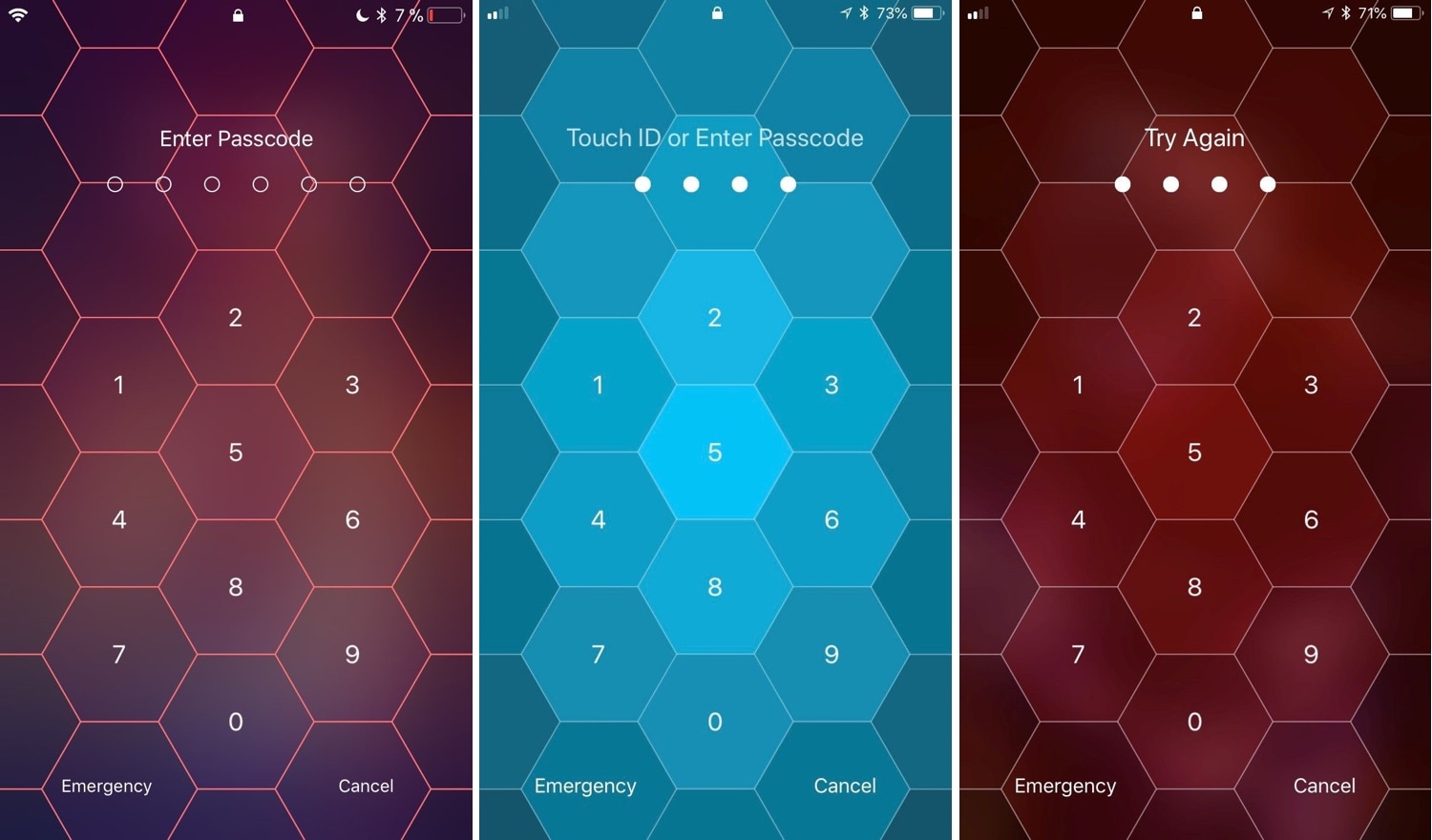
Just a little over three years ago, we showed you an interesting new take on the iPhone’s passcode entry interface called Hive. The name spoke volumes about the tweak’s purpose, as it introduced a hexagonal-inspired aesthetic to the passcode entry interface that you’d typically find in a beehive.
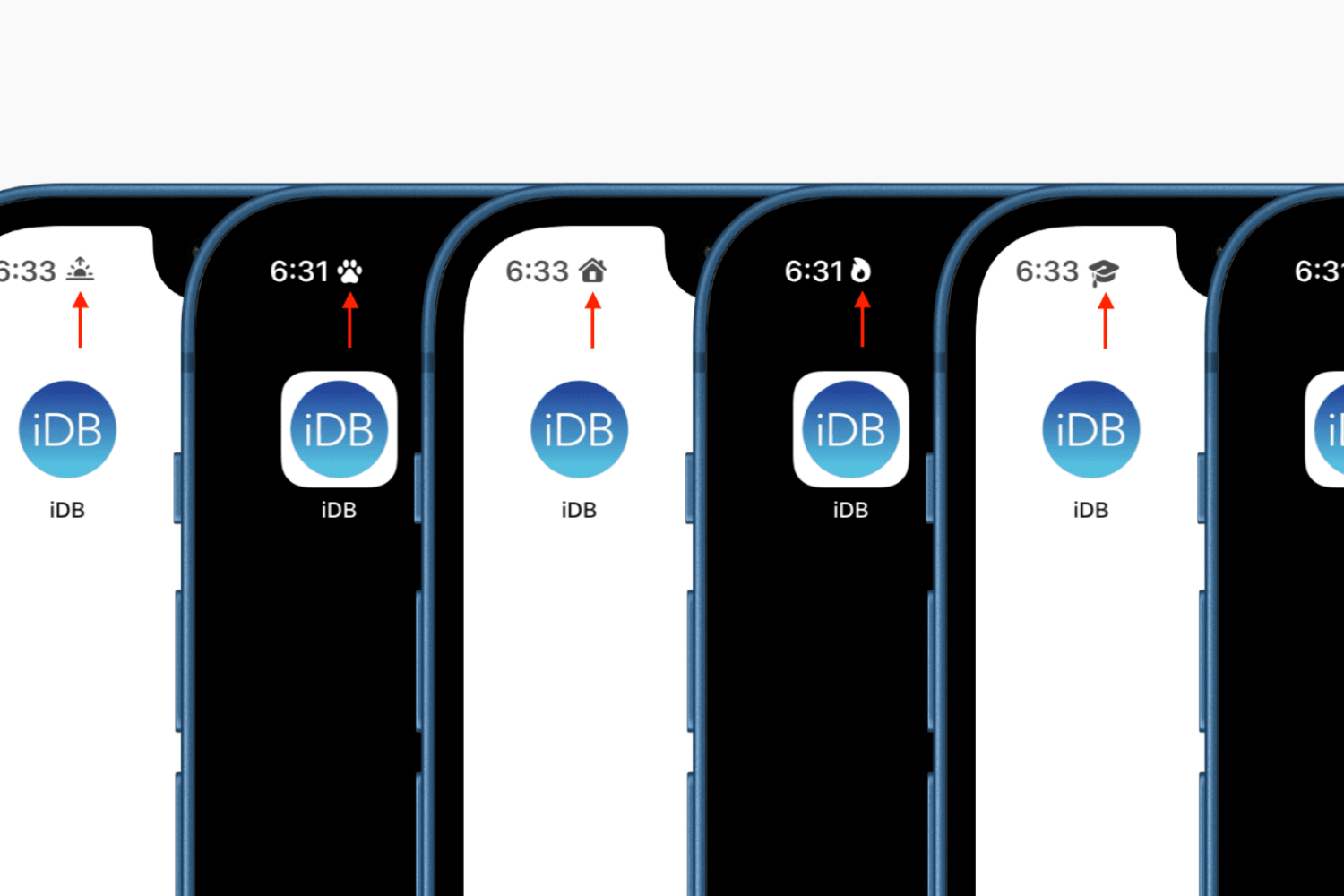
Find out how to display a symbol in your iPhone status bar and Lock Screen to personalize the look of your device.
iOS 15 made several improvements to the iPhone’s native Do Not Disturb feature, essentially rebranding it as “Focus” and adding new features. So we would understand if you feel like you’re missing out while using a jailbroken iOS 14 device.
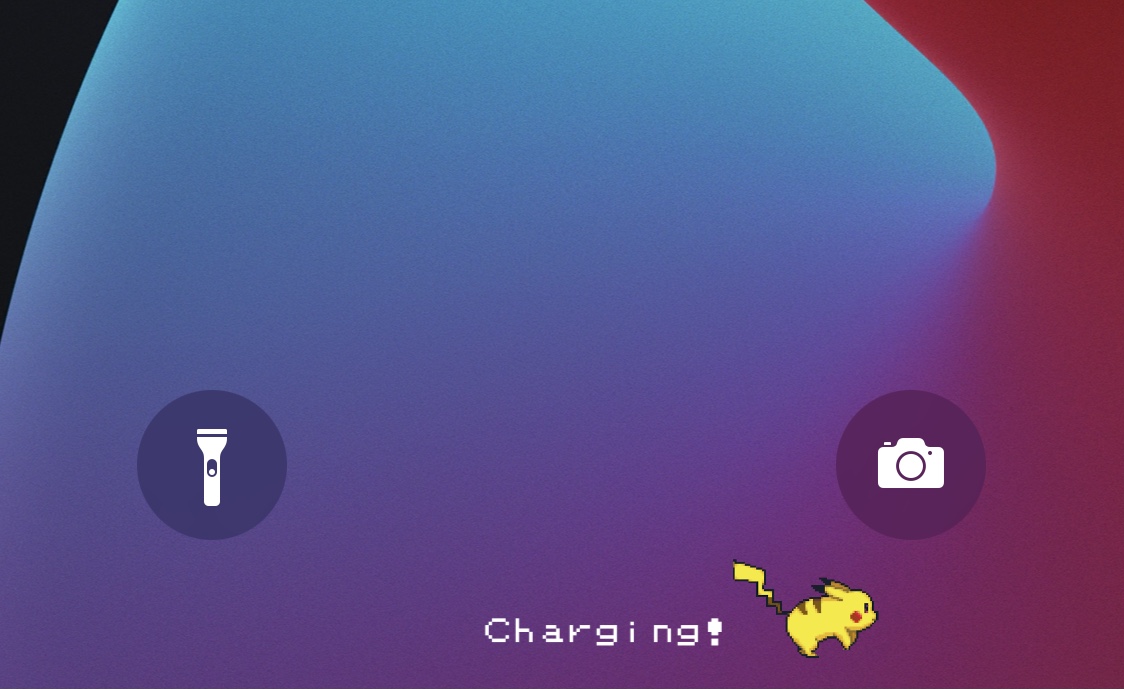
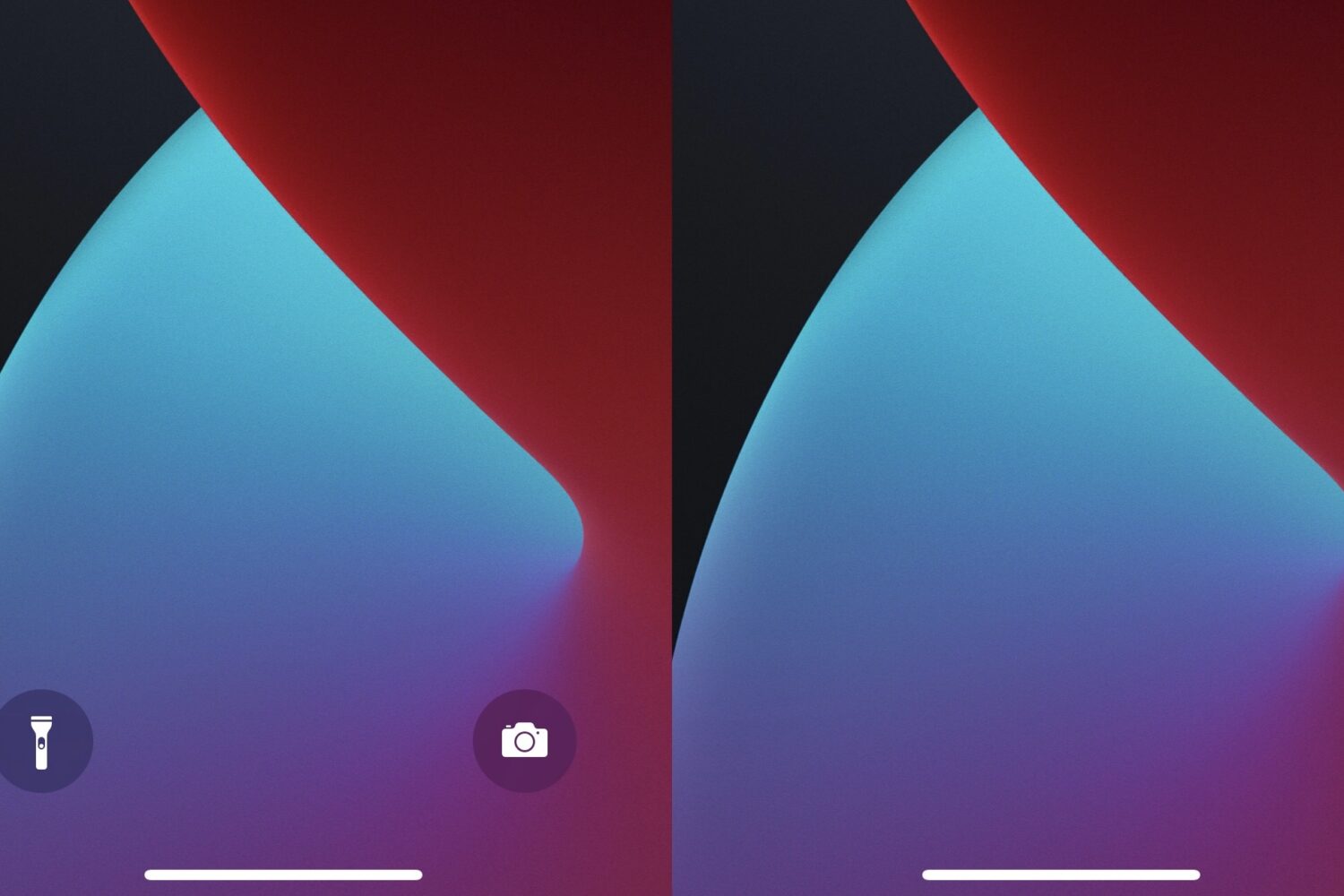
Apple attempted to make using your iPhone’s camera and/or rear-facing LED flashlight easier with the introduction of the Lock Screen’s Quick Action buttons beginning with handsets if the notched variety — namely the iPhone X and newer.
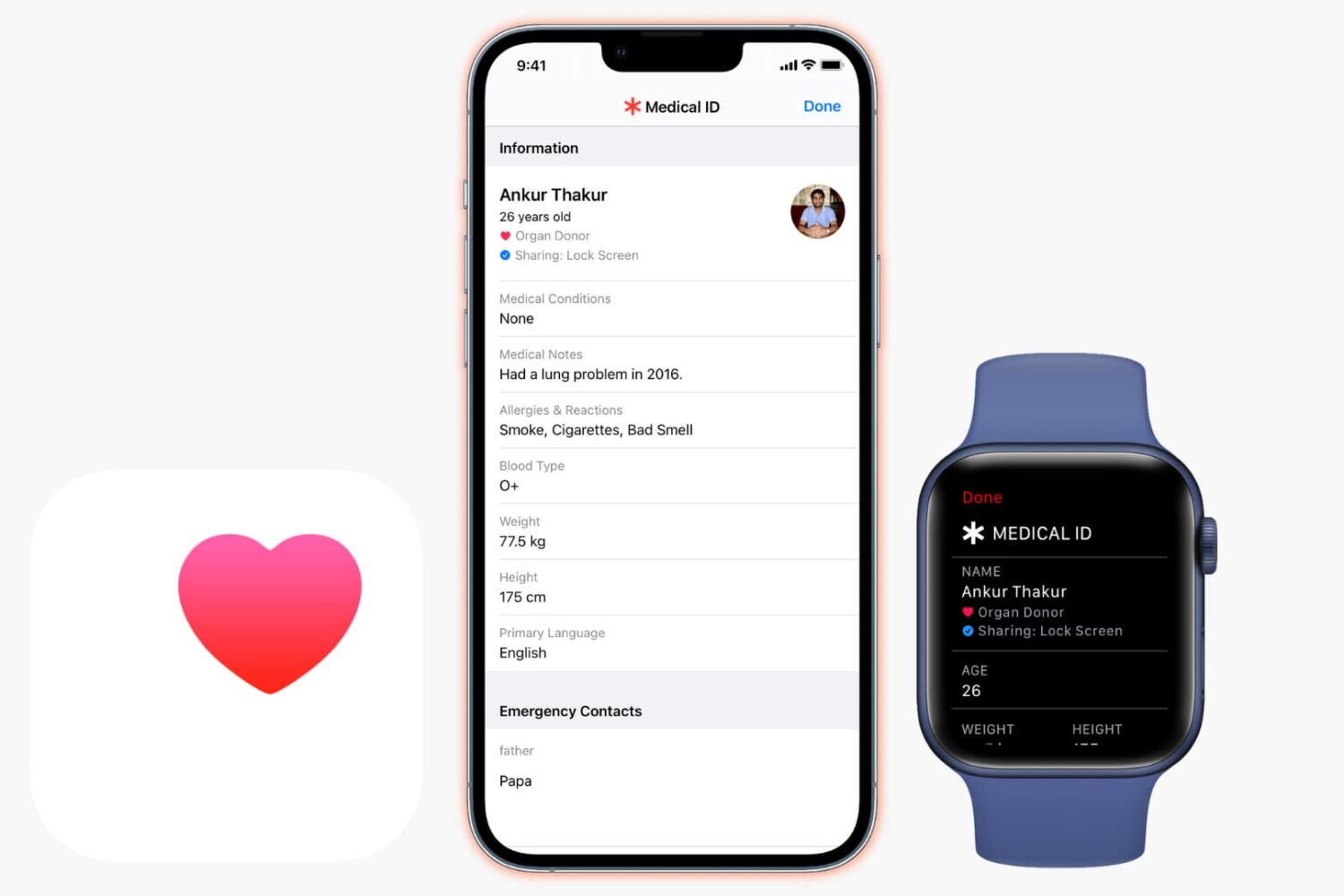
Learn what Medical ID for iPhone is, how to set it up, and how to access anyone's Medical ID on iPhone and Apple Watch in a life-saving situation.
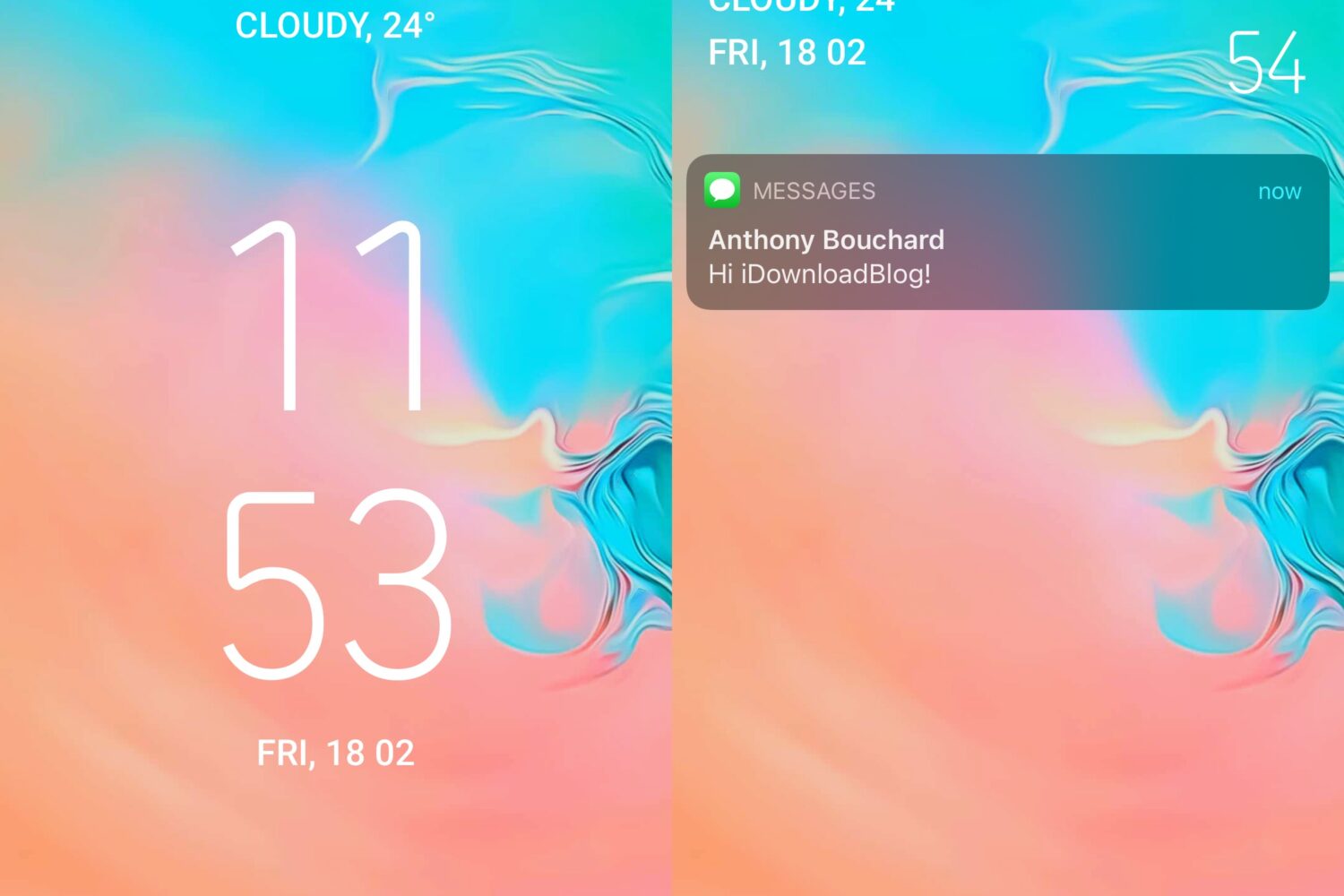
If you’ve ever wanted your iPhone’s Lock Screen to look and feel more like it was designed akin to Google’s Android operating system, then we’ve got just the jailbreak tweak for you.
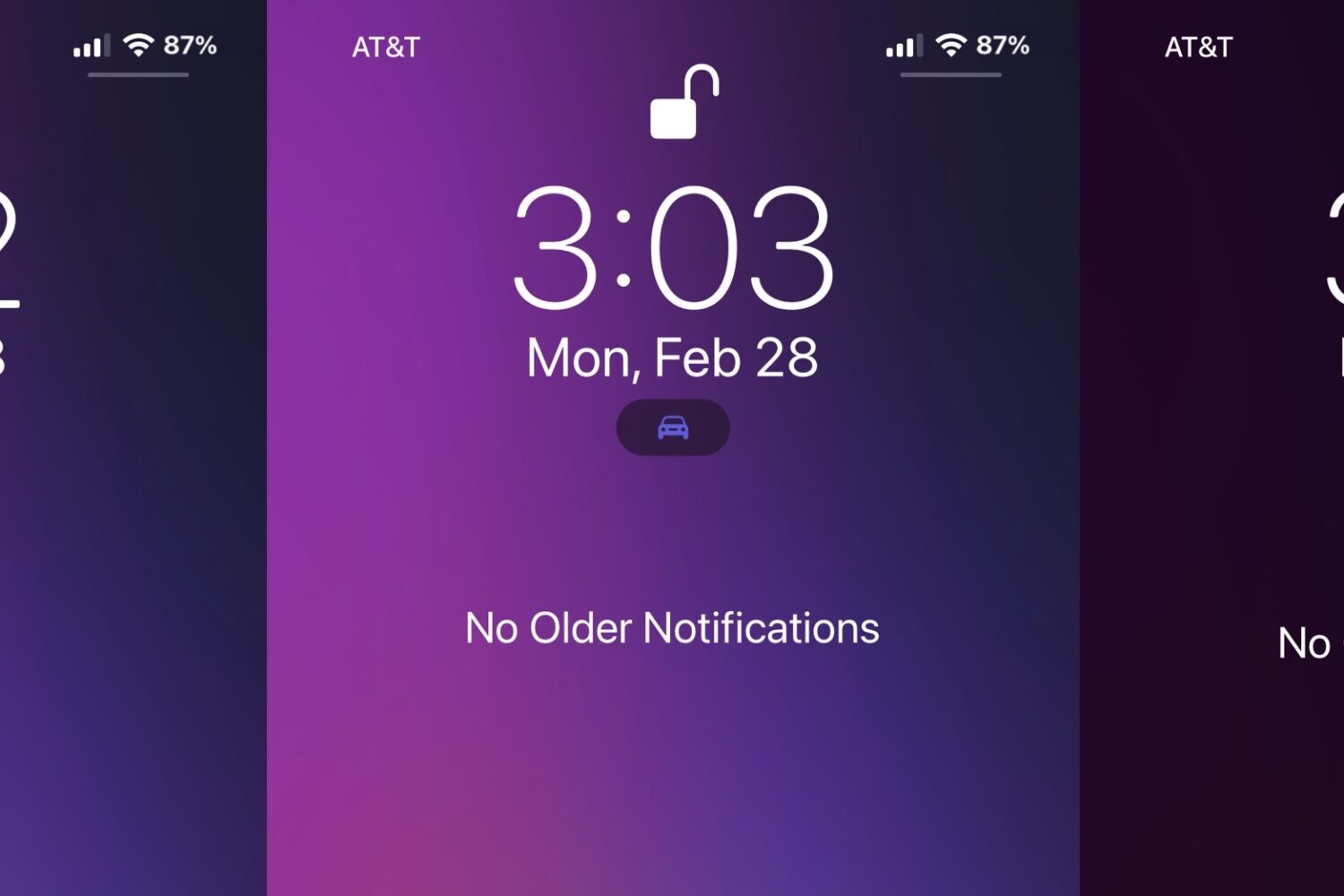
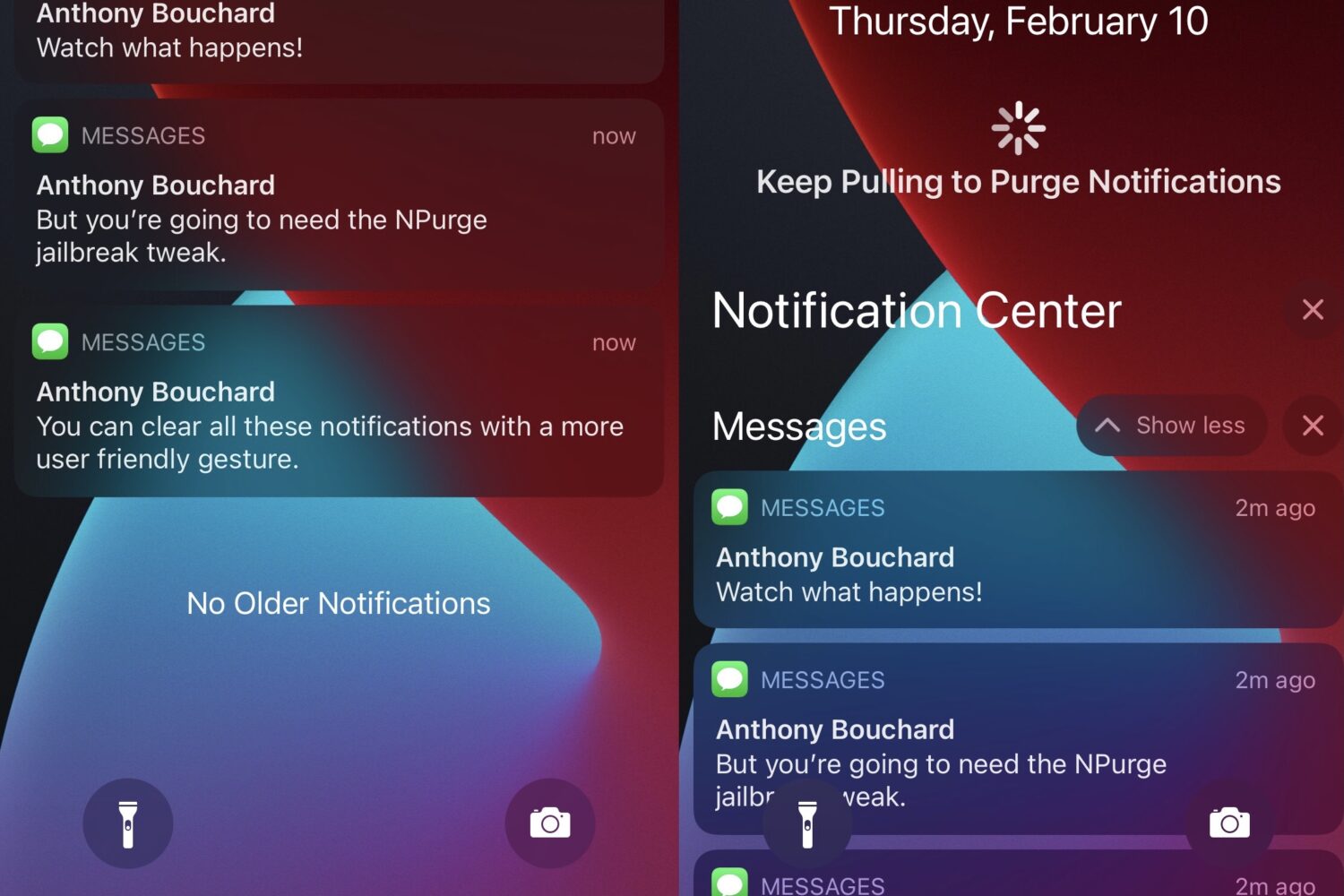
As notifications stack up on the Lock Screen and in Notification Center while you’re away, you might find yourself coming back to a colorful mess of missed notifications.
Do you have a soft spot for the timeless aesthetic of an analog clock? If so, then a new jailbreak tweak subtly named Analog by iOS developer ginsudev could be right up your alley!
I frequently use the Lock Screen-based Quick Action buttons to use the flashlight or Camera on my iPhone, but I’ll admit I wish there were more shortcut options at my disposal than just those two.