Minimalists tend to appreciate having as little clutter as possible, and that personality often rubs off on the user’s personal iPhone or iPad.
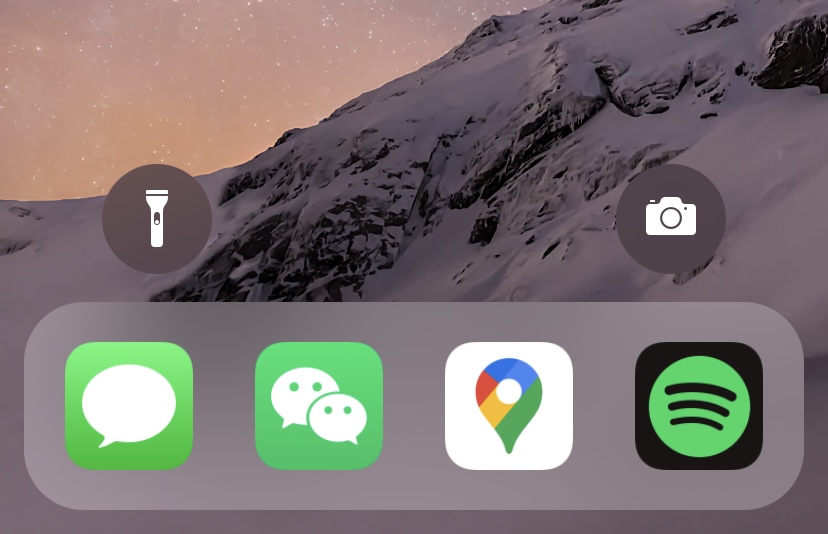
Houdini lets minimalists hide & show interface elements from the Lock Screen with just a tap
Minimalists tend to appreciate having as little clutter as possible, and that personality often rubs off on the user’s personal iPhone or iPad.
The iPhone’s Lock Screen user experience is both simple and user-friendly. But if you’re a power user, then you might find yourself demanding more, especially if you favor functionality over user-friendliness.
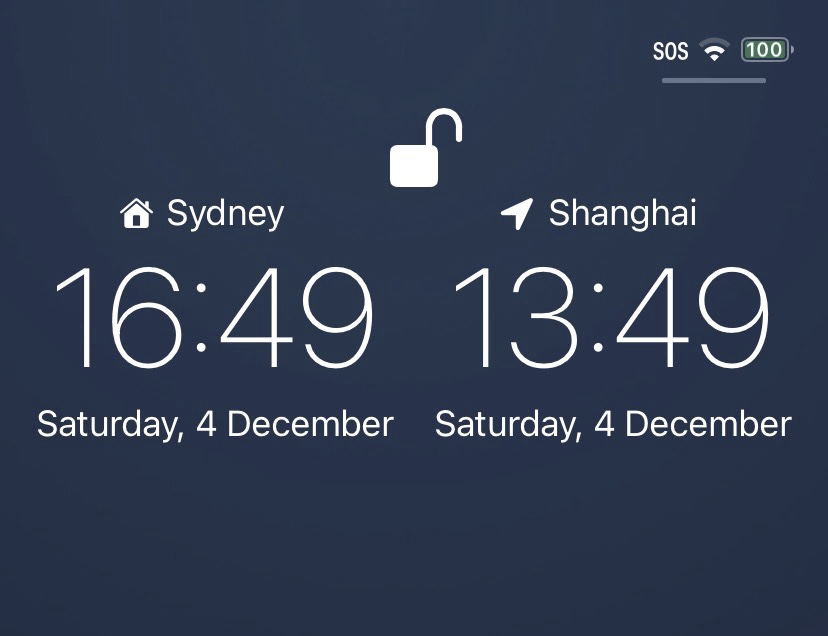
The old saying that goes “out of sight, out of mind” has a lot of truth behind it, and if you border two different time zones or have friends outside of yours, then it can be easy to forget what time it is in that other place.
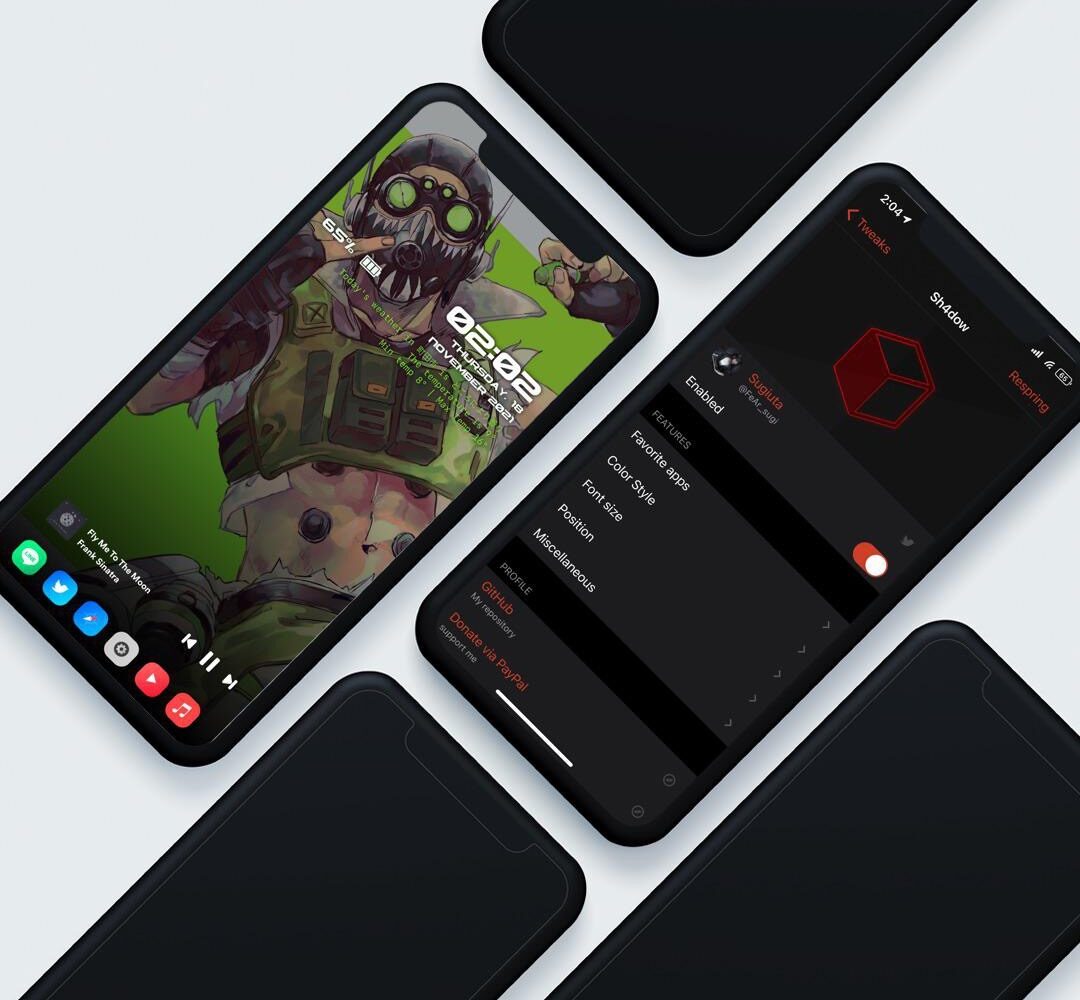
Apple hasn’t done all that much to make the iPhone’s Lock Screen any different in the past several iterations of iOS. Having said that, anyone feeling even slightly thirsty for something different might find a newly released jailbreak tweak dubbed Sh4dow by iOS developer sugiuta to be refreshing sight.
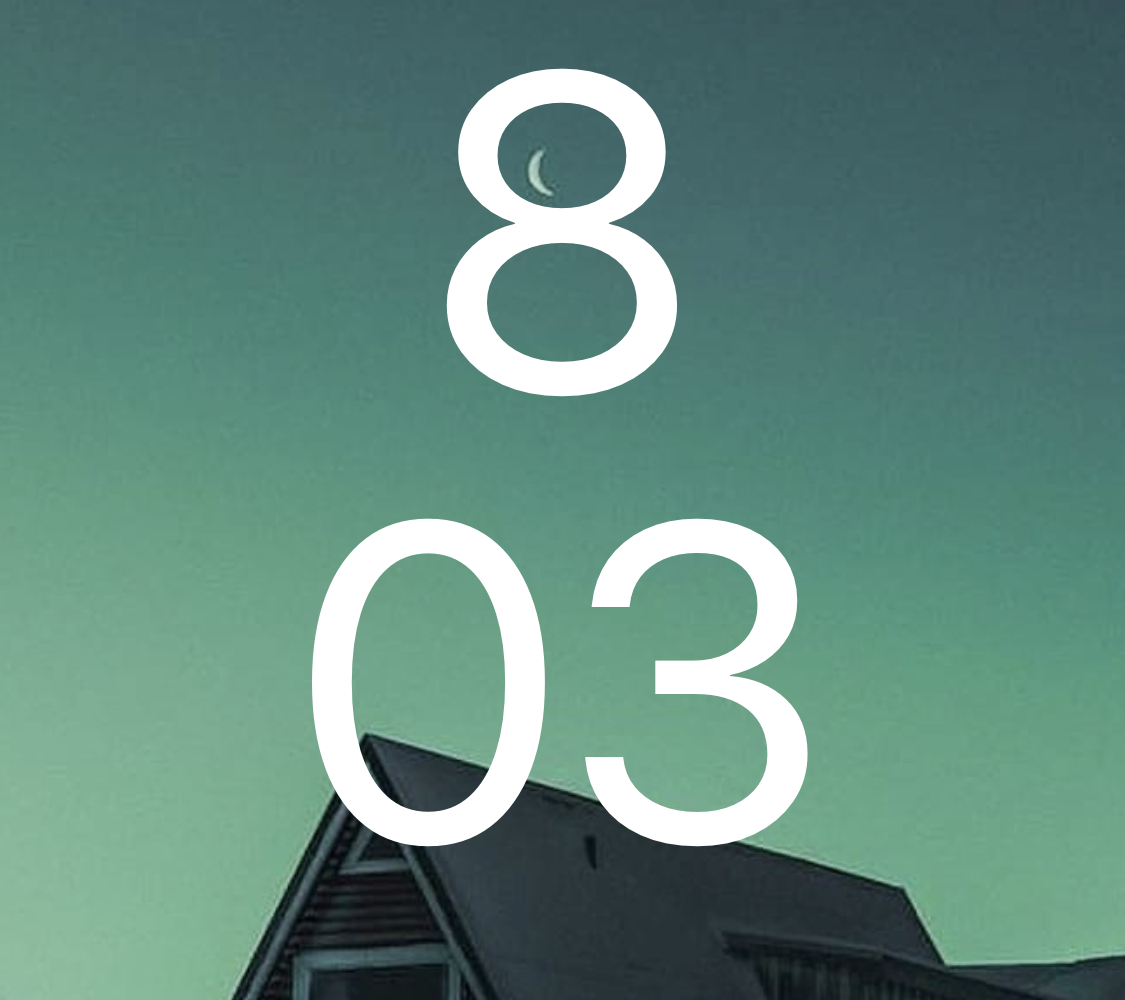
Want an Android 12-inspired Lock Screen on the face of your jailbroken iPhone? If so, then we’ve got a treat for you.
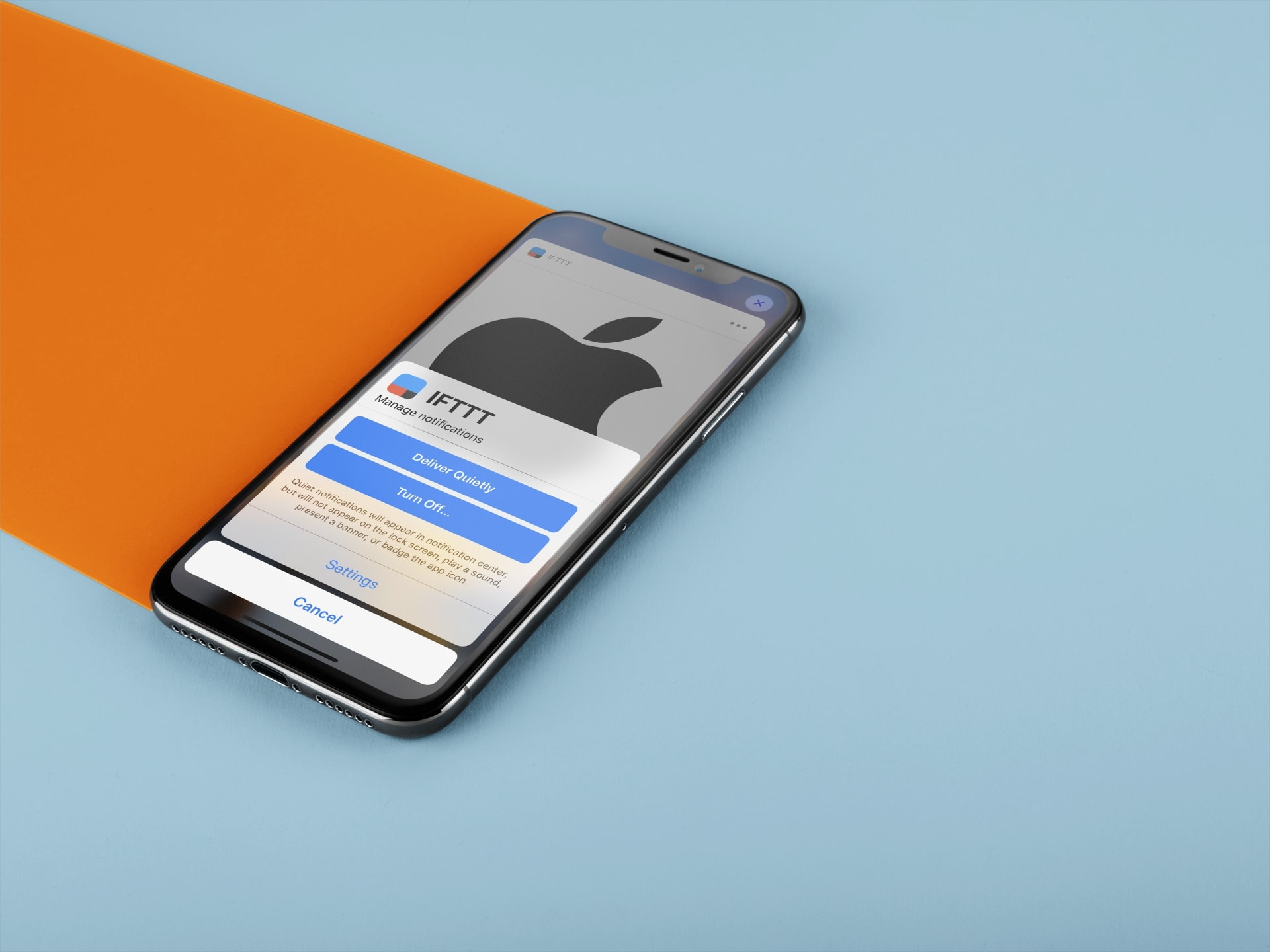
Learn how to set certain app notifications to be delivered quietly without making a sound or waking up the Lock Screen on your iPhone and iPad.
The Dock is something that most iPhone users would associate with the Home Screen, especially because it’s been present there since the dawn of the iPhone in 2007.
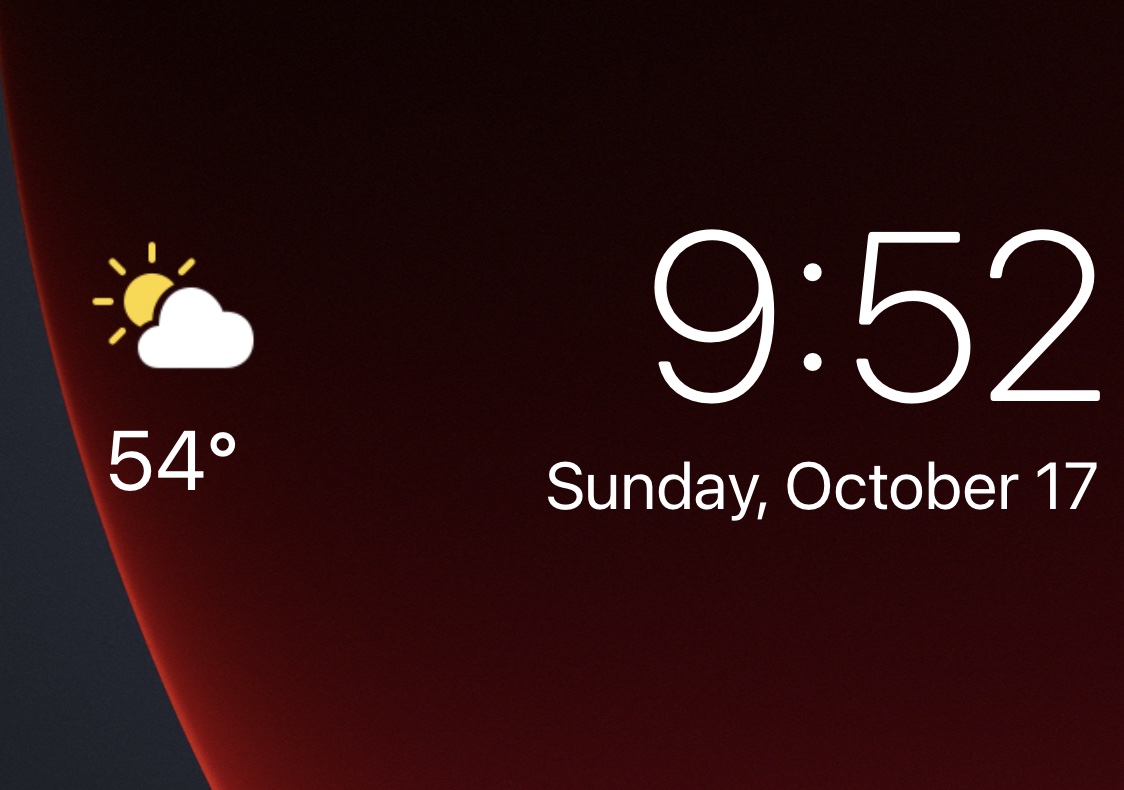
If your iPhone is jailbroken and you’re interested in a free and convenient way to upgrade that stock-looking Lock Screen of yours, then a great place to start would be with a new jailbreak tweak release called WeatherLS by iOS developer ginsudev.
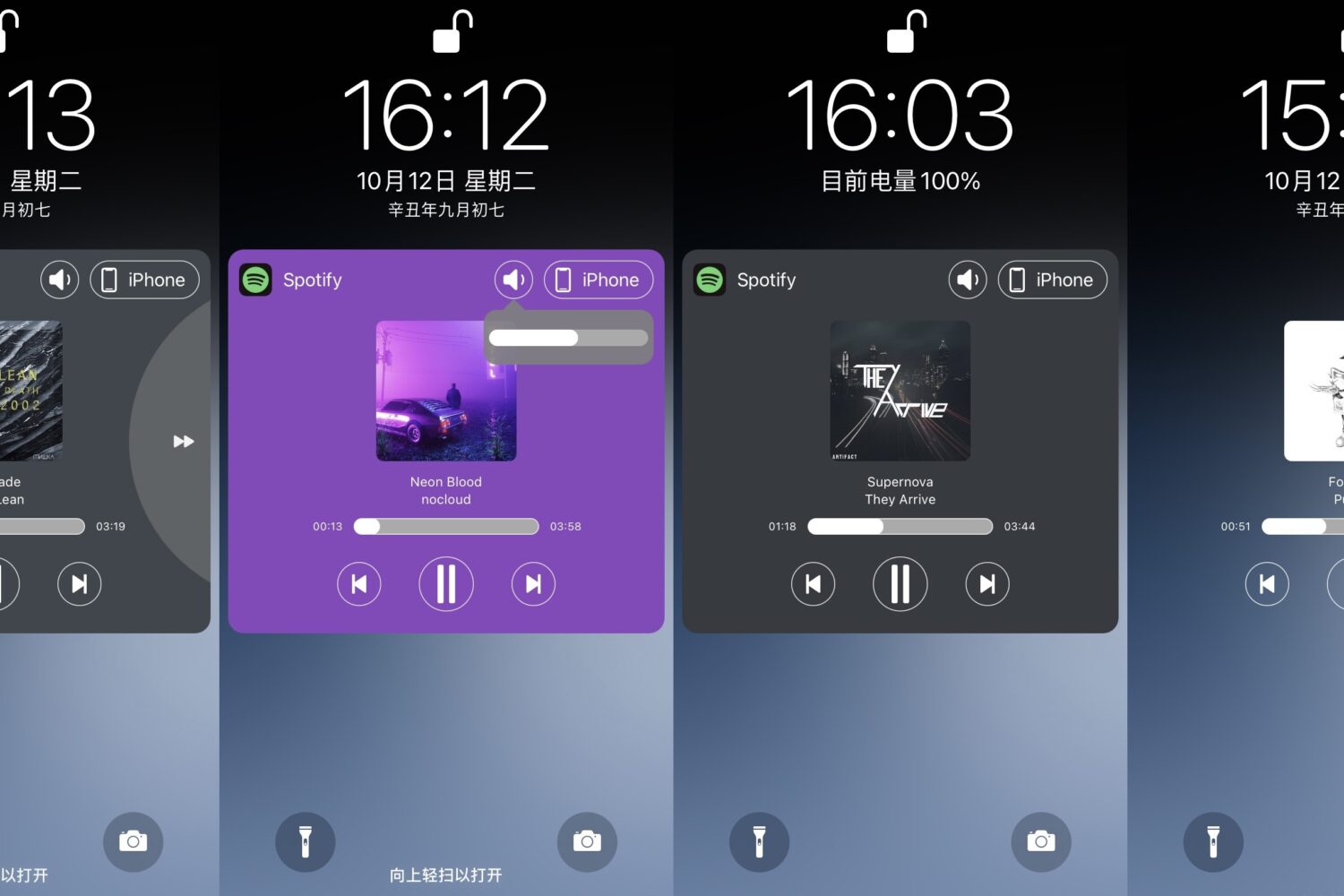
A popular thing to customize after jailbreaking iPhones and iPads is the native Now Playing interface — specifically, the one you see on the Lock Screen when you have media playing in the background.
There are so many jailbreak tweaks out there in addition to all the new releases we cover every day that it can be challenging for new jailbreakers to know exactly where they should start. Having said that, it’s one of our top priorities here at iDownloadBlog to assist our readers with tweak discovery. We curate specialized lists like the one you’re reading now to help shine the spotlight on worthwhile releases that you may find interesting.
In this week’s addition to our rolling series that homes in on the best jailbreak tweaks for specific facets of iOS 14, we’ll focus on the wallpaper; everywhere it might appear. The wallpaper is the first thing users see when using their device, and it’s a personal choice for the end user to make. Given these circumstances, it’s easy to see why someone would want the best wallpaper user experience they can get, and a jailbreak can help with that.
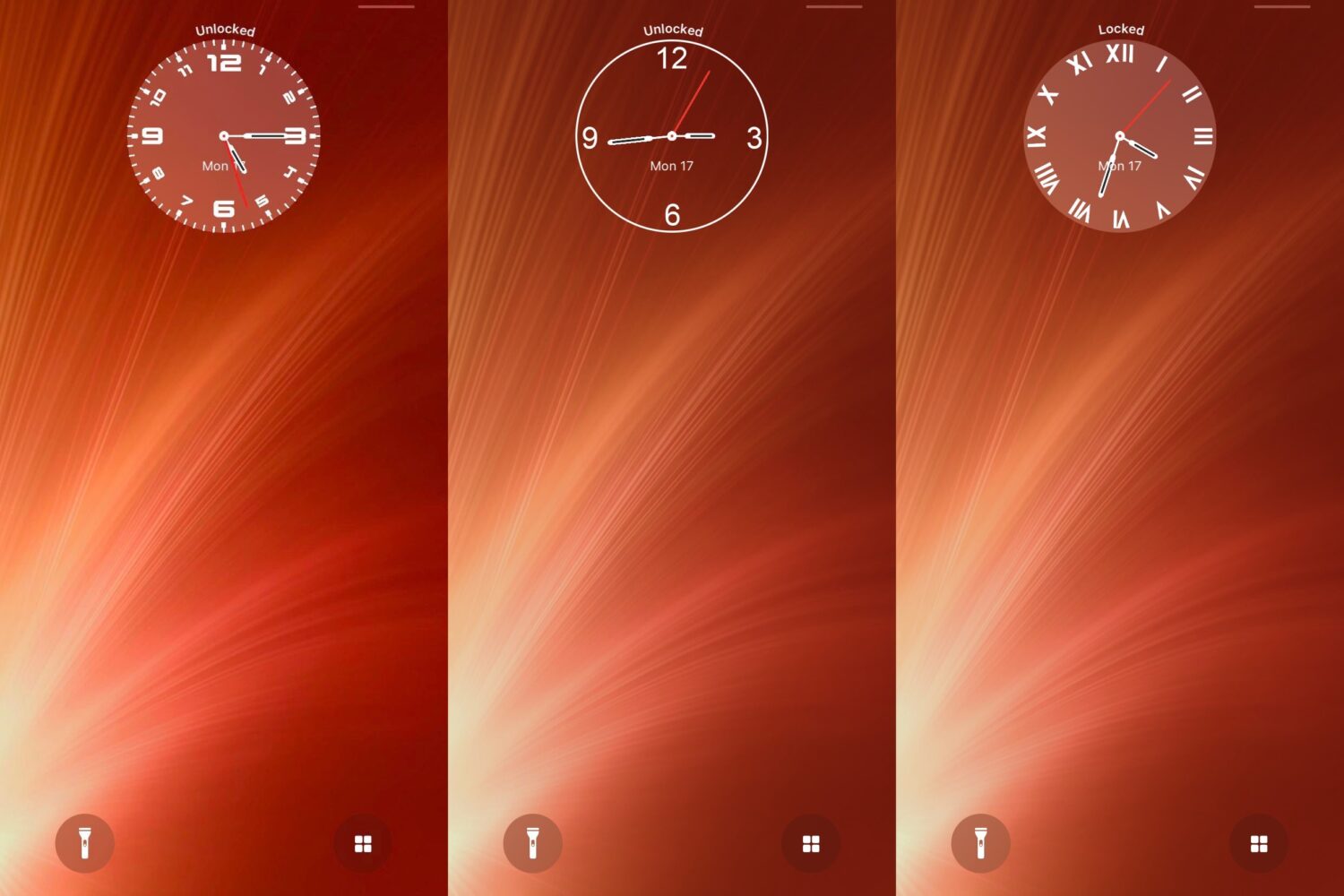
Many jailbreakers are perfectly fine with the way their iPhone functions, but they simply want to make it look different than it does out of the box. If that sounds like you, then you might enjoy using a newly released and free jailbreak tweak dubbed Vide by iOS developer Xyaman.
Have you ever glanced at someone else’s Android 12 device and thought to yourself, “I wish my iPhone’s Lock Screen looked that cool?”
If you answered yes, then you might be excited to learn that there’s a new jailbreak tweak for that.