Keyboard

ReturnDismiss: easily dismiss the keyboard in iOS

There's now a super easy way to dismiss the keyboard from within any app in iOS. ReturnDismiss, a new jailbreak tweak released for free on Cydia's BigBoss repo, makes it possible for jailbroken users to easily hide the stock iOS keyboard using a simple tap and hold gesture.

ReturnDismiss even works when the app you're in doesn't normally support the ability to dismiss the keyboard. Take a look at our brief video walkthrough inside for all of the goods...

iOS keyboard to gain additional languages and scripts, job posts indicate

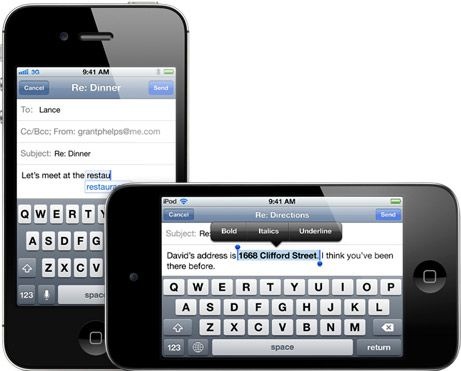
Whenever I find myself entangled in another Android vs. iOS debate, Android's liberalized keyboard is unmistakably brought up as a key argument playing to Google's favor. Indeed, for the most part the iOS keyboard has remained unchanged throughout the years, sans a few improvements here and there.

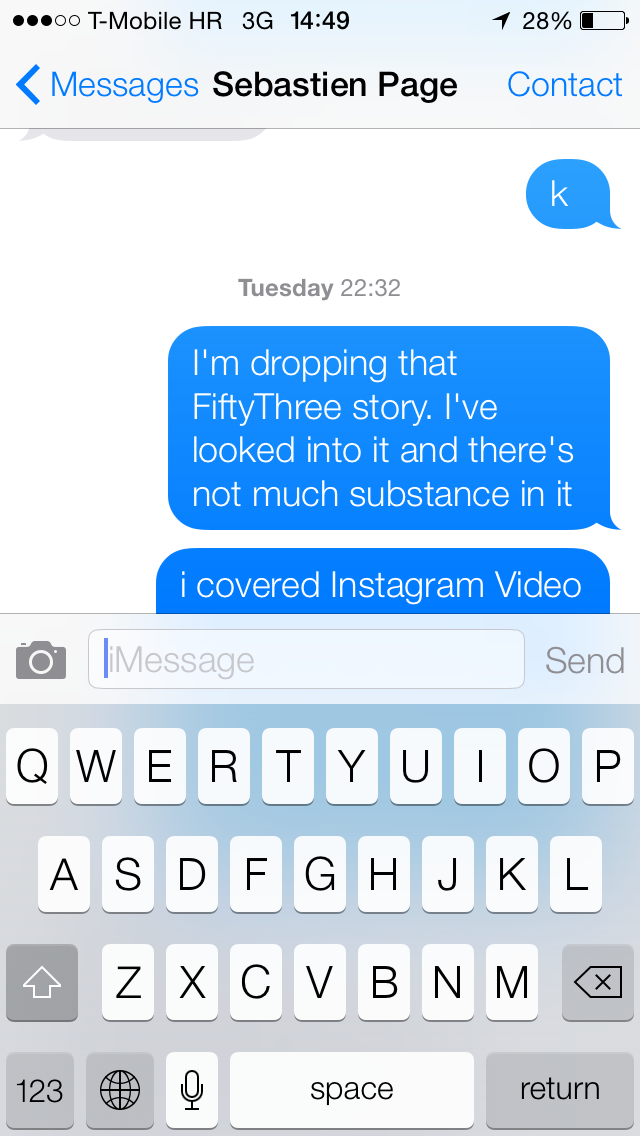
That will change when iOS 7 comes this Fall as it makes the iOS keyboard smarter by introducing black and white theme, enhanced auto-correct that can fix misspellings in a combination of words and a few other small tweaks. While there are no signs of Apple opening up the iOS keyboard to third-party developers anytime soon, new job ads indicate the company is working on adding support for additional languages and writing systems...

‘PredictiveKeyboard’ adds a predictive fifth row to the iOS keyboard

PredictiveKeyboard is a recently released jailbreak tweak that allows you to use a SwiftKey inspired 5th row for predictive key entry. The tweak, which is available right now on Cydia's BigBoss repo for $2.39, is capable of speeding up typing by remembering words and phrases. Want to see how PredictiveKeyboard works in action? Then check out our full video walkthrough after the break...

‘Keyboard Control Pro’ lends enhanced control over the iOS keyboard

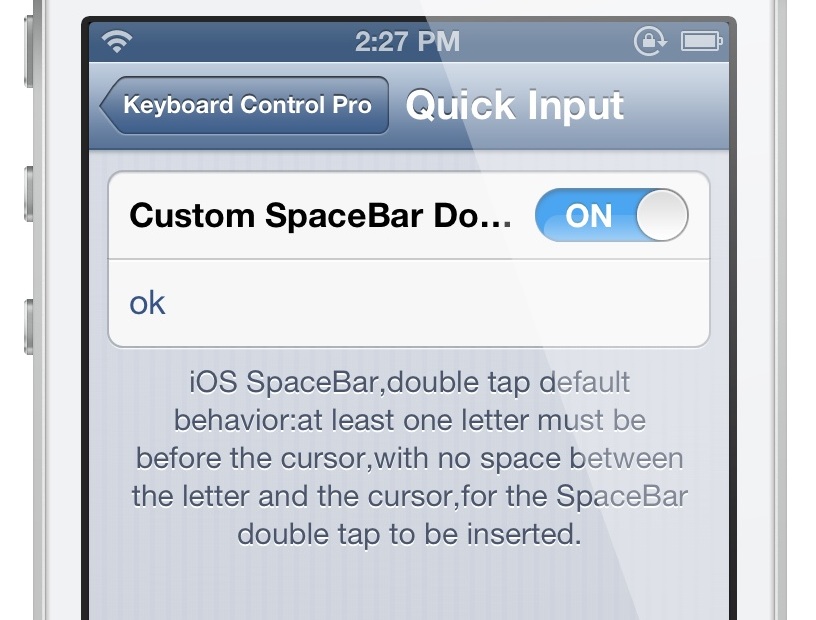
Keyboard Control Pro is an upgrade to a tweak that we discussed a while back called The Quick Brown Fox. It's a jailbreak release aimed at the iOS keyboard, and it allows for enhanced control over the keyboard's basic functionality.

While very similar to the Quick Brown Fox, Keyboard Control Pro does include a few new features and refinements that might make it worth your while. Take a look at our full video walkthrough inside for more details.

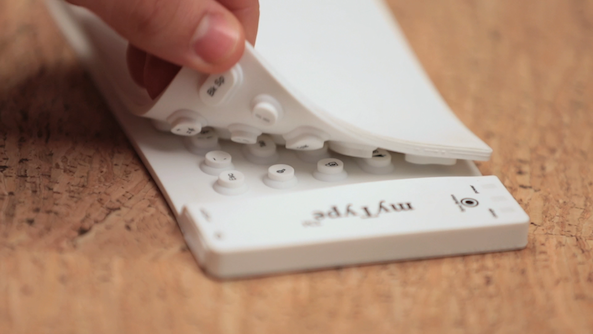
The myType is a pocketable Bluetooth keyboard for your iPhone or iPad

When Apple introduced the first iPhone back in 2007, it sparked a revolution in the smartphone industry: no more physical keyboards. Think about it, outside of BlackBerry and a few scattered Android handsets, who is still making smartphones with physical keyboards? No one, really.

And I don't personally mind it. It took some getting used to, but I've gotten pretty quick at typing on the iPhone's touchscreen. But for those who haven't quite picked it up yet, there are plenty of accessories available to help you out— like this new myType Bluetooth keyboard...

How iOS 7 makes auto-correct better

I'd be lying if I said I've never been embarrassed by a text message I sent containing an accidentally auto-corrected word. I'm sure you've been there too. It can be embarrassing, or it can be hilarious, depending who's receiving the message and what's being said, but at the end of the day, it's something that could have been prevented should your iPhone auto-correct be a little smarter.

And smarter it appears to be in iOS 7! Christian touched on this earlier today with a post on how the keyboard features in iOS 7 have gotten smarter, but I'd like to focus a little more on auto-correct with a few real life examples and comparison points with iOS 6...

A closer look at smarter keyboard in iOS 7

The iOS virtual keyboard has seen little changes since the iPhone's inception six years ago. Apart from a few  baby steps here and there, each new major iOS release has brought little in terms of improving the typing experience on iPhones, iPads and iPods.

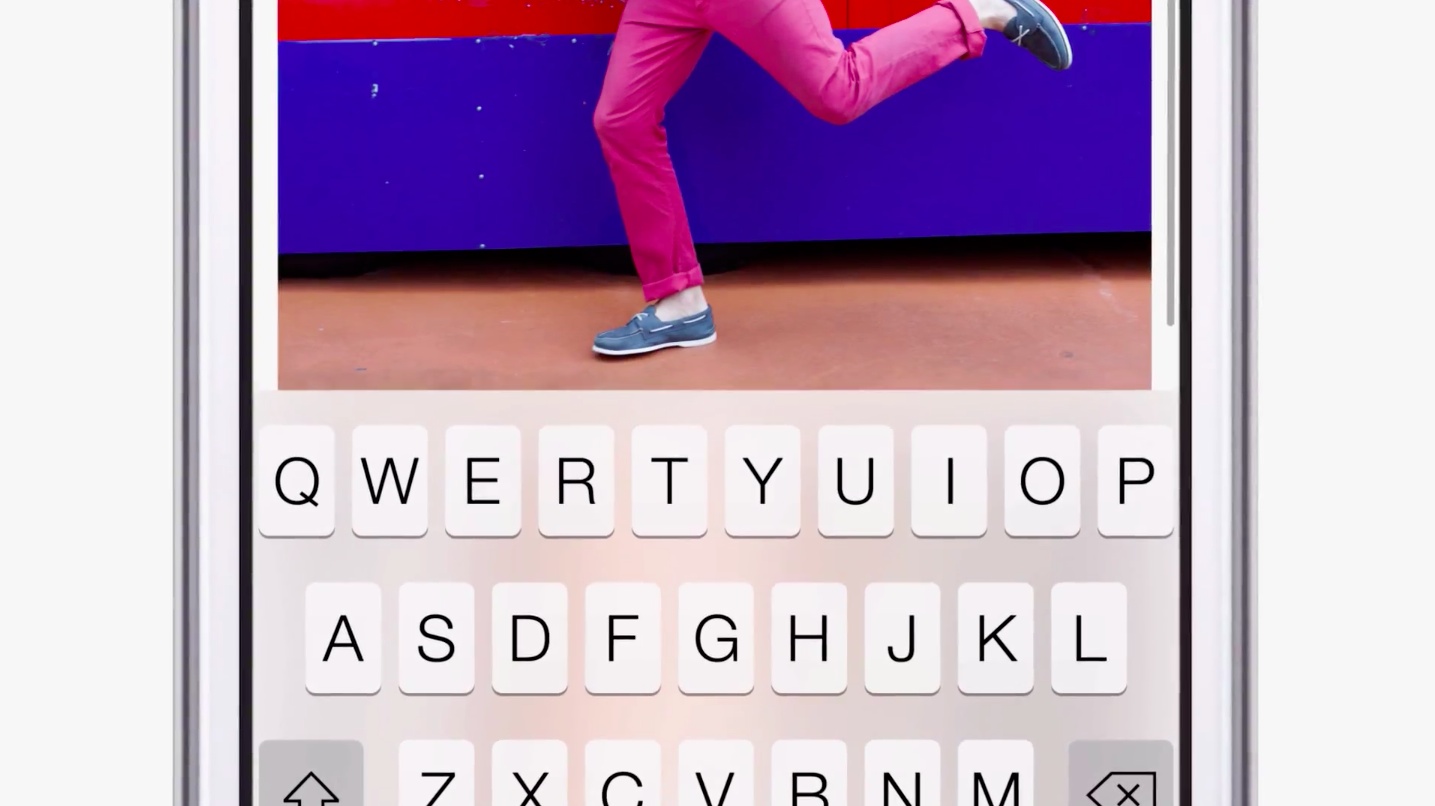
In turn, developers have readily stepped up their game with a number of keyboard-focused tweaks for jailbroken devices in order to, you know, just keep pace with Android. Virtual keyboard in iOS 7 is of course translucent and like other frosty panels seen throughout the system shows heavily blurred content underneath to an arguably stunning effect.

Apart from the visual updates, we have noticed a few under-the-hood improvements in iOS 7 seemingly aimed at making the iPhone's predictive keyboard smarter. Go past the fold for the full breakdown...

‘The Quick Brown Fox’ brings new customization options to the stock iOS keyboard

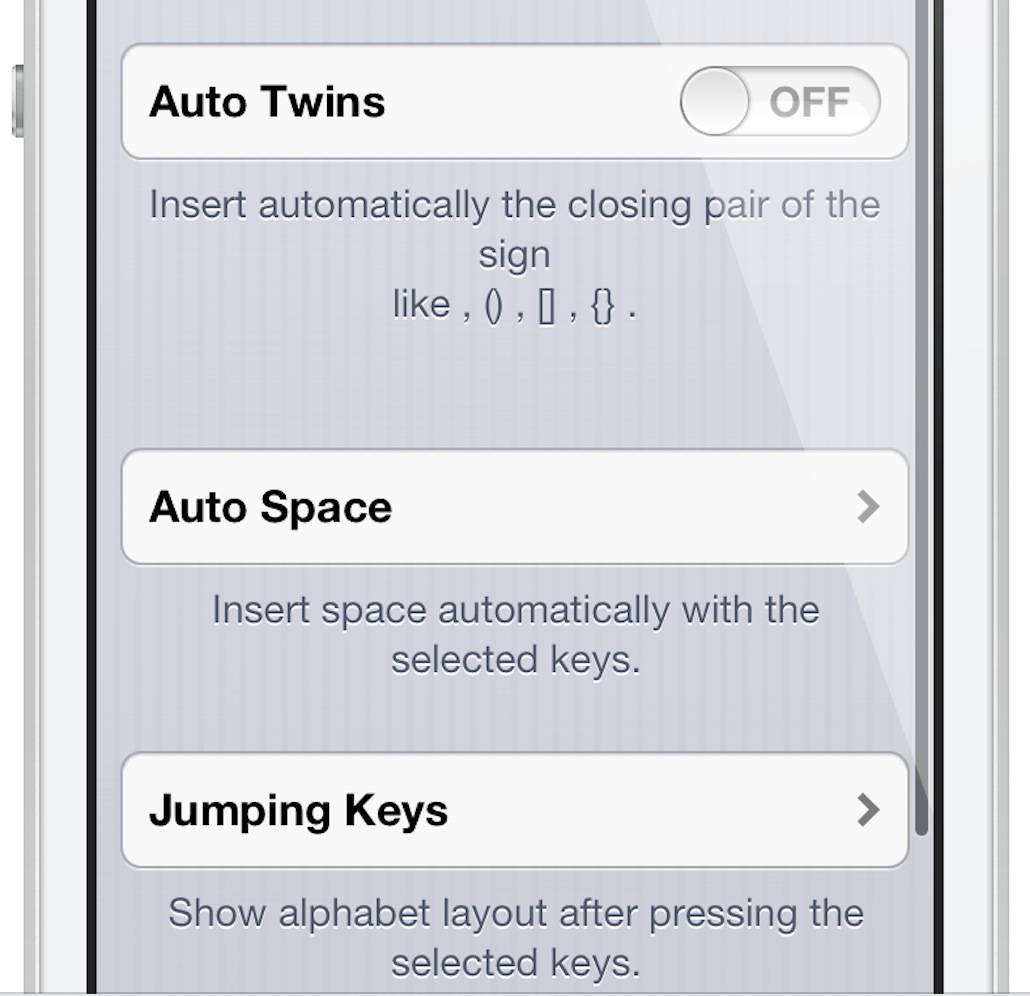
The Quick Brown Fox — it sounds like a weird name for a jailbreak tweak, but you'll quickly realize that it makes sense due to the fact that it adds some cool new features to the iOS keyboard. The Quick Brown Fox adds new features to your keyboard like Auto Twins, which automatically inserts a closing pair of parentheses or brackets when you typing the opening symbols. There's also Auto Space, which automatically places a space behind any configured symbol key.

Lastly, and perhaps most significant, you have Jumping Keys. Jumping Keys allows you to configure certain symbols to automatically jump you back to the alpha keyboard once typed. It works exactly like the apostrophe key works on a stock keyboard, but this allows you to configure apostrophe-like action to virtually any symbol key.

The Quick Brown Fox may sound a bit confusing, but that's what video walkthroughs were made for. Check inside, as we go hands-on The Quick Brown Fox, and showcase how it all works.

SwiftKey maker hopes iOS 7 will allow third-party keyboards

Unlike iOS, Android from its beginning has had the ability to install third-party keyboard software for on-screen touch typing.

It's actually one of Android's major advantages over iOS: third-party keyboard apps greatly improve upon stock experience with helpful features such as gestures, better voice control, enhanced predictions and even specialized input rules.

There's no other way around the fact that stock iOS keyboard experience hasn’t kept pace with Android in terms of recognition, predictive typing and other capabilities. As much as we'd love Tim Cook & Co. to open up iOS, we'll have to do with the limited stock experience for the time being (unless you're jailbroken, of course).

But that's not stopping folks like TouchType from keeping their fingers crossed. For those unfamiliar with TouchType, they are behind the popular SwiftKey software keyboard for Android phones. Speaking out publicly about the issue, one of TouchType execs clearly has his hopes high on an Apple-sanctioned third-party keyboard development...
AltKeyboard: a better way to input alternate keys

Do you find it inconvenient to have to tap the little '123' button on your iPhone's keyboard to bring up the numerical keys? Wouldn't it be better if you could employ a simple swipe gesture to input alternate keys?

That's the exact thinking behind the just released AltKeyboard. It's a collaboration between Sentry — known for Auxo — and Alan Yip — known for Tap to Widgets. In usage, AltKeyboard is a very simple tweak, but its development and design were likely significant undertakings. I say that because AltKeyboard is extremely well thought out and well designed. It provides a feature that many will find useful in their day-to-day routine.

Like we always do for tweaks of this nature, we've gone hands-on to provide you with a full in-depth video walkthrough. Will AltKeyboard be of benefit to your typing habits? Check inside for the full analysis...

Logitech introduces new Wired Keyboard for iPad

Wireless Bluetooth keyboards for the iPad are a dime a dozen these days. It seems like everyone makes them, including Kensington, Targus, and Belkin. In fact, ZAGG just launched a pair of new ones yesterday in the form of the Cover and the Folio.

But what you don't see everyday are wired keyboards for the iPad, like this one that Logitech just unveiled. The Wired Keyboard is durable, spill-resistant, doesn't require Bluetooth pairing or batteries, and comes in both 30-pin and Lightning flavors...

ZAGG launches backlit Cover and Folio iPad mini keyboards

Accessory maker ZAGG today announced a pair of Bluetooth-powered backlit keyboard products for Apple's iPad mini. The ZAGGkeys Cover and Folio are both ultra-thin, pack in Bluetooth wireless connectivity and sport a patented hinge system that allows for up to 135-degree viewing angles and can reverse the device for a one-piece reading and playing mode.

As for the form factor, the Cover is just 6.3mm thick versus 6.9mm for the Folio. Both offer backlit keys in seven color options and three lighting levels and a battery that keeps them going for up to three months each of normal use...