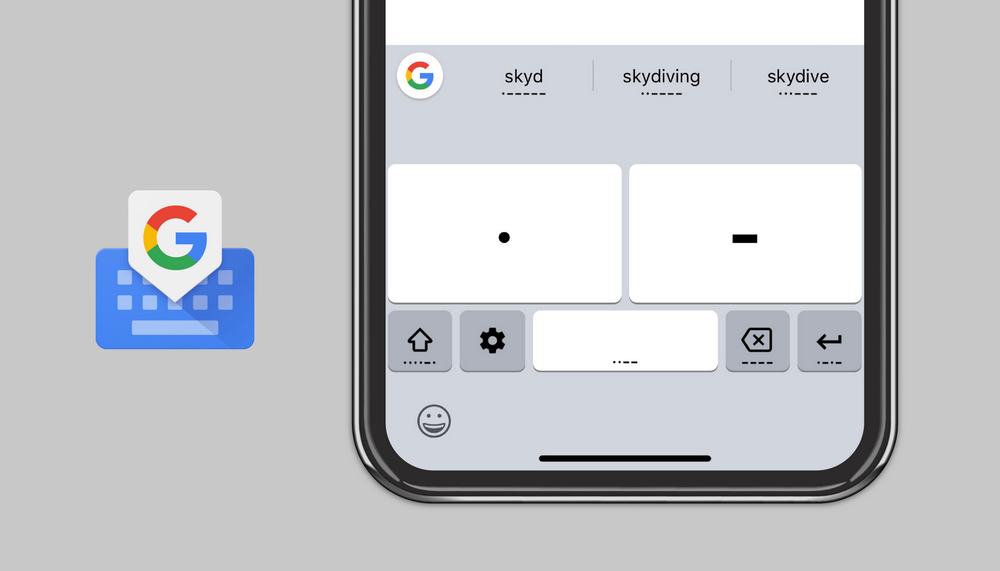
Keyboard

TextEmojis lets you type Emojis and more with text shortcuts

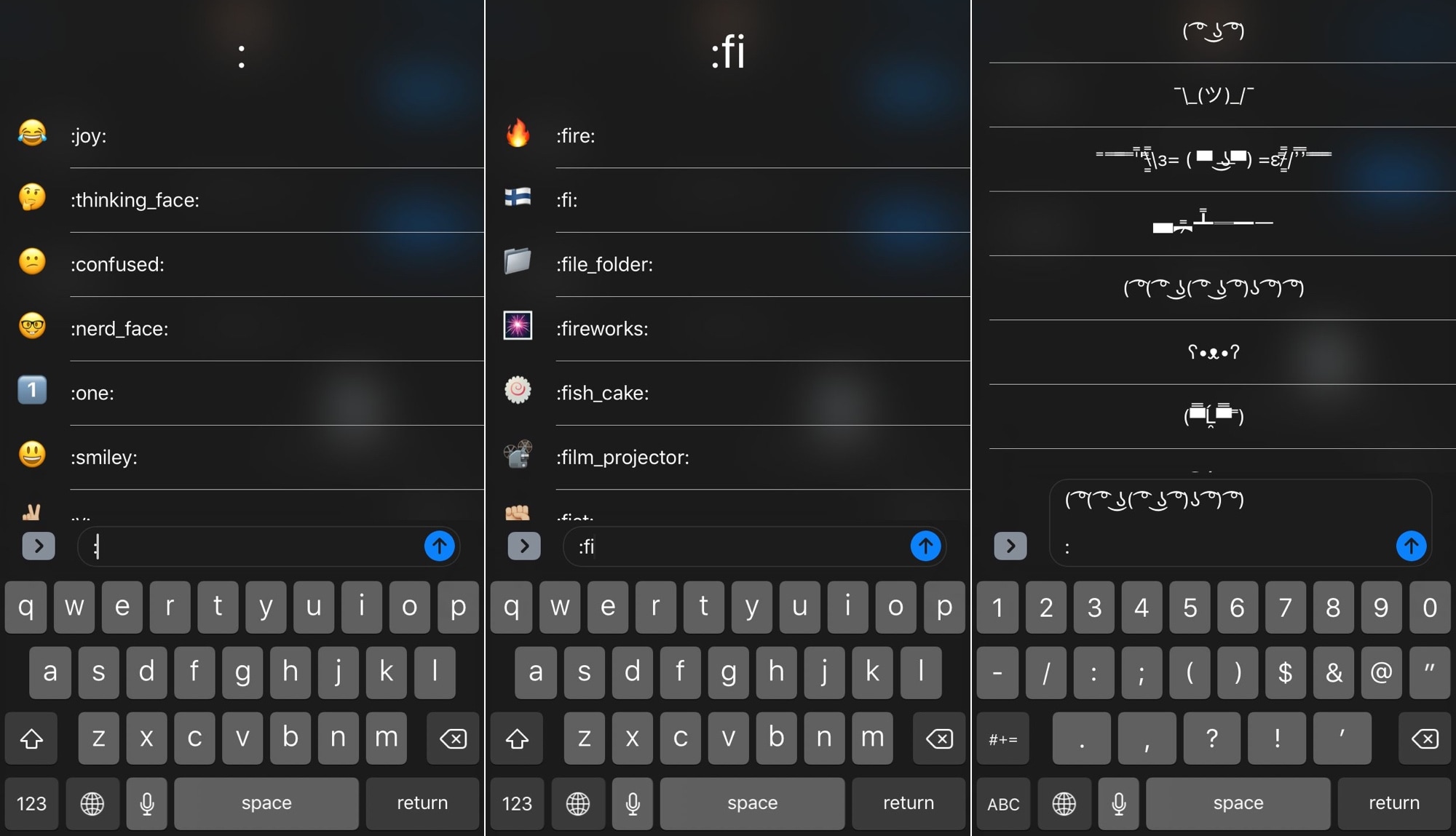
A variety of popular third-party messaging apps, including Discord and Slack, let you enter Emojis by typing a colon followed by a specific shortcode. Apple doesn’t provide users with a comparable feature throughout the rest of iOS, but wouldn’t it be nice if they did?

If you answered “yes” to the question above, then you might be happy to learn about a new jailbreak tweak dubbed TextEmojis by iOS developer Andreas Henriksson. Once installed, you’ll be able to input Emojis and other quirky text faces by typing pre-configured text shortcuts.

Apple admits true role of the silicone membrane in new MacBook Pro [updated]

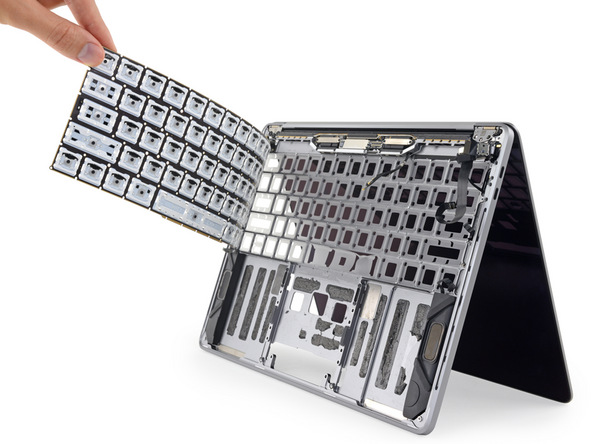
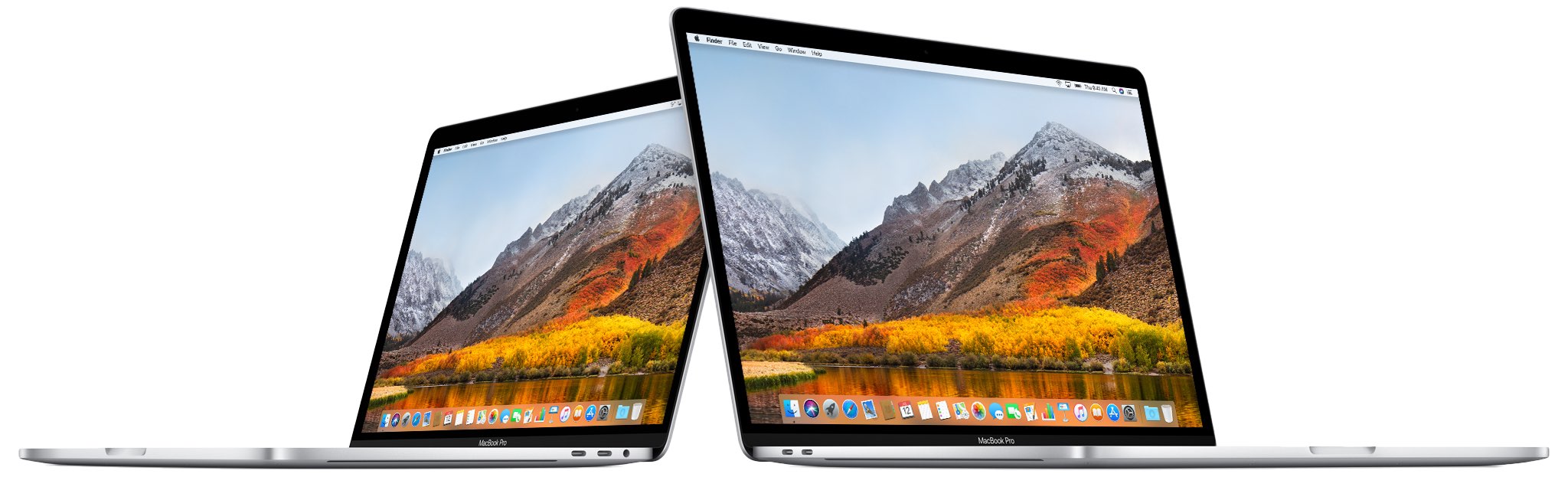
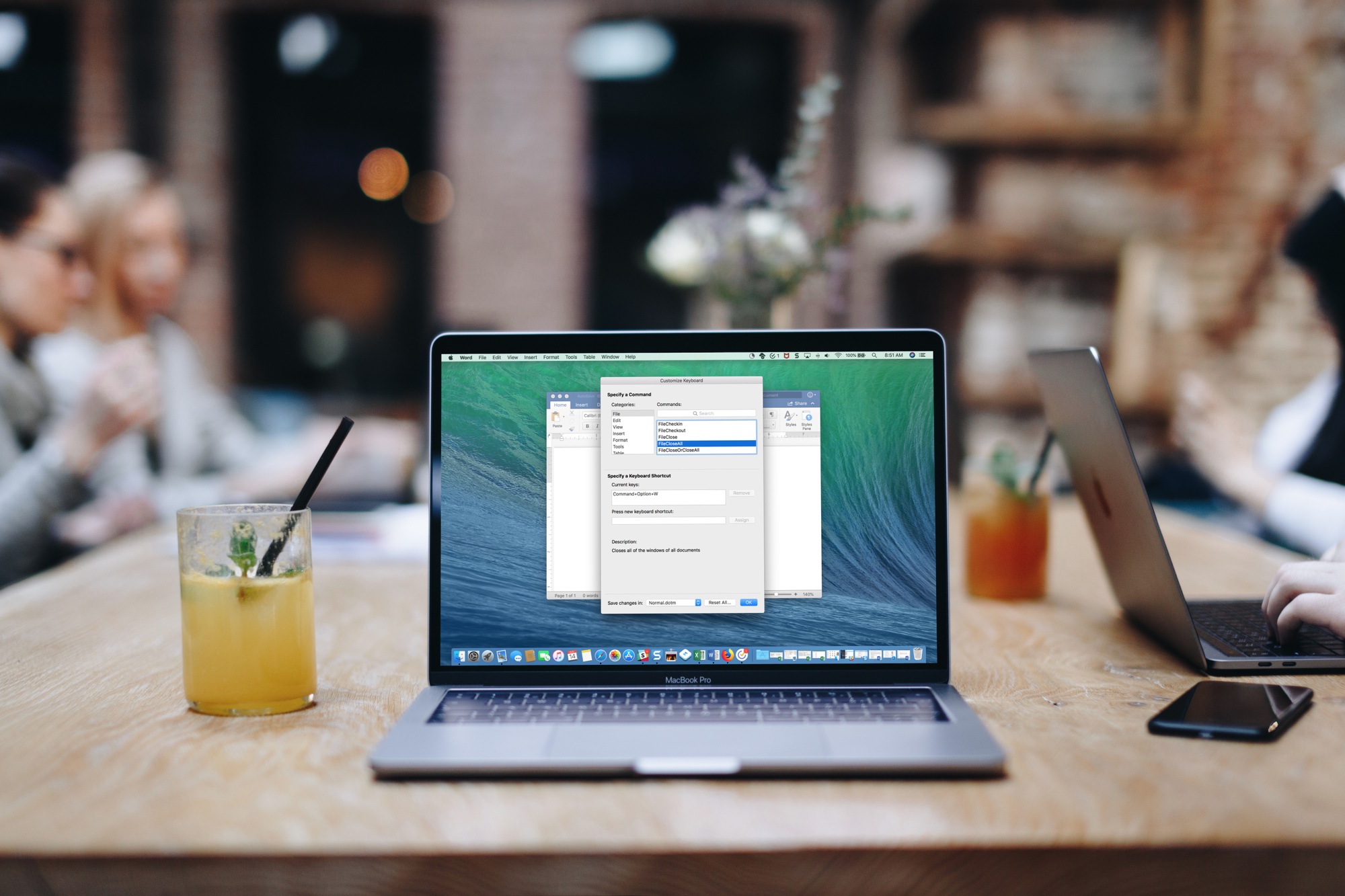
The real reason Apple updated the keyboard on the 2018 MacBook Pro lineup might have just come into view. France's MacGeneration has discovered an internal document that says the new thin layer of silicone under each key wasn't put there to make the keyboard "quieter," as Apple has publicly stated. Instead, it's to solve reliability problems present on previous generations. 

iFixit says 2018 MacBook Pro uses silicone to possibly protect the keyboard from dust

The folks over at iFixit have determined that the keys found on the recently released 2018 MacBook Pro are surrounded by a "thin, silicone barrier." This discovery suggests Apple's third-generation "butterfly switch" keyboard wasn't necessarily designed to be "quieter," like Apple has claimed. Instead, it could have been designed to make it less prone to exposure to dust and other small particles. 

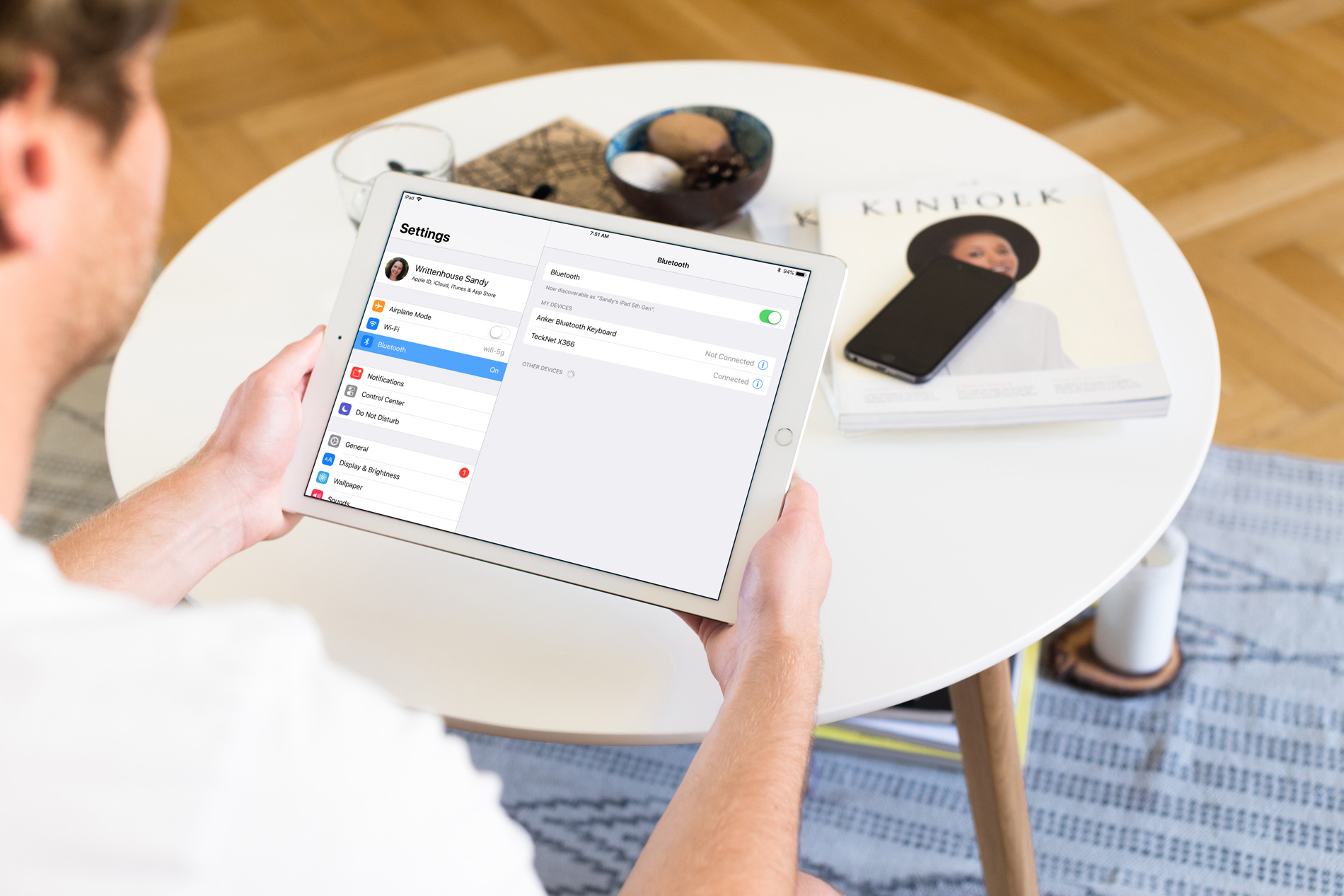
How to pair a Bluetooth keyboard with iPhone or iPad

Setting Up Bluetooth Keyboard iPad

So, you bought a new wireless keyboard and want to use it with your iOS device. For those who do a lot of typing on their iPhone or iPad, an external keyboard can be more efficient than the onscreen keyboard.

In this step-by-step tutorial, we’ll show you how to pair an external Bluetooth keyboard with your iPhone or iPad so you can comfortably type long notes, emails, and documents.

FastDeleteKey accelerates text backspacing on jailbroken devices

If you do excessive amounts of typing on your iOS device, then you may be able to benefit from a new free jailbreak tweak dubbed FastDeleteKey by iOS developer CydiaGeek.

FastDeleteKey makes it so that you don't have to wait forever for the keyboard's backspace function to delete large blocks of text. The tweak brings tunable backspace velocities to iOS so that you can move along at just about any rate of speed you desire.