Keyboard

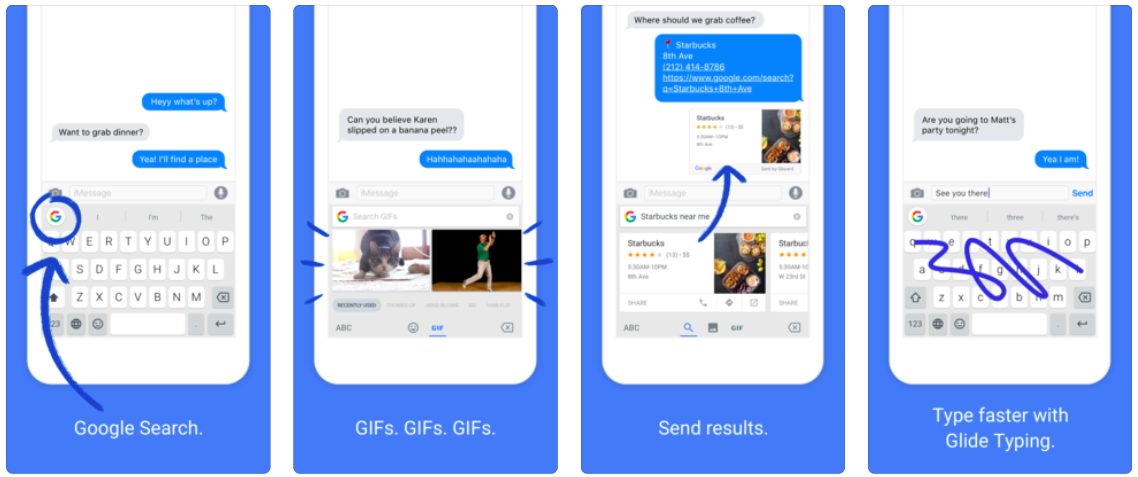
FlickType Keyboard: An easy way to type messages on your Apple Watch

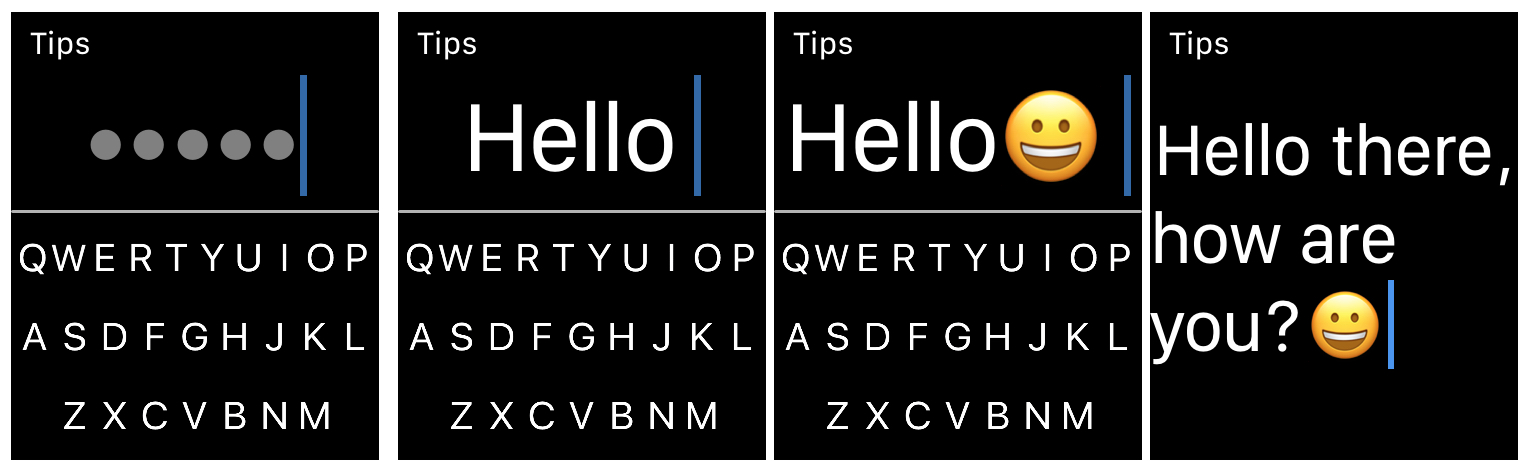
FlickType Keyboard on Apple Watch

When it comes to typing on your Apple Watch, you likely use the quick replies in Messages and Mail, simply because they’re the easiest. But there is now a new way to type right from your wrist.

FlickType Keyboard is handy app that makes typing on your device as simple as a flick. And, it’s now available on Apple Watch in addition to iPhone and iPad. Here’s how you can use FlickType Keyboard on your wrist.

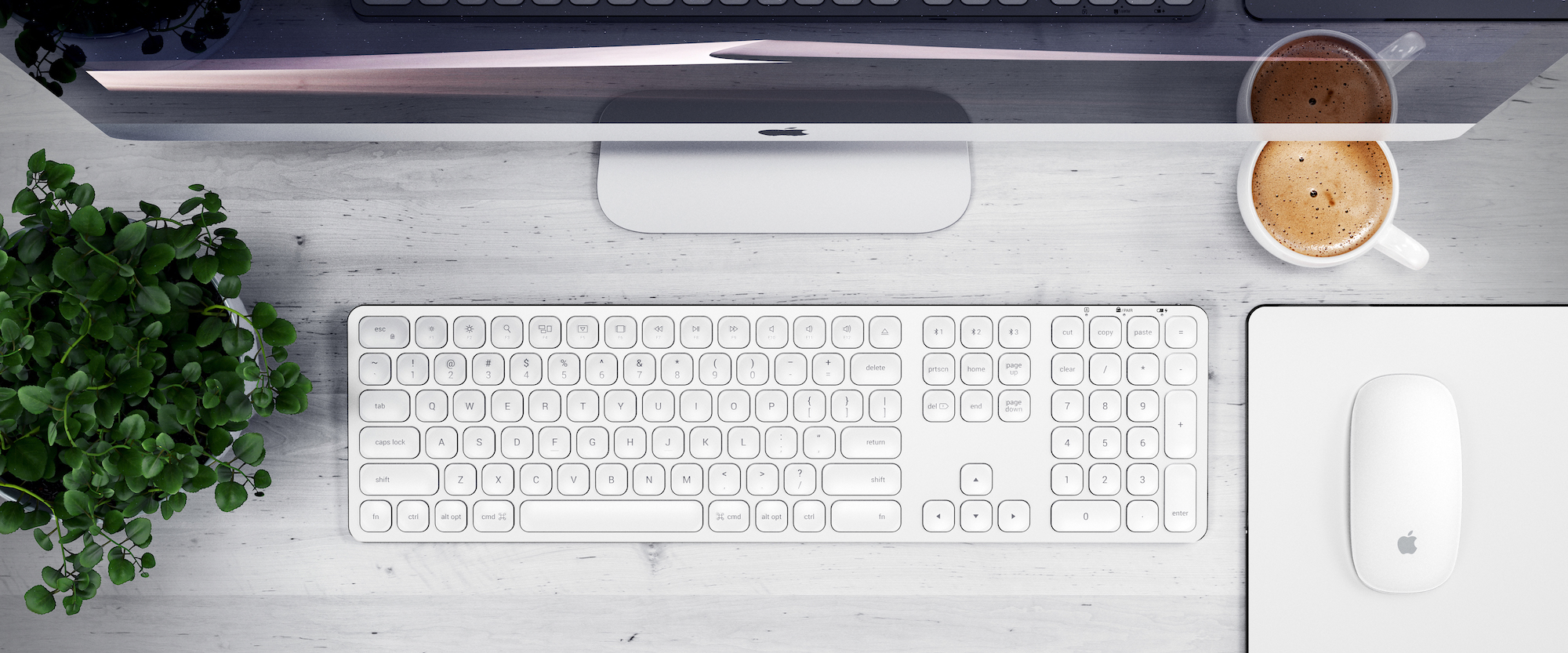
Keyboard shortcuts to move up and down web pages on Mac

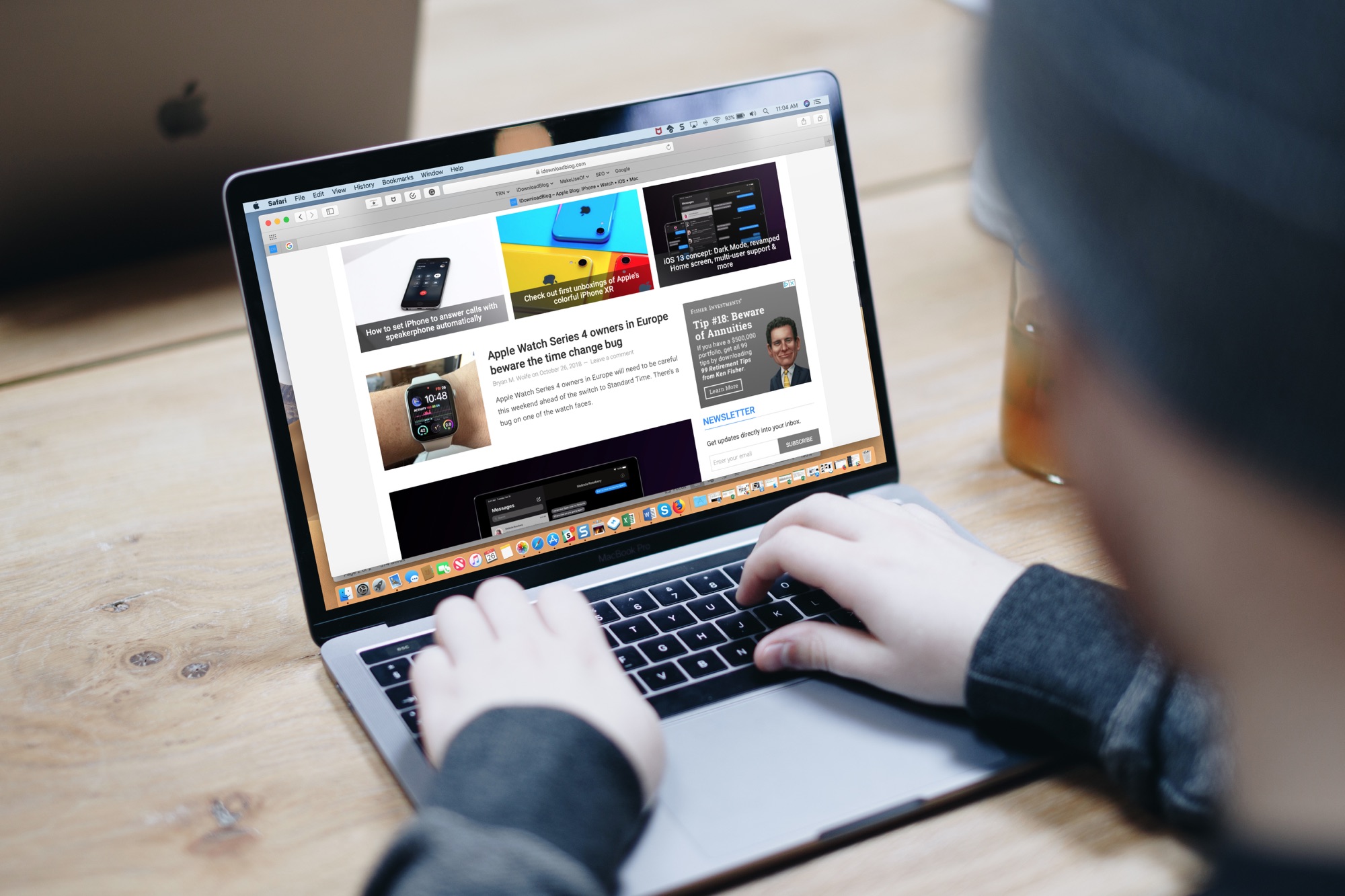
Macbook Pro Keyboard Shortcuts for Web Pages

One of the first things I looked for when I started using a MacBook Pro for work was how to navigate web pages faster. Being able to move to the top, to the bottom, or both in small increments and without lifting my fingers from the keyboard was essential.

If you’re like me and want to navigate sites you visit quicker, this list is for you. Here are several keyboard shortcuts to move up, down, and sideways on web pages on Mac.

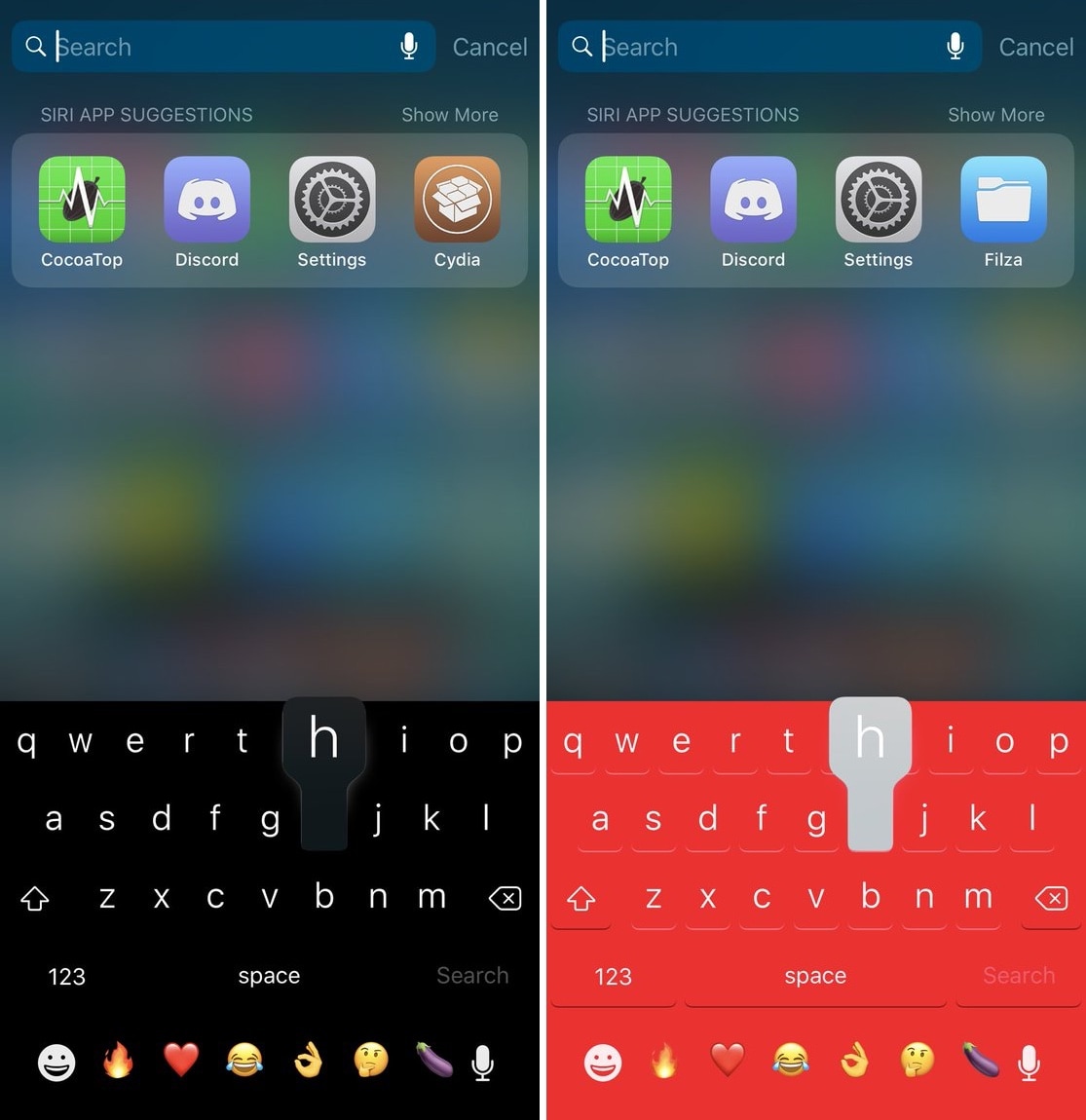
This tweak makes the iOS keyboard display 50 Frequently Used Emojis

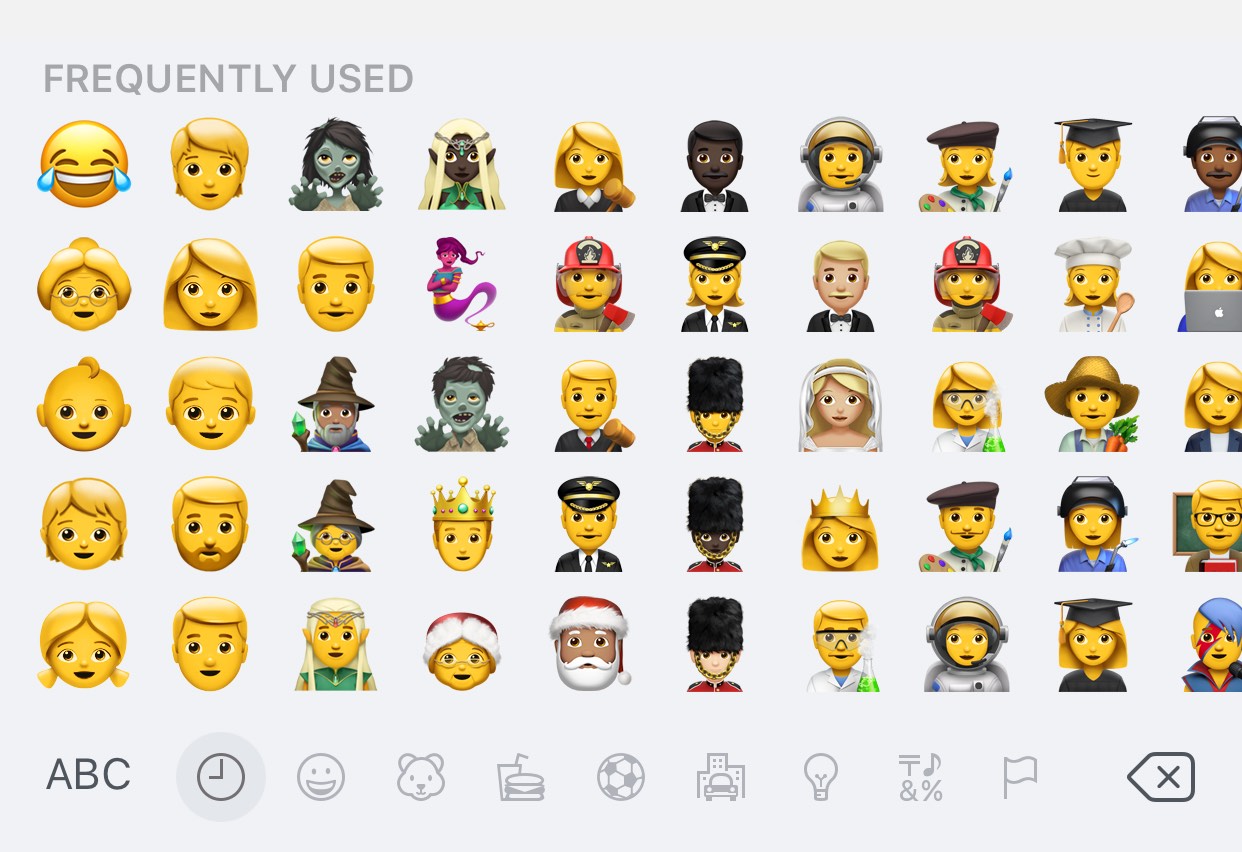
If you send and receive Emojis from your iPhone or iPad often, then you’re probably familiar with the iOS keyboard’s “Frequently Used” section.

The Frequently Used section hosts the top 30 Emojis you use most often for faster access, but with a new free jailbreak tweak called MoreFrequentlyUsedEmojis by iOS developer A_H_Rabie, you can now increase that number to 50.

NoMoreSkinToneSuggestion prevents iOS from nagging you about skin tones for Emojis

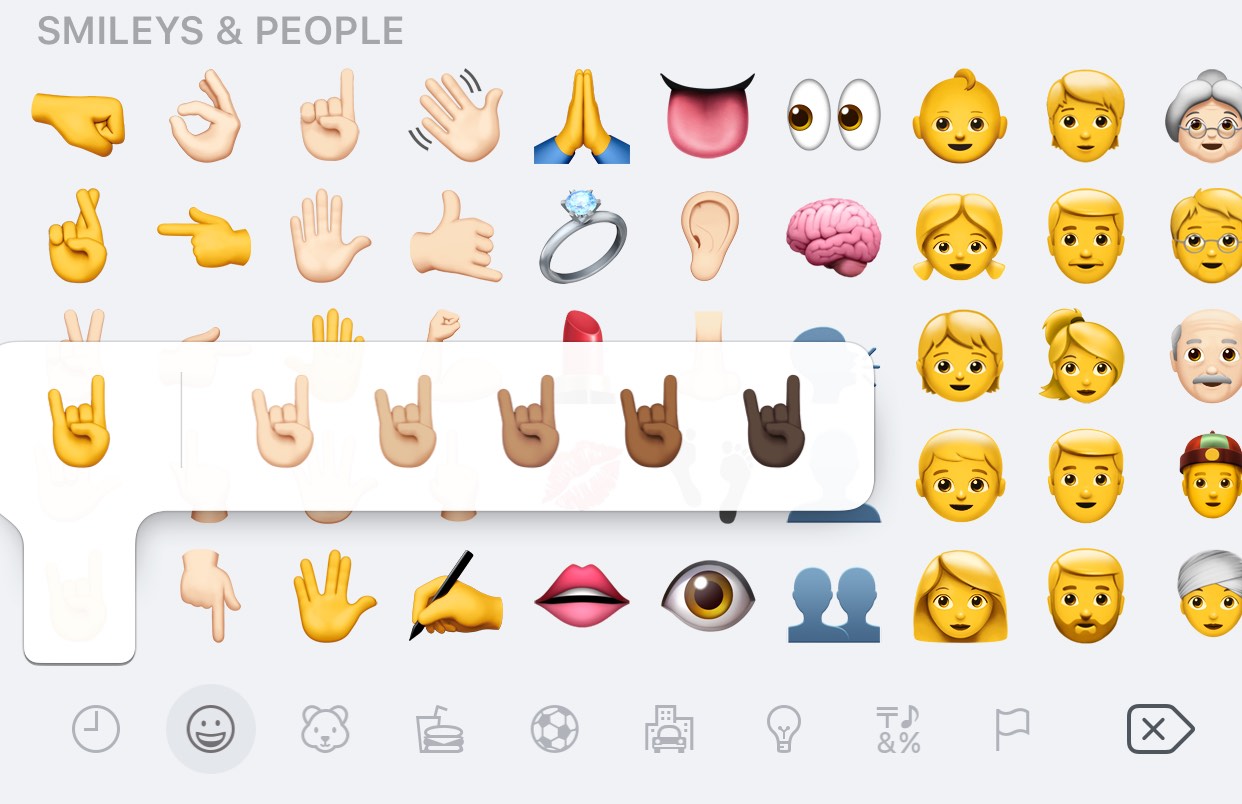
Certain Emojis, especially those depicting hand gestures, support a variety of different skin tones, which are configured on a per-Emoji basis. If you’ve never set a skin tone for a particular Emoji before, then you’re likely to encounter the interface shown above when tapping on it.

While there’s nothing wrong with choosing a skin tone for your Emojis, it’s rather annoying how iOS asks you to select a skin tone for each Emoji individually instead of remembering your choice for all of them. Fortunately, a new free jailbreak tweak dubbed NoMoreSkinToneSuggestion by iOS developer A_H_Rabie prevents iOS from asking about skin tones once and for all.

How to customize keyboard shortcuts in Microsoft Word for Mac

MS Word Keyboard Shortcuts Mac

If you use Microsoft Word on your Mac, then you have more customization options than you probably realize. The settings can help make your experience more efficient and productive each time you use the application.

One of the settings that helps you move through your word-processing tasks faster is the keyboard shortcuts. Without lifting your fingers from the keyboard to grab your mouse or use your touchpad, you can accomplish a variety of tasks. And you can customize the shortcuts to suit what you use most and which keys are easiest to remember.