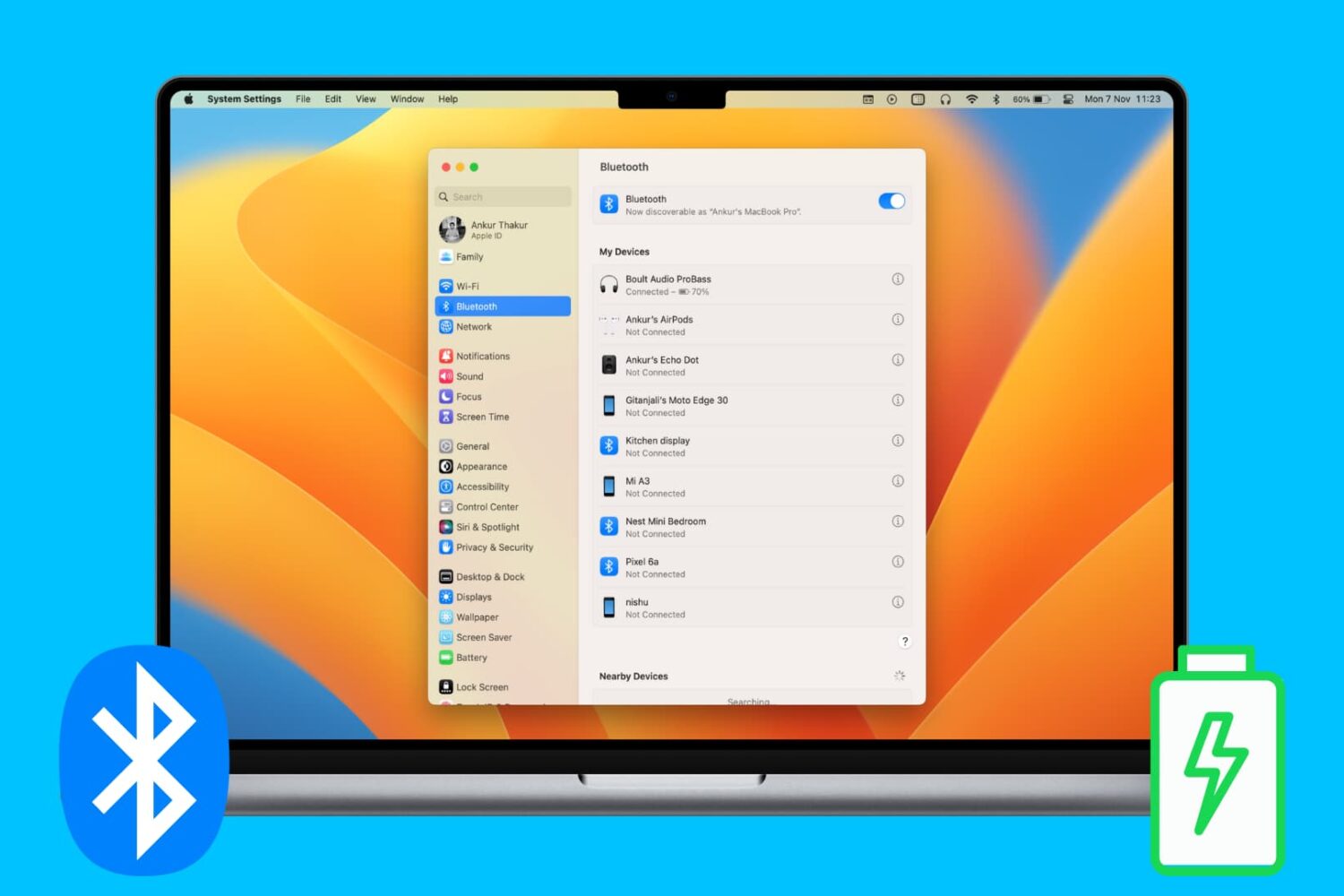
Check out various ways to see and keep track of the battery percentage of your wireless keyboard, trackpad, mouse, AirPods, and other Bluetooth devices on your Mac.
How to check the battery level of connected Bluetooth devices on Mac
Check out various ways to see and keep track of the battery percentage of your wireless keyboard, trackpad, mouse, AirPods, and other Bluetooth devices on your Mac.
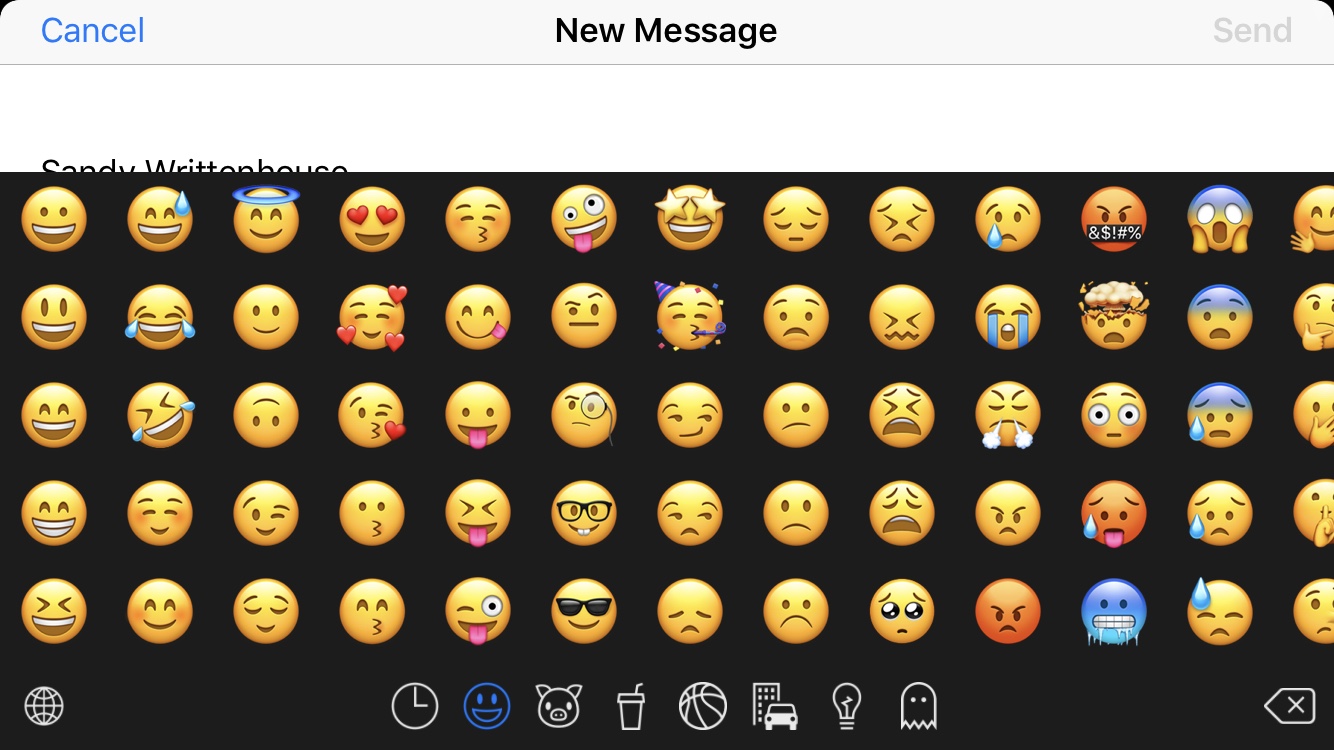
We all love to use emojis. Happy faces in our emails, hearts in our text messages, and even checkmarks in our notes; there’s an emoji for everything, everywhere. But it’s getting to the point that there are too many emojis to pick from and the list keeps growing. You look for one and have to sift through hundreds of others. What if there was a way to hide those emojis that you never, ever use?
Enter Smojis, a cool app that lets you hide single emojis or complete categories. So, if you never use flags or objects, hide them. If you only use specific smileys, hide the others. It’s all up to you! So, here’s how to hide the emojis you never use with Smojis.
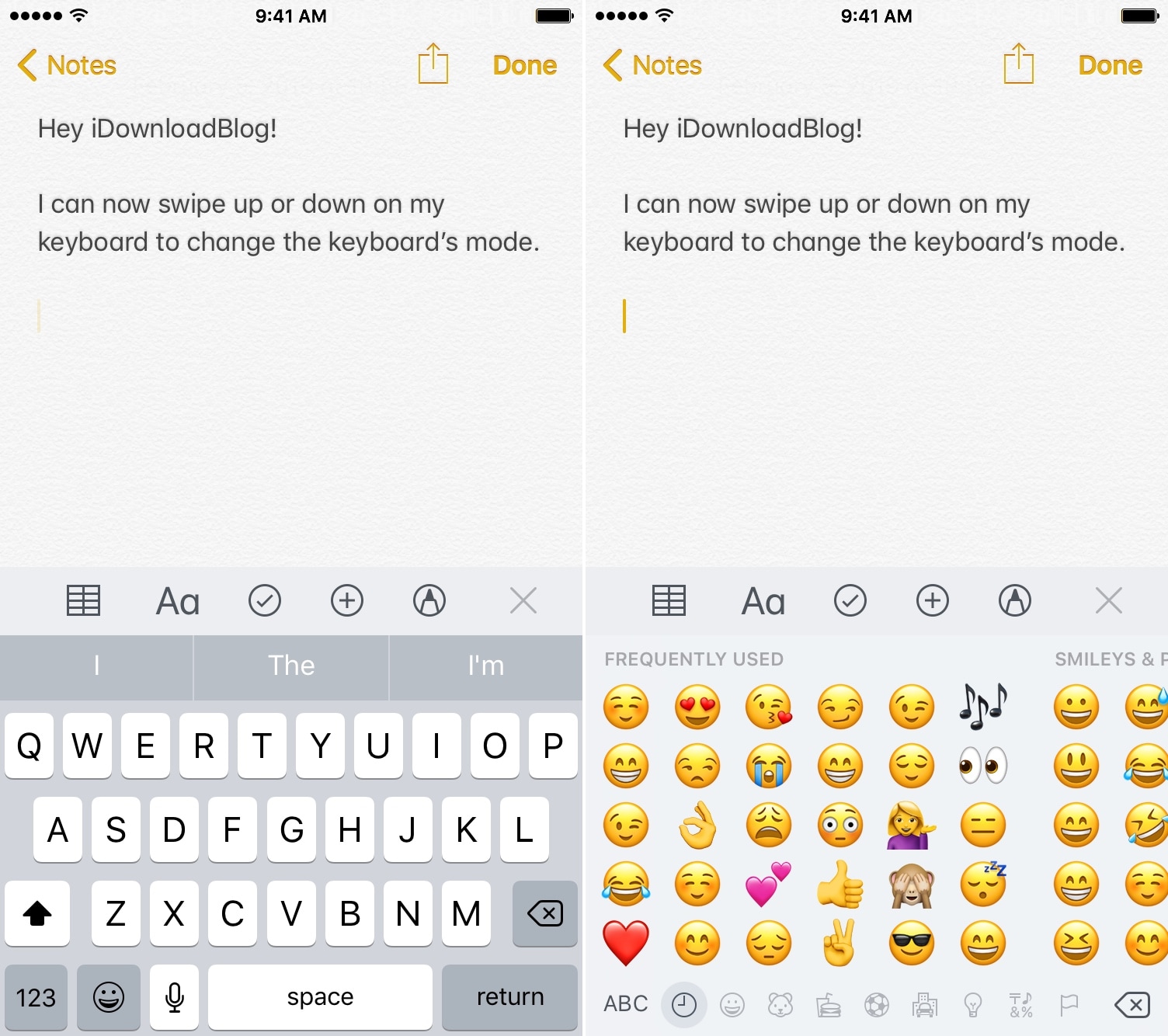
The method of switching between keyboards on the iOS platform has always left a lot to be desired. Tapping on the tiny Emoji/language button at the bottom-left-hand side of the keyboard is nothing short of tedious, especially if you have larger fingers, but it doesn’t need to be.
KeySwipe (iOS 11) is a free jailbreak tweak by iOS developers Delewhopper and Julio Verne that lets you switch between keyboards on demand with a swipe (up or down) on the keyboard interface. As you might come to expect, this also means you don’t need to fiddle with the tiny Emoji/language button on the keyboard anymore.
Learn how to turn off keyboard click sounds on your iPhone's keyboard to type in silence and stop annoying others around you.
Every Mac owner should peruse this list comprising 50 super useful keyboard shortcuts in macOS that let them do things faster, increasing productivity.
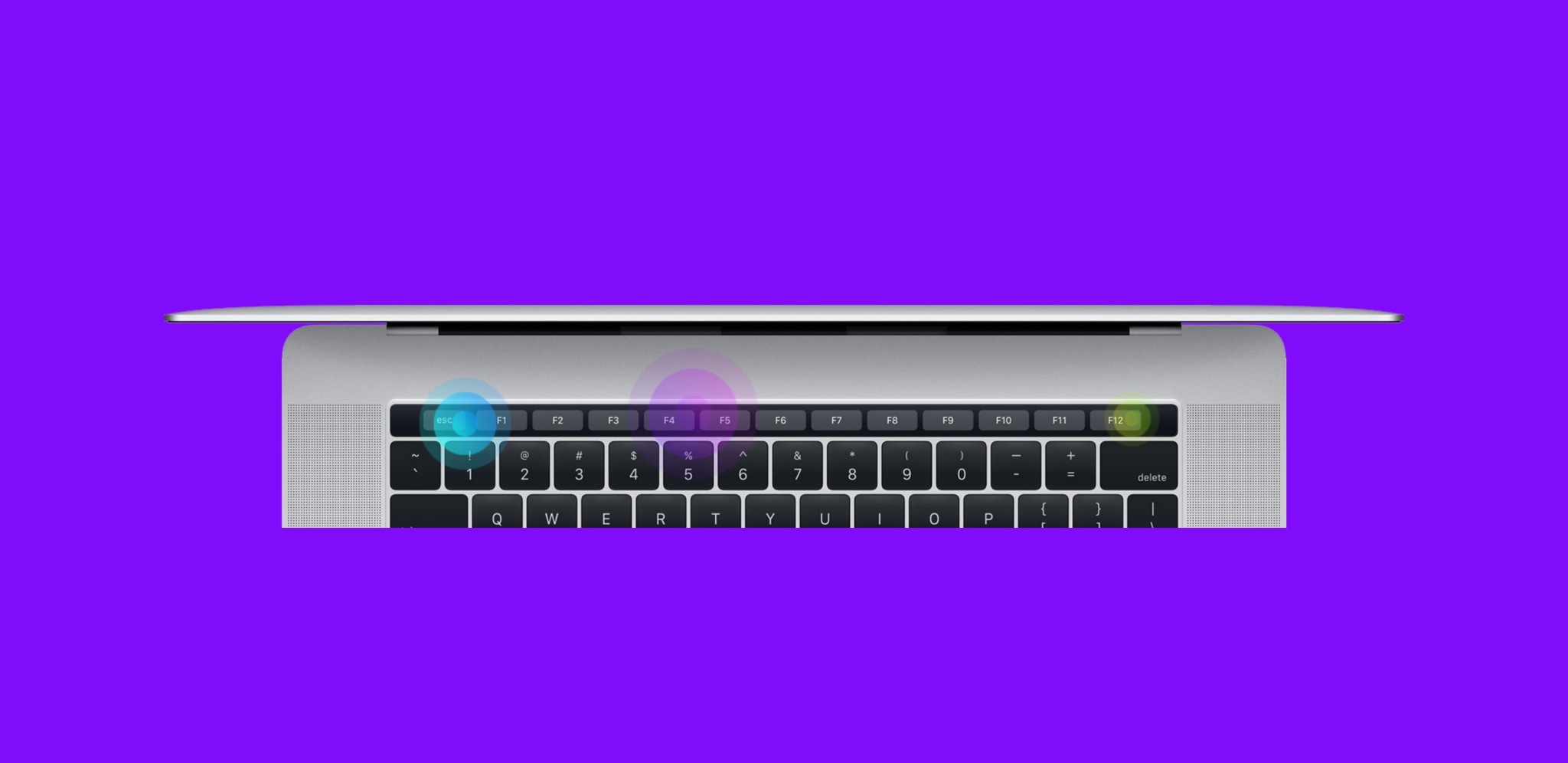
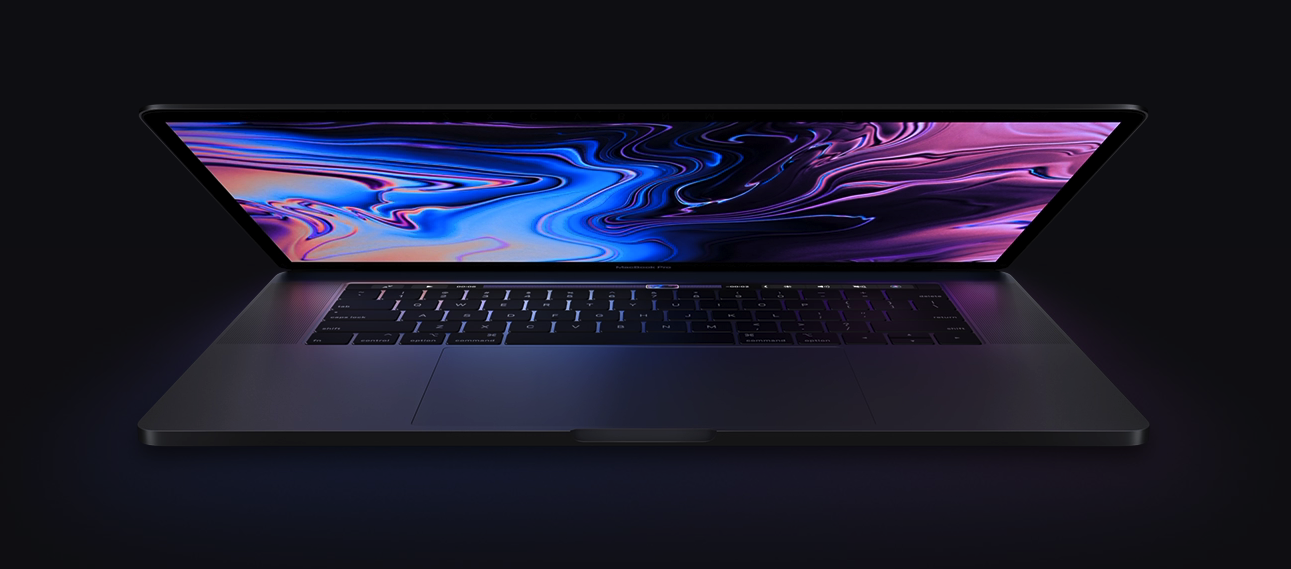
Apple’s MacBook Pro has been my personal computer of choice for almost a decade now, and while I’ve loved every upgrade along the way, I can’t help but feel like Apple could do better.
Given just how expensive a MacBook Pro becomes as you start pegging out the specs on Apple’s website, it seems like Apple could do more to help me justify the price point. With that in mind, I’ll discuss at least ten ways Apple could improve their flagship notebook in this piece.
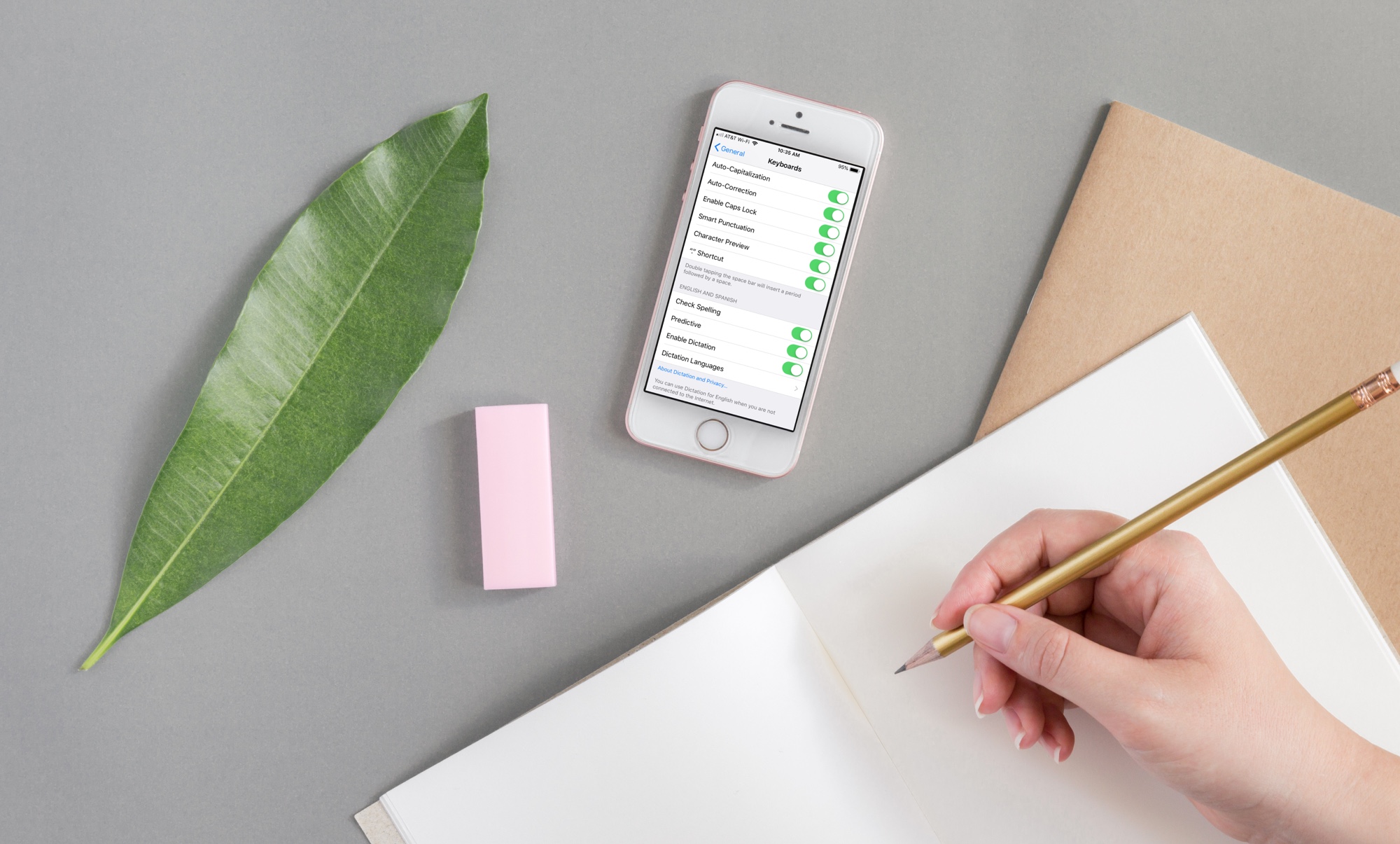
If you need to write in another language that you also speak yourself, using spell check in that other language is convenient for avoiding errors.
Here’s how to use a different spell check language on iPhone, iPad, and Mac.
Learn how to switch your Mac keyboard layout from QWERTY to AZERTY or even Dvorak so you can type faster and more comfortably in a layout that you’re familiar with.
Learn how to type accented letters on Mac keyboards to accurately spell out international names and write foreign words in your documents, emails, messages, and more.
One of the most fundamental reasons for owning a jailbroken iPhone or iPad is having the ability to customize it outside of Apple’s stock parameters. If you’re one to enjoy theming or changing the default colors of iOS, then you might appreciate what a free jailbreak tweak called Laetus by iOS developer SparkDev can do for you.
As depicted in the screenshot examples above, Laetus empowers users to colorize iOS’ native keyboard interface with custom colors. With it, you can change the color of the keyboard background and its key text independently of one another.
Learn how to immediately delete files on your Mac and skip the Trash altogether, which will permanently erase the items without a chance of undeleting them later.