Keyboard

How to view available keyboard shortcuts in every Mac app

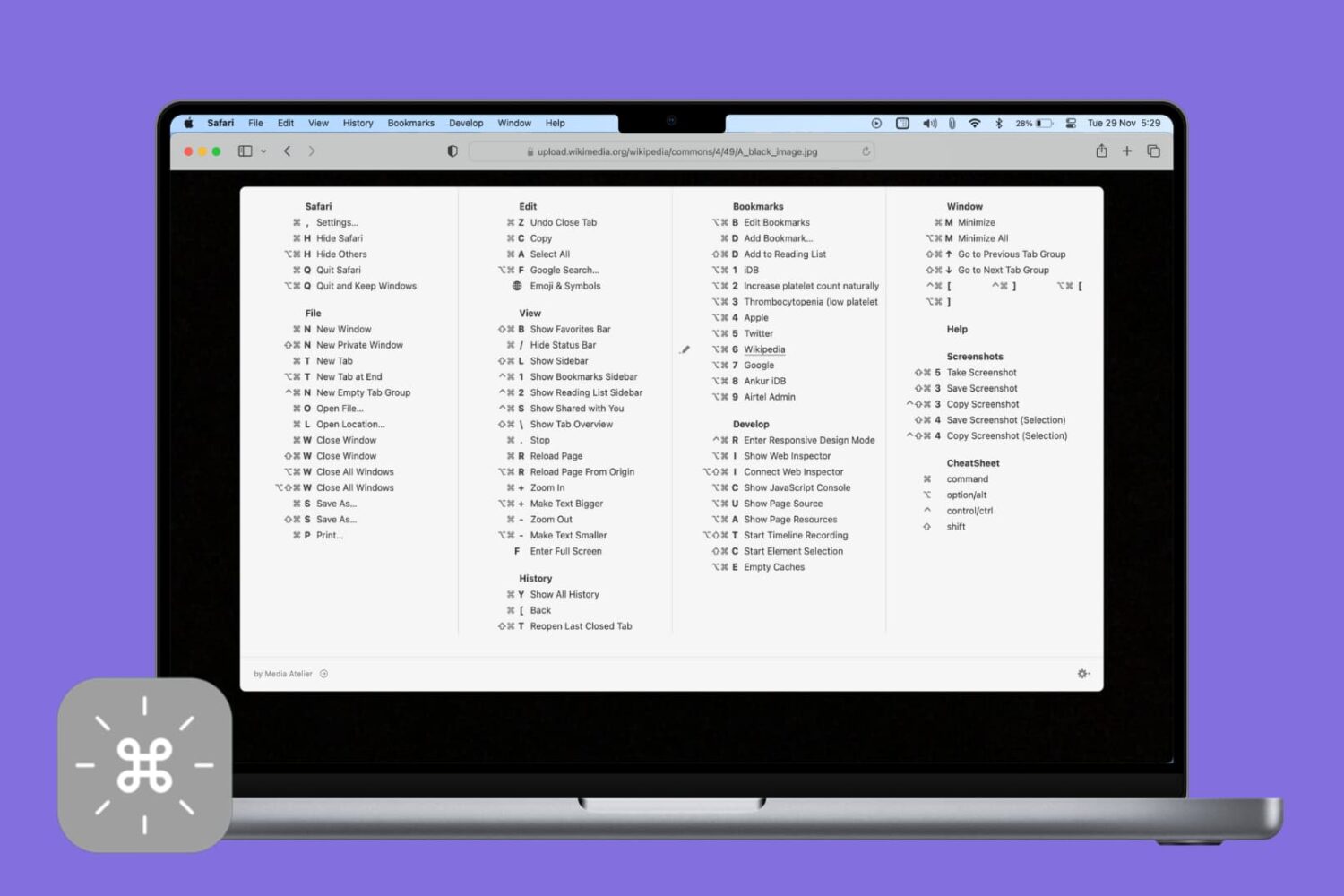
CheatSheet app on Mac showing keyboard shortcuts of an app

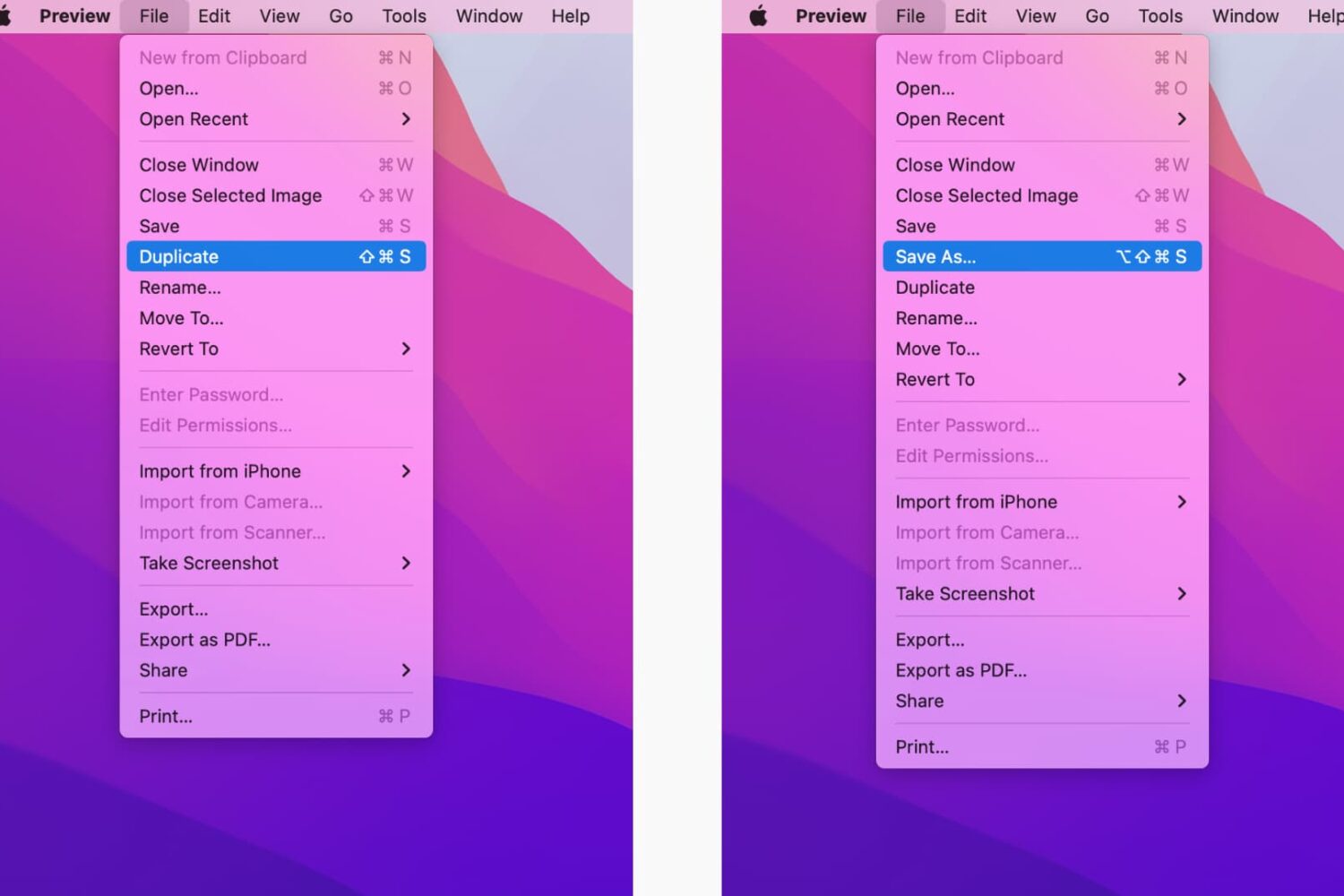
Veteran users are privy to the power of the Mac modifier keys. Those special keys on your Mac's keyboard, like Command (⌘), Option (⌥), Control (⌃), and others, are most commonly used in conjunction with regular keys as feature shortcuts.

Frequently-used macOS commands have their dedicated keyboard shortcuts, many of which are the same across apps like copy/paste and undo/redo. Others are app-specific.

Memorizing regularly used keystrokes boosts your productivity and multitasking prowess, but Apple doesn't provide an easy way to view all the keyboard shortcuts in any given app.

You can, of course, view and customize some of the system and app shortcuts in System Preferences > Keyboard > Shortcuts, but wouldn't it be nice if there were a better way?

Thankfully, there actually is.

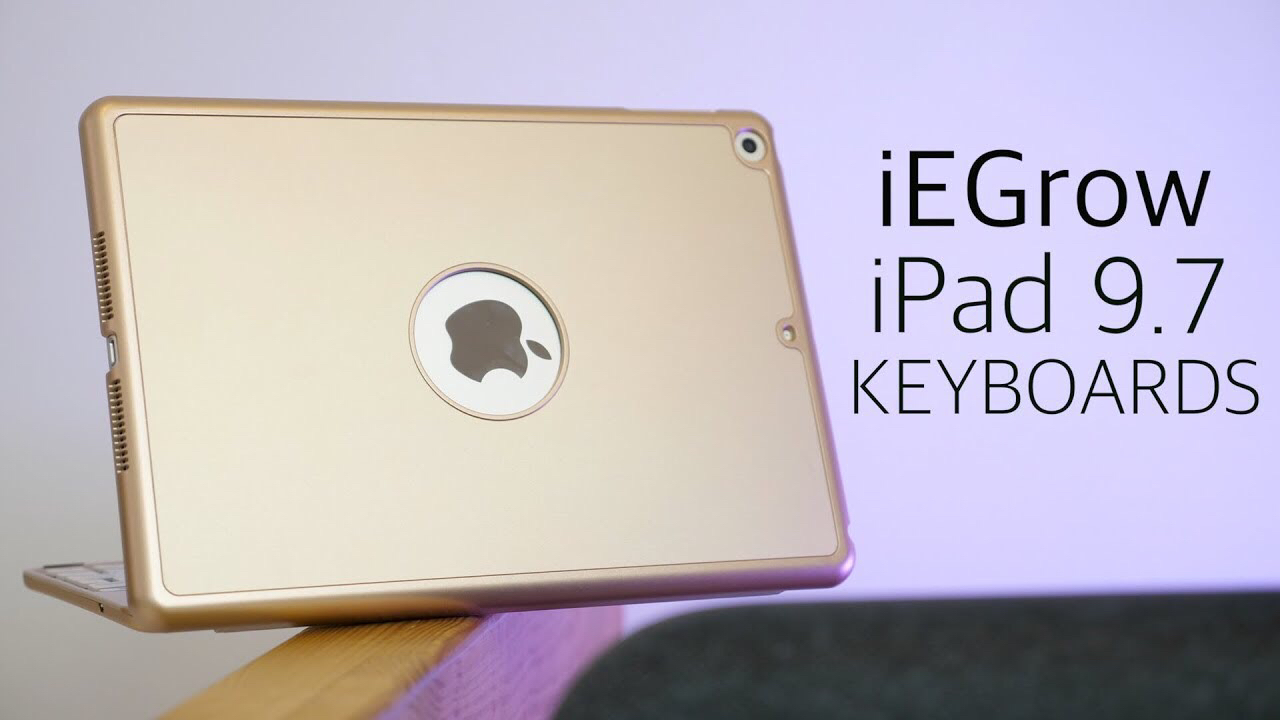
iEGrow’s iPad keyboard cases offer a lot for a fair price

iEGrow iPad keyboards

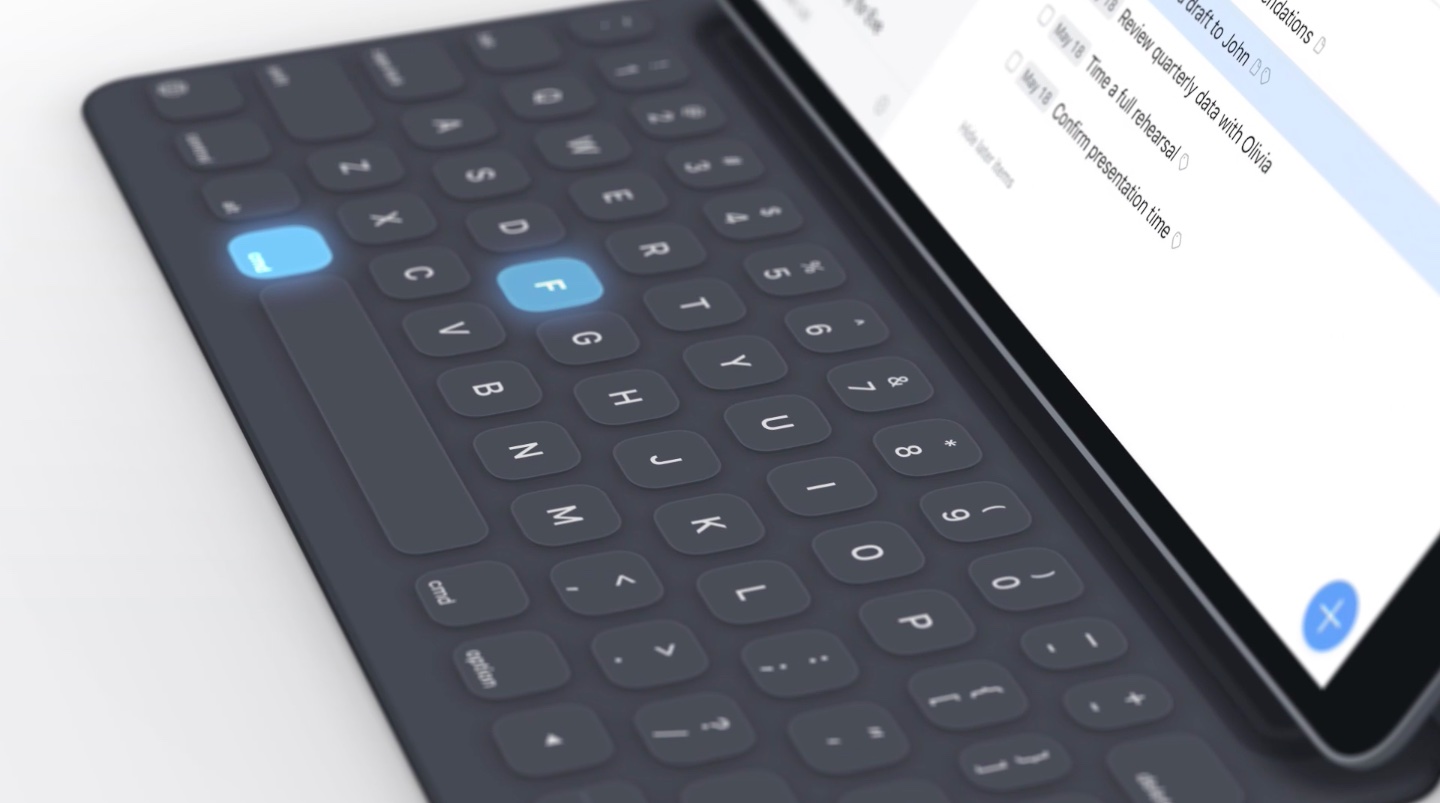
Apple’s newest iPad —the 6th-generation 9.7”— follows in the footsteps of last year’s $329 iPad offering. It is an almost full-featured device, lacking in one area: it has no smart connector. Consequently, Bluetooth is the only wireless option for connecting your new iPad to a keyboard. No fear, however, as iEGrow has two Bluetooth keyboard cases that offer a lot for a very reasonable price. We go hands-on in this mini review of the iEGrow F8S iPad keyboard case and the F180 iPad keyboard with rotatable cover.

KeyUtilities brings configurable keyboard commands to iOS

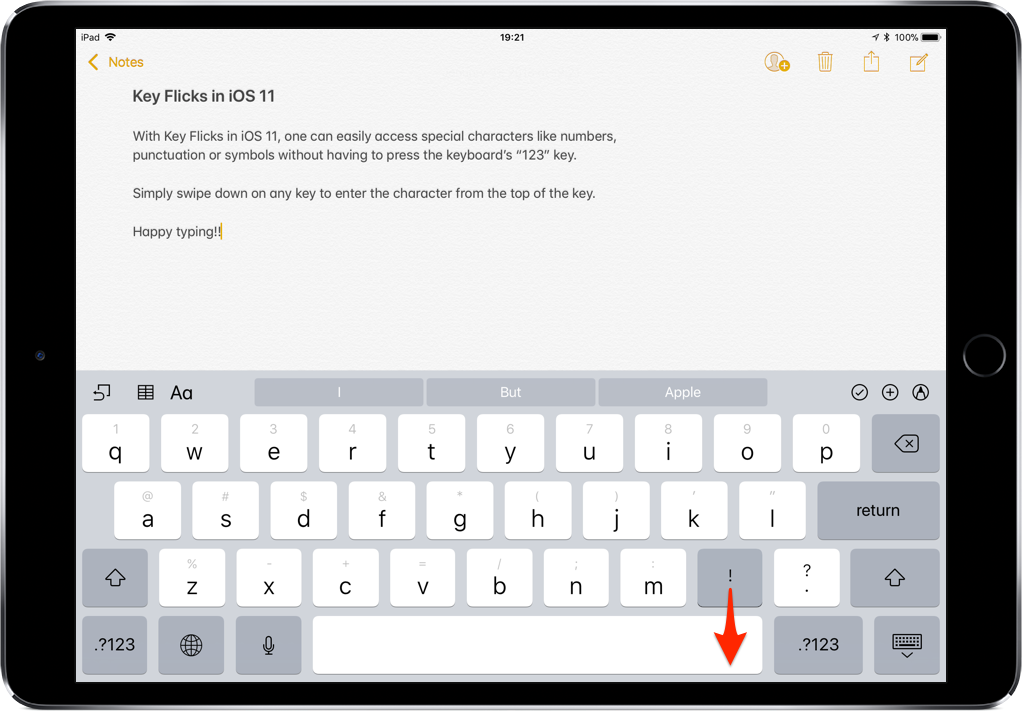
Most iPhone and iPad users merely use their keyboard for typing inside of their apps, but with a new jailbreak tweak called KeyUtilities by iOS developer AlexK, you can use your keyboard to do so much more.

Right out of the box, KeyUtilities feels reminiscent of desktop-class keyboard shortcuts. On the other hand, it provides a bevy of iOS-centric features that you might find useful whether you’re a novice or a power-user.