iOS provides a flickable keyboard that makes it easier to type faster on your iPad.
How to type faster on iPad with Key Flicks
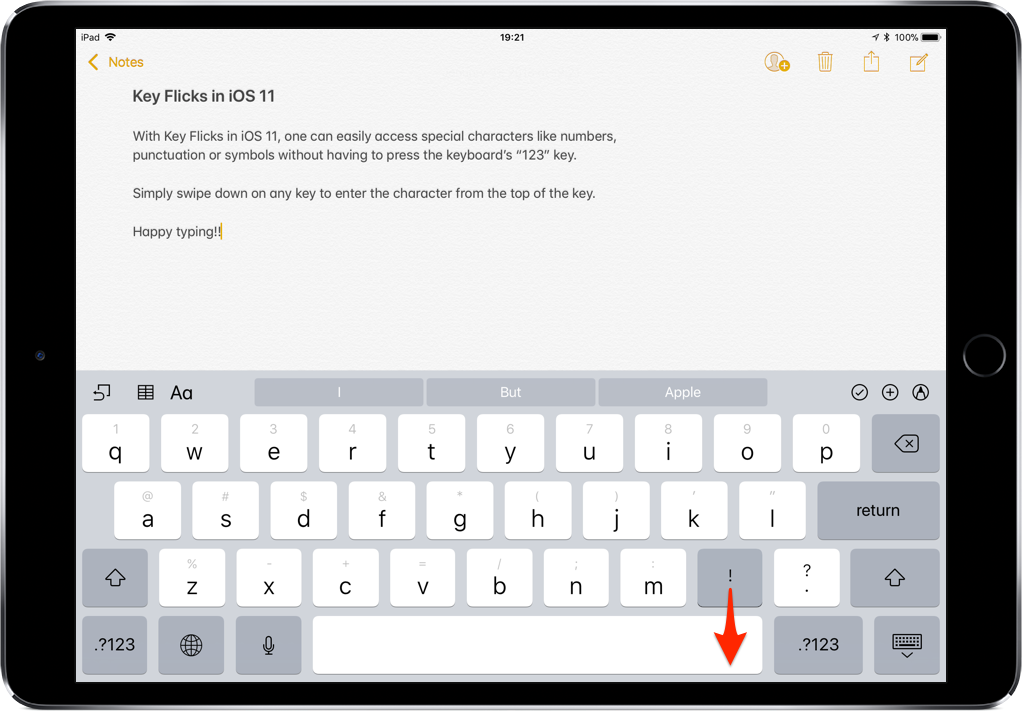
iOS provides a flickable keyboard that makes it easier to type faster on your iPad.
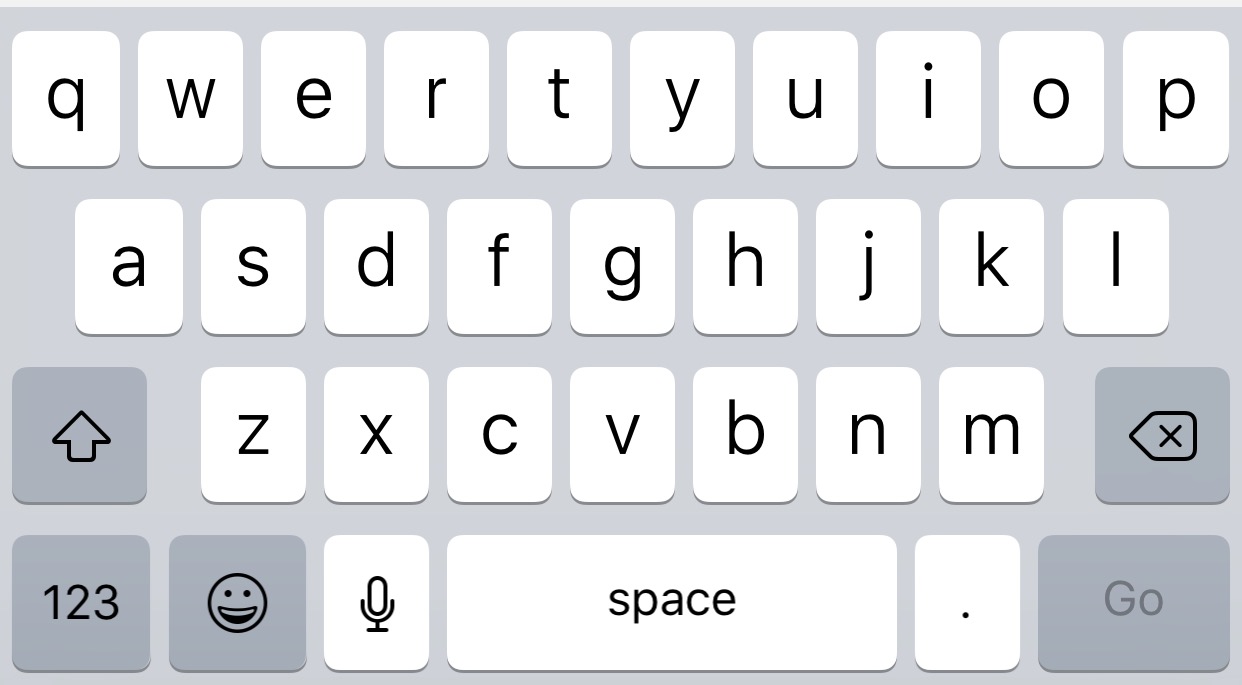
Most iPhone and iPad users merely use their keyboard for typing inside of their apps, but with a new jailbreak tweak called KeyUtilities by iOS developer AlexK, you can use your keyboard to do so much more.
Right out of the box, KeyUtilities feels reminiscent of desktop-class keyboard shortcuts. On the other hand, it provides a bevy of iOS-centric features that you might find useful whether you’re a novice or a power-user.
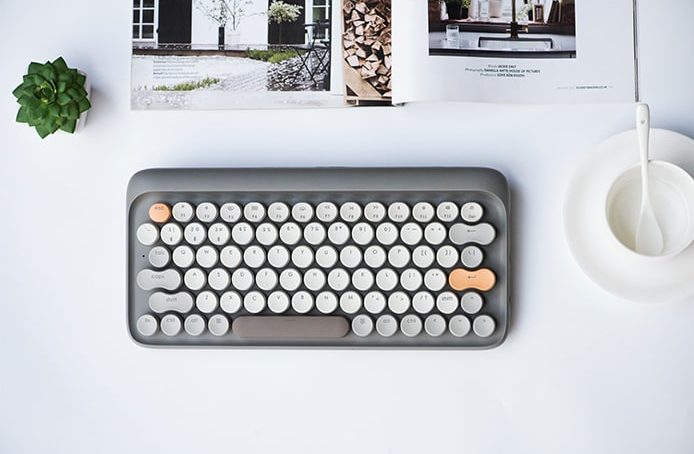
There are few mechanical keyboard options for Mac users, and the Lofree Dot is one of the most unique ones available. Lofree is now back with the second iteration, dubbed the Four Seasons version, after listening to all the feedback from users.
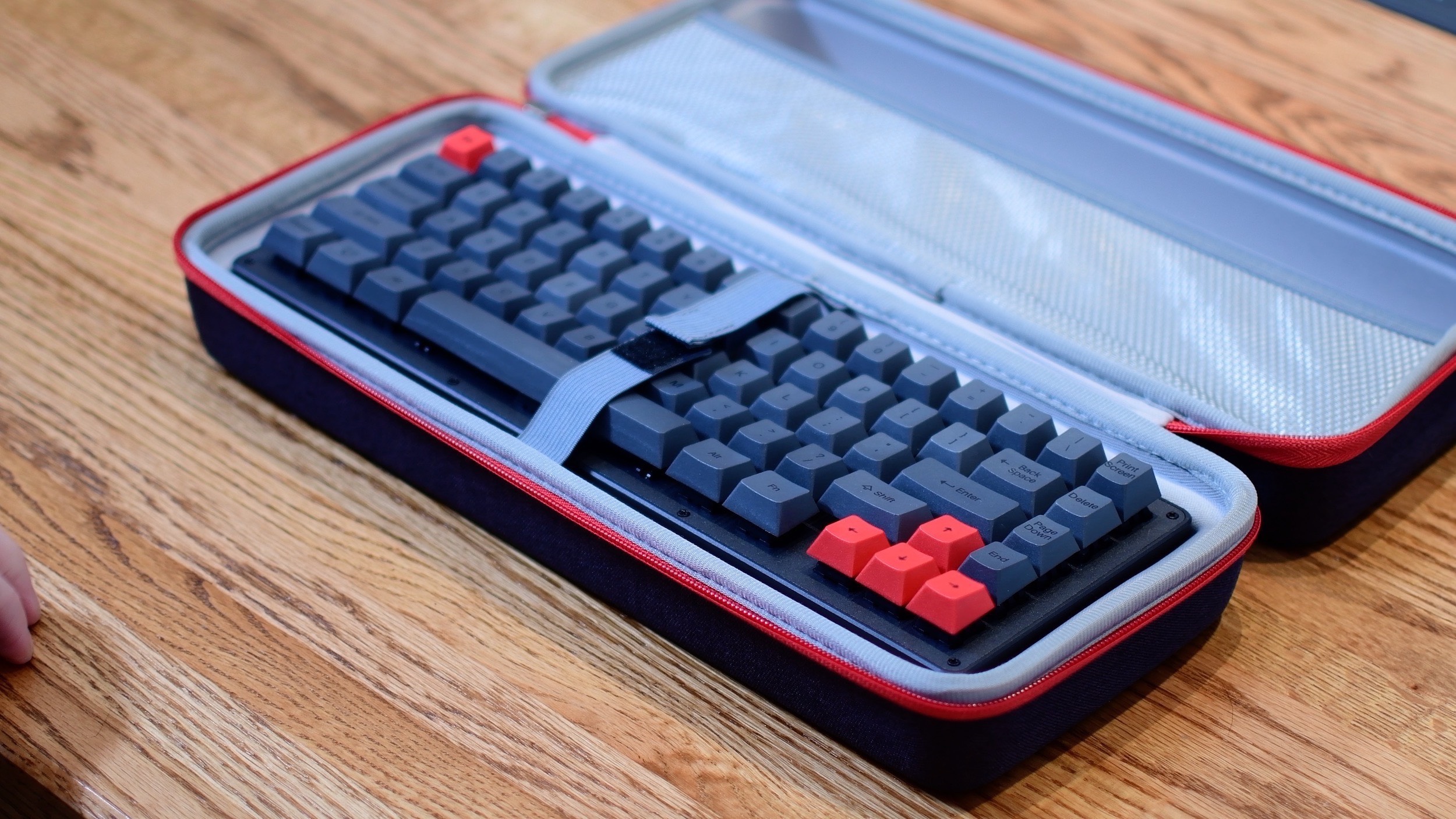
Mechanical keyboards are a bit of a divisive fad.
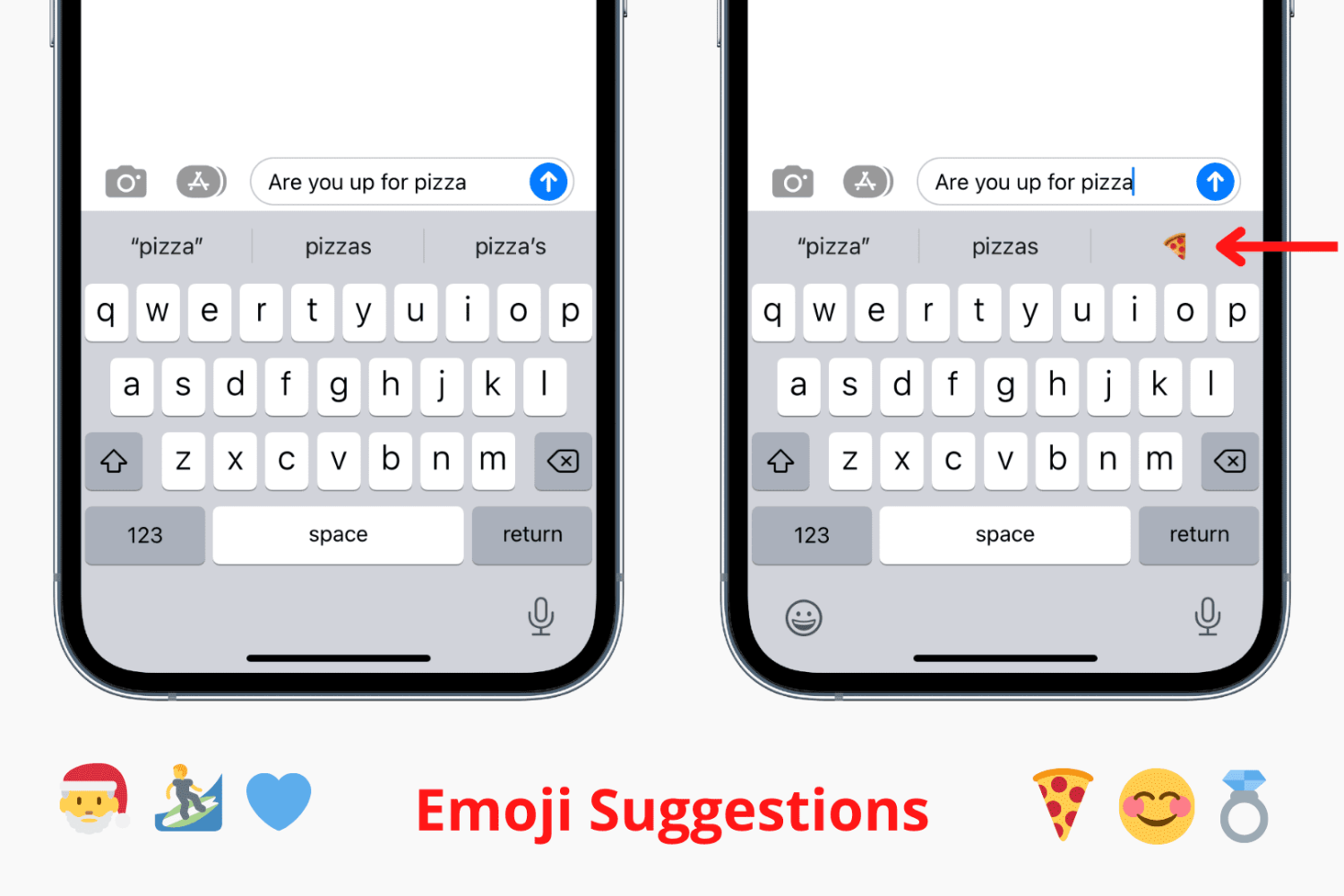
Try these troubleshooting tips to fix predictive emoji suggestions not appearing at the top of your iPhone or iPad keyboard when typing corresponding words.
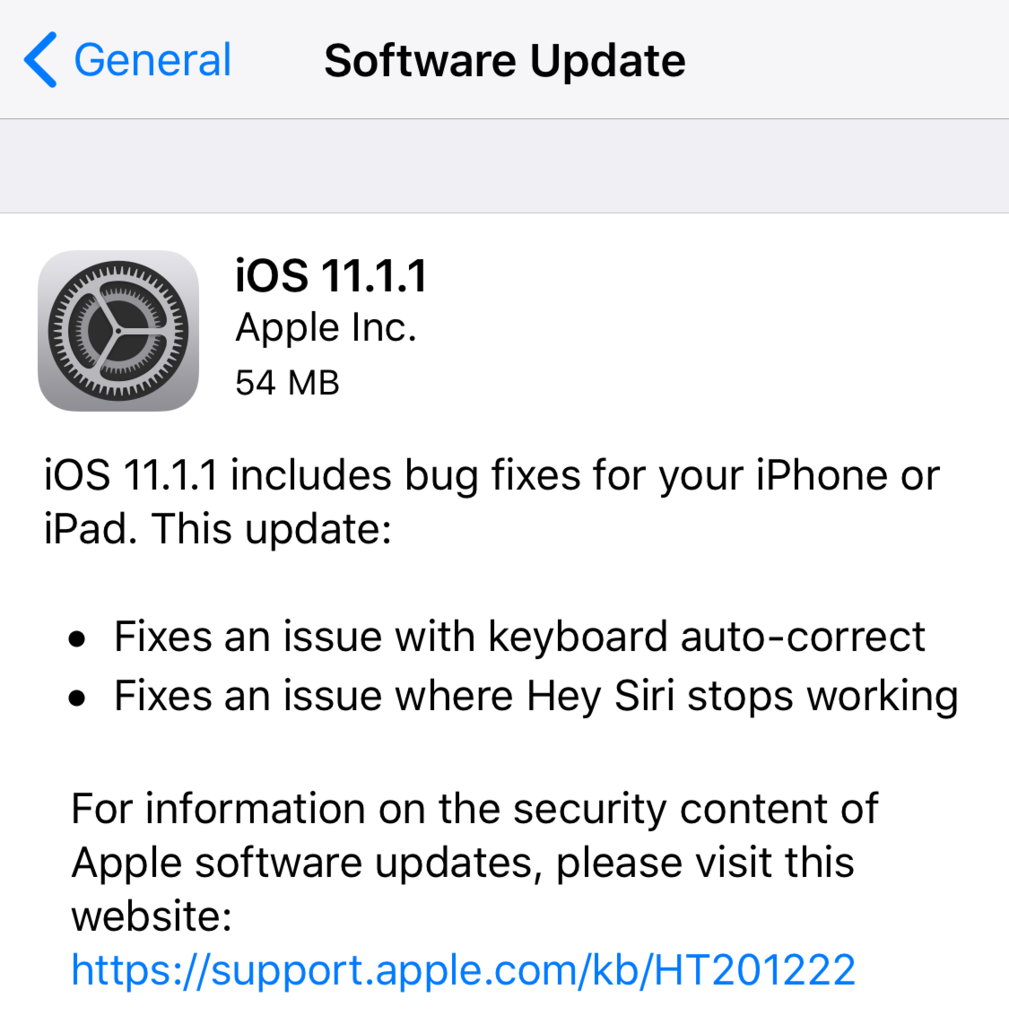
Apple on Thursday released iOS 11.1.1 update for iPhones and iPads. Today's update comes a little over a week after iOS 11.1 was pushed out to the public, and it fixes two significant bugs that have been impacting a large number of users: Hey Siri randomly stops working and an issue with keyboard auto-correct.
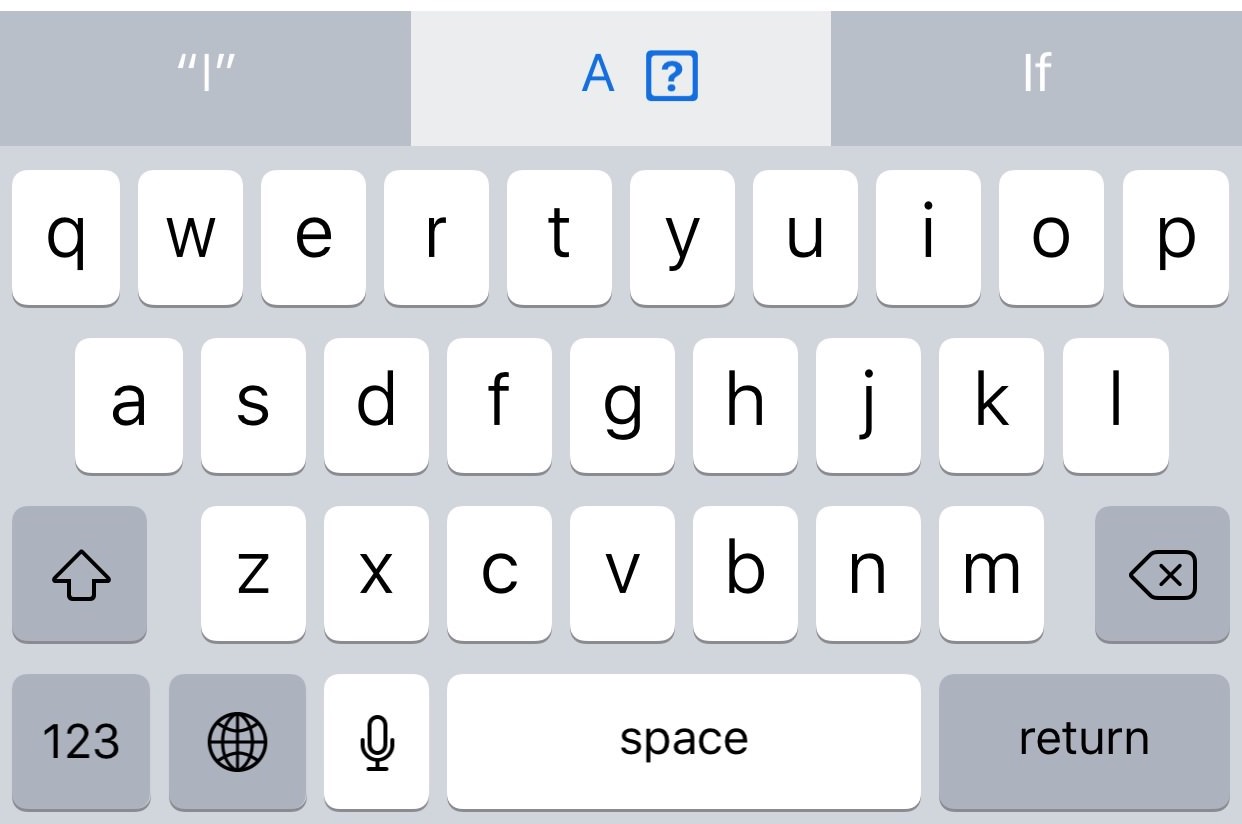
Apple's QuickType keyboard bug in iOS where typing the letter “i” can replace it with the uppercase letter “A” and a question mark symbol could be a machine learning problem, according to Daring Fireball's John Gruber.
A new Apple support document published two days ago recommends a temporary workaround solution for a weird auto-correct bug in iOS 11.1 where typing the letter "i" can replace it with the uppercase letter “A” and a question mark symbol.
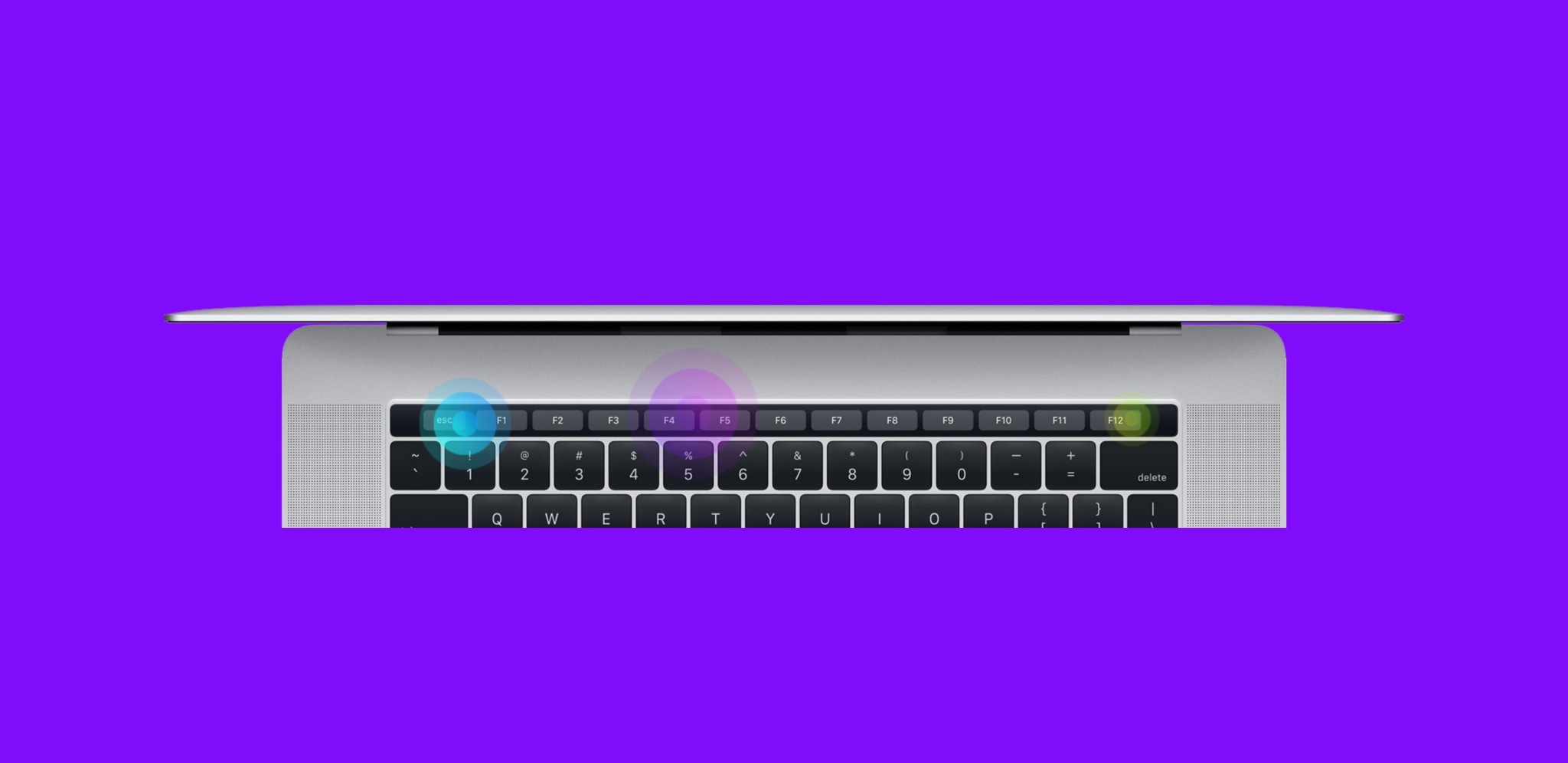
Apple’s latest line of MacBook Pros sports an OLED Touch Bar just above the physical keyboard. The point of the Touch Bar is to offer a dynamic, programmable strip that acts as both an extension of your keyboard and an auxiliary input device for select apps on your Mac.
As incredible as the Touch Bar is, one feature that Apple seemed to skim across when designing it was haptic feedback.
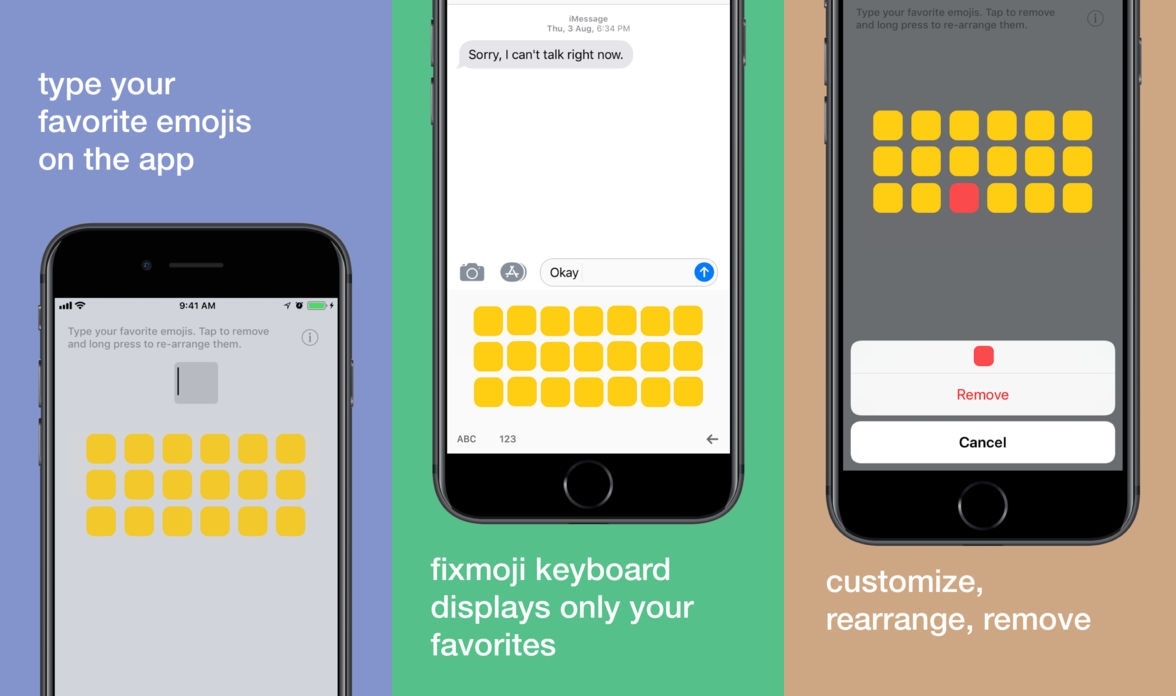
If you use iOS' Emoji keyboard regularly, then you should know by now that Apple dedicates the left side of the interface to recently-used Emojis. While useful for some, others often wish they could dedicate this section to manually-designated ‘favorite’ Emojis instead.
Enter Fixmoji, a new third-party keyboard app developed by former jailbreak tweak creator Raviraj Minawala. This keyboard lets users configure a separate database of their favorite Emojis and access them anytime on demand.
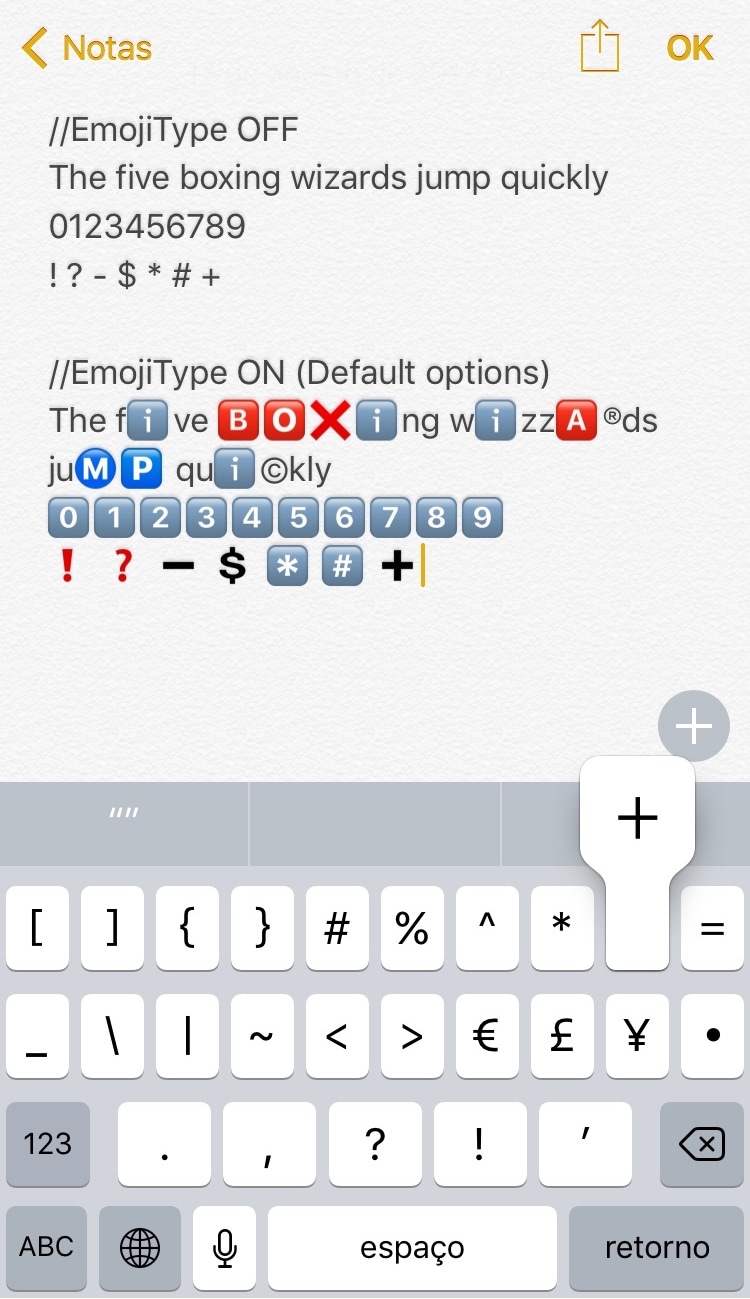
As you type with your iPhone's keyboard, standard plain text characters appear on the screen, but that's not always enough if you're a heavy Emoji user. To insert Emojis, you need to visit the Emoji keyboard and tap on them manually, while the predictive keyboard suggests relevant Emoji from time to time. Nevertheless, it won’t automatically-insert them for you.
If you wish things worked a little differently, then a new free jailbreak tweak called EmojiType by iOS developer Adriano Junior is now available that automatically replaces certain text characters with relevant Emoji characters.
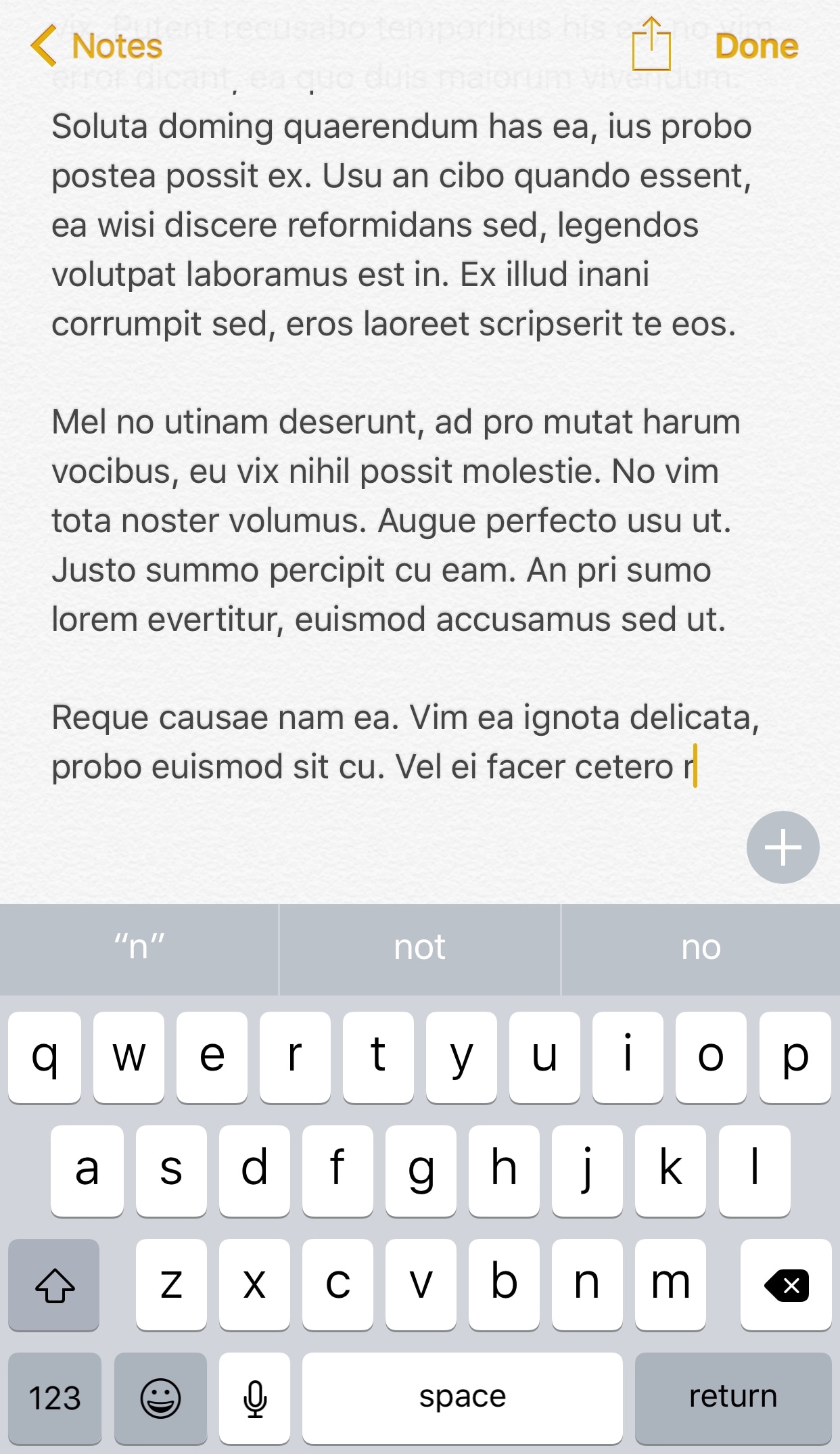
I can’t even begin to tell you about the countless times I’ve accidentally backspaced an entire body of text when I only wanted to remove a few words from a sentence. It seems like iOS’ automatic backspace acceleration that kicks in when you tap and hold on the backspace key can get a little too excited at times.
Fortunately, a new free jailbreak tweak called Backspace+ by iOS developer Justin Petkovic provides some relief from this issue and makes text-editing more feasible on iOS devices.