Jailbreak

Check out the most comprehensive jailbreaking coverage on the internet, including the latest news, apps, tweaks, and detailed tutorials about everything jailbreak.

How to set your iOS passcode to your device’s current time

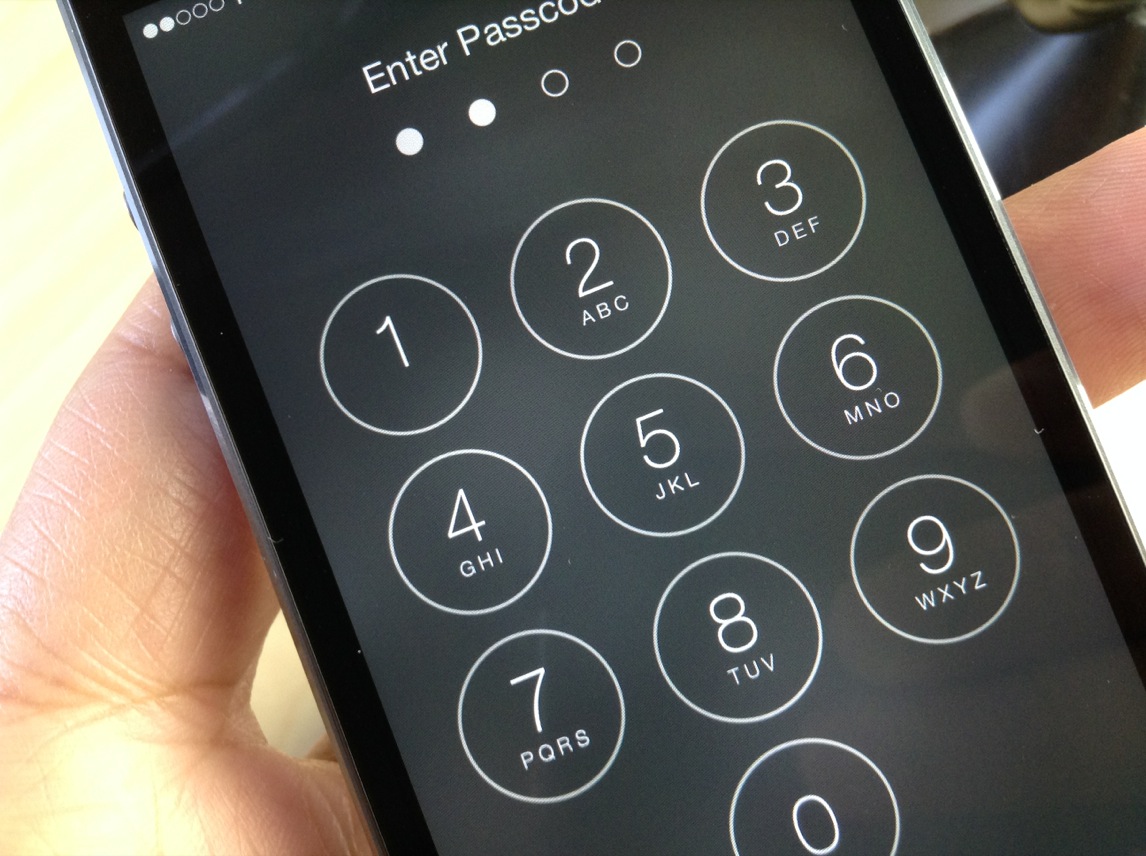
TimePasscode is a new jailbreak tweak that lets you use your device's current time as a passcode to unlock your device. Spurred on by a Reddit request, developer Steve Hetelekides has created a tweak that allows you to have a different passcode with every passing minute.

If you're looking for a way to spice things up on the Lock screen from a security standpoint, then this might be the tweak for you. Have a look inside as we demonstrate how TimePasscode works on video.

How to control the Music app using gestures

Gesture Music Controls is a recently released jailbreak tweak from developer Pat Sluth. Its purpose is to allow you to control the stock Music app, and other music playing apps using gestures. These gestures can be used within the stock Music app, Lock screen, and from within the Control Center overlay.

Users can play and pause music, skip to the next song, go back to the previous song, and even share the now-playing track via social media. Have a look inside as we step through each of the features offered with Gesture Music Controls.

Mesalation: set a passcode grace period with Touch ID enabled

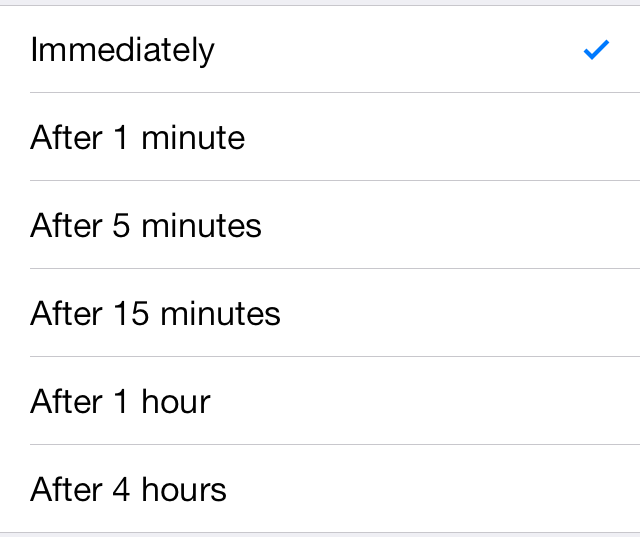
Mesalation is brand new jailbreak tweak from developer r_plus that allows you to get back the passcode grace period list when using Touch ID. Enabling Touch ID on the iPhone 5s forces iOS to require a passcode immediately and there are no options otherwise.

If you're someone who likes to use Touch ID, but don't necessarily like the idea of having to verify every time your device is locked, Mesalation is the jailbreak tweak for you. Have a look at our walkthrough inside for more details on how the tweak works.

Assign various actions to app icons with App Activate

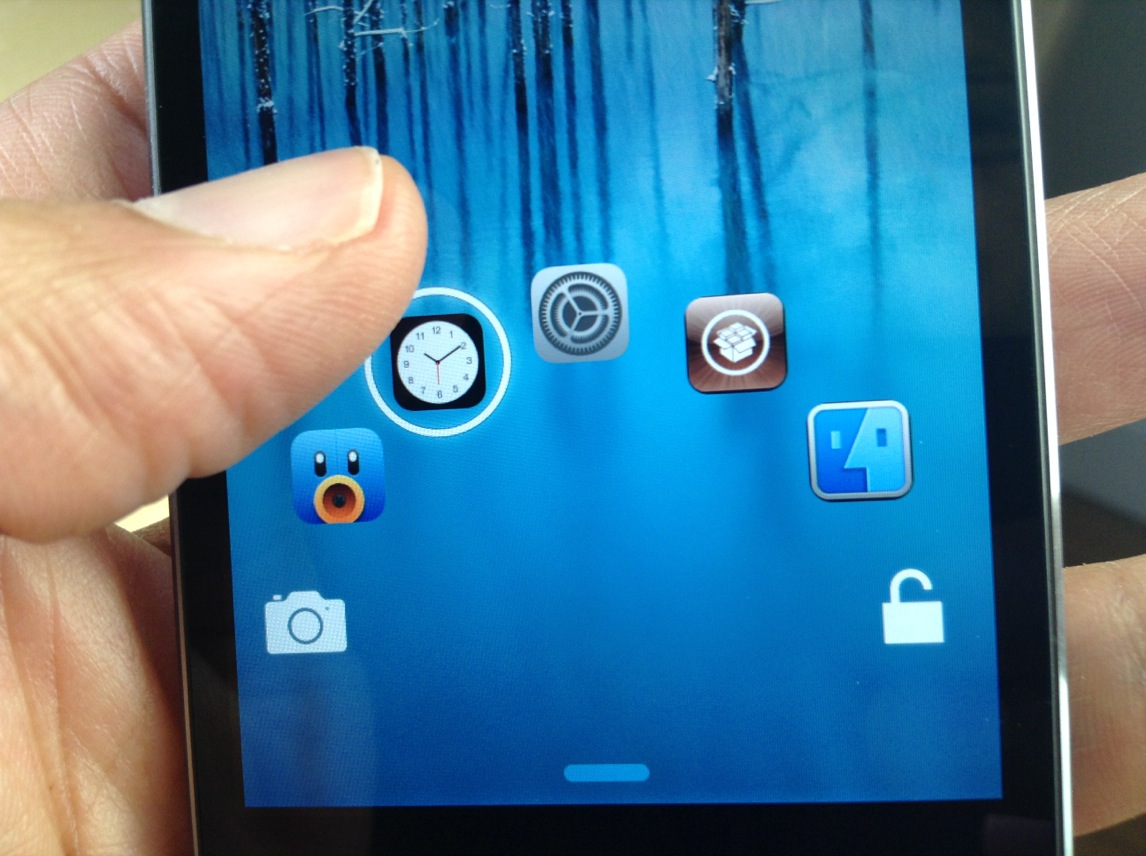
Activator is one of the most popular jailbreak tweaks available on Cydia, in addition to being part of the core functionality of several other iOS extensions. App Activate Pro is the perfect example, a new tweak that lets you assign an action to double tapping, triple tapping or long-hold tapping an icon on the Home screen. The actions are assigned using Activator and can be applied to all stock or third-party apps. Take a look… 

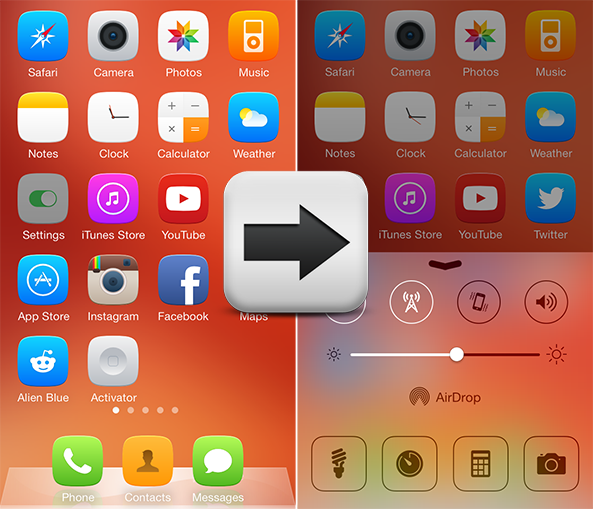
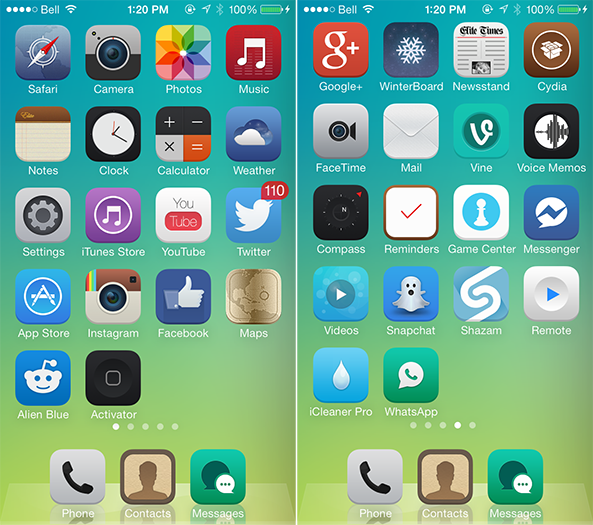
Elite7 is an iPhone theme that goes far beyond custom icons

A few weeks ago, I spoke with a respected graphic artist about the new challenges that iOS 7 presents for theme makers. In concluding that article, I stated that while the all-new user interface would certainly prove more difficult to customize, it would still be possible with some new techniques. Right on queue, it appears that at least one person has volunteered for the task.

Philadelphia-based Rob Grohman (BarsOverBeats) has been working on an upcoming theme called Elite7 for iPhone, iPad and iPod touch, and it is one beautiful package. I'm not just talking about a custom icon set, but rather one of the first themes designed to customize virtually the entire iOS user interface down to the tiniest details. We've got a sneak peek ahead… 

‘Controllers for All’ updated with improved game detection and fixes for disconnect issues

Good news for those of you who wish to use PS3 or PS4 controllers with games that include iOS 7 controller support: the Controllers for All tweak has been updated with lots of improvements and fixes.

As we told you via our two walkthroughs, Controllers for All is a jailbreak tweak that lets you use Sony's popular controllers with any game that features iOS 7 support. It's a great tweak, because most iOS 7 controllers are both too expensive and poorly designed. Most of the iOS 7 controllers that we've seen have received mediocre to bad reviews, so it's a breath of fresh air when using Sony's much-heralded hardware.

Just released today, Controllers for All version 1.1.2 features quite a few new fixes and improvements. Have a look inside for the full change-log.

Newly discovered iBoot exploit makes A5(X) devices jailbreakable for life

"So looks like all my A5(X) devices are fully untethered and jailbroken for life now. :)" iH8sn0w, the developer behind Sn0wBreeze and other jailbreak apps, tweeted this afternoon. The comment has caused quite a bit of excitement, as we haven't seen anything like this in jailbreaking since LimeRa1n.

iH8sn0w says he doesn't have a bootrom exploit though, but rather a "powerful iBoot exploit." And although it doesn't look like he's going to do anything with it right now in terms of a public release, it sounds like he'll be able to use the exploit in future jailbreaks, and to find similar bugs in A6/A7 chips...

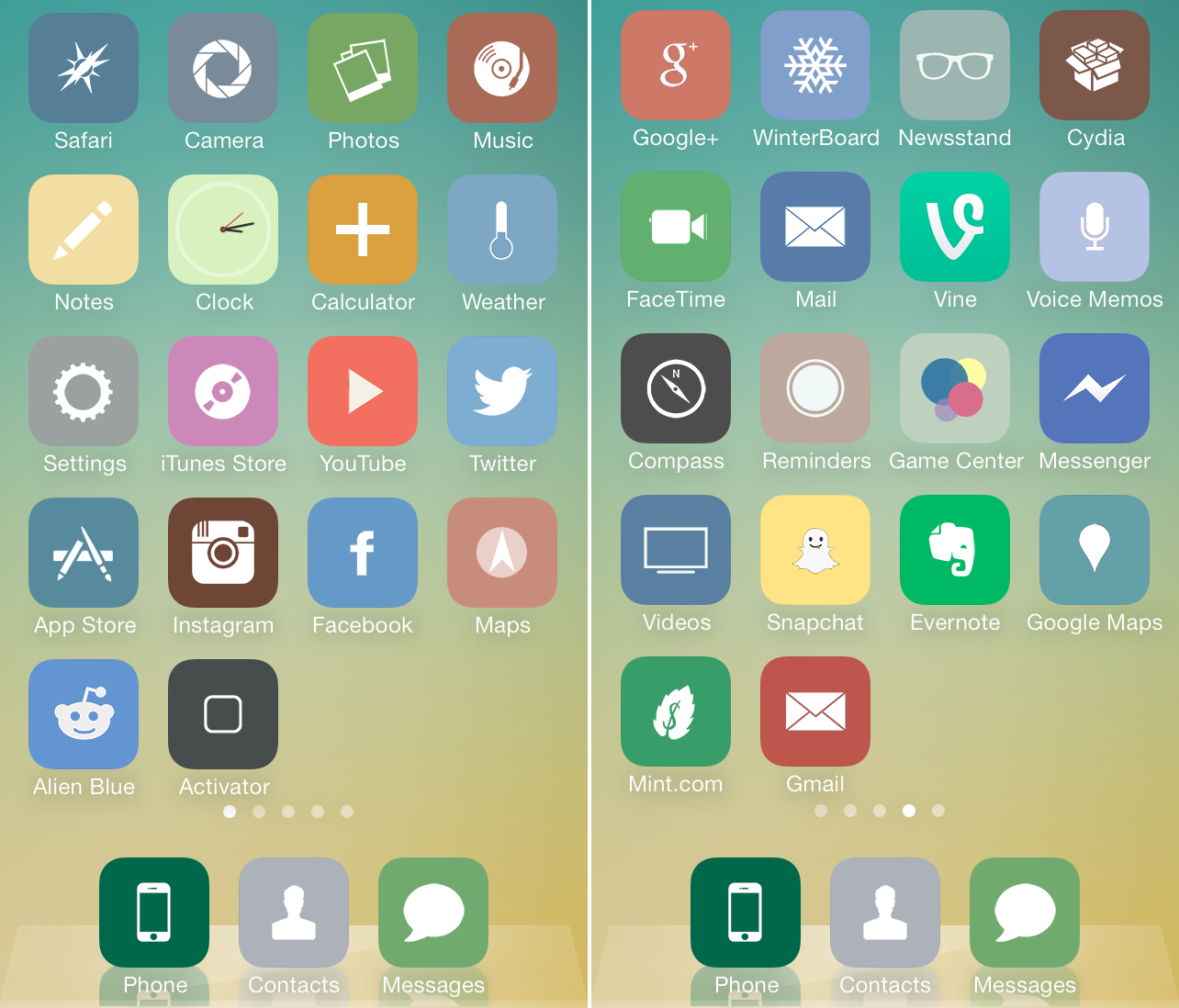
StayClassy is a flat and gentle theme for iPhone

iOS themes appear to be at the front and center of the jailbreaking community as of late, many of which we have featured in our ten best Winterboard themes roundup and new Theme Thursday series. The avalanche of releases continues with the arrival of StayClassy for the iPhone, a custom icon set that is both flat and gentle in design… 

How to add the date and free RAM info to your Status Bar

How many times have you asked yourself "how can I add today's date as well as free RAM info in my Status Bar?" If you're anything like me, it would be about zero time. But let's me honest, we aren't all looking for the exact same things, and chances are you may be looking for such a tweak.

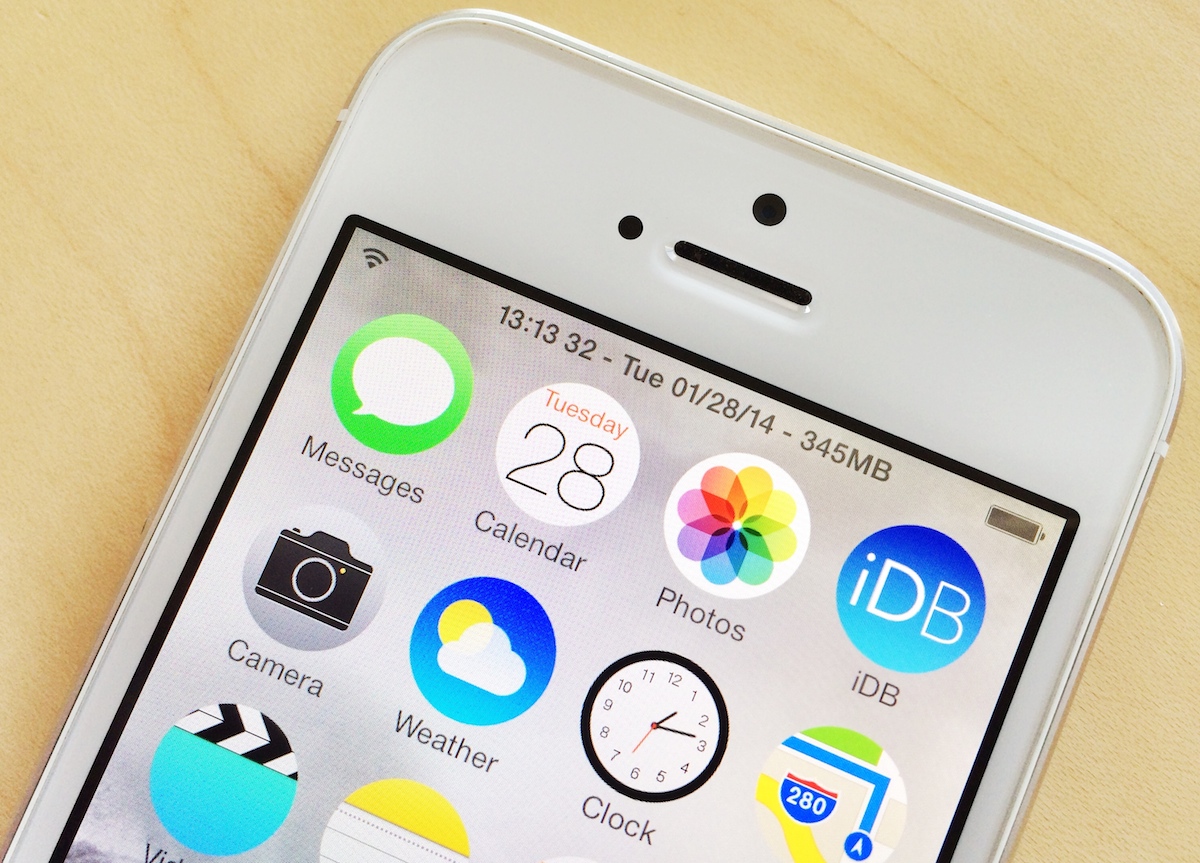
If that is the case, then let me introduce you to StatusModifier, a jailbreak tweak by Firemoon777 that was released earlier last month on Cydia. The tweak, as the name suggests, lets you modify parts of your Status Bar by hiding items, but also by letting you add the date and free RAM info...

How to add the Now Playing icon back to the status bar in iOS 7

When Apple dropped iOS 7, some of you may have noticed that the now-playing indicator that resided in the status bar was no longer a thing. It appears to have been removed per Apple's sweeping design changes for iOS 7.

NowPlayingStatusBar is a jailbreak tweak that adds the now-playing indicator back to iOS' status bar. Along with the triangular now-playing indicator comes additional option—each of which can be configured by means of the tweak's settings. Have a look at our video inside for a deeper look.

PassTime lets you customize the passcode requirement duration (and it’s really awesome)

If you've been listening to either Let's Talk Jailbreak or Let's Talk iOS, you've probably heard Cody and I rant about the fact that you can't use Touch ID for iTunes purchases without either using Touch ID or a passcode to unlock your device.

Since I first got my iPhone 5s, this has been a big annoyance. I do like the simplicity and security that Touch ID brings to my purchases on iTunes or in the App Store, but I do not want to use Touch ID or even a passcode to unlock my device. As it turns out, Apple won't let you do one without the other.

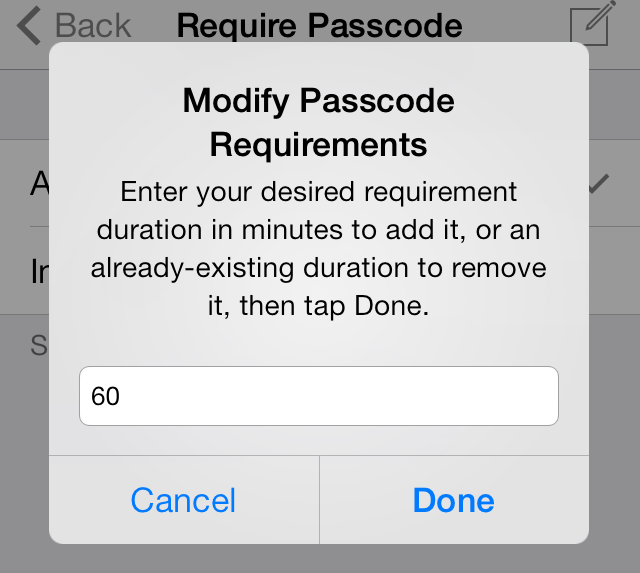
Enters PassTime, a new jailbreak tweak by Julian Weiss that lets you set custom passcode or Touch ID unlock requirement durations, effectively solving my biggest Touch ID pet peeve...

Review: JellyLock7

The original JellyLock was an extremely popular jailbreak tweak, because it brought the Android Jelly Bean styled Lock screen to iOS. Now, a new version of JellyLock has just been released, and it sports compatibility with iOS 7.

The appropriately name JellyLock7 is available right now for download. Like its predecessor, it adds some of the conveniences brought to the fore by the popular Android OS. Have a look at our full video walkthrough inside to see the iOS 7 version of JellyLock in action.