Jailbreak

Check out the most comprehensive jailbreaking coverage on the internet, including the latest news, apps, tweaks, and detailed tutorials about everything jailbreak.

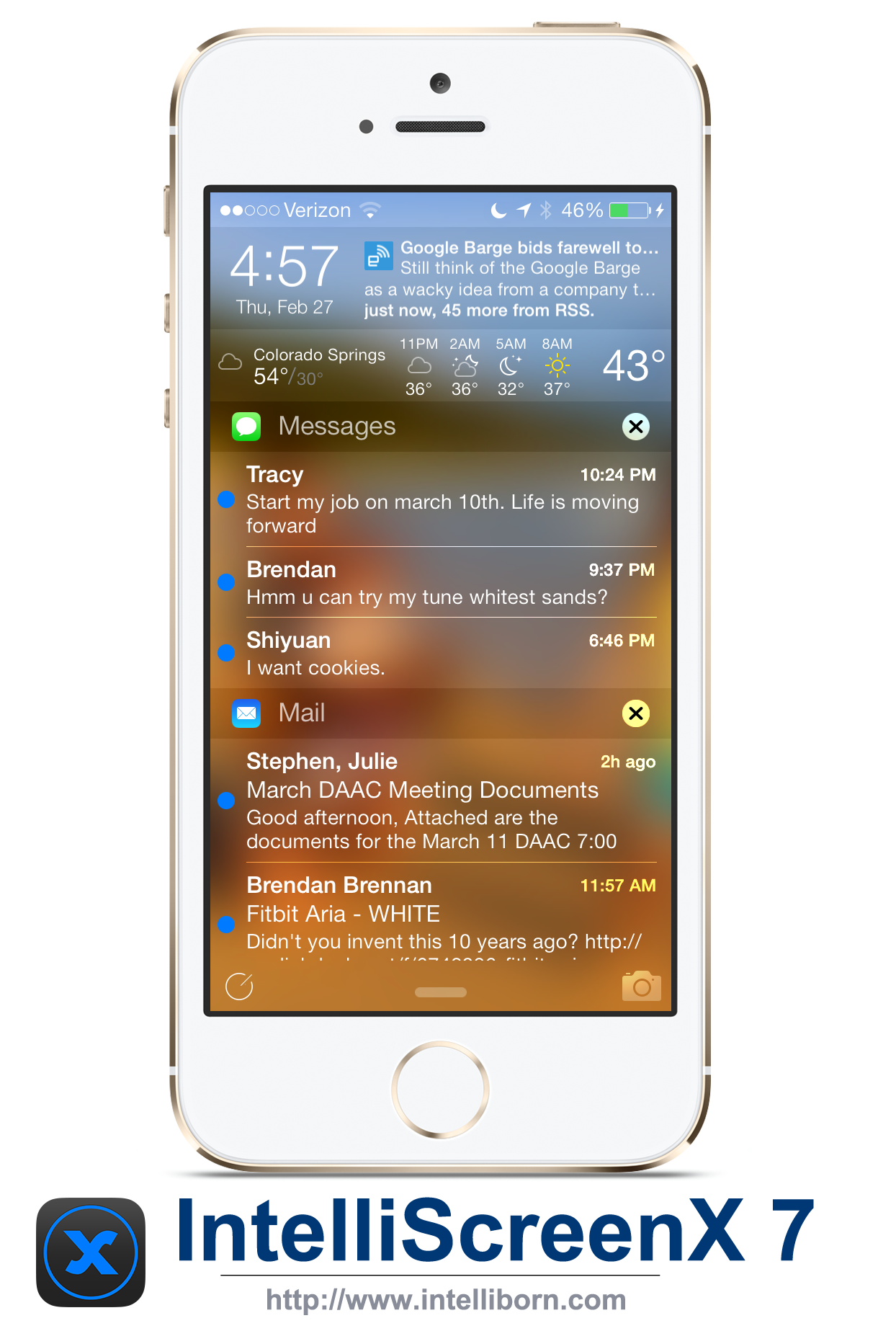
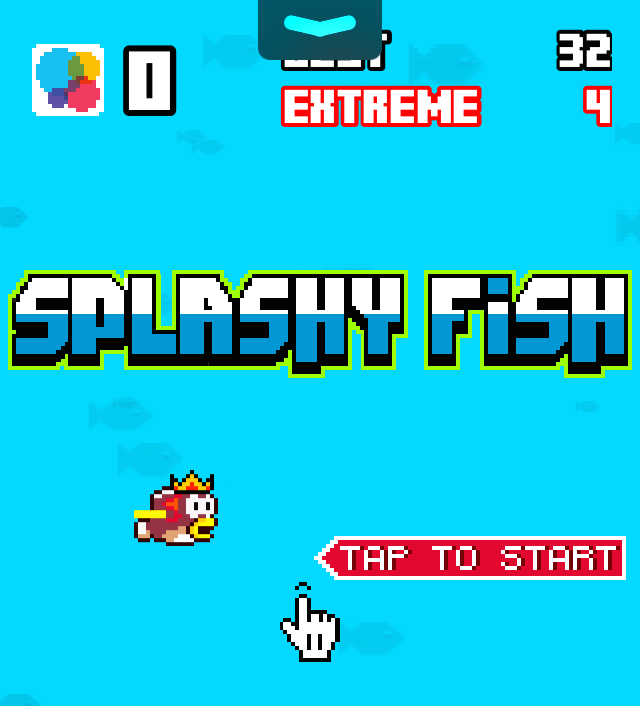
Intelliborn posts screenshots and video of IntelliScreenX 7

Last week we told you that Intelliborn announced it would be launching the beta of its highly-anticipated jailbreak tweak IntelliScreenX 7 this week. Well, the tweak isn't quite ready yet, but Intelliborn has released something that should make the wait a little less painful.

The developers have posted a couple of screenshots of of IntelliScreenX update this afternoon, as well as a video showing the tweak in action. And judging by what we've seen so far here, they weren't kidding when they told us last week that "the wait would be worth it."
Polus: a customized QuickLaunch experience for Control Center

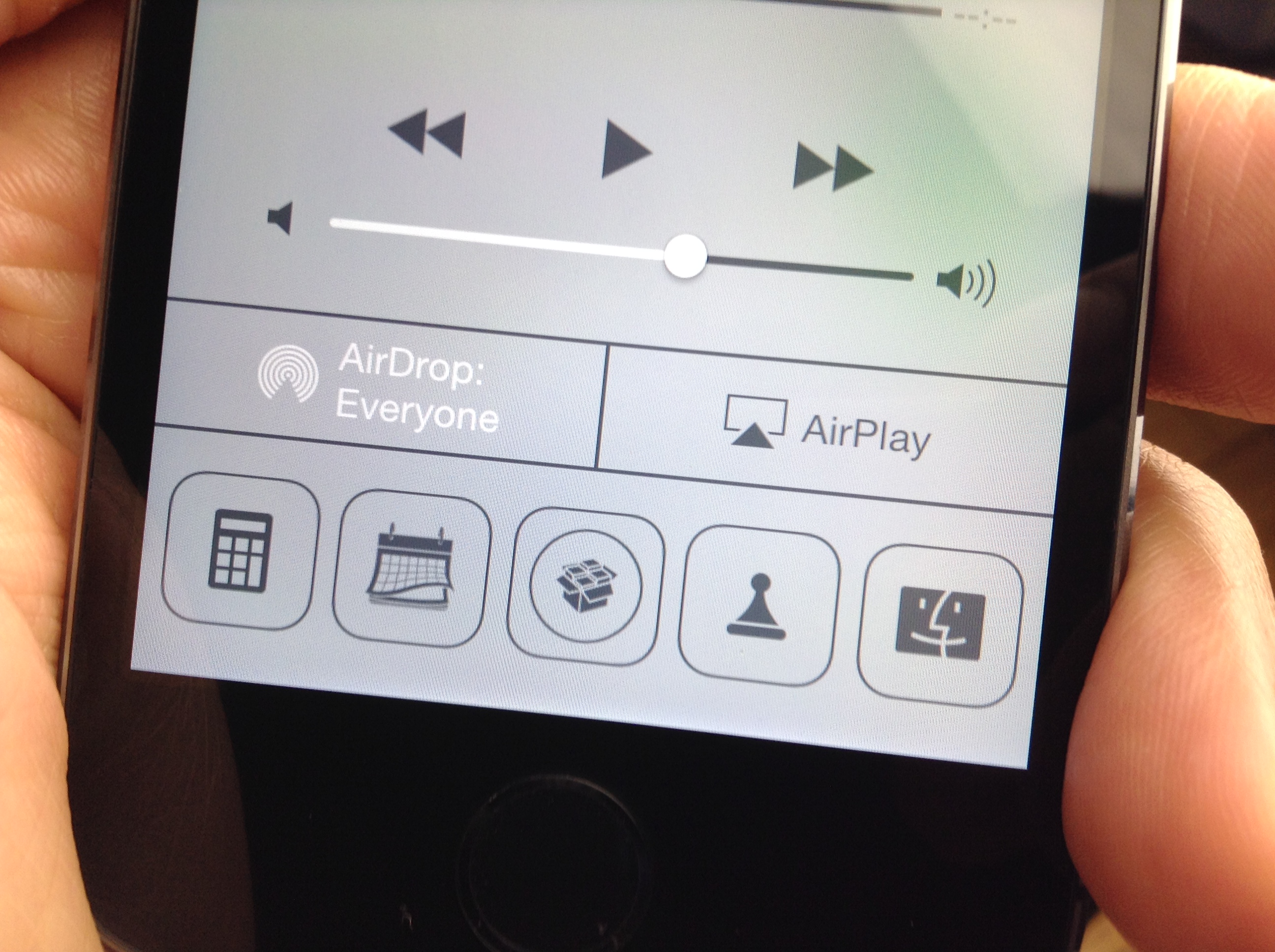
A3tweaks—the development team behind great jailbreak releases such as Auxo—is back with a brand new upcoming tweak, and we want to show it to you. The tweak, which is called Polus, is an extension that adds significant improvements to the QuickLaunch section of Control Center.

With Polus, you can customize Control Center's apps shortcuts, and assign them with Activator gestures...but that's not all. We've taken the upcoming tweak for a detailed spin on video. Check past the break for more information.

NoGrabber: how to hide Notification Center and Control Center grabbers

Grabbers, like the one in the photo above, appear while trying to invoke Notification Center or Control Center in a full screen app. The grabbers essentially force you to perform two invoking gestures in order to launch Control Center or Notification Center. The grabber feature is there to prevent accidentally launching the aforementioned overlays while using a full screen application or game.

Some people, apparently, find the grabber feature annoying, and they want to launch Notification Center or Control Center like they normally do, even while using a full screen app. If you're one of those people, then NoGrabber is something you should consider using. It forces the overlays to behave like normal, eliminating the grabber while in full screen applications. Take a gander at our video walkthrough to see how it works in action.

How to quickly swipe between message threads in iOS 7

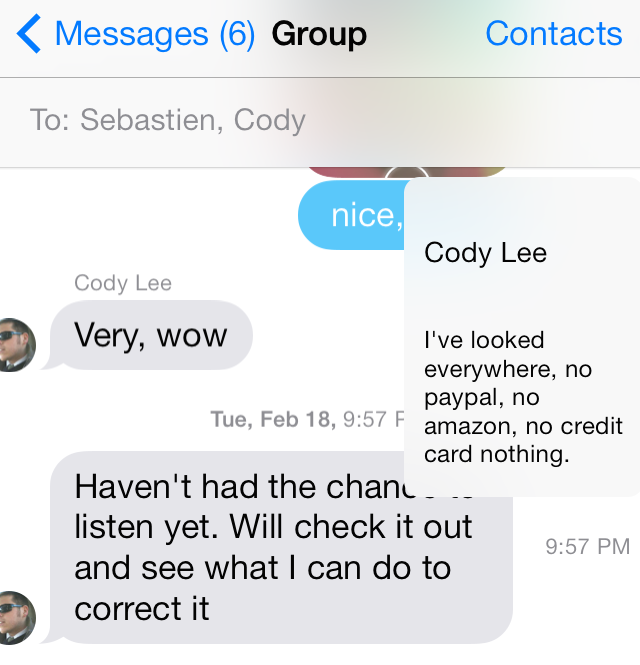
MessageSwiper7 is a recent Cydia release that brings the ability to swipe between Messages app conversations in iOS 7. We posted about the original MessageSwiper almost a year ago, and as you'll see, that version differs quite a bit from the latest version.

Since iOS 7's Messages app already features built-in actions for swipe gestures on both the right and left side of the app, more thought had to be put into the tweak to get things right in iOS 7. We've taken MessageSwiper7 for a brief spin on video to show you how it works. Have a look at our full walkthrough inside.

vColor: change the color of your volume HUD

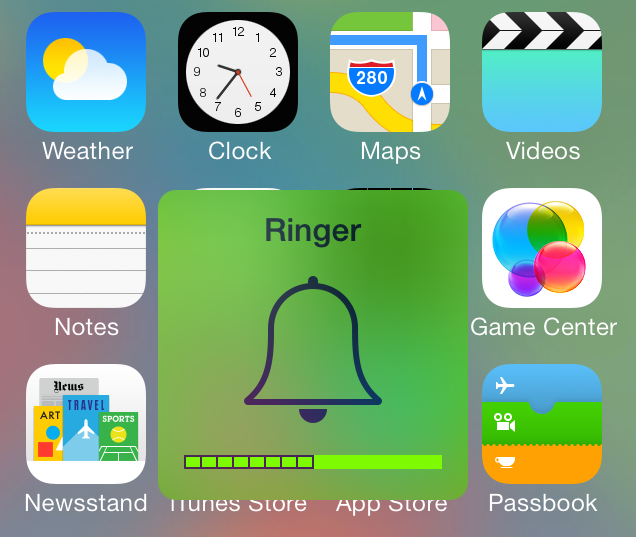
The volume HUD has always held a weird place in the hearts of jailbreakers. It's been used to launch apps, it's been customized, it's been given music features. Now, it's being colored, again.

vColor is the latest volume HUD-based jailbreak tweak that allows you to change up its look. It lets you alter the background, depletion bar, volume number, and volume meter colors. vColor is from developer Javier Brito, and it's available for free right now on Cydia's BigBoss repo. Check inside as we step through vColor's functions on video.

ActiveAlarm: Open the Clock app directly to the alarm section

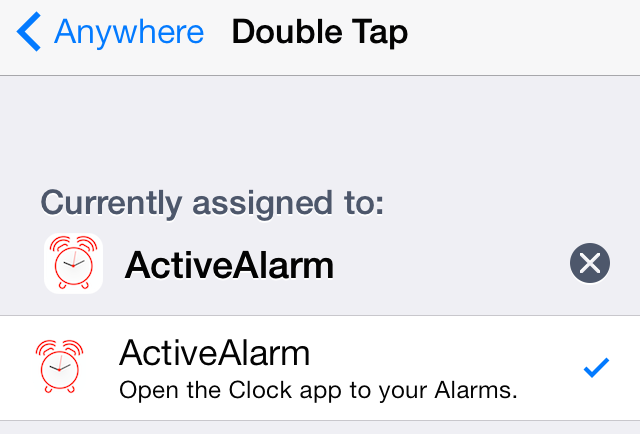
ActiveAlarm is a brand new jailbreak tweak that can be handy for those of you relying on your iPhone as an alarm clock. It's a tweak that allows you to assign an Activator gesture of your choice to the stock Clock app.

While it's true that Activator already contains an action for launching the stock Clock app, ActiveAlarm takes it one step further. ActiveAlarm will take users directly to the alarm clock section of the stock Clock app upon using the Activator gesture. Have a look at our video walkthrough inside as we show you how it works.

Classic Badges: use iOS 6 app badges on iOS 7

Do you hate the look of the app badges in iOS 7? Would you prefer to use the app badges present in iOS 6? If so, ClassicBadges is a new jailbreak tweak that allows you to do just that.

While ClassicBadges is a standalone tweak, it does rely on some help from WinterBoard to get the font and spacing of the old-school inspired badges to look just right. As we always like to do, we've put the tweak through its paces in a hands-on video walkthrough. Check inside for all of the details.

Theme Thursday: Axla, FlatIcons, Gusht and more

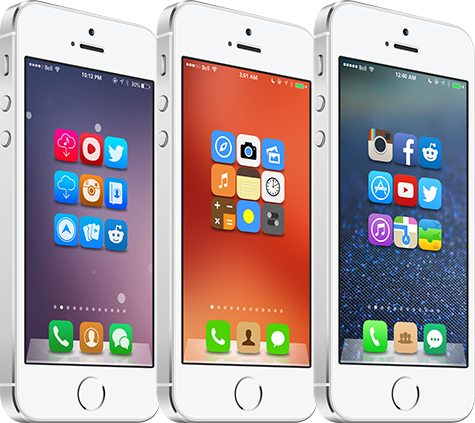
This fifth edition of Theme Thursday marks one month since we began highlighting some of the best Winterboard themes available for iPhone and iPod touch. It has been a lot of fun putting this column together each week, and I'm glad that so many readers have been enjoying it. iPad users, your roundup is on the horizon.

Best of all, it makes me proud that we're able to give some well-deserved recognition to the talented graphic designers in this community. If it wasn't for those people, we wouldn't have these great themes to use on our devices. So, without further ado, this week's featured themes are: Axla, iOS 8 Concept, FlatIcons, Gusht and iOS 8 Infinity Theme. Dive right in…

Spin: add a twist to your Lock screen’s music interface

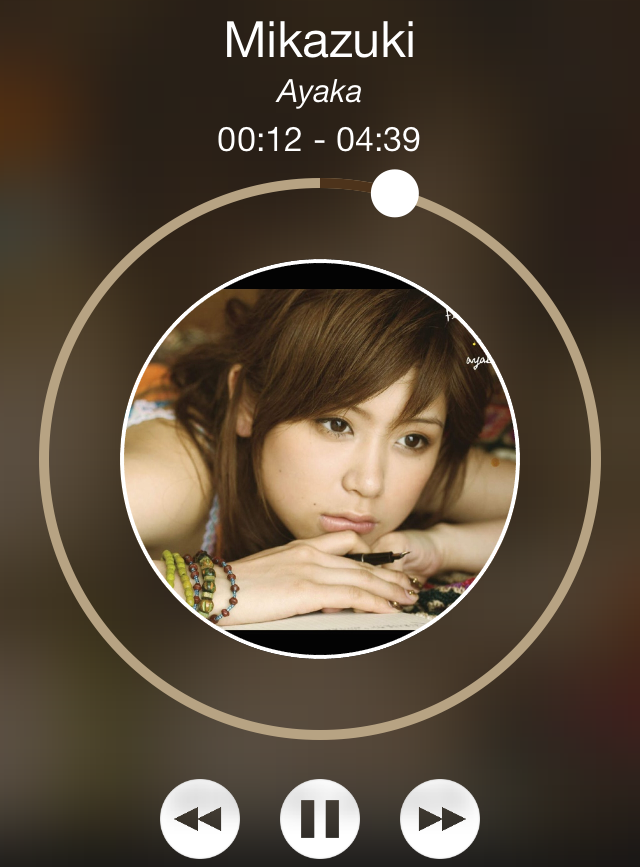
Spin is a just-released jailbreak tweak that adds a new look and feel to the Lock screen music controls and interface. Once you install the tweak, you'll need to head over to the stock Settings app to enable it and respring.

Whenever you play music and go to the Lock screen, you should notice a new remixed music interface. Check out our video walkthrough inside for a deeper look at Spin.

p0sixspwn updated to jailbreak iOS 6.1.6

p0sixspwn—the jailbreak tool created by the tandem of iH8sn0w and new Apple employee Winocm—has been updated to support the just-released iOS 6.1.6 for an untethered jailbreak. iOS 6.1.6 was released solely for the iPhone 3GS and the iPod touch 4th generation. The firmware update was pushed out as a part of Apple's SSL security fix, which also ushered in iOS 7.0.6 for more recent devices.

If you're currently using an iPhone 3GS or a 4th generation iPod touch running iOS 6.1.x, it's highly recommended that you update to iOS 6.1.6, and benefit from Apple's SSL fix. The good news is that you can then use p0sixspwn to enjoy the same untethered jailbreak that was available for iOS 6.1.3 through iOS 6.1.5.

New upcoming tweak brings Mission Control concept to reality

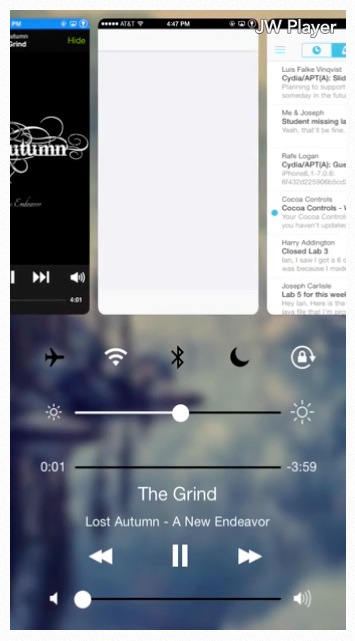
Vertex is an upcoming tweak currently in development that aims to bring Mission Control inspired functionality to iOS 7. The tweak, which is currently being talked about on /r/jailbreak, merges Control Center and the app switcher together, along with other iOS 7-centric touches splashed in.

There's still no timetable for Vertex's release, but we do have a video preview of the tweak created by developer Ian Burns. Check past the break for the video and more details concerning this awesome looking jailbreak release.

How to easily change the color of your iPhone keyboard

Update: with the release of iOS 8, Apple now allows third-party keyboards in the App Store. If you're looking for a different keyboard for your iPhone or iPad, make sure to check out our list of iOS 8 keyboards.

I generally hate jailbreak releases that feature goofy names like ColorY0urBoard, but I decided to give the new jailbreak app a try despite my inclinations. To my surprise, ColorY0urBoard is actually not that bad of an app.

If you're searching for a way to easily customize the color of the stock keyboard within iOS, then ColorY0urBoard is a viable option. It's a standalone app release with an interface dedicated solely to changing the keyboard color. The app includes a color wheel, much like you'd find in image-editing applications, and it also features brightness and alpha sliders to perfect your customized look.

ColorY0urBoard isn't perfect, but it does a pretty good job of customizing the look of your keyboard. Have a glance at our video walkthrough inside for more details.