Jailbreak

Check out the most comprehensive jailbreaking coverage on the internet, including the latest news, apps, tweaks, and detailed tutorials about everything jailbreak.

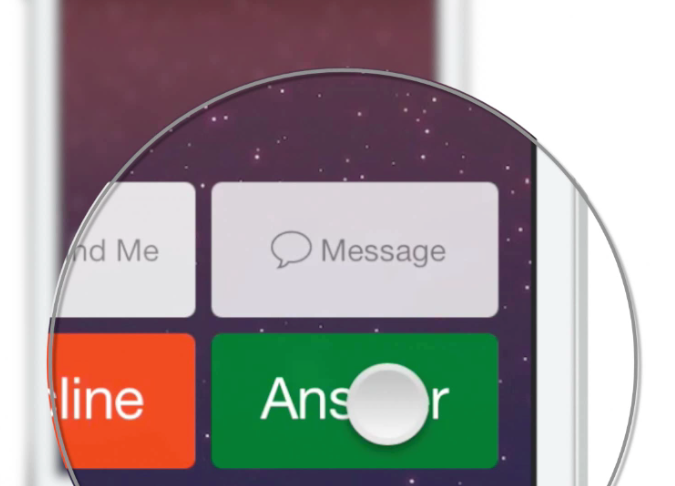
Concept: Hold2Speak – answer a phone call directly in speaker mode

Every now and then I stumble upon a feature that I would like to have on the iPhone, but usually I end up forgetting about it, or just stashing it away for later. Sometimes, though, I get enough gumption to push for an idea to be brought to fruition. TypeStatus was a good example of that, and it turned out pretty well. Others haven't turned out so well, but it doesn't hurt to keep trying.

This latest concept is something that I've been marinating on for quite some time. It's called Hold2Speak, and it allows you to answer a call directly in speaker phone mode by tapping and holding the Answer button. Normal taps on the Answer button would still use the headset as a means of communicating with the other party.

I've created a video walkthrough for the Hold2Speak concept. Would you consider using something like this? If the demand is high enough, perhaps one of the community's developers wouldn't mind taking on such a project. Check inside for the video and details.
New speech synthesizing action added to latest Activator beta

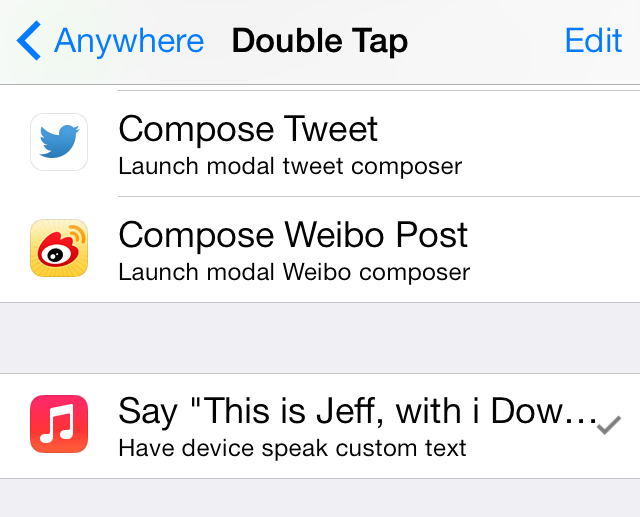
As usual, Ryan Petrich has been on quite the tear with updates to the Activator beta. The latest update, which comes in at version 1.8.4 beta 11, adds a new speech synthesis feature to the fray.

What does speech synthesis do? We've created a video that shows you step-by-step how to use this new feature. Check it out after the break.

Convergance: a complete Lock screen replacement for the iPhone

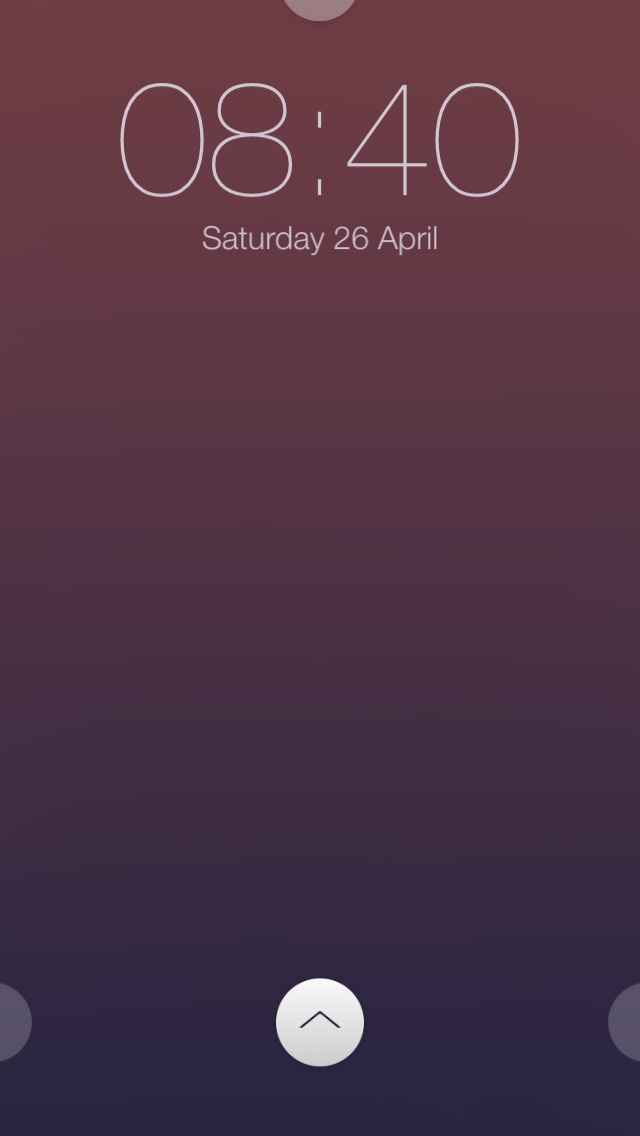
Unless you've been living in an underground bunker in Siberia for the last month or so, you've likely heard of Convergance. It's the newly released jailbreak tweak that acts as a complete Lock screen replacement for iOS.

Along with the redesigned Lock screen interface comes widgets, quick shortcuts, custom themes, and HTML support for even deeper custom Lock screen features. Oh, and did I mention that there's an API for developers to extend Convergance's features?

Needless to say, Convergance is one of the most hyped tweaks of 2014. Does it live up to the hype? Have a look inside for the details.

Keyfault eliminates frustrating iOS keyboard behavior

Instead of simply describing this tweak, I'll start by telling you a personal story. Like Sebastien's incessancy over ShareLock,  I too had a tweak burning a hole in my brain at JailbreakCon. However, unlike Sebastien, I was able to convince my new favorite jailbreak dev, Filippo Bigarella, to code mine at the dinner table that fateful Friday night. Now, perhaps Filippo felt some form of quid pro quo harassment, considering I let him bunk with me at the hotel across from the convention center, but that is of no consequence.

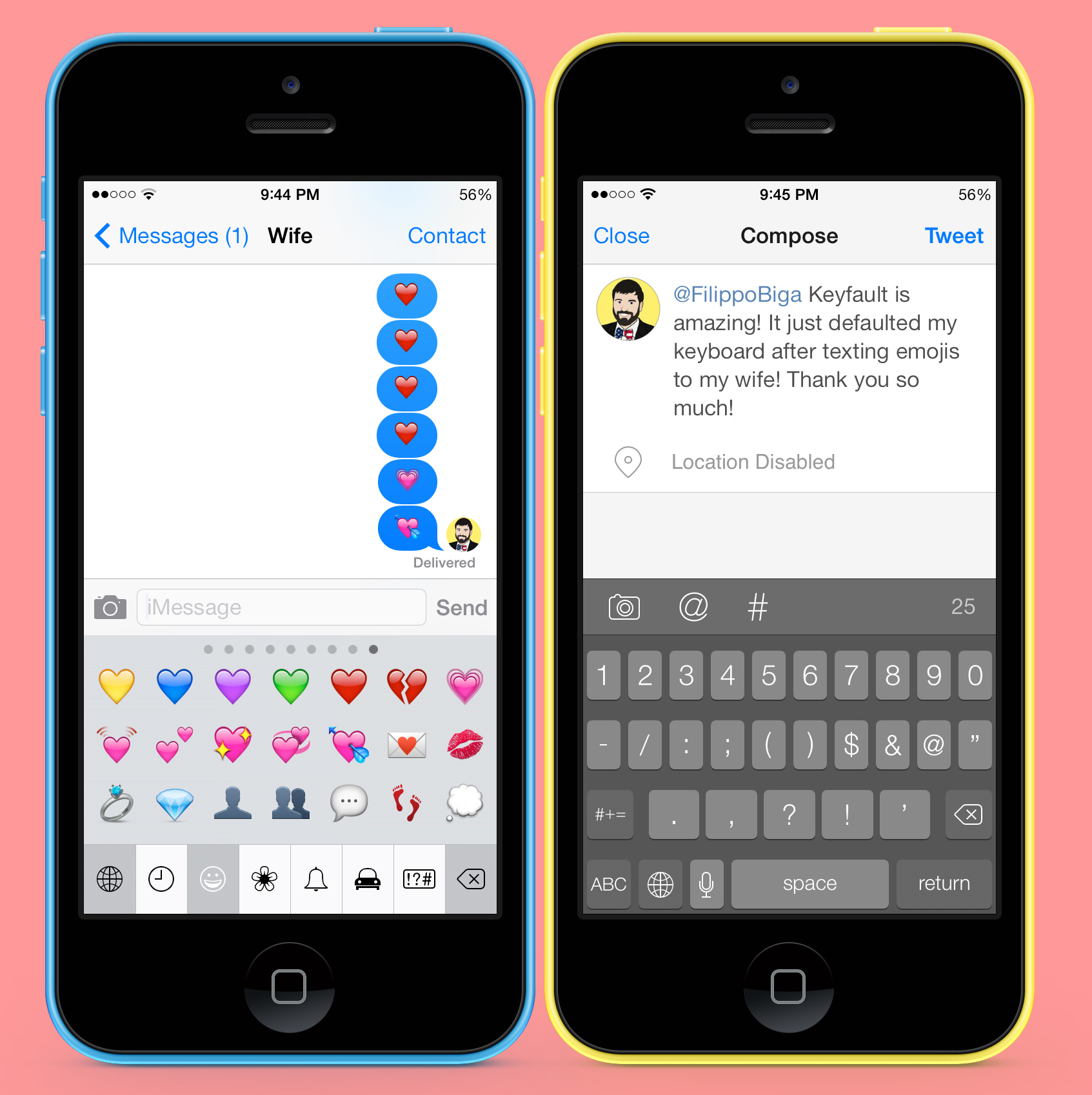
Ever since I have used the emoji keyboard, I have been frustrated with the way default keyboards are selected when tapping a typable field. This behavior is also the same on language keyboards, but since I am an average American, I only know two languages, English and emoji.

Fixing this long annoyance of mine, Keyfault returns the active keyboard to the default language keyboard as determined in settings...

TapToUnlock7: unlock iOS 7 devices with just a tap

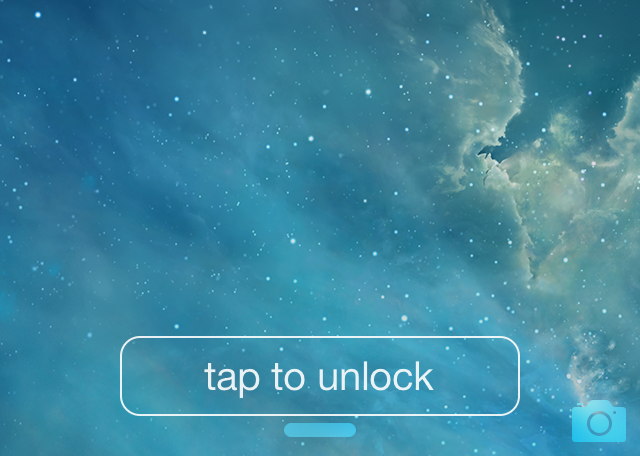
No more sliding! Just Tapping. That's the headline for the description for TapToUnlock7 in Cydia, and I have to say, it's apt. TapToUnlock7 is a tweak that gets rid of the "slide to unlock" action and replaces it with a simple tap.

TapToUnlock7 works with both passcode enabled devices and unsecured devices. When you have a passcode enabled, a tap will activate the passcode screen, and when you have the passcode disabled, you'll be whisked away right to iOS' Home screen.

The tweak features a variety of customization options to change up the look and feel of the tap to unlock button on the Lock screen. Have a look inside as we explore various facets of this brand new release.

Activator beta updated with exciting new Profiles feature

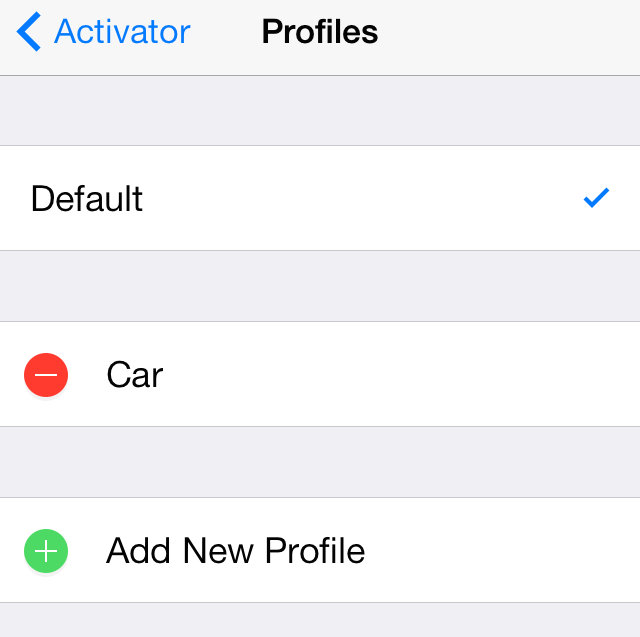
A brand new feature has been added to the beta version of Activator, and it's a pretty big deal. You can now set up differing profiles for groups of Activator assignments, making it possible to have different Activator assignments based on various circumstances.

The new Profiles panel, which is accessible at the bottom of the main page of Activator's preferences, allows you to quickly add, name, edit and remove custom profiles. You can then switch to a custom profile and begin setting up assignments that only pertain to that profile.

Making the rabbit hole go even deeper, you can actually assign Activator gestures to switch to a Profile, which opens up a whole new arena of possibilities for automation and activation. Needless to say, it's all pretty exciting stuff. Check out our new video walkthrough of Activator's new profiles feature in action after the break.

Timely: add a beautiful text-based Lock screen clock to your iPhone

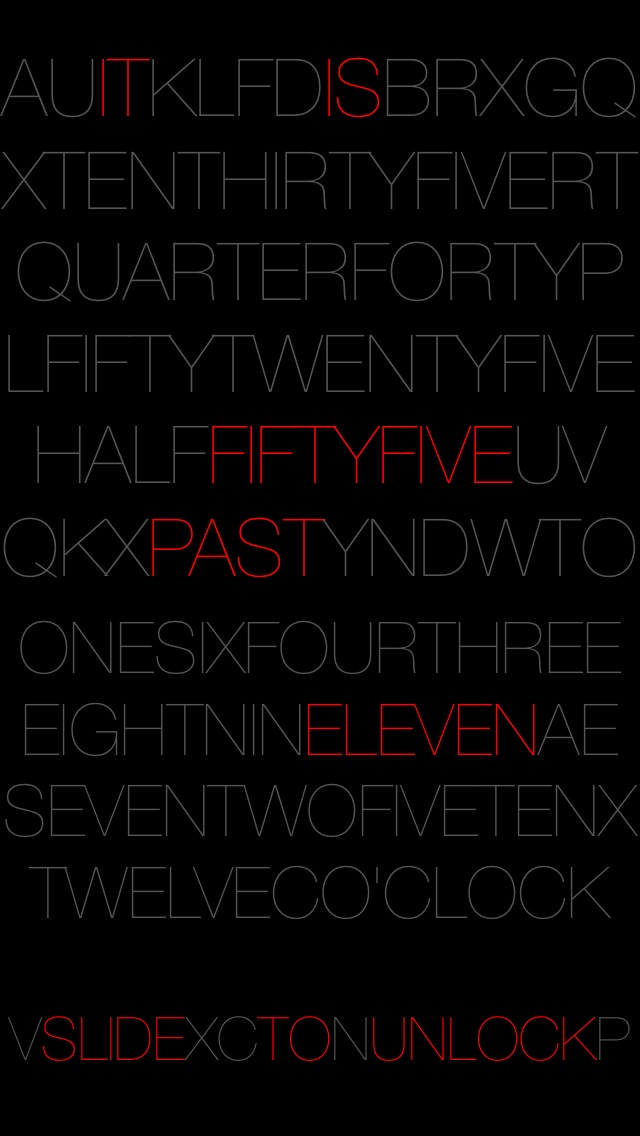
Now here's a great way to spice up your iPhone's Lock screen. Timely—a recently released tweak—adds a text-based Lock screen clock to your iPhone.

Depending on the current time, Timely will highlight the necessary elements that make up the time via a text based Lock screen layout. It's even capable of rounding to the nearest five minutes for a cleaner look. Have a glance at our video review inside for more details.

‘Snooze’ lets you establish custom snooze times for alarms

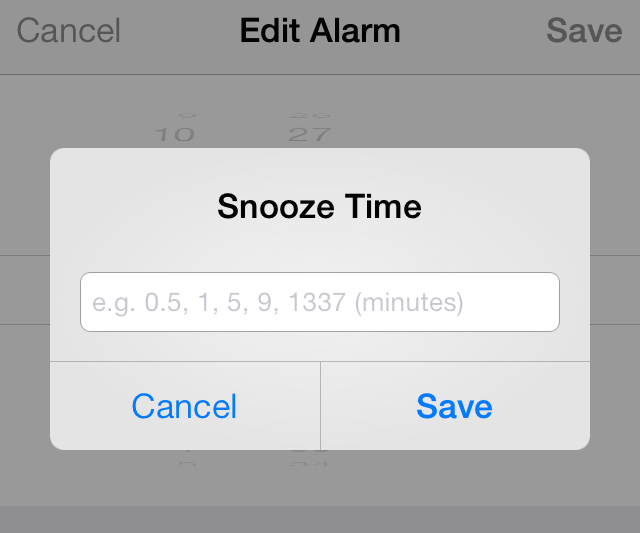
Snooze is a new jailbreak tweak by prolific jailbreak developer Julian Weiss. It's a tweak that allows you to change snooze times for each alarm that you have set in the stock Clock app.

Snooze was the subject of Weiss' talk at JailbreakCon 2014, and it's a tweak that's been highly anticipated by users in the jailbreak community. We've taken the $0.99 jailbreak tweak for a spin on video. Does it live up to its billing? Have a look inside for all of the details.

Upcoming ‘Slices’ jailbreak tweak allows you to create multiple user profiles for apps

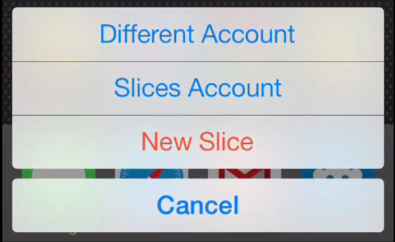
An exciting new jailbreak tweak is on the horizon, and it looks extremely promising for those of you who have multiple accounts for service based apps like Instagram. Slices is an upcoming tweak that will allows you to create multiple settings and user bundles for applications, effectively allowing you to have multiple user profiles for any app on a single device.

Developer Steve Hetelekides has previewed his upcoming tweak on YouTube, and we have the full video inside for you to check out. Trust me, you don't want to miss this.

Imperium HD: an App Switcher replacement for iPad

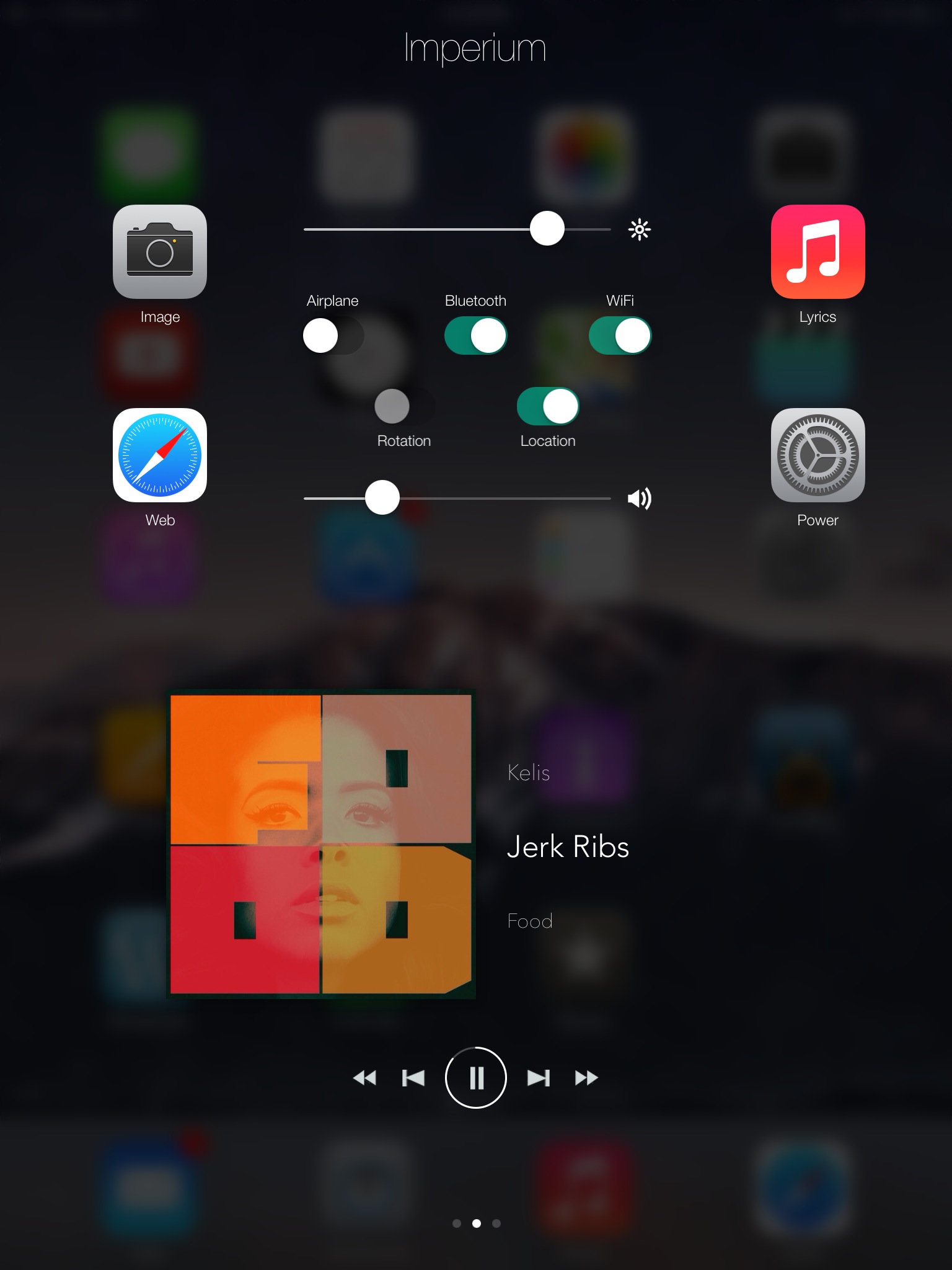
Imperium HD is a jailbreak tweak that allows you to replace the App Switcher on the iPad. Using Activator to invoke the overlay, users gain access to a multipage switcher that features a plethora of toggles, sliders, and app management options.

Back in the days of iOS 6.x, I could see Imperium HD being a real help for users needing better management features in the App Switcher. But with the advent of Control Center in iOS 7, the need for such a tweak has significantly diminished in my opinion.

Even still, should you check out Imperium HD on your jailbroken iPad? Have a look past the break for the video details.

ShareDraft: Save Twitter share sheet messages for later

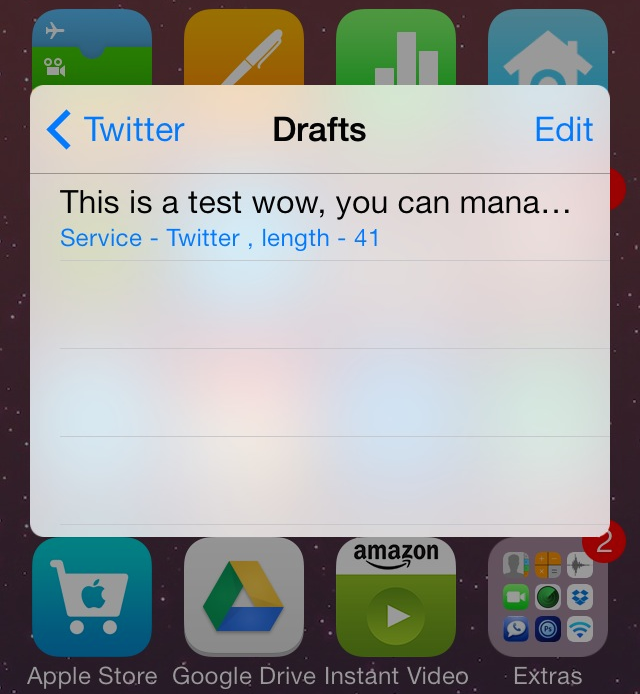
ShareDraft is a new jailbreak tweak that lets users save share sheet messages as drafts. The share sheets, which are used for iOS' built-in Twitter and Facebook sharing, normally force users to send a message or lose it. With ShareDraft installed, you can save messages to drafts and recover those drafts when sending future messages.

We've taken ShareDraft for a spin on video, and while it isn't perfect, heavy share sheet users might find it to be a handy add-on. Check past the break for the full video review.

How to add a live photo slideshow to the Photos app icon

LivePhotos is a tweak that allows you to add a slideshow of the current photos in your Photos app to the Photos app icon. A $0.99 release on Cydia's BigBoss repo, LivePhotos spices up your Home screen with a live Photo icon that's similar in some respects to the live tiles present in the Windows Phone OS.

We've taken a look at LivePhotos and have created a video review that captures our thoughts and experiences with the tweak. Is it worth your time? Check inside for more details.