Jailbreak

Check out the most comprehensive jailbreaking coverage on the internet, including the latest news, apps, tweaks, and detailed tutorials about everything jailbreak.

Temporarily clear app icon badges with BadgeCleaner

If you're like me, then you probably get several notification badges on your Home screen app icons all the time because people want to talk to you or because apps want to share stuff with you.

Unfortunately, if you launch the app just to get rid of the badge, the notification is gone for good and you might forget to look at it later.

Available now to solve this problem is a new free jailbreak tweak called BadgeCleaner, which can be had from Cydia's BigBoss repository. This tweak lets you easily clear app badges without dismissing the notifications the app might have waiting for you.
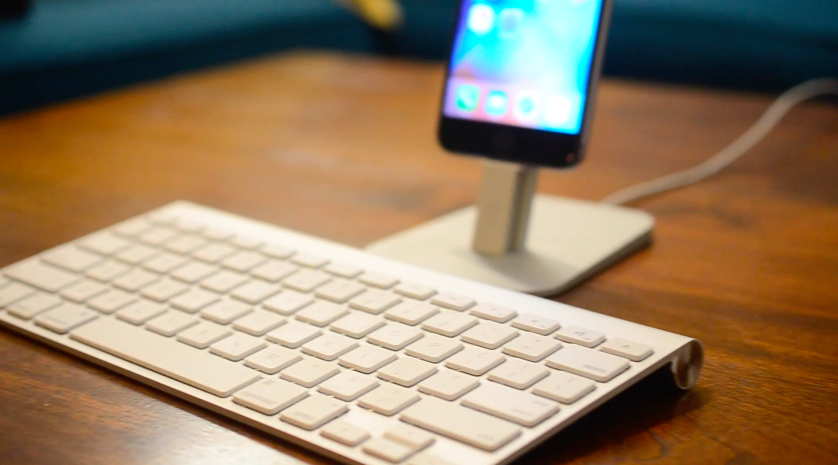
This tweak lets you control your Home screen with a Bluetooth keyboard

If you use a Bluetooth keyboard with your iPad, or even with your iPhone or iPod touch (although less likely), then you might enjoy a new jailbreak tweak called Keyhook, which is now available in Cydia for $1.99.

Keyhook will allow you to control your Home screen with your Bluetooth keyboard; this includes selecting apps, launching apps, and moving between Home screen pages.

AppSort: quickly sort your Home screen apps based on various criteria

If you've got a lot of apps on your Home screen and hate looking through them all, then check out a new free jailbreak tweak called AppSort, which just hit Cydia, and will let you sort your Home screen app icons with ease.

AppSort is a jailbreak tweak that offers users a quicker way to sort the apps on your Home screen so you don't have to spend any of your time sorting them for yourself. The tweak lets you use Activator to reveal a menu full of options; the options allow you you to choose a criteria for how your apps will be sorted on the Home screen.

This tweak protects your iPhone from the “January 1, 1970” bug

A recent bug discovered in the iOS firmware where setting your date back to a certain point in time could brick your device has been getting quite the coverage all across the internet as of late.

With so many people now having knowledge of the problem, the risk has never been greater than it is right now that someone with malicious intent could grab your iPhone while you're not looking and set your date back to the dangerous date to brick your device on you.

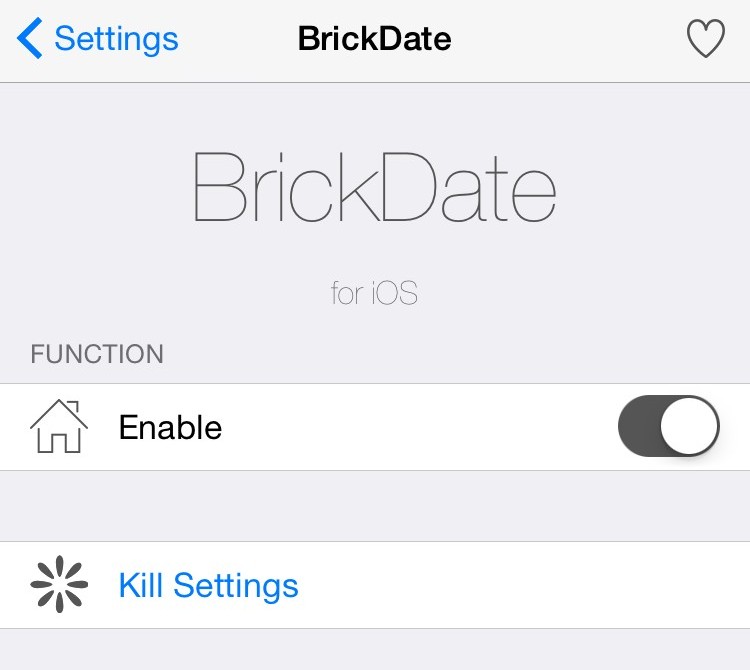
Fortunately, a new free jailbreak tweak called BrickDate is available in Cydia that can protect you from having your date changed to the dangerous date.

Flame lets you customize Cydia to your liking

Among all the things you can customize in iOS with a jailbreak, one of the things we've not seen a whole lot of support for is Cydia, which is now fully customizable thanks to Cydia Substrate 1.1.19 and later because it runs as mobile instead of root.

A new jailbreak tweak called Flame, which is available for free in Cydia as of today, fills this void by providing you with an array of new customization features for the entire Cydia app.

This jailbreak app for iOS shows all your Wi-Fi network passwords

Most of you probably use a Wi-Fi network on your iPhone, iPad, or iPod touch, and some of them may even require a password to gain access to.

Have you ever been in a predicament where you've needed to use someone's Wi-Fi network and they wouldn't tell you the password for it to your face, but they had no problem typing it in for you so you could use the network without knowing what the password was? Or, have you just plain forgotten the password to one of your most-used networks when you have a new machine or device you want to use to connect to it?

If you've been in either of these situations, then a new jailbreak app called Wifi Passwords List, which is a free download from Cydia's BigBoss repository, could be of use to you. It'll show you the password of any secured Wi-Fi network you've ever used on your iOS device.

Zentrum offers an omni-interface for accessing multitasking, music controls, system toggles & shortcuts

In iOS, the Control Center and App Switcher interfaces are separate from one another and this means to get to one or another, you have to use a different gesture. It seems like some improvements could be made by merging the two interfaces into one, as we've seen with the popularity of previous jailbreak tweak releases such as Auxo 2 & 3.

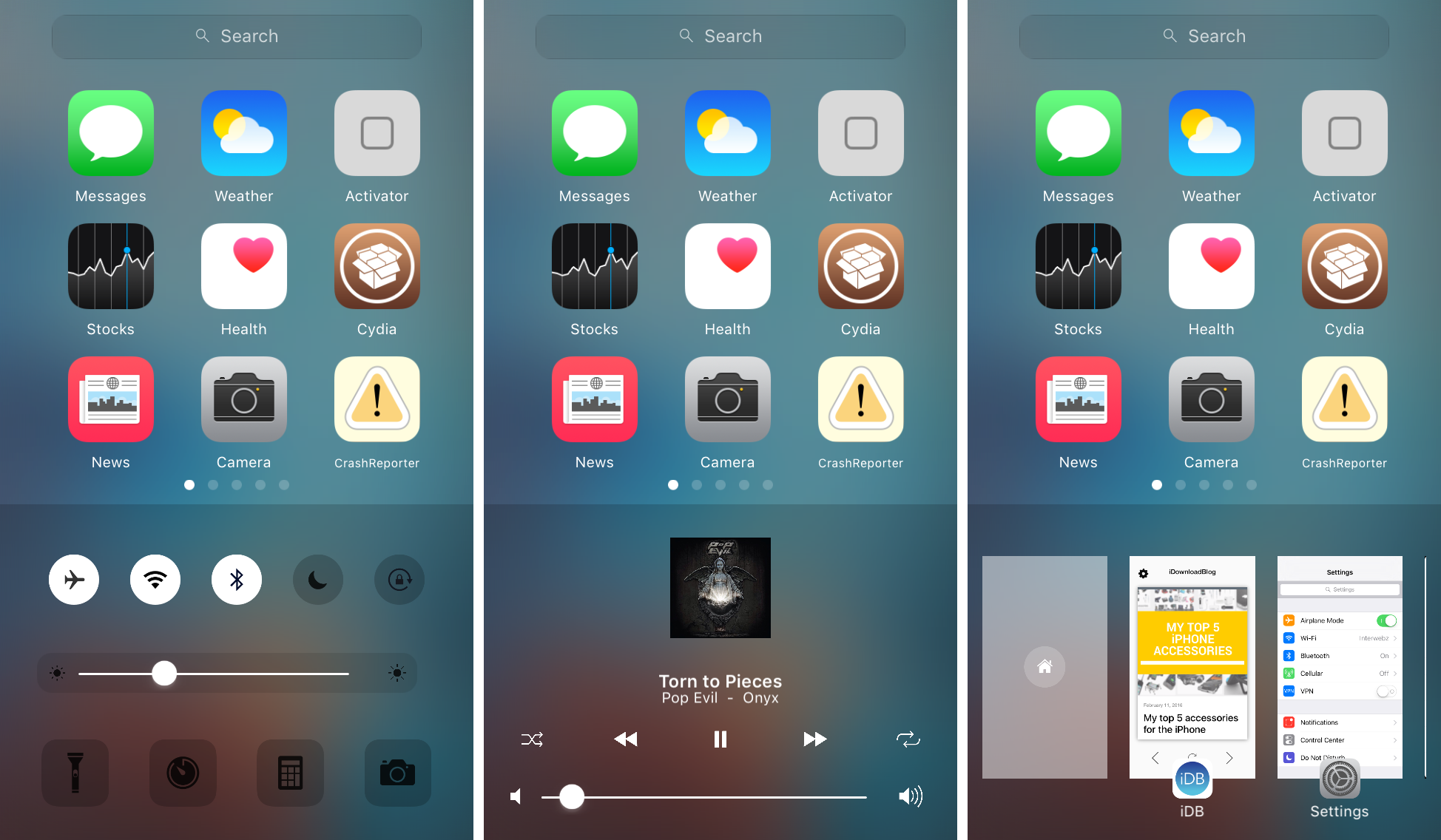
A new jailbreak tweak called Zentrum is now available in Cydia's BigBoss repository for $1.99 and it introduces users to an all-new omni-interface for multitasking, viewing music controls, and accessing system toggles & shortcuts, but it even bakes into the mix a quick app launcher, which you can configure to your liking.

Meteor: a tweak that adds current temperature and weather conditions to the Weather app icon

Meteor is an upcoming jailbreak tweak that brings weather conditions and temperature to your Home screen Weather app icon. Along with the enhancements to the Weather app icon, Meteor lends weather information to the iOS status bar.

If you have a jailbroken iPhone, Then Meteor should certainly be on your Radar. Check out our hands-on video walkthrough of the upcoming tweak for more details.

Jailbreak tweaks of the week: Gravitation, Snakebite, & more…

This week, we've gone through a bit of a lull in new jailbreak tweak releases in Cydia. Despite the slowness, there are some releases worth taking a look at.

We'll show you our favorite jailbreak tweak releases this week first, and then outline all of the rest of the jailbreak tweaks launched in Cydia. Our favorites are the ones we thought were either the most fun to use, or made the biggest impact on how we use our devices.

Get the classic iOS camera shutter animation back with this tweak

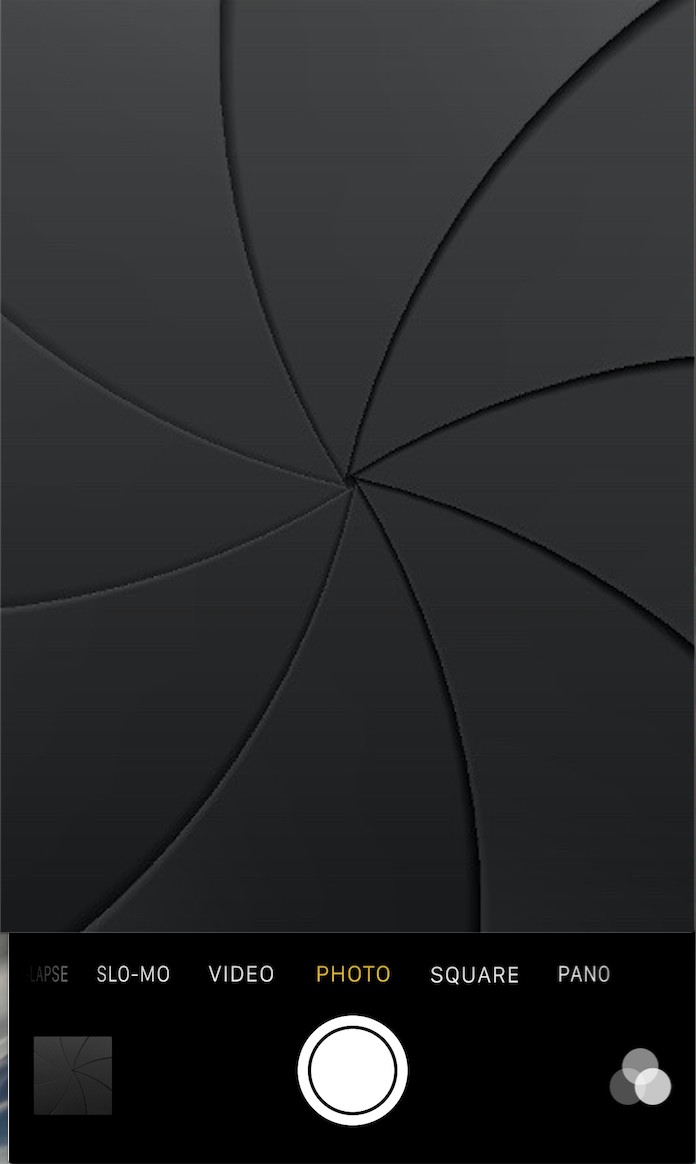
Starting with iOS 7, Apple redesigned the Camera app and it got an all-new shutter animation. Some would argue it's a little bit boring compared to the realistic camera shutter animation we had with iOS 6 and earlier.

Fortunately, anyone who's feeling a little nostalgic now have a way to get it back by way of a new free jailbreak tweak in Cydia's BigBoss repository called ClassicShutterAnimation.

12 great 3D Touch jailbreak tweaks you should try

3D Touch is the flagship new feature of Apple's iPhone 6s handset. It's a part of the display that is capable of capturing forceful touches and performing actions based on how firmly you're pressing, and Apple has done a great job creating a range of features throughout iOS that take advantage of this display technology.

But for those that feel iOS leaves a lot to be desired, the jailbreak community has come up with a variety of new uses for 3D Touch, whether your iPhone supports 3D Touch or not. And in this roundup, we're going to show you a number of tweaks that we think really help compliment the 3D Touch experience on a jailbroken iPhone.