Jailbreak Apps & Tweaks

These are the latest jailbreak apps and tweaks available for your iPhone or iPad. We save you time by highlighting only the best tweaks.

Auxo now available on Cydia

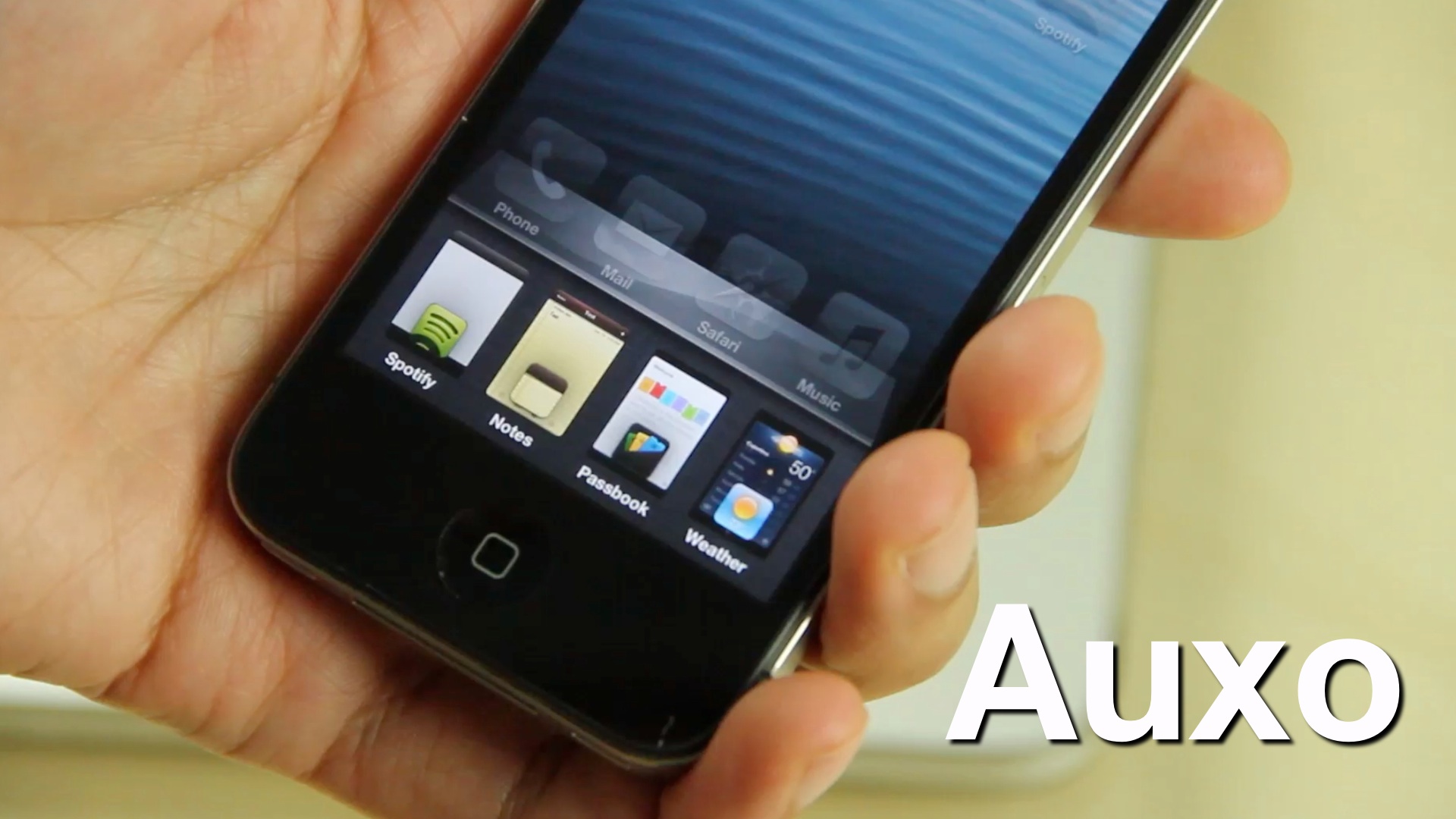
Ladies and gents, it has landed. Yes, Auxo, the highly anticipated jailbreak tweak that reinvents the iOS app switcher has gone public on Cydia.

Last week we brought you an exclusive first look at the tweak in action, and needless to say, nearly 200,000 views later, many of you are looking forward to trying it out for yourselves. If you have a jailbroken iPhone running iOS 6, I'm happy to report that you can now download Auxo from Cydia's BigBoss repo for just $1.99.
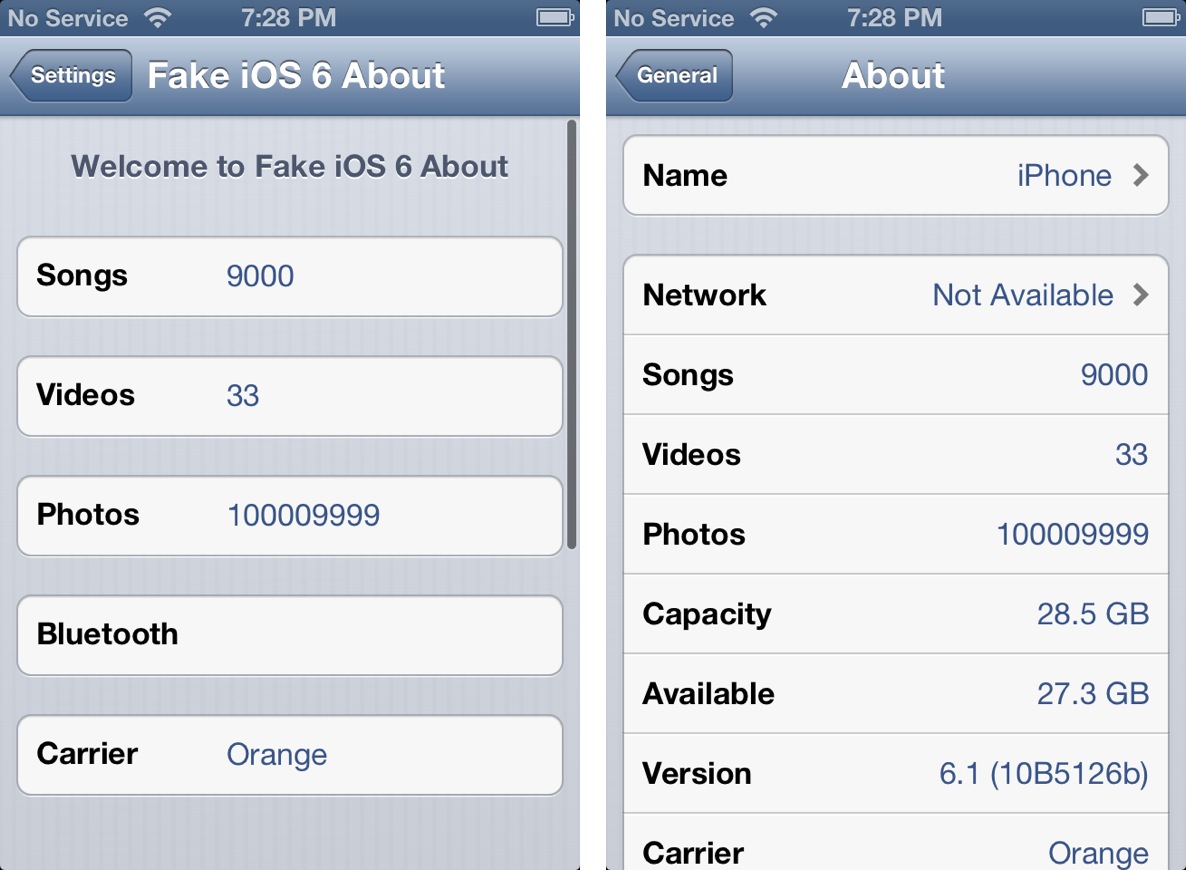
This jailbreak tweak allows you to fake certain statistics on your iPhone

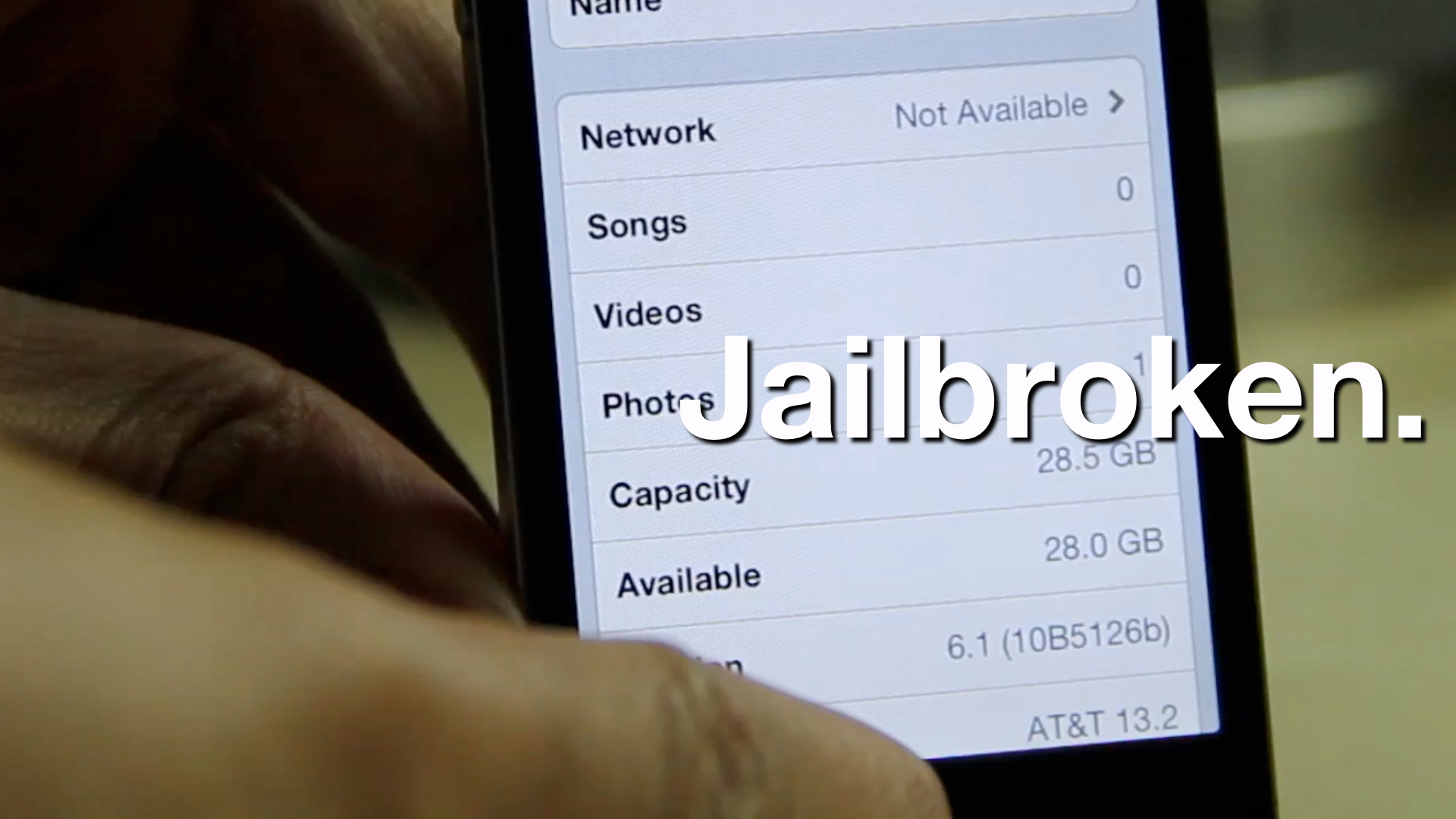
I've been known to give jailbreak developers a pass when it comes to developing what many deem as "worthless" tweaks, because I know that there is always someone who will find a tweak to be useful. The latest such item to teeter upon this fine line is Fake iOS 6 About — a jailbreak tweak that allows you to fake statistical information about your device.

If you've ever wanted to pretend that your device could hold a million songs, or that you reside on a carrier not available in your country, then Fake iOS 6 About is the tweak for you. In most cases, many will feel that such a tweak is worthless. I'll be totally honest with you; this time, it's hard not to agree with those sentiments.

‘Download To Newsstand’ makes it easier to identify pending downloads

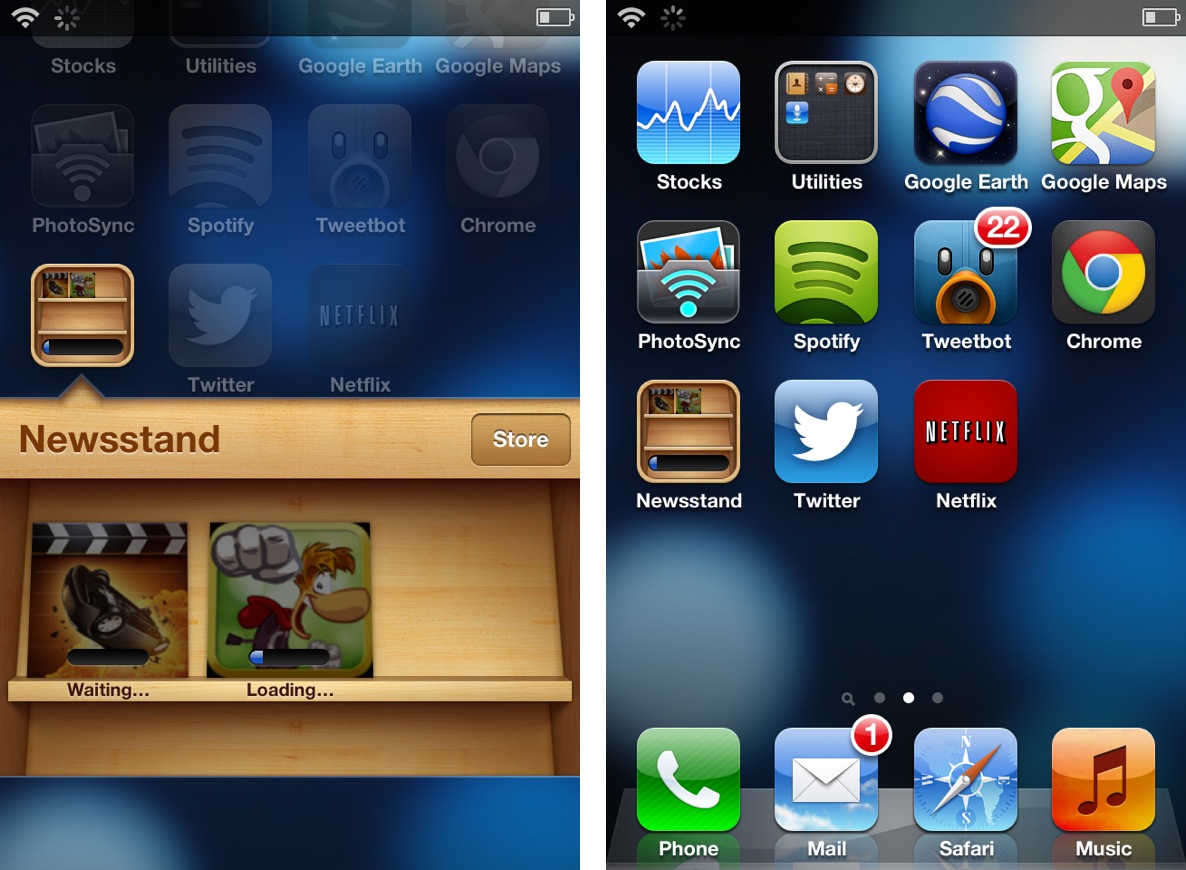
It's always great to open up the App Store and find a dozen new app updates waiting for download, but downloading so many items at once presents a small issue. If you're like me and you have a ton of apps scattered around four or five pages in multiple folders, then it can be tedious to locate each app to check its download progress.

Download To Newsstand is a recently released jailbreak tweak that attempts to address this. It moves all pending downloads into the Newsstand folder for an easy to see centralized location for all pending downloads.

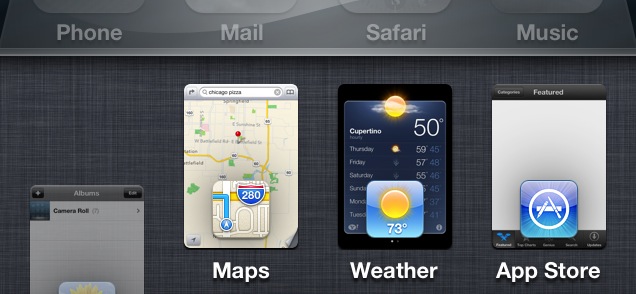
Auxo completely reinvigorates the iOS app switcher

Back in October we posted a tidbit on an iOS app switcher concept that was making waves across the Internet. Initially posted on The Verge forums, designer @Sentry_NC's concept was met with approval by many, including readers here on iDB.

A lot of times, though, these sorts of things never go anywhere. Concept photos and videos are nice, but rarely do they evolve into anything more than that. Well, I'm happy to tell you that Sentry's concept hasn't followed the status quo in this regard. Bent on making his concept a reality, he collaborated with developers, Jack Willis, and JamieD360, to bring the idea to fruition.

We've been fortunate enough to gain access to the final build of the real live working tweak. Auxo is its name, and changing the stock iOS app switcher for the better is the game...

iH8sn0w’s f0recast tool updated with new features

News on the jailbreaking front has been pretty slow as of late. With no release date in sight for a jailbreak compatible with Apple's latest devices and software, it seems like the rest of the community has sort of quieted down.

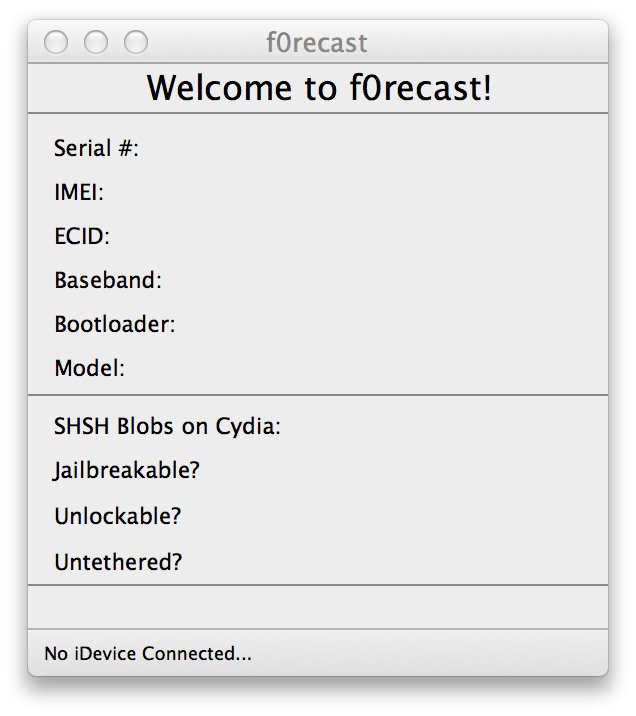
This afternoon, iOS hacker iH8sn0w broke the silence by releasing an update to his popular f0recast utility. Version 1.4 of the app brings about a number of new features, including the ability to view SHSH blob availability...

Nito Installer allows you to easily install nitoTV and XBMC on a jailbroken Apple TV

Thanks to the folks over at FireCore, both jailbreaking and installing useful jailbreak apps on an Apple TV 2 is about as easy as it gets. FireCore's jailbreak tool — Seas0npass — is incredibly simple, and it's free.

Likewise, FireCore's application package — aTV Flash (black) — is extremely simple as well, though there is a charge associated with using it. Pretty much everything that you can install using aTV flash (black) can be accomplished on your own with a bit of know how, but its simplicity makes the package worth the money.

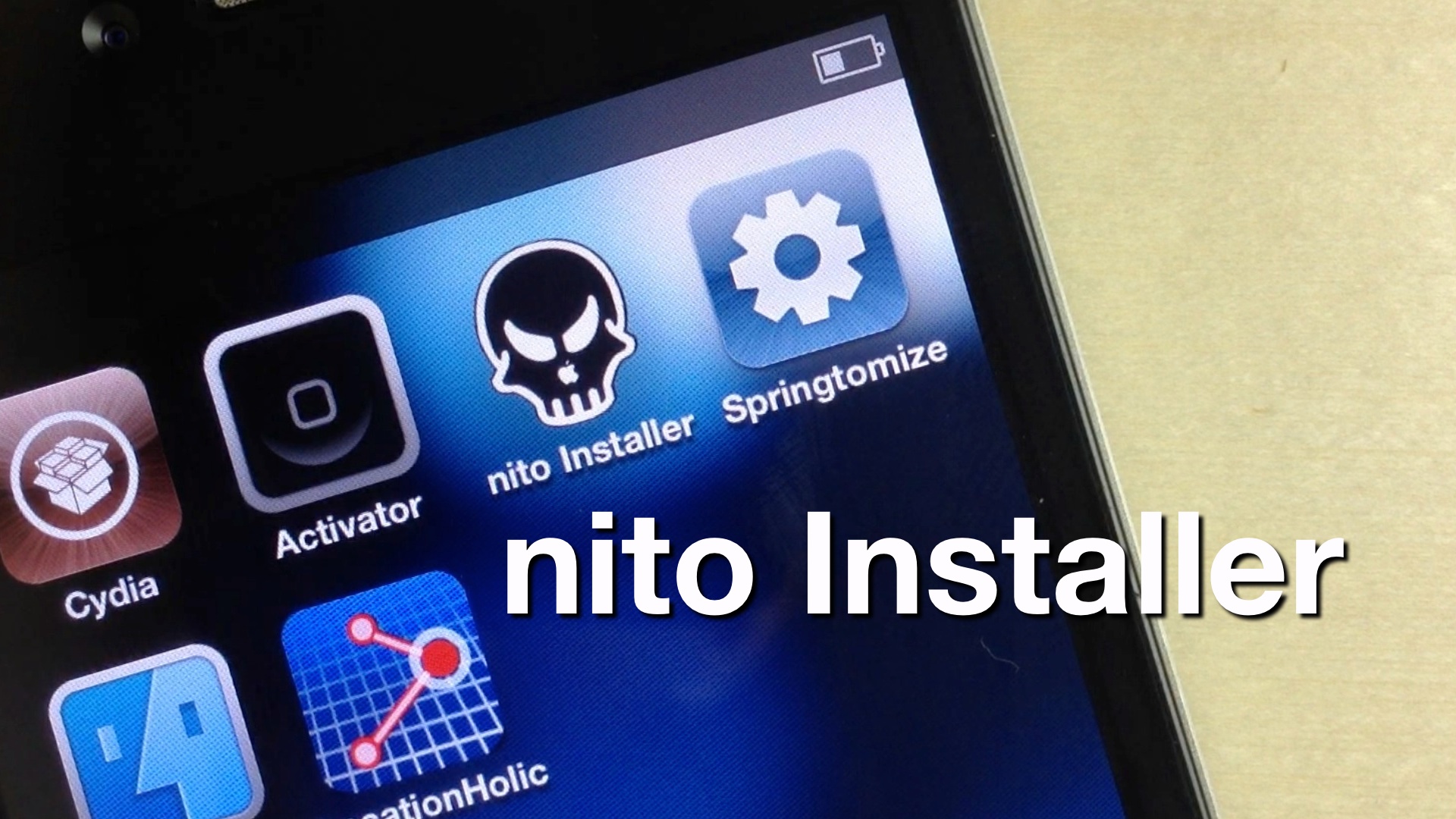
Now Kevin Bradley, better known in hacking circles as nitoTV, has created his own easy to use installer, appropriately called, nito Installer. Unlike aTV flash (black), his version is free and runs directly on an iOS device like the iPhone or iPad.

Want to see how it works? Take a look inside as we take nito Installer for a spin...

How to jailbreak iOS 6.1 beta 4

Apple seeded the 4th beta installment of iOS 6.1 just a while ago, and it's now available as both a delta update, and a direct download via Apple's developer portal.

As we always strive to do, we've taken it upon ourselves to jailbreak iOS 6.1 beta 4 as a confirmation that it can be done. Inside, we'll show you the exact steps that you need to take in order to do the same on your qualifying iOS 6 beta 4 device.

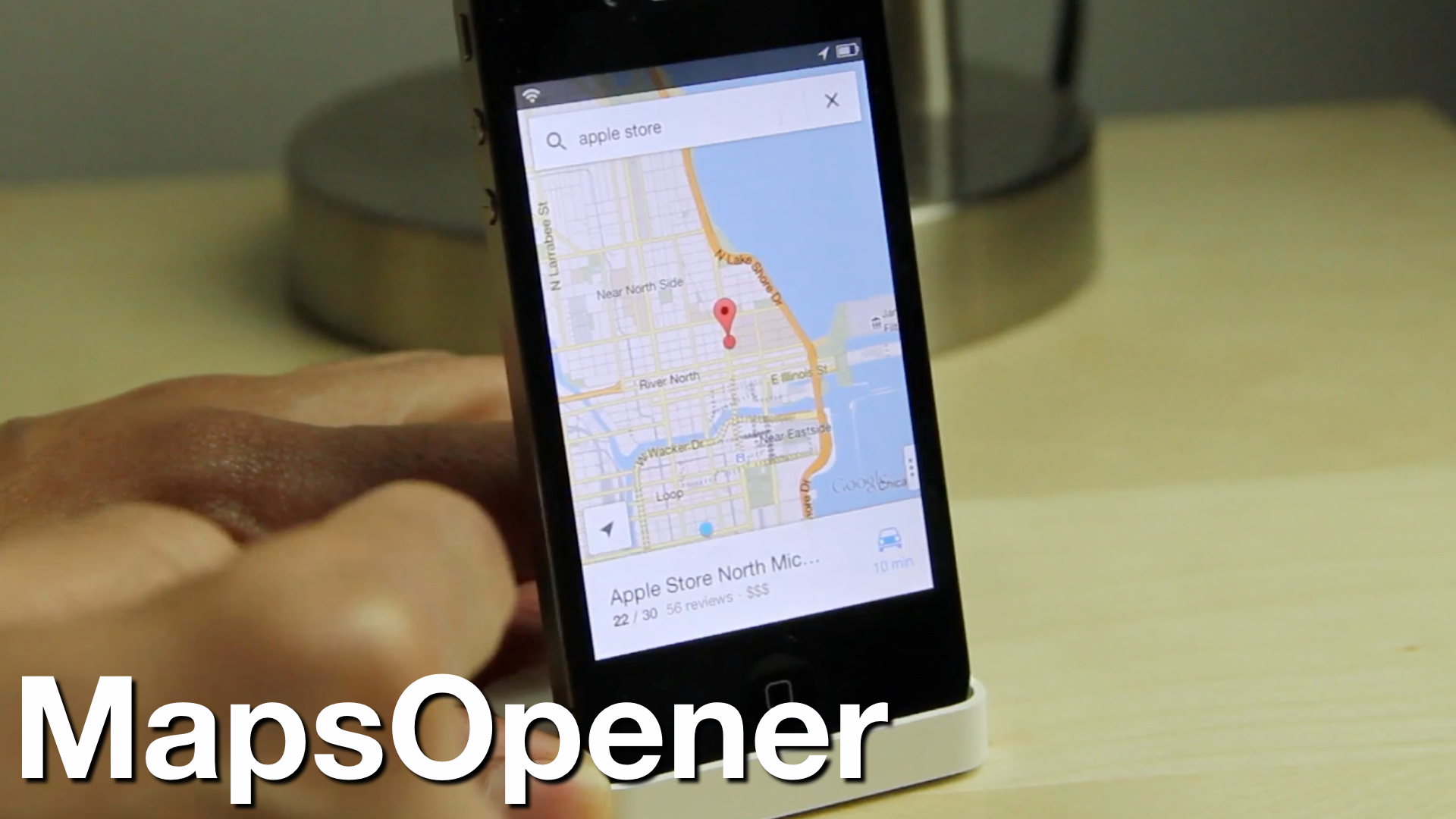
‘MapsOpener’ makes Google Maps the default Maps app on iOS

Google Maps is back on iOS, but there's just one problem -- Apple's stock maps app still remains default, so all of your maps links will open in Apple's version instead of Google's.

Thankfully, we knew it was only a matter of time before a jailbreak solution appeared to skirt around this issue. That solution is called MapsOpener -- a brand new jailbreak tweak that forces maps links to open up in Google Maps...

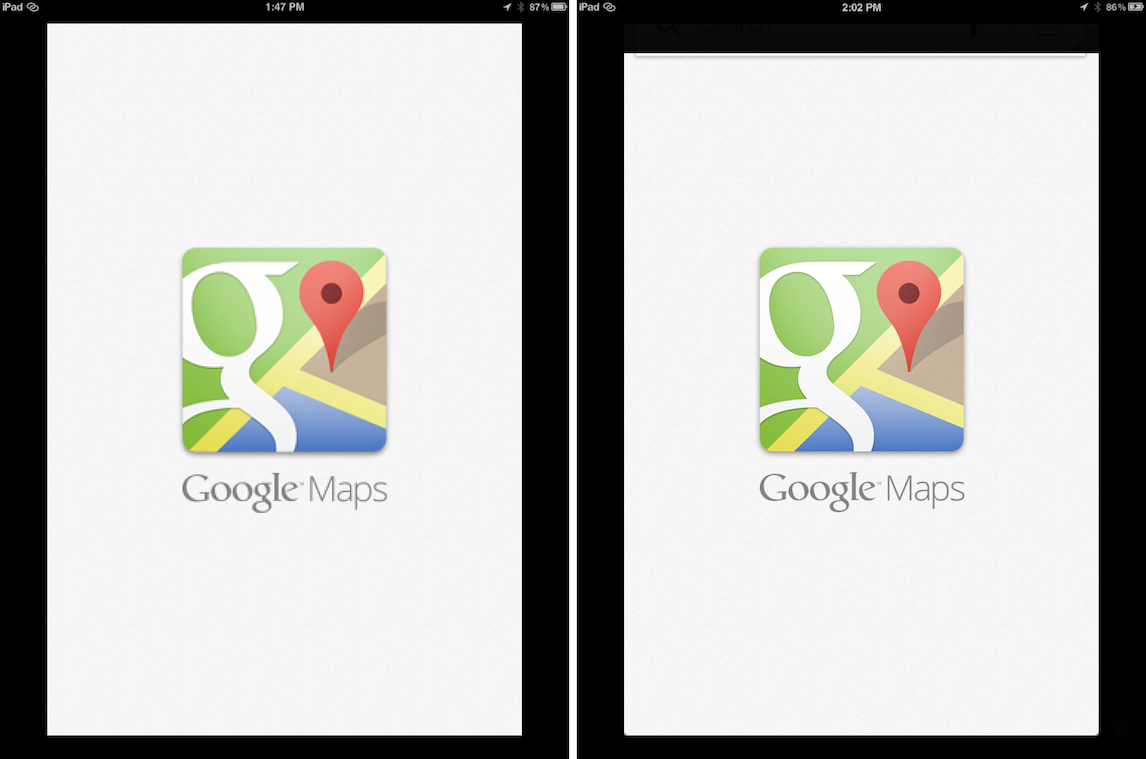
How to improve the look of Google Maps on a jailbroken iPad

Last night, Google released its new version of iOS maps to much fanfare, but sadly, iPad owners were left without a version designed for the larger display.

True, you can always run Google Maps in 2x mode on the iPad, but truth to be told, it looks hideous when doing so. Thankfully, one of our favorite jailbreak tweaks for the iPad always seems to come to the rescue when there's a big iPhone only release.

RetinaPad, a tweak by Ryan Petrich that we've covered extensively in the past, allows you to run Google Maps, and any other iPhone app for that matter, using the 2x mode assets included with the app. This not only provides a full screen experience, but significantly improved visuals in full screen as well...

As expected, the Dream JB is a fake – updated

Okay, I'll bite. Again.

Yesterday I called out the developer of "Dream JB" for promising to bring a jailbreak to the iPhone 5 when he knew good and well that he couldn't fulfill that promise.

Understandably, a lot of readers were miffed that I had the audacity to dash their hopes for a jailbreak. We've waited a long time for a jailbreak for iOS 6 and the iPhone 5, so it didn't really surprise me when I was labeled a pessimist, although I was surprised a bit that my journalistic integrity was questioned. Fair enough, I was pretty positive that in due time this "jailbreak" would be exposed for what it really was.

Due time came today.

As I stated, I too wish for a jailbreak, it's in my best interest to have one...but I and many others saw through this for what it was — a fake. Now the developer has released a video showcasing his fake work. And although it's a pretty ambitious job of fakery, at the end of the day it's still fake.

Reports of an iPhone 5 jailbreak releasing on December 22nd are probably fake – updated

Over the last few weeks there's been a slight buzz about a so-called iPhone 5 jailbreak from some unknown and unproven entity. So as not to draw attention to the folks behind what is almost assuredly a hoax, we'll refrain from linking or name dropping.

The bottom line is this, if you don't see word from a respectable member of the community, a member from proven teams like the Chronic Dev Team or the iPhone Dev Team, then it's almost always fake. Please don't get hyped up over something that isn't real, only to be highly disappointed in a few weeks...

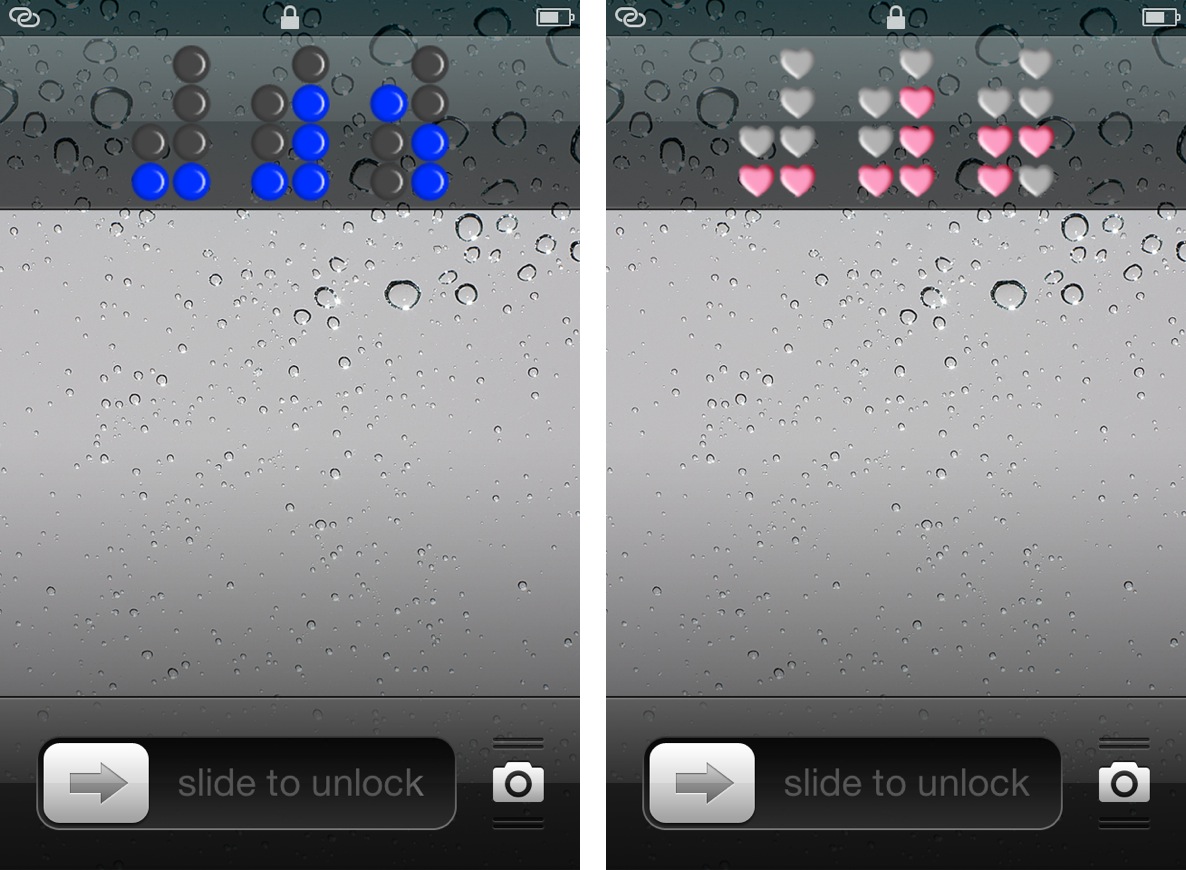
Binary Clock replaces your iPhone’s stock Lock screen clock

Binary Clock is a new jailbreak tweak that outright replaces the stock Lock screen clock on an iOS device. The tweak features over a dozen different themes of various colors or shapes, along with the ability to hide or show the Lock screen date string.

Obviously, you'll need to know how to tell time in binary, unless your plan is to simply stare aimlessly at the pretty flashing lights. Don't worry, inside I'll not only showcase this awesome tweak, but I'll also teach you how to tell time in binary in less than a couple of minutes.