Jailbreak Apps & Tweaks

These are the latest jailbreak apps and tweaks available for your iPhone or iPad. We save you time by highlighting only the best tweaks.

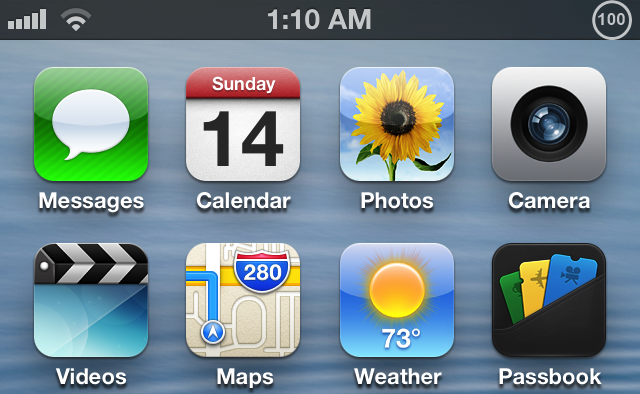
Live Battery Indicator merges battery percentage with a circular icon

I've received quite a few inquiries about my iPod touch's battery over the last few days. More specifically, people want to know exactly how I got new battery icon with the battery percentage in the middle.

This is the result of an upcoming jailbreak tweak called Live Battery Icon. It ditches the standard battery icon for a new-fangled circular indicator with the battery percentage neatly situated in the center.
Atom: a beautiful upcoming Lock screen launcher

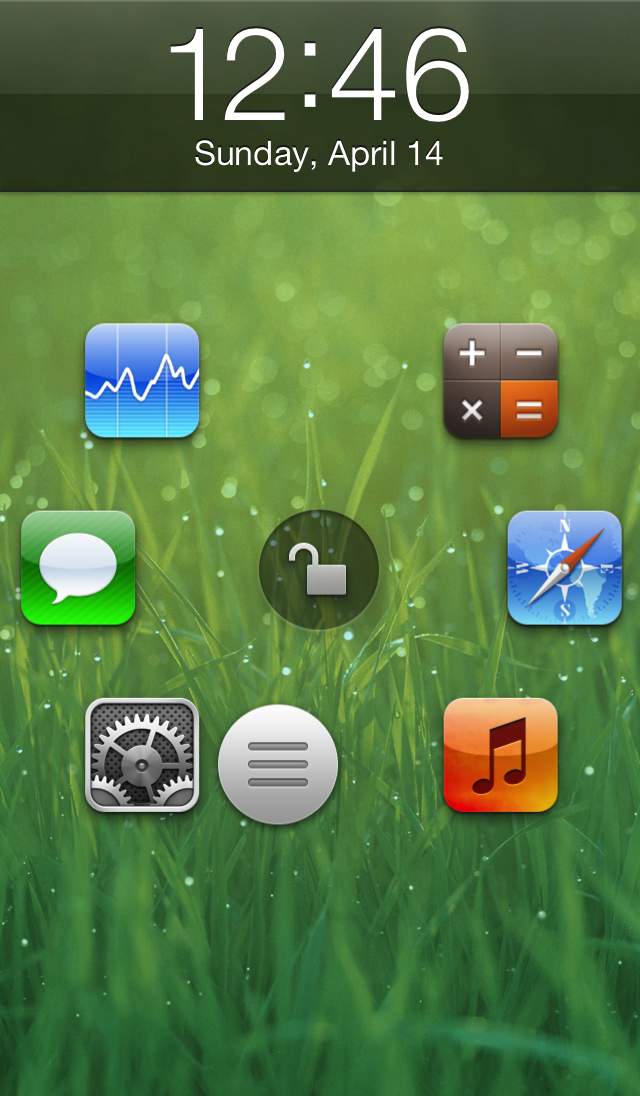
Atom is an upcoming jailbreak tweak that brings a beautifully animated Lock screen launcher to your Home screen. Six apps can be configured to appear on your Lock screen as shortcuts, and you can launch directly into those apps by sliding and releasing a small little nub over the app you wish to launch. If you feel like unlocking your device to the Home screen, just slide the nub over the unlock icon located in the middle of the screen instead.

True, there have been Lock screen tweaks that have allowed you to launch directly into an app before, but none of them featured the beautifully animated style of Atom. Don't believe me? You don't have to take my written word for it, check out our exclusive hands-on video inside, and see for yourself.

How to force the iPhone’s calculator into landscape mode

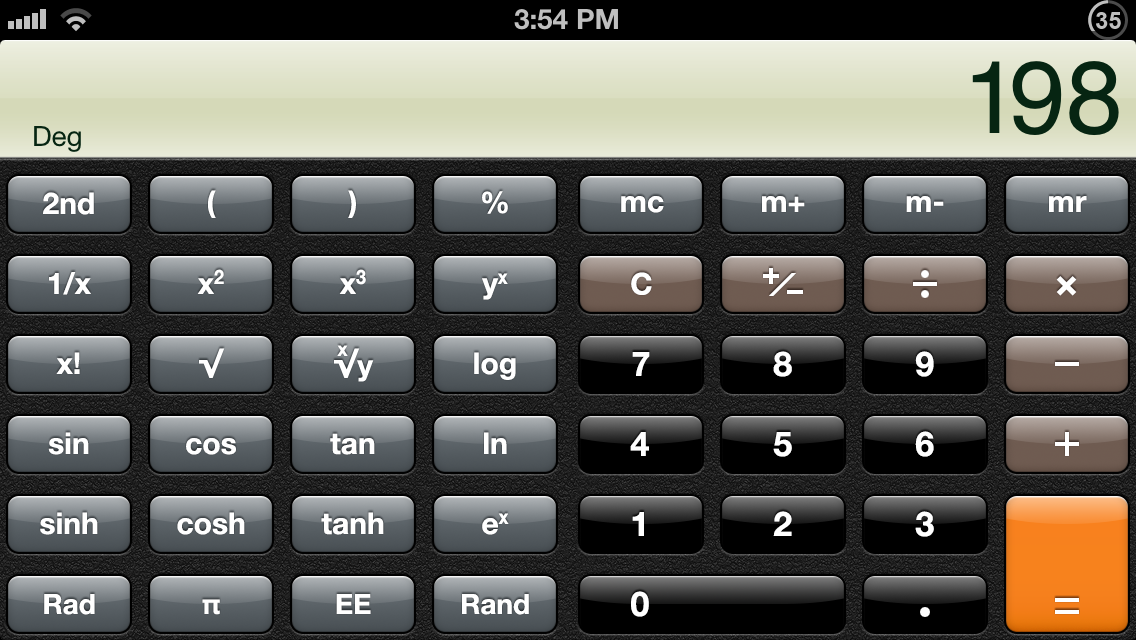
Do you always use the scientific functions on iOS' Calculator app? Do you find the standard calculator to be worthless without scientific functions? If so, then try LandscapeCalc.

LandscapeCalc is a jailbreak tweak that locks the calculator's orientation into landscape mode. After the first rotation from portrait to landscape, the calculator will never return back to the default orientation until the Calculator app is killed or stops running.

Here’s how Velox will interface with the Mail app

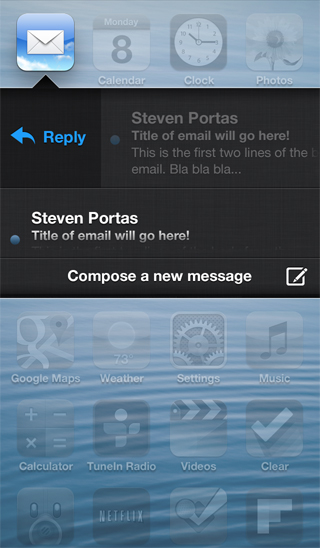
A few new screenshots were posted on Apex Tweaks' official site, and one of them shows the way that Velox will interface with the Mail app. This is significant, because this wasn't available in the preview version that I demoed a few days ago.

The screenshot shows the typical Velox view, with what appear to be scrollable messages with titles and a two line preview of the message. It looks, judging from the screenshot, that a swipe gesture, or a tap of the email, may allow you to reply directly to messages from Velox's enhanced email folder.

Sleeper Tweak: BannerDisable

We talk about a lot of interesting things on Let's Talk Jailbreak, and one of them is the concept of sleeper tweaks. These are great tweaks, that for whatever reason have been forgotten, or fly under the radar. We've talked about a few of them on the Podcast, and I'd like to periodically talk about them on the blog.

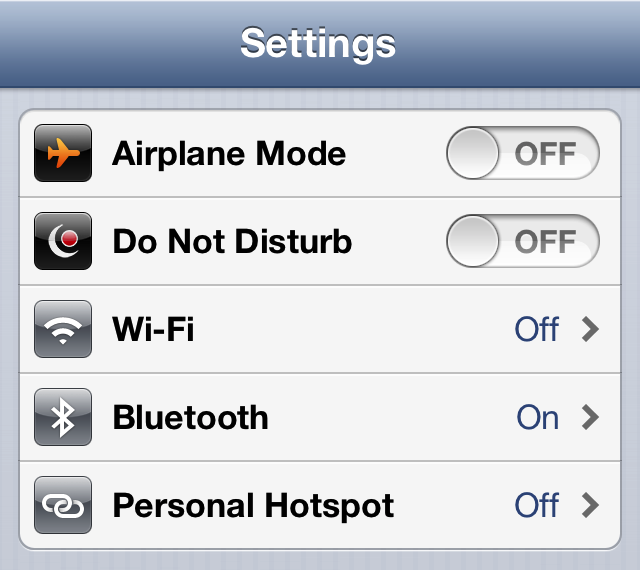
One of the first sleeper tweaks that comes to my mind is BannerDisable. It came out before Do Not Disturb hit iOS, and it's a lot more forceful than iOS' built in DND feature. If you absolutely do not want any notifications disturbing you for any reason, then you should definitely have BannerDisable installed on your device.

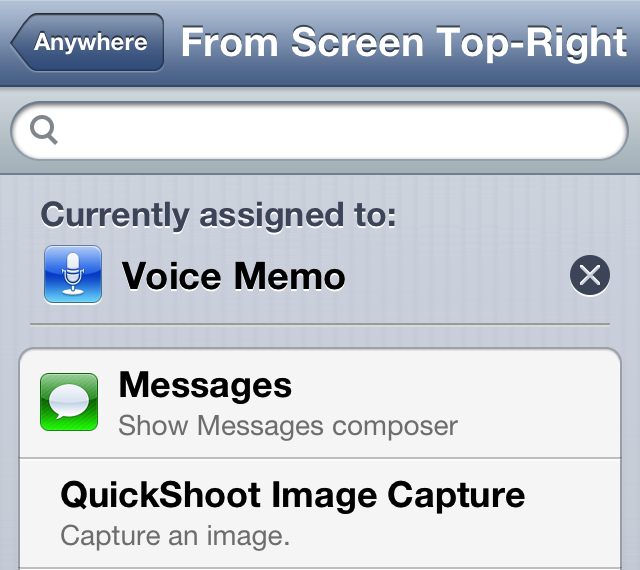
How to assign voice memos to an Activator gesture

Whenever you have Ryan Petrich's beta repo added to your Cydia sources, you're bound to run into a new surprise from time to time. That's because the prolific Cydia developer likes to test out some of his new creations on his personal repo before adding them to Cydia.

One of his latest creations is called Voice Memo Toggle for Activator. As its name states, it simply adds the ability to toggle voice memos on or off using an Activator gesture. The memos are taken using the iPhone's stock Voice Memos app, which makes it only available for the iPhone or iPod touch users. Take a look inside for a few additional details.

Set intervals for the Reminders app with RemindMeAgain

A new tweak was just submitted to the Cydia store today, and it is called RemindMeAgain. As its name alludes to, RemindMeAgain works with the Reminders app to provide you with Reminders for tasks at preset intervals. RemindMeAgain will continue to bug you at the interval you set, until the task is checked as being complete.

Take a look inside for a brief look at the tweak...

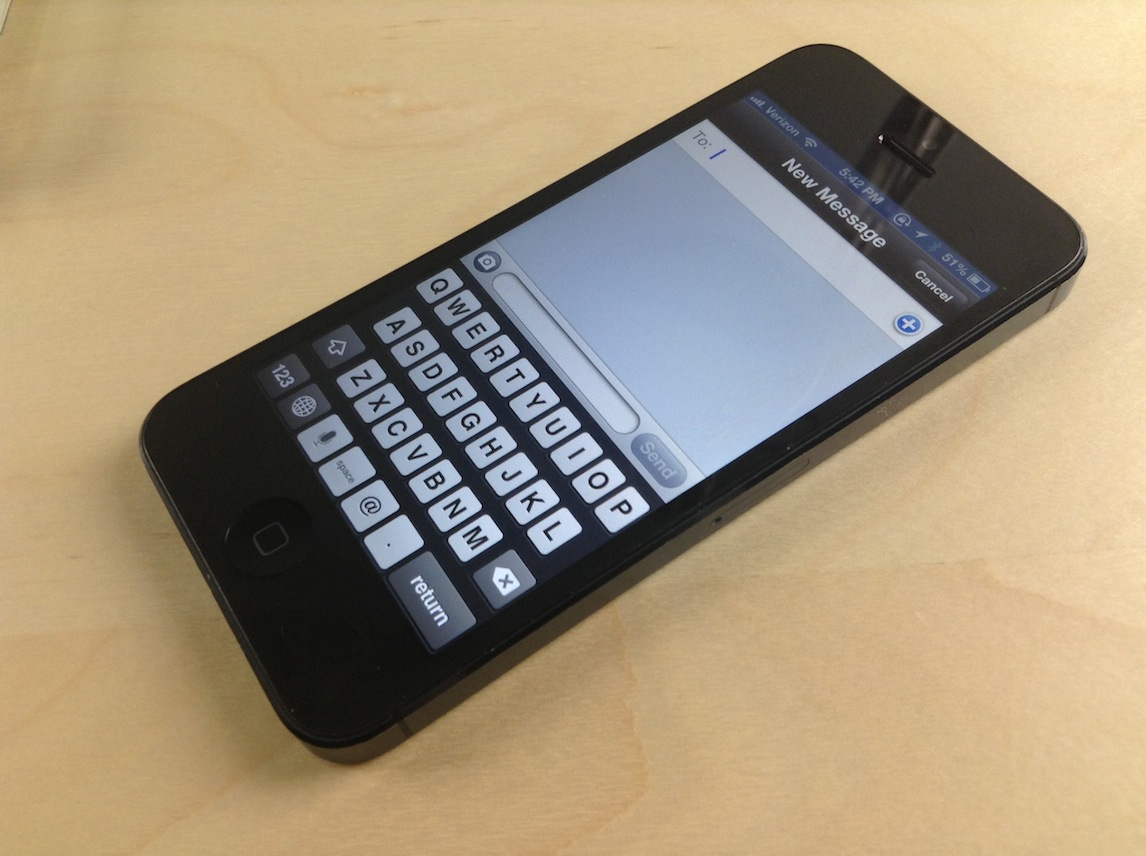
Messages: a compromise between biteSMS and the stock Messages app

If you already listened to our latest episode of Let's Talk Jailbreak, then you know that Sebastien and I discussed jailbreak tweaks for the Messages app. We talked about biteSMS, Messages+, iRealSMS, and the like. We talked about these tweaks as we discussed the validity of a new tweak, simply called Messages, and whether or not it was worth the investment.

At the time, neither of us had really put any hands-on time into the tweak, although Cody has given it a shot and seemed to like it. On the show, I promised that I would check out the tweak and provide my two cents, and that's just what I did today.

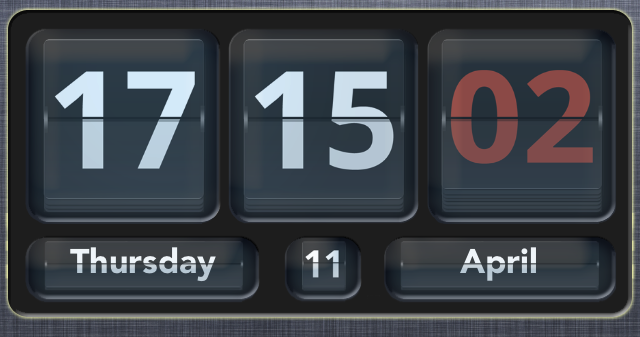
How to add an animated clock to Notification Center

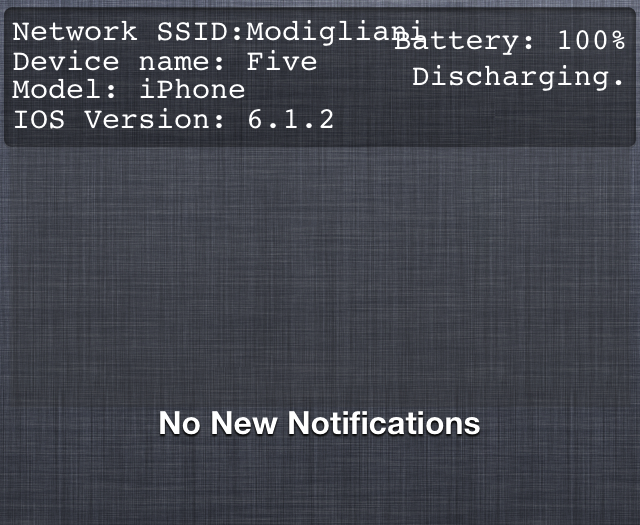
Flip Clock is a jailbreak widget that allows you to add an animated flipping clock to Notification Center. The tweak features a nice helping of options to configure the look and feel of the clock to your personal liking.

Once Flip Clock is installed, simply enable it in Settings > Notifications in order to display it within your Notification Center. The tweak also works with packages like LockInfo for placing the widget in more places than just the Notification Center panel. Check out a few more tidbits about this great looking jailbreak tweak after the break...

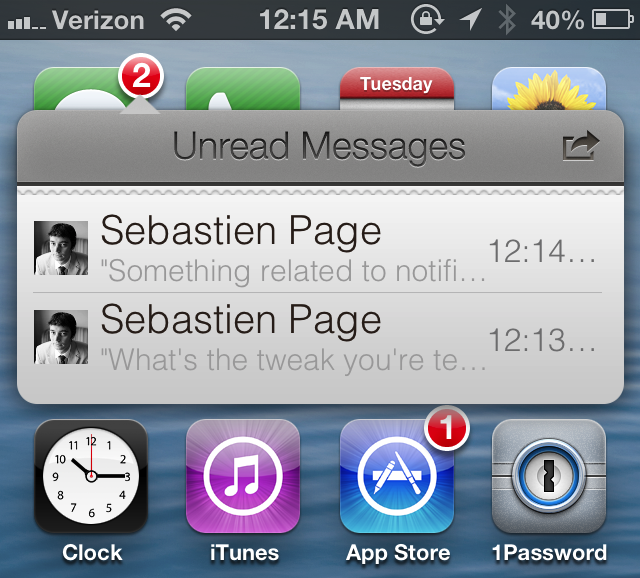
Badger beta updated with support for all apps and more

Badger — the highly anticipated jailbreak tweak that let's you view notifications right on the Home screen — has been updated. The tweak, still in beta, continues to receive incremental updates as it inches closer to a public release.

In our very first look at the tweak, Badger was extremely limited, only allowing users to view notifications for the Messages app. After the recent updates, Badger now allows users to view notifications for every app installed on the device, and more.