Jailbreak Apps & Tweaks

These are the latest jailbreak apps and tweaks available for your iPhone or iPad. We save you time by highlighting only the best tweaks.

This jailbreak theme was inspired by Microsoft Paint

Yep, you read correctly. There's a new jailbreak theme available in Cydia, and it's based on Microsoft's iconic Paint application.

Paint, known for its tendency to produce crude looking drawings, is the application that's been around in one form or another since Window's inception. When wielded by a skilled artist it can produce impressive creations, but nine times out of ten, the results end up looking like something a toddler put together. This theme is no exception.
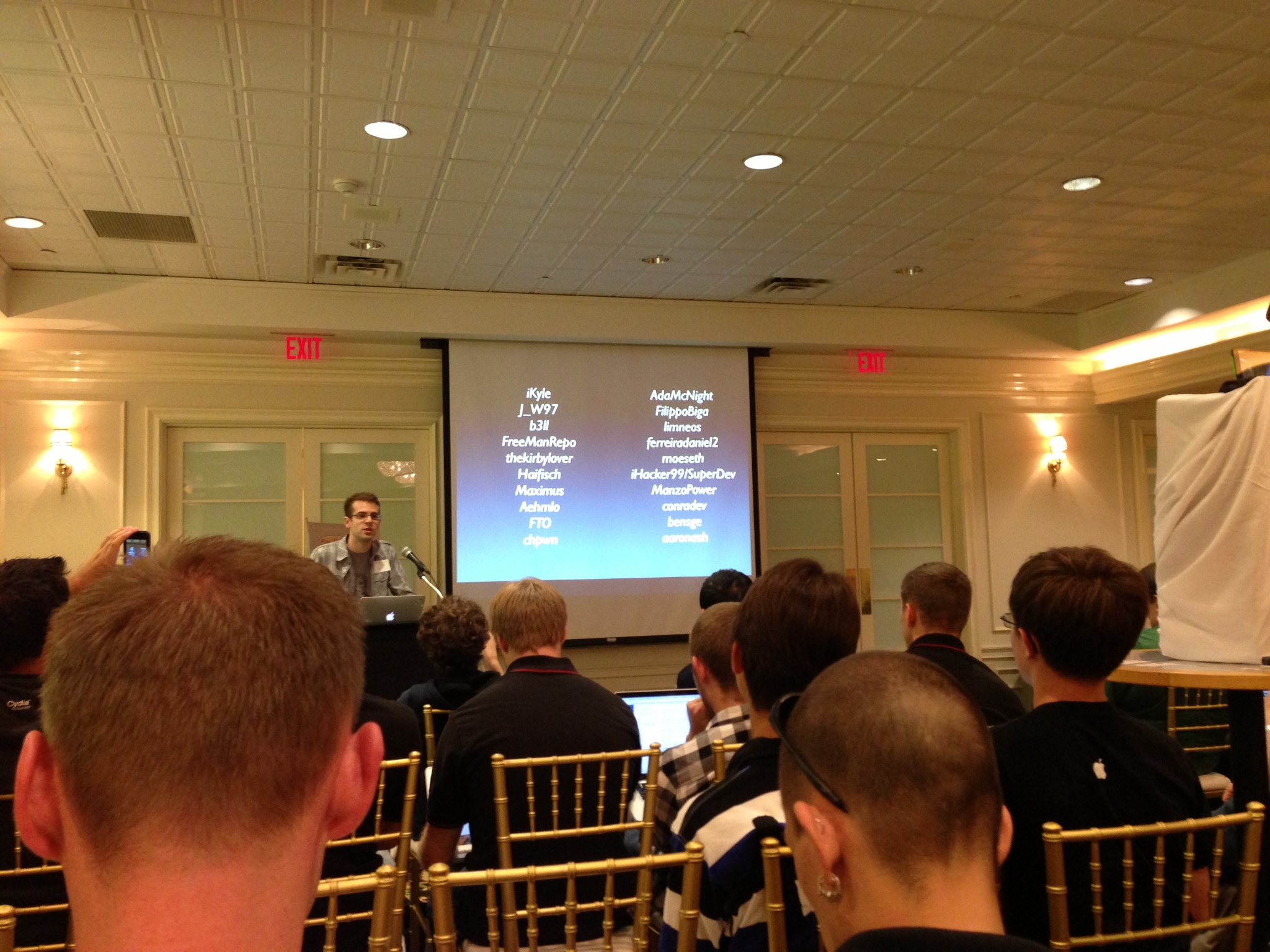
Ryan Petrich is bringing ‘TweakWeek’ back

It's hard to believe that it's been over two years since Ryan Petrich launched the original TweakWeek initiative, but just like the old saying goes, time flies when you're having fun. At this year's World Wide Jailbreak Conference, better known as WWJC or JailbreakCon, Petrich proposed a brand new TweakWeek installment, aptly dubbed TweakWeek 2.

For those of you unfamiliar with the concept, TweakWeek was an initiative that called for participating developers to release one open source tweak every day of the week. The original TweakWeek saw loads of community participation, and we got some pretty interesting tweaks as a result. TweakWeek 2 looks to continue the trend, and there are already quite a few developers on board.

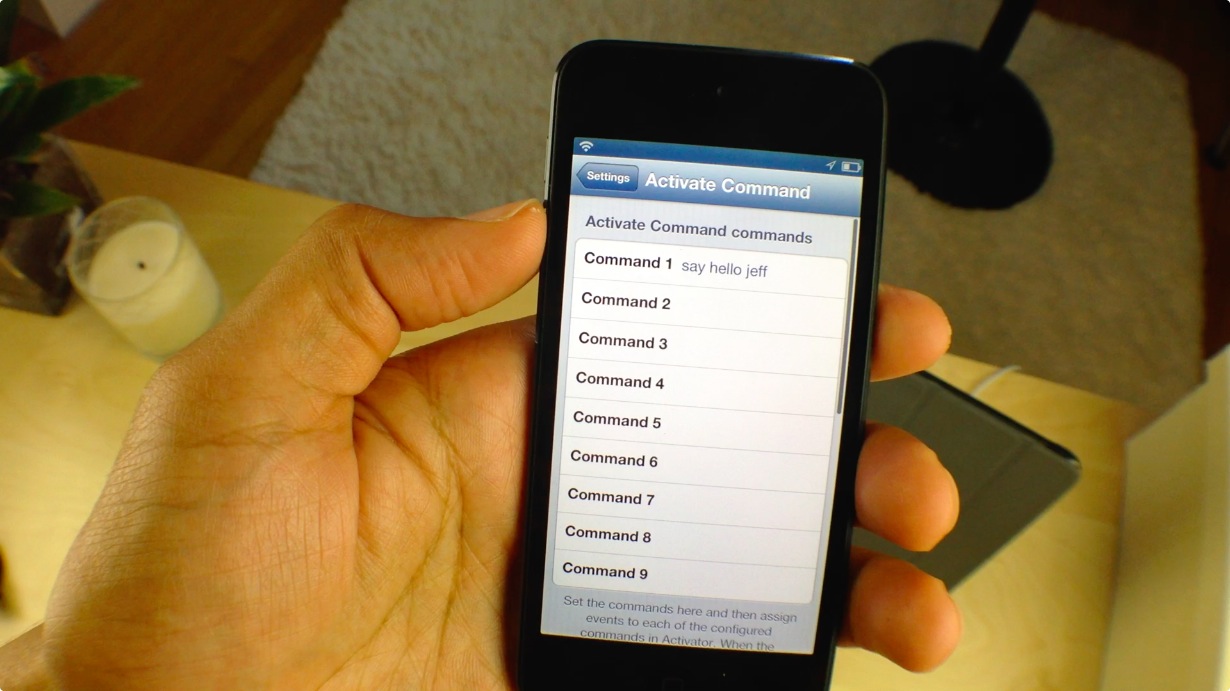
How to run shell commands using Activator actions

Interested in running shell commands via an Activator gesture? If so, then we have a treat for you. Aptly entitled Activate Command, this new jailbreak tweak allows users to execute commands via an Activator gesture, which would normally be submitted via a script or via a terminal session.

Interested in seeing how Activate Command works? We thought you'd never ask. Head past the break for our video walkthrough.

How to control the official VLC app using gestures

If you're an avid user of the official VLC app available on the App store, then listen up. You can now control the core elements of the VLC app using multitouch gestures. Unsurprisingly, you will need a jailbroken device to pull that off, but chances are that's the case if you're reading iDB.

VLC Gestures is a brand new tweak that just hit Cydia, and it allows you to incorporate gesture based control into your VLC workflow. Take a gander at our video walkthrough highlighting VLC Gestures inside...

GingerLock: yet another Android inspired Lock screen launcher

Yes, indeed. We've been graced with the likes of yet another Lock screen launcher, this one being inspired by Android no less. GingerLock emulates the style of Android's now long outdated Gingerbread release, and brings it to iOS. It's not as heavy on features like other Android inspired Lock screen launchers, but it does feature a few areas of customization that may pique your interest.

Per the norm, we've taken the opportunity to go hands on with GingerLock. Have a look at our full video walkthrough inside.

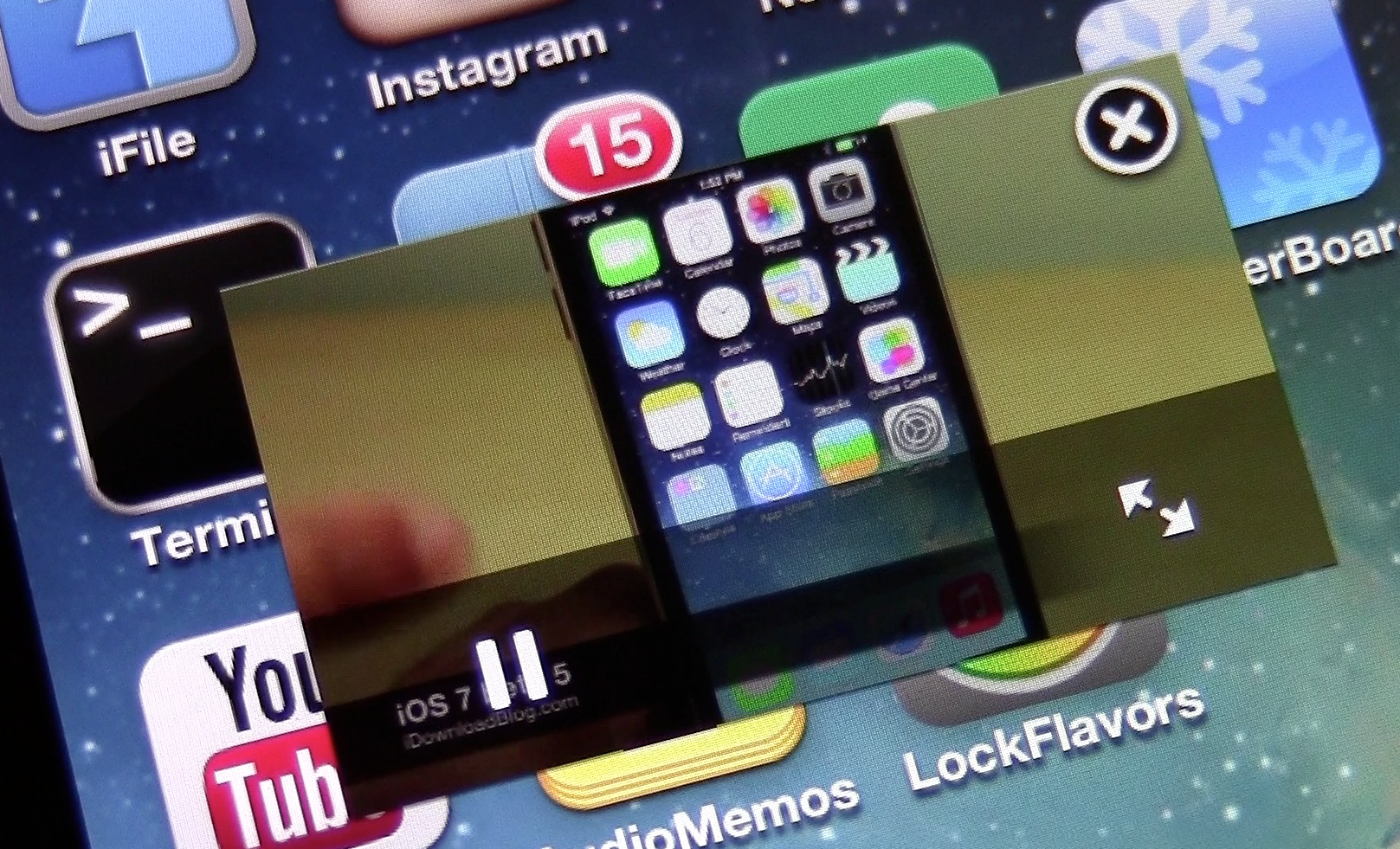
Reminisce: the best way to switch between recently used apps

It's one of the best jailbreak tweaks that we've seen this month, and it's now available for you to download on Cydia's BigBoss repo. I'm talking about Reminisce, the jailbreak tweak that lets users quickly switch between their most recently used apps, and unless you've been living under a rock, you're fully aware of what tweak I'm referring to.

We previewed Reminisce last week, lending a glimpse of what you can expect once the tweak went live on Cydia. Now that it's officially live and available to purchase, let's step through a few of the other features found in this big time Cydia release.

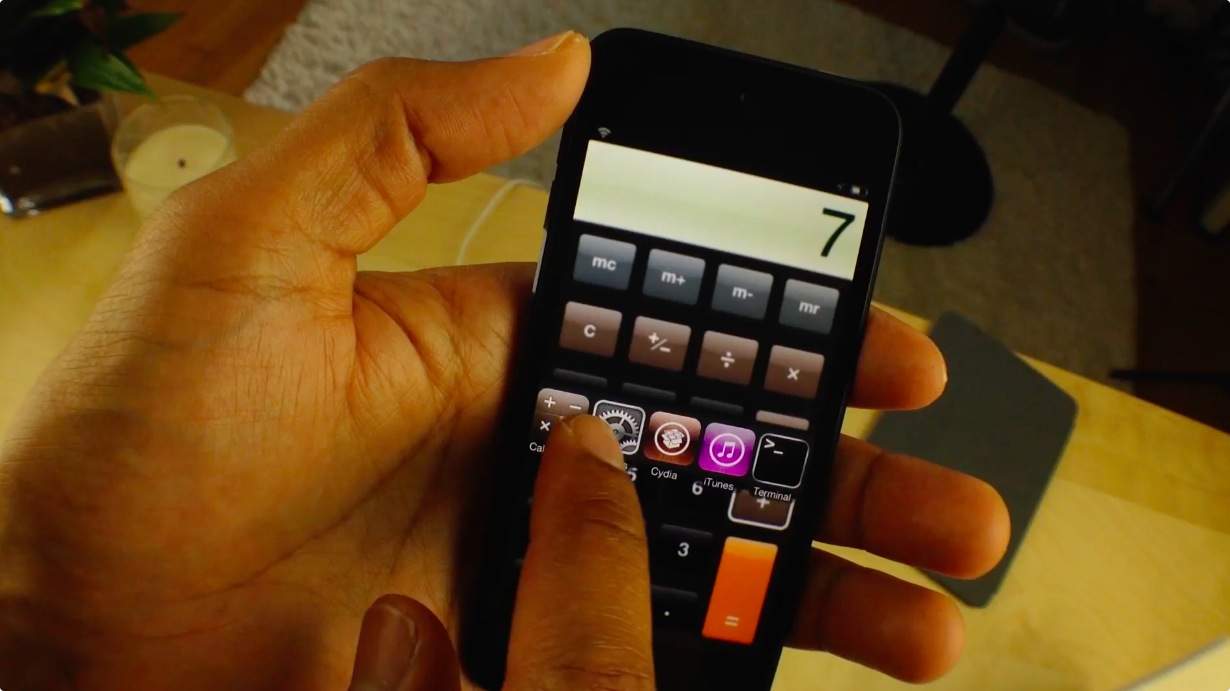
Upcoming Mac utility lets you bypass the passcode on jailbroken devices

An upcoming Mac utility by jailbreak developer, Majd Alfhaily, (better known by his Twitter handle, @freemanrepo) allows users to outright bypass passcode lock protection on jailbroken iOS device.

Alfhaily sent us a beta version of the tool, which we were able to run successfully and unlock our passcode protected iPod touch. Take a look at our preview video walkthrough for more details.

New ‘VideoPane’ updates adds bug fixes, redesigned preferences, and more

Ryan Petrich's uber popular VideoPane tweak has been updated with a load of features since we initially talked about it. In usual fashion, Petrich has provided a barrage of new features, bug fixes, and optimizations for the tweak.

If you haven't had the chance to check out our original review of the tweak, then I highly suggest you do so now. Otherwise, if you're already familiar with VideoPane's inner-workings, you'll enjoy the long list of improvements.

Let’s Talk Jailbreak 24: Sebastien’s back

Sebastien is back from his vacation and he joins both Cody and Jeff for a jam packed episode of Let's Talk Jailbreak. This week, the trio discusses the upcoming gold iPhone 5S, the budget iPhone 5C, Apple's upcoming September 10th event, and much, much more. Jailbreak tweaks are also a hot topic of discussion as the guys tackle Anemo, AppSwiper, AutoOK, CodeScrambler, and Reminisce. Of course, Sebastien fills us in on what he's been up to for the past month and a half, and provides us all with an update on the state of the podcast.

ReturnDismiss: easily dismiss the keyboard in iOS

There's now a super easy way to dismiss the keyboard from within any app in iOS. ReturnDismiss, a new jailbreak tweak released for free on Cydia's BigBoss repo, makes it possible for jailbroken users to easily hide the stock iOS keyboard using a simple tap and hold gesture.

ReturnDismiss even works when the app you're in doesn't normally support the ability to dismiss the keyboard. Take a look at our brief video walkthrough inside for all of the goods...

‘AutoOK’ makes complex passcodes work like normal passcodes

In theory, "complex" word-based passcodes are more secure than the standard 4-digit passcodes that the majority of us tend to use, but they do come with a caveat. It might not sound like a big deal, but with complex passcodes, you have to tap the 'OK' button after entering the passcode in order to unlock your device. With standard passcodes, simply entering in all four digits is enough to prompt the device to unlock.

AutoOK is a new jailbreak tweak that serves as a workaround for this problem. It will automatically submit your complex passcode and unlock your device without needing to tap the OK button. Have a look at our video walkthrough inside to see how it works.

AppSwiper: swipe up to kill apps on the Home screen

AppSwiper is a brand new jailbreak tweak that allows you to kill running apps with a simple swipe gesture. The gesture, which is performed on app icons situated on the Home screen, invokes a pop-up window displaying the amount of RAM that the application is currently using.

Along with the RAM readout, you're greeted with two buttons — cancel, and kill. The cancel button takes you back to the Home screen without performing any actions, and the kill button stops the app from running.

AppSwiper is a great jailbreak tweak for those of you who like to micromanage running apps. Have a look at our video walkthrough inside for all of the details.