Jailbreak Apps & Tweaks

These are the latest jailbreak apps and tweaks available for your iPhone or iPad. We save you time by highlighting only the best tweaks.

HideMe7: a tweak designed to hide UI elements in iOS 7

HideMe7 is a new jailbreak tweak that's aimed at folks looking to remove specific UI elements from iOS. The tweak, which is presented as a long list of toggles broken up into various UI related sections, works in some areas, but fails in others.

HideMe7 is a decent way to simplify the look of your iOS installation, but you'd probably be better off holding off for the upcoming release of Springtomize 3, and save your $0.99 to go towards it instead. Have a look at our video walkthrough inside to see what I mean.

How to simplify the look of the Lock screen on iOS 7

One of the better looking Lock screen tweaks for iOS 6 now has an iOS 7 counterpart. SubtleLock (iOS 7) is a brand new jailbreak tweak that allows you to make subtle changes to the Lock screen in iOS.

The idea behind the tweak is to make the Lock screen appear simpler, less cluttered and easy to read. SubtleLock was one of my favorite lock screen tweaks available for previous iOS firmware, and I'm happy to report that this new tweak works just as well as past iterations. Full video walkthrough inside.

How to remove the numbers and letters from the passcode buttons on the Lock screen

Interested in removing the letters and numbers from the passcode buttons on the Lock screen? If so, then SimplePasscodeButtons is a tweak that was created just for you.

SimplePasscodeButtons is an extremely simple tweak (hence the name) that allows you to hide the letters on the passcode screen, or both the letters and numbers. The end result is a a bunch of circles on the passcode screen with nothing inside them. Have a look inside for our video walkthrough and more details.

How to slim down banner notifications in iOS 7

TinyBar is a brand new jailbreak tweak that allows you to slim down the look of incoming banner notifications in iOS 7. The tweak, which is configurable from the stock Settings app, also features the ability to implement scrolling for messages that eclipse the width of the iPhone's screen.

TinyBar is an interesting way to go about customizing the look and feel of banner notifications. Take a look at our video walkthrough inside for a demonstration of how it works.

How to fix Status Bar issues after jailbreaking iOS 7

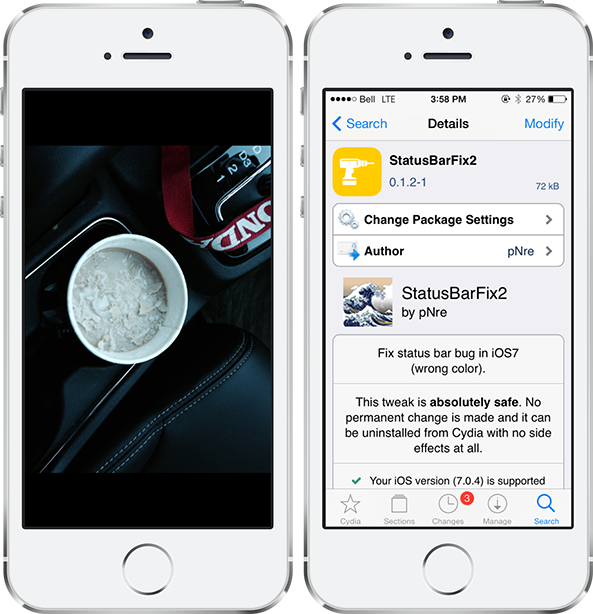
Jailbreaking an iPhone, iPad or iPod touch provides many benefits that otherwise aren't possible on a stock device, although there are occasionally a few bugs that may be encountered along the way. One prominent issue that users have been facing with the iOS 7 jailbreak is the status bar turning black and not disappearing in stock apps like Calculator, Camera, Photos and Weather. This was an annoying nuisance that I was facing on my own iPhone up until this morning, when I discovered StatusBarFix2… 

BetterFolders takes your app folders to the next level

If you are an avid user of Apple products, chances are that you have lots of apps installed on your iOS device. And while folders have long been an ideal solution for keeping your Home screen organized, they have a few shortcomings that a new jailbreak tweak called BetterFolders aims to solve. The useful extension serves three purposes: enables pinch to close for folders, allows nested folders, and brings 4×4 folder layout to the iPad… 

SPTouch brings a virtual Home button to your iPhone

There are several ways you can emulate the Home button without actually pressing the Home button on your iPhone. You can use Activator gestures, or even tweaks such as Virtual Home.

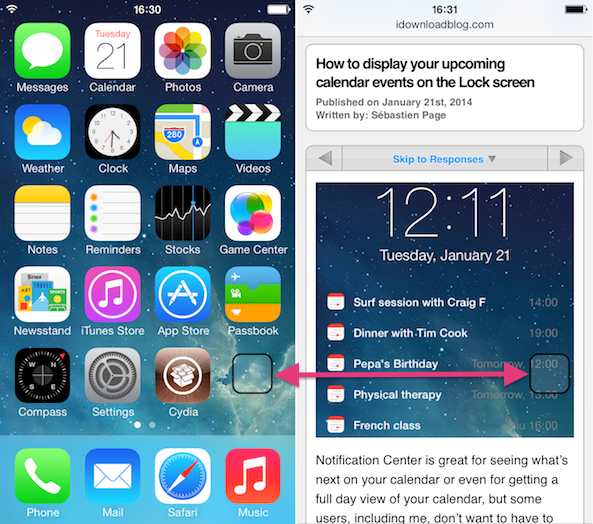
SPTouch, a new tweak by Paolo Smedile is yet another option. This tweak brings a small Home button anywhere on your screen that you can tap at any time to go back to your Home screen...

How to make “slide to unlock” appear immediately on the iPhone 5s

NoDelay64 is a recently released jailbreak tweak for iPhone 5s owners. It's a tweak that removes the delay from the appearance of the "slide to unlock" on Touch ID enabled devices.

Apple adds a delay to the famous "slide to unlock" text, because it assumes that most iPhone 5s users with Touch ID enabled will be using Touch ID instead. This new tweak gets rid of that delay with a simple Cydia install. Have a look past the jump to see how it works on video.

ClipShot: improved screenshot management in iOS

ClipShot is a jailbreak tweak that was just released today. It allows you to save screenshots to your iPhone's camera roll, clipboard, or both.

If you're anything like me, and you take tons of screenshots every single day, then ClipShot may be worth investigating. It's not perfect at this point, as it does have some bugs, but it also shows loads of promise. Take a look at our video walkthrough inside for more information.

How to invoke Siri from the Pebble Smartwatch

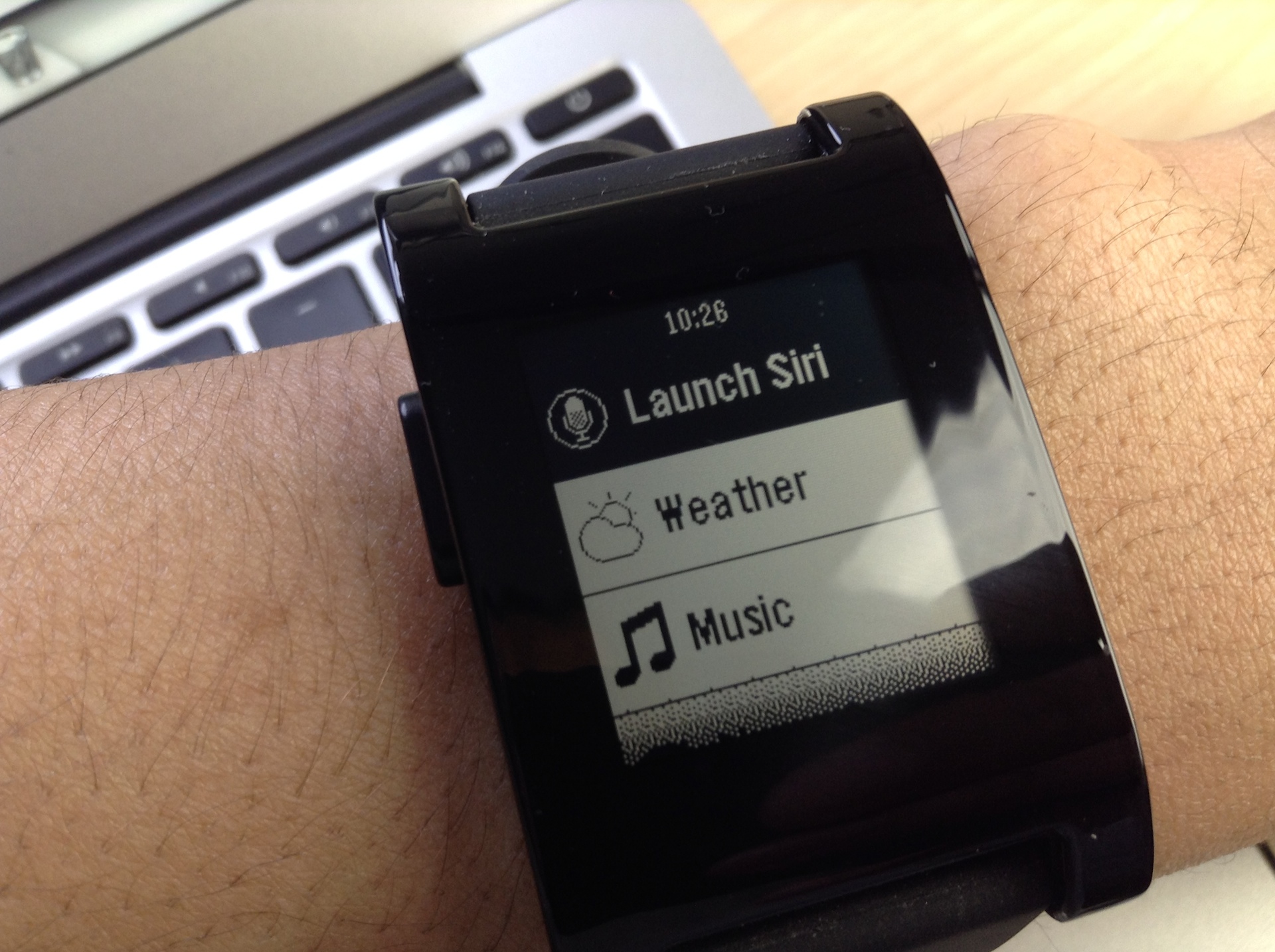
Great news for all of your Pebble Smartwatch owners: PebbleSiri and the Smartwatch+ jailbreak app has been updated to work with iOS 7. This means that you can now invoke Siri from your Pebble Smartwatch without touching your iPhone.

iPhone plugged into an outlet across the room, but want to set an alarm? No problem, just press the Siri button on your Pebble Smartwatch to invoke Siri and start dictating your commands. PebbleSiri is an absolute must have jailbreak tweak for Pebble Smartwatch owners, because it lessens the friction between the end user and Siri.

How to remove Yahoo branding from Notification Center

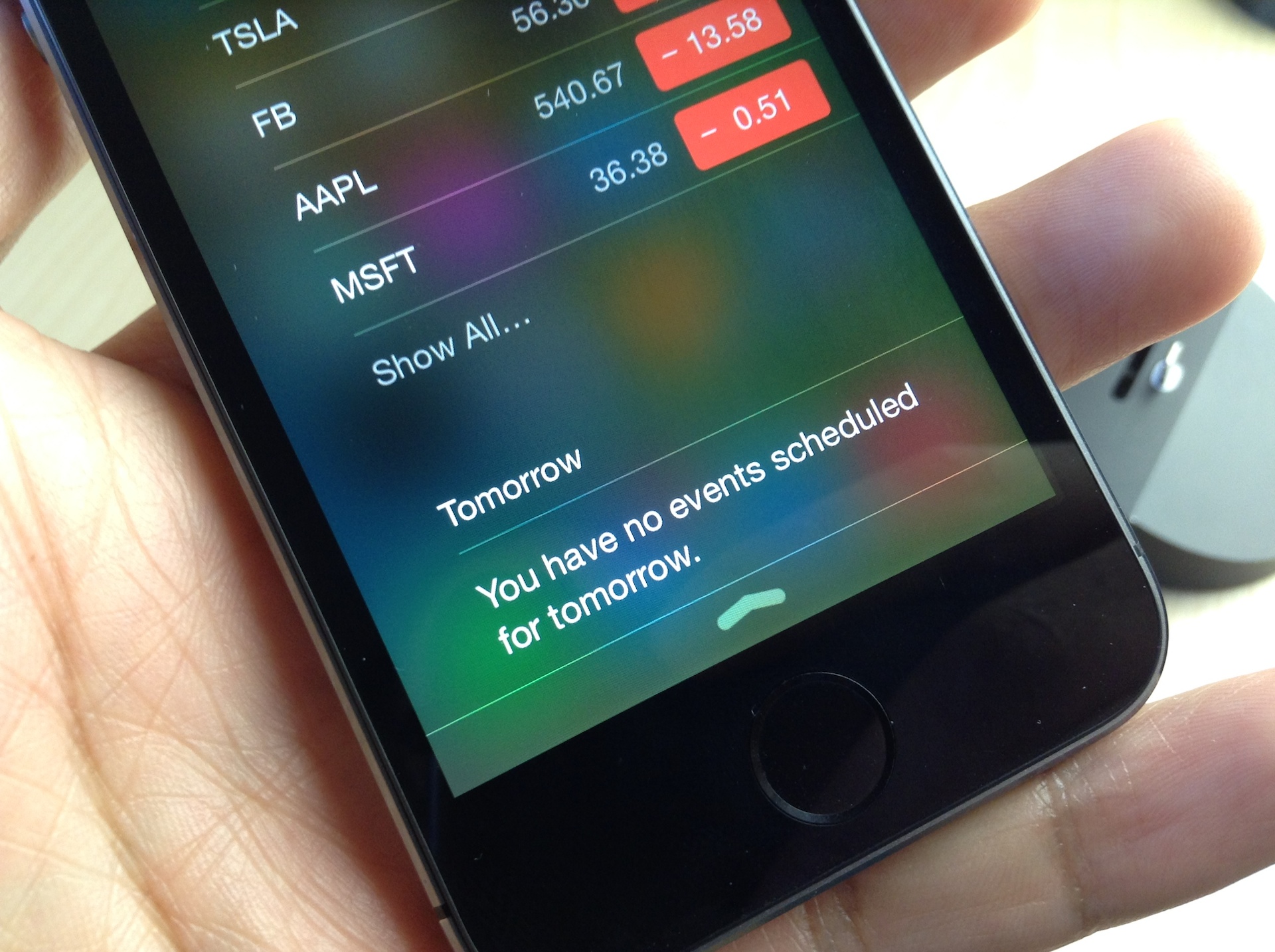
NC Cleaner is a brand new jailbreak tweak that does one thing, and one thing only: It allows you to remove the Yahoo branding that appears in the bottom of Notification Center's Today view in iOS 7.

If you have a special hatred for the Yahoo branding, then this is one of the tweaks that you can use to get rid of it. We've got a before and after comparison video inside for you to check out.

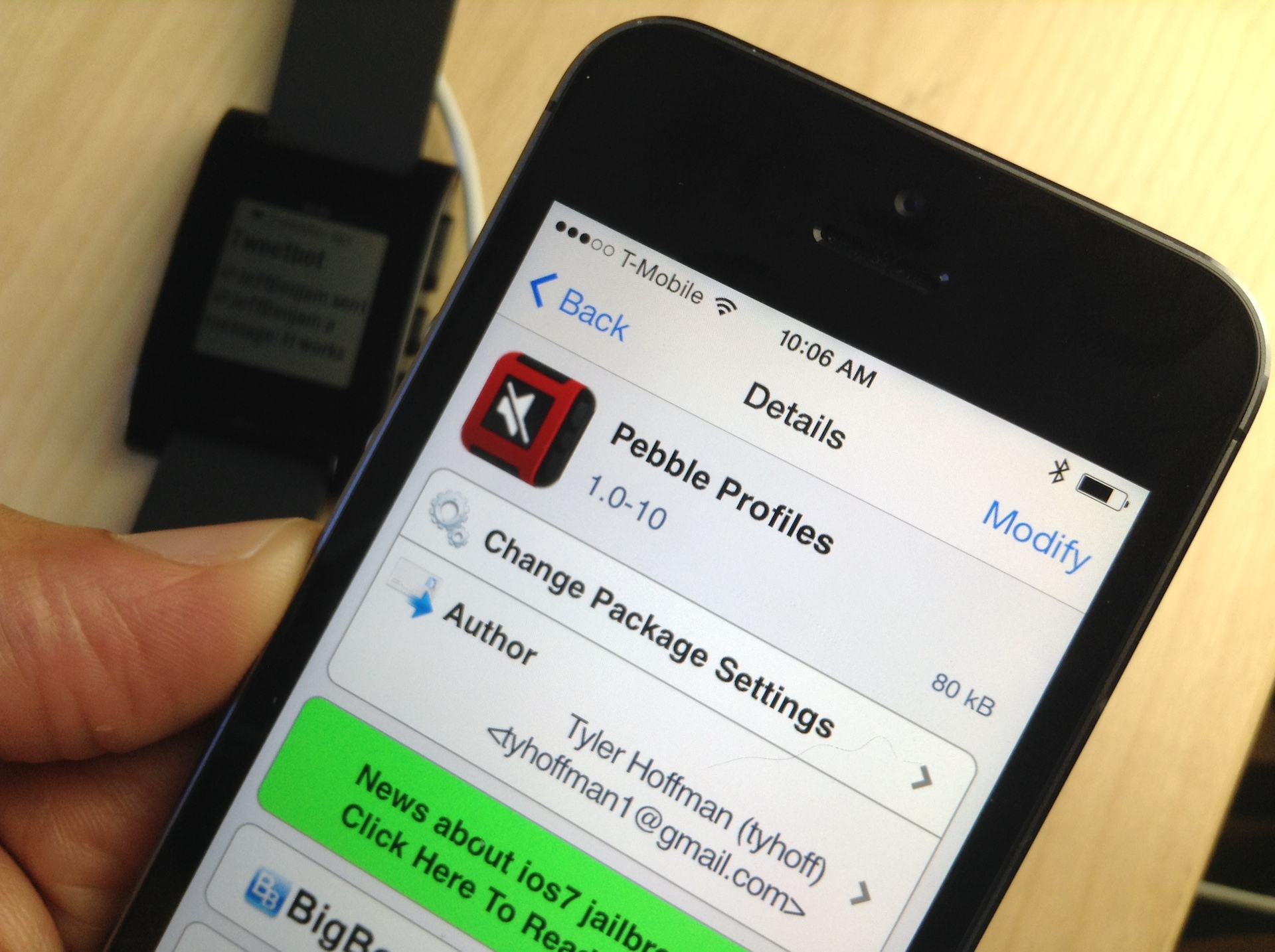
Pebble Profiles: suppress Pebble notifications while your iPhone is unlocked

If you're a Pebble Smartwatch wearer, then you are probably already quite familiar with the device's idiosyncrasies. As I stated in my review of the device, I like my Pebble, but it's definitely got a few opportunities for improvement.

One of the more glaring issues is solved by a recently released jailbreak tweak dubbed Pebble Profiles. This tweak suppresses notifications on the Pebble when your iPhone is unlocked. The end result is a great reduction of duplicate, and hence redundant, notifications. Take a look at our video inside for a demonstration of how it works.