Jailbreak Apps & Tweaks

These are the latest jailbreak apps and tweaks available for your iPhone or iPad. We save you time by highlighting only the best tweaks.

SMS Stats 2: monitor SMS statistics on a global and individual contact basis

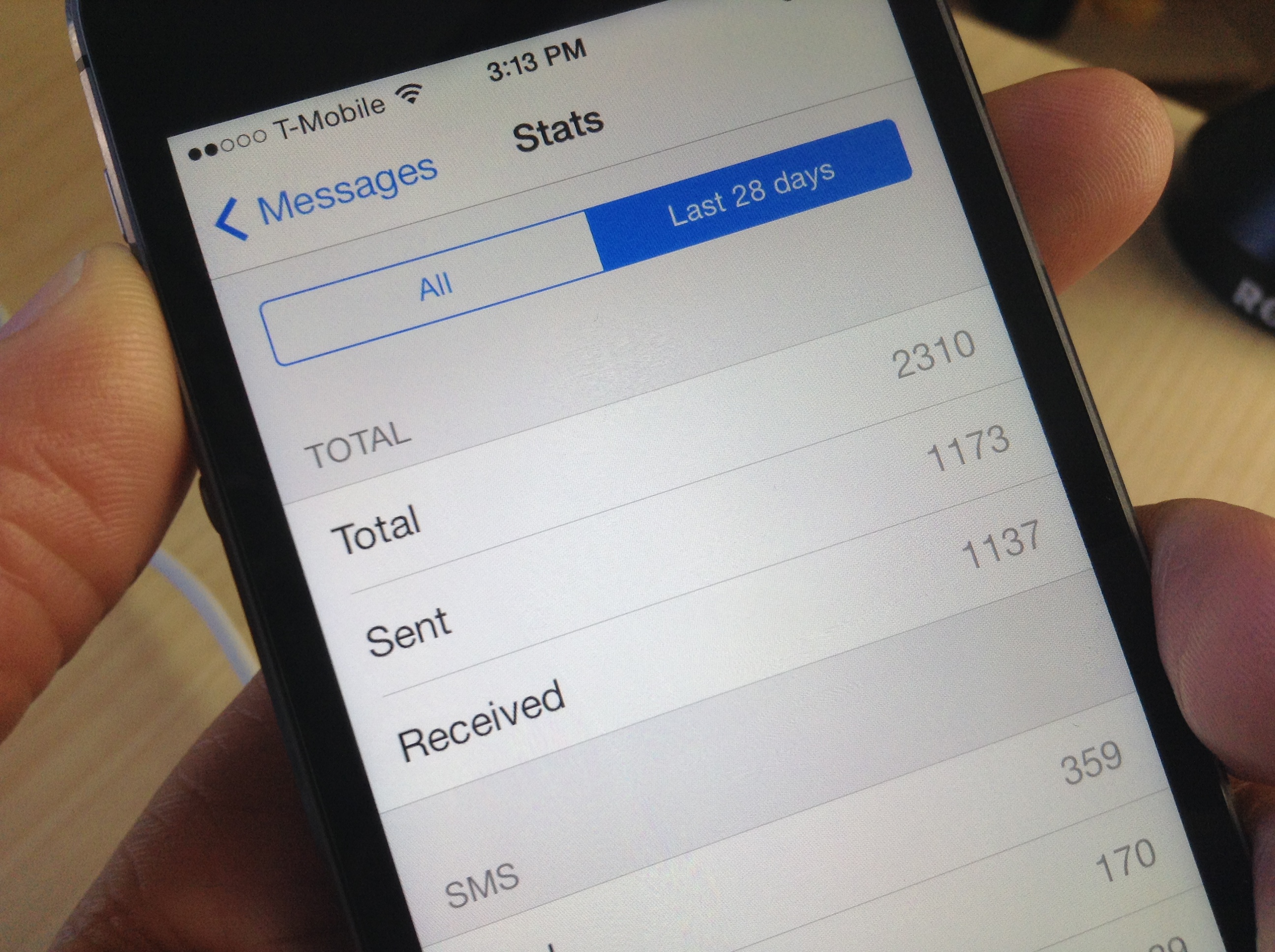
I've never thought of myself as a big text messenger, but I was quite surprised to see how many text messages that I've sent and received over the life of my iPhone. As it turns out, I've sent and received a combined 17,000+ text messages—way more than I expected.

Chances are you'll too be surprised when you see your text message statistics, and there's a brand new jailbreak tweak called SMS Stats 2 that makes it super easy to view them.

How to enable Tweetbot 3 streaming over 3G/LTE

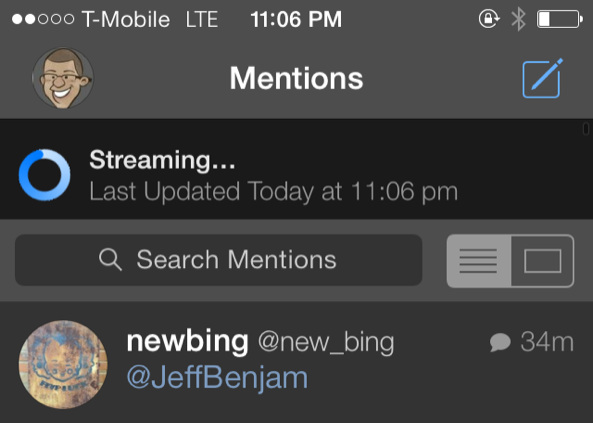
One of the main reasons why I could never see myself switching from Tweetbot 3 to the official Twitter app has to do with streaming. More specifically, Tweetbot allows you to have real-time streaming timeline updates, while the official Twitter app does not.

But even Tweetbot's streaming has limitations. For example, you can't stream your timeline while on LTE/3G, as it only works with Wi-Fi.

Tweetbot 3 Stream 3G/LTE is a brand new jailbreak tweak that allows you to use Tweetbot's streaming timeline while on a cellular connection. Have a look inside for a few more details about this handy tweak.

How to remove the ‘Store’ button in the Music app on iOS 7

In an effort to generate iTunes sales on iOS devices, Apple has long placed a Store button in the top menu bar of its Music app. As you would expect, tapping on Store exits the Music app and brings you to the iTunes Store for everything from songs and albums to movies and TV shows. It's a convenient link from one app to another on iOS devices, but some users might not find use in it. If you're one of those people, a new jailbreak tweak called NoStoreButton7 is a quick fix for you…

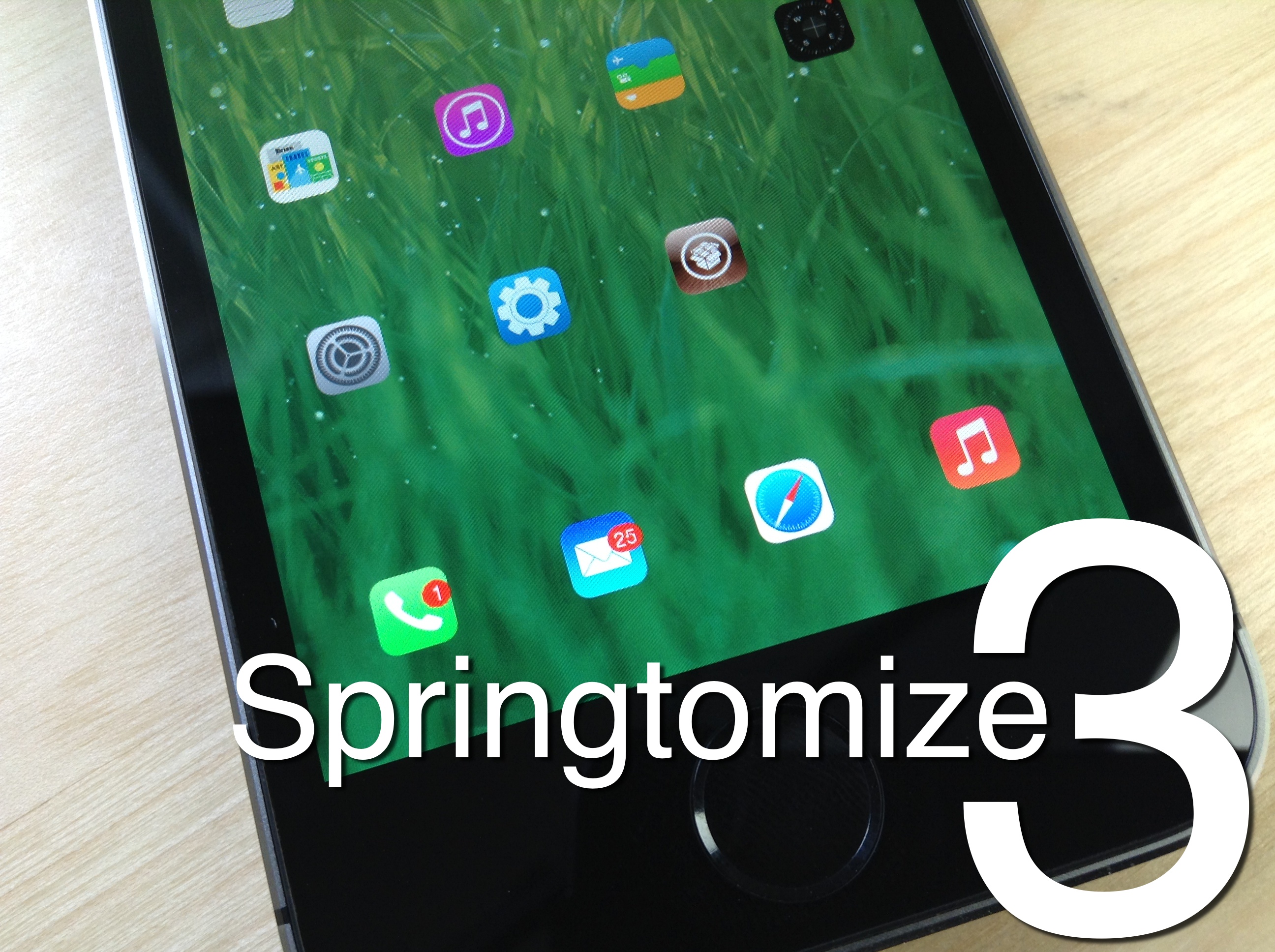
Review: Springtomize 3

Springtomize 3 is now available for download on Cydia's BigBoss repo, and I'll just get it out of the way and state that I highly recommend it. For those of you unfamiliar with this legendary tweak, Springtomize is basically a way to customize multiple facets of iOS using a single tweak. It's like dozens of tweaks combined into one, and for that reason, many people love Springtomize.

The third iteration of Springtomize is definitely a more evolutionary chapter in the tweak's existence. It's not the game changing tweak that was Springtomize 2, but it still brings more than enough to the table to warrant a purchase without even thinking about it. This is the type of tweak that belongs in the repertoire of every single jailbreaker out there.

Springtomize 3 was built for iOS 7, and it allows you to customize the Home screen, app switcher, Lock screen, folders, and many more areas of iOS 7. Have a look at our full length in-depth video, which covers every section to be found in Springtomize 3.
How to use the PS4 Dual Shock 4 controller to play iOS games on the iPhone, iPad, or iPod touch

Last week I was super excited to bring you a video walkthrough of Controllers for All, a new jailbreak tweak from Ori Kadosh, that brought true PS 3 Dual Shock 3 controller support to games with iOS 7 controller support. The tweak was pretty groundbreaking, in the sense that it meant that you no longer had to pay $100 for an officially sanctioned, and utterly subpar, MFi controller.

Now Kadosh is back at it again, with his first big update to Controllers for All. This time around, he's added support for Sony's latest offering—the much-hyped Dual Shock 4 controller for the PlayStation 4. The awesome thing about using the Dual Shock 4 controller is that you no longer need to use any outside apps, like sixpair, to pair the device with your iPhone or iPad. All of the pairing is done solely between the controller and your iOS device!

To make a long story short, Controllers for All is the ultimate jailbreak tweak for gamers wishing to have have a better gaming experience on iOS. Have a look at our newest video walkthrough for the tweak after the break

FolderEnhancer: the legendary folder tweak comes to iOS 7

FolderEnhancer used to be one of the first jailbreak tweaks that I installed on my newly jailbroken iPhone. Before iOS 7, you could only have one page of app icons in a folder, and I used FolderEnhancer to get around Apple's arbitrary limits.

With iOS 7's release, Apple has relented, and incorporated some of the features, like paging within folders, that made FolderEnhancer such a great release. For that reason, the new FolderEnhancer for iOS 7 may seem a bit underwhelming for those of you whose jailbreaking experience goes back some time.

That said, FolderEnhancer is still worth checking for. In fact, FolderEnhancer (iOS 7) is a free download for those of you who purchased the original version, and it's only $0.99 for newcomers. Have a look at our video walkthrough inside to see what the latest version of FolderEnhancer is all about.

How to make the Lock screen Status Bar match the size of the Home screen Status Bar

SameStatus is a new jailbreak tweak that does something incredibly simple: it allows you to make the size of the Lock screen status bar match the size of the Home screen status bar.

I'm not sure if you've noticed, but the information contained on the status bar on iOS 7's Lock screen is a bit larger than the same info shown on the Home screen status bar. SameStatus is tweak that allows you to "fix" this issue.

Slo-mo Mod: enable slow motion video capture on unsupported devices

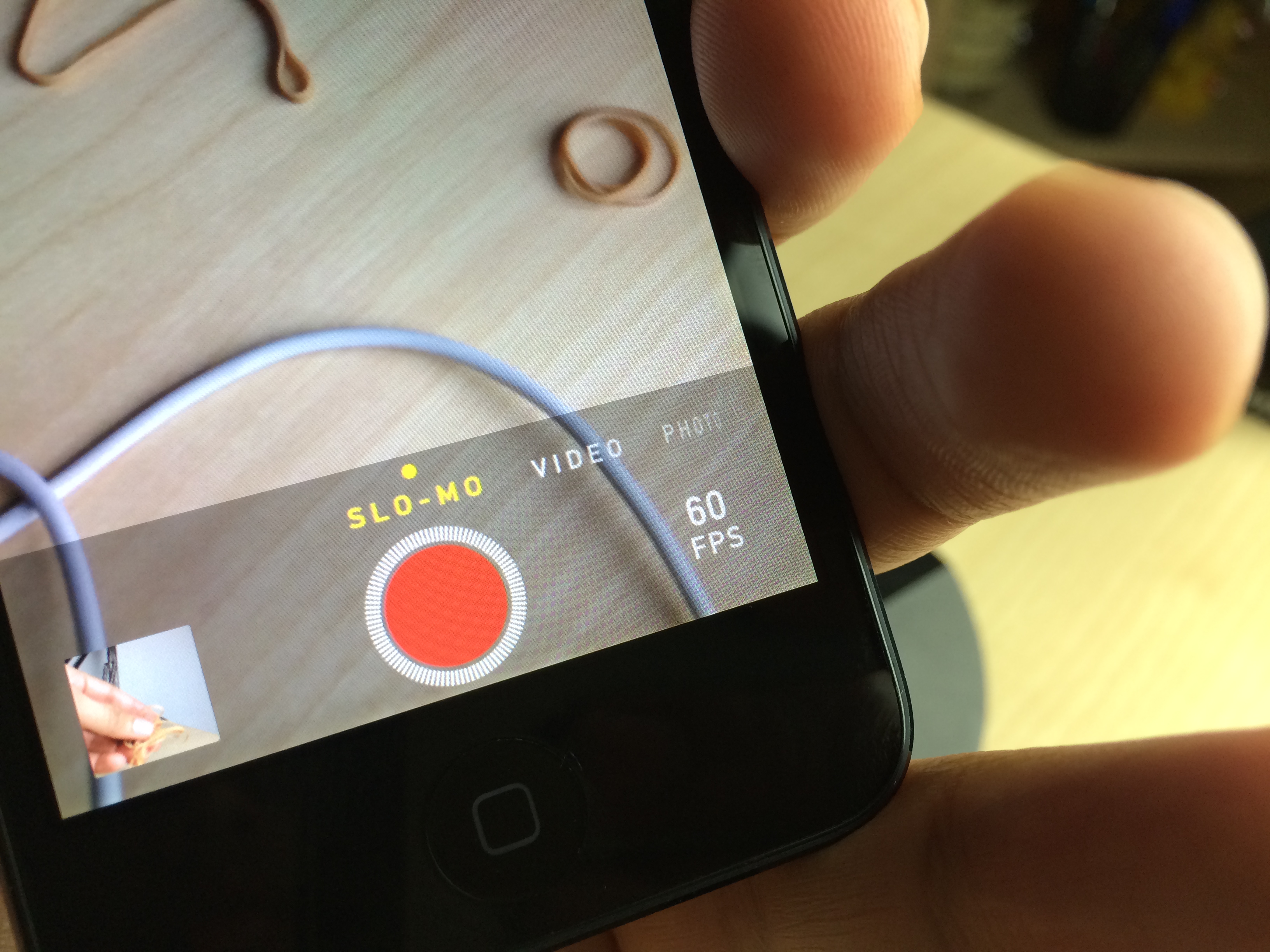
One of the iPhone 5s' flagship features, the Camera app's baked-in slow motion mode, is now available to owners of older devices like the iPhone 5, and the iPod touch 5th generation. Slo-mo Mod is the jailbreak tweak that makes it so that slow motion mode is no longer an iPhone 5s exclusive.

I have to admit, I was a bit skeptical when I first heard of this tweak, but after giving it a shot, I came away thoroughly impressed. No, it doesn't allow you to have 120 fps video capture, but it will do 60 fps on the iPod touch 5th-gen hardware, and that's more than enough frames to come away with some excellent looking slow motion video.

Alkaline: theme the status bar battery indicator without WinterBoard

Sometimes you just want to alter one simple piece of iOS without going full blown and installing WinterBoard. For times like these, a release like Alkaline is just what the doctor ordered.

Alkaline is a brand new jailbreak tweak that makes it super easy to theme the status bar battery indicator. The best part about Alkaline is that you don't need WinterBoard installed to use it.

We've put Alkaline to the test and we've created a video walkthrough for you to see as well. Have a look inside to see how Alkaline works in action.

QuickContacts lets you quickly access your favorite contacts from Spotlight

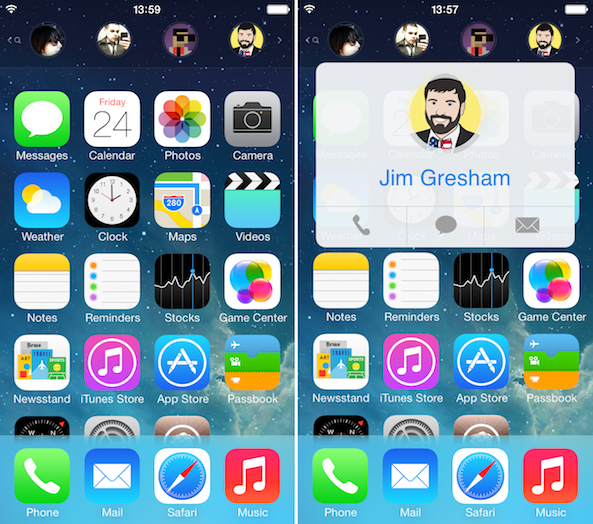
There are many ways you can quickly access your contacts from remotely everywhere on an iOS device thanks to clever jailbreak tweaks, but to my knowledge, QuickContacts is the first to add your favorite contacts to Spotlight Search.

Developed by Joshua Lee Tucker with help from Kyler Phillips, QuickContacts makes your favorites accessible with a quick pull down gesture from the Home screen. I took the tweak for a spin and will now share my experience with you...

How to send unlimited photos on WhatsApp

WhatsApp has emerged as one of the most popular cross-platform messaging services for iPhone and other devices, with a wide array of useful features that has attracted over 400 million active users.

One limitation of the service, however, is that you can only send a maximum of 10 photos at once, which can understandably be frustrating for some power users. Fortunately, a new jailbreak tweak called WhatsApp Unlimited Media removes that restriction… 

Hipjot developer creating jailbreak tweak for his Swype-style keyboard

Earlier this month, we told you about a note-taking app called Hipjot that featured a Swype-style keyboard. The app was ok, but the keyboard garnered considerable attention, with many commenting that they wished they could make it their default in iOS.

Well we have some good news this evening. The developer of Hipjot, Yose Widjaja, is working on turning his keyboard into a jailbreak tweak so that it can be used natively. Speaking in a Reddit thread, Widjaja says he's made getting into Cydia a top priority...