Jailbreak Apps & Tweaks

These are the latest jailbreak apps and tweaks available for your iPhone or iPad. We save you time by highlighting only the best tweaks.

How to control Philips Hue lights from Control Center

I have a special fascination with home automation, and I'm usually up for trying anything new in this space. For that very reason, I was super excited to try out the Philips Hue lighting kit when it first launched, and I picked one up on day one. You can watch my Philips Hue unboxing and review here.

Philips has a decent, if not a bit cumbersome to use, app available that allows you to control the Hue lights. I was always a big fan of the hardware, but I thought the software left a lot to be desired.

One of the biggest gripes for me is just having to launch a separate app in the first place. Wouldn't it be awesome if you could turn your lights on and off directly from native iOS? Wouldn't it be even more awesome if you could control your lighting directly from iOS 7's Control Center?

And that's exactly what this recently released jailbreak tweak, entitled HueHueHue, does. It allows you to control your Philips Hue lights from native iOS, including Control Center, and a whole lot more. Take a look inside as I walkthrough this jailbreak tweak's features on video.

SlideForUsage: swipe down on the pages in the app switcher for usage info

The app switcher in iOS 7 allows you to swipe up on the pages listed there to kill the apps using a simple gesture. Swiping down on the app pages results in a simple rubber banding animation that has no effect on the application associated with the page.

Wouldn't it be cool if you could garner some extra functionality from swiping down on pages within the app switcher? That's the basic premise behind SlideForUsage; it allows you to view basic usage statistics for the apps listed in the app switcher. Have a look at our video walkthrough inside.

ColorFlow: colorize the stock Music app based on album artwork

ColorFlow is a recently released jailbreak tweak that colorizes the look of the stock Music app. The colors impact nearly every facet of the stock Music app, from the buttons, to the sliders; even the backgrounds aren't spared.

The colors are inspired and derived from the currently playing album artwork. ColorFlow is a gorgeous looking tweak that's a must try for iOS 7 jailbreakers. Have a look at our full video walkthrough after the jump.

How to get the reflected iOS 6 dock back on iOS 7

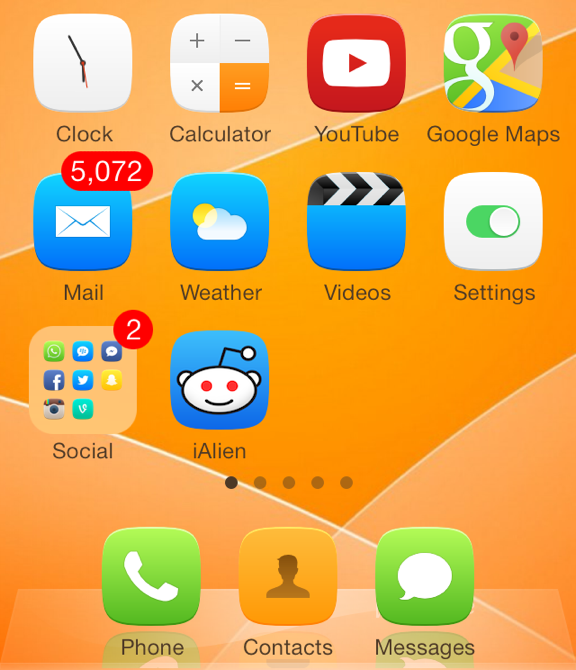
For whatever reason — we're not judging — you simply don't like the blurred and translucent dock on iOS 7. We understand. A new jailbreak tweak by the name of ClassicDock is all you need, bringing the reflected iOS 6 dock right back to your Home screen on the newer version. It's that simple.

This is a fully plug-and-play extension that works its magic immediately after being installed in Cydia, with no options to configure in the Settings app. Read ahead for a few more details… 

How to dynamically change the Slide to Unlock text

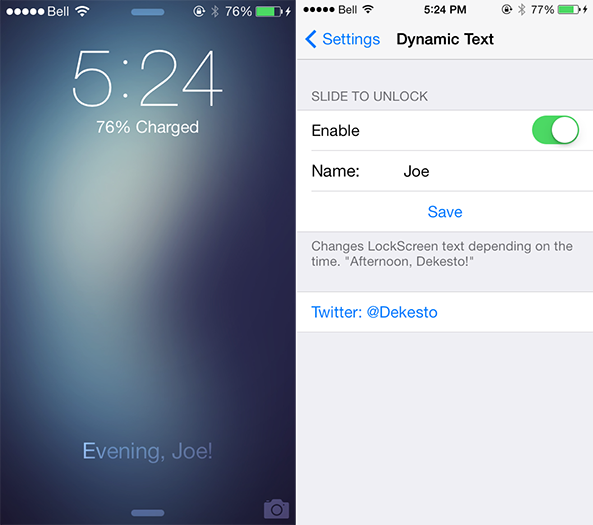
We've kicked off the week with an influx of new jailbreak tweaks for iOS 7 devices, ranging from Controllers for All and Animer7 to Fancy and Pluck 2. Those four packages are very interesting in themselves, but a smaller extension by the name of DynamicText deserves a quick look too. As you would expect, the tweak allows you to dynamically change text on iOS 7. Take a look ahead for a closer look… 

Pluck 2 lets you pick songs to play directly from the Lock screen

I'm a big fan of listening to music, predominately while I am making the early morning commute to college on weekdays. As a Canadian citizen, however, fumbling with my iPhone to change the song while driving is illegal because of the distraction it presents to the driver. It's a good law, in my opinion, but one that can be understandably frustrating at times. And while a new jailbreak tweak called Pluck 2 isn't a full-stop solution for that problem, it is a useful extension that allows me to keep my eyes focused on the road… 

Fancy is now available on Cydia

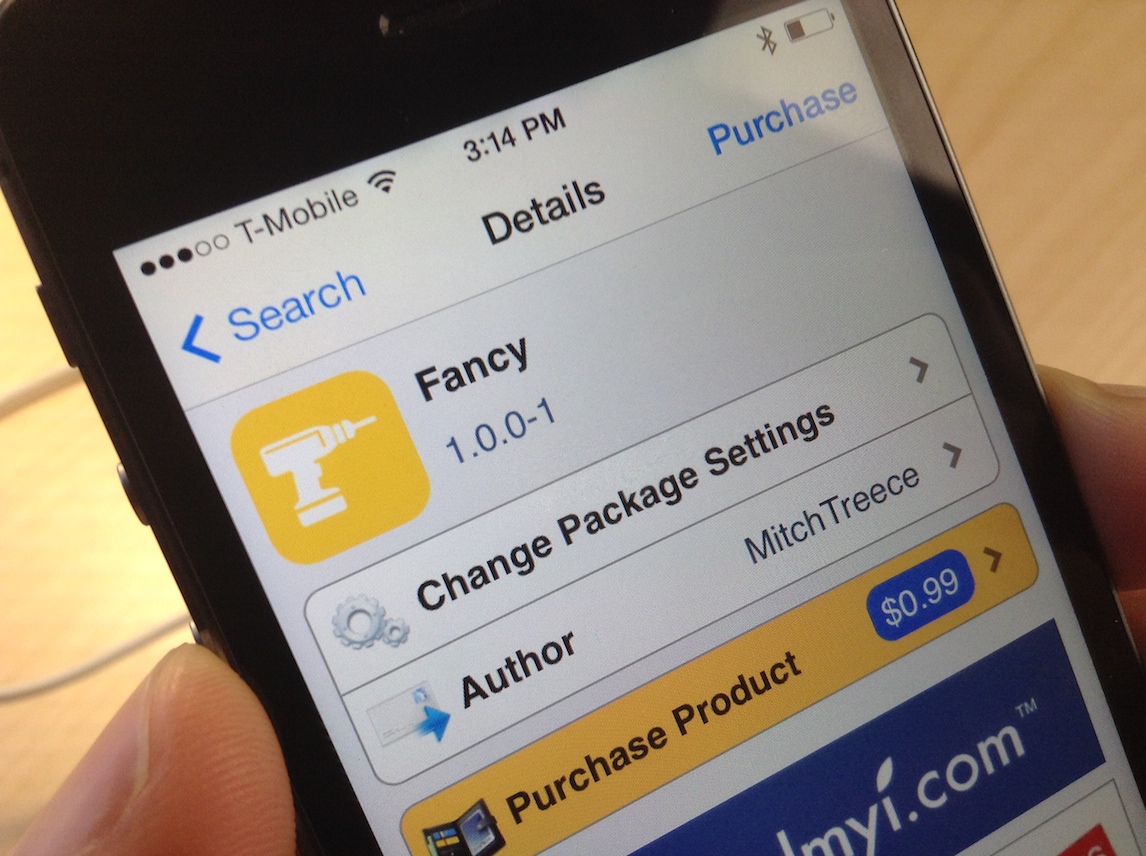
Fancy, the awesome jailbreak tweak that colorizes iOS 7, is now available for download on Cydia's ModMyi repo for $0.99. The tweak, which has been highly anticipated for a couple of weeks, is from Mitch Treece, the same developer that brought us the Touch ID enabled tweak called Touchy.

Treece labels Fancy as "the simplest way to colorize iOS 7's incredibly dull UI." I tend to agree. Watch our video walkthrough inside, and let me know what you think about it in the comments.

Animer7: add animations to banner notifications and the app switcher in iOS 7

Animer7 is brand new release that just appeared in Cydia's BigBoss repo a few minutes ago. It's a tweak that allows you to customize the way animations work for banner notifications and the app switcher.

As denoted by the digit in its name, Animer7 is the sequel of sorts to the original Animer; it's been updated to work with iOS 7. And there's some good news for users who purchased the previous version of the tweak: Animer7 is available as a free upgrade. For more information on how Animer7 works, be sure to have a look at our full video walkthrough after the jump.

How to relocate the close button for tabs in Safari

RightX is a jailbreak tweak for Safari that allows you to reposition the close button for Safari tabs. Once installed, it moves the 'x' button used for closing tabs from the upper left-hand corner of the tab to the upper right-hand corner. RightX is handy if you're left handed and tend to use the iPhone single-handed with your dominant hand.

Of course, there may be other usage benefits to RightX depending on the way you hold your iPhone. Have a look at our full video walkthrough inside for further details on the tweak.

Controllers for All: a must have tweak that brings PS3 controller compatibility to iOS

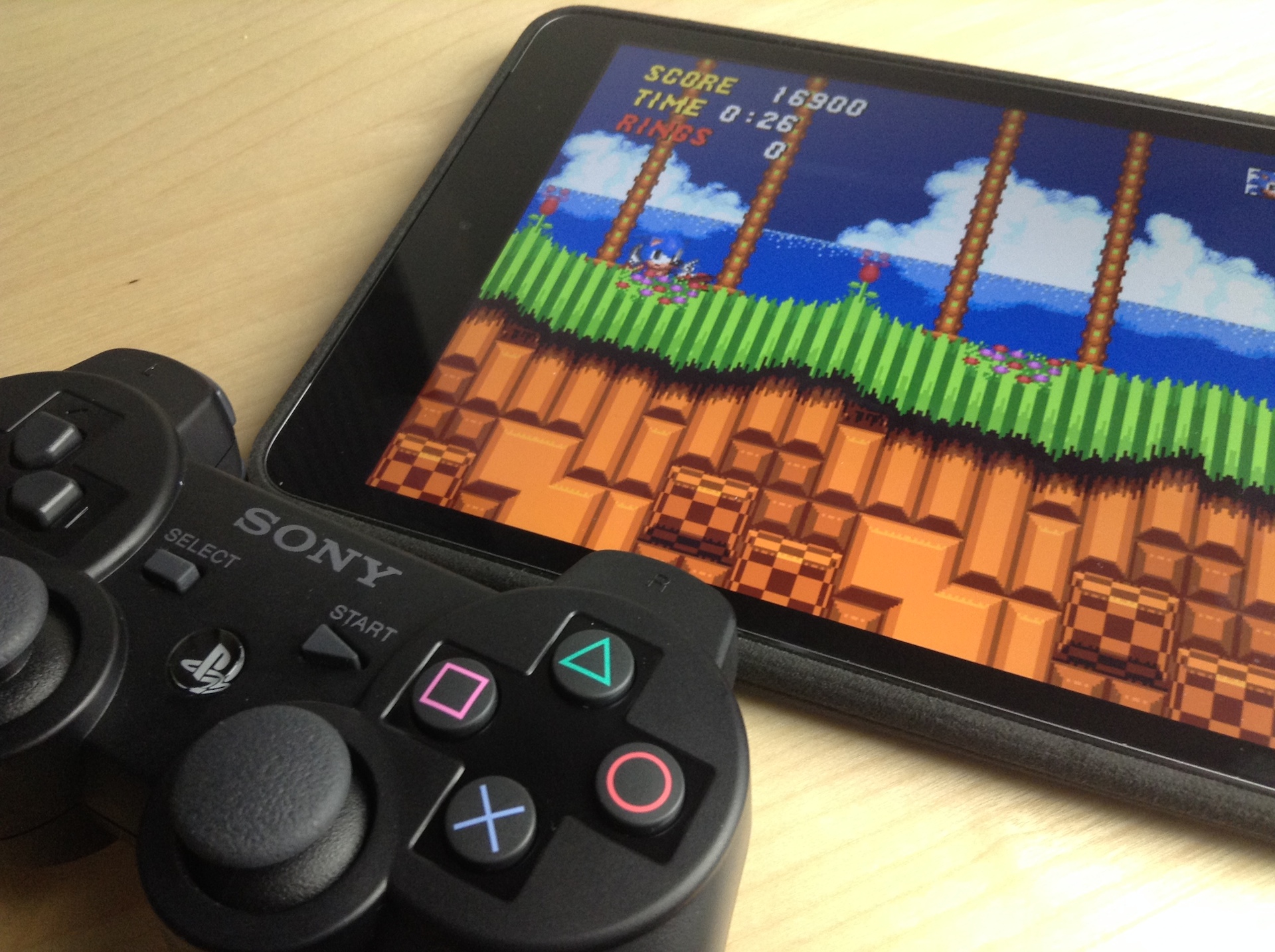
Ladies and gentlemen, the moment that every jailbroken iOS gamer has been waiting for: the ability to use the Sony PS3 Dual Shock 3 with games enabled for controller support. This means that any game that supports a MFi (Made for iPhone) controller in iOS 7, is now fully playable with the Dual Shock 3, no cumbersome configuration required.

Controllers for All really is a game changing tweak for gamers, no pun intended. It also means that you no longer have to shell out your hard earned dough to support the half-baked hardware controller efforts we've seen thus far.

Folks, seriously; this tweak is reason enough alone to jailbreak. It basically turns your iPad, iPhone, or iPod touch into a full-fledged legitimate gaming console. And this is just the beginning, as its developer, Ori Kadosh, promises that even more controllers, like the Dual Shock 4, will be supported in future updates.

We've got the full hands-on video walkthrough inside. Check it out, you don't want to miss this.

How to emulate the iPhone’s Sleep button with the proximity sensor

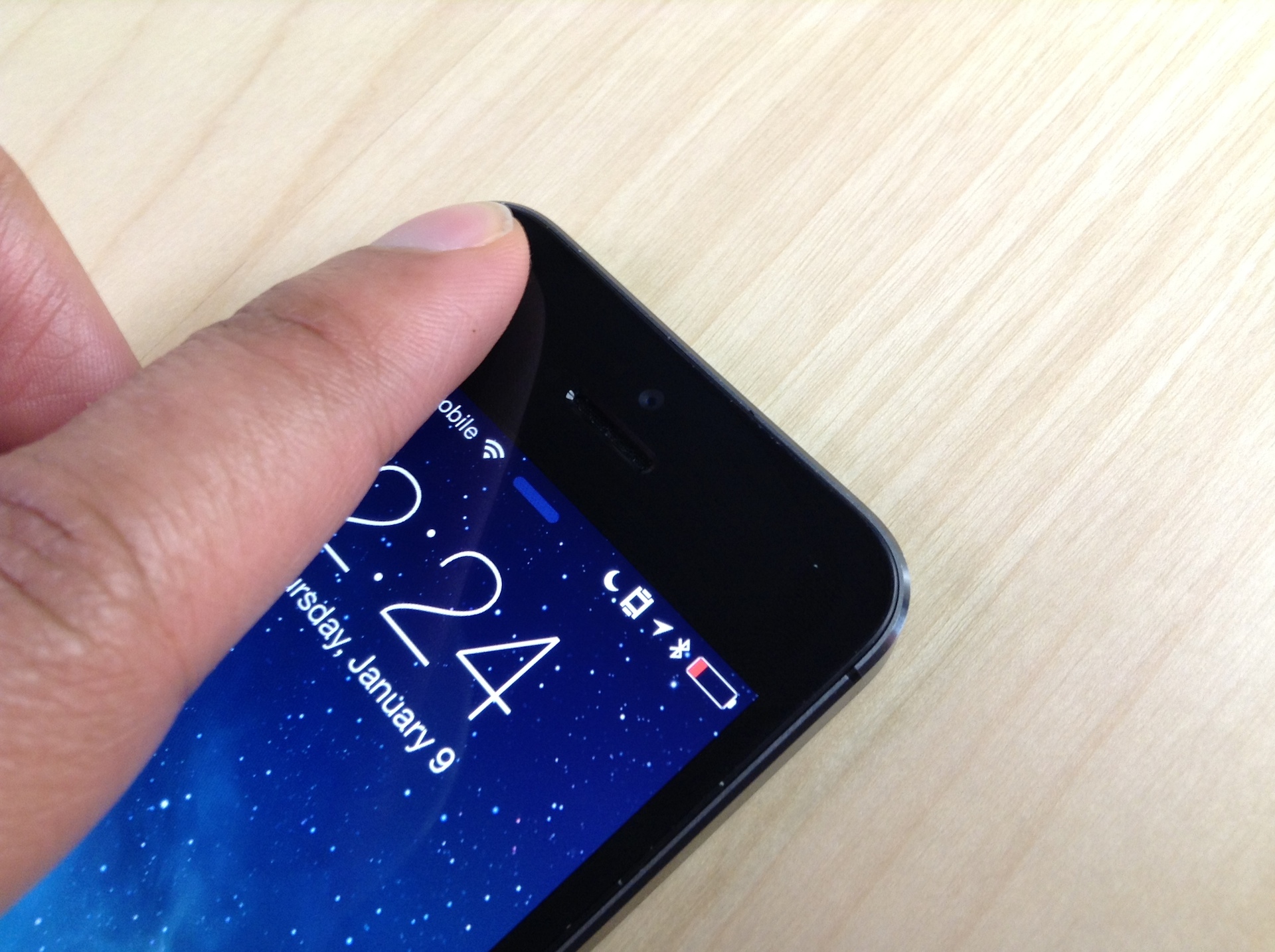
SleekSleep is a recently released jailbreak tweak that allows you to emulate a press of the sleep button by means of the iPhone's proximity sensor. This basically means that you can sleep or wake your iPhone using a wave or swiping motion in front of the device.

As we always like to do here at iDB, we've taken the liberty to record a walkthrough of SleekSleep so that you can see exactly how it works. Take a look past the break to see this interesting tweak in action.

How to build on suggested search queries in Safari

One of the worst things about Safari's autocomplete for search is that you can't build on a query like you can do with Google Chrome. Once you select a suggested query in Safari's omni-box, it auto submits the search.

While suggested queries are definitely a helpful service, the way that Safari goes about the implementation isn't very efficient. A recently revamped jailbreak tweak called Platinum seeks to improve Safari's search capabilities. Have a look at our full video walkthrough inside to see what I mean.