Jailbreak Apps & Tweaks

These are the latest jailbreak apps and tweaks available for your iPhone or iPad. We save you time by highlighting only the best tweaks.

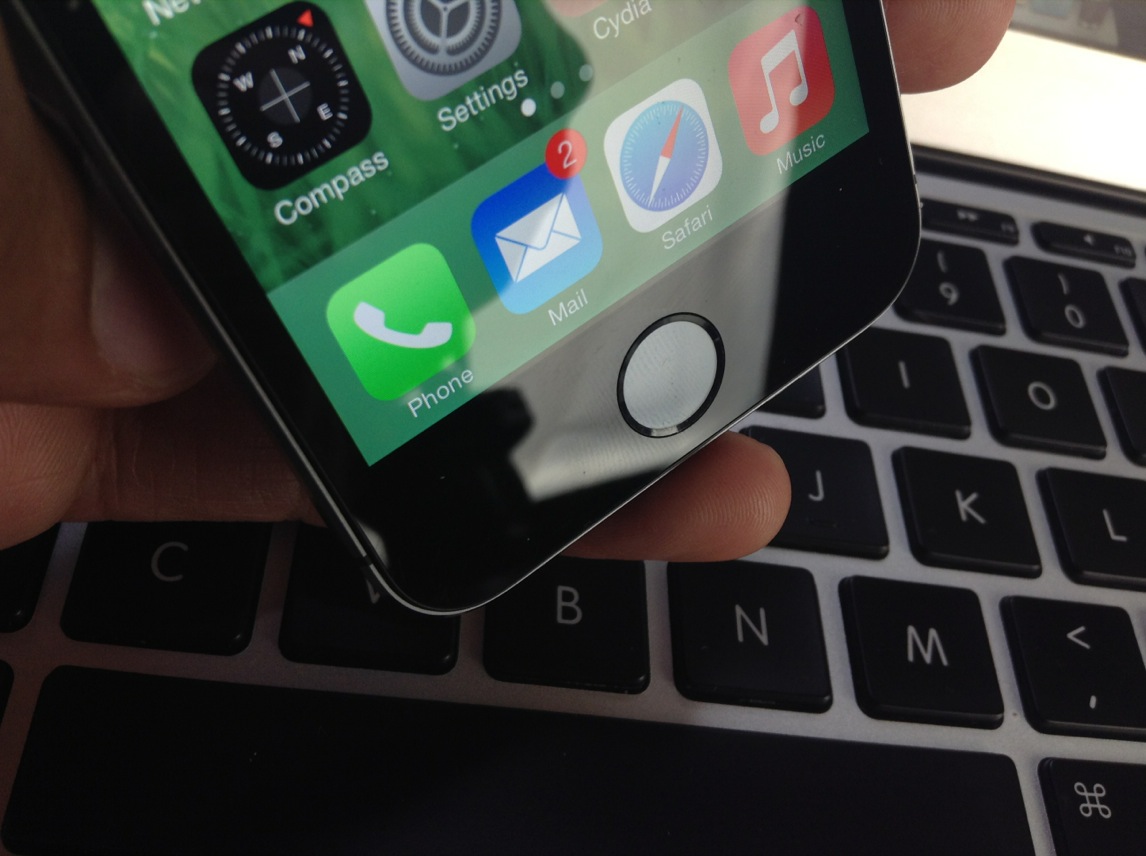
PassTime lets you customize the passcode requirement duration (and it’s really awesome)

If you've been listening to either Let's Talk Jailbreak or Let's Talk iOS, you've probably heard Cody and I rant about the fact that you can't use Touch ID for iTunes purchases without either using Touch ID or a passcode to unlock your device.

Since I first got my iPhone 5s, this has been a big annoyance. I do like the simplicity and security that Touch ID brings to my purchases on iTunes or in the App Store, but I do not want to use Touch ID or even a passcode to unlock my device. As it turns out, Apple won't let you do one without the other.

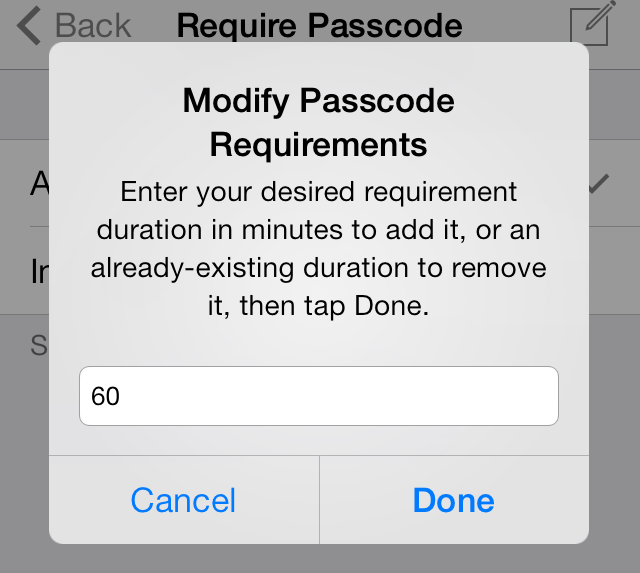
Enters PassTime, a new jailbreak tweak by Julian Weiss that lets you set custom passcode or Touch ID unlock requirement durations, effectively solving my biggest Touch ID pet peeve...
iTransmission BitTorrent client updated for iOS 7, ARM64 devices

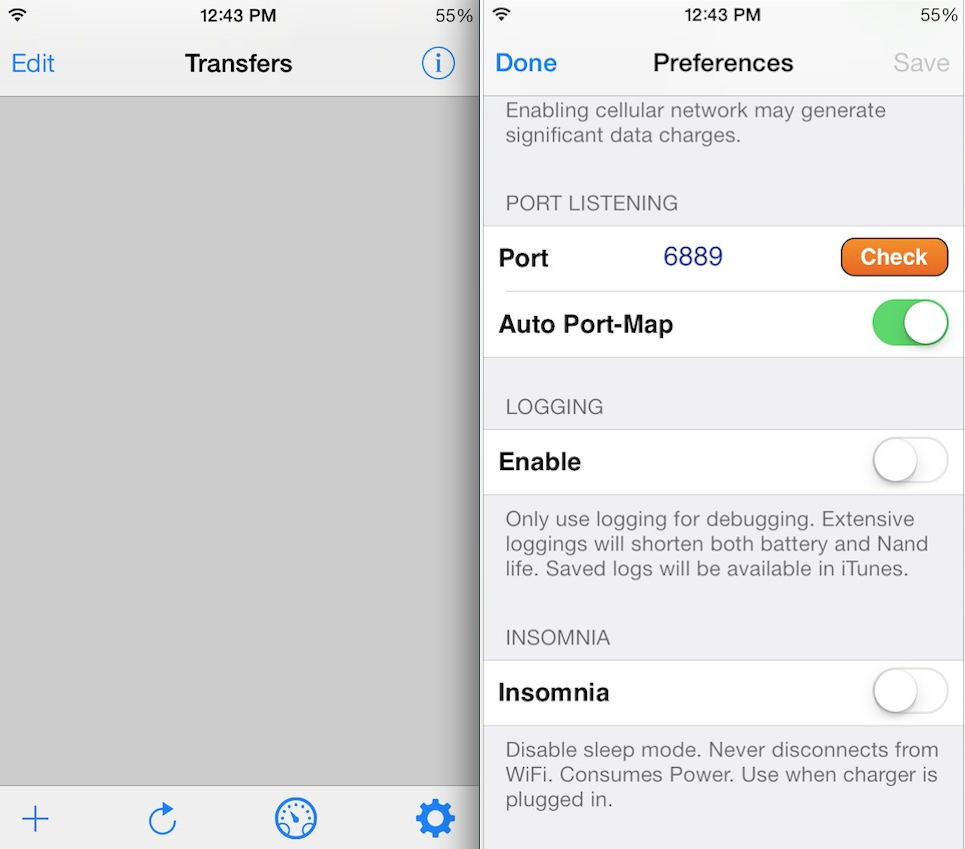
Good news jailbreakers: the popular BitTorrent client iTransmission has been updated to support iOS 7 and ARM64 devices. The app now works on newer iPhones and iPads, and looks good doing it thanks to its iOS 7-inspired makeover.

For those not familiar with the utility, iTransmission works just like its desktop counterpart, enabling you to initiate and manage torrent downloads on your iOS device. This is the app's fourth iteration, and it looks to be better than ever...

Review: JellyLock7

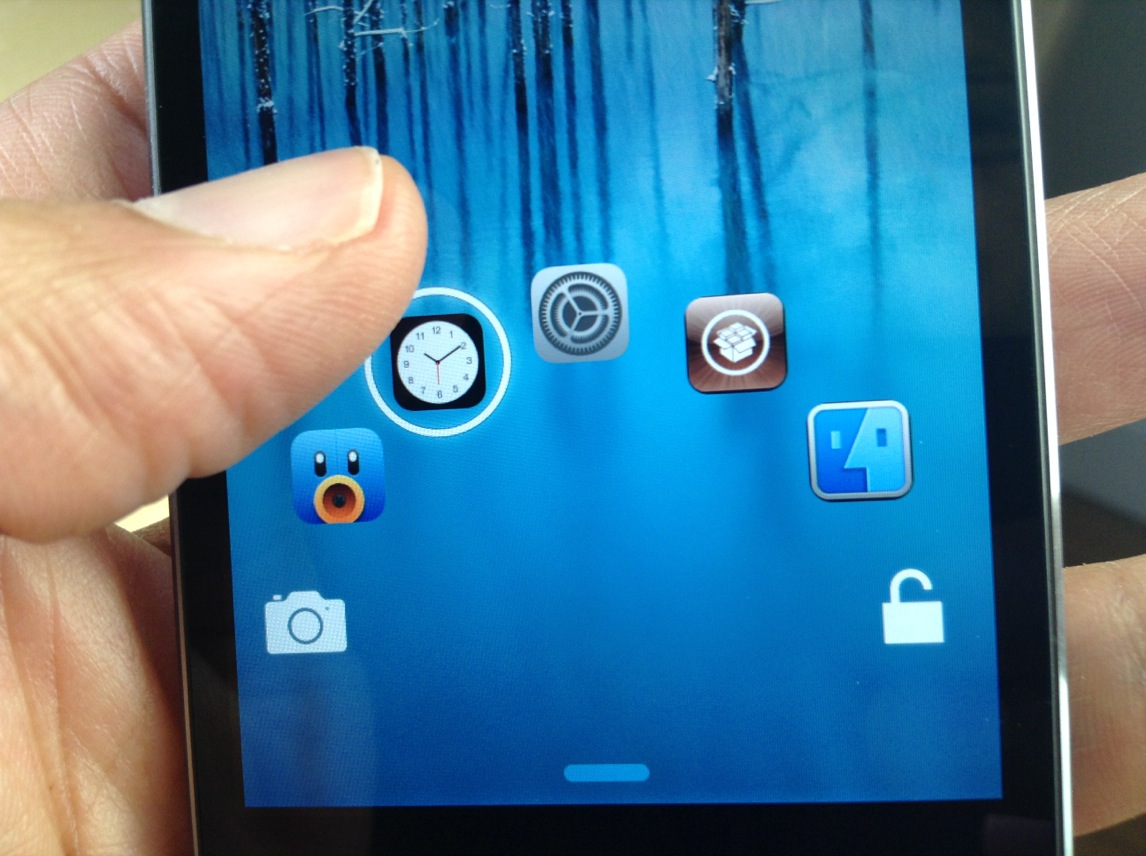
The original JellyLock was an extremely popular jailbreak tweak, because it brought the Android Jelly Bean styled Lock screen to iOS. Now, a new version of JellyLock has just been released, and it sports compatibility with iOS 7.

The appropriately name JellyLock7 is available right now for download. Like its predecessor, it adds some of the conveniences brought to the fore by the popular Android OS. Have a look at our full video walkthrough inside to see the iOS 7 version of JellyLock in action.

MusicAppMods hides in-line album art and reveals hidden song info in Music app

I've covered a lot of impactful jailbreak tweaks over the last week, ranging from Convergance and FaceOff 7 to AppBox and Remote Messages. But, smaller tweaks that make minor modifications to iOS deserve some mention too.

MusicAppMods by Adam Spindler is a new extension that serves two purposes: it hides in-line album art and reveals hidden song information in the Music app. Keep reading for a quick rundown of the tweak… 

UnlockID is a jailbreak tweak that can unlock your Mac with Touch ID

UnlockID is a super-cool new jailbreak tweak that does exactly what the headline says—it allows you to unlock your Mac using the Touch ID sensor found on the iPhone 5s. Using Bluetooth Low Energy, the tweak features a Mac component that allows your iPhone 5s to communicate with your OS X installation.

Although the tweak's practicality may be up for debate, there's no debating the fact that this is one of the most innovate and coolest looking Touch ID tweaks we've seen thus far. We've taken UnlockID for a thorough walkthrough. Check out our hands-on video after the break.

CleverPin lets you use an iPhone passcode only when you need it

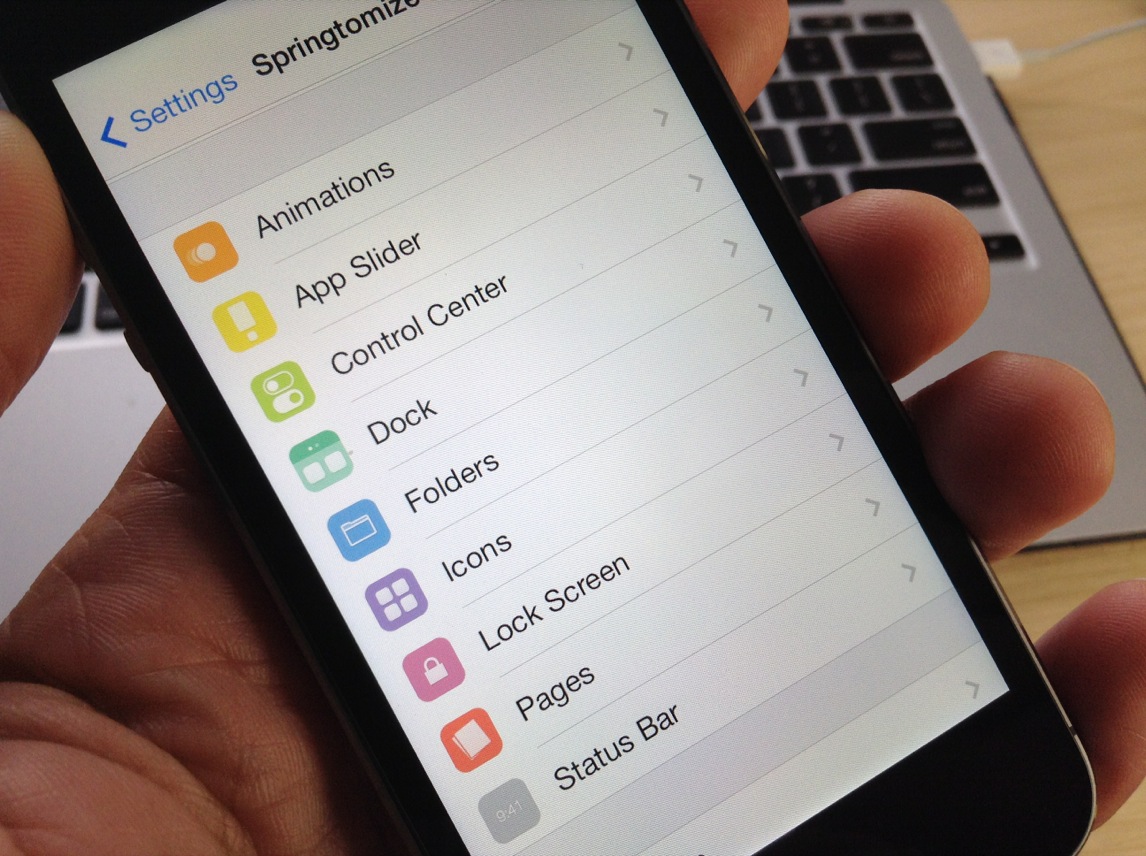
Italian developer Filippo Bigarella has been working hard to update his jailbreak tweaks with iOS 7 support, highlighted by the release of Springtomize 3 over the weekend. With an update to that flagship tweak out of the way, Bigarella has followed up by pushing out a new version of CleverPin for iOS 7 and later.

You may recall our own Jeff Benjamin reviewing the original version of CleverPin, a security-based extension, nearly three years ago. Take a look at what has changed since then… 

Springtomize 3 updated with several bug fixes, improvements and new features

On the latest episode of Let's Talk Jailbreak, we discussed our love/hate relationship with the new Springtomize 3 jailbreak tweak. We love all of the customizable options it provides, but we hate a lot of the tiny bugs that came with it.

Well, I'm happy to report that Filippo Bigarella has posted a big update for Springtomize 3 and it appears to squash a lot of these bugs. It also offers other improvements, as well as new features, including no more required re-spring...

AppBox adds an app launcher to your Lock screen

I have been testing a lot of Lock screen jailbreak tweaks over the past few weeks, and quite honestly I have walked away disappointed on more than a few occasions. A lot of add-ons that are dependent upon frameworks like Cydget have performed poorly on my iPhone, some sending me into Safe Mode, and this has caused me to be increasingly selective about which packages I choose to install on my device.

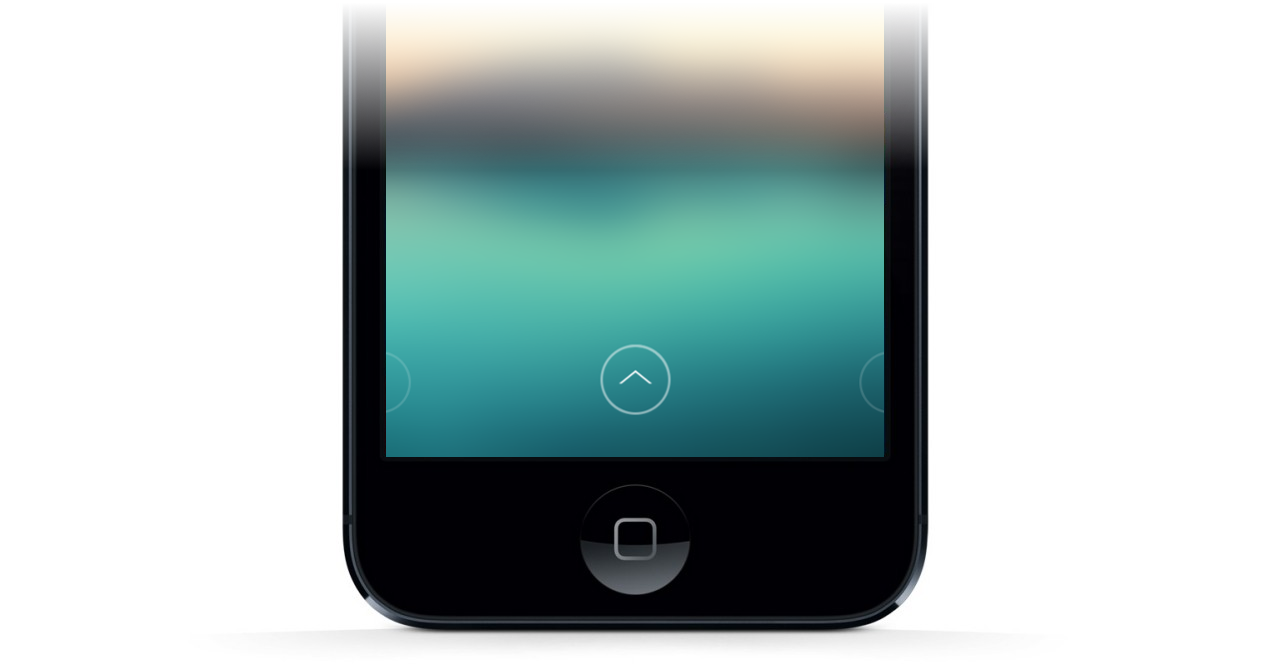
Having said that, a new jailbreak tweak called AppBox is one that is quality enough to meet my high standards for recommendation. The extension adds an additional page to the Lock screen, accessible by swiping left, with a grid of icons for quickly launching apps without fully unlocking your device. The tweak has a number of options that can be adjusted, so dive in and let's take a look… 

How to send iMessages from any web browser on any operating system

Following in the footsteps of successful cross-platform messaging services like BlackBerry Messenger and WhatsApp, iMessage was released in late 2011 as a way for iPhone, iPad and iPod touch users to send unlimited messages between each other. Apple then went on to release Messages for OS X Mountain Lion the following year, allowing Mac users to join the conversation.

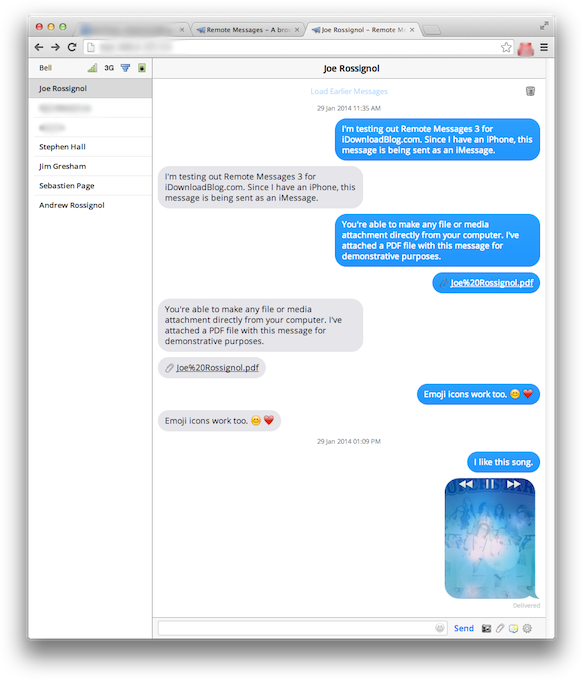
But what if you're a Windows or Linux user, or you're away on travel without access to the Mac you normally use? Worry not, as Remote Messages has been updated with support for iOS 7 and 64-bit devices. The popular jailbreak tweak developed by Beast Soft is a browser-based front end for the Messages app on iOS devices. Find out what that means ahead… 

Flex 2: create your own jailbreak tweaks for iOS 7

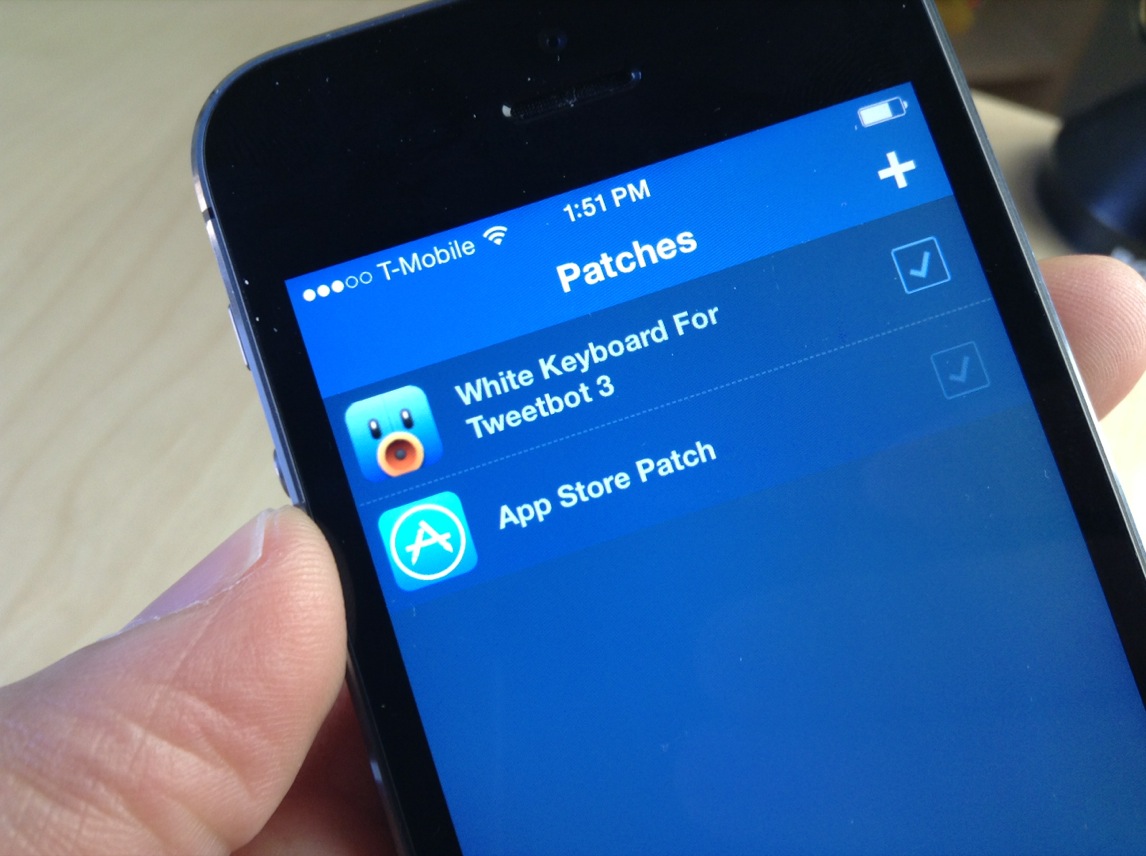
When a jailbreak app inspires the creation of its very own subreddit, you know it's something special. Flex 2 is the follow up to one of the most popular apps of last year, and like its predecessor, it allows you to change the way your favorite apps look and feel without having to know the intricacies of iOS development.

To be sure, it doesn't hurt to have some knowledge of development in general, and the logic behind the way things work, but it's not a requirement. Flex features a well-designed and intuitive interface to help you easily modify the way your favorite apps work.

Flex 2 is a much-improved version of its predecessor, and has been re-built from the ground up for iOS 7. But even if you don't run iOS 7, Flex has maintained its compatibility with both iOS 5, and iOS 6, a remarkable feat for a jailbreak app of this nature.

For those of you new to Flex, you should watch our video walkthrough inside for a demonstration of how it works. If you're already a Flex user, then check inside for some of the vital upgrade details that make Flex 2 a worthy successor.

Convergance takes your Lock screen in a bold new direction

Apple has always exercised fine-tuned control over iOS by making it a relatively closed platform, at least compared to Android. That is one of the main reasons why jailbreaking exists in the first place, with a major draw being the ability to customize an iPhone or iPad far beyond what is traditionally allowed. Convergance is an upcoming project for iOS 7 that aims to do just that, taking the Lock screen in a bold new direction with a crisp design, quick toggles and more… 

SwitcherBlur: blur the apps in the app switcher

SwitcherBlur is a recently released tweak that does one very simple thing: it adds blur to the app cards in the iOS 7 app switcher. SwitcherBlur uses a simple low-level gaussian blur on all of the app cards, except for the app that you just came from. The tweak is similar to BioLockdown, in that you can protect the contents of your app switcher cards from prying eyes.

But that's about where the comparisons to the feature-rich BioLockdown end. SwitcherBlur prides itself on simplicity, as you'll see in our brief video walkthrough inside.