Jailbreak Apps & Tweaks

These are the latest jailbreak apps and tweaks available for your iPhone or iPad. We save you time by highlighting only the best tweaks.

How to integrate Google Cloud Print natively within iOS

If you ever listen to our Let's Talk iOS podcast, you're probably keenly aware of my paperless lifestyle. As a huge Evernote proponent, I make it a habit of avoiding hoarding lots of unnecessary papers. But every now and then, even I am forced to print out a document or two. It happens just rarely enough to make it extremely annoying, and my annoyance is compounded by the fact I don't own an AirPrint compatible printer.

As someone who is slowly integrating their way back into the Google ecosystem, I decided to give Google's Cloud Print service a try. Google Cloud Print is basically the Google equivalent of AirPrint with some notable differences here and there. But for all intents and purposes, people use Google Cloud Print for the same reason that people use AirPrint—they want to print wirelessly from a wirelessly connected device.

It goes without saying that Google Cloud Print support is a feature that hasn't been, and probably never will be, included in stock iOS. But that's okay, because there is a jailbreak tweak that will allow you to just that. Check inside for the full video walkthrough.

‘Almpoum’ adds more options for screenshot taking

Almpoum is a jailbreak tweak for frequent screenshot takers. As you might have guessed, this is the type of tweak that bloggers, or anyone else that documents aspects of iOS, may find handy.

With Almpoum enabled, users can be prompted whenever a screenshot is attempted. The prompt contains several options—save the shot to the Photo Library, copy it to the clipboard, do both, or outright cancel the screenshot.

We've recorded a video walkthrough to showcase the different facets of Almpoum inside. Take a look after the break for all of the details.

KeyShortcut Pro: add real keyboard shortcuts to iOS

KeyShortcut Pro was just released on Cydia's BigBoss repo, and it's worthy of your consideration, especially if you're a heavy typer. This is the pro version of the tweak that allows you to use real keyboard shortcuts in iOS.

KeyShortcut Pro makes it so that you can hold the 'A' button to select all, the 'C' button to copy, and the 'V' button to paste. You can also do things like cut, undo, and redo. The pro version of KeyShortcut adds a few additional options to the mix, which are not seen in the original. Check out our full video inside to see what I mean...

New Status Bar indicators tweak Circlet is available in Cydia

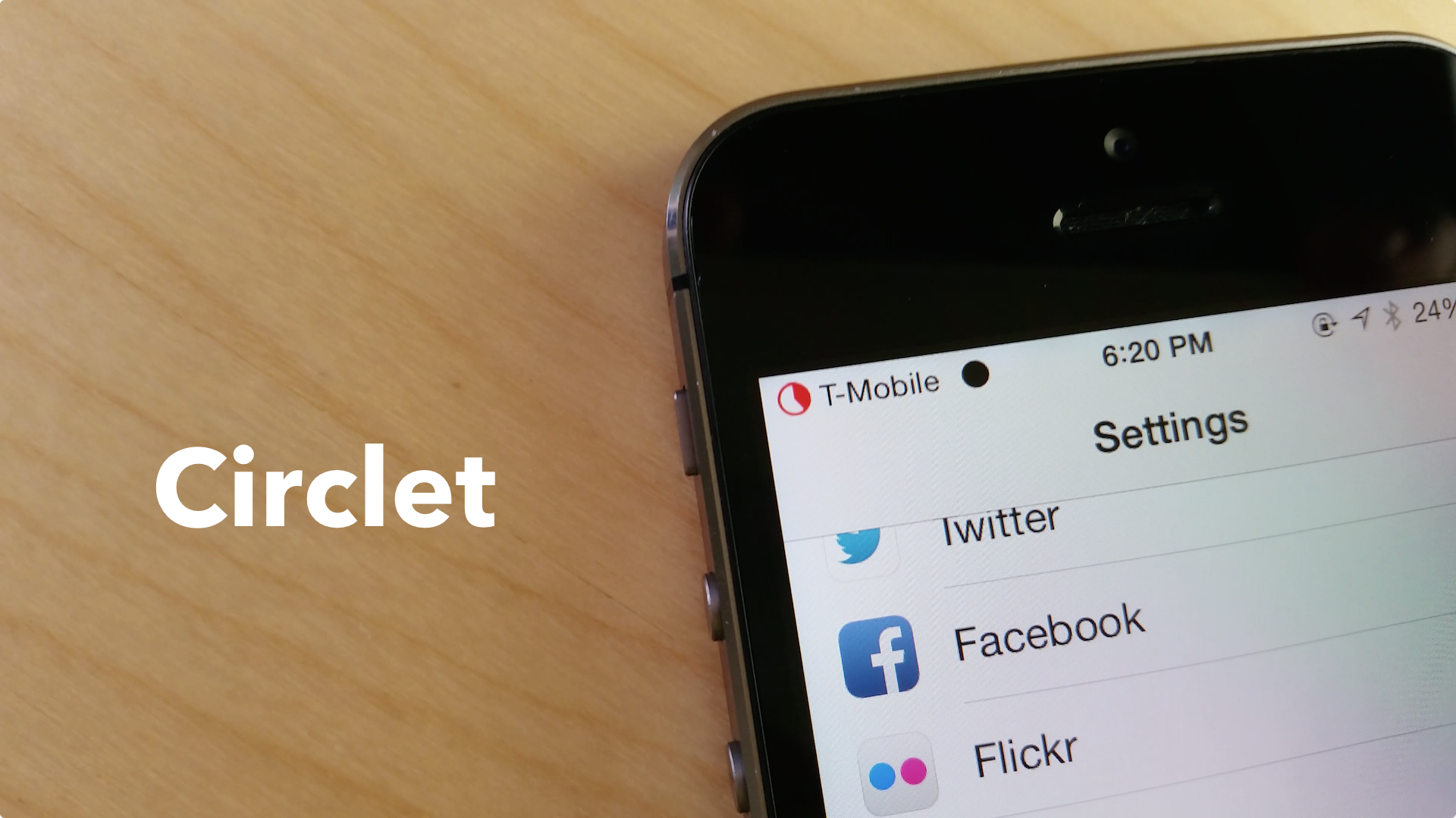
Circlet, a new stylish Status Bar indicators tweak we recently previewed in now available in Cydia.

Developed by Julian Weiss, this jailbreak tweak allows you to theme your Status Bar signal, Wi-Fi and battery indicator without the use of WinterBoard. Weiss notes in the description of the tweak that it is very lightweight, as "every "circlet" is generated as needed, without any assets saved," and no respring is necessary.

QuickCam: take photos from anywhere with this new jailbreak tweak

Have you ever found yourself using an app, and at that very moment, you came upon a picture-taking opportunity? I can't tell you how many times I've missed a great picture just because I couldn't switch to the Camera app quickly enough.

A new jailbreak tweak aims to eliminate the "shutter-shock" syndrome that's been responsible for tons of missed photo masterpieces. QuickCam is a Cydia release that makes it possible to invoke a camera overlay on top of the current running app by means of an Activator gesture. Have a look at our video walkthrough inside for the details.

How to view the current volume percentage in the volume HUD

Want to alter the iPhone's volume heads up display to showcase the current volume setting as a percentage? If so, then Voltage—a jailbreak tweak that was released earlier this spring—might be the tool that you've been looking for.

Voltage includes a preference panel that allows you to use variables to format the way that the HUD overlay. Check out our video walkthrough inside to see how voltage might benefit you.

Daily Dash: find out what’s trending on your Lock screen

Twitter trends on your iPhone's Lock screen? That's the premise behind Daily Dash—a Cydget widget for jailbroken devices that lists the top three Twitter trending topics right on the Lock screen.

Daily Dash actually came out a few days ago, but it didn't work properly. An update was pushed to fix the issue, and now it works exactly as described. Check out our video walkthrough after the break to see Daily Dash in action.

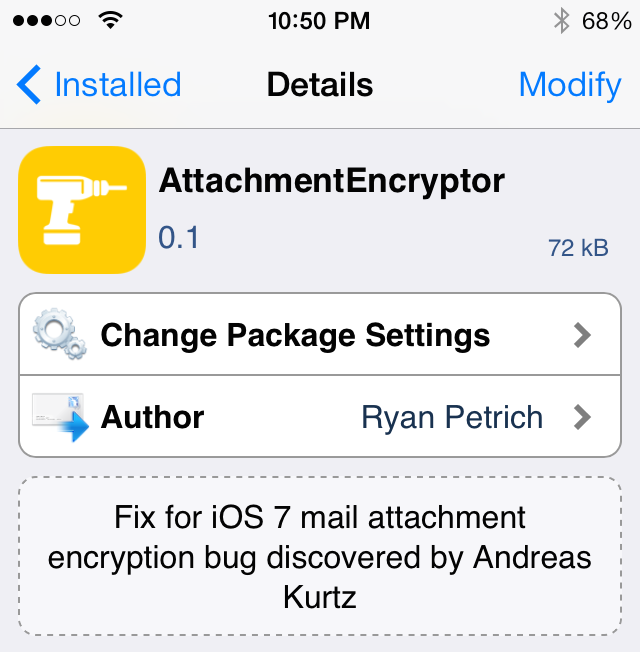
Ryan Petrich releases jailbreak tweak to patch iOS 7 Mail encryption bug

Earlier this week, word got out that there's a gap in security in iOS. Security researcher Andreas Kurtz discovered  that all versions of iOS 7.1, and at least iOS 7.0.4, don't encrypt email attachments.

Kurtz says that he has informed Apple of the bug, and they are working on a fix, but there's no word when it will be available. Fortunately, the jailbreak community has a much faster response time...

Circlet: add stylish new status bar indicators to your iPhone

Circlet is an upcoming jailbreak tweak from prolific developer Julian Weiss. It allows you to simplify the status bar using customizable circular indicators.

The great thing about Circlet is that it doesn't rely on WinterBoard, image assets, or even a respring to pull off its customizable styles. Circlet is a modern jailbreak tweak that's easy to use and just as easy on the eyes. Take a look at our hands-on video of Circlet after the jump.

OS Experience is now available on Cydia

OS Experience, the jailbreak tweak that brings desktop multitasking feel to the iPad, is now available for download on Cydia. We previewed the tweak a few weeks ago, and were pretty impressed by the ambition behind the tweak.

With OS Experience installed, you can interface with multiple applications side-by-side at the same time. It's a huge departure from the norm that is stock iOS, as it feels similar to OS X's Mission Control feature. If you want to give it a try, head over to Cydia right now to download it for $9.99. Be sure to check out our hands-on video after the break.