Jailbreak Apps & Tweaks

These are the latest jailbreak apps and tweaks available for your iPhone or iPad. We save you time by highlighting only the best tweaks.

Saurik releases Cydia Impactor to “unjailbreak” your iPhone without updating iOS

A powerful new tool has just been released for jailbreakers to "unjailbreak". It's called Cydia Impactor, and it's an on-device tool that lets you remove and revert all changes made to a device to return it to its stock configuration.

The most notable thing about this tool is that it allows you to return to stock without needing to upgrade your device. Say, for example, you wanted to sell your iPhone, but wanted to retain its jailbreak-ability to increase resale value. Normally, if you wanted to perform a full system restore, you'd be forced to upgrade to the latest firmware, and thus lose your jailbreak. With Cydia Impacter, you can restore your device to stock without upgrading.
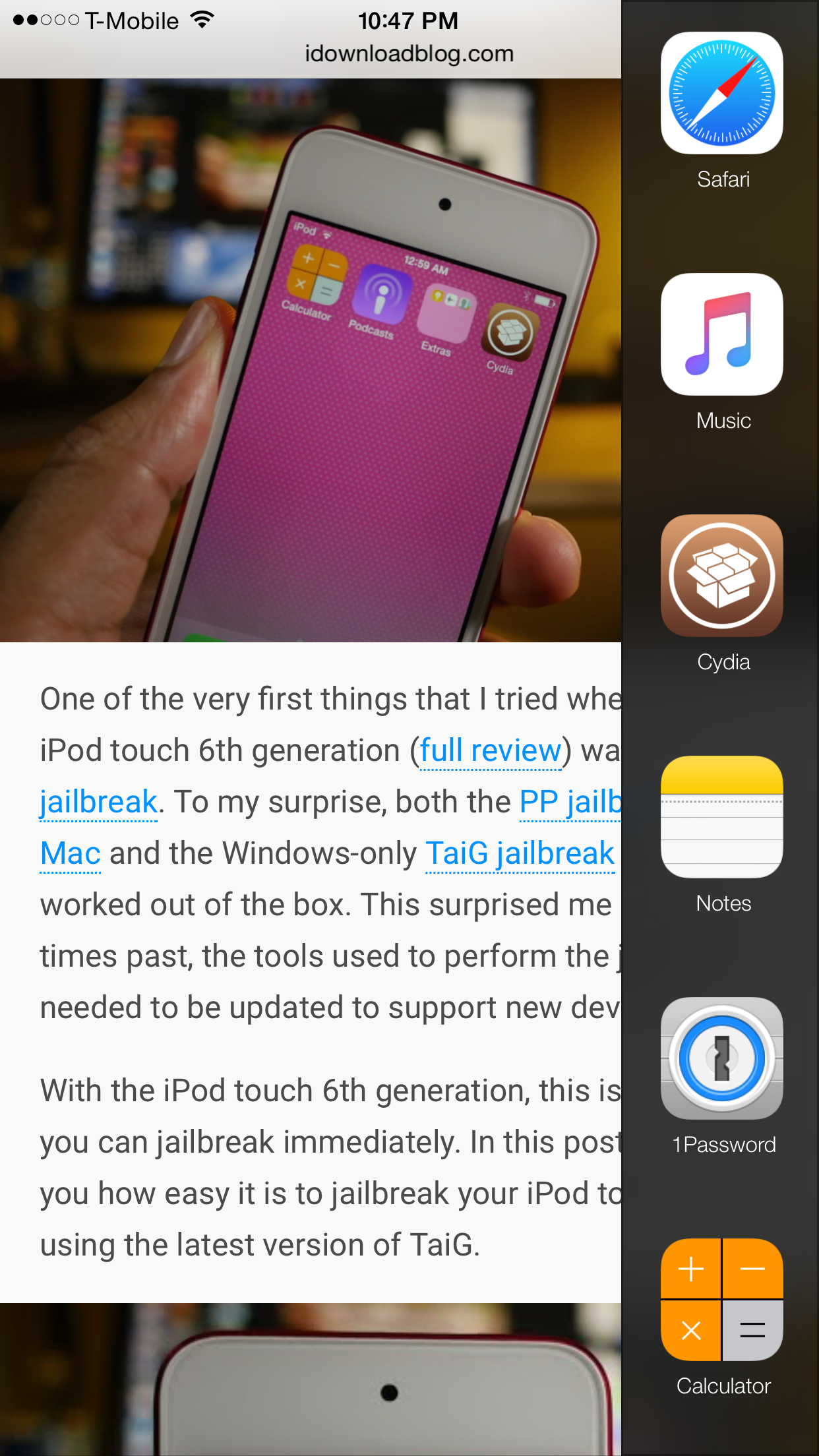
DockBar adds a sleek application launcher to your jailbroken iPhone

Looking for a quick way to launch pre-selected apps on your jailbroken iPhone? Cole Schaefer's DockBar ($0.99) may be the tweak that meets your needs. It's a great looking release that brings a customizable launcher to iOS.

DockBar works hand-in-hand with Activator as its means of invocation. Thus, you can access your quick launch side bar from nearly anywhere in iOS, and that includes while within apps and on the Home screen. 

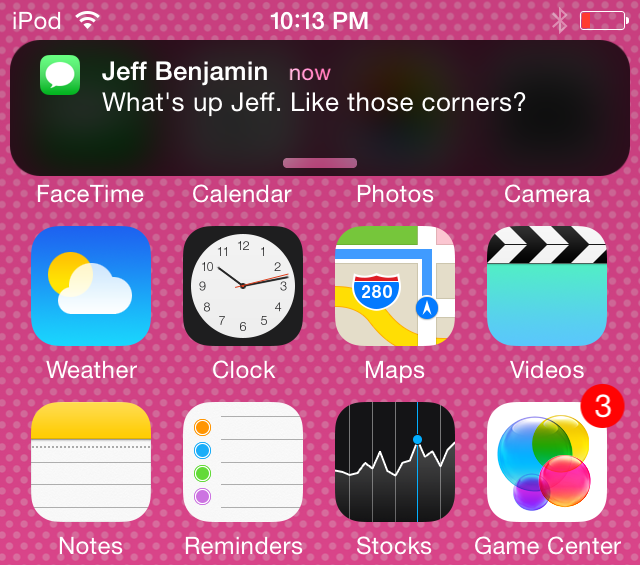
Roundification tweak brings rounded corners to Notification Center

Roundification is a new tweak that adds rounded corners to the Notification Center banners, including the quick reply interface. It also rounds off the entirety of Notification Center itself.

The tweak brings an elegant look to Notification Center, and although it's not yet available on the default Cydia repos, it is available on a special third-party repo. Would you like to try Roundification? In this post, we'll share all of the details.

How to jailbreak the iPod touch 6th generation

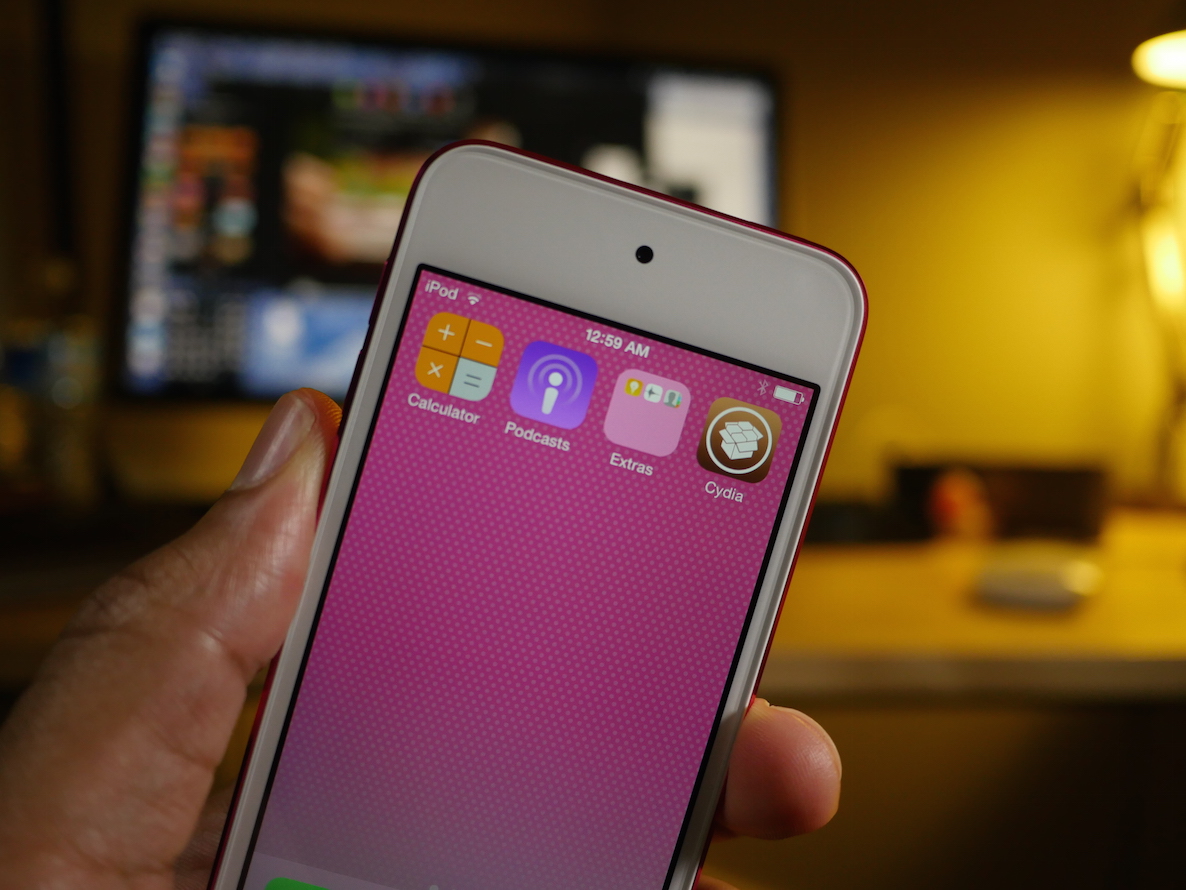
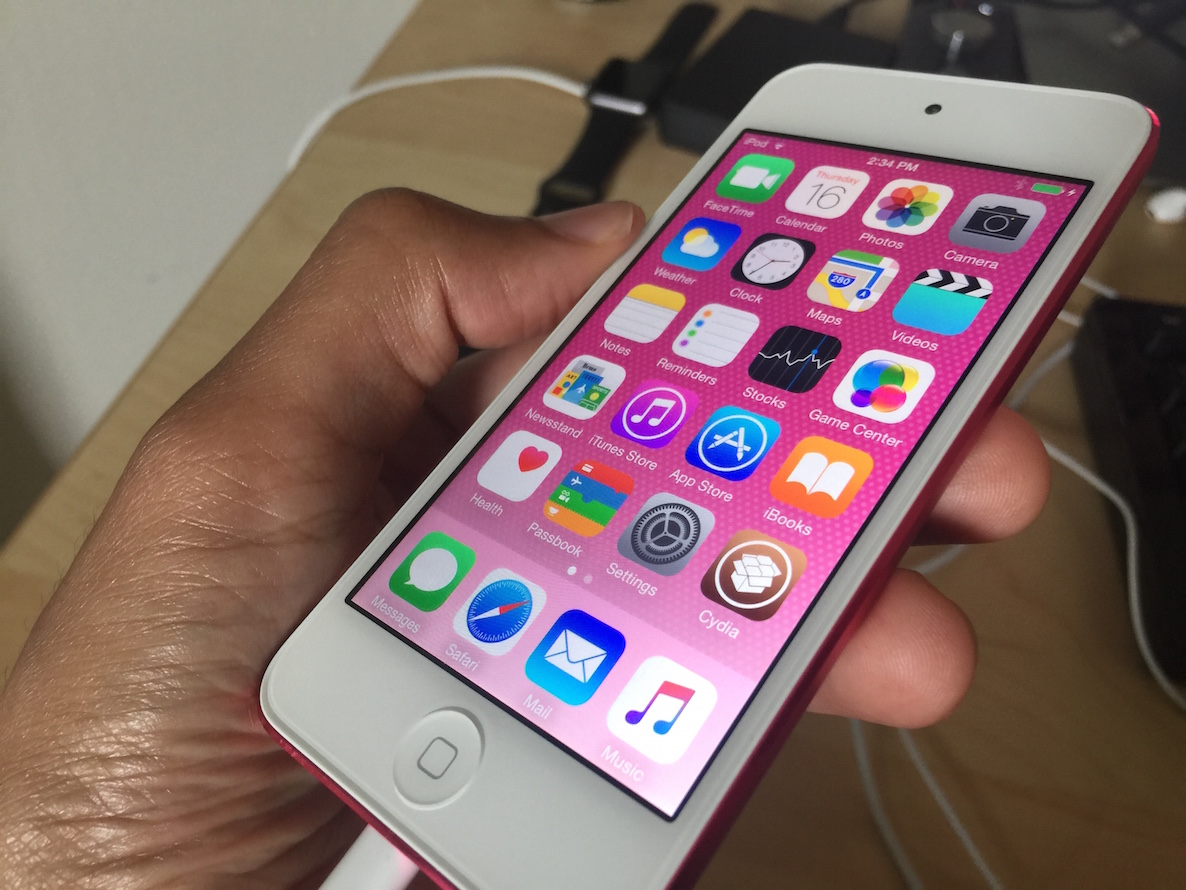
One of the very first things that I tried when I got the iPod touch 6th generation (full review) was to jailbreak. To my surprise, both the PP jailbreak for Mac and the Windows-only TaiG jailbreak for iOS 8.4 worked out of the box. This surprised me because in times past, the tools used to perform the jailbreak needed to be updated to support new devices.

With the iPod touch 6th generation, this is not so; you can jailbreak immediately. In this post, I'll show you how easy it is to jailbreak your iPod touch 6 using the latest version of TaiG.

TaiG 2.4.3 beta released to jailbreak iOS 8.4

The folks at TaiG have released yet another beta for the iOS 8.4 jailbreak tool on Windows. Labeled version 2.4.3 beta, this update is there to optimize the jailbreak process.

As TaiG has been doing for some time now, they are suggesting that jailbreakers stick to the public versions of the TaiG tool, and leave the beta versions to testers. In this post, you'll find the download links for both the publicly available version of TaiG and the beta version.

You can jailbreak the iPod touch 6th generation right now

The iPod touch 6th generation can be jailbroken out of the box, because it comes with iOS 8.4, and the PP iOS 8.4 jailbreak tool for Mac works with the new iPods.

In fact, I just jailbroke my device no less than 5 minutes ago, and it worked without a hitch. If you guys have kept up with me, you know how much I absolutely loathed using my 5th-gen touch due to its pedestrian speed.

Seeing that the new iPod touch packs much more power than the device it replaces, I'd say this is a good candidate for a jailbroken device, or at the very least, it might become my go-to test device.

Let’s Talk Jailbreak 116: Catching up

Episode 116: Sebastien joins us from France to talk about all of the latest jailbreak news, the latest iOS 8.4 jailbreak for Mac, the newest Cydia-centric tweaks, his meet up with pod2g, and more.

Subscribe via RSS

Support Let’s Talk Jailbreak

Red Hat. – Different for the sake of better technology

Jailbreak tip: spoof your location in Snapchat to use any geofilter

Phantom for Snapchat is a popular jailbreak tweak that allows you to supercharge Snapchat with all sorts of bolt on features. It also has the ability to spoof your location.

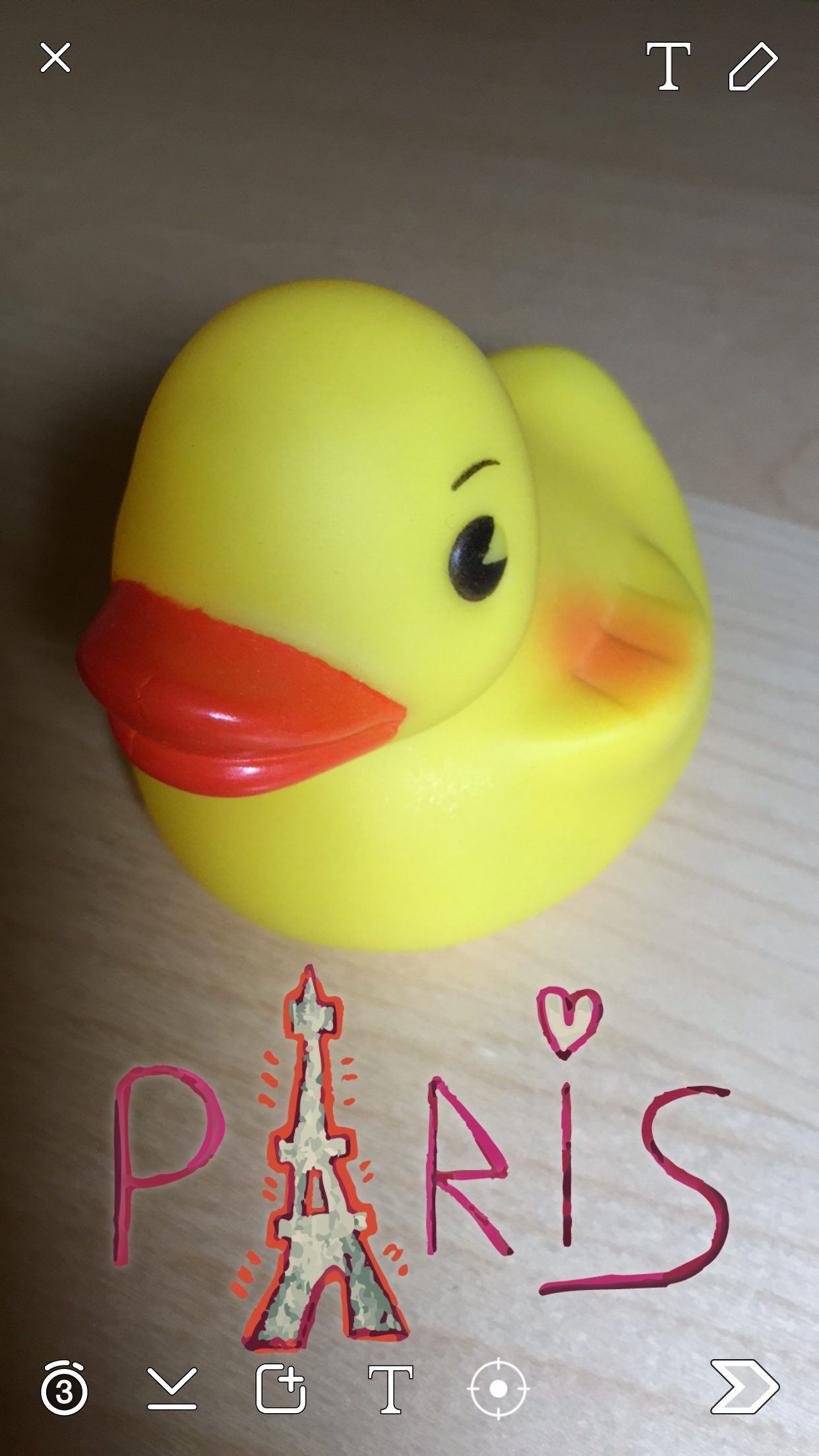
Snapchat uses your location to present you with custom geofilters, which are basically stickers that you can place on your Snaps that reflect your current location. So, for example, you couldn't normally add a Paris filter to your Snaps unless you were actually in Paris.

With Phantom's location spoofing option, it's possible to snag filters for any location that you desire around the world. It's super-easy to use as well. We'll show you how to spoof your location in Snapchat to add custom filters in our video tutorial.

Watchdog adds true app backgrounding to jailbroken iOS devices

Back in the day, there was a jailbreak tweak called Backgrounder, which brought true app backgrounding to users before iOS even had native multitasking. That tweak no longer works for the latest firmware, but a new tweak called Watchdog aims to make true app backgrounding available today on iOS 8.

Watchdog is a beta tweak that's available via developer Allan Kerr's third-party repo. In this post, I'll show you how you can get Watchdog on your jailbroken device, and share a few use case scenarios.

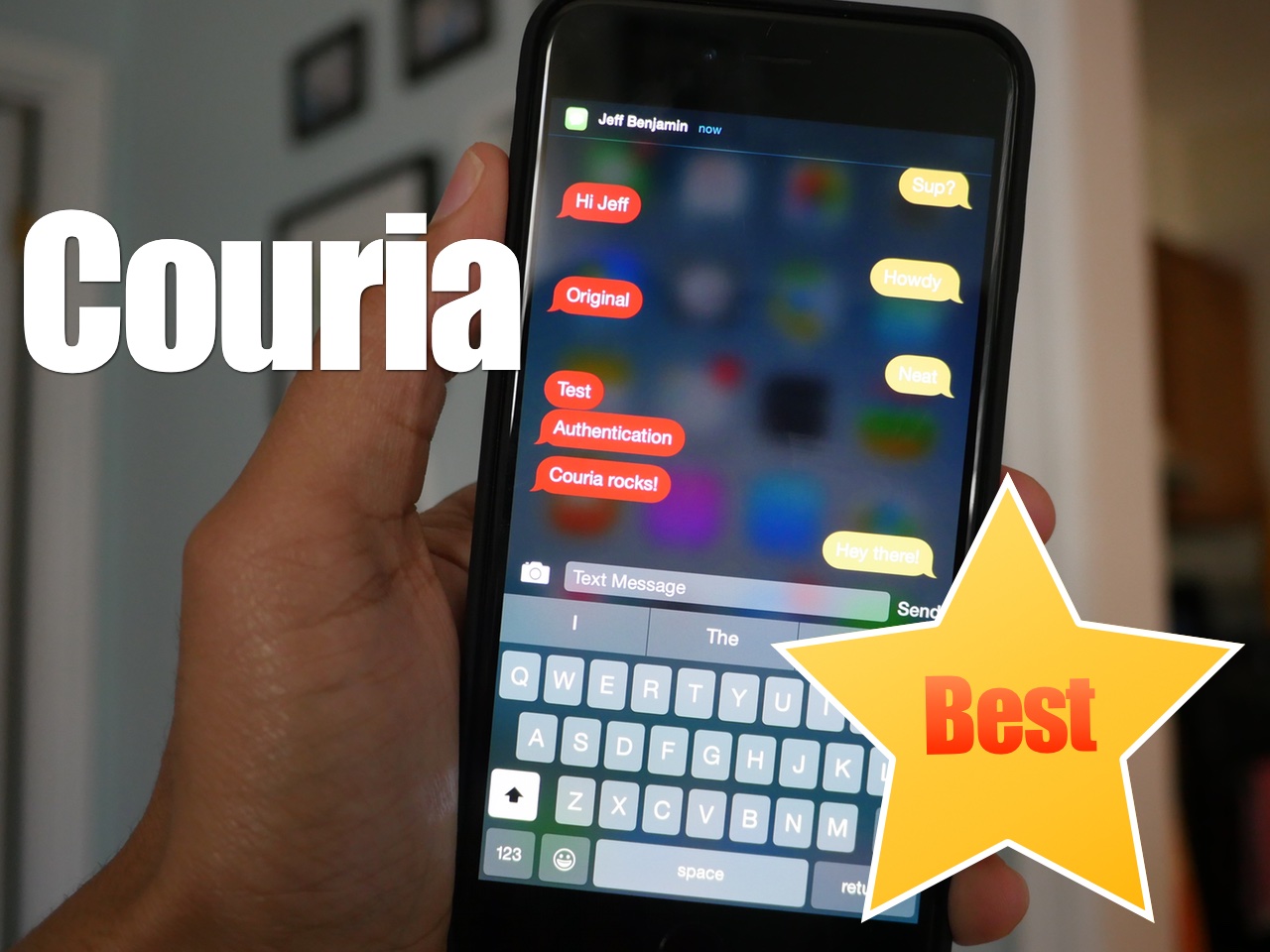
Couria: the best biteSMS alternative for iOS 8.4

In the absence of biteSMS, Couria has historically stepped in to help fill the large void left by the once venerable quick reply and quick compose tweak for jailbroken iPhones. Thankfully, Couria is really good at what it does, and arguably better than biteSMS in some respects.

I really like Couria's lightweight footprint. It's fast, easy to use, and fits the stock Messages app like a glove. For these reasons, it's hands-down the best way to use quick reply and quick compose with the stock Messages app.

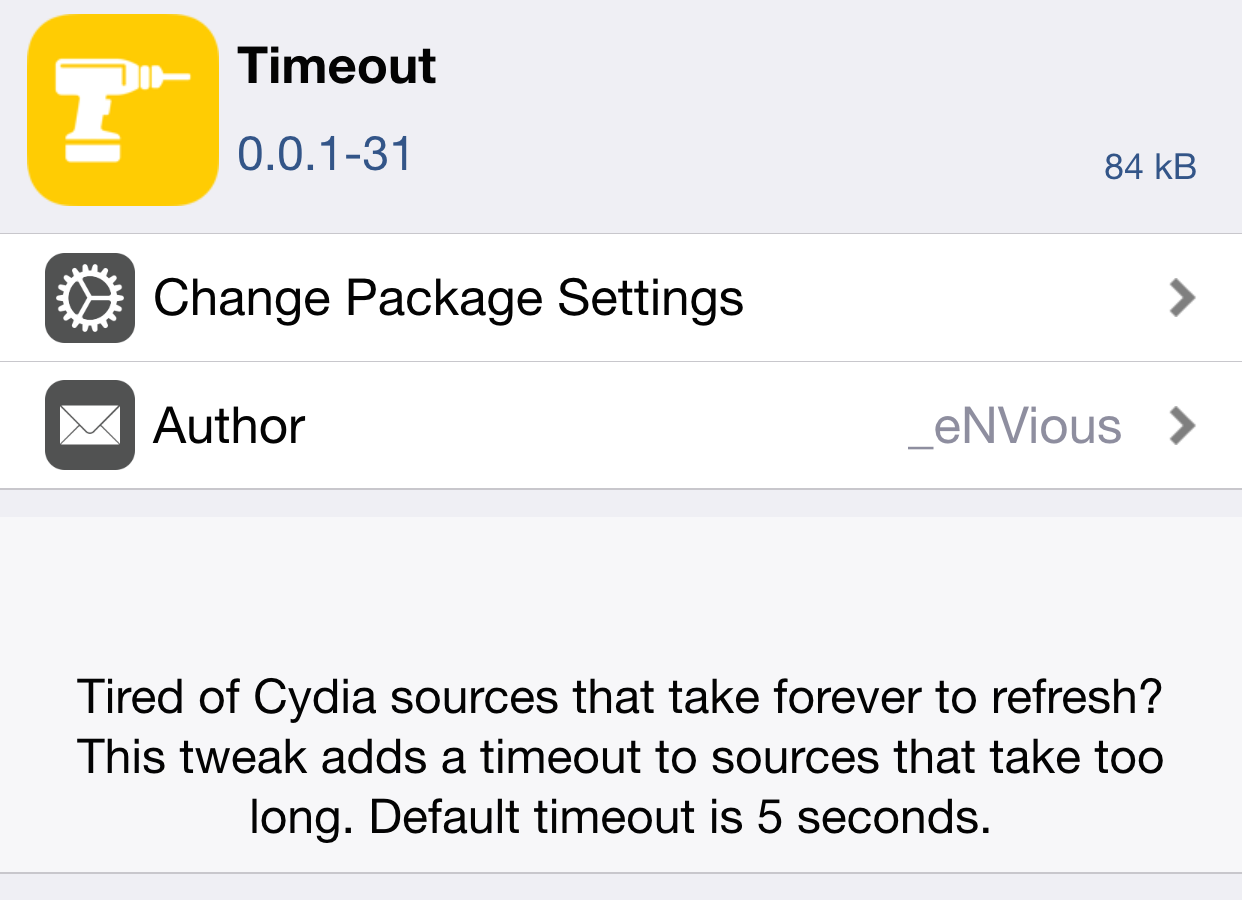
How to set a custom timeout setting in Cydia

Timeout is a jailbreak tweak that's currently in beta. It's a tweak that lets you add a custom timeout setting to Cydia. Setting a custom timeout value for Cydia is handy for those occasions when you encounter long wait times with slow repos. Instead of waiting for what seems like an eternity on a slow repo, you can use Timeout to force Cydia to refresh in a quicker fashion.

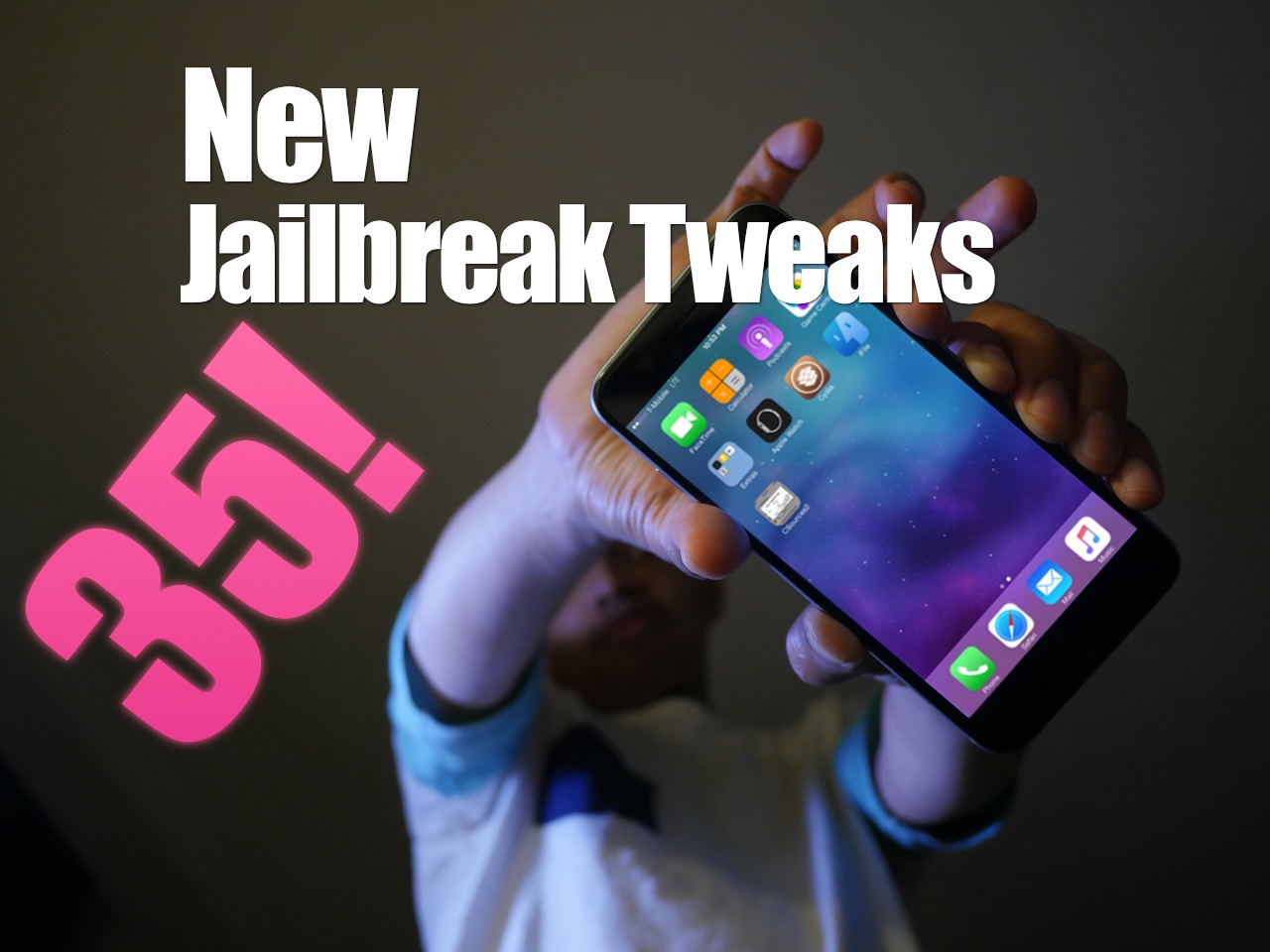
35 new free, paid, and beta jailbreak tweaks showcased on video

As Sebastien alluded to in yesterday's jailbreak tweaks of the week post, last week saw a colossal amount of new jailbreak tweaks released. There's probably a good chance that, simply due to the amount of new tweaks released, you missed some.

In this post, I'll showcase 35 new tweaks on video. You'll find a mix of free, paid, and even some beta/unreleased tweaks. How many of these tweaks do you have installed on your iPhone? Have a look and see for yourself.