Jailbreak Apps & Tweaks

These are the latest jailbreak apps and tweaks available for your iPhone or iPad. We save you time by highlighting only the best tweaks.

PowerCaller allows one contact to bypass your iPhone’s silent mode

You can put your iPhone into silent mode by using the switch on the side when you don’t want the ringtone to make a bunch of noise. On the other hand, we all have someone special in our lives we still want to hear notifications from, regardless of everyone else.

PowerCaller is a new free jailbreak tweak by iOS developer Joe Merlino that lets you override the mute switch and boost the ringtone volume for one specific contact, and it’s perfect for the aforementioned scenario.
The best jailbreak tweaks for the Messages app

The Yalu iOS 10 jailbreak has been around for a few months now, and since developers have had ample time to launch some amazing tweaks for Apple's latest jailbreakable firmware, it would only make sense to follow up with a series of  themed recaps.

In this piece, we’ll discuss (in our opinion) the best jailbreak tweaks for the Messages app since the iOS 10 jailbreak was conceived.

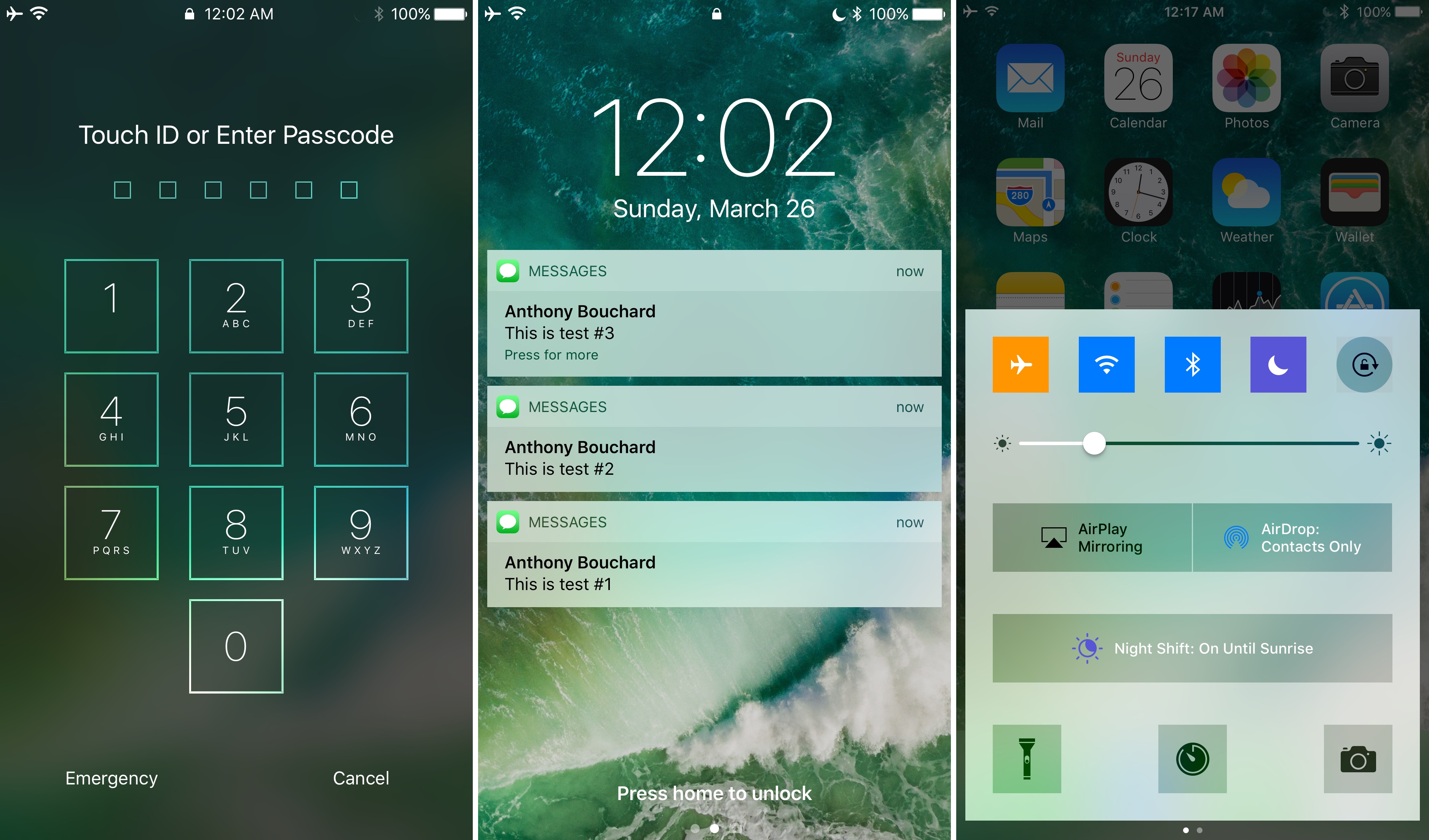
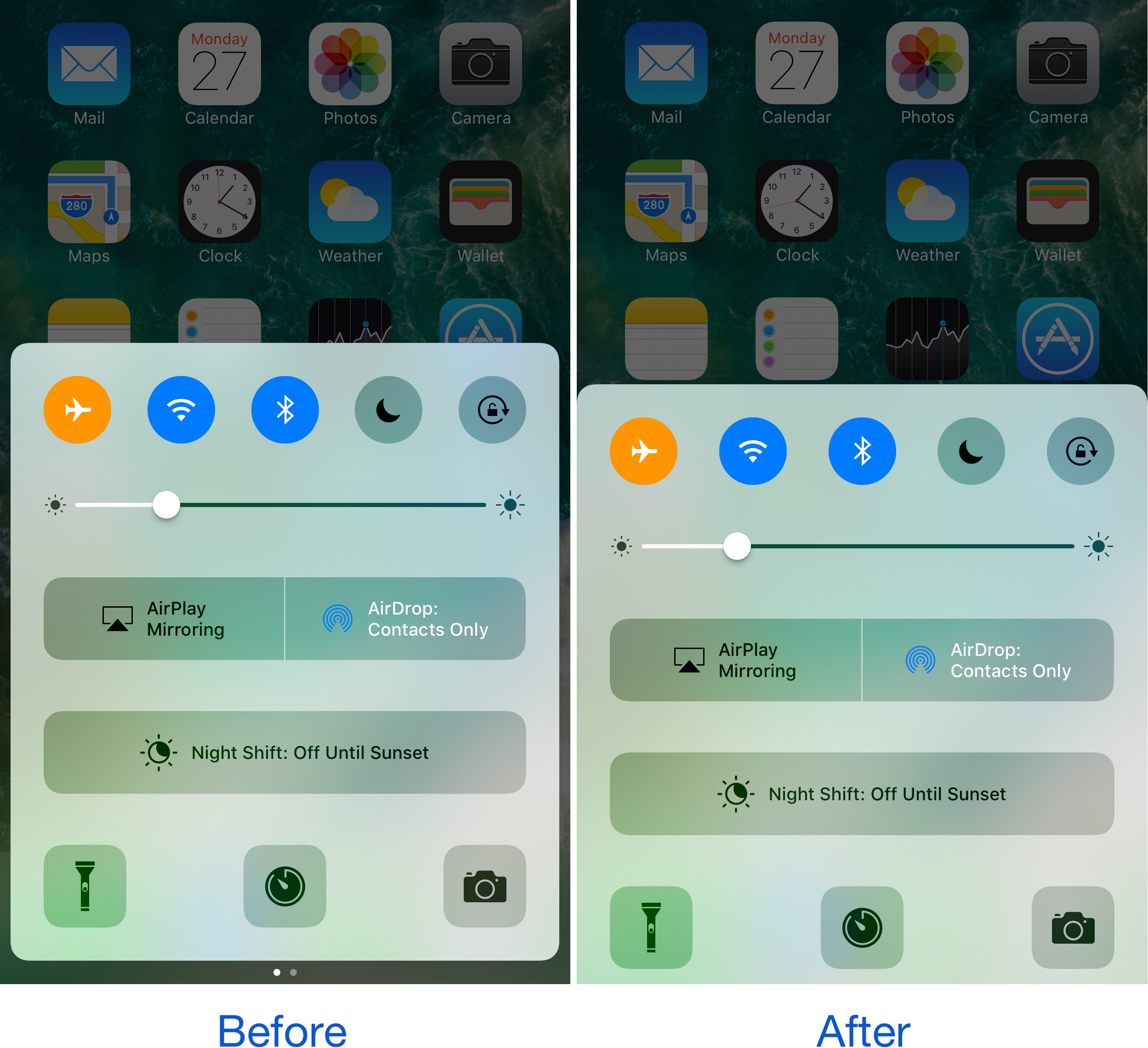
Add some squareness to iOS with ringUI

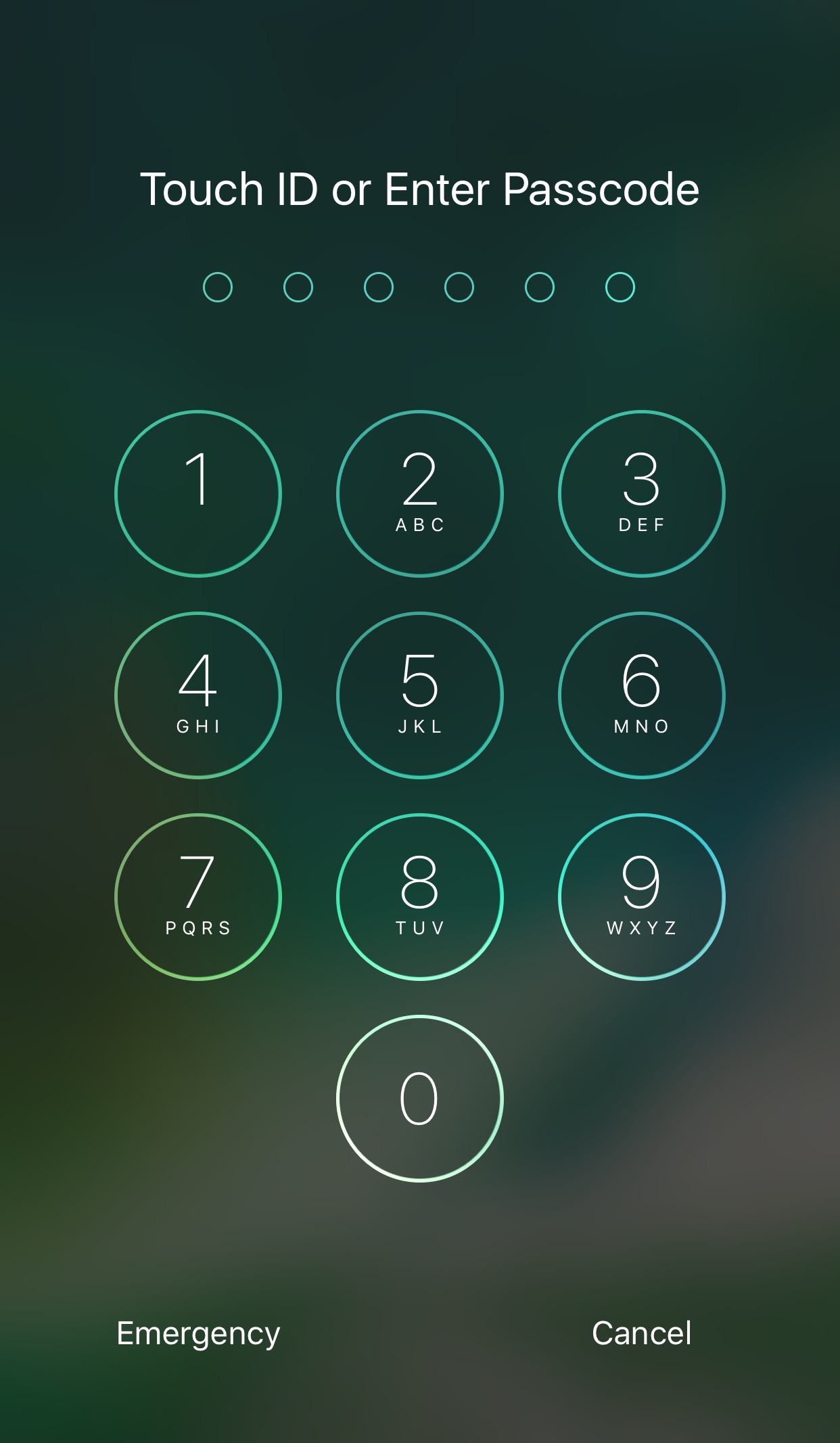
A handful of elements that make up the iOS UI in its entirety are round or have rounded corners; this includes, but is not limited to: passcode buttons, Control Center toggles, the corners of banner notifications, and Home screen folders, among other things.

If you’re not a fan of this system-wide rounded style, a new free jailbreak tweak called ringUI by CydiaGeek can be installed to make several elements on your device look much squarer.

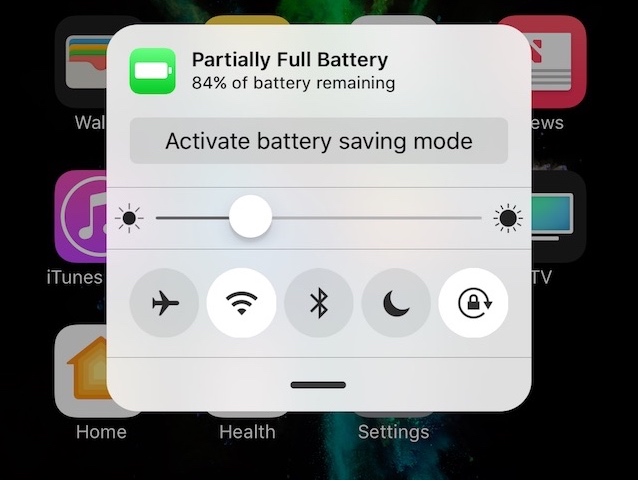
Zeal is a battery management system for your jailbroken iPhone or iPad

Lots of people take their battery life seriously, and it goes without saying that Apple provides the bare minimum of battery health and information tools; it has often been up to jailbreak developers to fill in these gaps.

A new jailbreak tweak release called Zeal by iOS developers Rabih M. and Stijn aims to answer all the cries from battery sticklers that have yet to be answered by Apple. It provides both an informative battery management interface that you can invoke on demand to see more about how your battery is doing and conserve power.

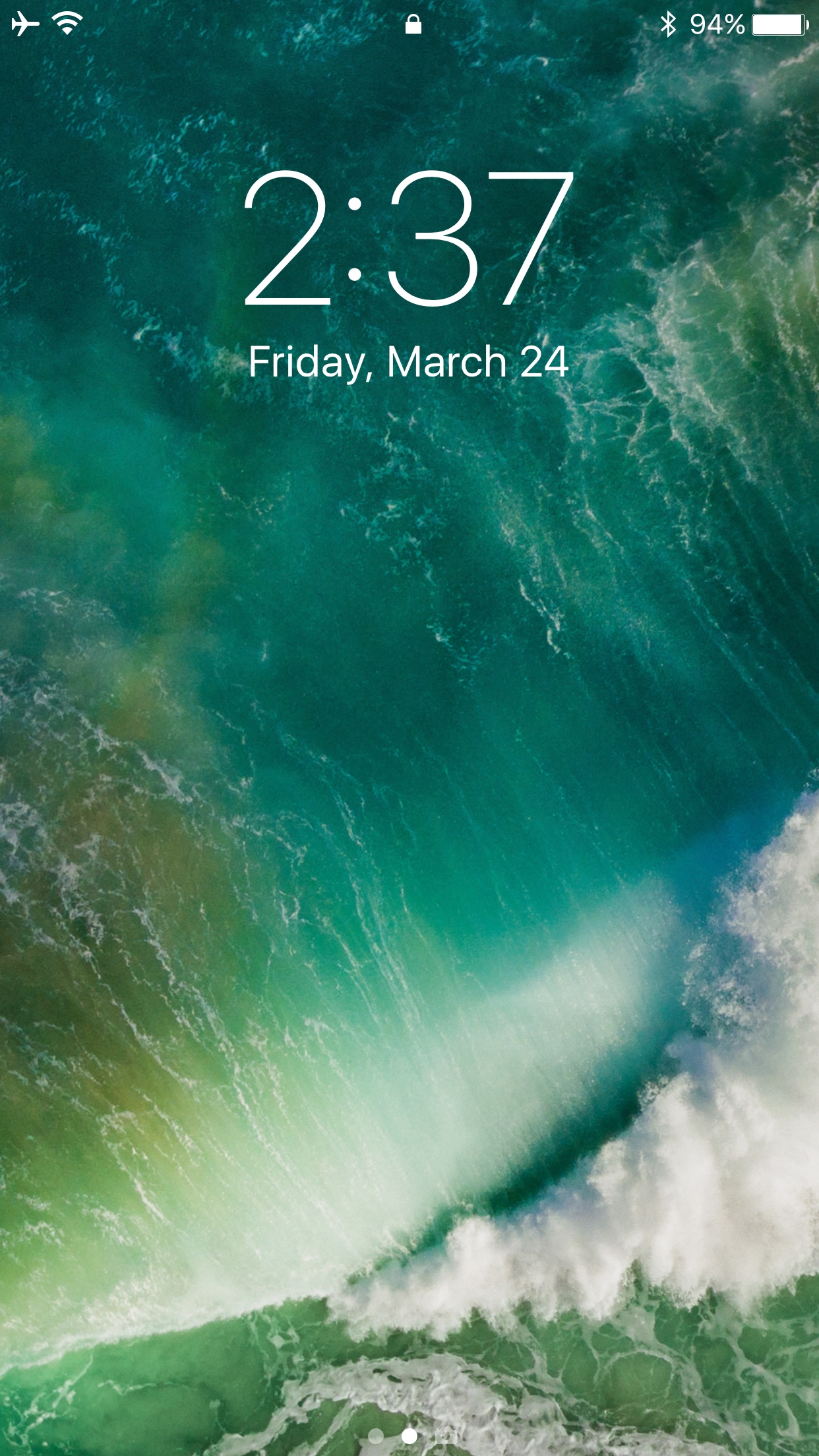
Delay your Lock screen auto-dimming feature with this tweak

I often get asked about how to delay the Lock screen's auto-dimming feature, and it would seem that a viable solution has conveniently slipped into Cydia this week.

Dubbed CustomLockscreenDuration, this new free jailbreak tweak by iOS developer Andreas Henriksson lets you choose how long of a delay there is before your Lock screen falls asleep. This is great for anyone who uses Lock screen-related mods, because the screen sometimes tends to dim while you're interacting with the tweaks.

After installation, you can head right into the Settings app, where you will find a preferences pane tailored around configuring the dim timer:

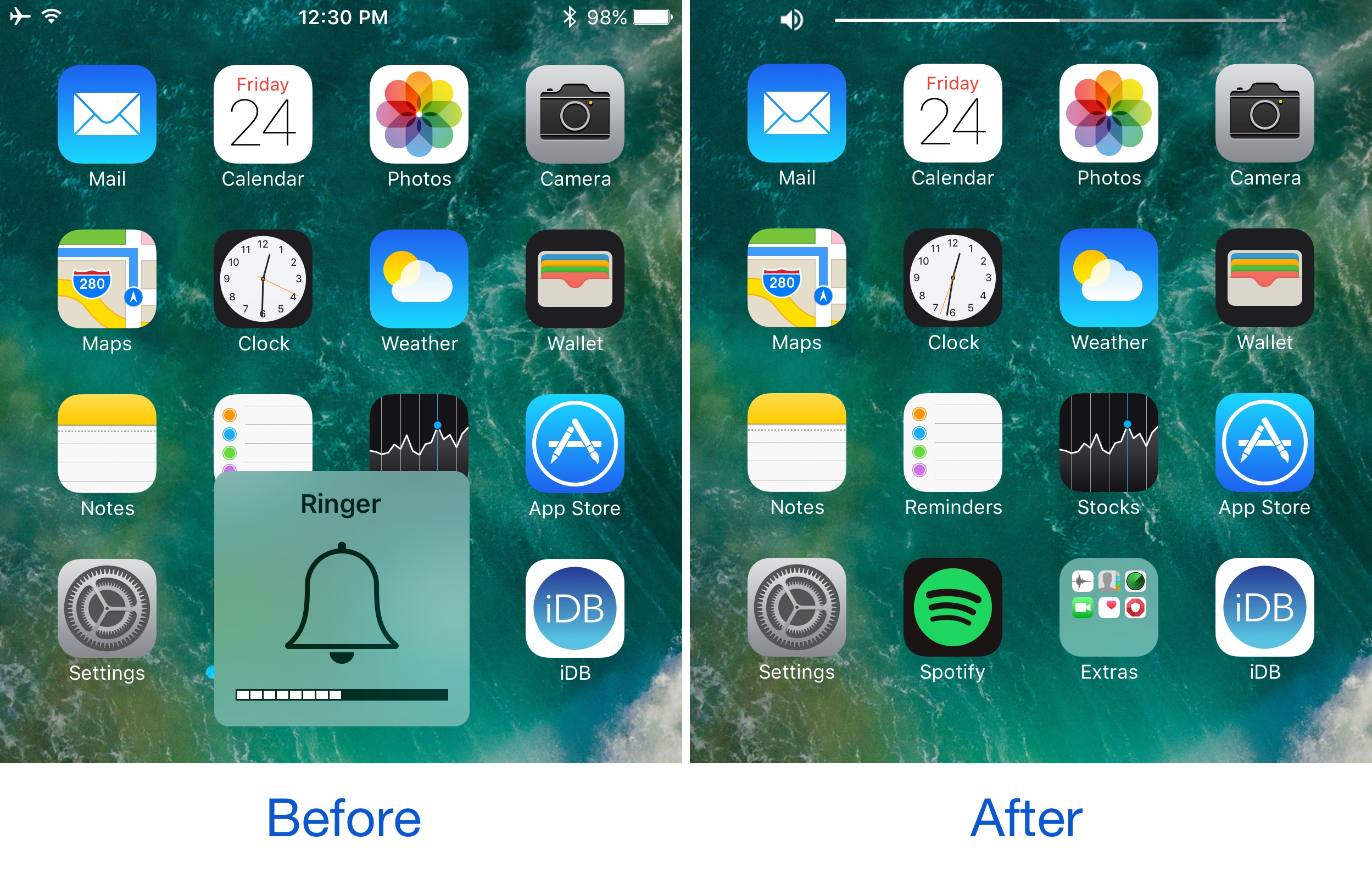
This tweak brings a YouTube-inspired volume HUD to your iPhone

If you’ve ever used the YouTube app on your iPhone before, then you know Google has good taste in what a volume HUD should look like. Obviously, the monstrosity of a volume HUD that Apple continues to impose on iOS users is not something said users like to see, as it gets in the way of everything.

Because Google has the right idea, iOS developer midkin decided to create a YouTube-inspired volume HUD system that’s made to work across your whole iOS system. As a result, the new free jailbreak tweak YouTubeVolume was born.

Choose the default email app on your iPhone with MailClientDefault10

Most iOS users utilize the Mail app on their device by default for any email-related activities because it's the stock app for doing so. Unfortunately, after deleting the Mail app (post-iOS 10), iOS won’t redirect mail:to links to your favorite third-party email app when you tap on them.

MailClientDefault10 is a new jailbreak tweak release by HiDan that fixes this problem by letting you configure a third-party email client as the default app for composing emails, which effectively solves the aforementioned problem.

NotifyCensored lets you hide notification banner content on a per-app basis

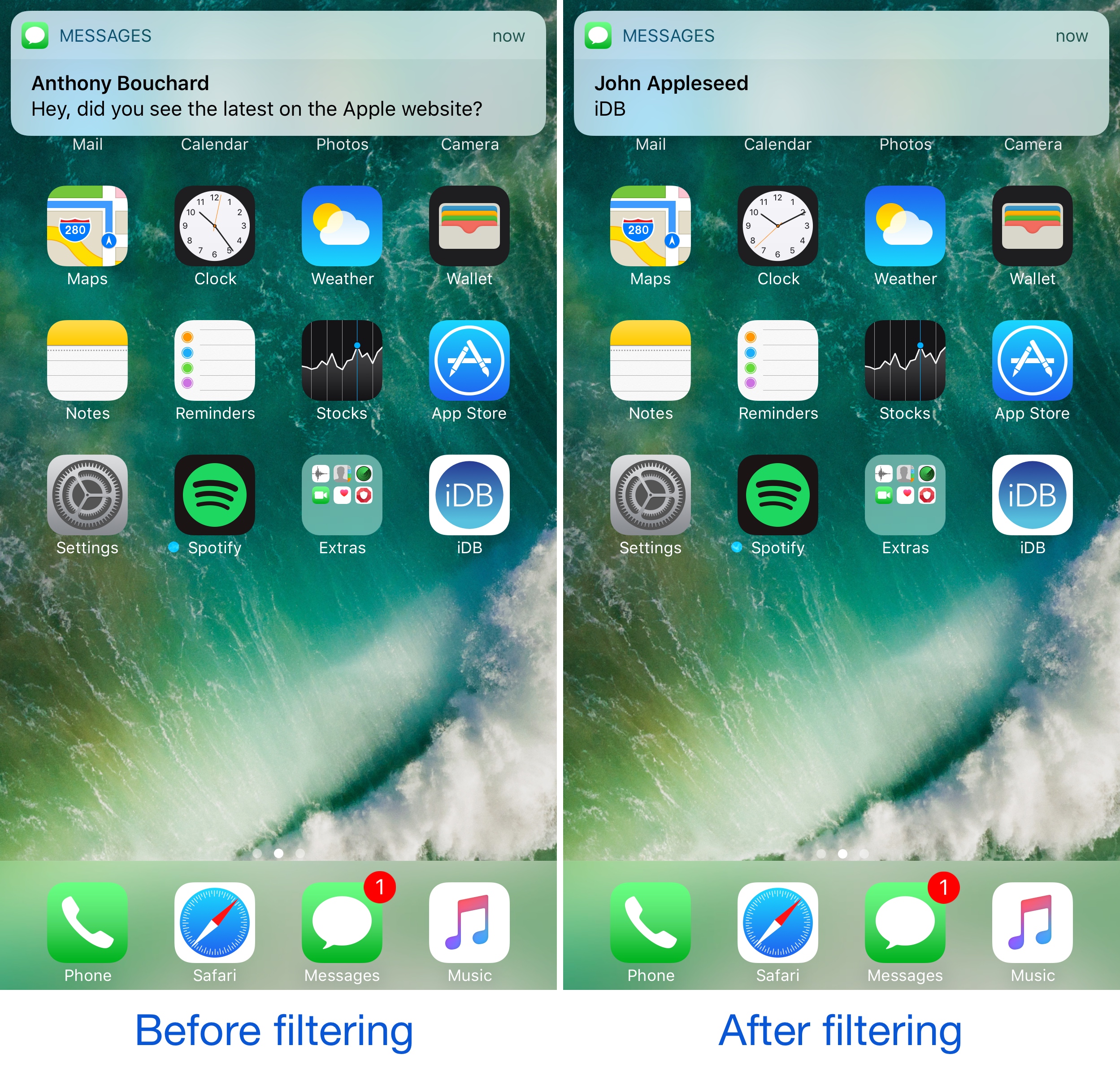
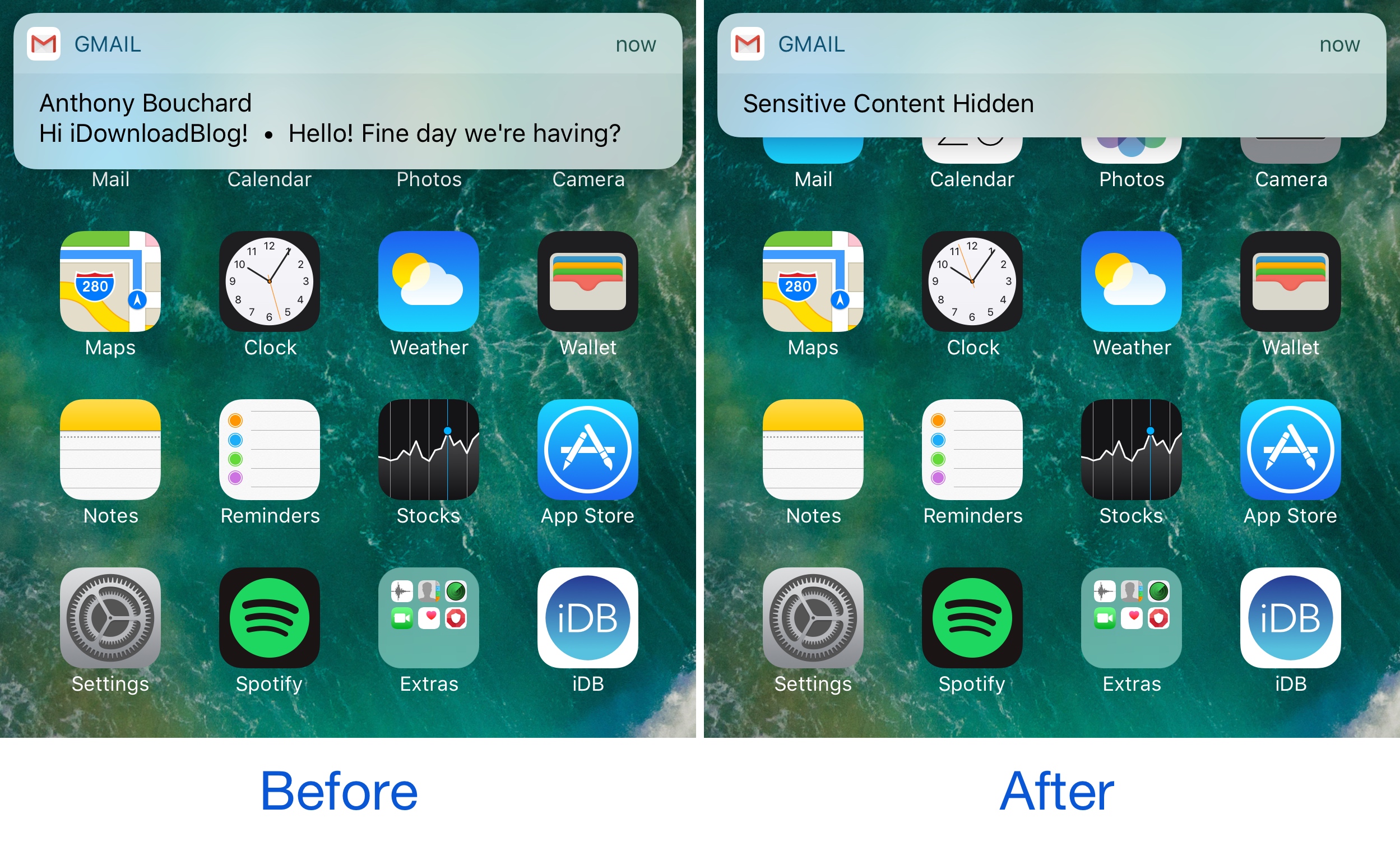
When privacy is a concern of yours, sometimes you need to be mindful of the notifications that pop up from apps, as they can easily make sensitive information readable by anyone who might be looking over your shoulder.

While some apps like Mail, Messages, and Facebook Messenger come with internal settings for hiding message content, not all messaging apps do, or do it as well. That’s where a new free jailbreak tweak called NotifyCensored by Pax Cex will come in handy.