Jailbreak Apps & Tweaks

These are the latest jailbreak apps and tweaks available for your iPhone or iPad. We save you time by highlighting only the best tweaks.

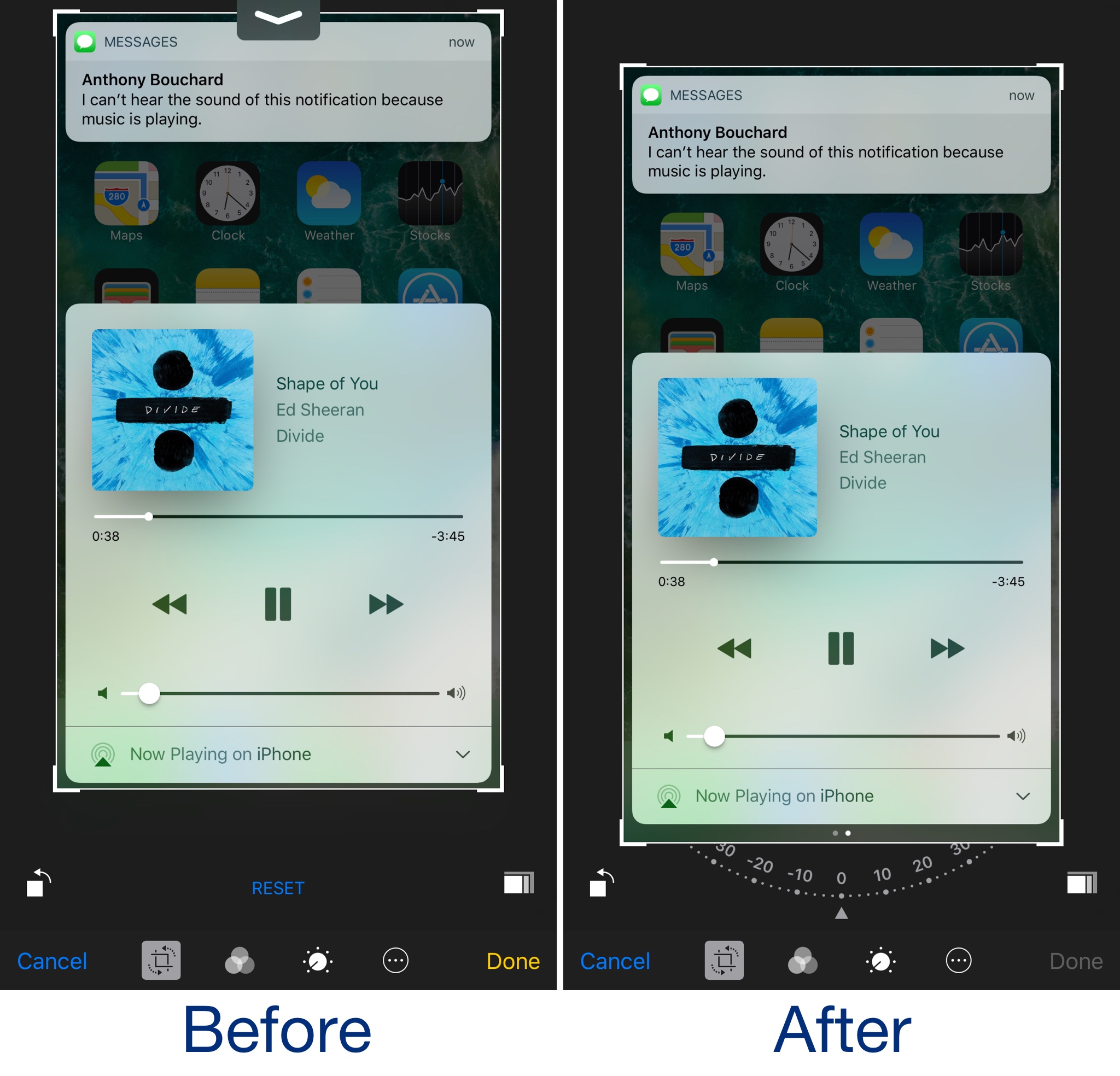
BetterPhotoCrop keeps the Notification Center grabber from appearing as you crop images

I use the image-cropping tools from my iPhone's Photos app on a daily basis, and I've noticed that I accidentally invoke the Notification Center grabber quite a lot while cropping when I attempt to drag down from the top of the image.

BetterPhotoCrop by iOS developer Andreas Henriksson is a new free jailbreak tweak that moves the cropping interface down enough to prevent the Notification Center grabber from being invoked when you drag down from the top of an image to crop it.

AlternateControls 2 brings an Android-style bottom navigation bar to iOS

Available on a wide variety of Android handsets is the bottom navigation bar, and with a jailbreak tweak called AlternateControls 2 by iOS developer Ian Burns, you can bring this functionality to your iPhone as well.

Once installed, the button to the far left will act as a back button, letting you move backwards between interfaces you’ve visited previously, while the center button acts as a virtual Home button and the button to the far right acts as an App Switcher shortcut.

QuietWhilePlaying prevents notifications from interrupting your music playback

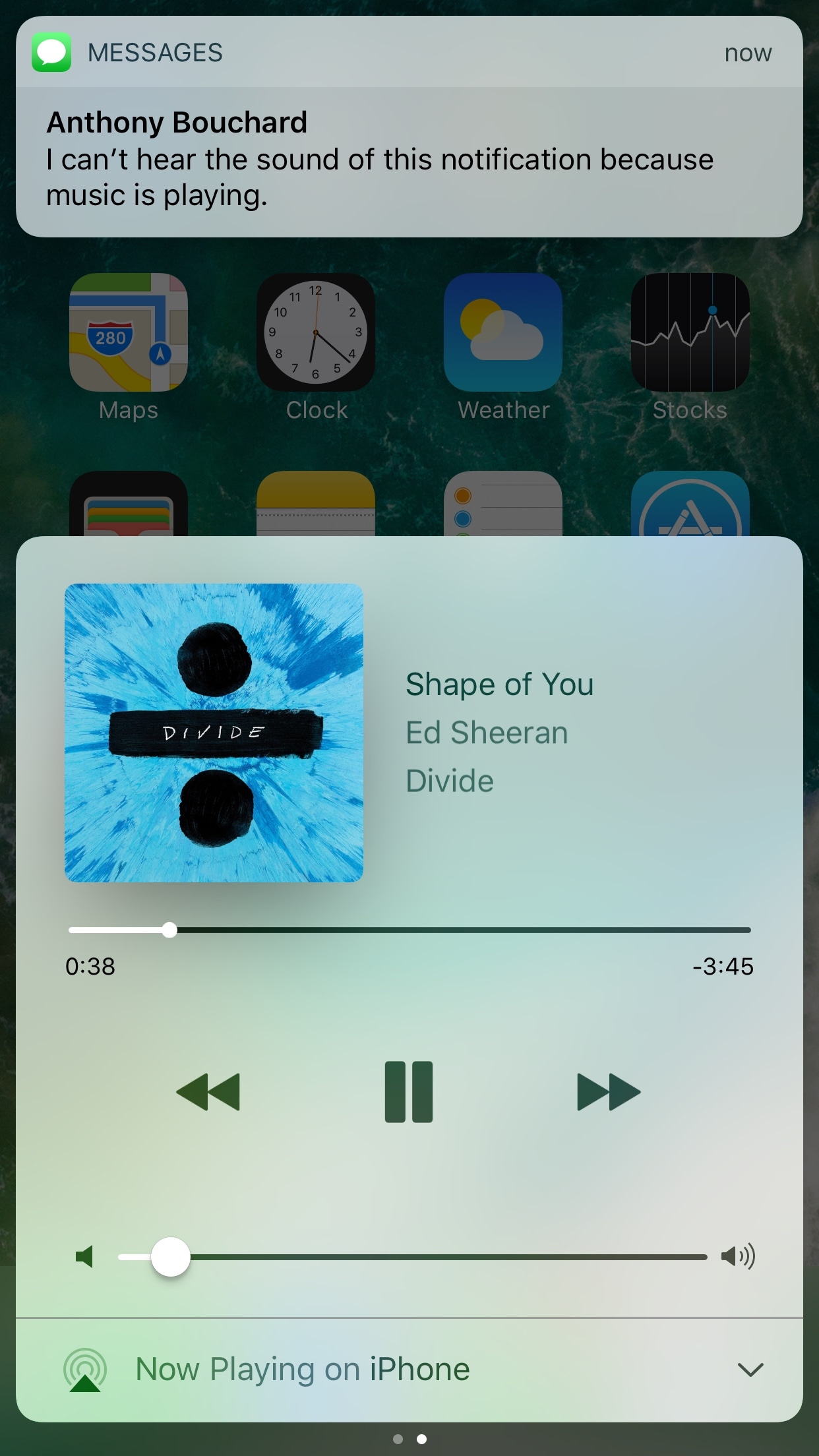
If you have a pet peeve for incoming notifications interrupting your music when you’re trying to sit back and enjoy a song, then installing a new free jailbreak tweak called QuietWhilePlaying (iOS 10) by iOS developer ijapija00 should be next on your to-do list.

This tweak silences the alert sounds and vibrations associated with incoming notifications, no matter which app they're coming from, whenever you’re actively listening to media.

Ambiance lets your Phillips HUE bulbs take full advantage of your jailbroken iPhone

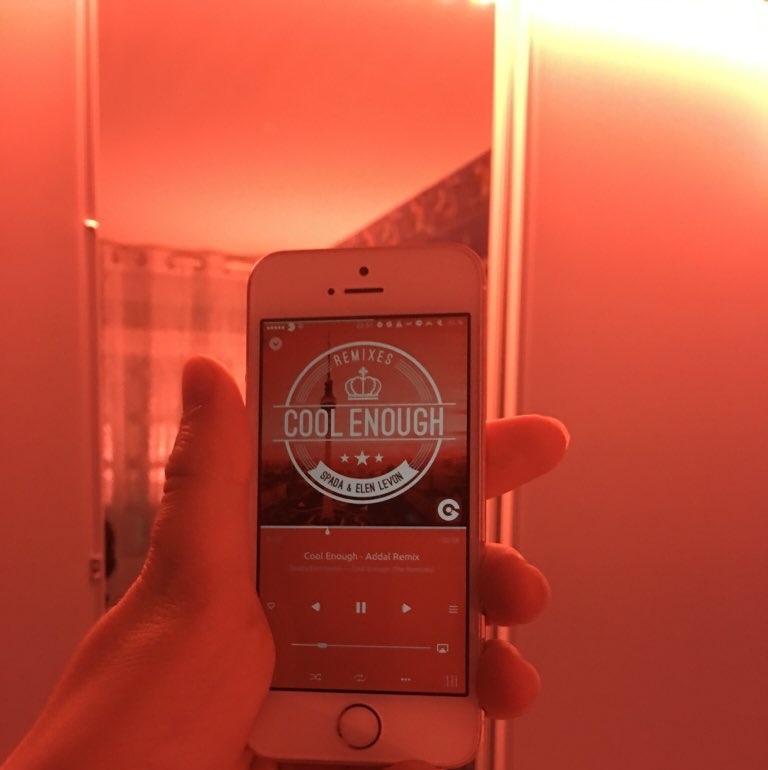
Every so often, a jailbreak tweak emerges that lets you do something out of the ordinary with your iPhone, and a new release called Ambiance by iOS developer Ziph0n is a testament to such tweaks.

Ambience links your jailbroken iPhone and Phillips HUE smart light bulbs together in new and exciting ways, immersing your entire room with color effects based on what you’re doing on your device at a given time.

NFCWriter tweak unlocks your iPhone NFC capabilities

At the beginning of May, iOS developer Limneos started tinkering with the iPhone’s NFC chip to allow it talk to third-party NFC tags and accessories that Apple has never allowed its system to talk to before.

At the time, it was just a work in progress and a proof of concept, but Limneos has officially released a new jailbreak tweak in Cydia dubbed NFCWriter that unlocks the full potential of your NFC chip for everyone. It's the first time that the chip has been hacked to this extent, and it opens a whole new realm of possibilities.

Lysithea X brings iOS 11-esque Lock screen music controls to iOS 10

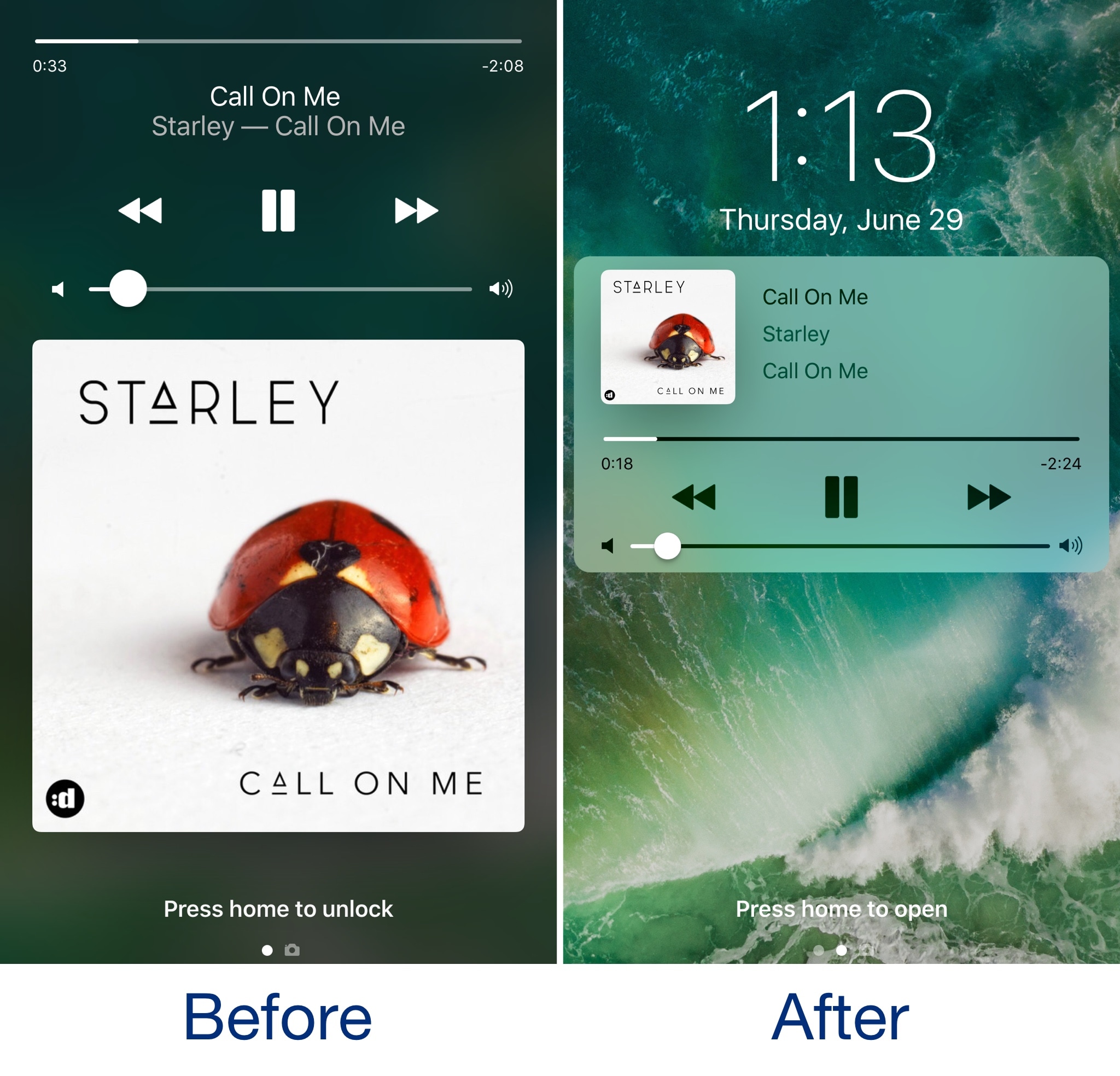
In case you haven’t seen it yet, iOS 11 comes with a redesigned Now Playing Lock screen interface. It’s sleeker and takes up less space so you can manage your music playback and see missed notifications in the same place more easily.

Now, a new jailbreak tweak called Lysithea X by iOS developer ijapija00 brings this iOS 11 Now Playing Lock screen interface to jailbroken iOS 10 devices.

SwitcherControls merges the App Switcher and Control Center interfaces into one

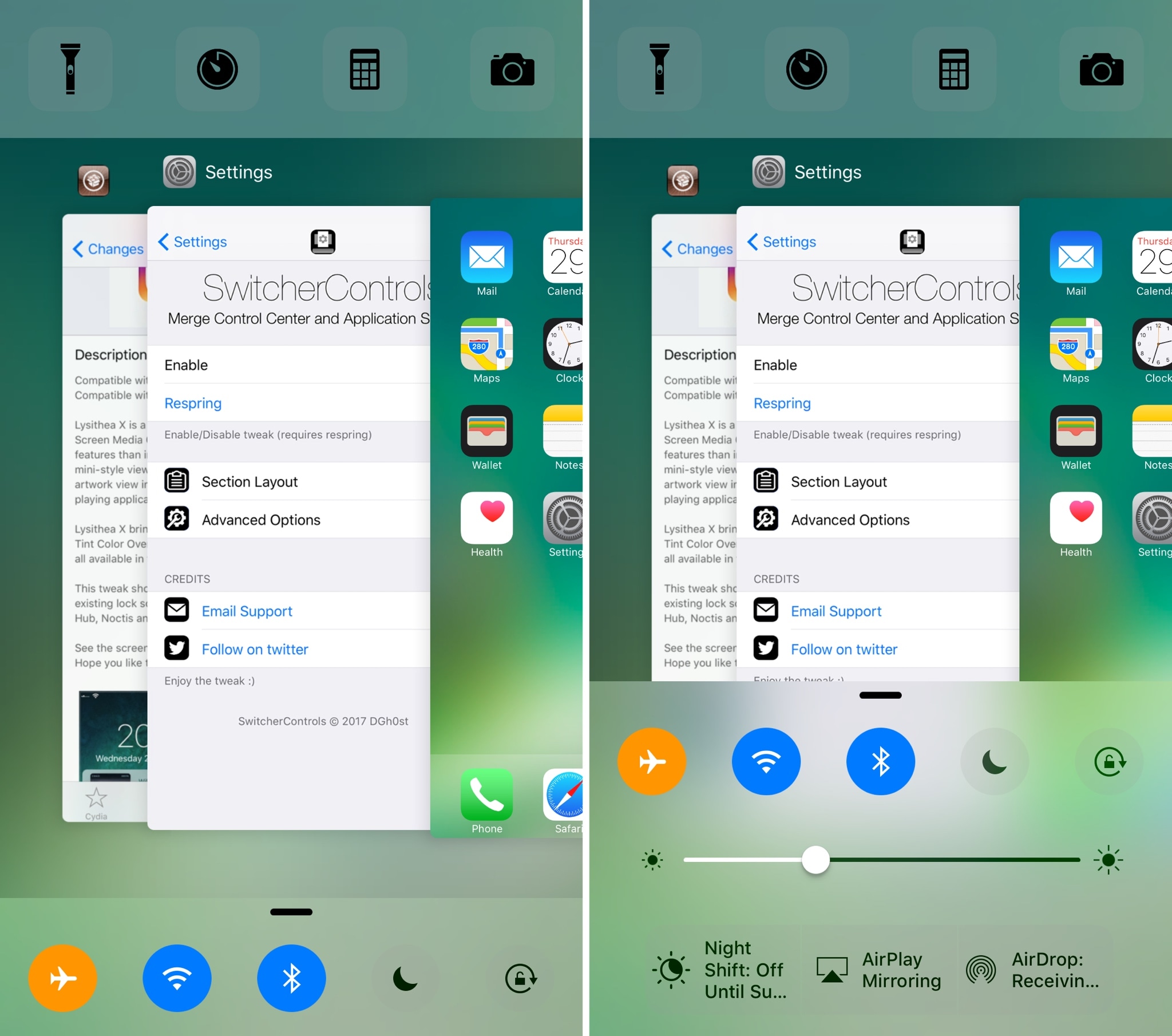
If you want a more powerful App Switcher, then perhaps a good place to start is with a new jailbreak tweak called SwitcherControls by iOS developer DGh0st.

Immediately reminiscent of the multi-center feature from a prior jailbreak tweak release known as Auxo 3, SwitcherControls combines both the App Switcher and Control Center interfaces into one, yielding what you see above.

TimeMover Lite lets you customize the position of your Lock screen clock for free

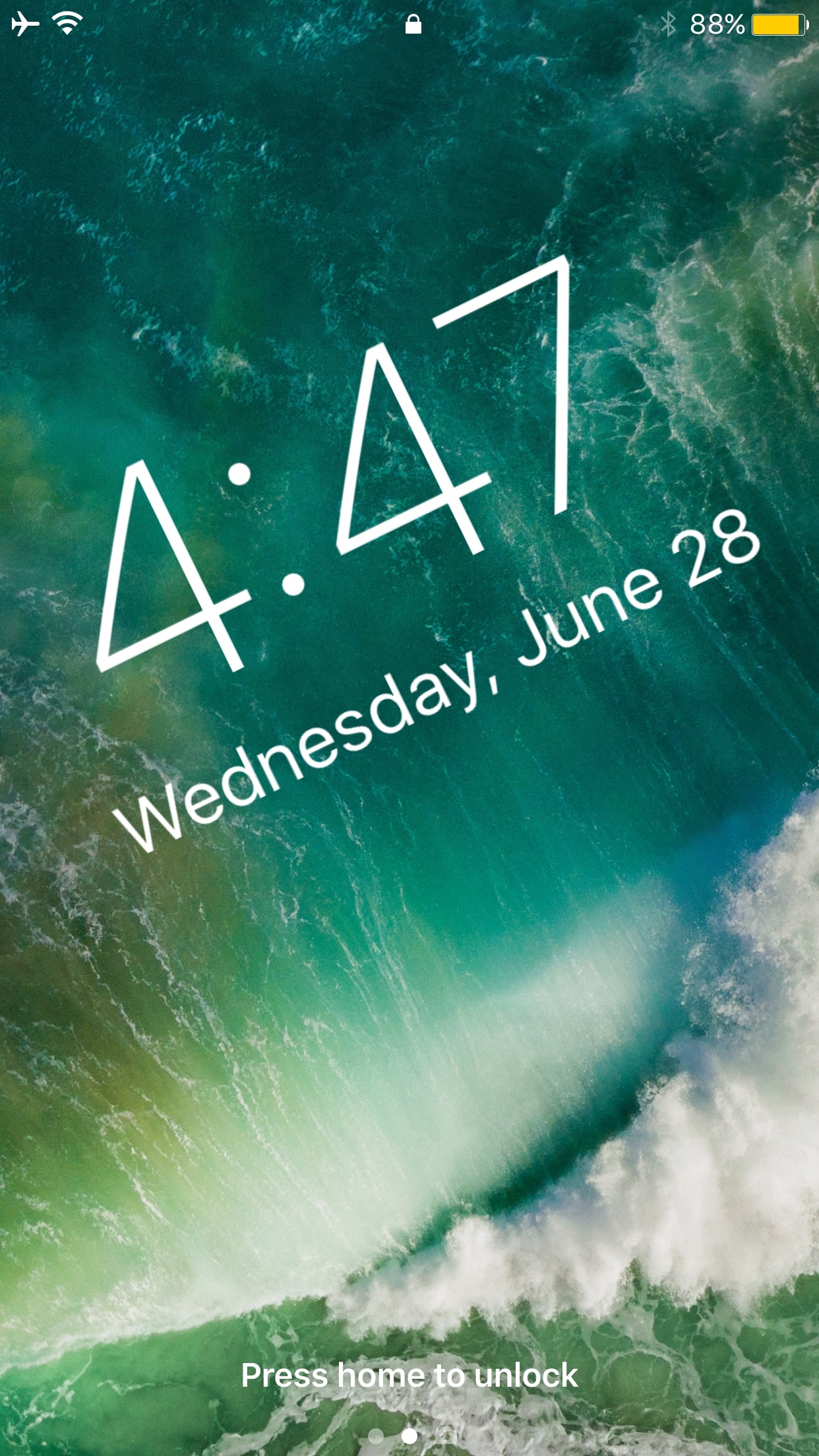
The Lock screen clock appears at the top center of the Lock screen on any stock device out of the box, but with a new free jailbreak tweak called TimeMover Lite by iOS developer NeinZedd9, you can re-position it anywhere you'd like.

If the concept sounds familiar, that’s because this is a free version of the TimeMover tweak that we showed you a couple of weeks ago, but it’s still plenty powerful.

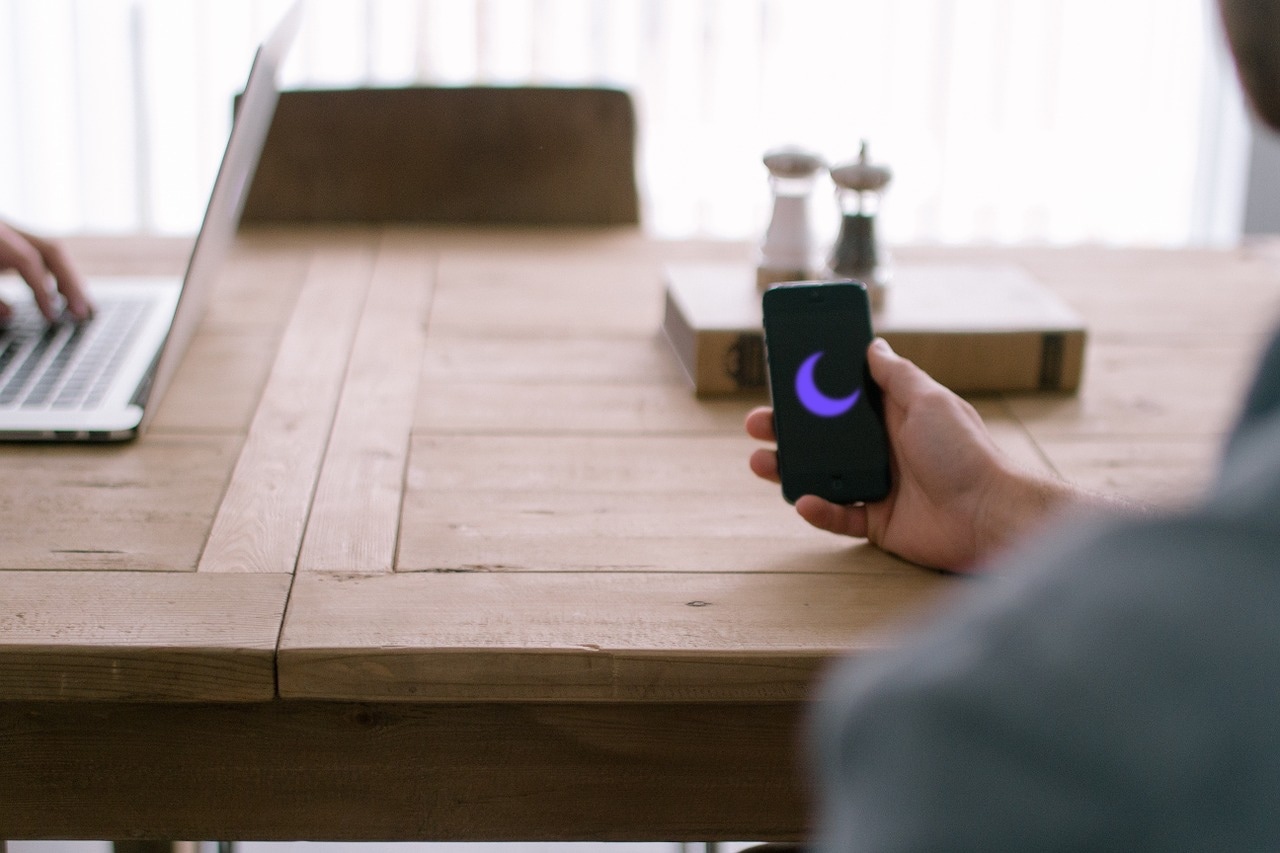
Auto SilentMe silences your iPhone based on calendar events

There are times when you can take notifications, and then there are times when you just can't. While Do Not Disturb is a great tool for this, it’s not the perfect solution to avoiding unwanted notifications because it relies on you to manually enable or schedule it, and sometimes we forget.

That’s a weak link that a new jailbreak tweak called Auto SilentMe by iOS developer IArrays hopes to strengthen, as it brings new notification-suppressing features to your device that will prevent embarrassing notifications from coming in when you don't want them knocking at the door.

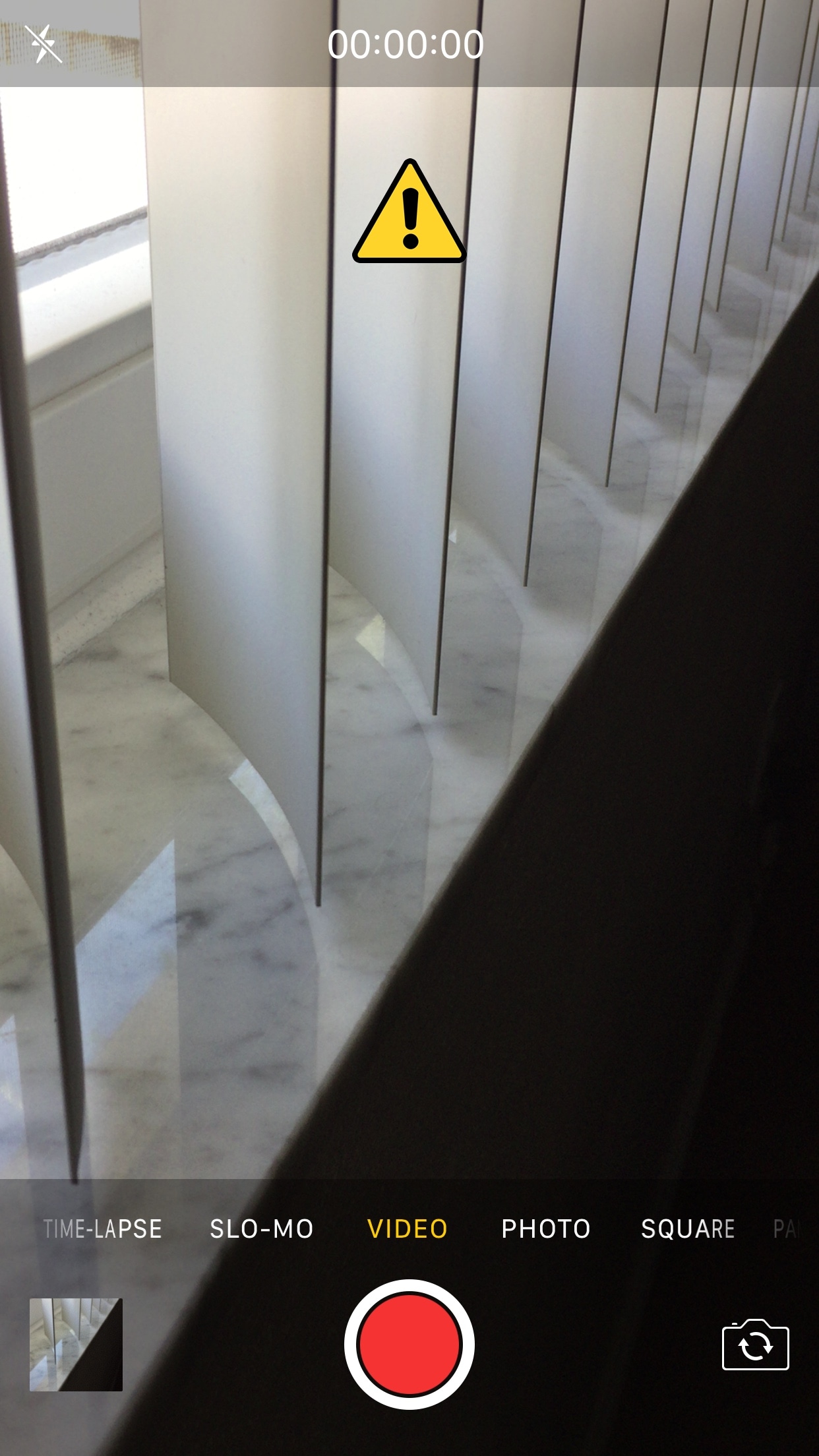
This tweak helps break the habit of recording videos in portrait orientation

It bothers me from time to time when I watch videos on social media or YouTube and realize just how many people record their videos while their smartphone is in portrait orientation.

These services are formatted for computer screens, which naturally have displays longer than they are tall, so recording videos in this way usually degrades the viewing experience for the viewer. That’s why a free jailbreak tweak called VerticalVideoSyndrome 2 by iOS developer Andreas Henriksson is now available.

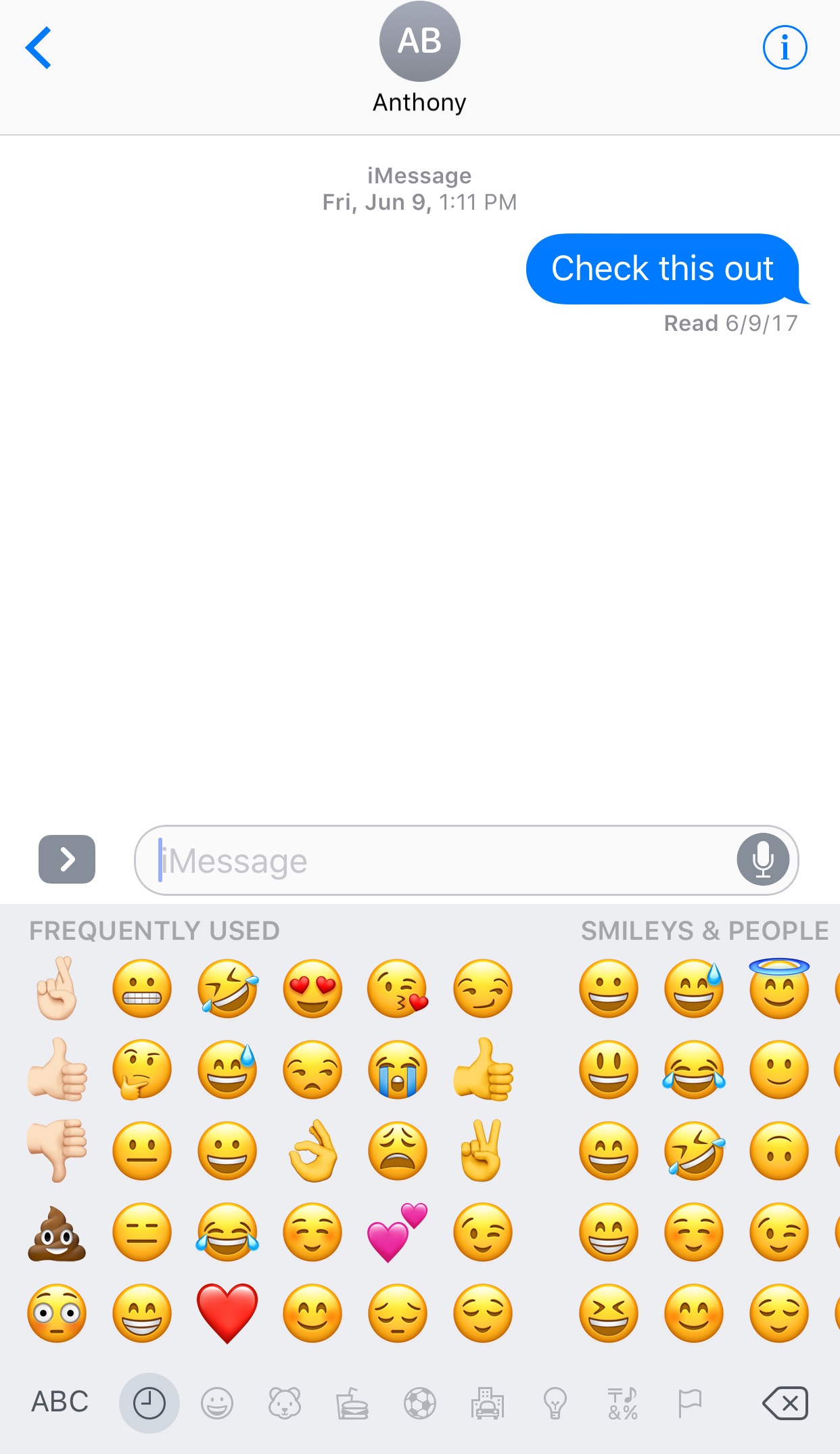
This tweak lets you manually designate favorite Emojis

The iOS keyboard includes a key dedicated specifically to accessing the host of Emojis you can use to express your mood. Part of this interface includes a section for Emojis you use frequently, and while it can be useful, suggestions aren't always ideal.

With a new jailbreak tweak dubbed FavoriteEmojis by iOS developer Adeem Mawani, you can manually designate your favorite Emojis by choice; these are the ones that will begin populating the “Frequently Used."

QuietWhileUnlocked silences obtrusive notifications when your iPhone is unlocked

When you’re using your iPhone, sometimes the influx of notification sounds and vibrations can be enough to frustrate even the most tolerant of multitaskers who are trying to get things done.

Fortunately, a free jailbreak tweak called QuietWhileUnlocked by iOS developer The Holy Confluency of the Summer Triangle helps solve this problem by supressing notification sounds and vibrations whenever your device is unlocked.