Jailbreak Apps & Tweaks

These are the latest jailbreak apps and tweaks available for your iPhone or iPad. We save you time by highlighting only the best tweaks.

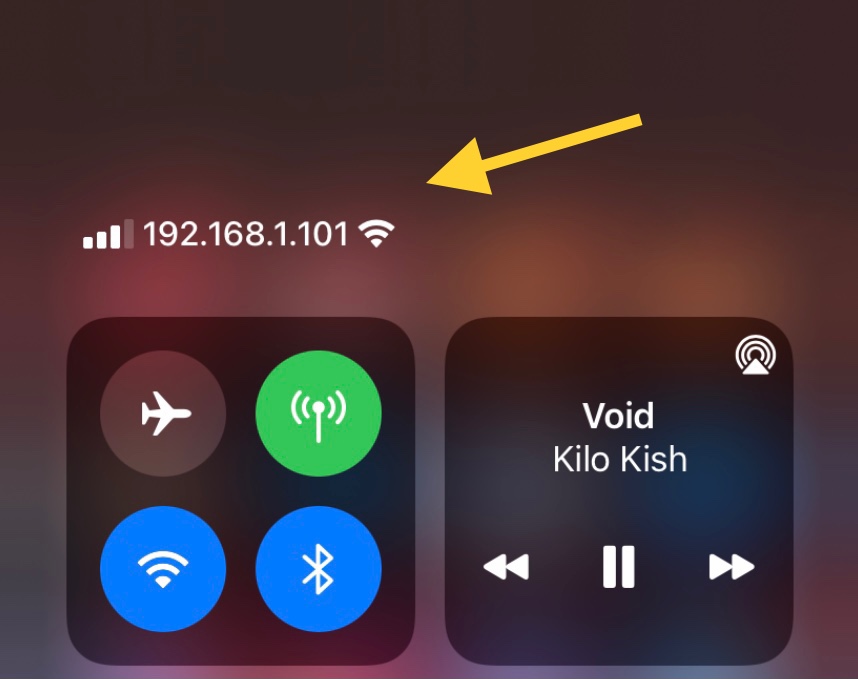
IPCarrier replaces the Status Bar’s carrier text with your IP Address

Intermediate and advanced jailbreakers often do more with their devices than merely download and install jailbreak tweaks — many will SSH into their devices to carry out deeper device customization in the file system itself.

SSH connections require knowledge of the handset’s local IP address, which can be found in the Wi-Fi preference pane in the Settings app. But those who use SSH often, especially on networks besides their own, might be interested in a faster way to access their handset’s local IP address, and we have the solution.
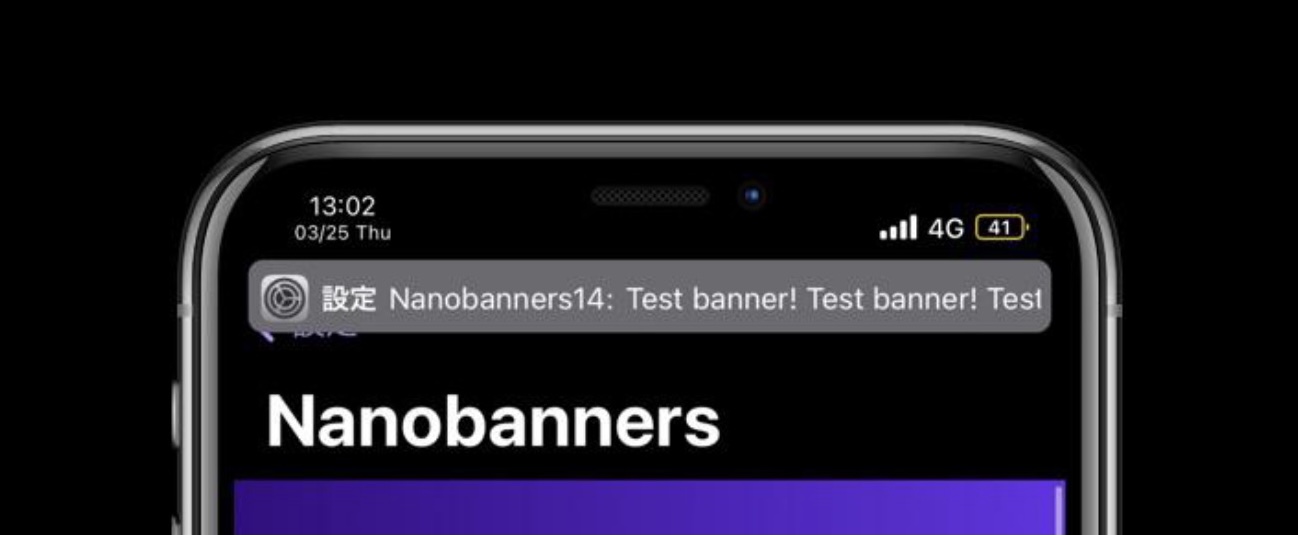
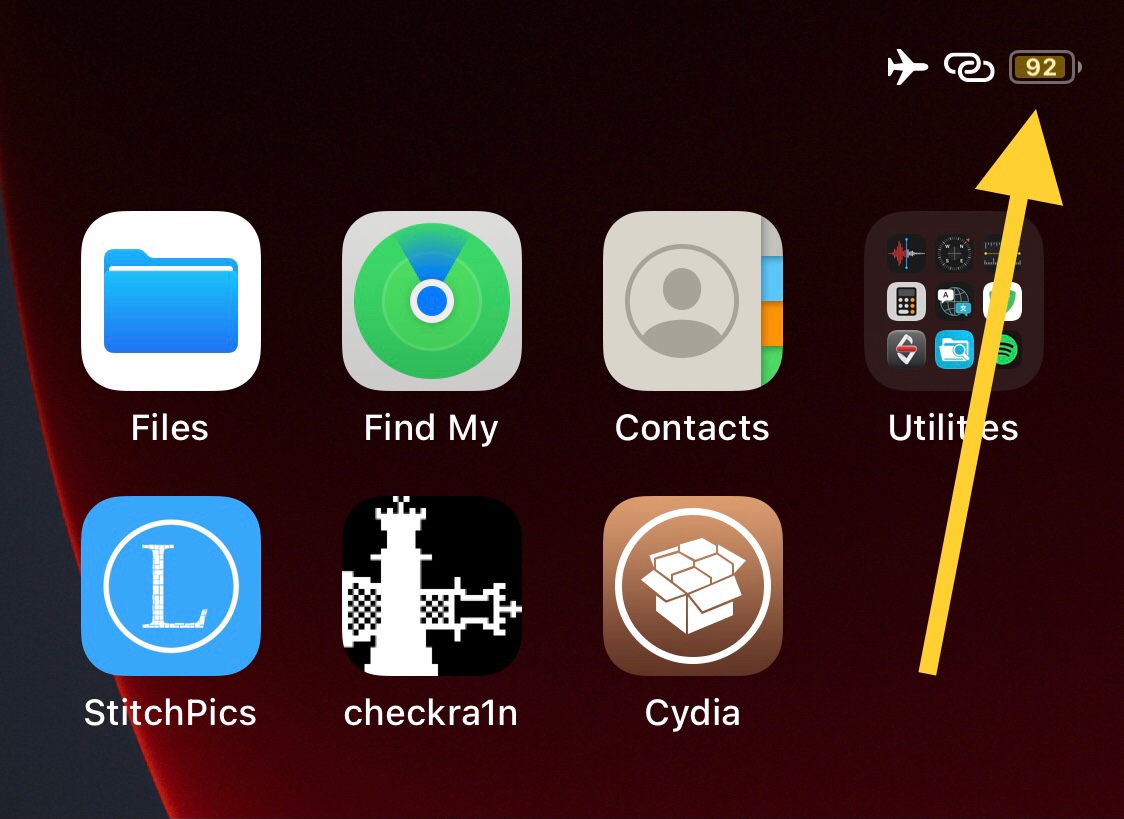
This tweak enables the numeric battery percent in the Status Bar for notched iOS 14 devices

A popular feature that is noticeably missing from notched iPhones that continues to exist on older Home Button-equipped handsets is the Battery Percent display for the Status Bar’s battery level indicator.

For whatever reason, Apple thought it would be a good idea to remove this feature entirely while continuing to harbor assets in the mobile operating system for an upgraded and better looking Battery Percent display on such devices.

Substitute updated to version 2.0.10 with more bug fixes

Substitute, the tweak injection method used by the unc0ver jailbreak (and optionally on checkra1n devices), received an update this week that officially brought the package up to version 2.0.10.

Much like the previous update that launched around a month ago, Substitute version 2.0.10 brings bug fixes to improve the package’s performance and stability.

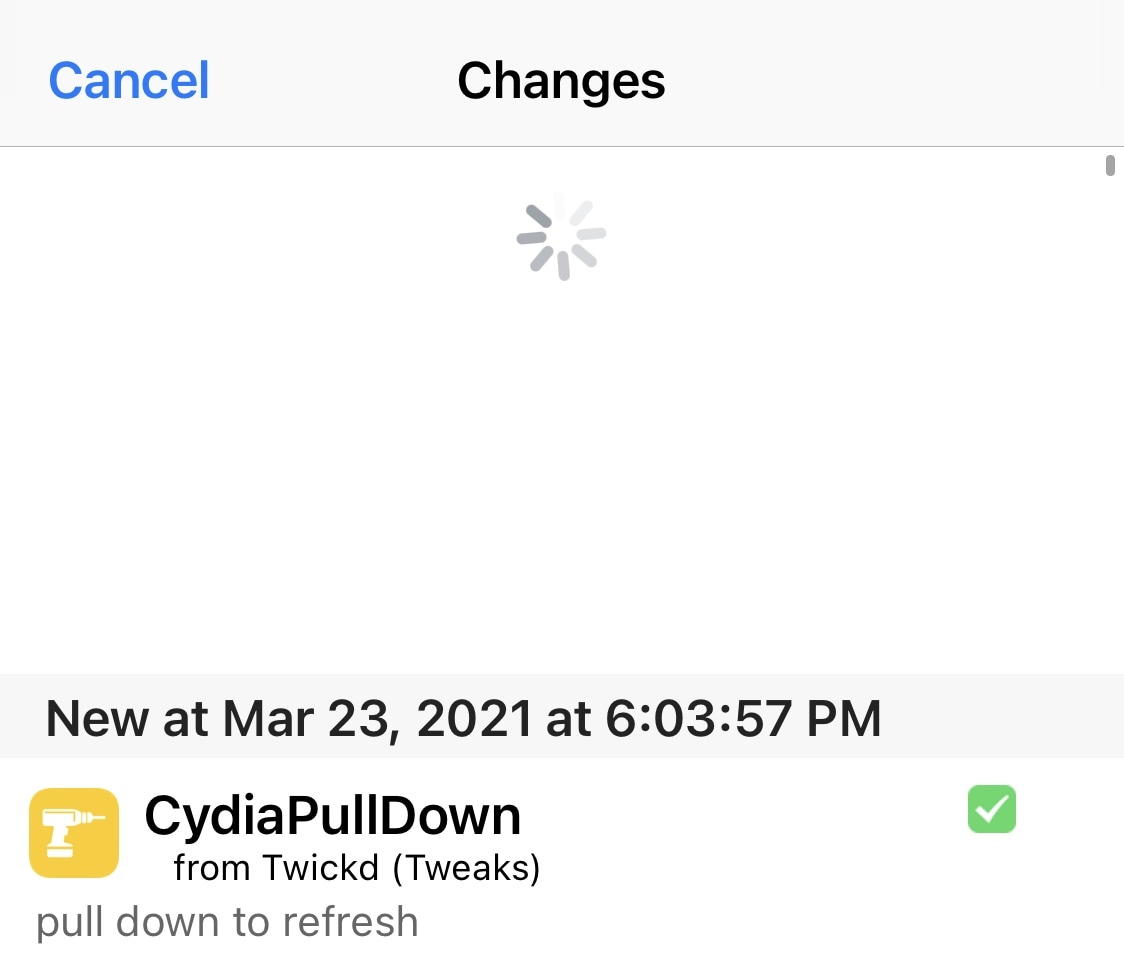
CydiaPullDown enables Pull to Refresh in the Cydia app’s Changes tab

In a day and age where the iPhone is becoming more gesture-based, it peeves me that the Cydia app on jailbroken handsets hasn’t adopted more gesture-driven controls.

Perhaps one of the most obvious gesture controls that Cydia could benefit from is Pull to Refresh in the Changes tab – this would replace having to manually tap on the Refresh button at the top-left of the app just to see if there are any new jailbreak tweaks or extensions worth installing.

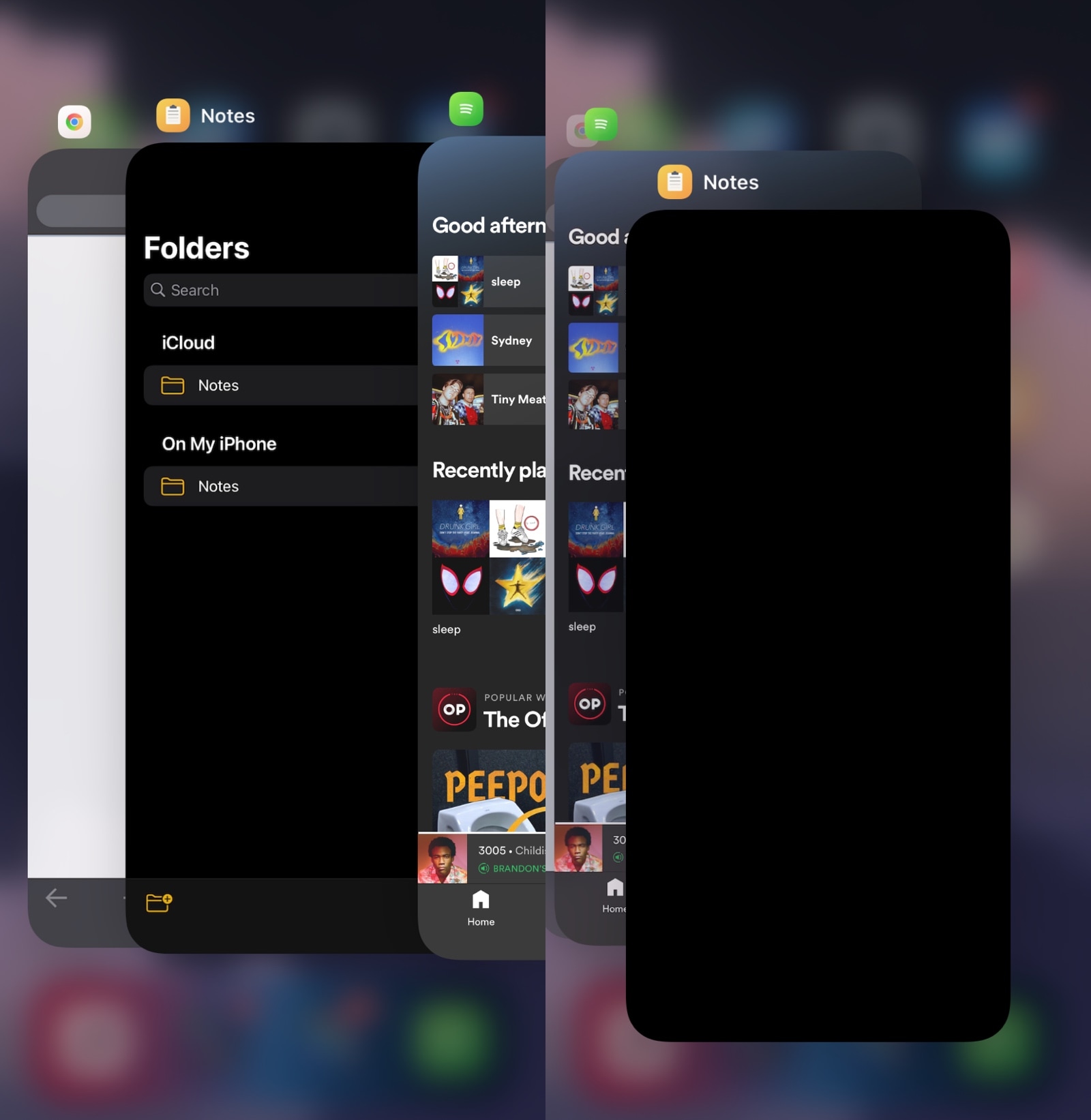
StayWithMe prevents you from accidentally force-closing your most recently-used app

Despite the fact that force-closing all the apps in your App Switcher isn’t the best of practices on the iOS or iPadOS platform, it’s still something that I continue to see people do time and time again.

Perhaps the most painful part of it all is watching when someone accidentally force-closes an app that they didn’t intend to – usually their most recently-used app which they were trying to improve the performance of by freeing up system memory in the process of force-closing all their other apps.

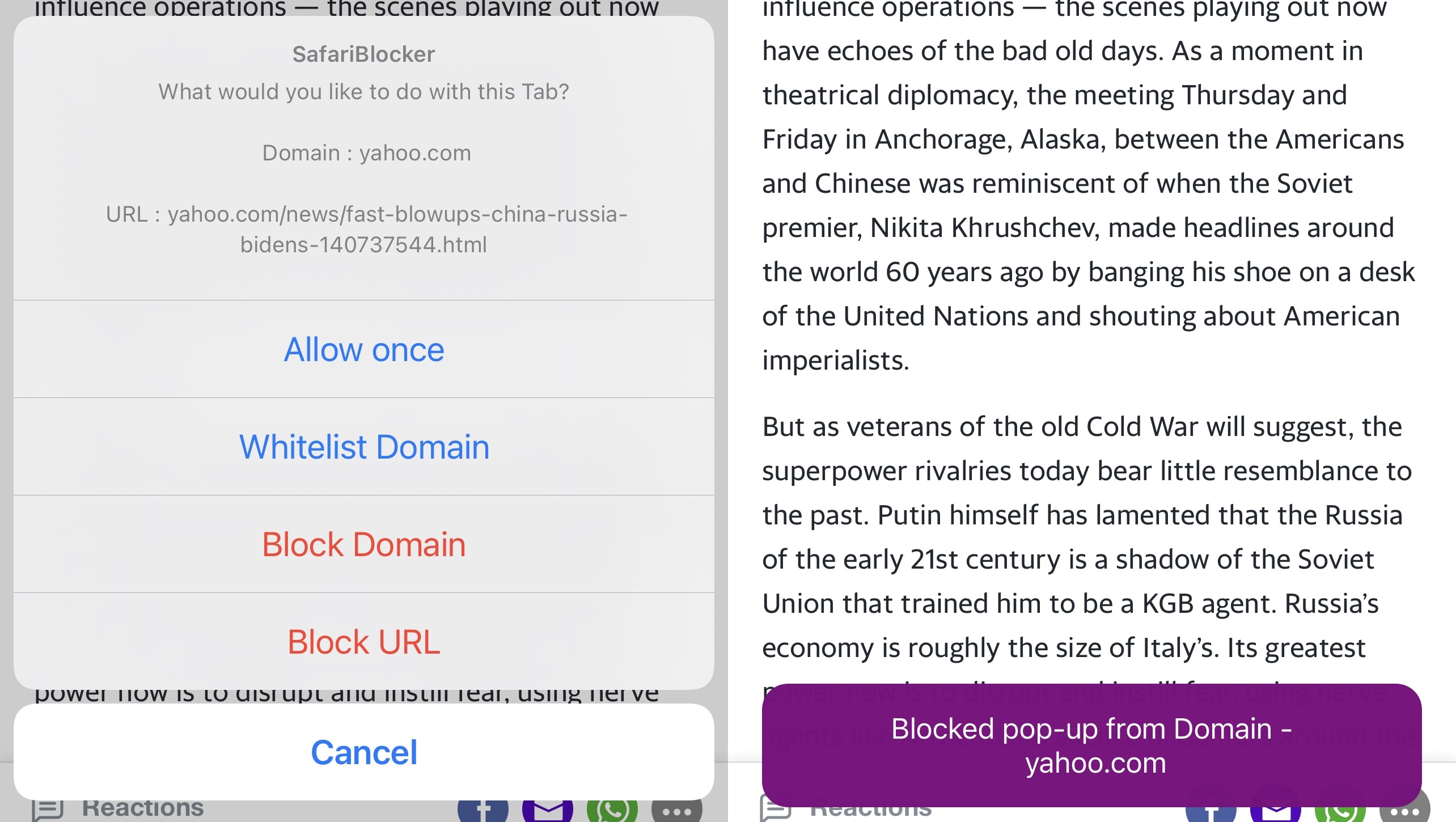
SafariBlocker gives jailbreakers more control over pop-ups in iOS’ Safari web browser

Block unwanted pop-ups in Safari.

As much as I like the native Safari web browser on iOS and iPadOS, I’ve come to recognize that it’s far too easy to be jettisoned over to a new tab upon accidentally tapping on an advertisement or link on a web page.

Some third-party web browsers from the App Store already include native functionality that can stop this behavior from irritating the end user. But having a separate web browser app installed on my phone solely for this purpose just makes me feel like I’m installing another unnecessary app to clutter my Home Screen.

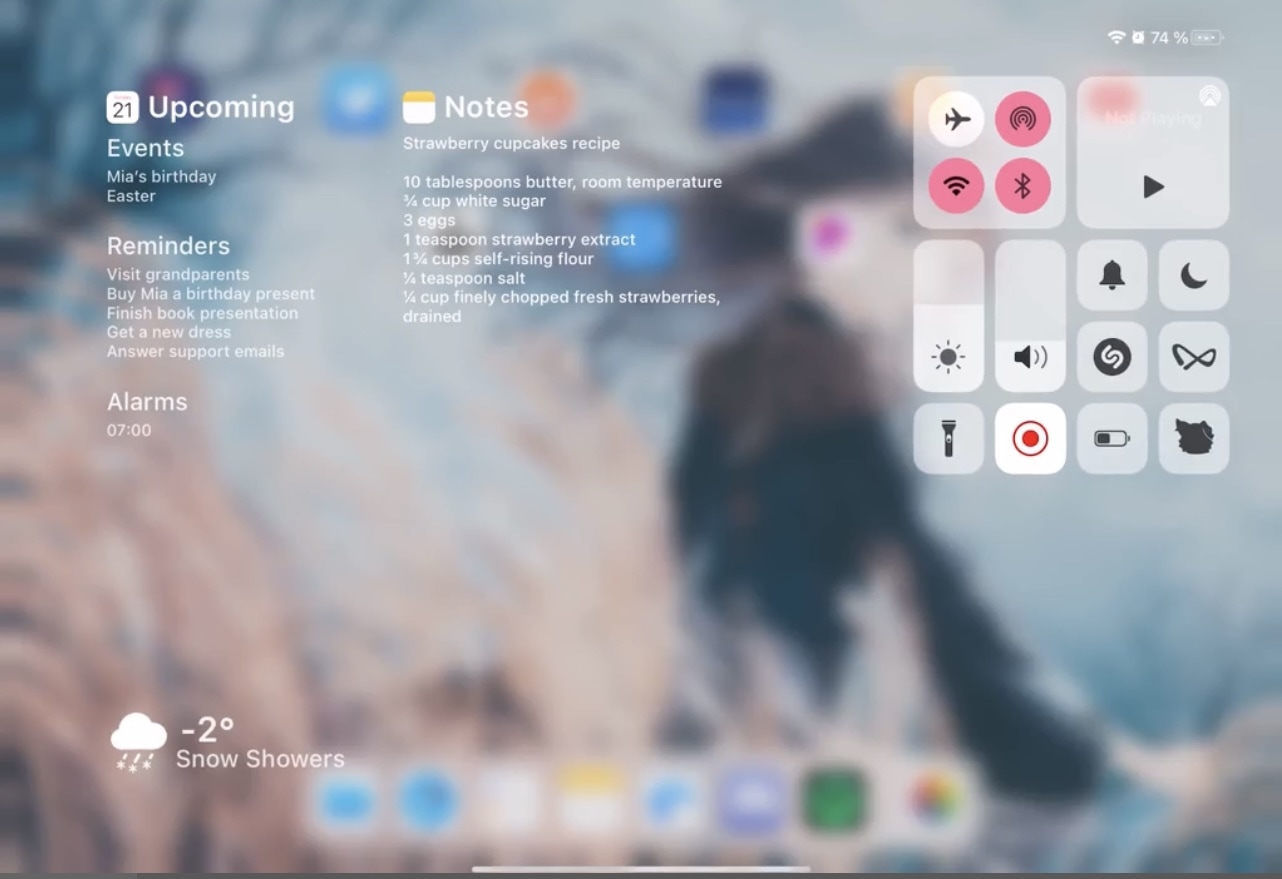
Make better use of all the empty space in the iPad’s Control Center with Yuna

The iPad offers the same useful Control Center interface that the iPhone and iPod touch do, and while that’s great, it’s also the biggest problem.

While Control Center’s features are both convenient and useful, the issue I take with the interface on the iPad is that it leaves so much screen real estate unused. In fact, it’s literally an iPhone’s Control Center interface crammed at the edge of the iPad’s large display.

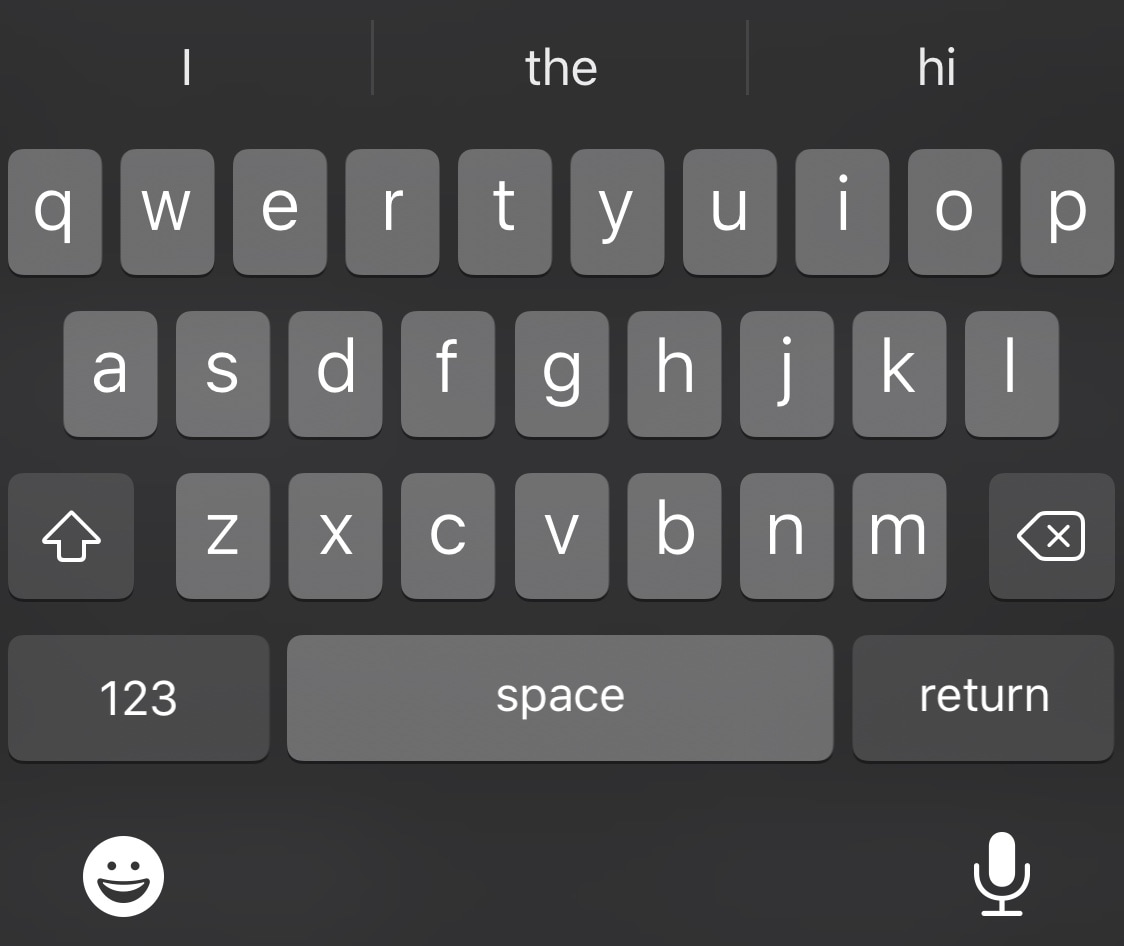
Boost browsing productivity in Safari for iPhone & iPad with SafariFastType

The very first thing that most iPhone and iPad users do after opening a new tab in Safari is tap on the URL bar at the top of the interface to begin entering a new website URL or search query. With that in mind, wouldn’t it make perfect sense if the keyboard popped up automatically upon launching a new tab?

If you answered yes to that question, then I’d lean to agree with you. In fact, I find it rather odd that Apple hasn’t thought around the same lines.

ReProvision Reborn breathes new life into the discontinued on-device app provisioning software

Many jailbreakers were saddened when developer Matt Clarke reaffirmed that the ReProvision on-device app signing service that many used to keep their jailbreak apps signed without a computer wouldn’t receive any further official updates; not even to fix the post-January 28th app-crashing issue triggered by a server-side change on Apple’s behalf. It was henceforth officially EOL (end of life).

Riley Testut’s AltServer and AltStore combo offered a viable alternative to ReProvision, however it too was impacted by the same issue. The only difference? AltServer and AltStore received updates to address Apple’s server-side changes so that the end user wouldn’t suffer app crashes, while ReProvision did not. On the other hand, a third-party band-aid was later made available for ReProvision users.

Jailbreak tweaks of the week: 14PiP, QuickANC, WebShade, & more…

The jailbreak community has been particularly charged over the course of the past several weeks following unc0ver’s newfangled support for iOS & iPadOS 14.0-14.3 and the teasers comprising of CoolStar’s upcoming iOS & iPadOS 14.0-14.3 jailbreak.

Of course, the excitement surrounding these jailbreaks and the hype has also resulted in an explosion of recent iOS 14-centric jailbreak tweaks. This roundup will go over all the latest ones released between Monday, March 15th and Sunday, March 21st.

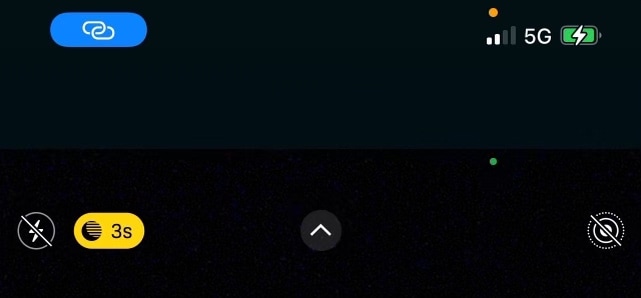
Colorize iOS 14’s Status Bar-based camera and microphone indicators with IndiColor

New in iOS 14 are colorful Status Bar-based dot indicators that alert you to when your handset’s camera or microphone are being used – a commendable feature with respect to privacy.

By default, the camera indicator dot appears green, while the microphone indicator dot appears a light orange. Unfortunately, there’s no way to change these colors on a stock device.