Jailbreak Apps & Tweaks

These are the latest jailbreak apps and tweaks available for your iPhone or iPad. We save you time by highlighting only the best tweaks.

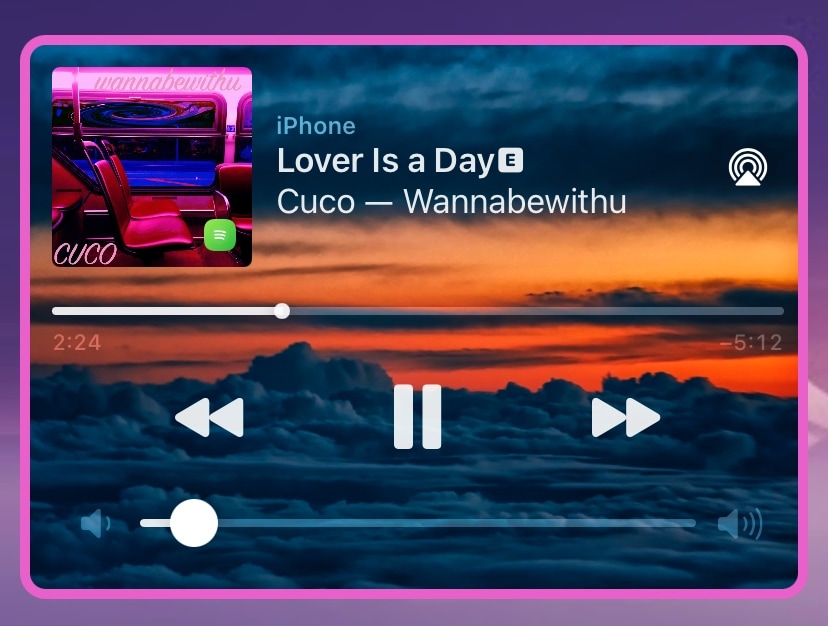
Give your Now Playing widget a facelift with Playour

If you’re jailbroken and you’re interested in adding a splash of color or personality to your iPhone or iPad’s Now Playing widget, then we’ve got just the thing for you!

Playour is a newly released jailbreak tweak by iOS developer popsicletreehouse that lets users customize the background, color, and border properties of the Now Playing widget.
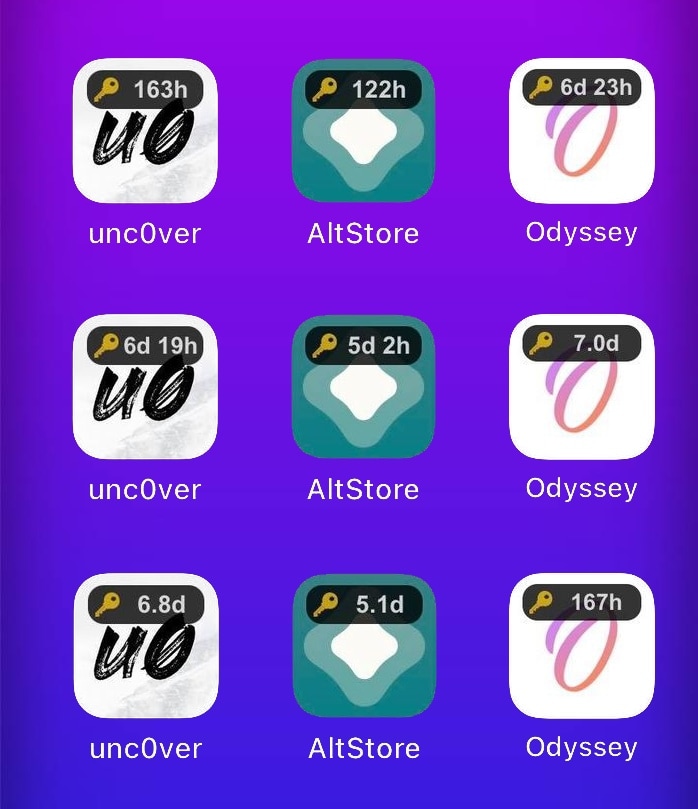
Monitor the certificate time remainders of side-loaded jailbreak apps with IconCert 14

As a jailbreaker, I appreciate just how easy AltServer and AltStore make the process of side-loading semi-untethered jailbreak apps like Odyssey and unc0ver to my iPhones and iPads. On the other hand, it can be burdensome to keep track of how many more days those apps will work before they need to be signed again.

The AltStore app provides a handy native-style widget for iOS & iPadOS 14 devices that can help you keep track, but if you prefer something more conspicuous, then we think there’s a high likelihood that you’ll appreciate a newly released and free jailbreak tweak called IconCert 14 by iOS developer Hao Nguyen (haoict).

Switch between Active Noise Cancellation & Transparency modes more easily with QuickANC

If you have a pair of AirPods Pro or AirPods Max at your disposal, then chances are you’ve become somewhat fond of their Active Noise Cancellation and Transparency modes. The only problem? – Switching between those modes in a pinch, especially in rapid succession, tends to be a cumbersome two-step process.

Recognizing that this process could do with some refinements, iOS developer exodia9610 conceived a new and free jailbreak tweak known as QuickANC.

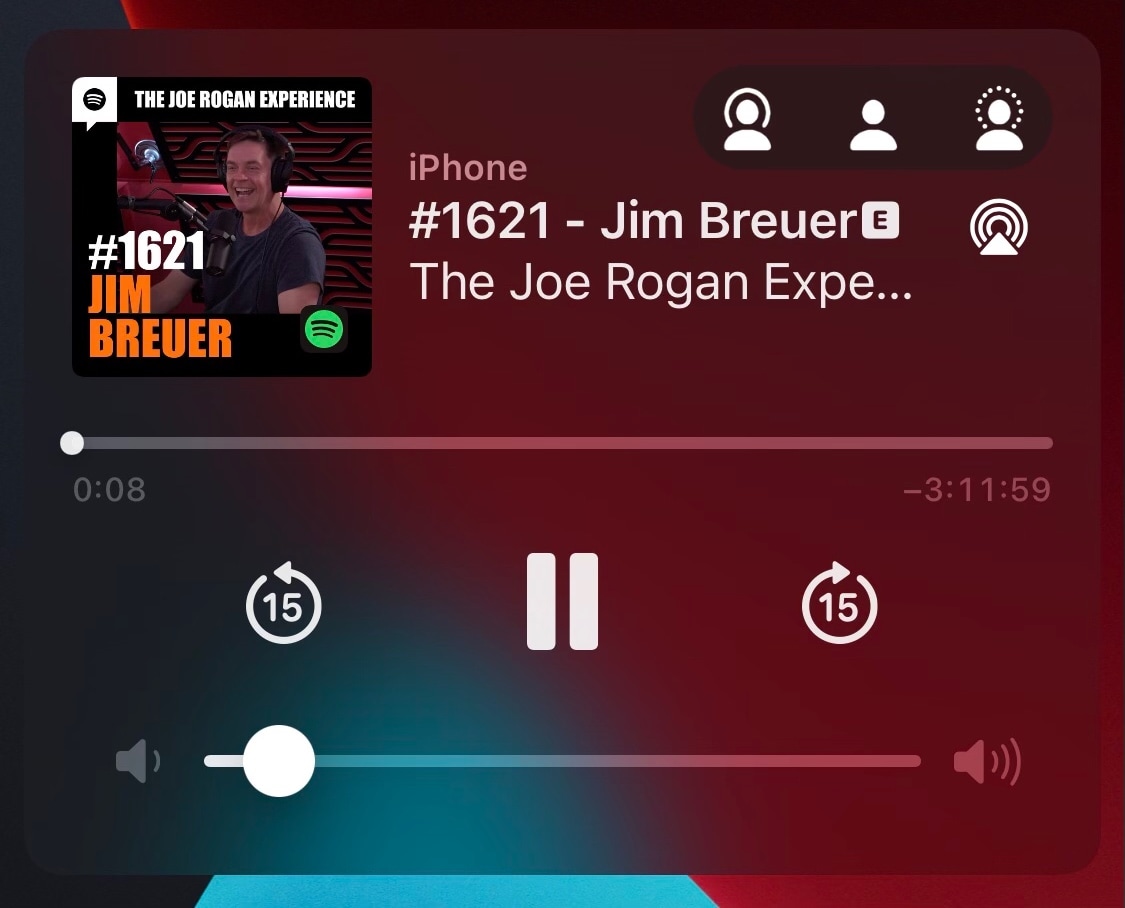
WaggleTunes adds a free-floating music widget to jailbroken iOS & 14 devices

Apple, being a major player in the music streaming service sector with Apple Music, spends a lot of time refining the music consumption experience on its devices. In fact, we’d even go as far as to say that iPhones and iPads have some of the best music consumption interfaces in the industry.

Still, unless you’re physically inside of the Music app or another music apps of your choosing, the only other places you can go to interact with your media playback will be the Lock Screen, Notification Center, or Control Center. These are always a gesture away, and for someone who wants instantaneous access to music playback controls, that’s one gesture too many.

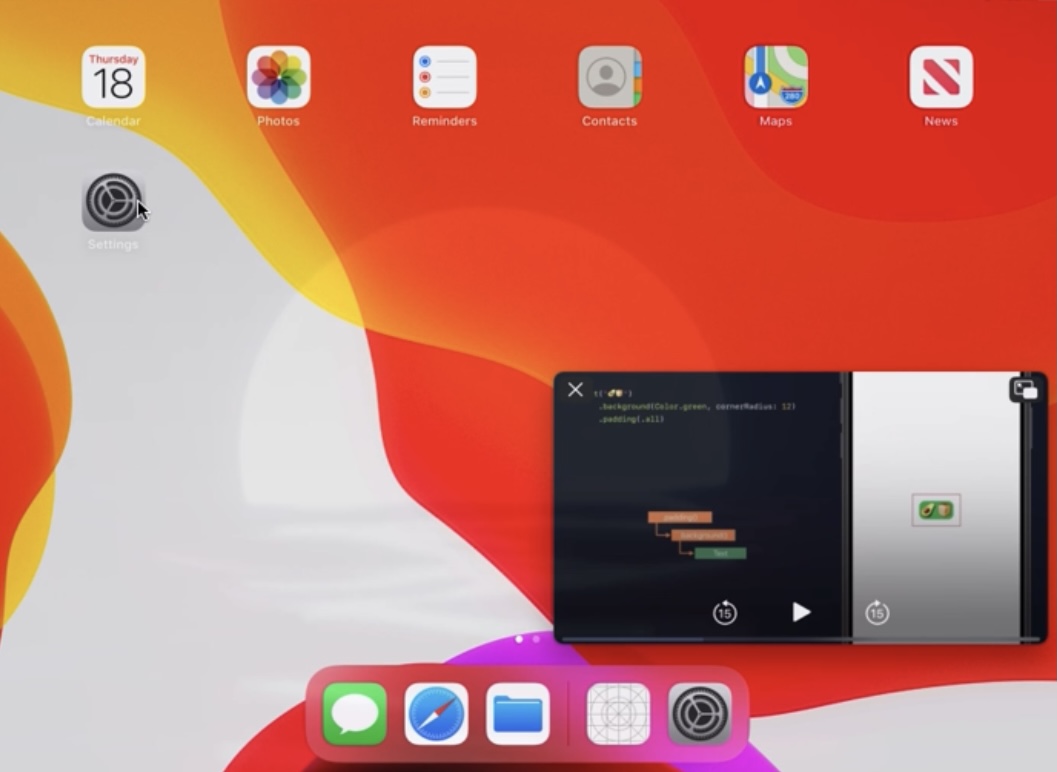
14PiP ports iOS 14’s sleek Picture in Picture interface to jailbroken iOS 13 devices

Both iOS & iPadOS 13 and 14 support native picture-in-picture mode — a feature that activates a floating video player so that you can watch a video while continuing to use other apps on your device — but this interface doesn’t look as sleek on iOS & iPadOS 13 devices as it does on iOS & iPadOS 14 devices.

If you’re jailbroken on iOS or iPadOS 13 and you’re interested in having the iOS or iPadOS 14 picture-in-picture interface on your handset without updating to the latest firmware, then we think you’re going to take an interest in a newly released and free jailbreak tweak dubbed 14PiP by iOS developer Galactic Dev.

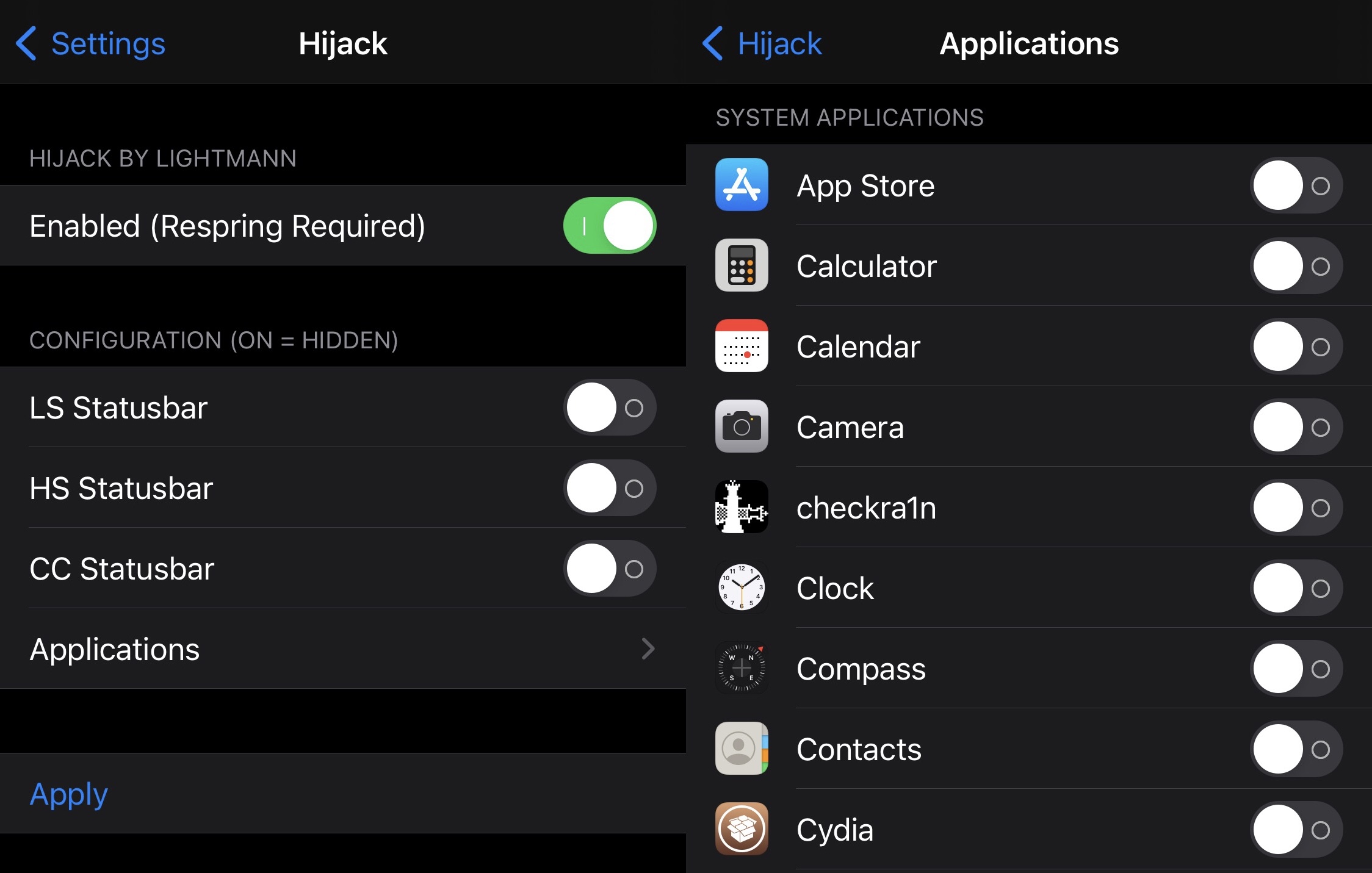
Hijack allows jailbreakers to dictate where and when the Status Bar appears

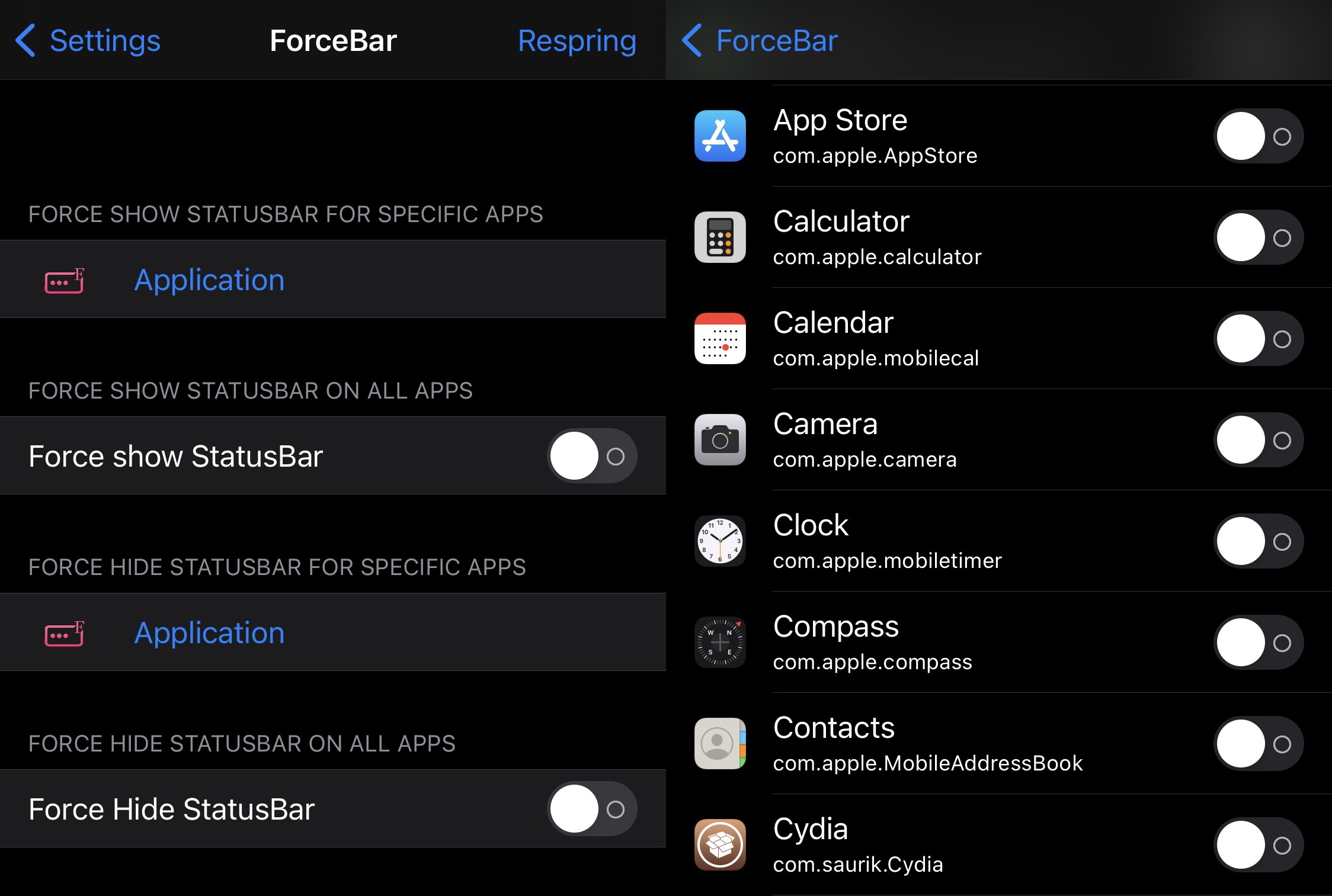
It was only a couple of days ago that we showed you a free jailbreak tweak dubbed ForceBar, which permitted the end user to hide or show their handset’s Status Bar on a per-app basis.

But a newly released and free jailbreak tweak called Hijack by iOS developer Lightmann one-ups the first release by providing not only app-based controls over when the Status Bar does or doesn’t appear, but also systemwide controls.

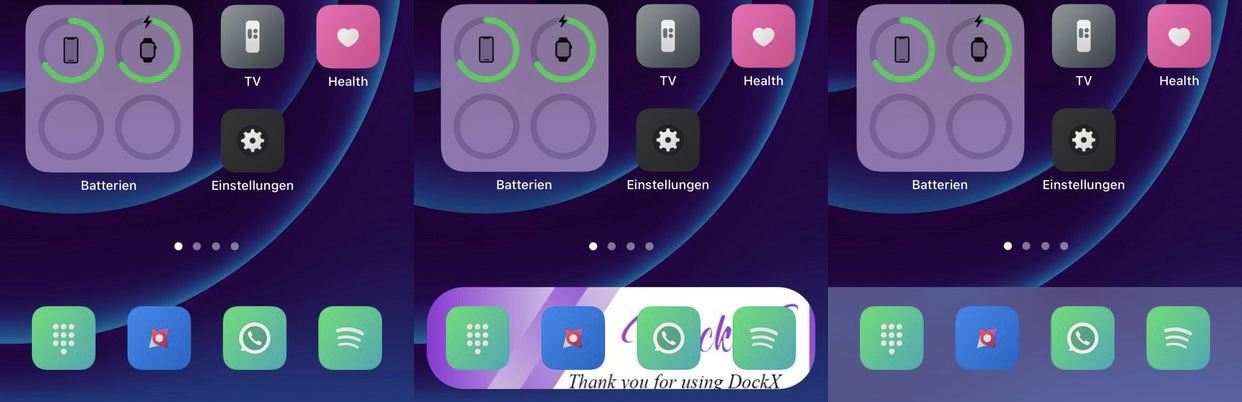
DockX Reborn offers extensive UI customization for the Home Screen’s Dock

The Dock is a place on your Home Screen to store some of your favorite apps. Its useful because it follows you from one page to the next so that you don’t have to go out of your way to search for those specific apps in the future.

I use my Dock all the time, but I certainly wish Apple offered a little more in the customization department. For that reason, I can recommend a new jailbreak tweak called DockX Reborn by iOS developer Mudi47 to anyone who feels the same way I do.

WebShade brings Dark Mode to the web pages you visit on your jailbroken iPhone

Words can’t express how much I enjoy the native Dark Mode feature on my iPhone and iPad, but even though most of my apps play along with this feature, many would agree that most web pages don’t.

If, like me, you’re a Dark Mode user on the iOS and iPadOS platforms and despise having your eyeballs seared to a crisp in their sockets by ultra-bright web pages, then chances are you’ll appreciate the concept behind a new and free jailbreak tweak dubbed WebShade by iOS developer WilsontheWolf.

This new jailbreak tweak can forcibly hide or show the Status Bar for specific apps

The Status Bar is something I like to keep in view at all times since it displays pertinent information about my device including the time, my current battery level, and my current wireless signal strength — be it cellular or Wi-Fi.

Unfortunately, many apps hide the Status Bar from view when you might want to see it, especially when they’re designed to operate in full screen. Some apps even display the Status Bar when you might want to hide it. Sadly, Apple offers no configurations to alleviate these concerns.

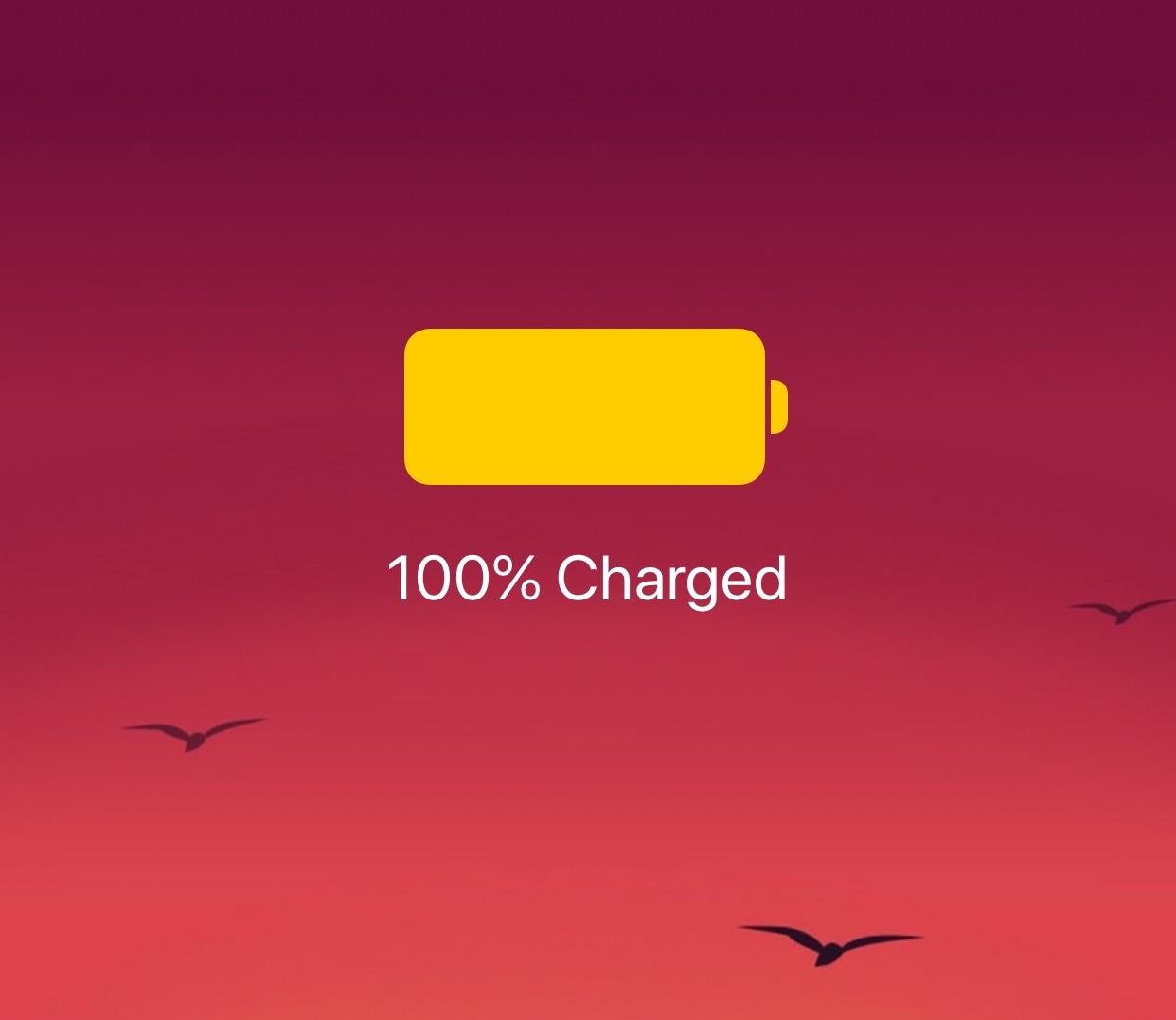
Conserve your jailbroken iPhone’s battery more effectively with LowLock

The more we continue to depend on our smartphones to get through our daily lives, the more we’ll consequently demand from our handset’s battery. Unfortunately, a slew of different factors can result in unwanted battery drain.

Apple’s Low Power Mode is a good way to ease the strain on your iPhone’s battery throughout the day, but using it generally requires that the user toggle a switch. For many people, it’d be more ideal if Low Power Mode offered a more intelligent power savings when the iPhone’s full power wasn’t required.

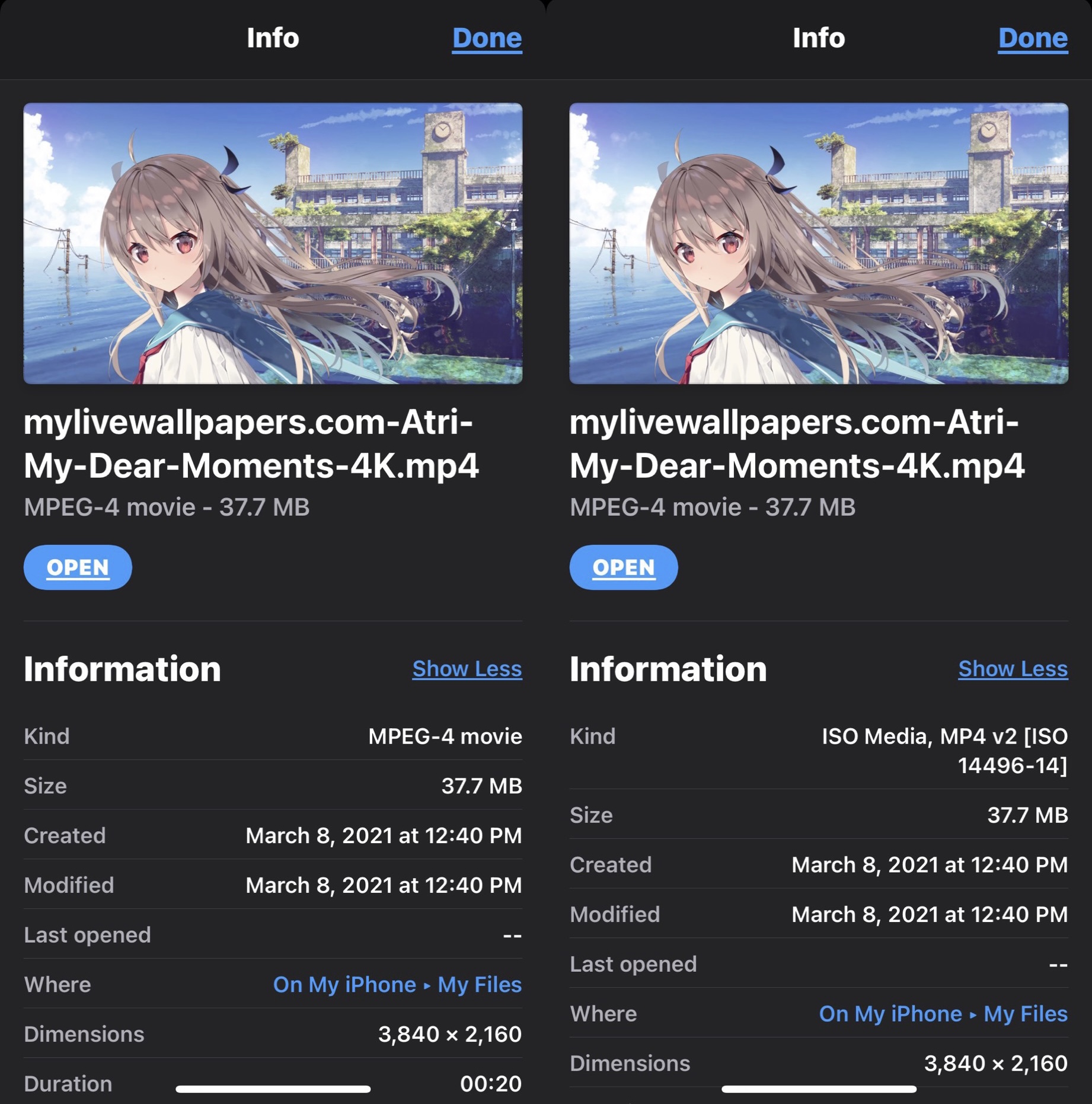
Upgrade the file type information in the Files app on pwned handsets with RealFileInfo

Apple’s Files app expands upon the capabilities of any iPhone or iPad by hosting a convenient hub where users can download and store files either on the device itself or in the cloud. But despite how useful the Files app can be at times, it’s not without its apparent pitfalls.

One such example would be that the Files app displays simplified or non-descriptive file types for certain kinds of files as they’re defined by Apple and its operating systems. Unknown file types are designated vaguely, such as using the word “Document” to describe what the file actually is or what it’s used for.