Jailbreak Apps & Tweaks

These are the latest jailbreak apps and tweaks available for your iPhone or iPad. We save you time by highlighting only the best tweaks.

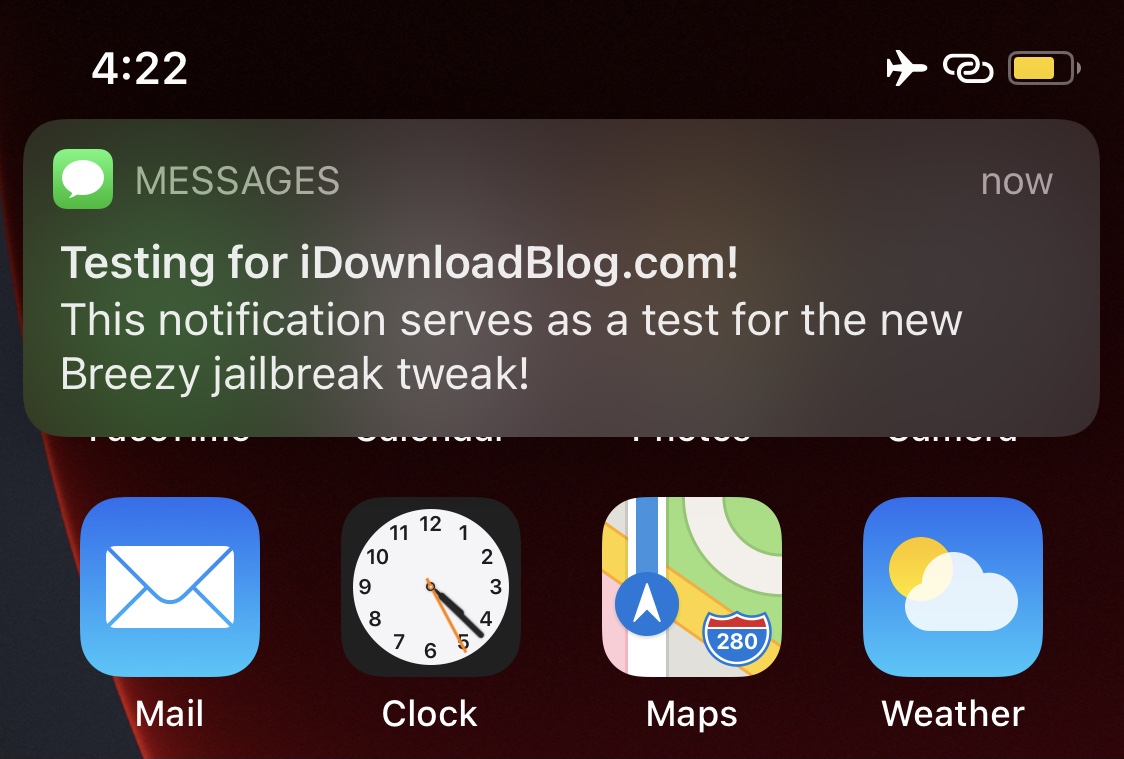
Invoke a fake notification to get out of a pinch with Breezy

Most people can relate to being involved in one of those awkward social situations where they just can’t wait to get up and leave, but they don’t have a good reason to and don’t want to come off as rude.

Having said that, a newly released and free jailbreak tweak called Breezy by titand3v can offer assistance in this department, as it lets you create fake, yet convincing notifications that can make it look like you’re needed somewhere else.
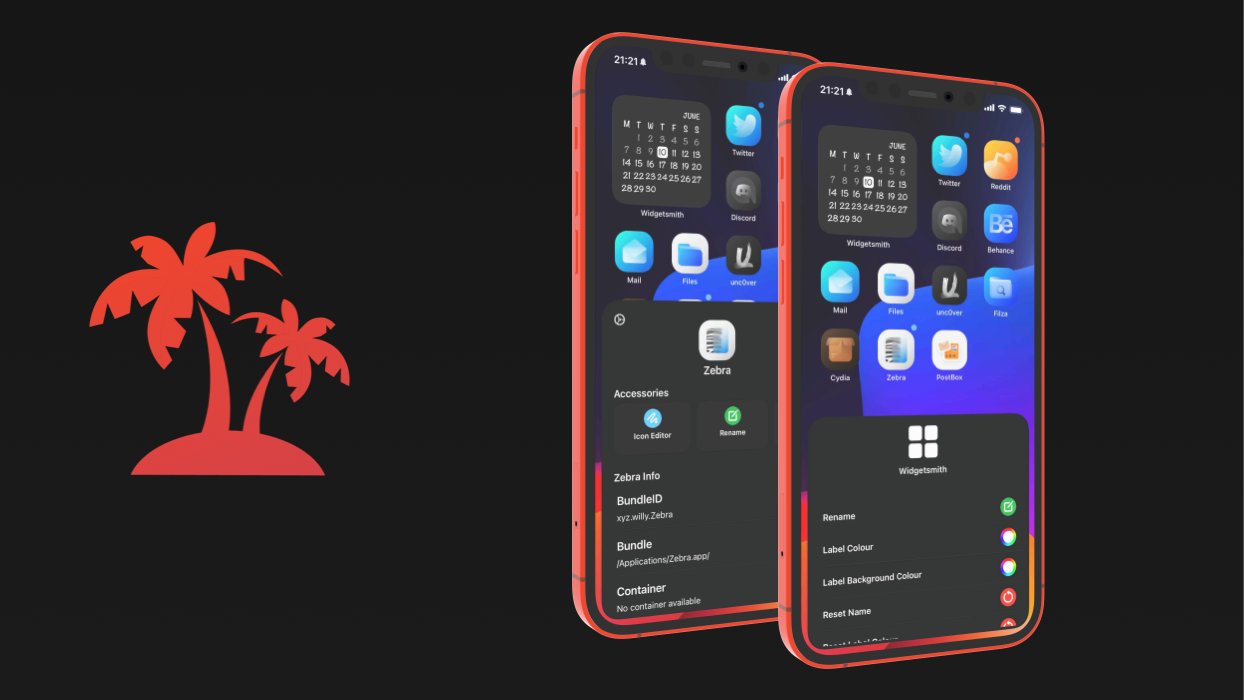
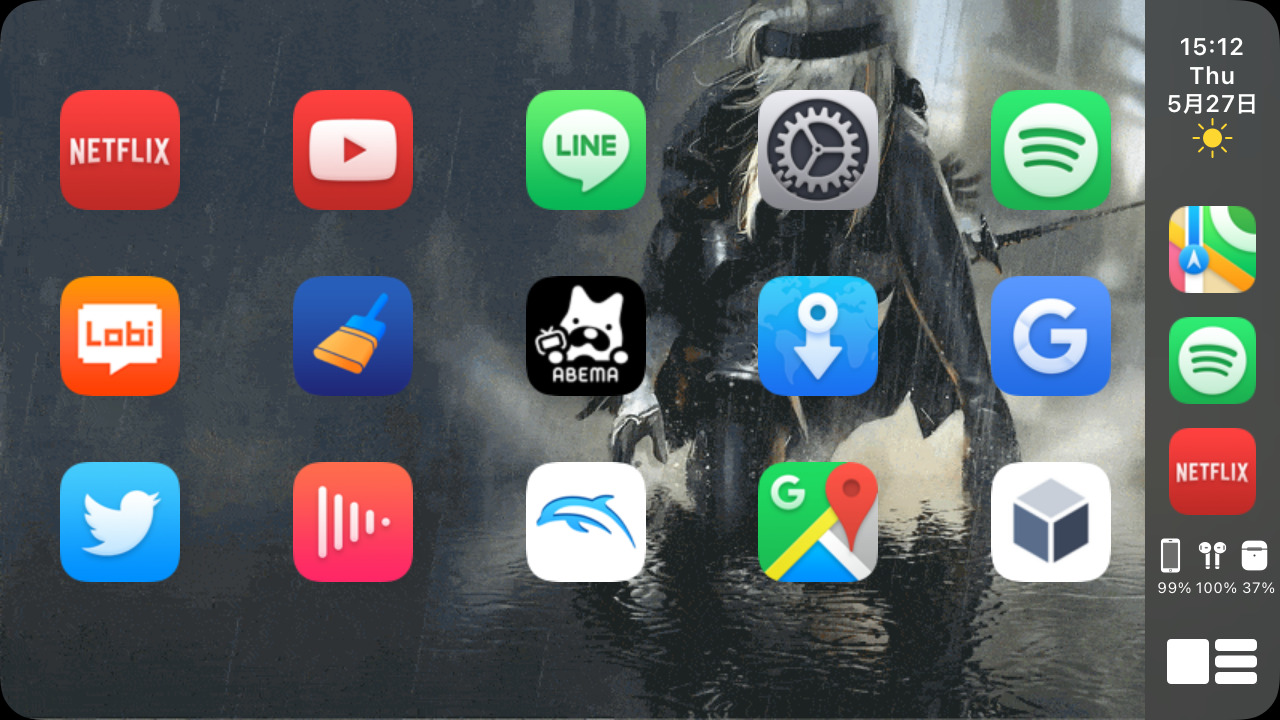
Jailbreakers can achieve the Home Screen of their dreams with Paradise

If you’re looking to accomplish a custom Home Screen setup on your iPhone or iPad, then your typical options include shifting app icons to different pages or organizing them into folders. You’d be hard-pressed to customize much else, as Apple doesn’t offer many other options.

This apparent shortcoming has left the jailbreak community to do what it does best: break down Apple’s unfortunate customizability barriers by offering end users a slew of options for achieving unique Home Screen aesthetics that no one else will have – especially not those using stock, non-jailbroken handsets.

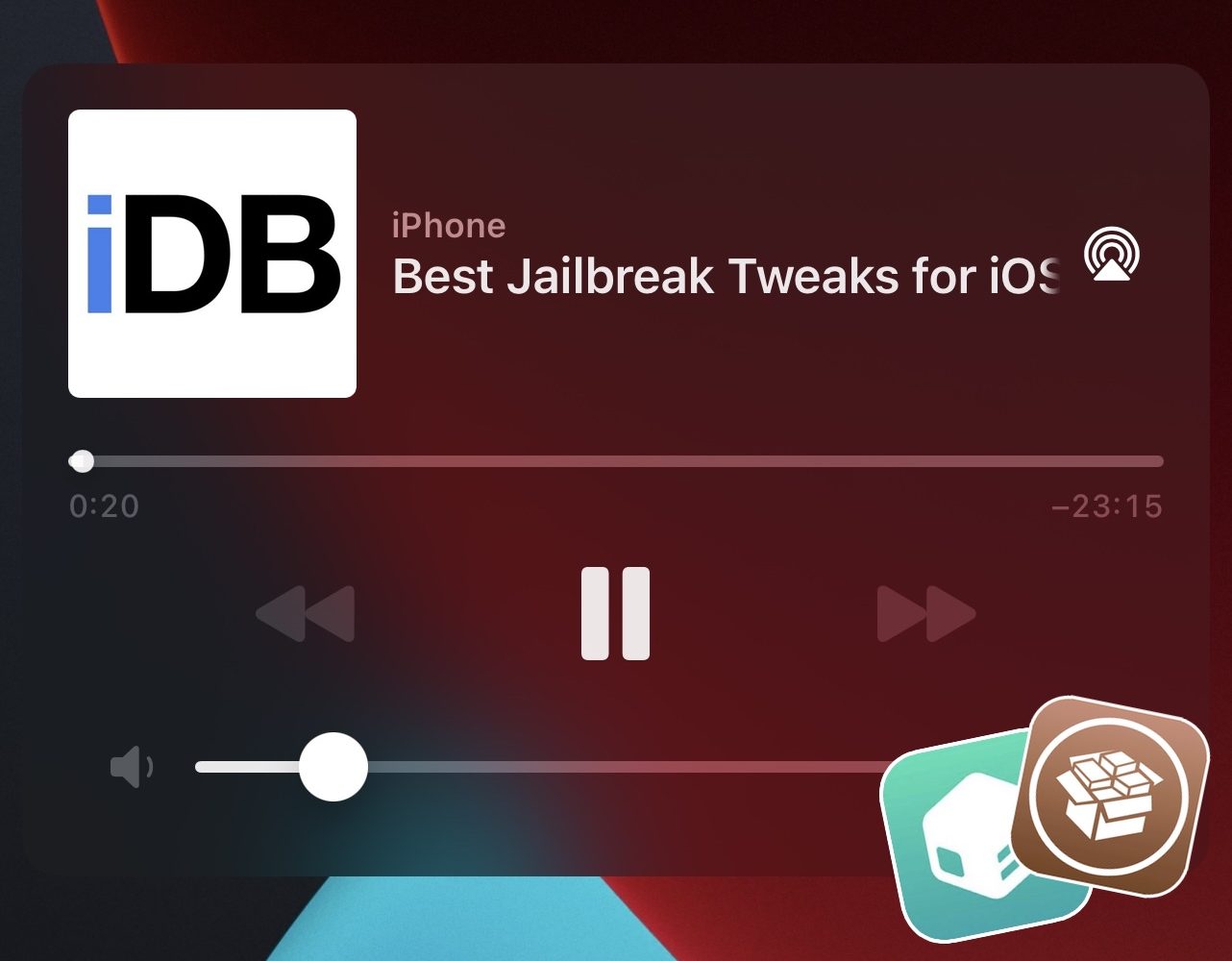
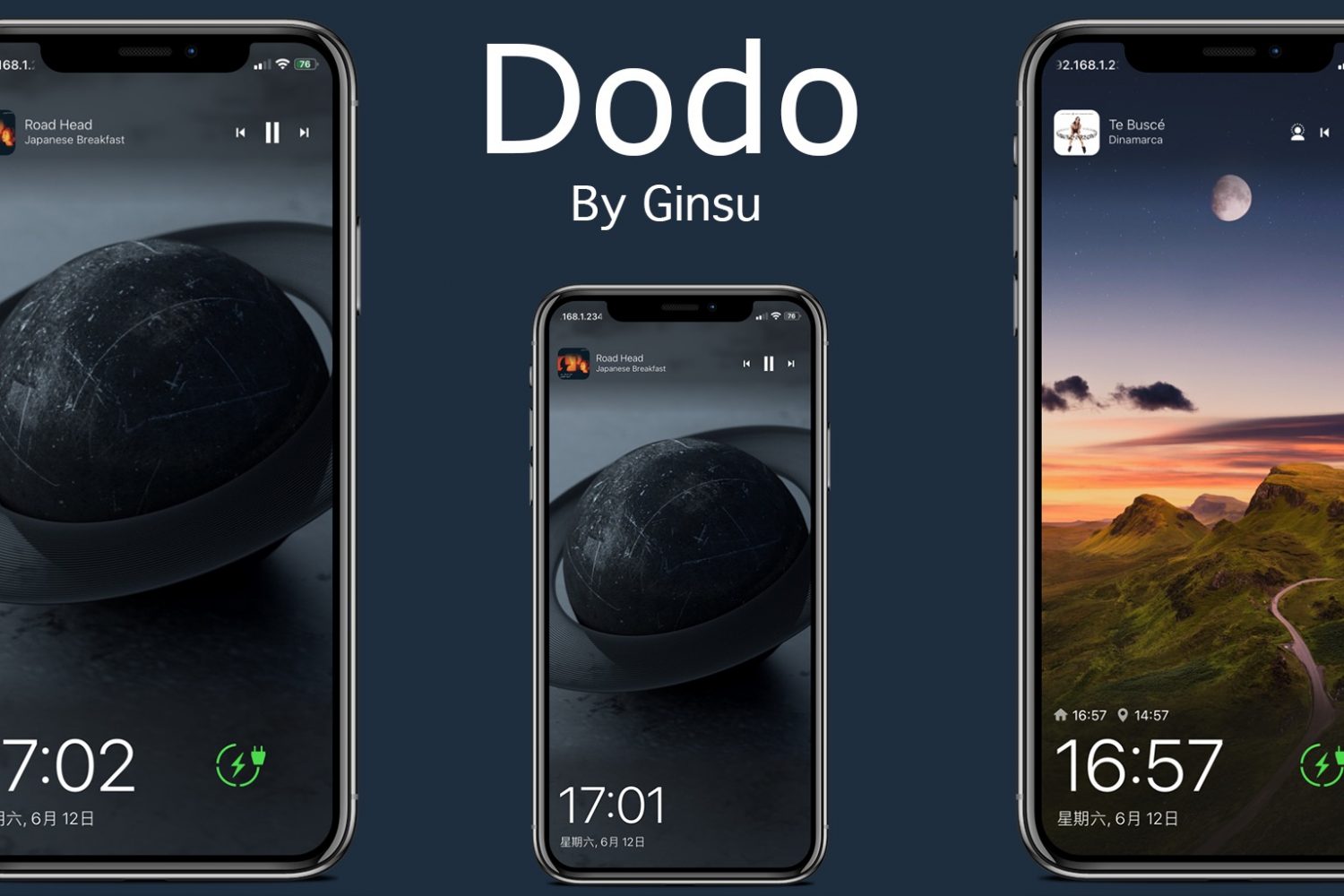
Some of the best jailbreak tweaks for iOS 14’s Now Playing interface

Continuing our unrelenting coverage of jailbreak tweak releases and pwnage news at iDownloadBlog, we’re coming back at you this week with yet another addition to our new micro series of posts showcasing some of the best jailbreak tweaks for personalizing a particular component of the iOS 14 mobile operating system.

We’ve already dove into the likes of Control Center and the Messages app, but this week we’ll be focusing on the Music component of pwned handsets by showcasing some of the best jailbreak tweaks for iOS 14’s Now Playing interface.

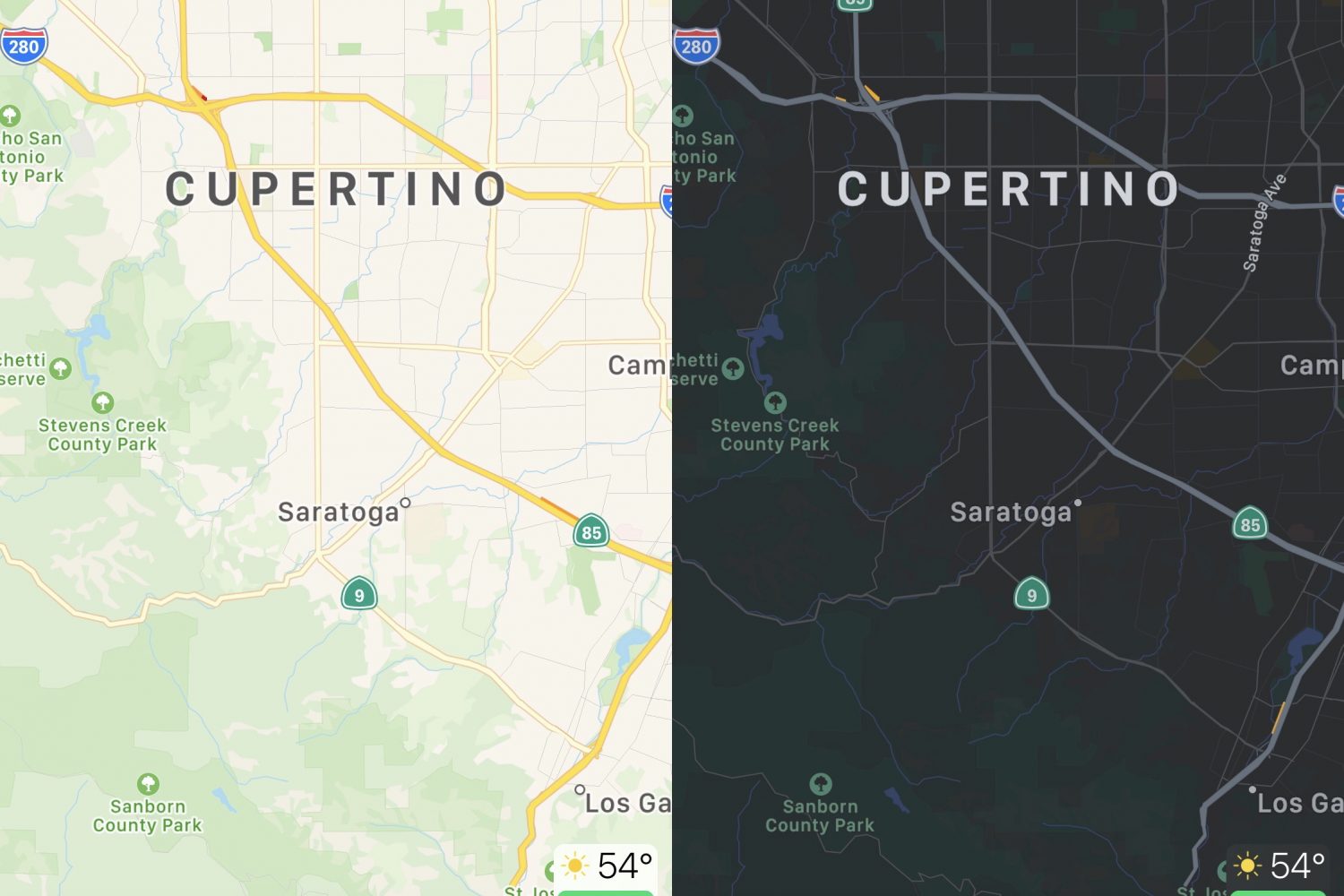
Dark Maps forces dark mode in Apple Maps at all times

The Apple Maps app is designed to display maps in light or dark mode based on one of two different circumstances; 1) the user’s system light or dark mode setting, and 2) the time of day it is.

Wouldn’t it be nice, however, if the app allowed you to choose between light or dark mode all the time without having to switch your system light or dark mode setting and without having to wait for a specific time of the day? If you answered yes, then you’re in for a treat.

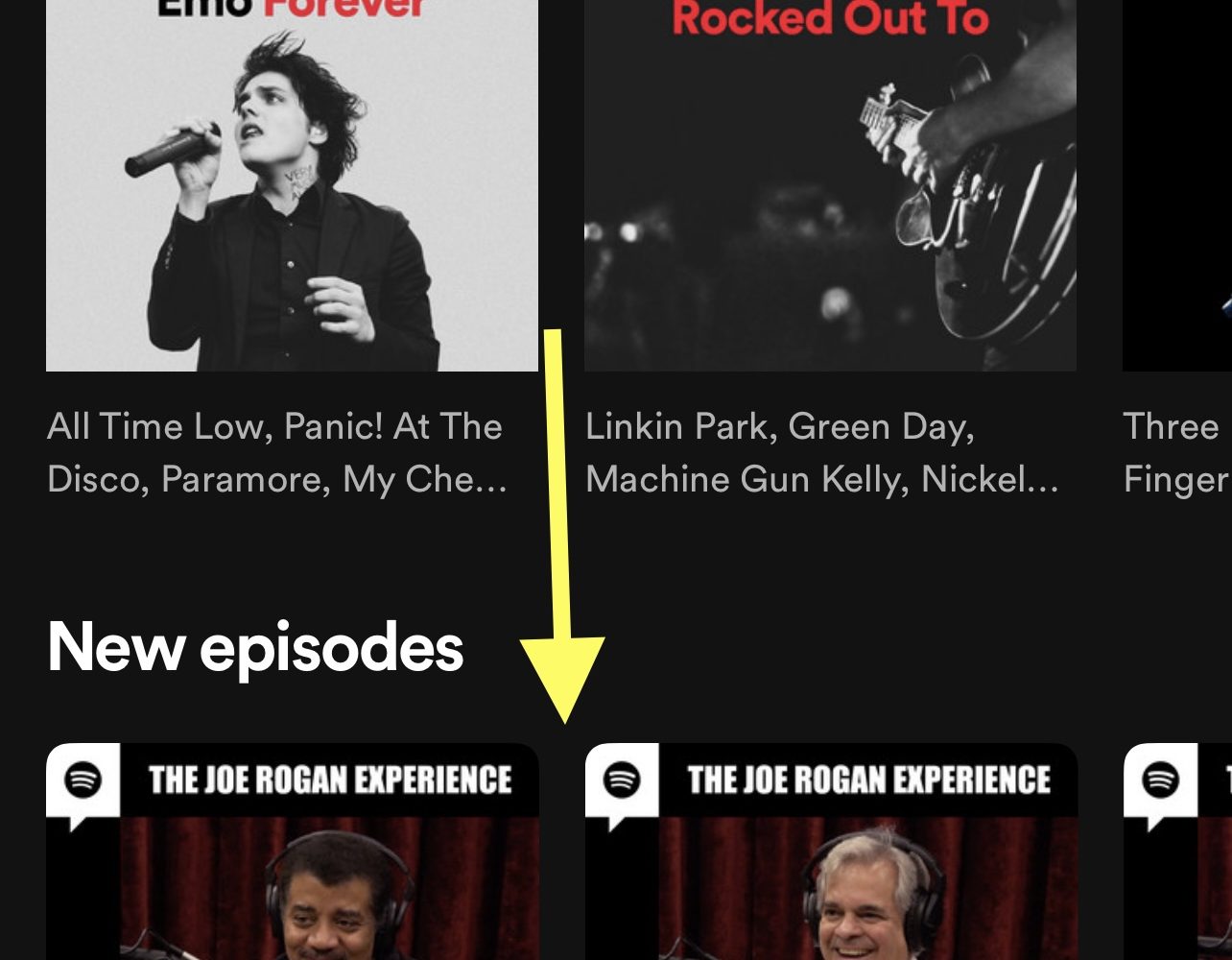
This tweak hides podcasts from the Spotify app

Despite the fact that Apple Music ships natively on all of Apple’s iPhones and iPads, many users still flock to Spotify as their go-to media streaming service.

One thing users have noticed as of late is that Spotify has been investing heavily in the podcast space despite originally being a music streaming platform. This is wonderful news for podcast listeners, but to those who lack interest in podcasts, it’s nothing but extra clutter in an otherwise great app.

15 features iOS 15 ‘borrowed’ from the jailbreak community

Apple on Monday announced a multitude of upcoming software updates for its many device offerings, as the company always does during its annual WWDC keynote address.

Perhaps unsurprisingly, much of the excitement encompasses the newly announced iOS & iPadOS 15 software updates, which bring a truckload of new features to Apple’s mobile handsets are expected to launch publicly this Fall.

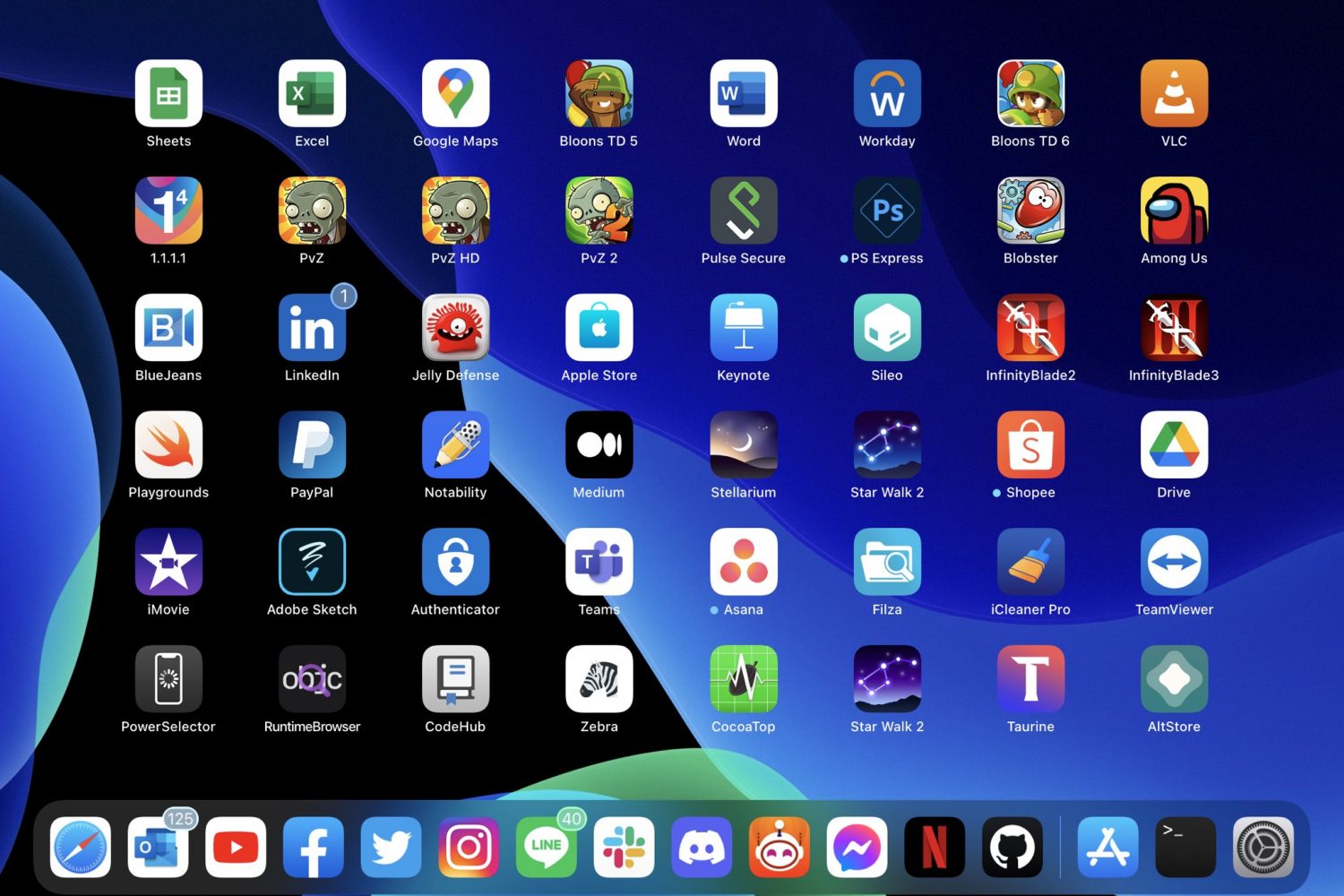
PadGrid condenses the Home Screen layout on jailbroken iPads

Anyone with an iPad knows that the Home Screen’s layout is locked to a specific grid with no adjustability out of the box.

The lone exception to this rule is that you can have widgets on the left side of the screen and apps on the right on the first page. Configuring the Home Screen in this way condenses the app icons. Still, it’s not ideal for the remaining pages.

StepUp can make your volume buttons more effective at what they do

StepUp volume level.

Volume adjustments are a fairly frequent process on anyone’s iPhone, namely because there are times when you might want the sound to be loud for an audience or quiet for your own personal enjoyment.

Making these adjustments often necessitates a higher number of volume button presses because the volume step — the volume change impact of each button press — is very small on a stock device.