iPhone

Stay up-to-date on the latest iPhone news and learn new tips and tricks with our comprehensive tutorials. From software updates to new features, we’ve got you covered.

2dock doubles the real estate of your jailbroken iPhone’s Dock

The Dock on any stock iPhone’s Home screen is limited to just four application icons, but with a newly released jailbreak tweak dubbed 2dock by iOS developer Nepeta, you can effortlessly double the app real estate for any iPhone’s Dock.

As you might’ve noticed from the screenshot example above, 2dock doesn’t make the Dock scrollable, nor does it push all the app icons together and cause crowding. Instead, it transforms the Dock we all know and love by turning it into a dual-row interface.

This tweak gives your Home screen folders a 2×2 grid layout

Home screen folders on an iPhone can hold up to nine apps per page at a time, but in certain cases involving extreme Home screen-centric UI customization often necessitate delicate icon balance, and the native look and feel can sometimes appear unsightly or asymmetrical.

If you’d appreciate a nicer-looking folder icon on your Home screen, then chances are that you might take an interest in a newly released and free jailbreak tweak called 2x2 by iOS developer Nepeta.

Augment the typing experience on your jailbroken iPhone with iKeywi 4

I’ve always been a proponent of keyboard-enhancing jailbreak tweaks for the iOS platform, and with that in mind, I’m particularly excited to share the news of a recent release dubbed iKeywi 4 (iOS 11~12) by iOS developer hiraku.

As you might’ve inferred already from the name, this isn’t the first iteration of the iKeywi tweak; it’s the fourth. Each new iteration has brought with it support for newer versions of iOS and introduced new features for users to enjoy, and this release is no different.

Sileo Beta v1.3.6 now available with improved native depiction support

The Sileo Team surprised us all on Wednesday with a new beta iteration of the package manager that gets installed by default on iOS 11 and 12 devices liberated with the Electra Team’s Chimera and Electra jailbreaks.

Citing the Sileo Team’s announcement, shared via Twitter several minutes ago, Sileo Beta v1.3.6 simplifies the process of converting webview-based jailbreak tweak depictions to native depictions.

The best free Apple Watch journal apps

My Journal Physical Diary

Life happens to us every hour of each day no matter where we are or where we go. And you’re not always sitting down with your Mac or have your physical diary with you to capture a thought, emotion, or moment.

This is why journal apps for Apple Watch are handy because you can capture what you need to on-the-go. If you’re in the market for a diary on your wrist, these are the best free Apple Watch journal apps.

How to use or turn off the Metronome in GarageBand on Mac and iOS

Metronome

The Metronome in GarageBand offers a steady beat that helps you keep time when you’re recording or just listening to your song. The feature also uses a one-measure Count-in so that you can get ready when you’re recording a song, just like you hear live bands do when performing.

You can turn the Metronome and Count-in on and off as well as adjust the Count-in bars on both Mac and iOS, and this tutorial shows you how.

AOD brings an Android-style always-on-display to jailbroken iPhones

One of the cool things that several Android handsets have that the iPhone doesn’t is an always-on-display, which, for those who don’t know, continuously displays information on the Lock screen of OLED display-equipped handsets without ever shutting off, such as the time and any missed notifications. Fortunately for jailbreakers, this is no longer an Android-only feature.

With the help of a newly released jailbreak tweak dubbed AOD by iOS developer Soh Satoh, you can enjoy a true always-on-display experience on jailbroken devices running iOS 12, and while it works best on handsets equipped with OLED displays, it should work with LCD displays too.

CoolStar teases Chimera compatibility for A12(X) devices running iOS 12.1.3-12.4

If you’re on iOS 12, then there are two primary jailbreaks you can choose from: Chimera by the Electra Team or unc0ver by Pwn20wnd. Both jailbreaks are neck-and-neck with device and software compatibility, but since iOS 12.4 first became jailbroken, both parties have been hard at work to implement support for A12(X) devices.

The unc0ver jailbreak only “partially” supports A12(X) devices at the time of this writing, and full support is coming sometime in the near future, including those running iOS 12.4. Chimera, on the other hand, has lacked A12(X) support on iOS 12.1.3-12.3 (beta) and 12.4 since v1.3.0 first launched, and still lacks it to this day.

Pwn20wnd launches dedicated website for the unc0ver jailbreak

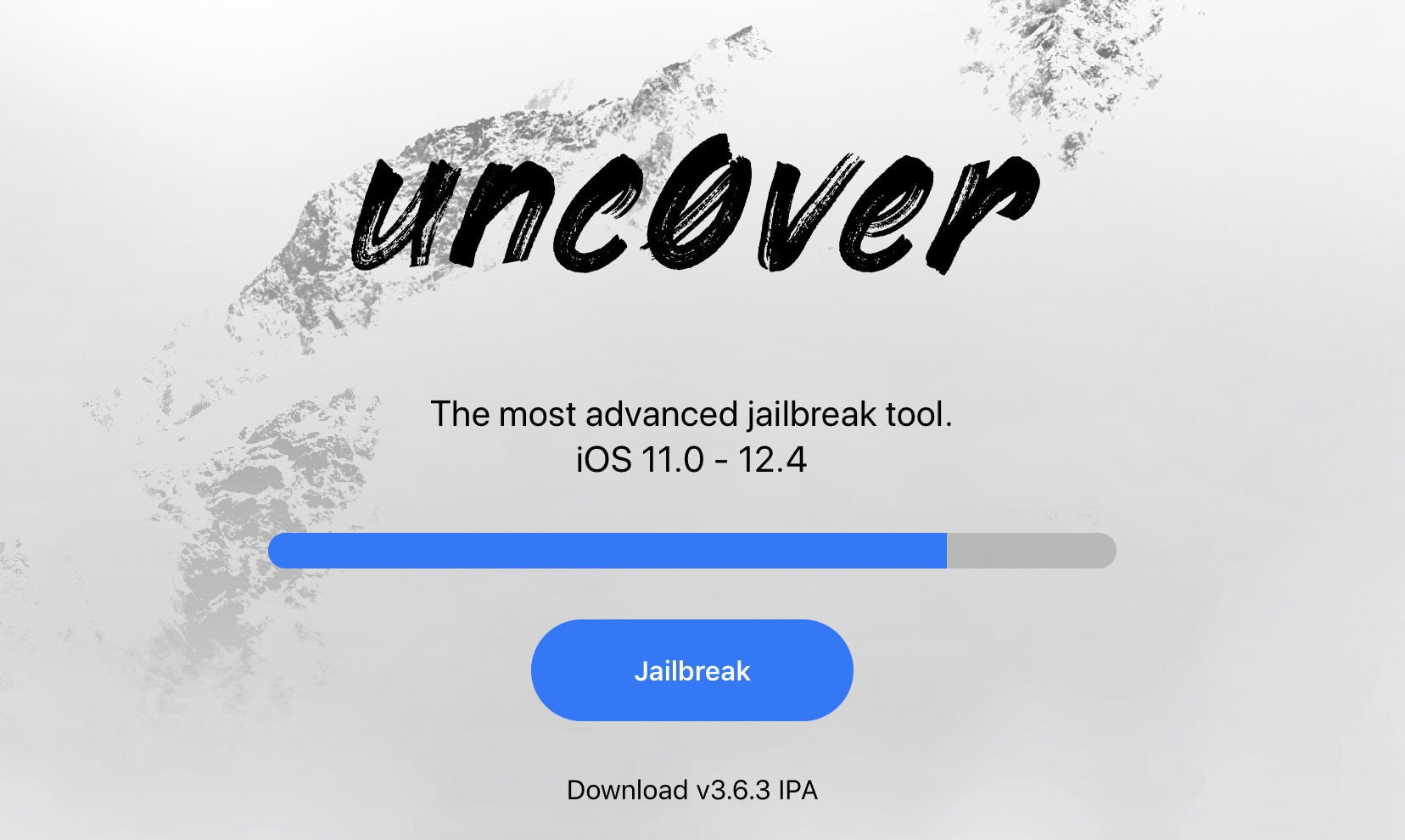
If you’ve ever used Pwn20wnd’s unc0ver jailbreak tool to liberate a device running iOS 11 or iOS 12, then you’re probably familiar with the process of visiting the hacker’s GitHub page to find and download the latest iteration of the tool. But that’s all changing as of today, and in a very good way.

In a rather exciting turn of events, Pwn20wnd launched a brand-new website on Tuesday dubbed unc0ver.dev to host the unc0ver jailbreak tool. Pwn20wnd announced the launch of the website via Twitter just this afternoon, noting that the current and all future releases will be published there: