iPhone

Stay up-to-date on the latest iPhone news and learn new tips and tricks with our comprehensive tutorials. From software updates to new features, we’ve got you covered.

Hands-on video walkthrough: Everything new in iOS and iPadOS 13.5
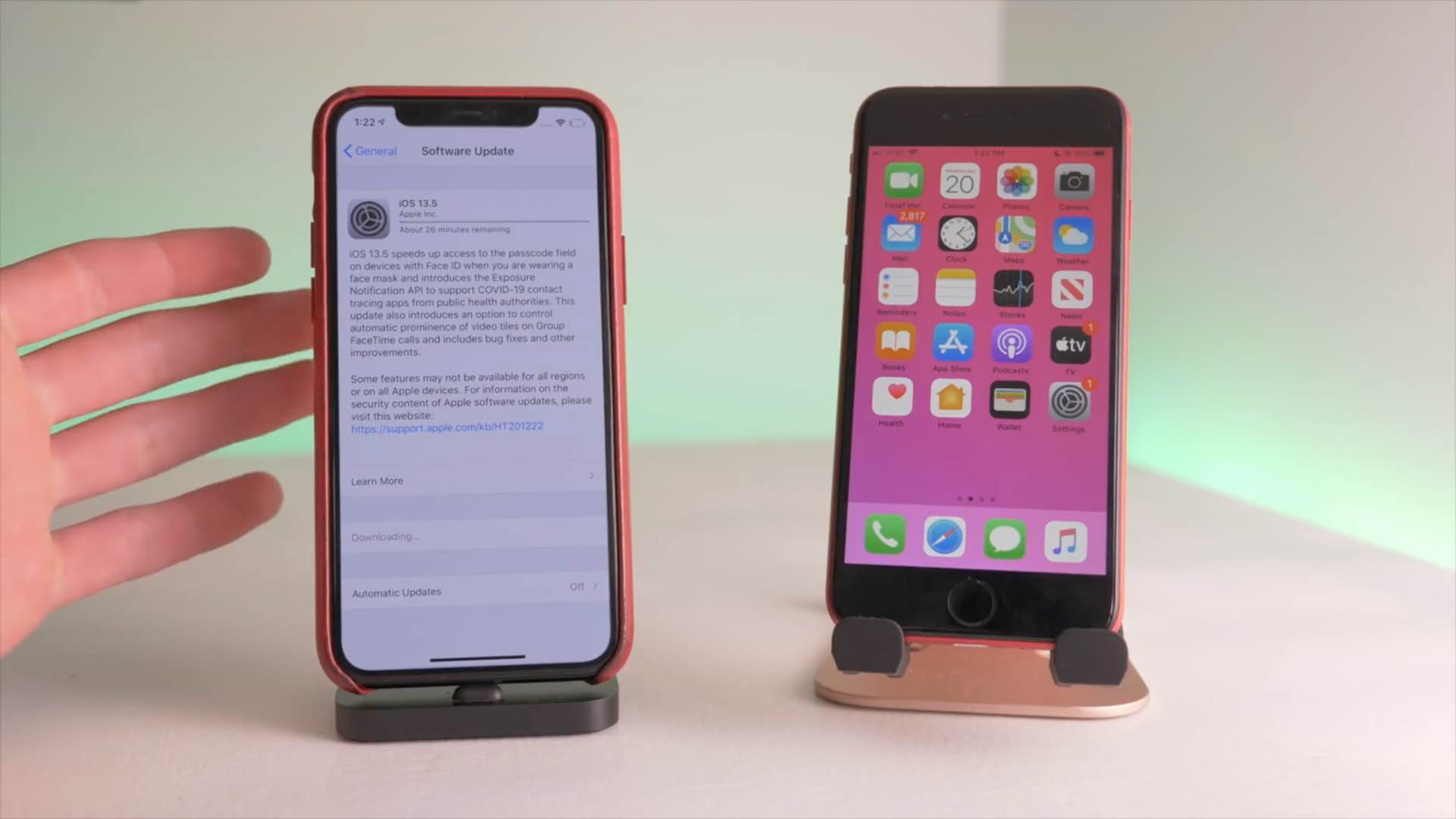
Apple yesterday released the iOS 13.5 software for the iPhone and iPod touch alongside iPadOS 13.5 for the iPad. The updates bring out several new features including coronavirus exposure logging, Apple Music sharing and APIs for developers to create privacy-first COVID-19 apps, as well as Face ID and group FaceTime improvements. To help you make the most out of these new software updates, we've tasked our videographer Harris Craycraft with putting together a little hands-on video walkthrough detailing all the changes in iOS and iPadOS 13.5.

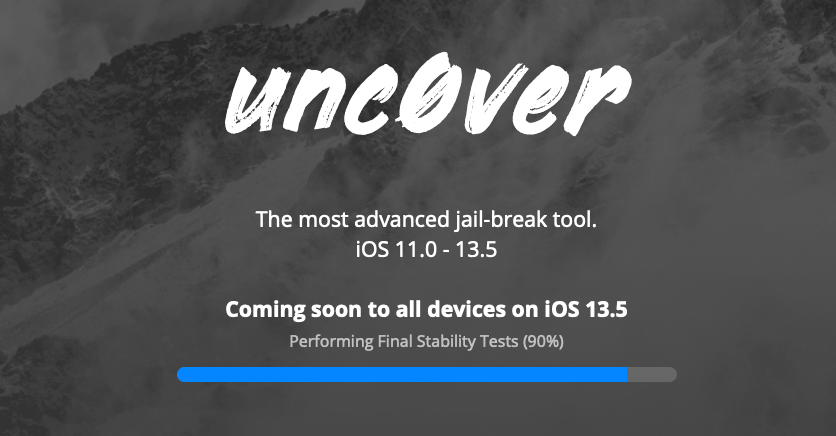
Unc0ver jailbreak v5.0.0 teased with support for every device running iOS 13.5

It’s been a while since we’ve heard anything new from the unc0ver Team; in fact, the last time the tool was even updated was at the beginning of March. But that silence was broken Wednesday evening when the unc0ver Team teased the imminent release of unc0ver v5.0.0, which purportedly adds support for all devices running Apple’s freshly released iOS 13.5.

The particularly exciting announcement was shared via by the unc0ver Team on Twitter at approximately 8:08 P.M. Eastern time, and was quickly Retweeted by unc0ver lead developer Pwn20wnd:

How to use all the new iPhone and iPad features in iOS and iPadOS 13.5

Apple on May 20, 2020 released iOS 13.5 for the iPhone and iPod touch devices and the iPadOS 13.5 update for compatible iPads. With those updates come several new features worth mentioning, including a new COVID-19 exposure notification system, Face ID improvements for mask wearers, disabling moving faces in FaceTime, Apple Music sharing to Instagram and Facebook Stories and more. Follow along with our quick tutorial explaining how to use everything new in iOS and iPadOS 13.5.

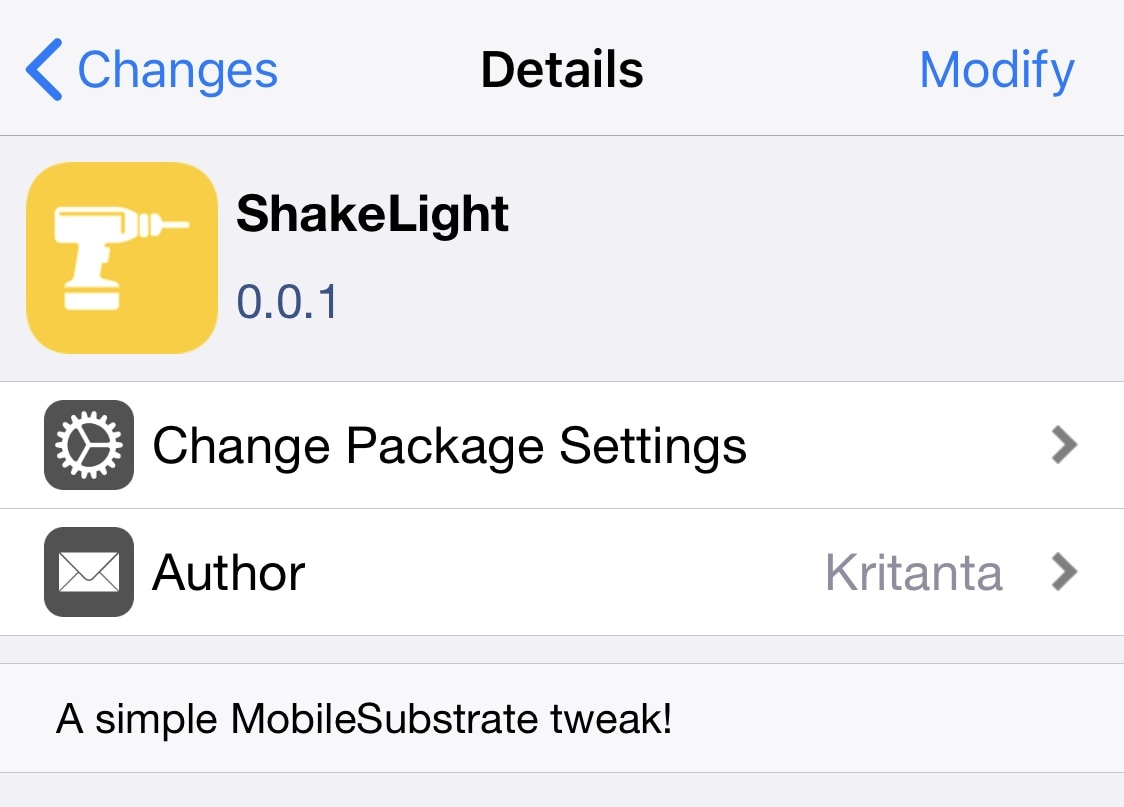
ShakeLight lets you use your iPhone’s LED flashlight with a shake

I often find myself in situations where I require a flashlight, and when one isn’t readily available. When this happens, I’ll do the only logical thing and grab my iPhone to use the LED torch functionality.

There are some cases, however, when using the touch screen to activate my iPhone’s LED torch just isn’t an option, and that’s one reason why I’m excited about the release of a new and free jailbreak tweak called ShakeLight by iOS developer Kritanta.

Customize your iPhone’s Home Bar without bounds with myBar

If your iPhone doesn’t have a Home Button, then it probably has a Home Bar instead. The Home Bar provides a convenient pathway for accessing the Home Screen, App Switcher, Reachability, and other imperative things, but one thing Apple appears to have left out is customization.

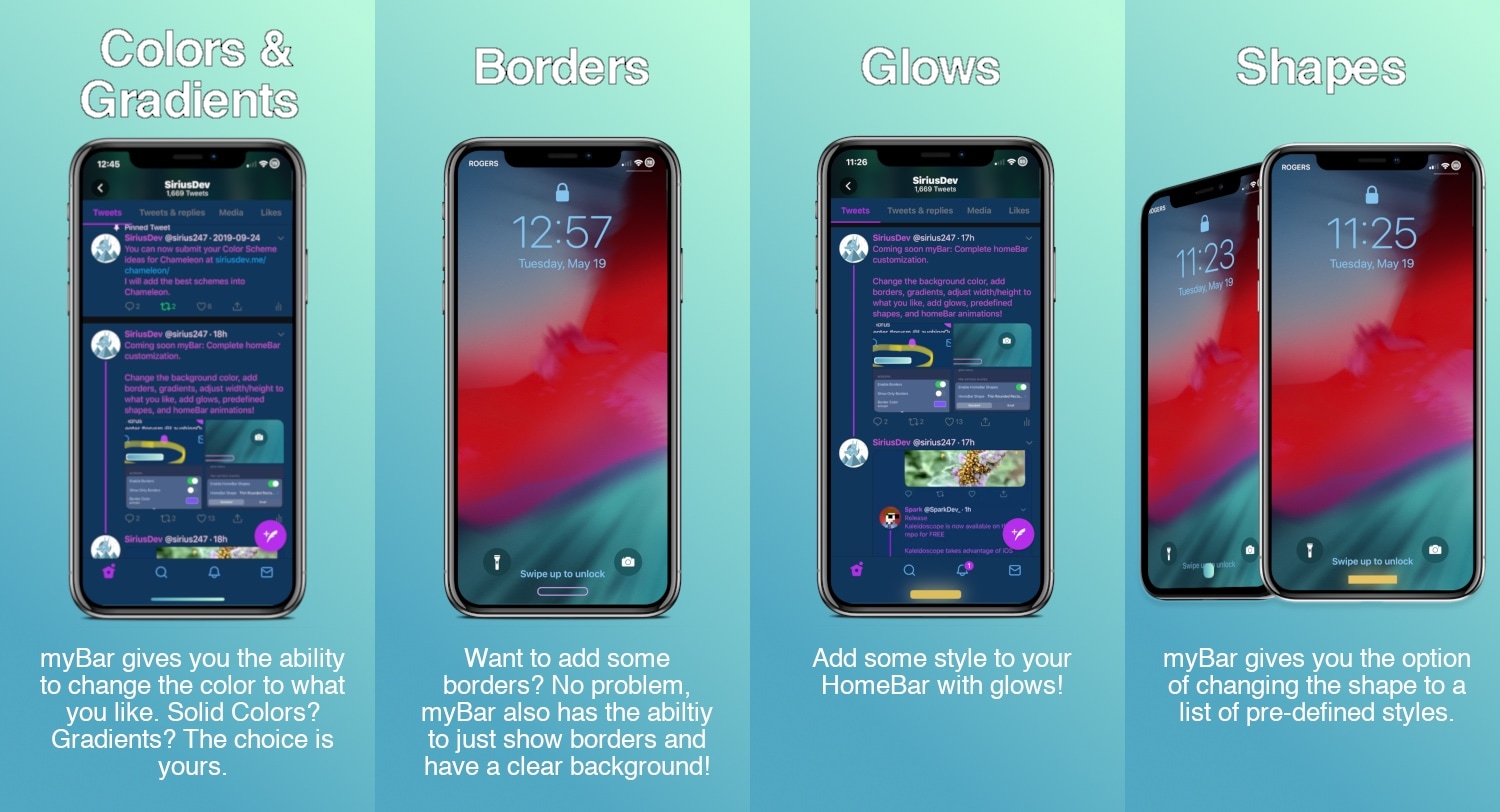
Enter myBar, a newly released jailbreak tweak by iOS developer Sirius24 that introduces extensive options for customizing the Home Bar’s aesthetics. And if that didn’t sound exciting enough, it should be noted that myBar offers enough configuration out of the box to appease picky minimalists or even the most extreme of interface tinkerers.

Dress is a free and feature-rich Lock screen customization tweak for iOS

The Lock screen is the first thing you see every time you pick up your iPhone to use it, so we’d completely understand if you wanted to personalize it. Apple doesn’t allow much by way of Lock screen customization out of the box, but if you’re jailbroken, then you’ll definitely want to check out a free jailbreak tweak called Dress by iOS developer Litten.

In a nutshell, Dress is probably the most comprehensive Lock screen customization jailbreak tweak that you can get without paying money. It offers a plethora of useful options that will make you excited to get your hands dirty with customization, and best of all, it can get you that personalized Lock screen experience you’ve been looking for.