Lamborghini will use augmented reality for Huracán Evo RWD Spyder debut tomorrow.
Lamborghini will use AR for Huracán Evo RWD Spyder debut tomorrow
Stay up-to-date on the latest iPhone news and learn new tips and tricks with our comprehensive tutorials. From software updates to new features, we’ve got you covered.
Lamborghini will use augmented reality for Huracán Evo RWD Spyder debut tomorrow.
A component of iOS that you probably see rather frequently when you use the Settings app or other scrollable interfaces is the scrollbar that appears at the right side of the display to give you an idea of where you are on the page.
The scrollbar does a great job of being both a reference point and a means of scrolling up or down a page much more quickly, but it’s lacking something: customization. That’s where a newly released jailbreak tweak called Color My Scrolls by iOS developer TheLazyITGuy comes into play.
Learn how you can control your iPad pointer with the keyboard keys or number pad via a cool new accessibility feature called Mouse Keys.
See the storage space used by podcasts and TV shows on your iPhone or iPad and manage them. If left unchecked, these can take up a lot of space on your device, which is why it’s a good idea to clean them up from time to time.
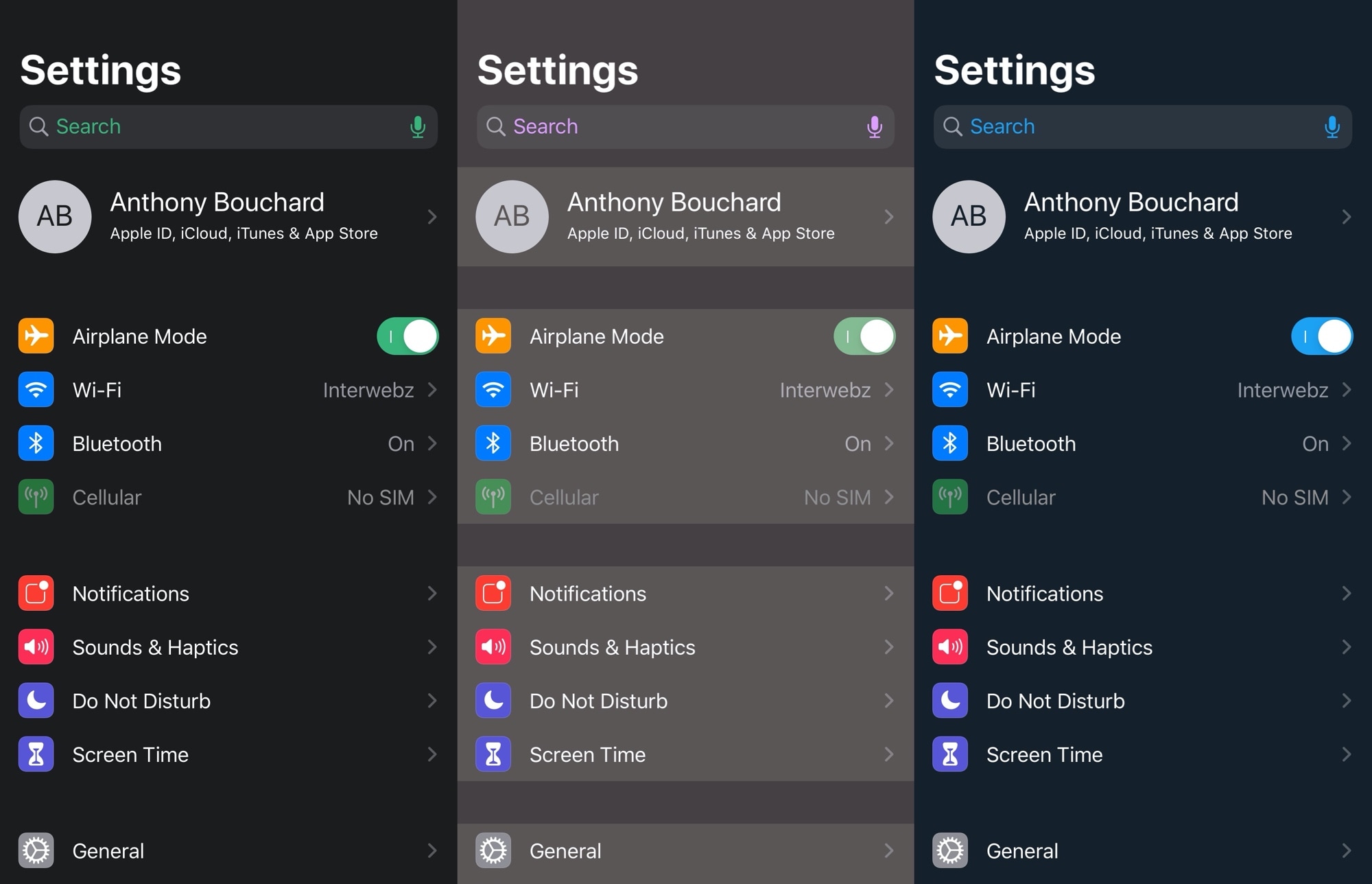
Looking for a quick and exciting way to spice up your iPhone’s boring Settings app? If you like where this is going so far, then you’re probably going to enjoy a newly released and free jailbreak tweak dubbed SettingsWidgets by iOS developer shepgoba.
Just as the tweak’s name implies, SettingsWidgets brings a few useful widgets to the Settings app’s user interface, giving you a quick glance at some of your handset’s pertinent information, such as battery information, storage space usage, and Wi-Fi statistics, among other things.
Love it or hate it, the iconic notch has become a common addition to the majority of Apple’s present-day smartphones starting with the iPhone X in 2017. Unfortunately, it’s part of the handset’s hardware, which means all you can do is attempt to hide the notch with a wallpaper that incorporates a black background where the notch would ordinarily appear.
But even the aforementioned wallpaper ‘hack’ only works to your benefit in certain interfaces, like the Home screen and Lock screen. It falls short in application interfaces where the wallpaper isn’t visible, and that’s a shortcoming that a newly released and free jailbreak tweak dubbed eggNotch by iOS developer Egg aka CRKatri doesn’t have.
Those taking advantage of the Zebra package manager instead of Cydia or Sileo on their jailbroken handset will do good to launch the app and refresh their sources.
A fresh update to Zebra was released Monday afternoon that officially brings the zippy package manager up to version 1.1. Citing the project’s official change log on GitHub, this release incorporates a lengthy list of improvements. Brace yourselves:
Got a jailbroken iPhone or iPad, but aren’t entirely sure how to get the most out of it? If this sounds anything like you, then you’ve come to the right place.
In this roundup, we’ll showcase all the latest jailbreak tweaks released from Monday, April 27th to Sunday, May 3rd. As usual, we’ll kick things off by discussing our favorite releases first and then wrap things up with an outline of the rest afterward.
It was only a few days ago that a kernel-level jailbreak detection bypass had been released to the general public. Dubbed FlyJB by @XsF1re, the project was quickly taken down after the developer lost confidence in his work. But much of his efforts remained open source, permitting future projects to draw inspiration from it.
Now, a second kernel-level jailbreak detection bypass called KernBypass by has been released, this time by Twitter user @akusio_RR. The project credits @XsF1re for vnodebypass, hacker Jake James for jelbrekLib, and @0x7ff for maphys. But what does all this mean?
One of my favorite features to ship with iOS 13 is native dark mode support. Not only is it something that I’ve wanted to have for several years, but it plays so nicely with the OLED display that comes standard in Apple’s flagship handsets for both enhanced aesthetics and lengthened battery life.
One way that I think dark mode could be improved, however, is with some kind of tool that automatically switches between dark and light mode depending on display brightness, as it would improve interface visibility in certain situations. Fortunately, that’s precisely the functionality that a free jailbreak tweak called DarkSwitch by iOS developer udevs appears to provide for users.
Face ID is awesome, but it only works reliably when your eyes, nose and mouth are fully visible to the TrueDepth camera, according to Apple's support document. That's hardly the case when you're wearing a mask, like those medical masks that people have been wearing during the COVID-19 crisis to protect themselves, and others, from exposure to the coronavirus. Instead of taking your mask off to unlock your iPhone, or waiting until Face ID fails, save yourself both time and frustration by skipping right to the passcode prompt with this super handy tip.
One thing I’ve always wished that the iPhone had was a more sophisticated countdown timer. While you can certainly use the iPhone’s Clock app to accomplish this in terms of hours or minutes, it would be more useful if you could add days to the mix as this would make it easier to count down to Birthdays and other important dates.
While Apple has yet to introduce an official solution, a newly released and free jailbreak tweak dubbed Counted by iOS developer Dave van Wijk introduces an elegant and fully customizable day counter to any iOS handset’s Lock screen.