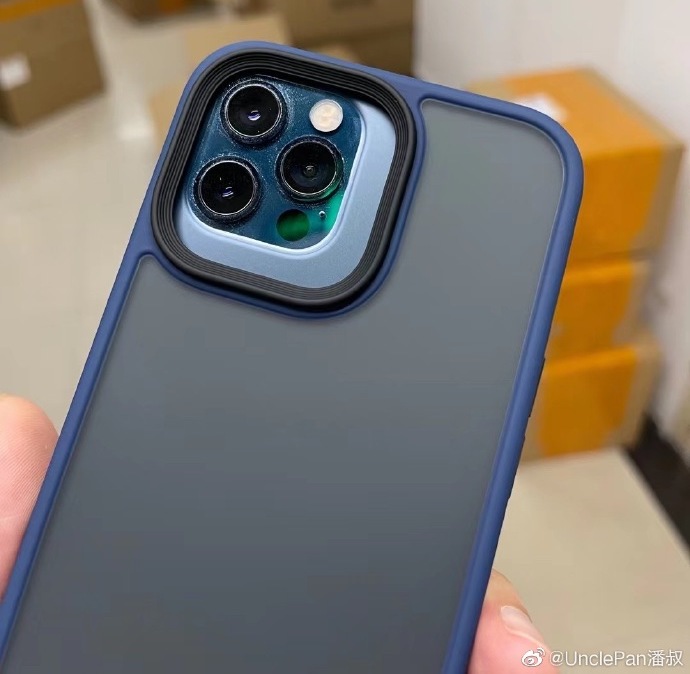
The iPhone 13 camera bump size may increase substantially over the current iPhone 12 Pro Max to accommodate bigger lenses and stabilizers, as evidenced by newly-leaked photos.
iPhone 13 case images show a large increase in camera bump size
Stay up-to-date on the latest iPhone news and learn new tips and tricks with our comprehensive tutorials. From software updates to new features, we’ve got you covered.
The iPhone 13 camera bump size may increase substantially over the current iPhone 12 Pro Max to accommodate bigger lenses and stabilizers, as evidenced by newly-leaked photos.
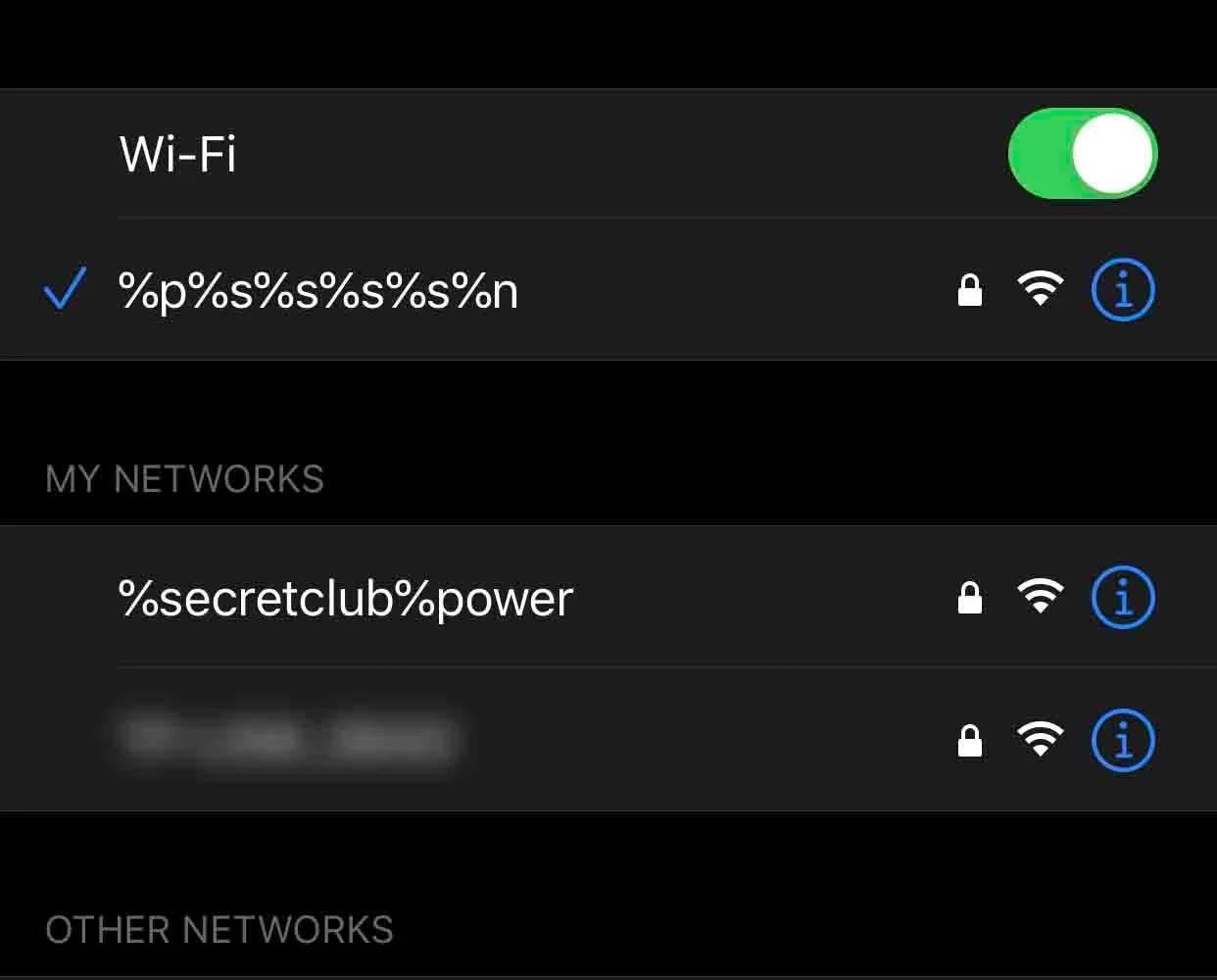
Another notable bug was discovered and publicized just over the weekend by security researcher Carl Schou in which the presence of a malformed Wi-Fi network name, also known as the SSID, could ‘permanently’ disable an iPhone’s ability to view and connect to nearby Wi-Fi networks. It’s not the first time a Wi-Fi name glitch has affected iPhones, which understandably raises some eyebrows.
Citing the security researcher, the bug would be triggered if the iPhone comes within range of a Wi-Fi network or personal hotspot with the offending name or SSID. Consequently, the Settings app’s Wi-Fi toggle switch becomes disabled and grayed out, preventing the user from turning it back on. Not even resetting the iPhone’s network settings fixes this, compelling the iPhone owner to effectively restore the device to factory settings.

Learn how to set up, activate, and use the Focus feature on your iPhone, iPad, Apple Watch, and Mac to cut down on distractions and set communication boundaries so you can work, sleep, game, or do other activities without interruptions.
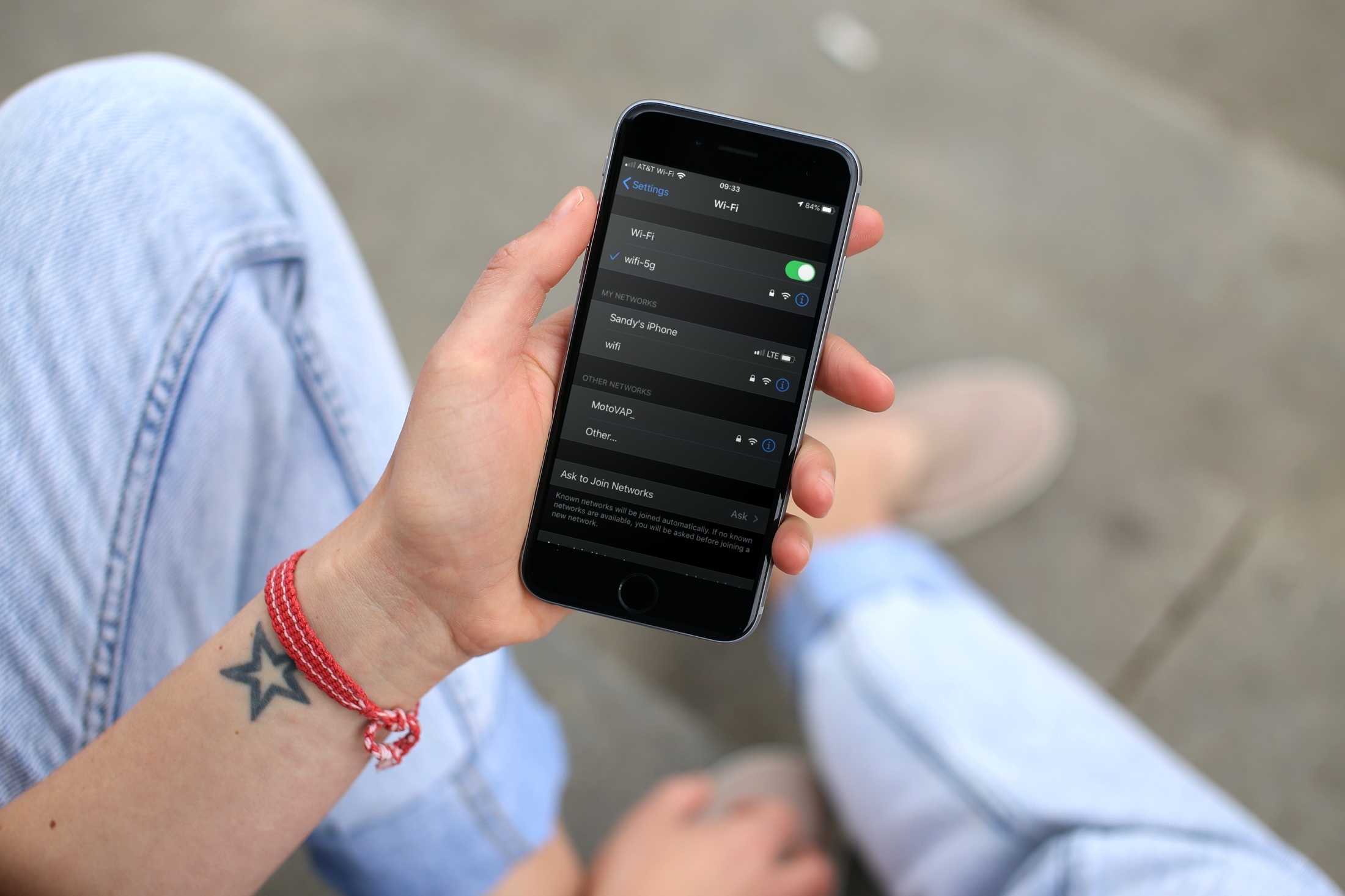
An iPhone hotspot vulnerability that Apple hasn't fixed yet breaks your ability to connect to wireless networks, requiring a factory reset to restore Wi-Fi functionality.
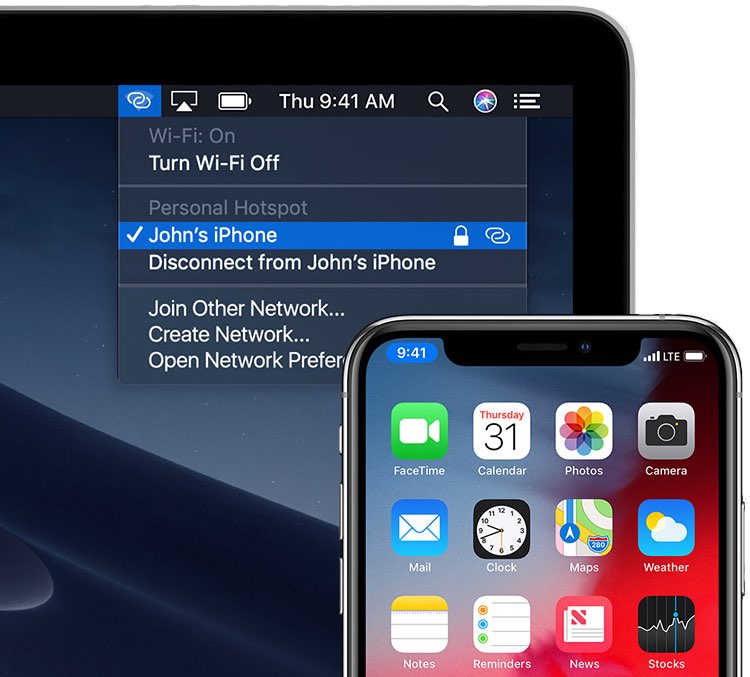
iPhone hotspot connections have become more secure and private thanks to built-in support for the improved WPA3 security protocol in the iOS 15 and iPadOS 15 updates.
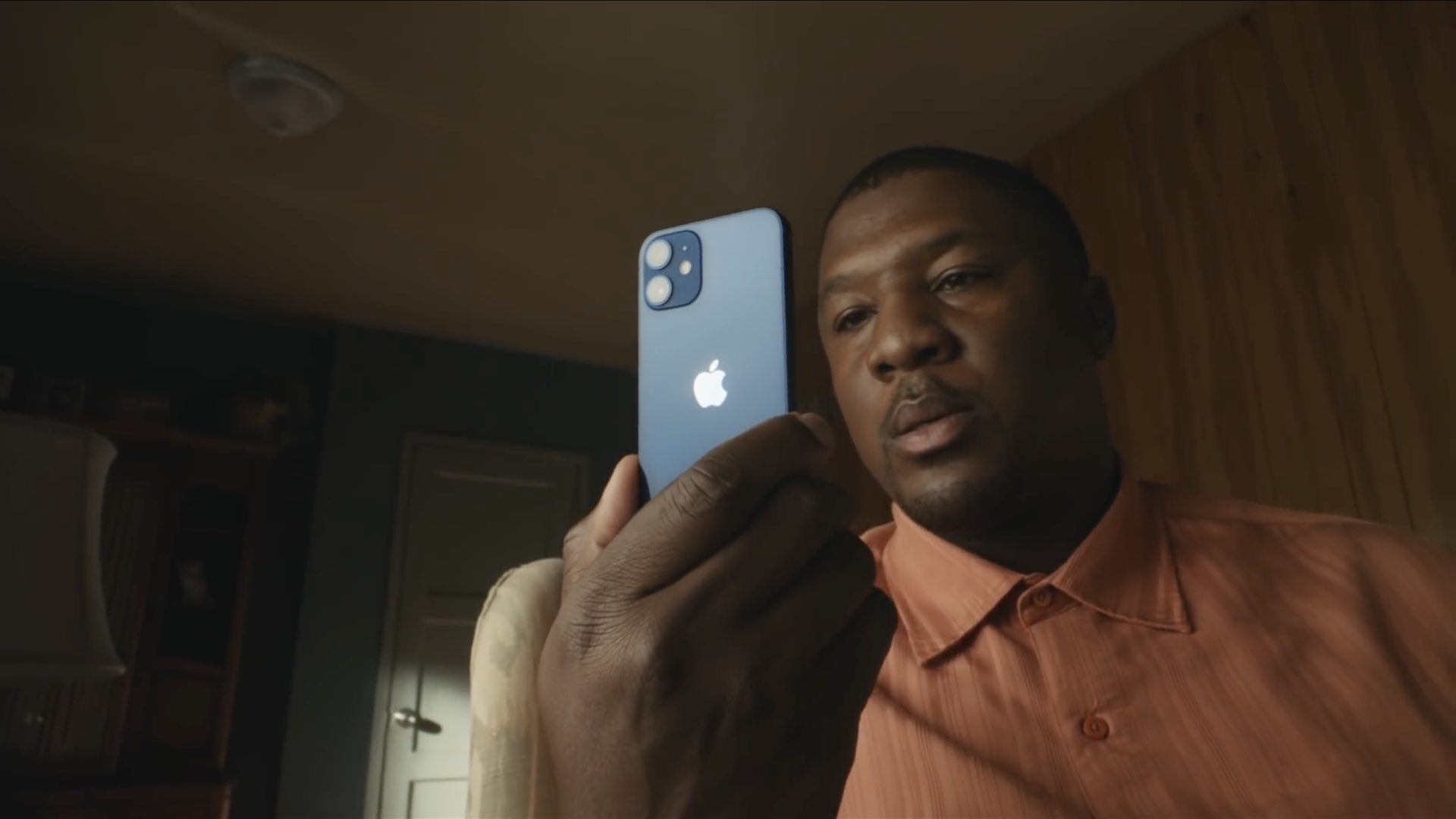
The “iPhone 13” name will stay, apparently. Rather than skip straight to “iPhone 14,” Apple reportedly has the courage to use the number 13 for the upcoming 2021 iPhone launch.

The jailbreak community has introduced a lot of fascinating jailbreak tweaks recently, and given how quickly time seems to pass everyone by, it can be easy to miss those interesting developments along the way as life keeps us distracted.
That’s just one reason why we come at you every Sunday with a curated roundup just like this one that showcases all the latest jailbreak tweak releases and jailbreak-centric news.

Apple is regarded as one of the most influential players in the music industry — not only because of what iTunes once was, but also because of the creation of Apple Music and its seamless integration with the company’s expansive mobile device and desktop computer offerings.
Given just how much Apple seems to have invested in the music industry, it’s somewhat curious as to why the Now Playing interface on iPhones and iPads hasn’t changed much over the years. In fact, many are now calling on Apple to offer some sort of redesign after a seemingly stagnant UI that changes so little over time.
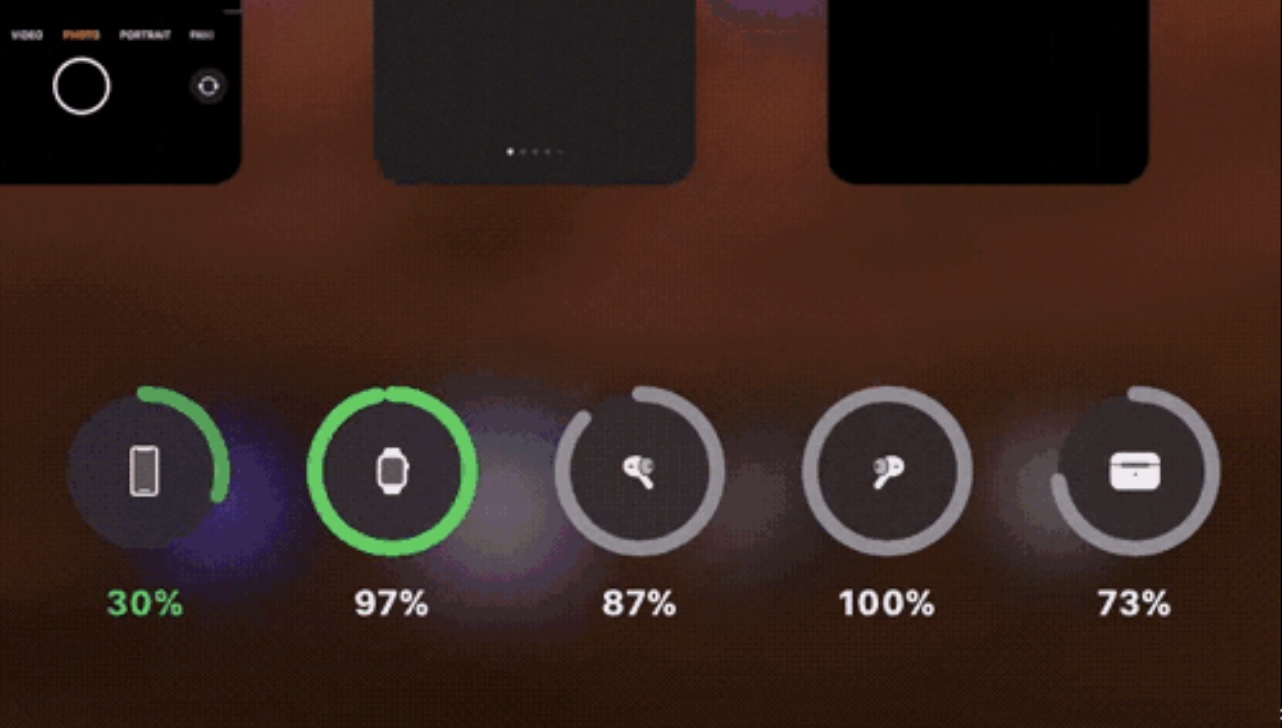
The App Switcher is, at least in my opinion, one of the most underwhelming interfaces on the iPhone. The full-screen card switcher interface makes such poor use of the expansive screen real estate that it’s no surprise we see so many jailbreak tweaks attempting to fix this.
The latest of such tweaks is one called Vaon by iOS developer atar13, which not only converts the App Switcher from a card-based interface to a grid-based one, but also adds an iOS 14-style battery widget to the bottom.
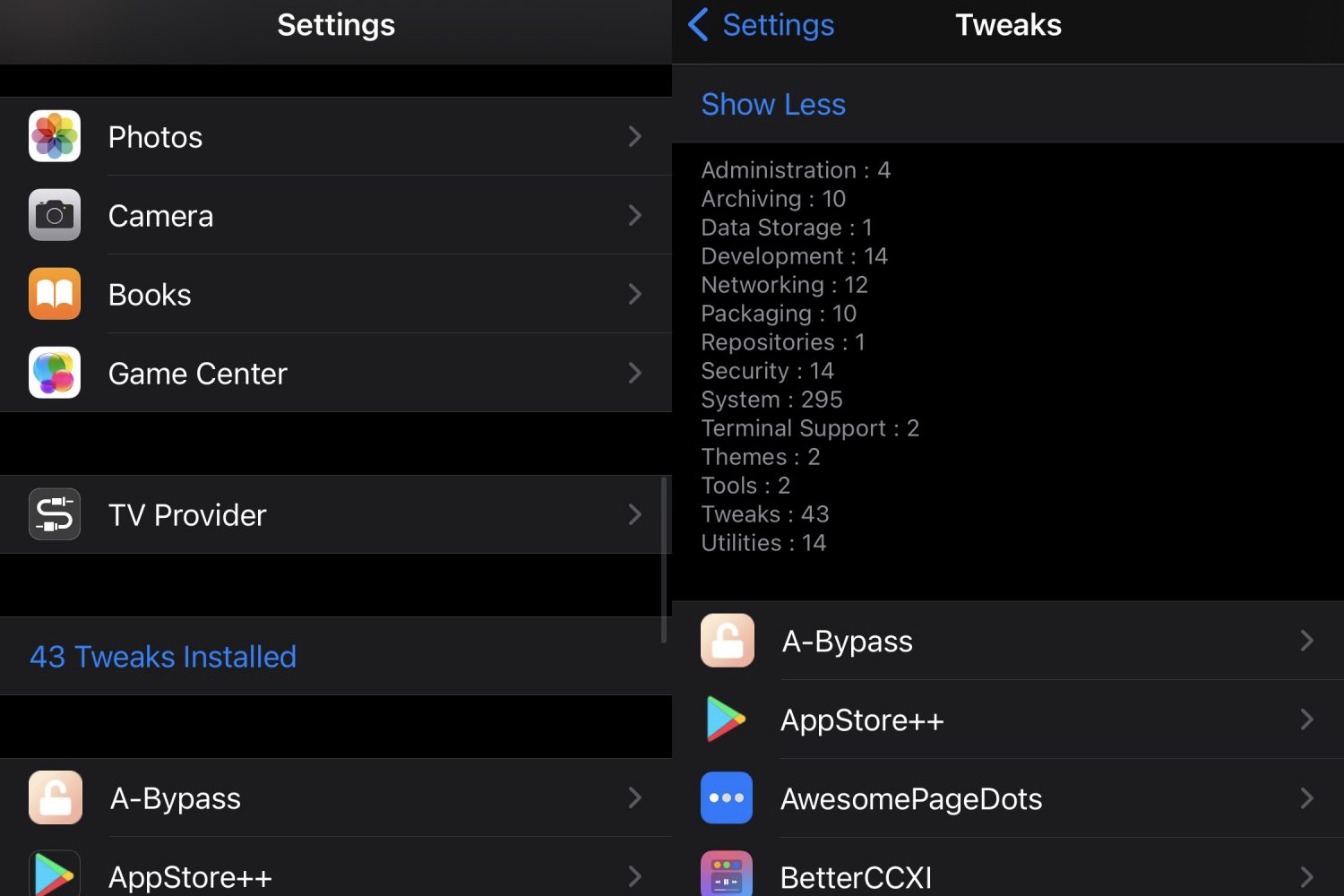
If you go overboard on jailbreak tweak installations like I do sometimes, then it may serve you well to keep a tally of how many you have installed at any given time.
Doing this manually would be a painstaking and tedious process, but with the help of a newly released and free jailbreak tweak subtly named TweakCount by iOS developer LacertosusDeus, your iPhone can do it for you automatically.
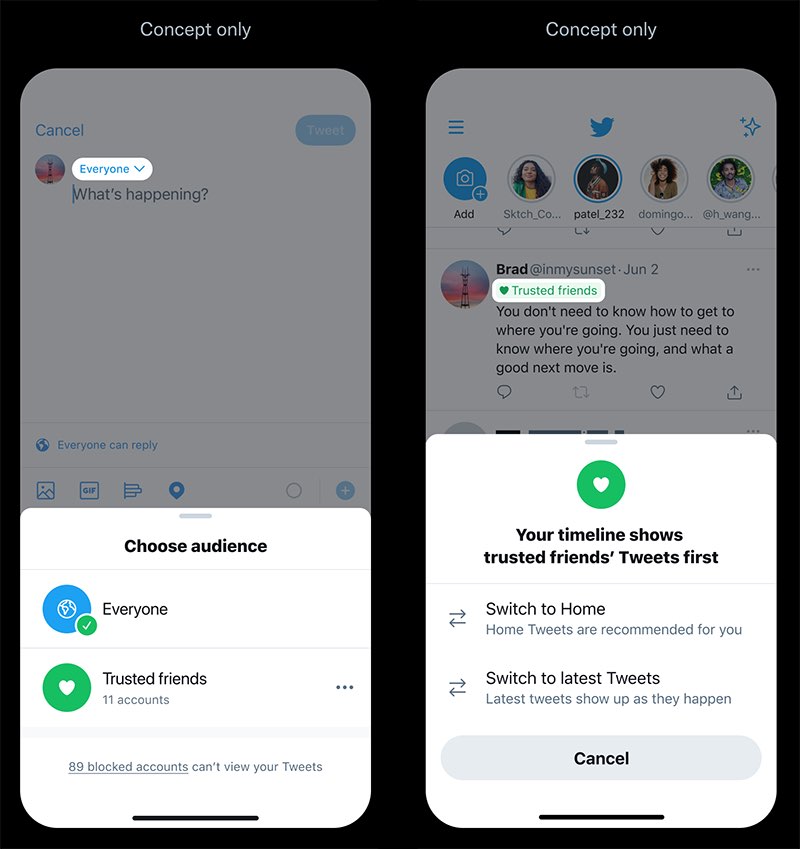
Twitter is experimenting with new ways of increasing engagement on its platform which would permit you to choose the audience for specifics tweets, including limiting a tweet to trusted friends instead of your followers and tweeting from different personas from one account.
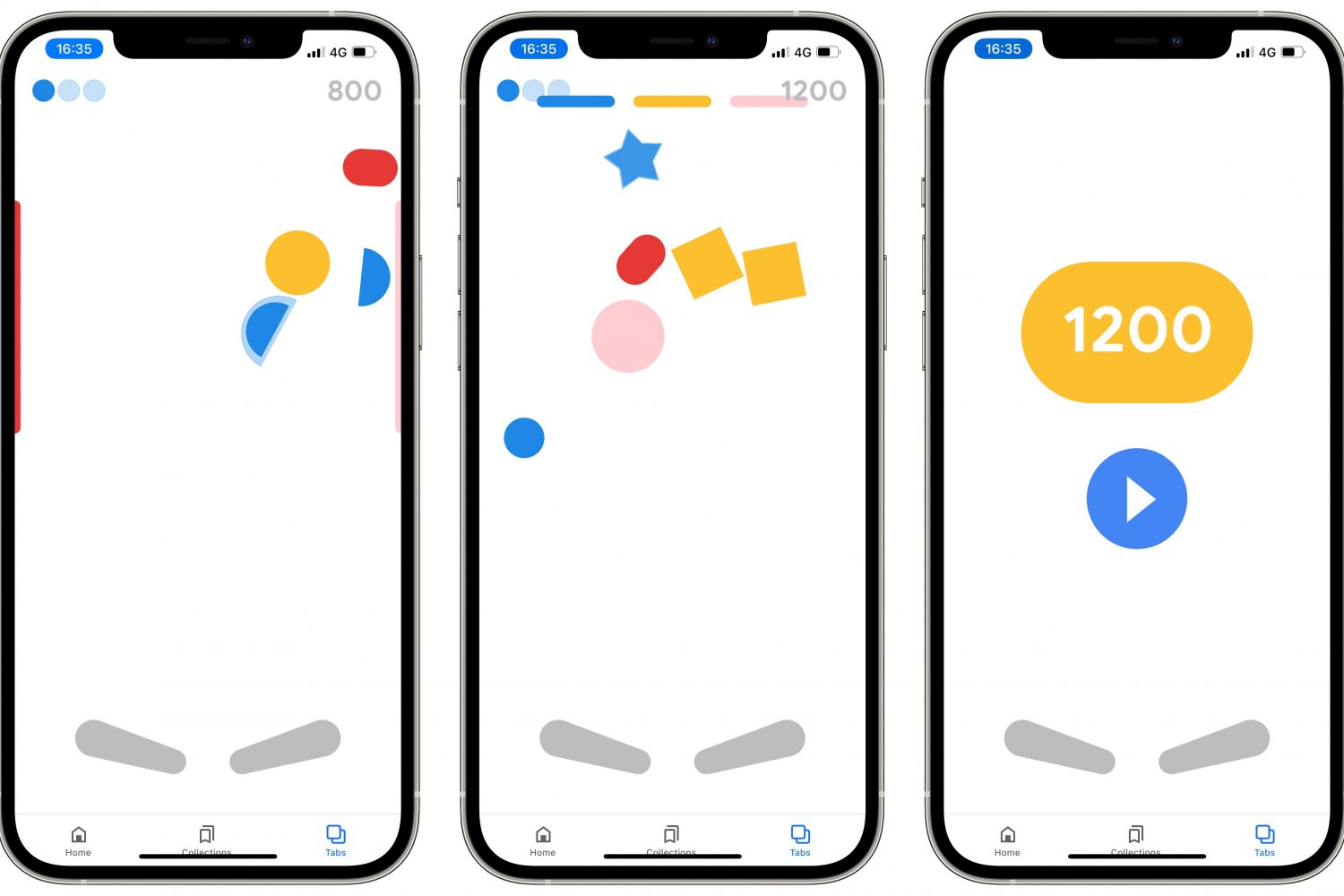
Follow a few simple steps laid out in our tutorial if you'd like to discover and play a secret Google Easter egg pinball game in the company's official app for iPhone and iPad.