Learn how to prevent your iPhone messages, Phone & FaceTime calls, emails, and app notifications from showing up on your shared Mac to enhance your privacy.
Stop iPhone texts and calls from appearing on your Mac
Stay up-to-date on the latest iPhone news and learn new tips and tricks with our comprehensive tutorials. From software updates to new features, we’ve got you covered.
Learn how to prevent your iPhone messages, Phone & FaceTime calls, emails, and app notifications from showing up on your shared Mac to enhance your privacy.
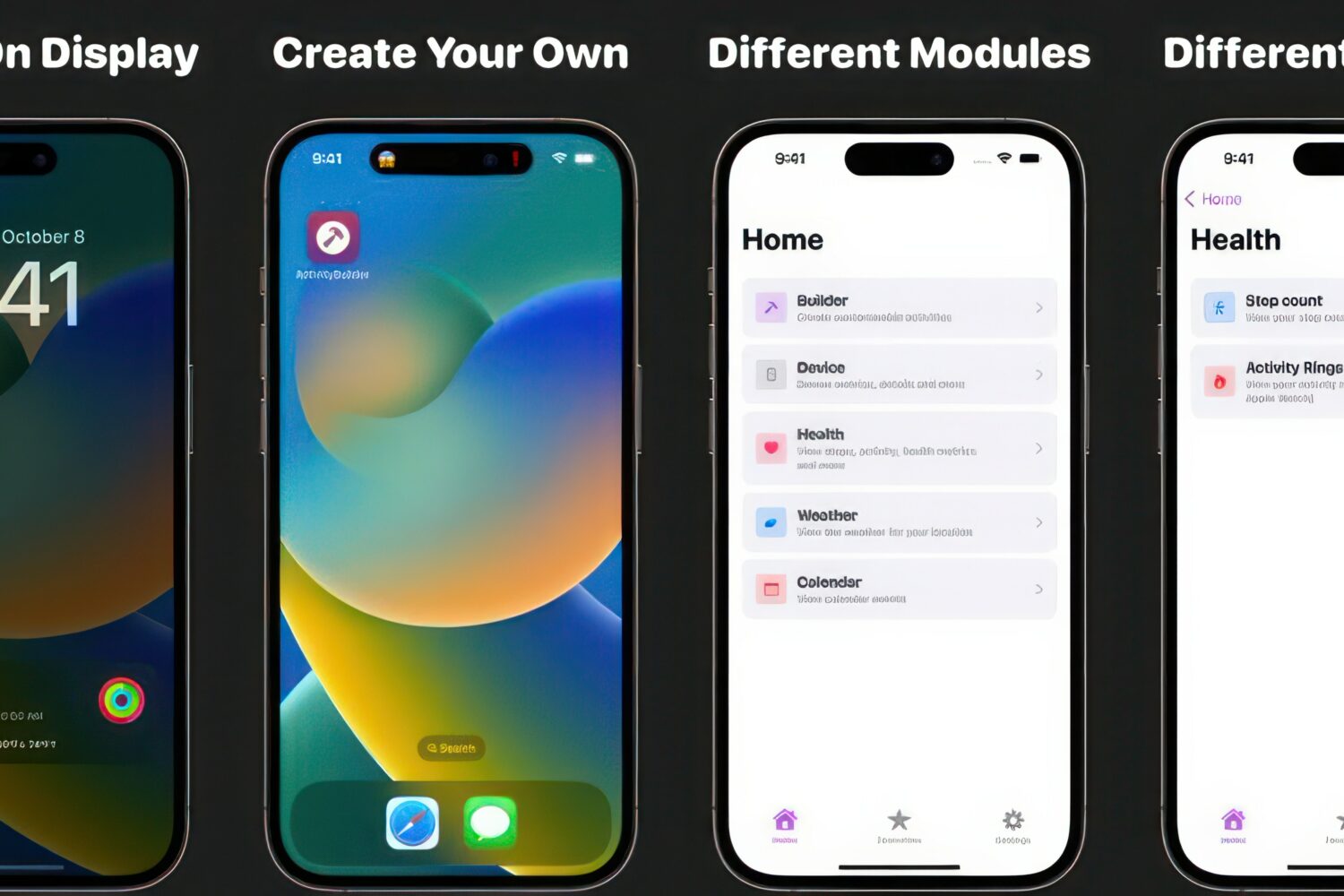
Live Activities are a feature introduced by Apple in iOS 16 to make your iPhone display useful information via the Lock Screen. Live Activities are interactive notifications that may show information such as your Uber progress, sports scores, or a wide array of other information types.

Zooming in on Instagram stories with the familiar pinch gesture will make it easier to discern tiny text and examine image details in people's stories up close.
You’ve made it to iDB’s weekly roundup of the latest iPhone and iPad hacking news, where we show you what’s new in the jailbreak community, bug and exploitation developments, and anything else that may interest you if you enjoy these kinds of stories from this past week.

Jailbreaks are hard to come by these days, which is why so many people currently use TrollStore on iOS 14.0-15.4.1 (and some 15.5 and 15.6 betas) or the MacDirtyCow bug (on iOS 15.0-16.1.2) to enjoy a subset of must-have system mods.
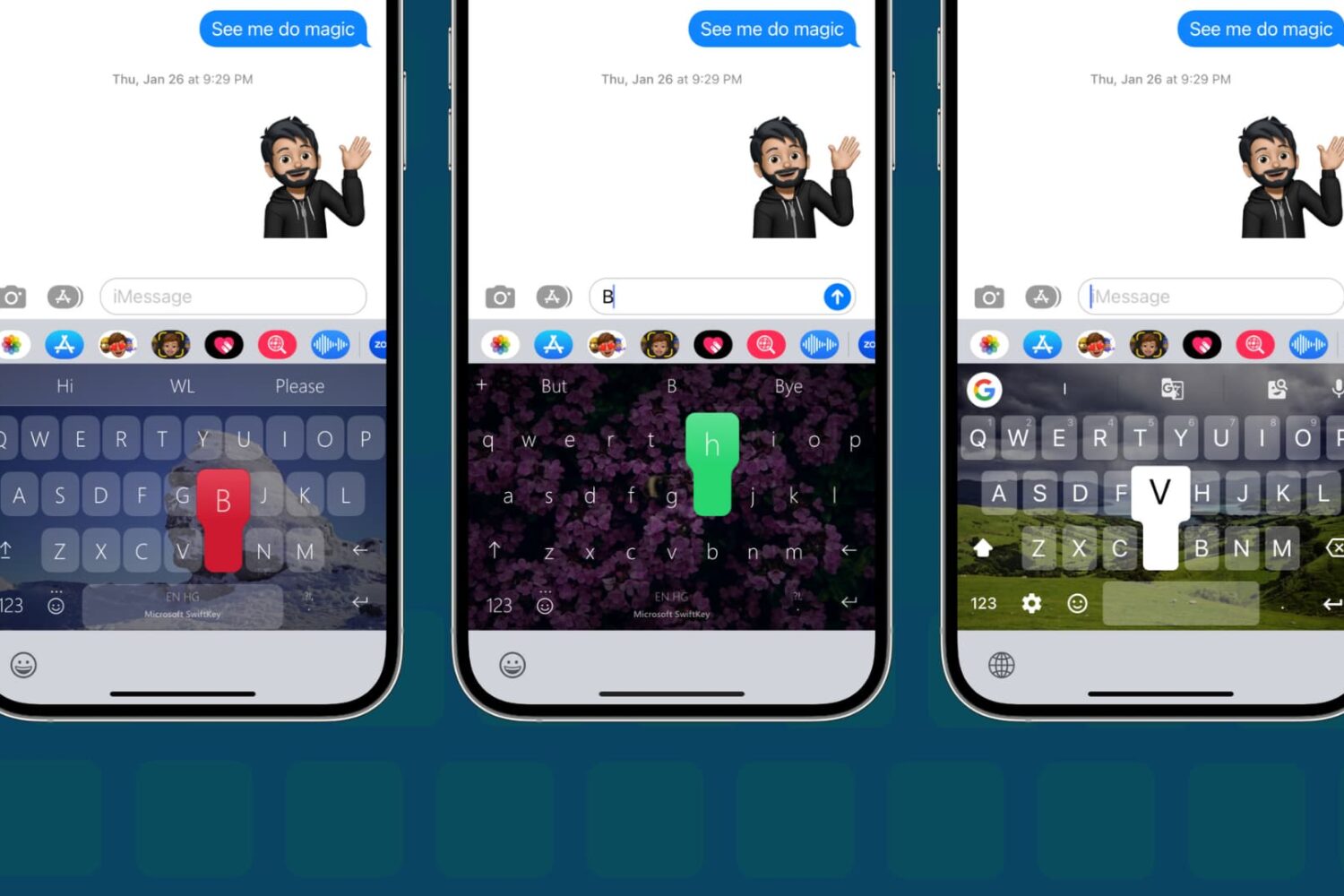
In this step-by-step tutorial, we show you how to change the default keyboard on your iPhone or iPad to a third-party option, such as SwiftKey or Gboard.
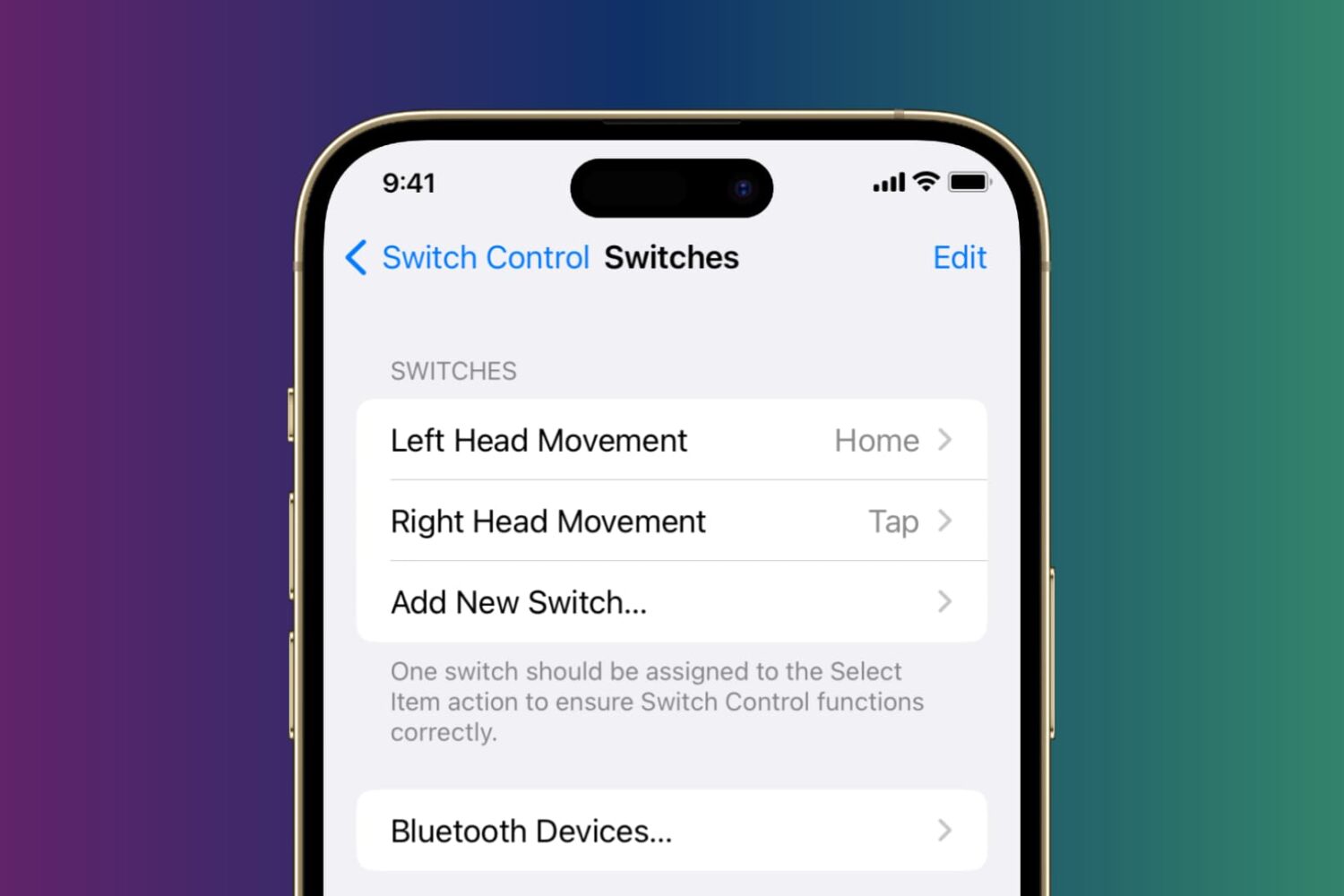
Learn how to control your iPhone or iPad using head tilts and hand pinch gestures by enabling the Switch Control accessibility feature.

Learn how to use a built-in karaoke feature in Apple Music on iPhone, iPad, and Apple TV to sing along with time-synced lyrics and adjustable vocals.
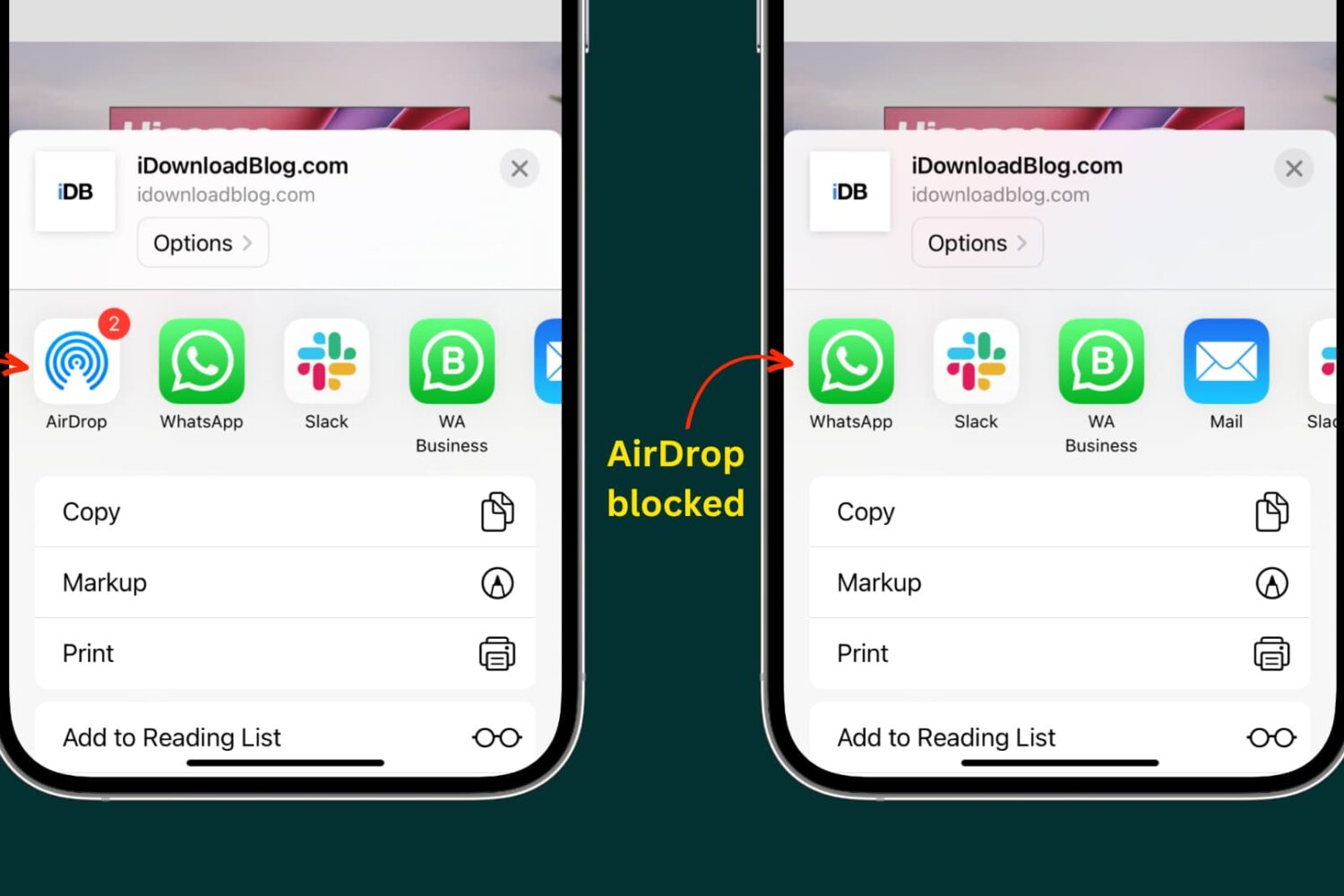
Learn how to turn off or fully block the built-in AirDrop feature on your iPhone, iPad, and Mac to control who can send you files for better privacy and security.
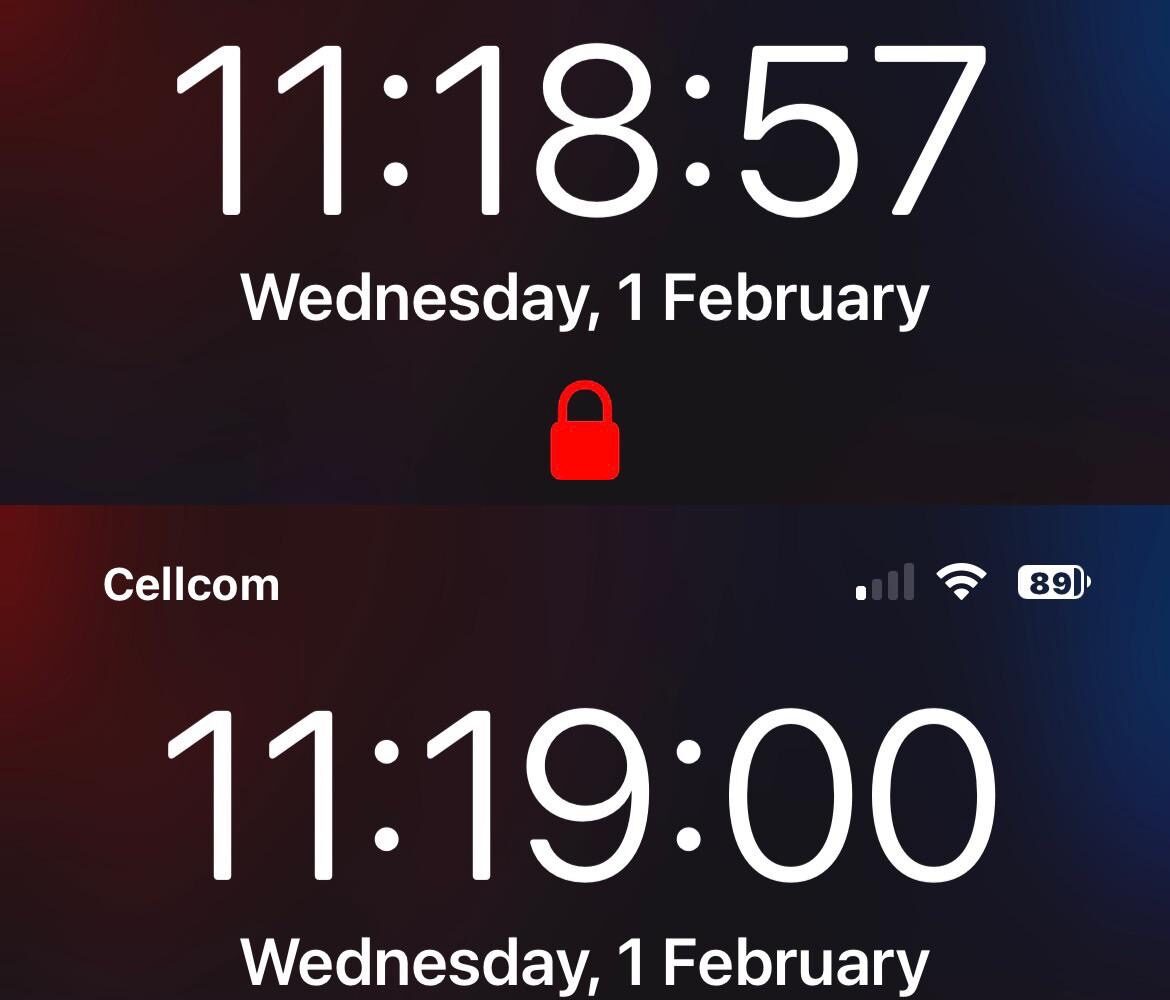
At the top of any Face ID-equipped iPhone’s Lock Screen is that iconic padlock glyph that indicates whether your iPhone has authenticated your face or not.
If there’s one thing that the jailbreak community always responds well to, it’s a single jailbreak tweak that does it all such that it becomes unnecessary to install several smaller tweaks to do essentially the same thing.
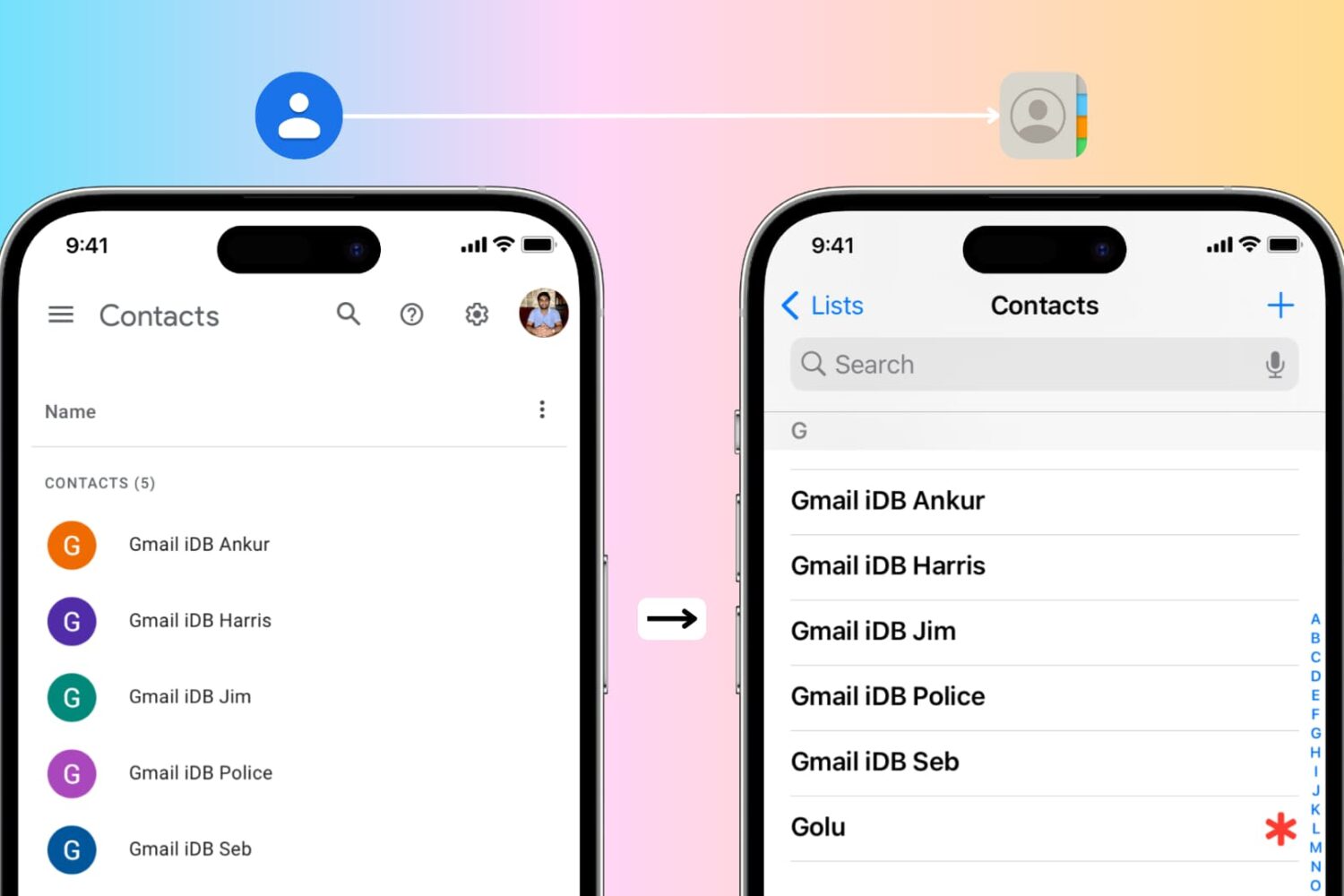
In this guide, we cover the easiest ways to transfer all your Google contacts to your Apple iCloud account using either your iPhone or a computer. This is especially useful if you’re switching from an Android phone to an iPhone.