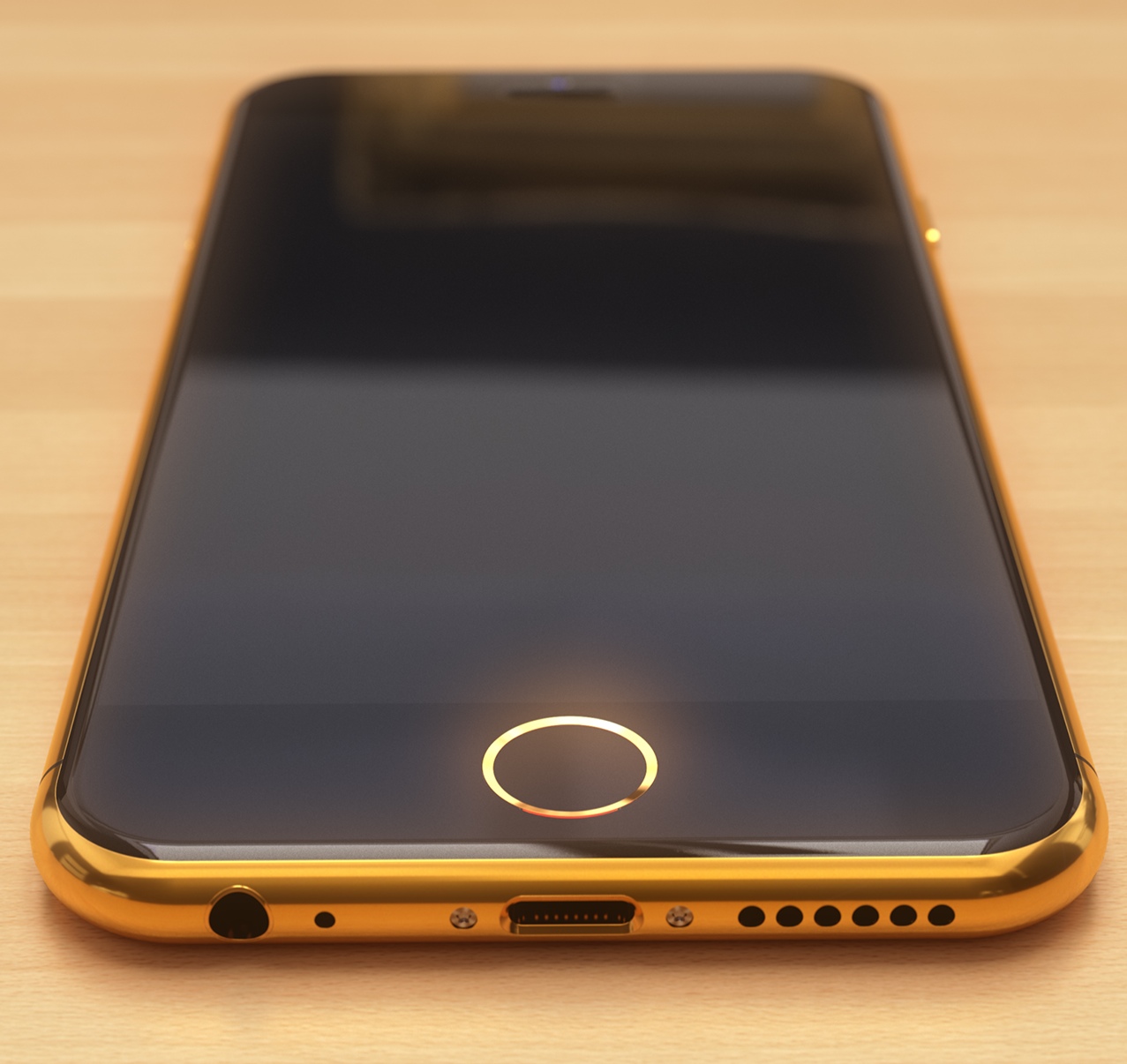
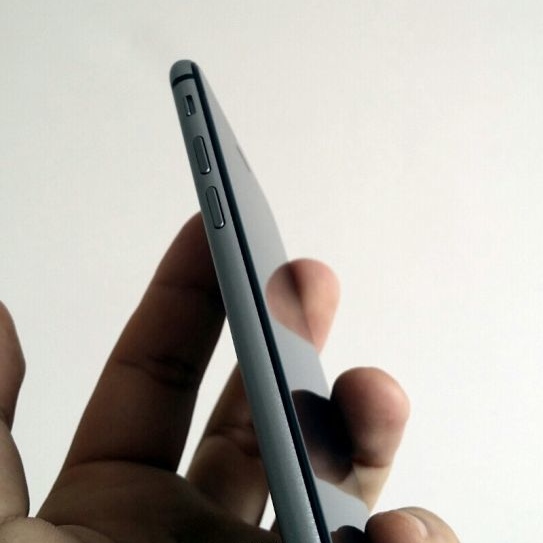
Analysts and bloggers take it for granted that Apple's 4.7-inch iPhone 6 employs smart desing in order to make it perfectly usable with just one hand.
Whether or not the handset adheres to Apple's supposedly “unwavering principle of one hand use,” as one analyst put it, is anyone's guess because no one's seen the phone yet.
Most people would agree that older 3.5-inch iPhones are perfectly suited for one-handed use.
And by making the 4-inch screen taller but not wider, Apple's made recent iPhones efficient enough for the vast majority of users for whom one-handed use is a priority.
But 4.7 inches is on a different level than 4 or 3.5 inches. Unless Apple pulled some dark magic tricks, not everyone may be able to hit the top left corner with their thumb.
In today's poll, we challenge you to focus on the conceivable usability issues with the upcoming iPhones stemming from their much-talked-about bigger screens.
So, is being able to use an iPhone 6 with one hand important to you? Cast your vote below and meet us in comments...