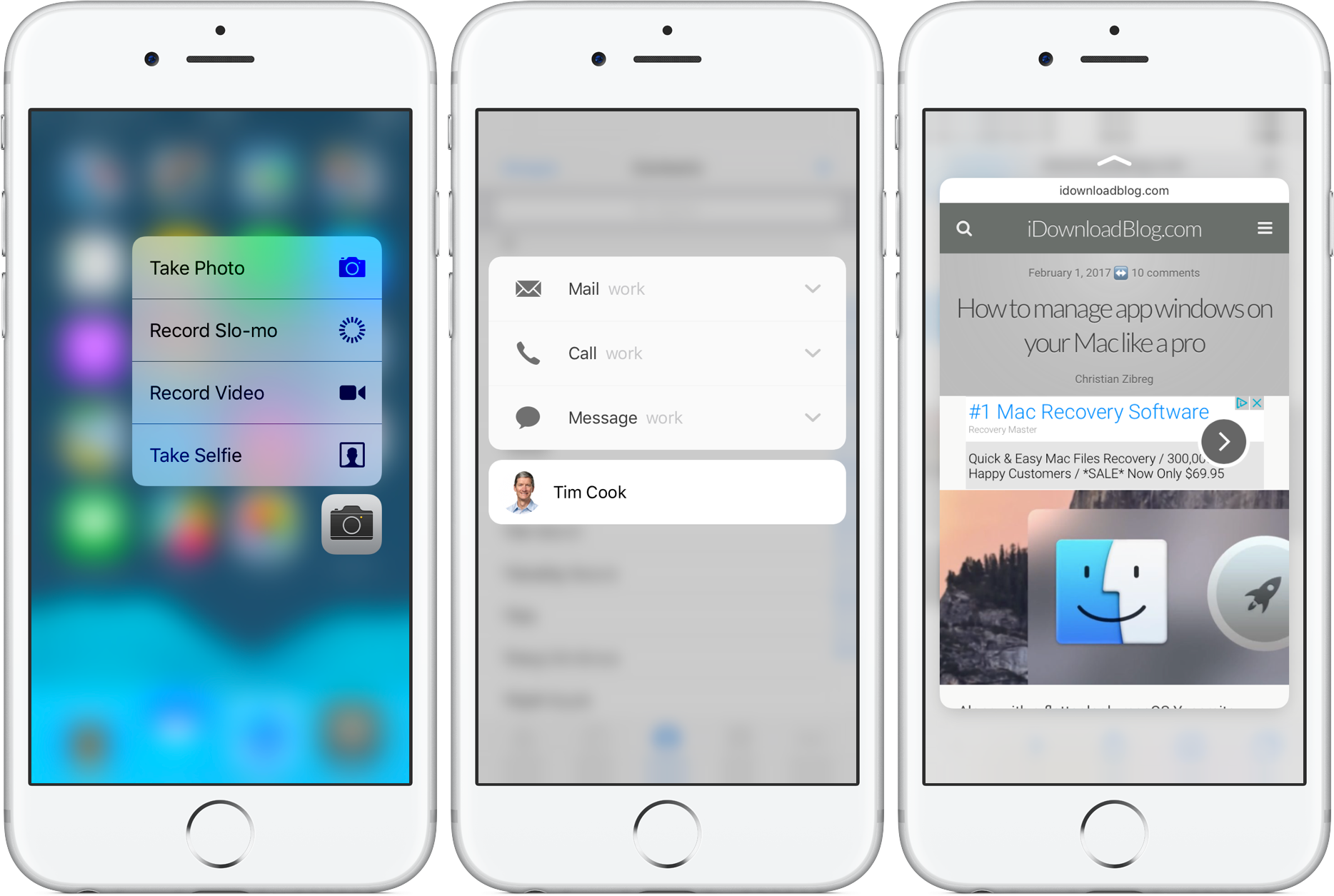
So you got your brand new iPhone and decided that 3D Touch is more of a nuisance than gets in your way than a time-saving feature you'd like to use on an everyday basis. Worry not, for iOS gives you an easy way to disable 3D Touch on a system-wide level with just a few taps.
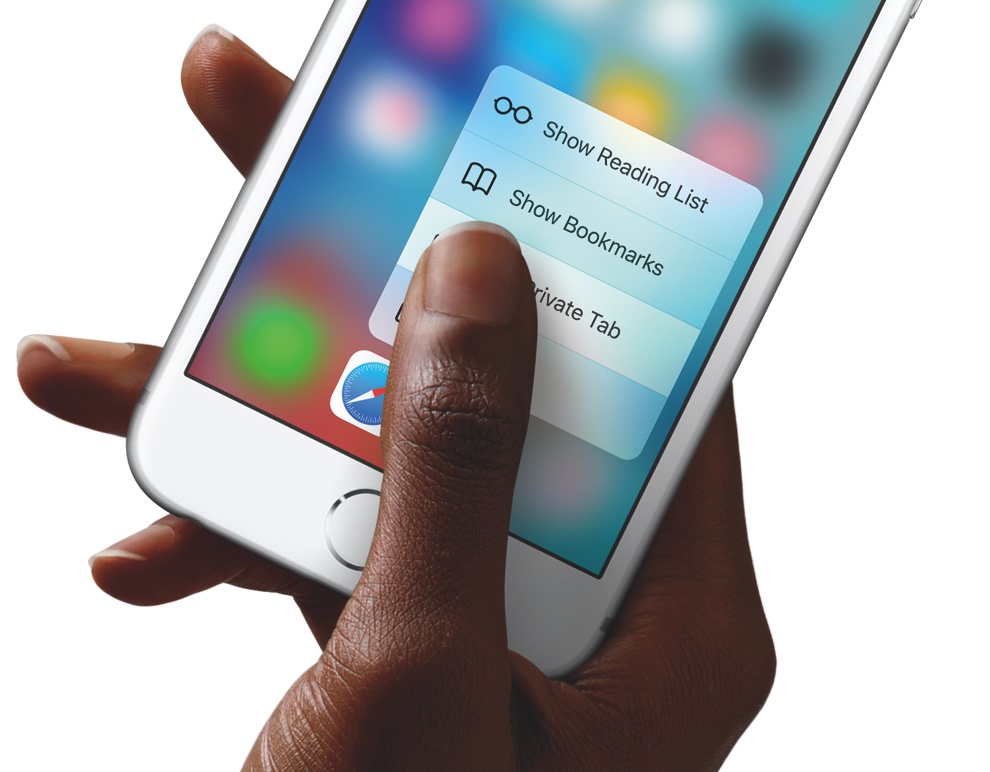
3D Touch, of course, offers shortcuts to commonly used app-specific actions right from the Home screen and lets you preview content or jump straight into it within supported apps by applying varying degrees of pressure to the screen.
People with disabilities, those with limited motor skills and everyone who would rather do without these handy shortcuts for one reason or another can easily disable 3D Touch on your iPhone.