Apps

How to quickly hide the App Drawer in the Messages app

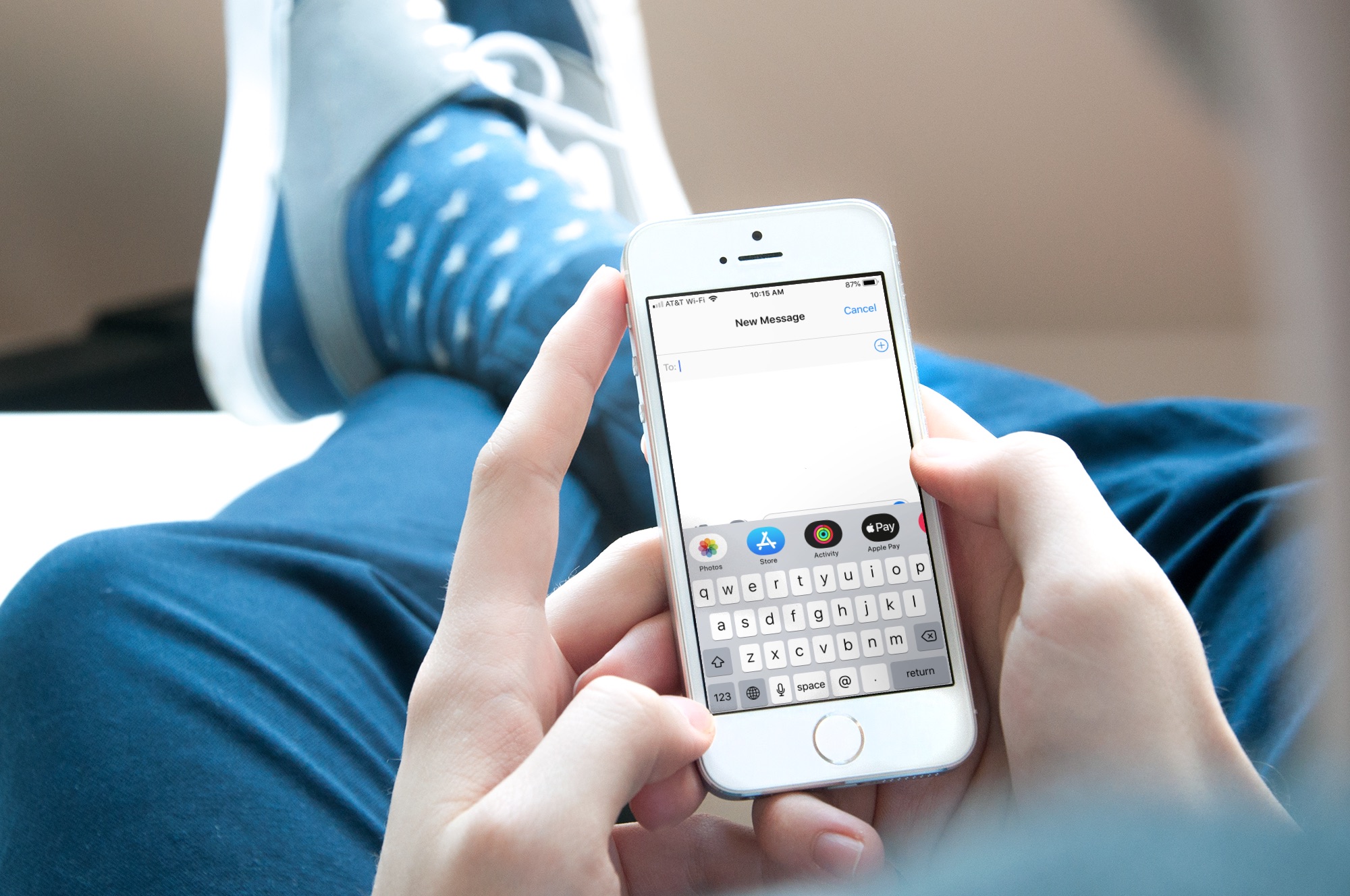
Messages App Drawer iPhone

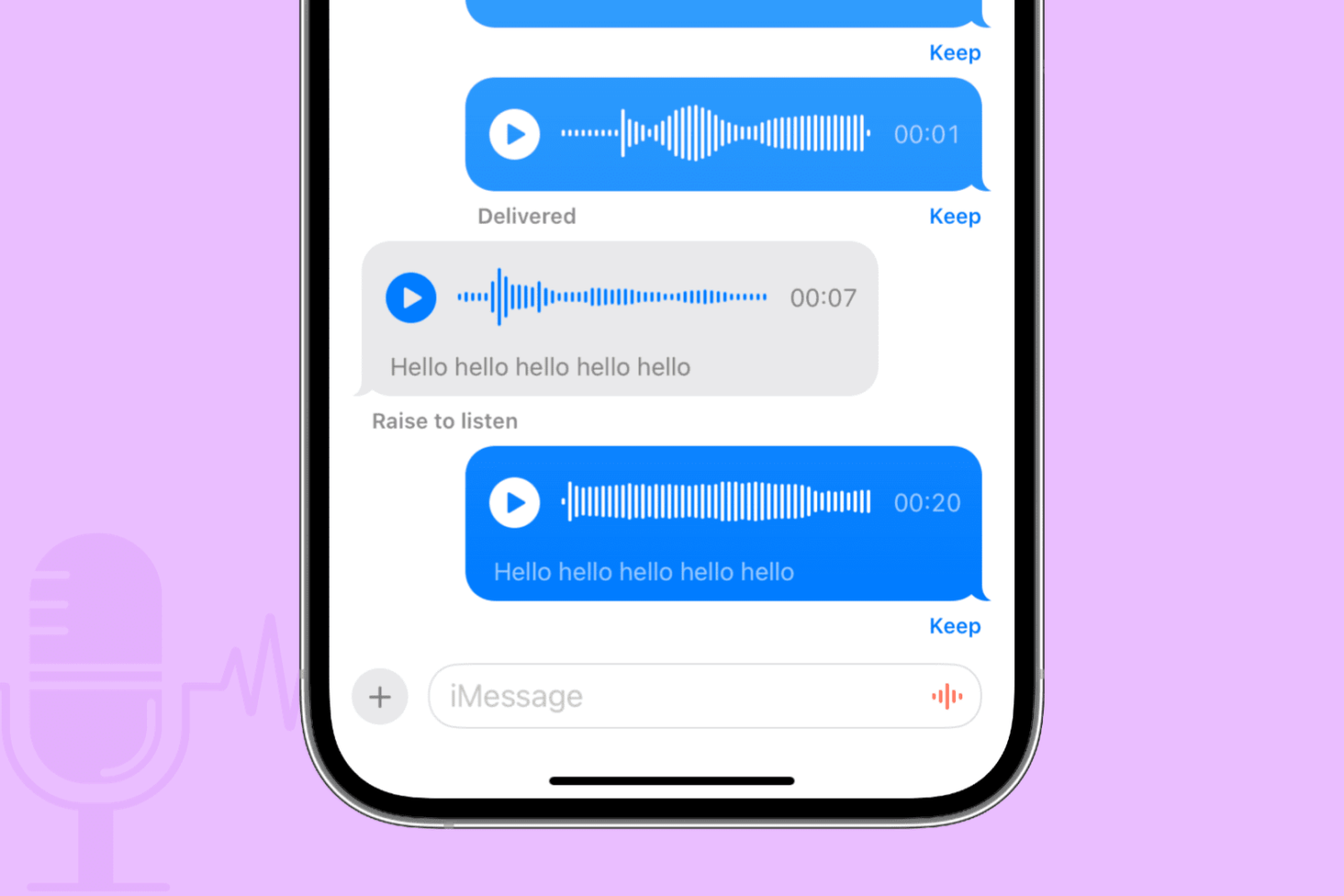
The App Drawer at the bottom of your conversations in the Messages app can be quite convenient. You can share stickers from your favorite apps, send money with Apple Pay, send Digital Touch messages, and so much more.

But, if you would rather have the full view of the conversation screen and keyboard without the App Drawer, you can simply put it away.

Here’s how to hide the App Drawer for your conversations in the Messages app.
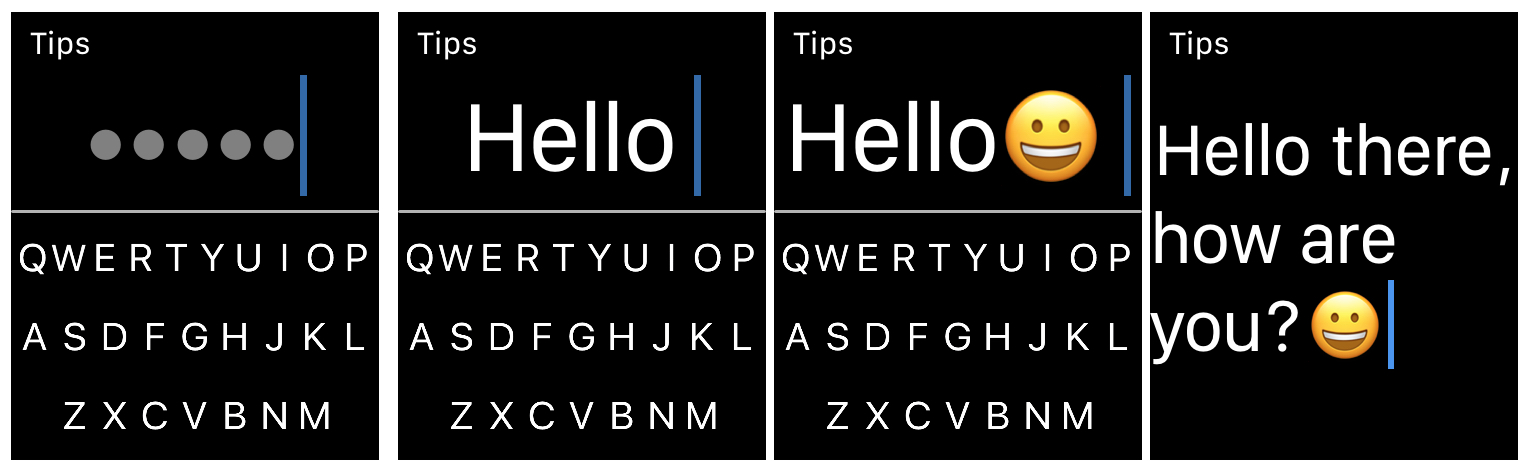
FlickType Keyboard: An easy way to type messages on your Apple Watch

FlickType Keyboard on Apple Watch

When it comes to typing on your Apple Watch, you likely use the quick replies in Messages and Mail, simply because they’re the easiest. But there is now a new way to type right from your wrist.

FlickType Keyboard is handy app that makes typing on your device as simple as a flick. And, it’s now available on Apple Watch in addition to iPhone and iPad. Here’s how you can use FlickType Keyboard on your wrist.

NFCWriter X lets hobbyists and tinkerers unlock the iPhone’s full NFC potential

Just over a year ago, iOS developer Elias Limneos announced a ground-breaking jailbreak tweak called NFCWriter that enabled iPhone users to tap into the full potential of the NFC (Near Field Communication) chip embedded within their handset. This week, Limneos continues that fun with NFCWriter X for iOS, which can only be described as the latest iteration of the tweak.

NFCWriter X for iOS is intended for advanced users and tinkerers with an interest in playing around with NFC tags, Credit/Debit Cards, MRTD documents, and more directly from your iPhone. Nearly anything with NFC support can be tinkered with by NFCWriter X for iOS.

WhatsApp just launched stickers

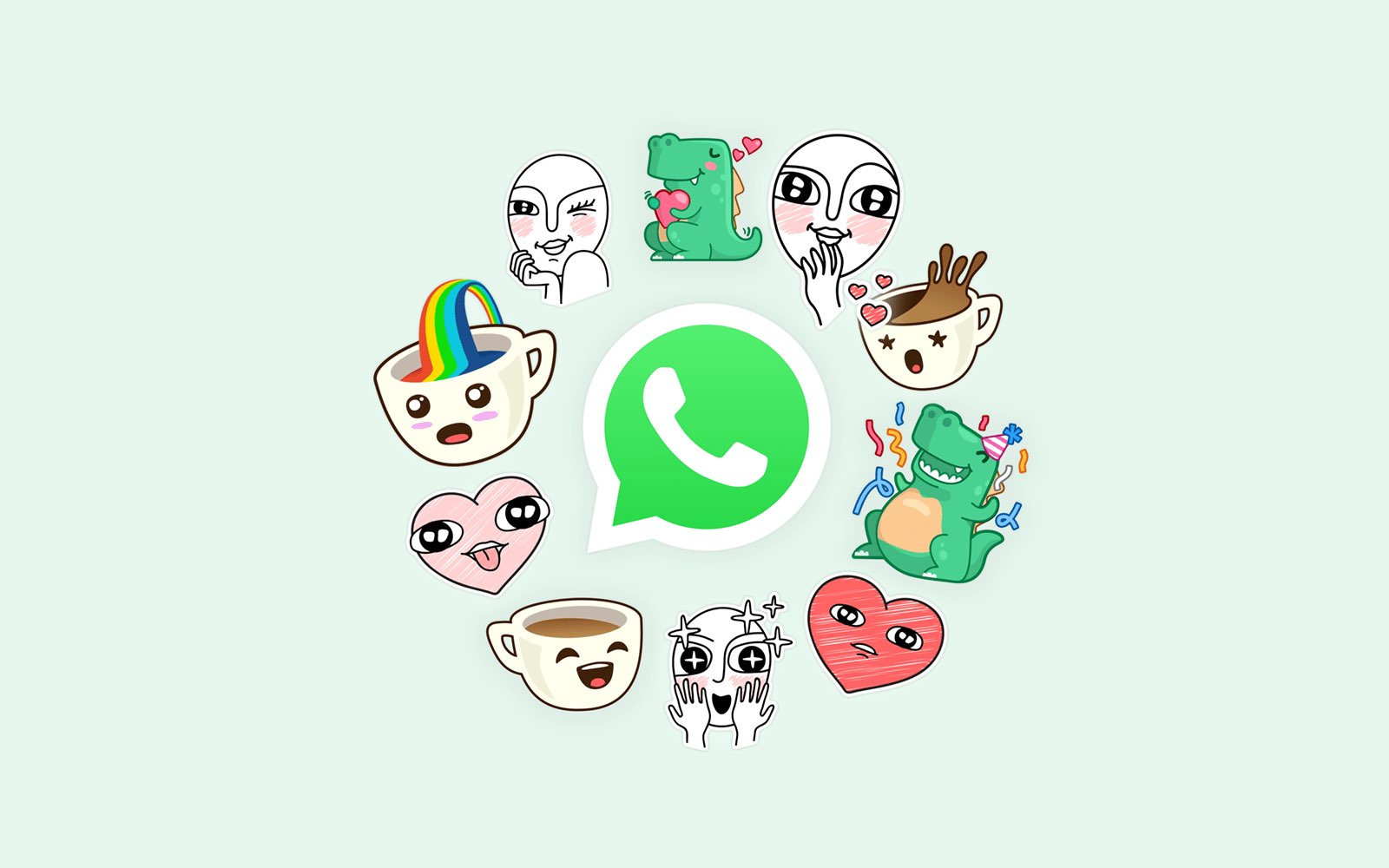
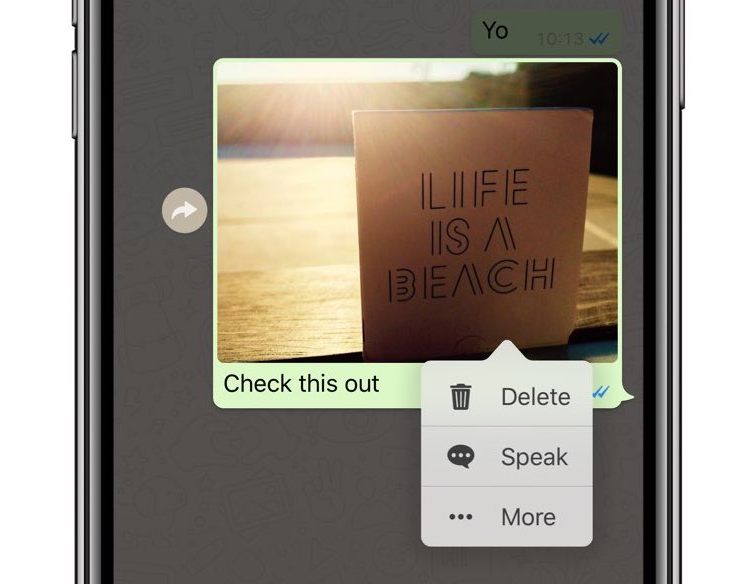
The most popular chatting platform in the world, WhatsApp, used to lack support for the ever-popular sticker packs that have been available on rival messaging services such as Viber, Facebook Messenger and Apple's iMessage for years now, but that's now changing.

The best apps to convert image formats for iPhone and iPad

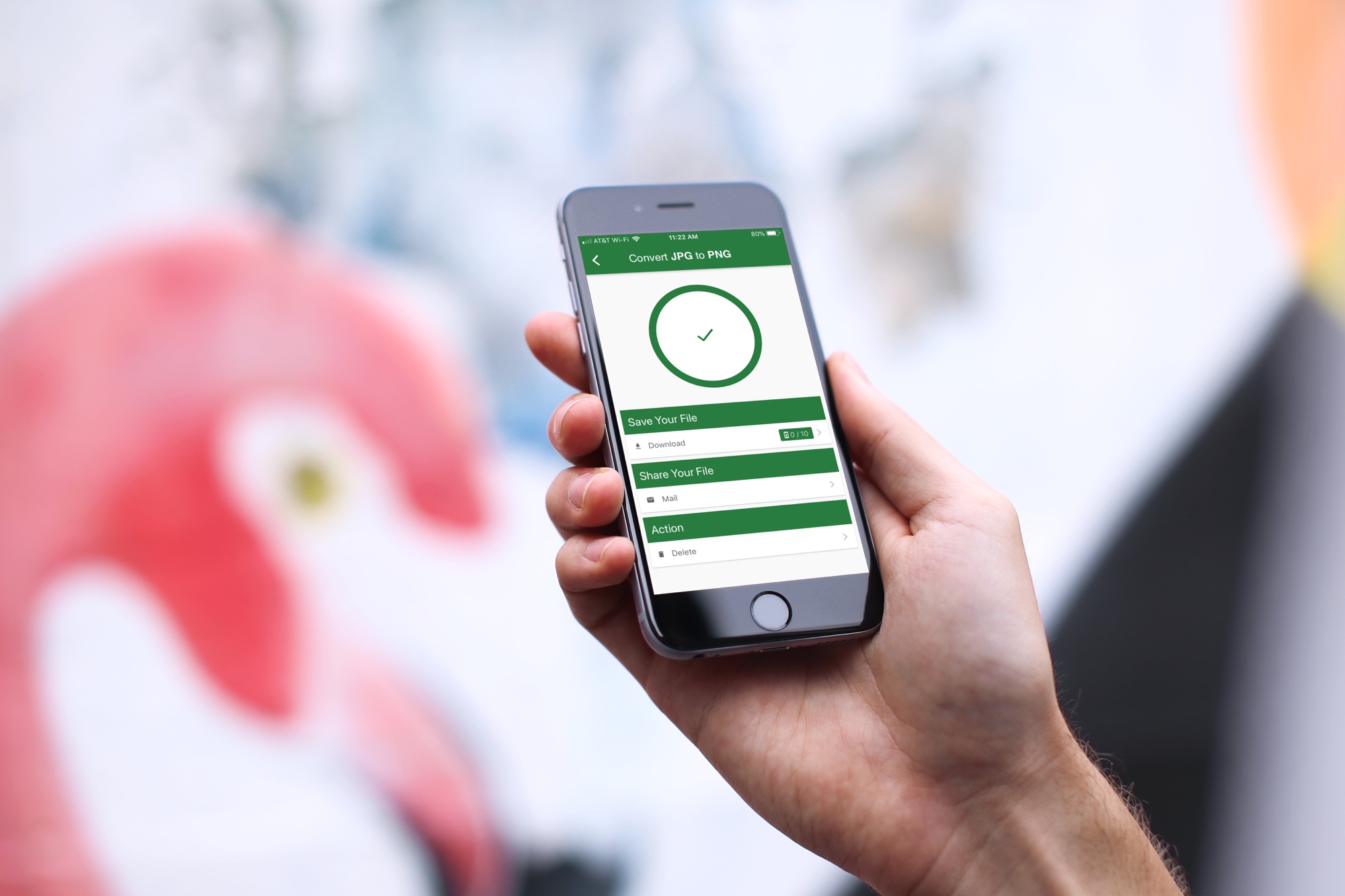
Apps to convert image formats on iPhone

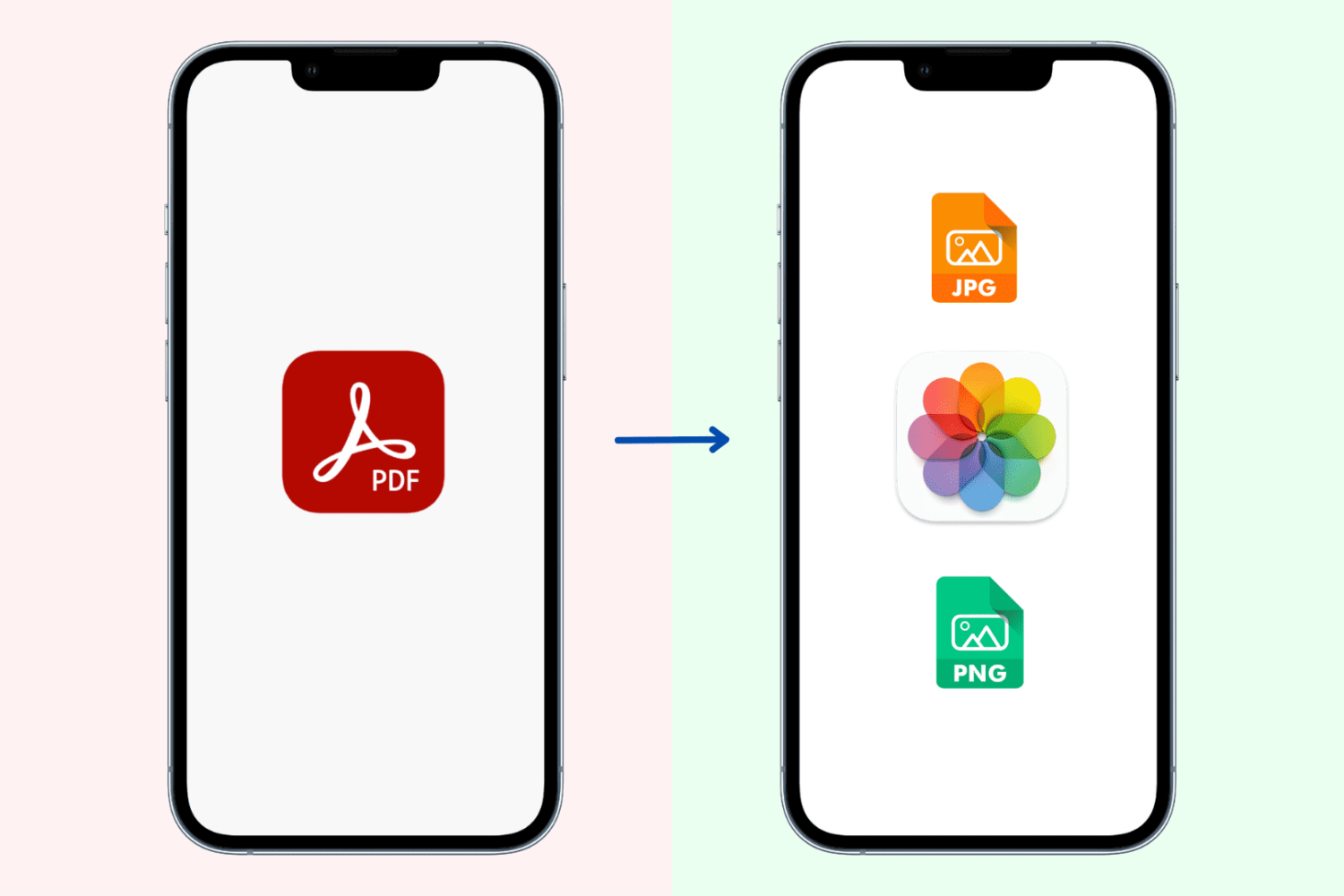
What do you do when you have a great image saved as a PNG on your iPhone or iPad and someone needs it in a JPG format, or vice versa? Well, you have to convert it, of course. But this isn’t always as easy as it seems.

If you’re in the market for a mobile app that doesn’t cost a fortune, gives you the file types you need, and is easy to use, then you came to the right place. Here are the best apps to convert image formats on iPhone and iPad.