Apps

How to quickly save over 2 GB of storage space on your new iPhone or iPad

GarageBand Storage Space iPhone

When you get that shiny new iPhone or iPad, you’re going to spend some time getting it just how you want it. One place you’ll likely begin is with the App Store. Whether it’s games or apps that tickle your fancy the most, you’re going to grab them. What comes with downloading the games and apps you want is enough space for them all.

So, why waste space on apps that you will never, ever use when you need it for those you want to use every day? Here’s how to quickly save over 2 GB of storage space on your new iPhone or iPad.

The best apps for creating resumes on iPhone and iPad

Resume Apps Resume on iPhone

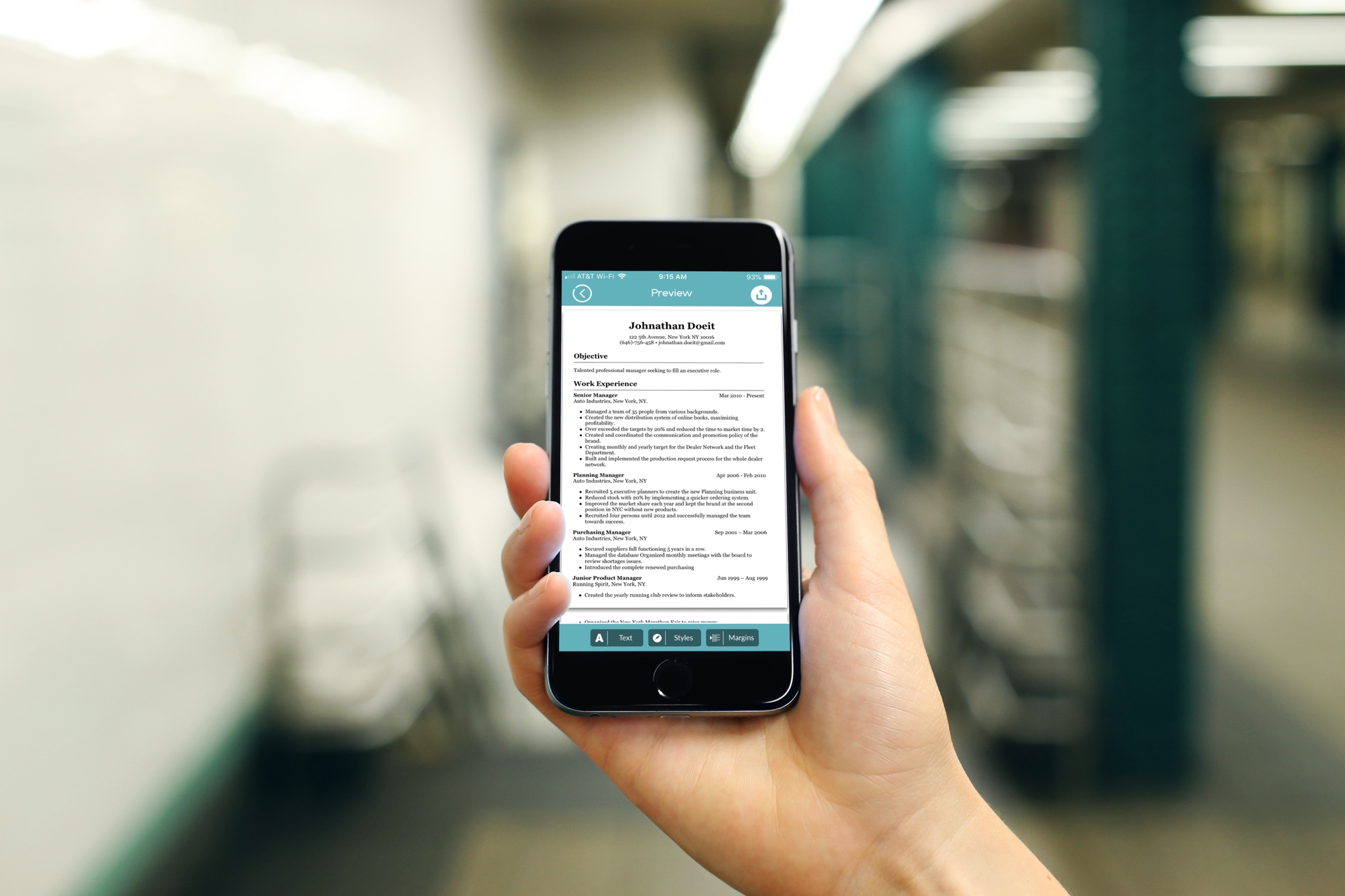
You don’t always have the time or opportunity to sit down at your computer to work on your resume. But these days, you don’t have to rely on your Mac. You can create and send attractive and professional resumes right from your iPhone or iPad. This lets you work on that all-important document anywhere, anytime.

These are the two best apps for creating resumes on iPhone and iPad.

How to create and use Spark email templates on Mac and iPhone

Spark Email Create New Customer Template on Mac

The Spark email app by Readdle has a lot of great features that users find helpful on both iOS and Mac. And, the company recently added one more to the list; email templates. This terrific addition to the app makes composing emails that you create on regular basis much simpler.

This tutorial shows you what’s available and how to use Spark email templates.

MTerminal officially updated with support for iOS 11 and the unc0ver jailbreak

The ever-so-popular Mobile Terminal (MTerminal) app for jailbroken devices was updated on Tuesday with official support for iOS 11, a move that’s certain to excite jailbreak power users. The latest version of the app is now 1.4-6.

MTerminal is fundamentally an on-device command-line interface (CLI) that lets jailbreakers run powerful commands, and if you’re a veteran jailbreaker, then the interface shown above should look nostalgically familiar.

Seize more control over the official Twitter app with Twitter Labs

The App Store is home to a plethora of third-party alternatives to the official Twitter app; they exist in response to some of the official app’s shortcomings. But if you have a jailbroken iOS device, then you can often tweak the official Twitter app to get precisely what you want out of it.

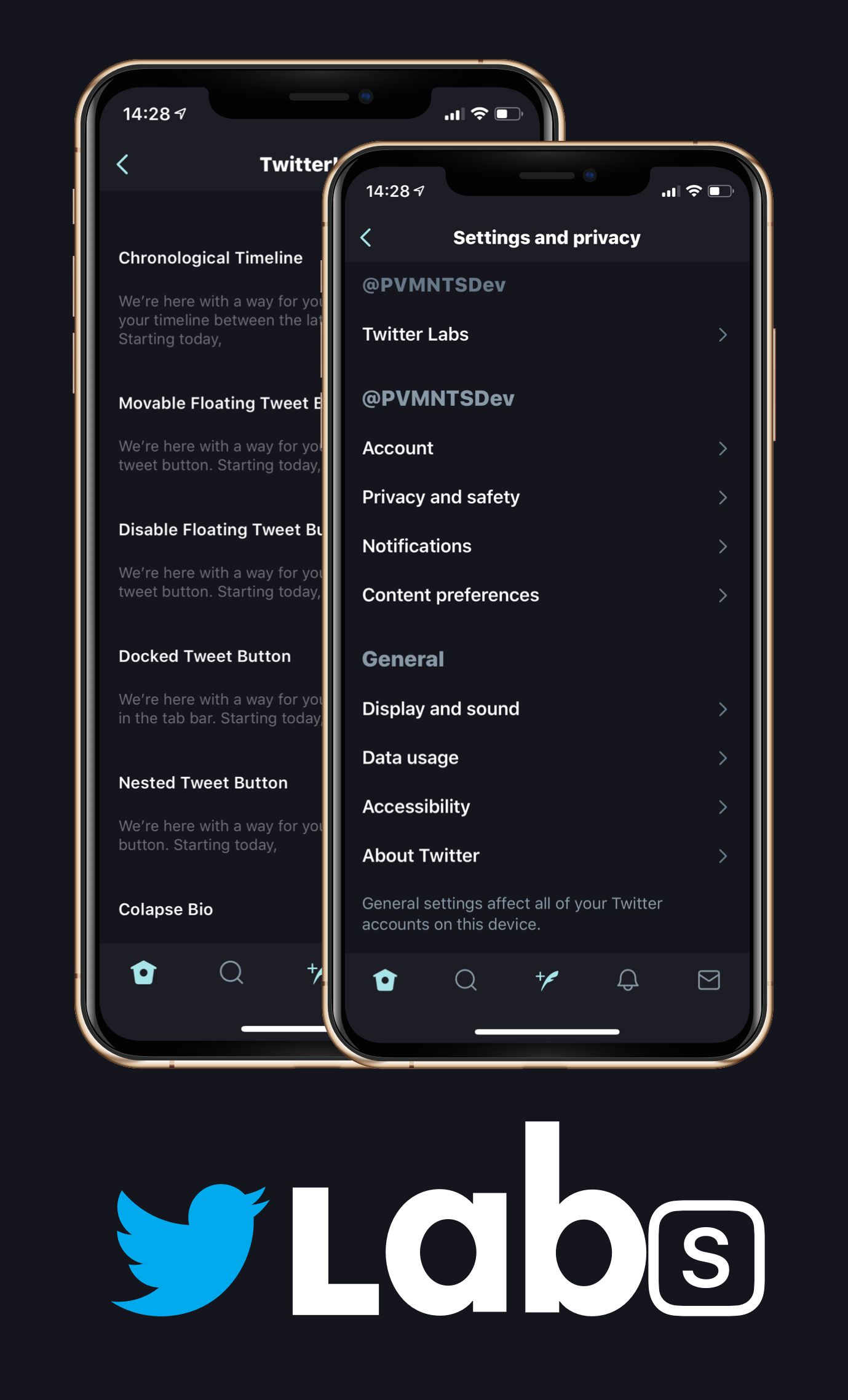
Enter Twitter Labs, a new free jailbreak tweak by iOS developer Chloee that gives jailbreakers access to a multitude of settings and features that one could only dream of accessing on a stock device.  

This tweak lets you move Twitter’s new Tweet composition button wherever you want

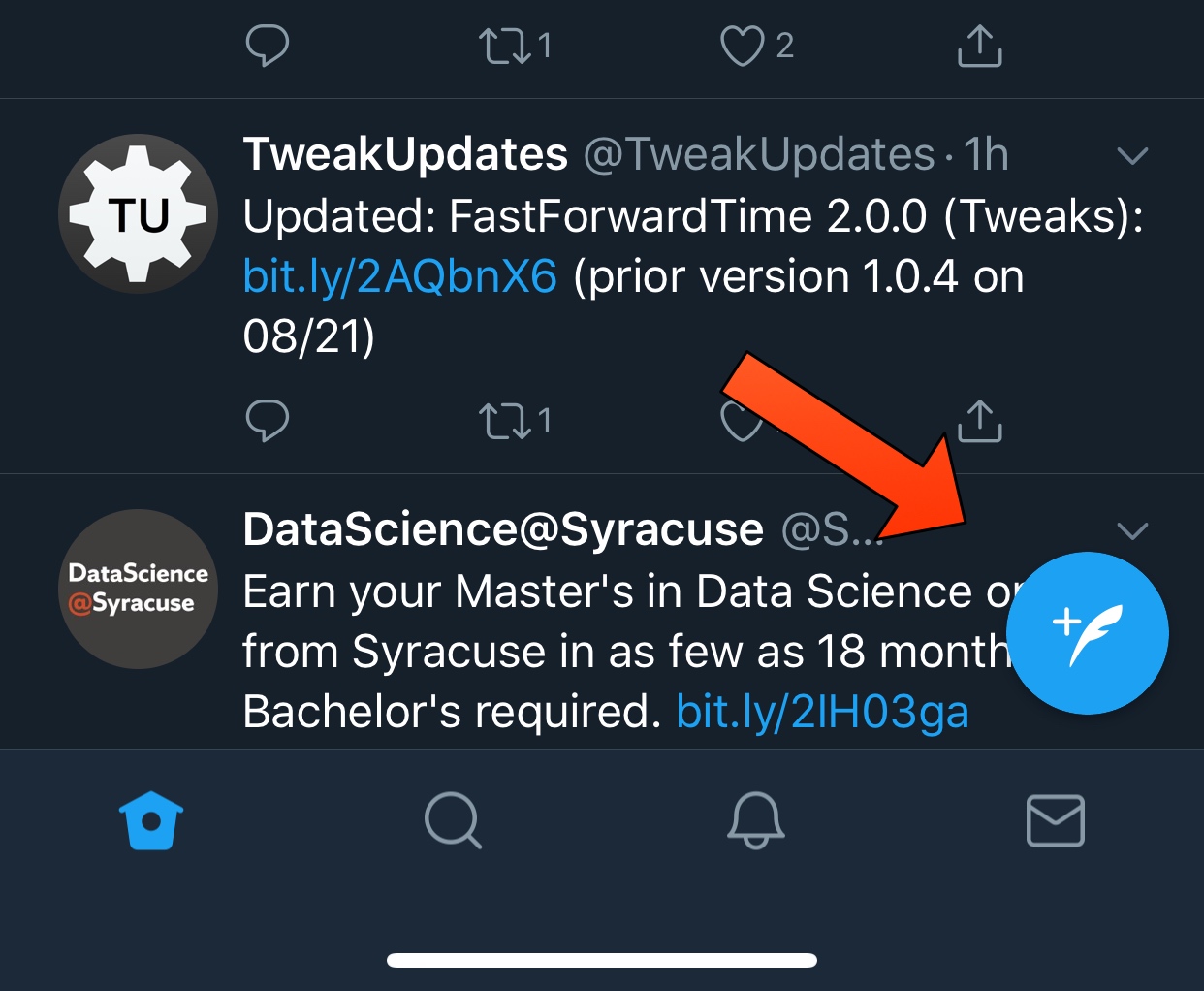
In a recent update to the official Twitter app, the social network now requires mobile users to tap a floating button at the bottom-right of the screen to compose a Tweet.

Unfortunately, Twitter doesn’t let users move the floating Tweet composition button out of its default location, but with a new free jailbreak tweak called MovableTweetButton by iOS developer Chloee, you can finally drag it out of your way.

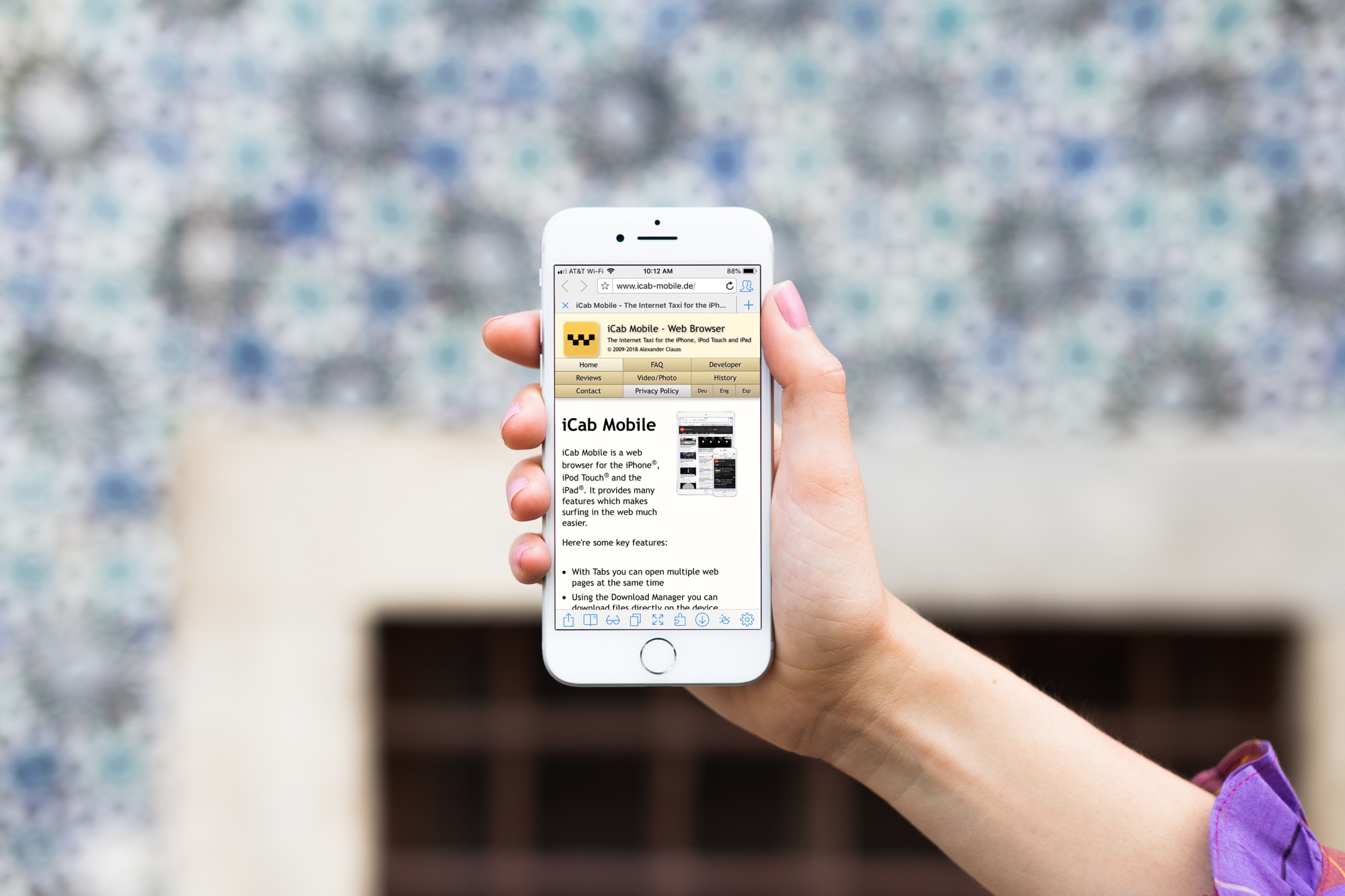
iCab Mobile review: a different web browser for your iOS device

iCab Mobile App on iPhone

If you’re tired of the same old web browsers on your device; Safari, Firefox, Chrome, maybe it’s time for something new.

You may want more flexibility with your browser interface, more options with your settings, or just something you can completely customize. If so, the iCab Mobile web browser is one option you might want to check out. The app isn’t new on the scene, but after a reader suggested it, we had to give it a try. Here’s what we found.

How to quickly hide the App Drawer in the Messages app

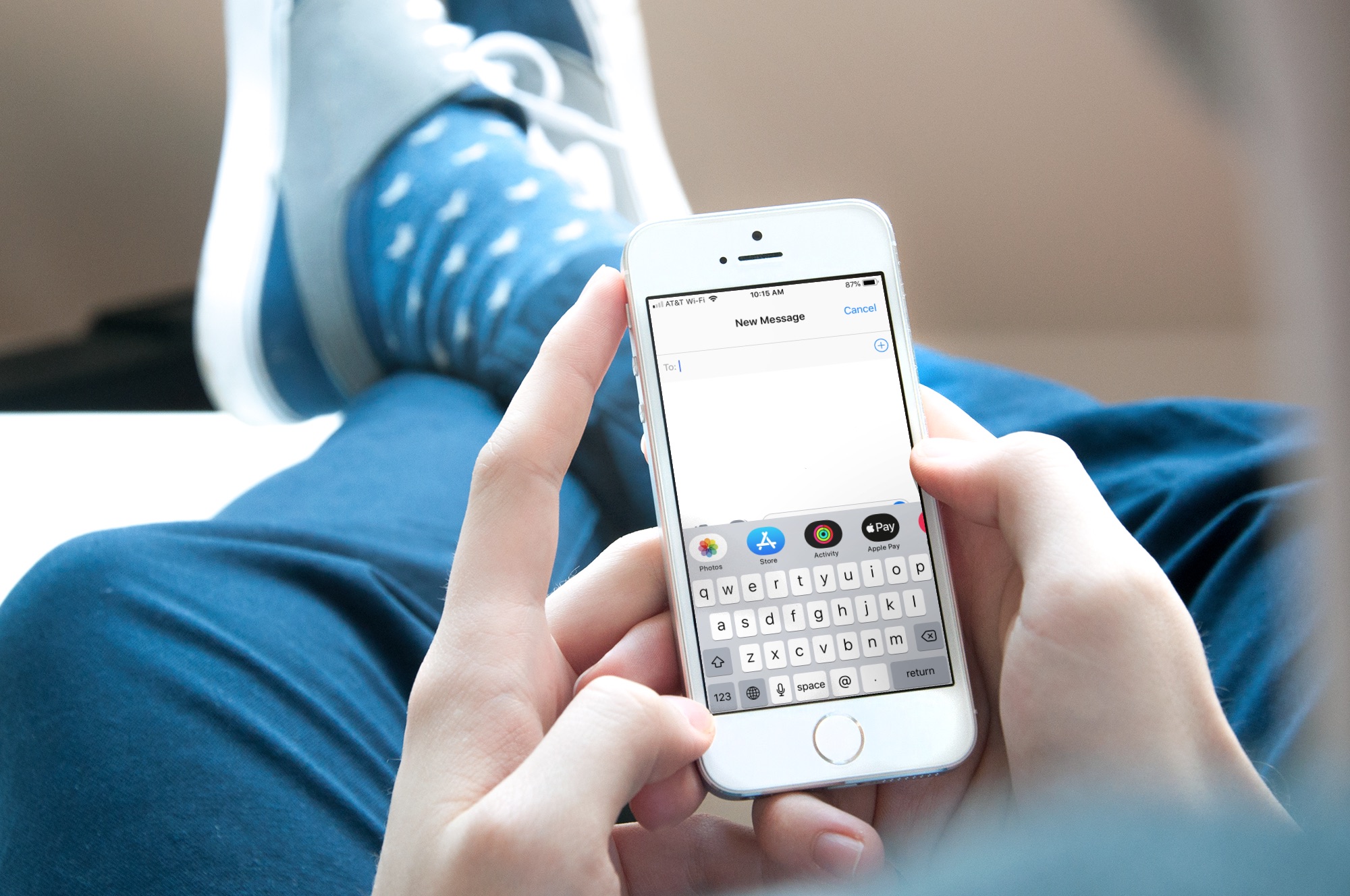
Messages App Drawer iPhone

The App Drawer at the bottom of your conversations in the Messages app can be quite convenient. You can share stickers from your favorite apps, send money with Apple Pay, send Digital Touch messages, and so much more.

But, if you would rather have the full view of the conversation screen and keyboard without the App Drawer, you can simply put it away.

Here’s how to hide the App Drawer for your conversations in the Messages app.