If you want to use futurerestore to restore your Apple devices to unsigned firmwares, you will need to have .shsh2 blobs saved for the firmware you want to restore to. Jailbreakers often want to move to an unsigned firmware in order to use a jailbreak there, when newer signed firmwares do not have one. All jailbreakers should save blobs for all their devices periodically in order to have the option of using futurerestore in the future. This guide will go through how to use the online TSS Saver tool to get the .shsh2 blobs you need.
iPadOS
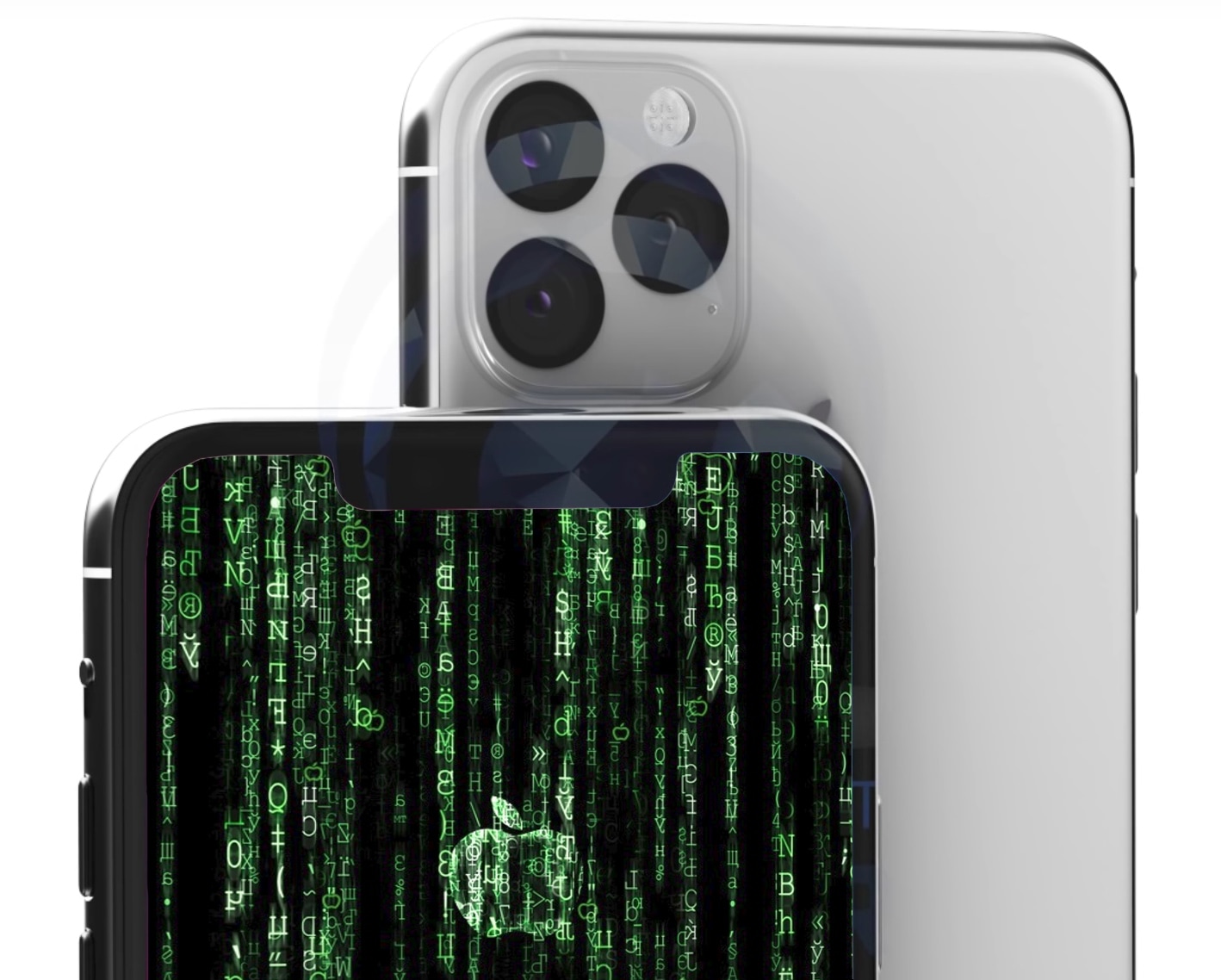
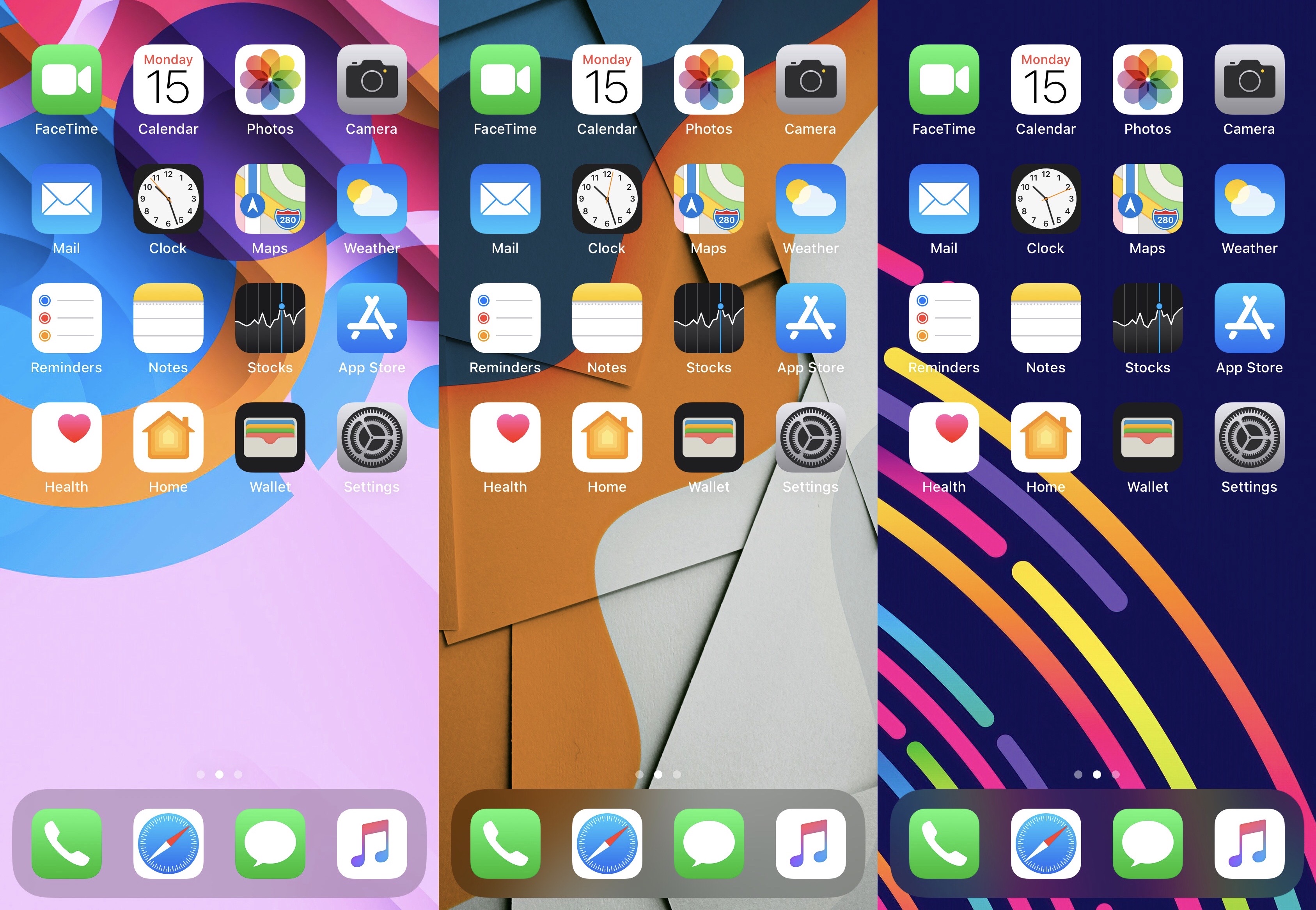
Trouble picking the perfect wallpaper for your pwned iPhone? DoABarrelWall can help
Selecting a wallpaper for your iPhone can be one of the most intimate manners of customization that you’ll get to experience, and that’s because it’s a personalized image that you’ll see every time you pick up your handset to start using it.
The primary concern with choosing a wallpaper, however, is that the quest to find the right one can be daunting. Whether you’re struggling to find one you like or you simply can’t make up your mind with regard to several that you like, choosing a wallpaper poses a unique set of challenges for the indecisive.
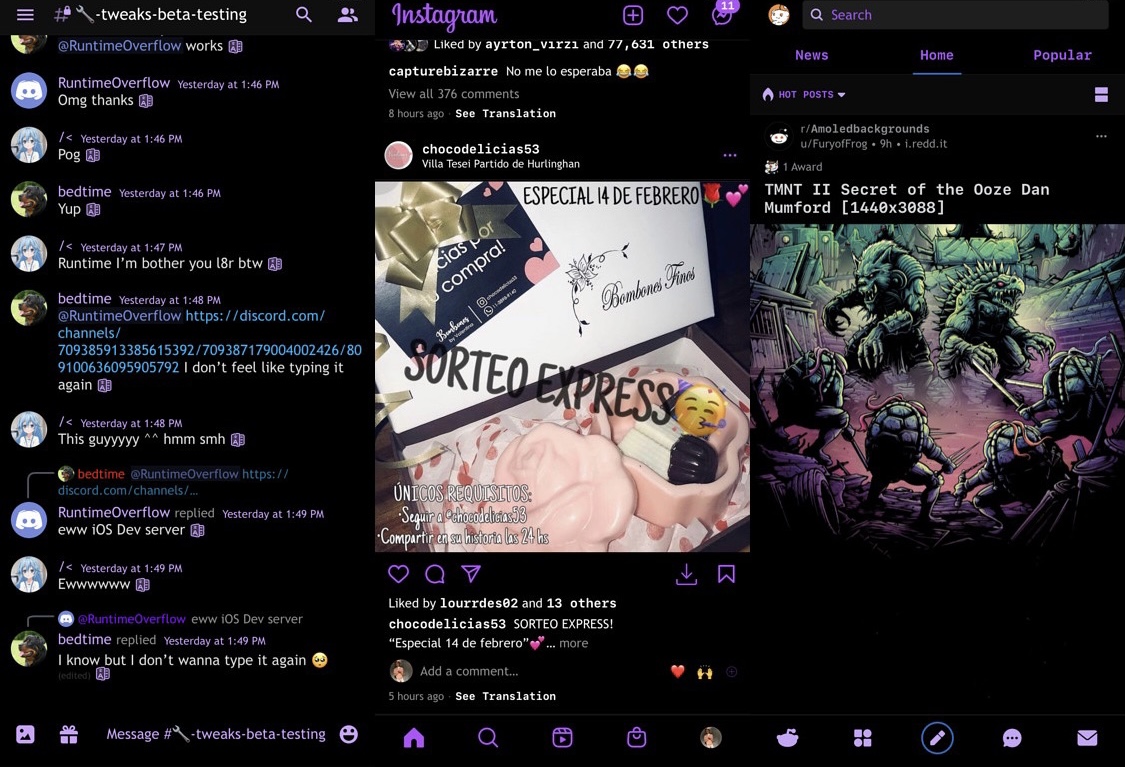
Tint your favorite apps with the new Meredith jailbreak tweak
One of the most obvious benefits to jailbreaking is that you can customize how your system looks and behaves without Apple look over your shoulder and limiting what you can and cannot do.
While installing themes would certainly be one of the easiest ways to make your handset look different than it does out of the box, the addition of aesthetically-driven jailbreak tweaks like the newly released Meredith by iOS developer Luki120 can help push your user experience on to the next level.
Brandon Plank says rootlessJB for iOS 14.0-14.3 may launch within two weeks
Shortly after the unveiling of the brand-new cicuta_verosa kernel exploit for all devices running up to and including iOS 14.3, renowned jailbreak developers and hackers began investigating its viability.
While much of the initial spotlight shined on Odyssey lead developer CoolStar to create an iOS 14-compatible jailbreak with the novel cicuta_verosa exploit, it seems that even Brandon Plank, another name that resonates positively with the jailbreak community, will be going hands-on with it.
Jailbreak tweaks of the week: CarPlayEnable, ReProvisionFix, SendToDesktop, & more…
There have been a number of interesting jailbreak tweak releases lately, and to top it all off, a good bit of jailbreak-centric news made rounds. The point of posts like these? To bring it all together for you.
In this piece, we’ll showcase all the latest jailbreak tweak releases and news from this past week. As always, we’ll kick things off with a summary of our favorite releases and then wrap things up with an outline of everything else afterward,
Got a checkra1n’d iPhone X with iOS 14 without a passcode? This tweak is for you
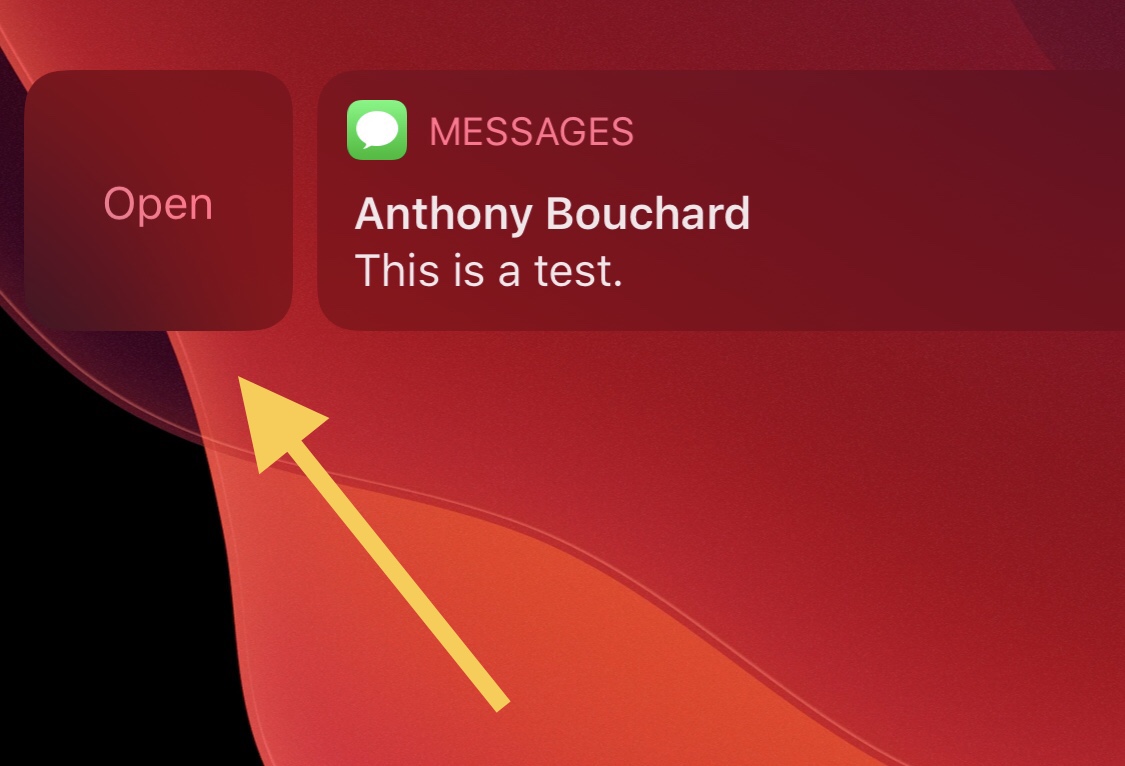
If you’re using a Face ID-enabled handset without a passcode, which might very well be the case if you’re using the checkra1n jailbreak on the iPhone X with iOS 14, then you may notice how interacting with notifications from the Lock Screen takes more effort than it needs to.
More specifically, if you don’t have a passcode, then tapping on a notification banner from the Lock Screen reveals an Open button that must be tapped before you’re brought to the app’s interface to interact with the missed notification.
With the cicuta_verosa exploit now out for iOS 14.3 and lower, what happens next?
Jailbreak loyalists have unquestionably heard about the brand new cicuta_verosa kernel exploit for all devices capable of running iOS & iPadOS 14.3 and below, and for what it’s worth, this is excellent news for the jailbreak community.
Given that most recent jailbreak developments have been either for that of iOS 12 or iOS & iPadOS 13-centric jailbreaks such as Chimera and Odyssey, or for the hardware-limited checkra1n jailbreak that only supports A7-A11 devices up to iOS & iPadOS 14, the announcement of this exploit’s release harbored much-needed positivity in the midst of what could only be described as a lengthy lull for jailbreak hobbyists.
How Safari in iOS 14.5 limits which personal data Google sees about you
Safari in iOS and iPadOS 14.5 further limits the risk of information leak by proxying safe-browsing services via Apple servers to prevents user data from being returned to Google.
ReProvisionFix fixes crashes associated with apps signed via ReProvision after January 28th
Many avid jailbreakers were left disappointed when ReProvision developer Matt Clarke formally announced that the popular side-loaded application re-signing mechanism wouldn’t receive an update to fix crashes affecting apps installed after January 28th.
Fortunately, the jailbreak community is no stranger to third party patches, and that’s one of the reasons why we think many jailbreakers will be excited to learn about a new and free jailbreak tweak release called ReProvisionFix by iOS developer nyuszika7h.
Hope rises for jailbreaking iOS 14 following release of new cicuta_virosa kernel exploit by ModernPwner
If you’re using iOS or iPadOS 14 right now, then your only means of jailbreaking would be with the checkra1n jailbreak on older A7-A11-equipped handsets up to and including the iPhone X.
Fortunately, the tides may change in the relatively near future as a newly released kernel level local privilege escalation (LPE) dubbed cicuta_virosa looks particularly promising for all handsets capable of running iOS or iPadOS 12.0-14.3.
SendToDesktop enables SSH-based file transfers between jailbroken iPhones and computers
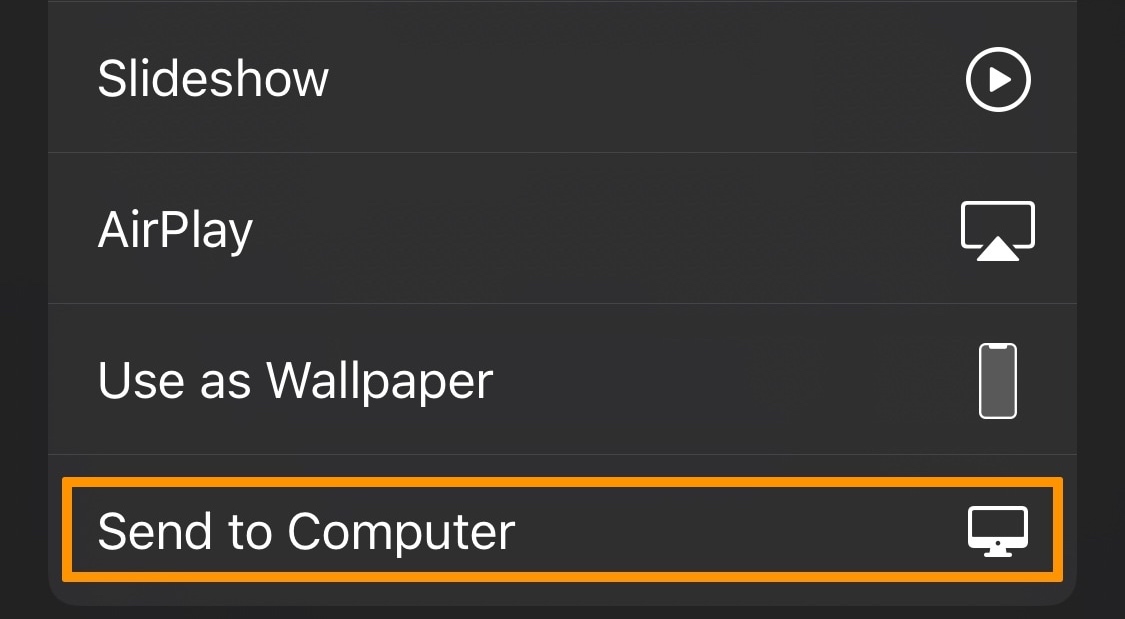
One of the small things I appreciate the most about being a Mac user is that I can easily AirDrop files from my iPhone to my computer and vice versa in some instances. Unfortunately, this process isn’t so cut and dry if you’re a Linux or Windows user, as both of these operating systems lack AirDrop support.
For the reason mentioned above, I would highly recommend a newly released and free jailbreak tweak called SendToDesktop by iOS developer Sudhip for both Linux and Windows users, as it can make sharing files from your iPhone or iPad to your personal computer a breeze.
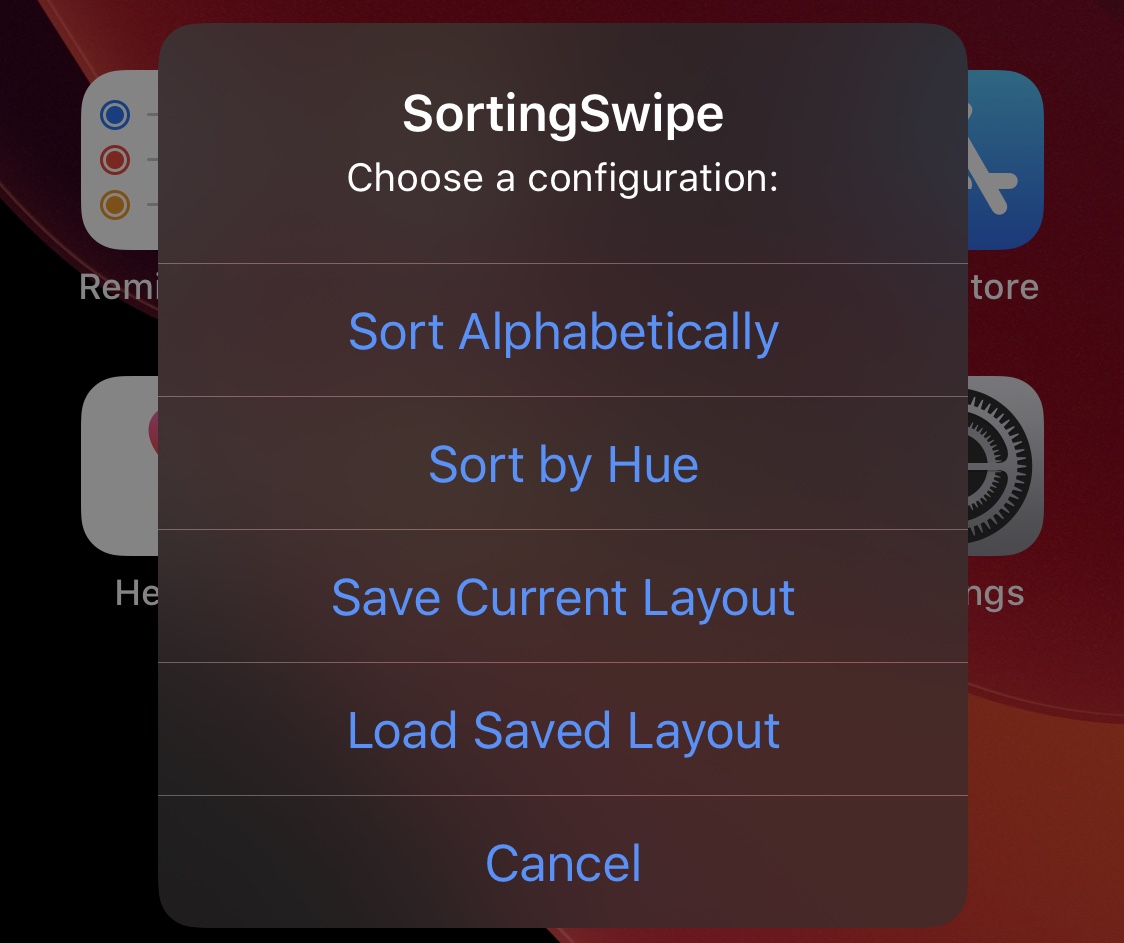
SortingSwipe can instantly sort Home Screen app icons by name or color
Everyone sorts the app icons on their Home Screens differently, and things will only get crazier now that iOS 14 has introduced the brand new App Library.
But one thing that hasn’t changed is that most people appreciate some sort of rhyme or reason to their app icon sorting, whether it’s by type of app, favorite apps, alphabetical order, or something else.