iPad

From the latest news to the most comprehensive tutorials, learn how to get the most out of your iPad with our step-by-step guides and expert tips.

How to use Google SafeSearch to filter out explicit web search results

Google SafeSearch enabled on iPhone

Whether you’re a parent trying to filter explicit content from the limitless Google searches your child could be searching on the web, or you’re simply trying to figure out why it seems like certain images or web results are being filtered from your Google search queries, chances are Google SafeSearch is the answer.

In this tutorial, we’ll show you how you can toggle Google SafeSearch on or off, depending on whether you need to start filtering explicit search results from your queries or stop doing so when the feature is already enabled.

See how Alexa compares to Siri with Reverb

If you missed our post nearly a year ago about a web app at Echoism.io that lets you try out Alexa in a web browser, you're going to like a new app, called Reverb, that brings Amazon's personal assistant to your Mac desktop, as well as iPhone and iPad.

The brain child of developers at digital consultancy agency Rain, Reverb is available at no charge from App Store and Mac App Store or in your favorite web browser.

Reverb takes advantage of the fact that Amazon’s Alexa Voice Service is now available as a web service to access through a web browser and other thin clients, with the recent API 2.0 update having enabled a richer set of features.

iOS 10.3 beta 3 seeded to developers

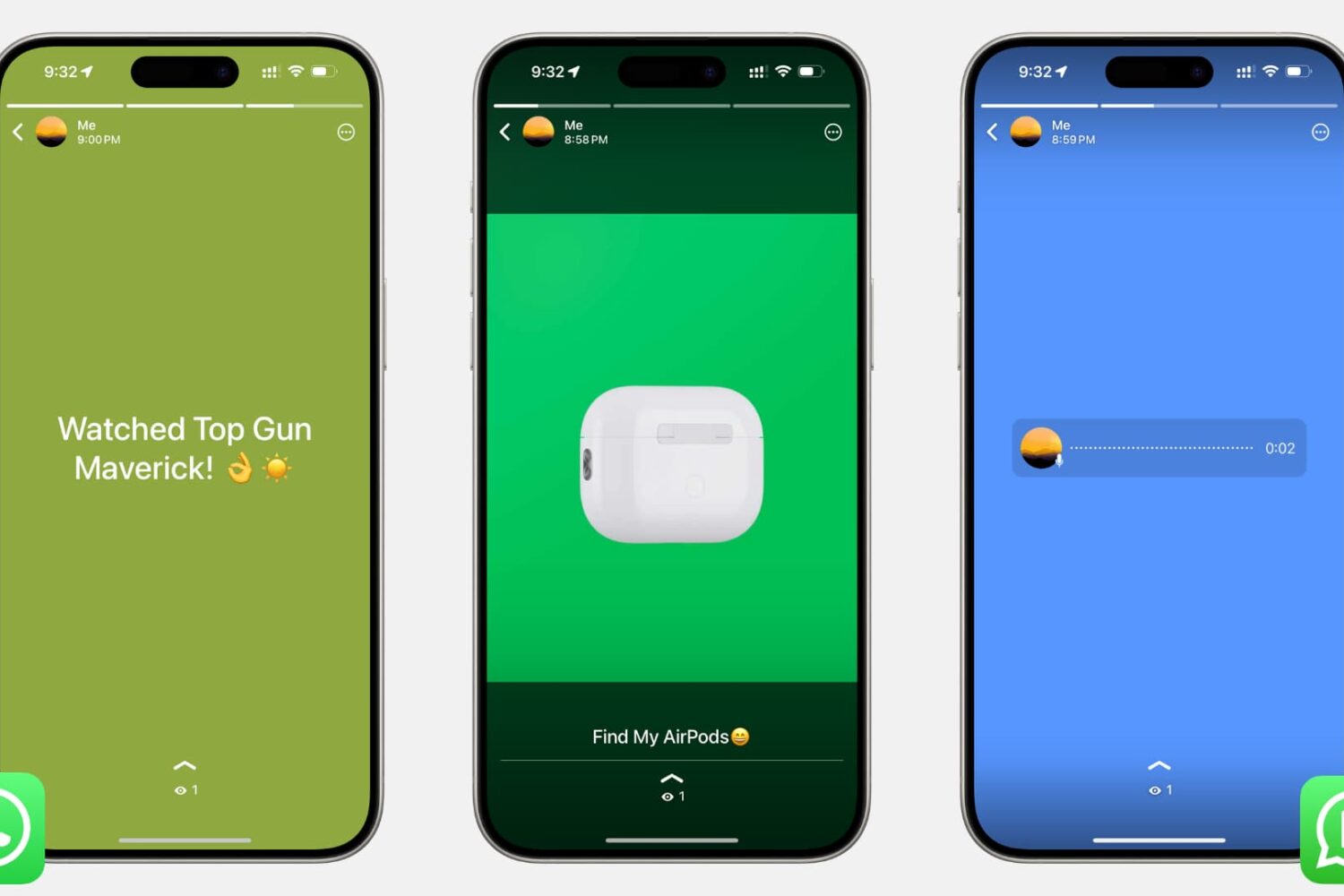
Apple this morning seeded to members of the Apple Developer Program a third beta of what would become the iOS 10.3 software update with Find My AirPods and a bunch of other new features. iOS 10.3 beta 3 (build 14E5249d) is available over the air via Software Update on devices with an appropriate configuration profile installed. We'll update the article with possible new changes discovered in beta 3 if we encounter them. New betas of macOS Sierra, watchOS 3.2 and tvOS 10.2 are available for developer testing, too.

Rumor: four new iPad Pros, 128GB iPhone SE and iPhone 7 in Red to be unveiled next month

Fairly reliable website Mac Otakara is reporting that Apple will be holding a media event next month to announce hardware updates for several of its popular products. Wondering what's on tap for a refresh? According to the Japanese publication, Apple will add a new 128-gigabyte iPhone SE model to the existing 16GB and 64GB capacities.

In addition, we should also see the previously rumored Red model of iPhone 7 and iPhone 7 Plus and four new iPad Pro models introduced at the event.

CCWallCustomizer lets you change your Control Center background

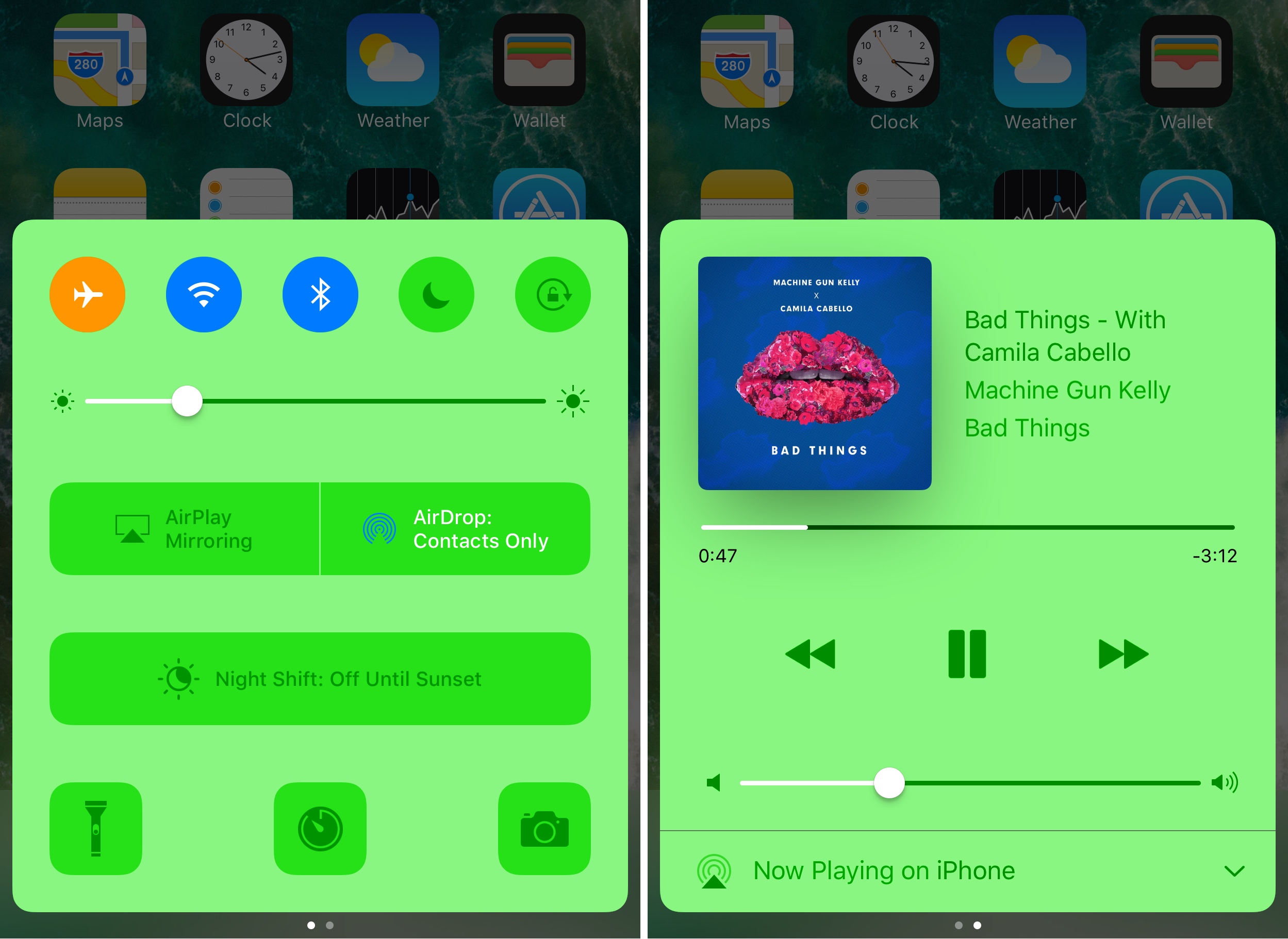
With a new free jailbreak tweak called CCWallCustomizer by iKilledAppl3, you can change the background of your Control Center interface on iOS 10.

The tweak can use any image you choose from your Photo Library as the source for your background. You can easily save any image you want from the web or snap your own pictures with the Camera to be used.

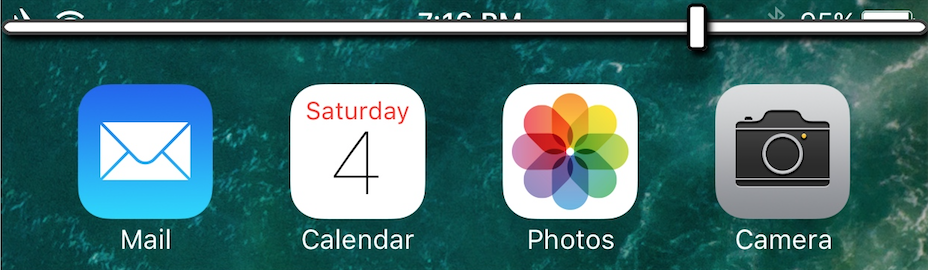
Sonus is a highly customizable volume HUD replacement for iPhone and iPad

The volume HUD in iOS has always left a lot to be desired; it pops up in the center of the screen and then seemingly lingers for an eternity, all while getting in the way of everything, whether you’re watching videos, looking at photos, browsing the web, or doing anything else while trying to change your device’s volume level.

A new jailbreak tweak called Sonus by ubik is just one of many attempts to make the volume HUD better in iOS, and unlike much of the competition out there, it has a lot of options that you can take advantage of to deck out the tweak and make it look and feel the way you want it to.

TranslucentMessages makes the iOS 10 Messages app translucent with stunning blur effects

Your iPhone is a tool of communication, so you might spend a lot of your time lurking in the Messages app. As you know, it's just as dull as almost every other stock app on your device; plain and white. Since you spend so much time in the app, why not give it a makeover that could make you enjoy using it even more?

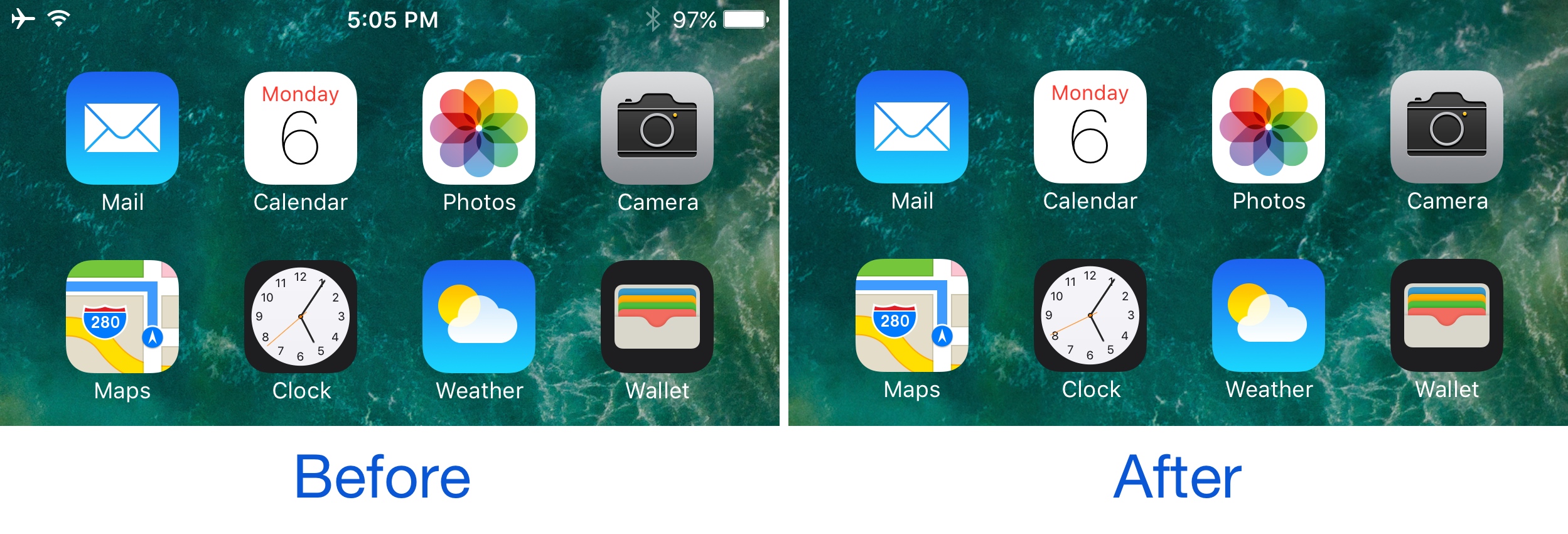
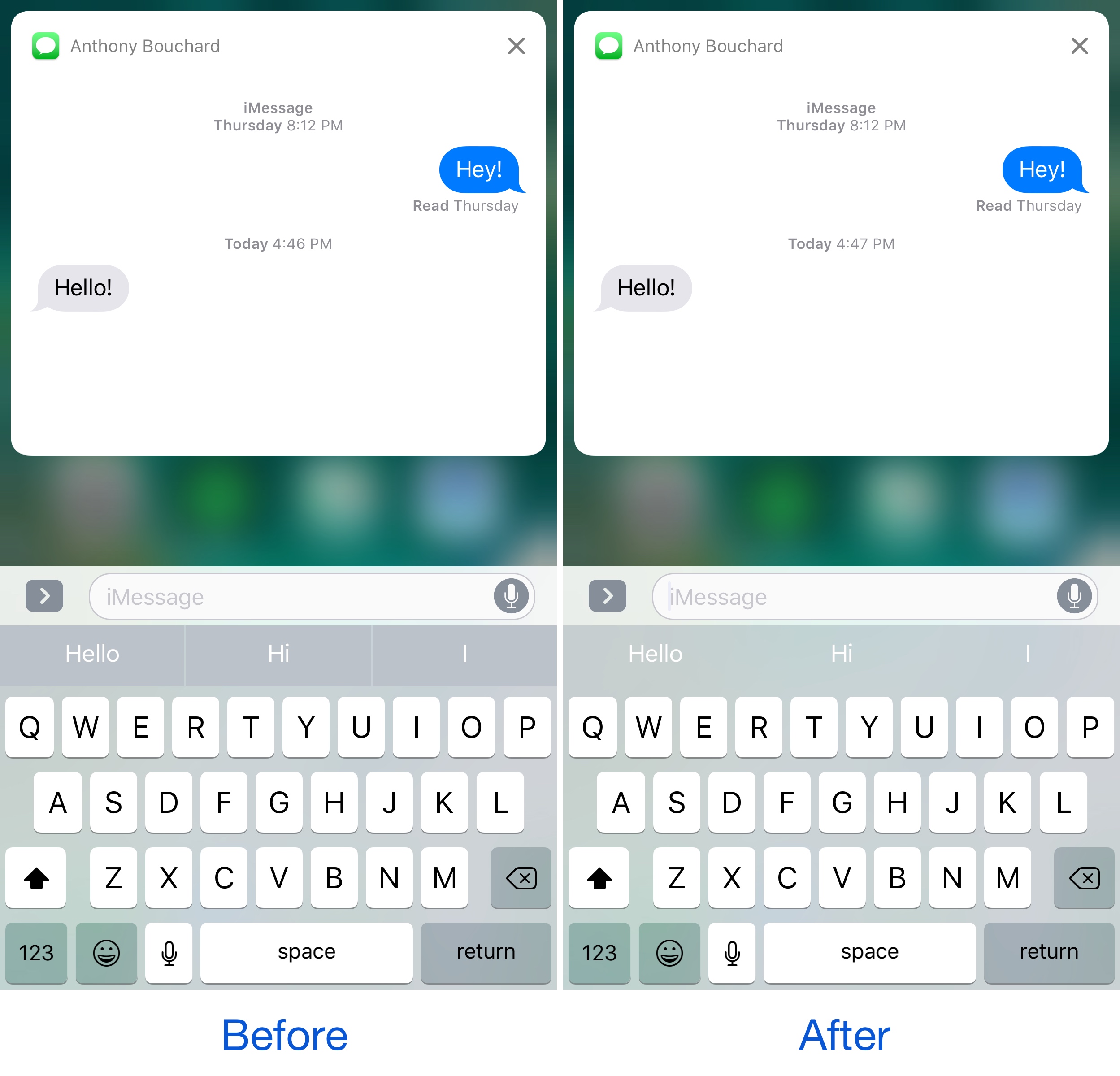
That's where a new free jailbreak tweak called TranslucentMessages by Ayden Panhuyzen comes in handy, as it takes what is otherwise a boring UI and gives it some fancy translucent visuals.

This tweak will let you force cellular network connections when launching certain apps

When you’re constantly around Wi-Fi networks that block access to certain sites and apps, such as those in educational institutions, you might need to use cellular data to bypass these blocks. The only problem is, you typically have to go through the trouble of turning Wi-Fi off manually, which can be a pain.

That’s the idea behind a new free jailbreak tweak called NoWifiWhenRunThisPlz by HiDan, which lets you configure the apps you want to force cellular usage on, rather than Wi-Fi, when launched.

NoClose prevents you from accidentally force-quitting apps that are currently playing media

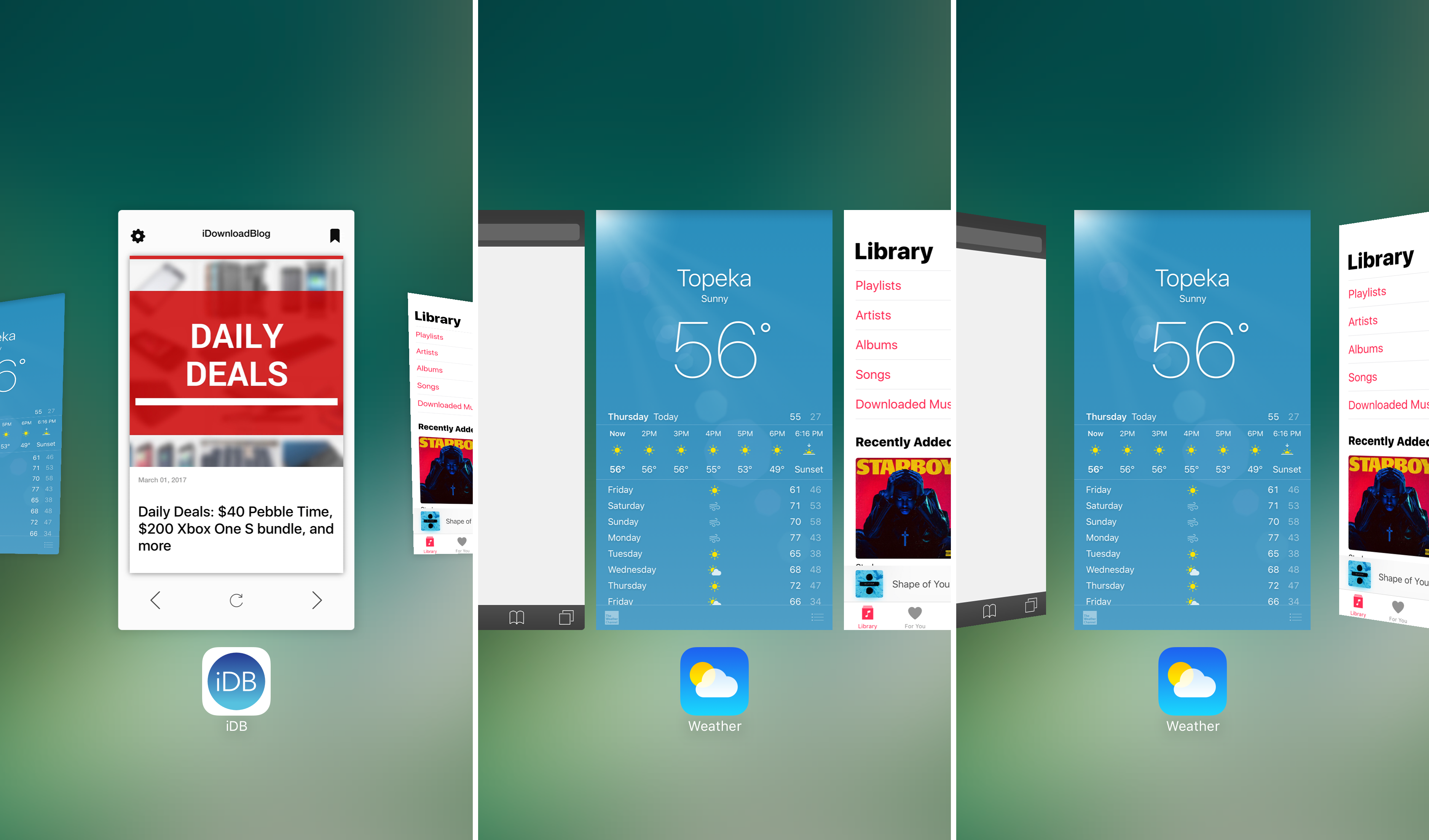
Sometimes when force-quitting apps from your App Switcher, you end up closing an app that’s playing media in the background by accident. This forces you to re-open the app and re-play the song you were just listening to from the beginning... all over again.

If you do this quite often, then you probably have App Switcher OCD and are clearing your App Switcher more often than you need to, but that’s beside the point; a new free jailbreak tweak called NoClose by Skylerk99 can help prevent you from accidentally force-quitting apps that are playing media in the background by prompting you beforehand.

Google’s dedicated search app gains filters for local results, Gboard & enhanced AMP support

Google's dedicated search app was updated this morning on App Store with a trio of nice-to-haves. For starters, you can now easily filter your local search results for museums, coffee shops, restaurants and other places of interest. With an expanded support for Google's Accelerated Mobile Pages (AMP), more webpages will now load instantly within the app. AMP-optimized webpages are denoted on search results with a lightning bolt icon. Lastly, you can now use Google's gesture-driven Gboard keyboard in the mobile search app.

New Apple ads continue positioning iPad Pro as being better than a computer

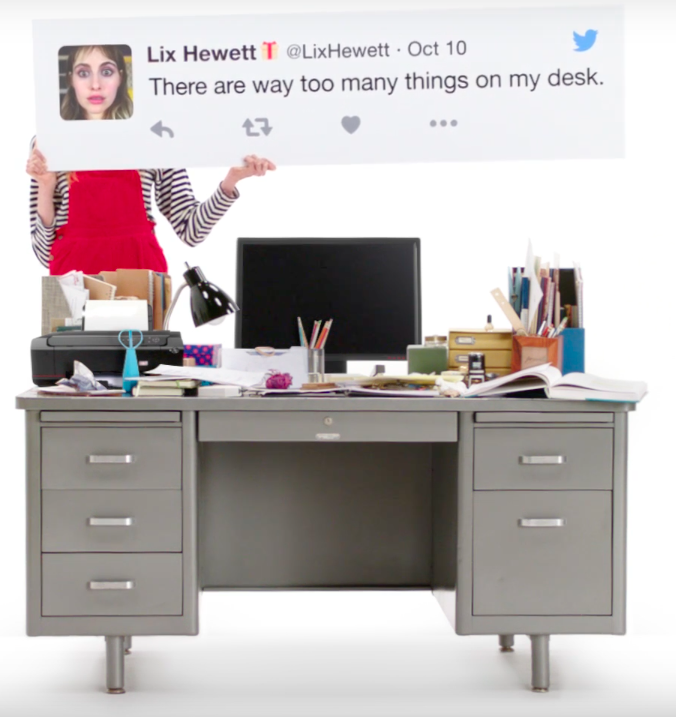
Apple today published four new ads on its YouTube channel that continue to position its iPad Pro tablet as being better than a computer. The four new commercials, running sixteen seconds each, use the tagline “Real Problems... Answered” and appear to be based on typical PC user tweets.

The videos promote the tablet as a device that's free of wires, immune to viruses, faster than most laptops and able to run Microsoft Office apps and connect to fast LTE cellular networks.

Give the new ads a quick watch, then meet us in comments.