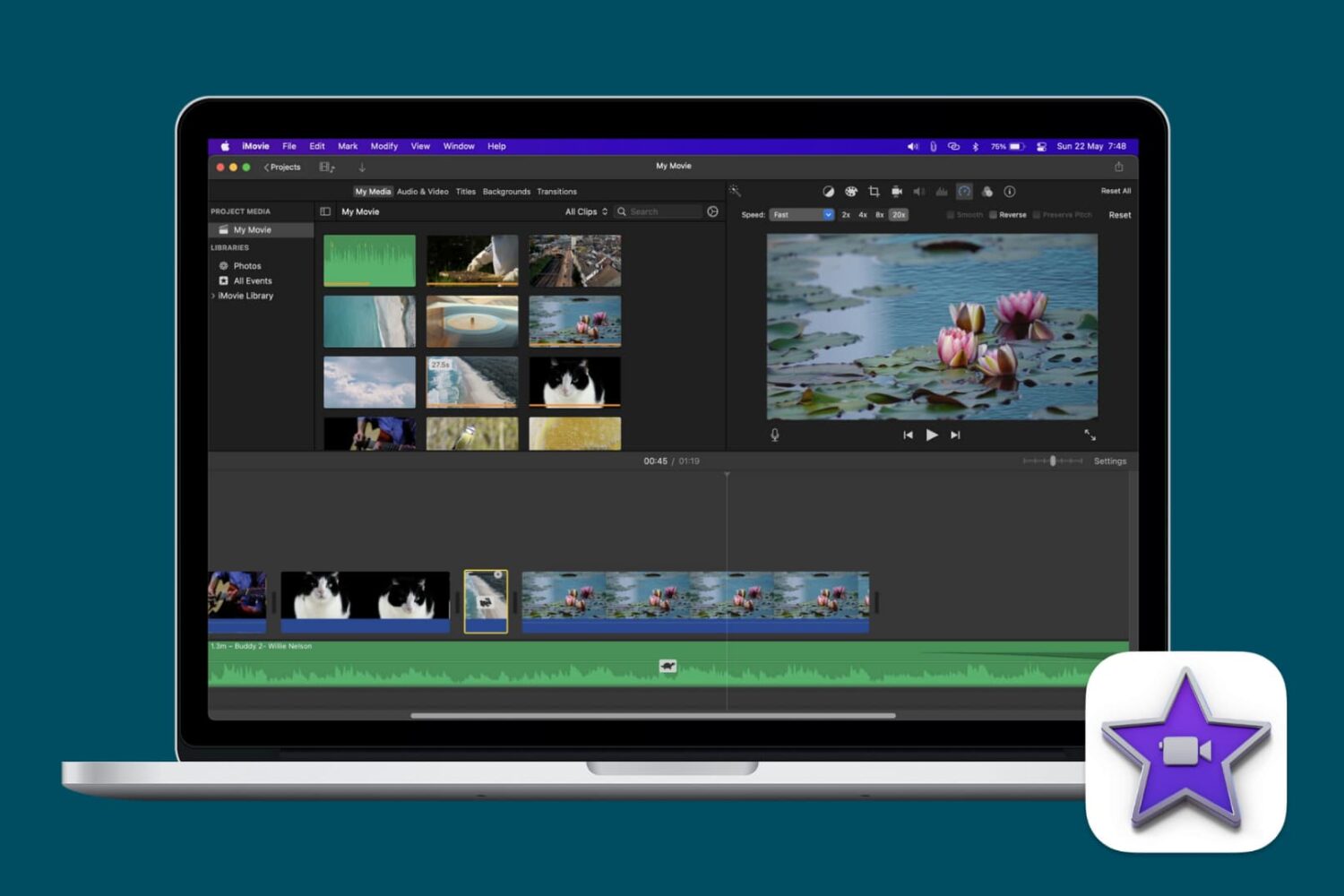
Learn how to speed up or slow down videos in iMovie on your iPhone, iPad, or Mac to highlight specific moments, create dramatic effects, or change their on-screen time.
How to change speed of a video in iMovie on Mac and iOS
From the latest news to the most comprehensive tutorials, learn how to get the most out of your iPad with our step-by-step guides and expert tips.
Learn how to speed up or slow down videos in iMovie on your iPhone, iPad, or Mac to highlight specific moments, create dramatic effects, or change their on-screen time.
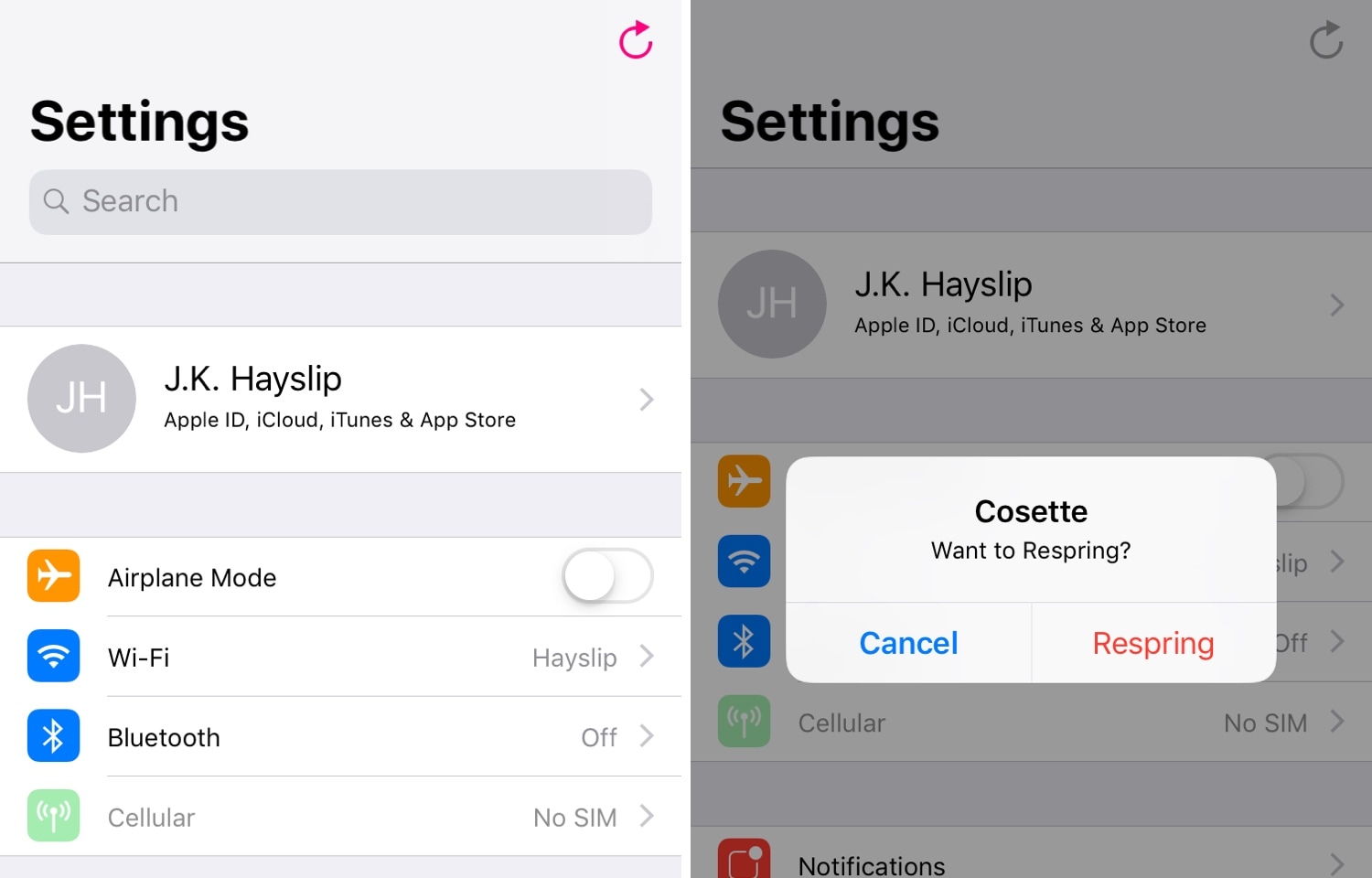
When you have a jailbroken iPhone or iPad at your disposal, the question isn’t ‘if’ you’ll ever respring your device, but rather ‘when.’ Fortunately, there’s no shortage of jailbreak tweaks that make it easy to respring your handset from just about anywhere.
The latest of such tweaks is a new release called Cosette by iOS developer iKilledAppl3, which as the screenshots above depict, adds a convenient respring button to the first page of the native Settings app.

Learn how to restrict someone on Instagram and why it’s a useful feature to manage unwanted interactions and be safe on the platform.

Attach important documents or files to your calendar events on iPhone and iPad to open them right before a meeting, streamlining your schedule and improving productivity.
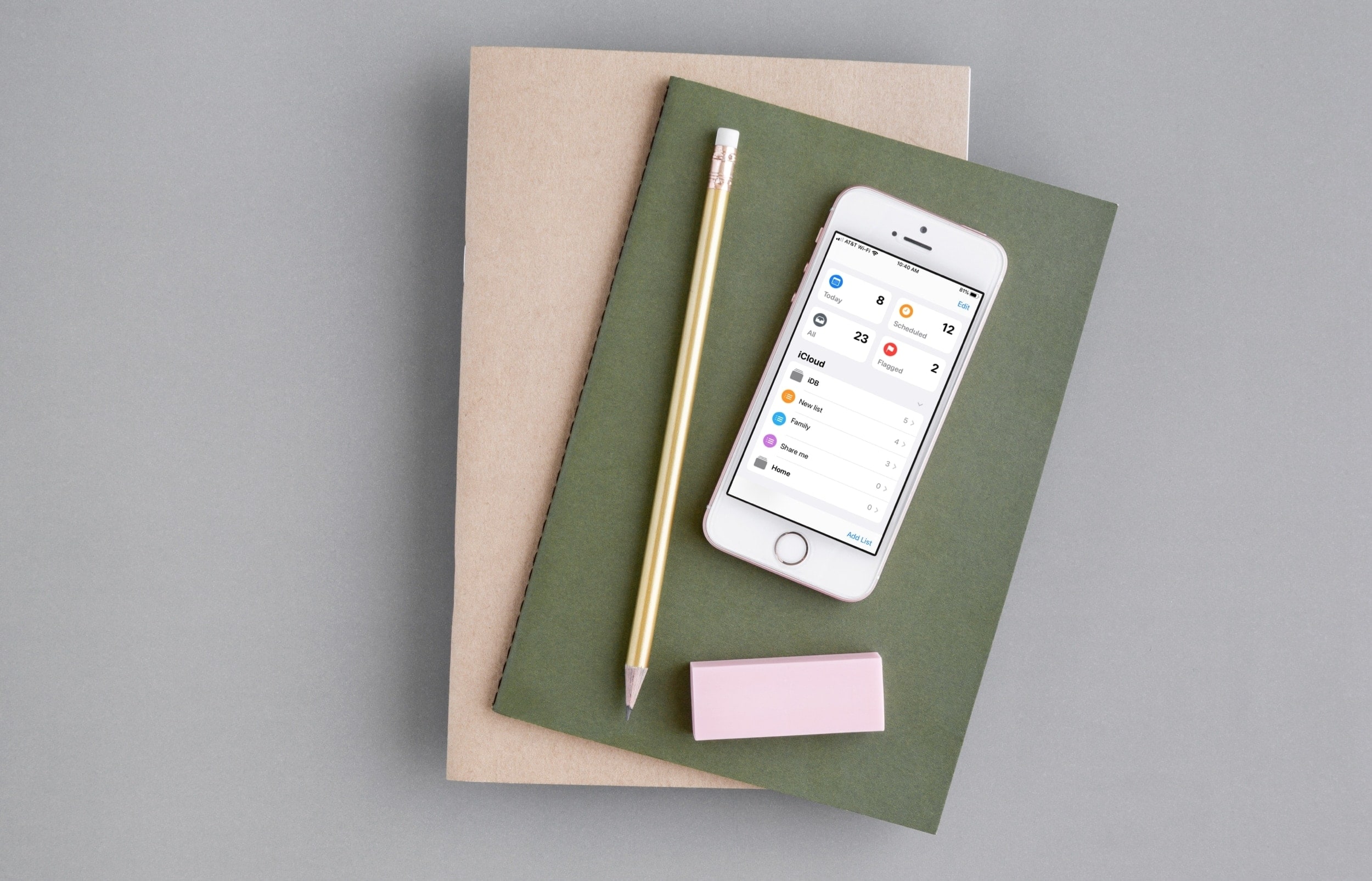
Discover some of the best features of the Reminders app on your iPhone and iPad to organize your to-do lists, and increase your productivity.

iOS 13 introduces a plethora of aesthetic changes over iOS 12, but perhaps one of the greatest improvements comes by way of the updated volume and ringer HUD interfaces, which no longer photo-bomb the center of your display when invoked.
You can already port the iOS 13 volume HUD to a pwned device with a jailbreak tweak called 13HUD, but now, you can also port iOS 13’s ringer HUD to your jailbroken handset with a secondary add-on dubbed Ringer13 by iOS developer KingPuffDaddi.
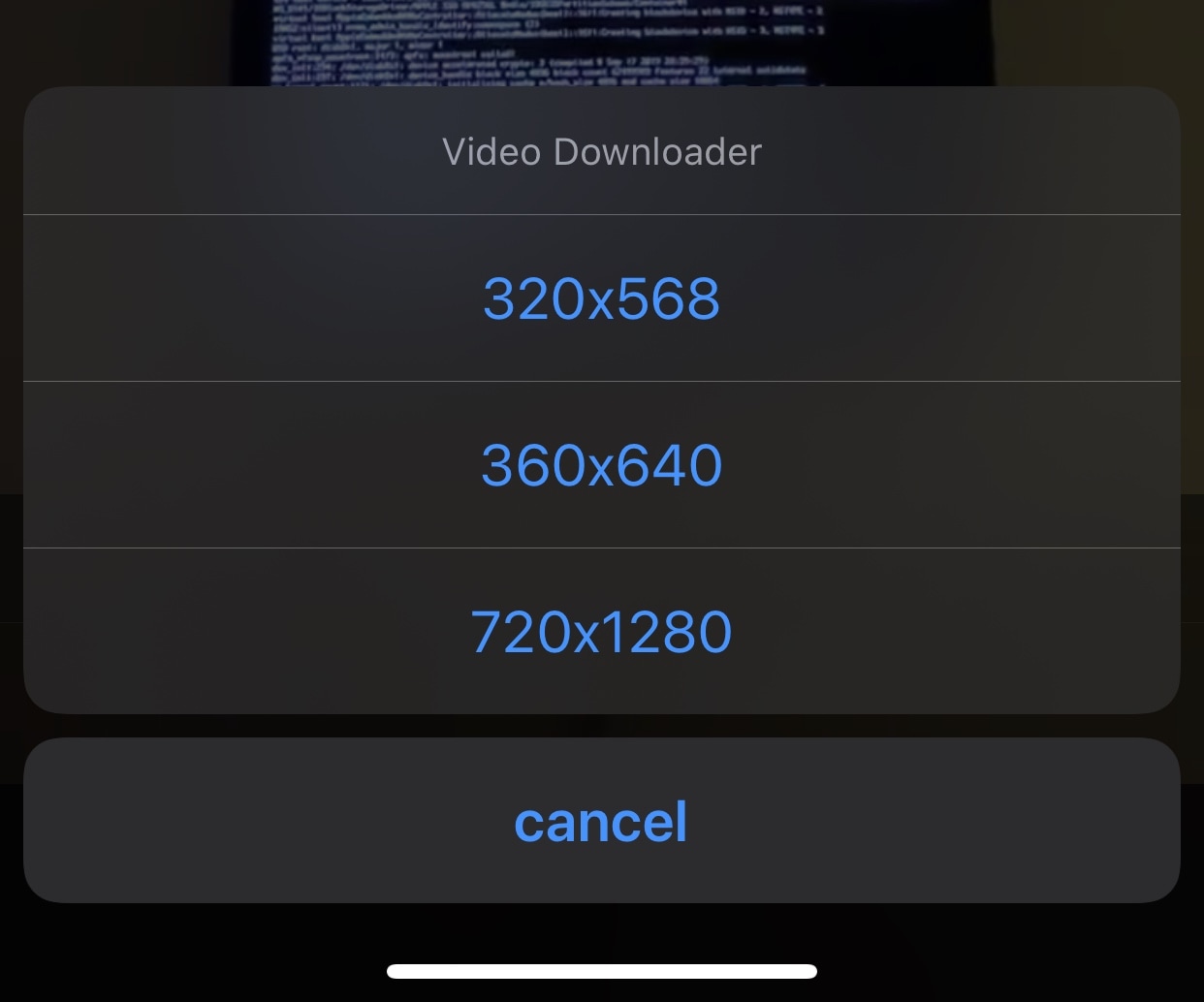
If you’re a Twitter user, then you likely understand the frustration of being unable to download videos from your News Feed.
Fortunately, a newly released and free jailbreak tweak dubbed twttrVideoDL by iOS developer Aesthyrica will let anyone with a jailbroken iPhone or iPad download News Feed videos with ease.

Safari Download Manager is a powerful tool for managing and organizing your downloads on the go. From documents to media files, we will show you how to harness its capabilities and take control of your downloads.
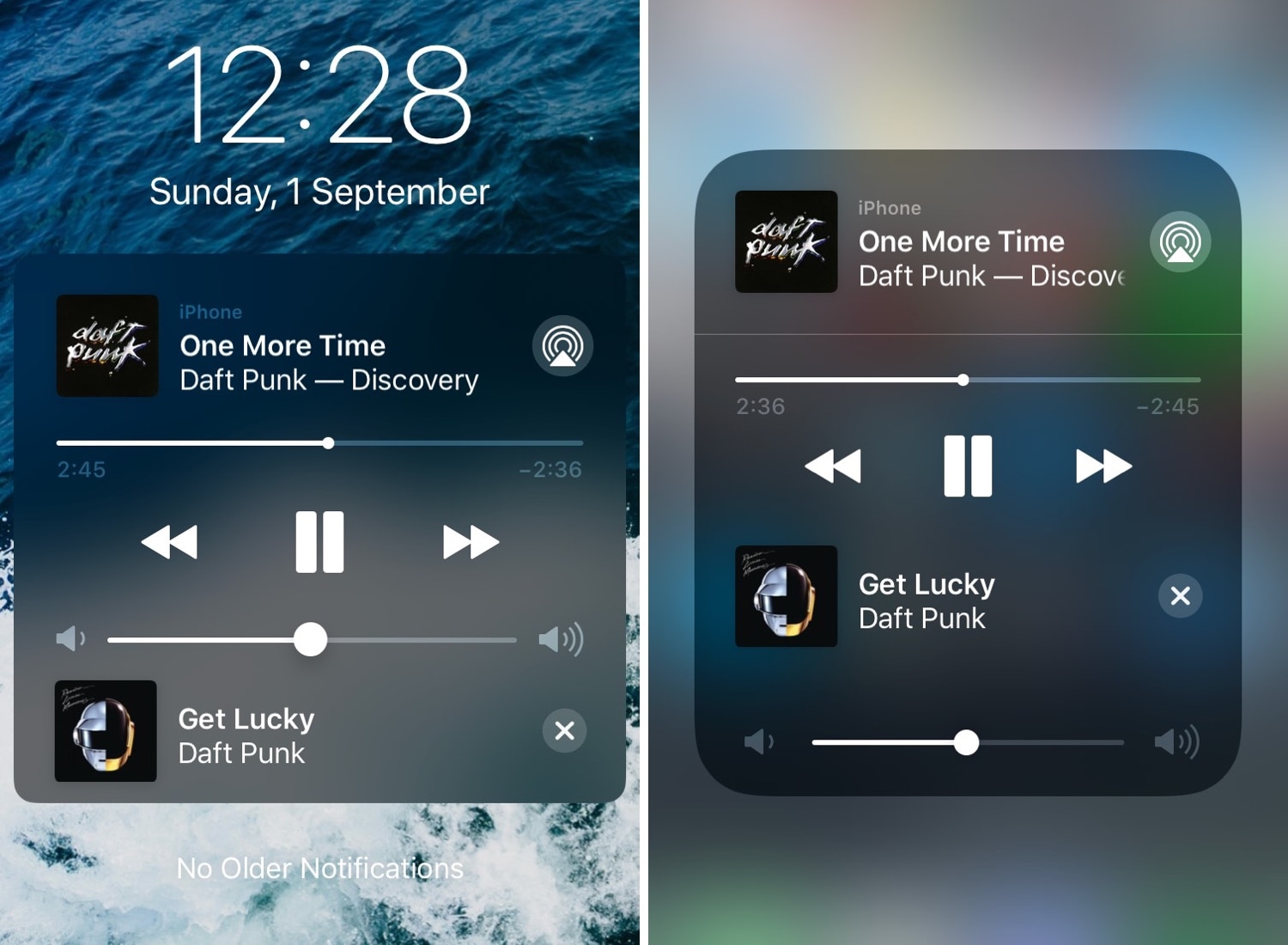
We absolutely love how Now Playing media information is accessible from virtually anywhere in iOS, but one thing we don’t adore is just how useless the Now Playing interface can seem at times.
Given the circumstances, we’re particularly excited to show you a jailbreak tweak called NextUp 2 (iOS 12) by iOS developer Andreas Henriksson, as it upgrades iOS’ native Now Playing interface with useful new controls pertaining to upcoming tracks.
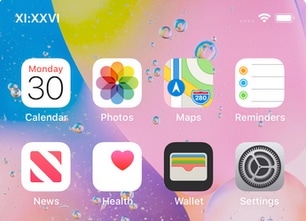
Your iPhone’s Status Bar provides a convenient way to check the time no matter what you might be doing on your device, but a digital time display isn’t everyone’s forte.
For those who demand a fancier Status Bar time display, we recommend checking out a newly released and free jailbreak tweak dubbed Roman by iOS developer Blake Boxberger.
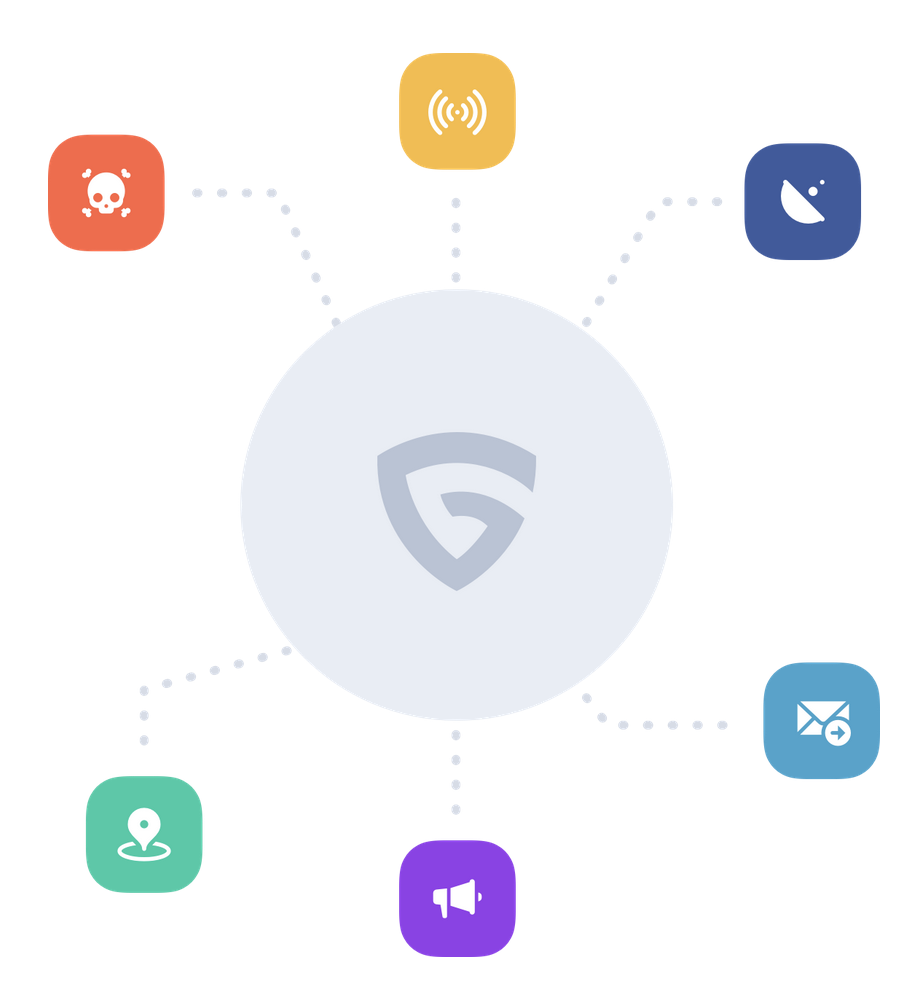
A VPN (Virtual Private Network) is often your best bet when you want to browse the internet privately. Not only do most VPNs offer end-to-end encryption for secure data transmission, but they will also cloak your true location from prying eyes.
Many VPN services work in the same way, but Guardian Firewall by Sudo Security Group is a completely different type of VPN that aims to clamp down on user privacy even further by filtering outgoing data transmissions that could potentially expose personal information about you.
It’s the start of a brand new week this Monday morning, and the Sileo Team is using it to launch an updated version of the Sileo beta for public testing.
The Sileo Team took to the official @GetSileo Twitter page this morning to announce the release of Sileo v1.5.0 beta 3 touting native support for Apple’s all-new iOS 13 and iPadOS 13 mobile operating systems: