iPad

From the latest news to the most comprehensive tutorials, learn how to get the most out of your iPad with our step-by-step guides and expert tips.

Apple Arcade vs. Google Play Pass

Apple Arcade banner

Two things are happening: first, subscription services are becoming more popular. Second, people are playing more on their phones than on consoles and PC. So it was a matter of time before someone would put 2 and 2 together. Well, the time is now, my fellow gamers. Google and Apple are both getting ready to launch their respective game subscription services, Google Play Pass and Apple Arcade.

At its core, both services are similar. However, they do have some differences, other than the platform they're on. If you're like me, and you have both Android and iOS devices, you're probably wondering which one is more advantageous. Well, wonder no more, as we dive into Apple Arcade versus Google Play Pass. We'll cover each subscription service and determine which one is better suited for you.

Enable Peek and Pop on unsupported devices with Peekable

One of the most popular functions conceived by Apple’s 3D Touch and Haptic Touch gestures on modern iOS devices is the ability to press firmly on an app icon from your Home screen to reveal a hidden menu, but there’s actually much more to this feature than meets the eye.

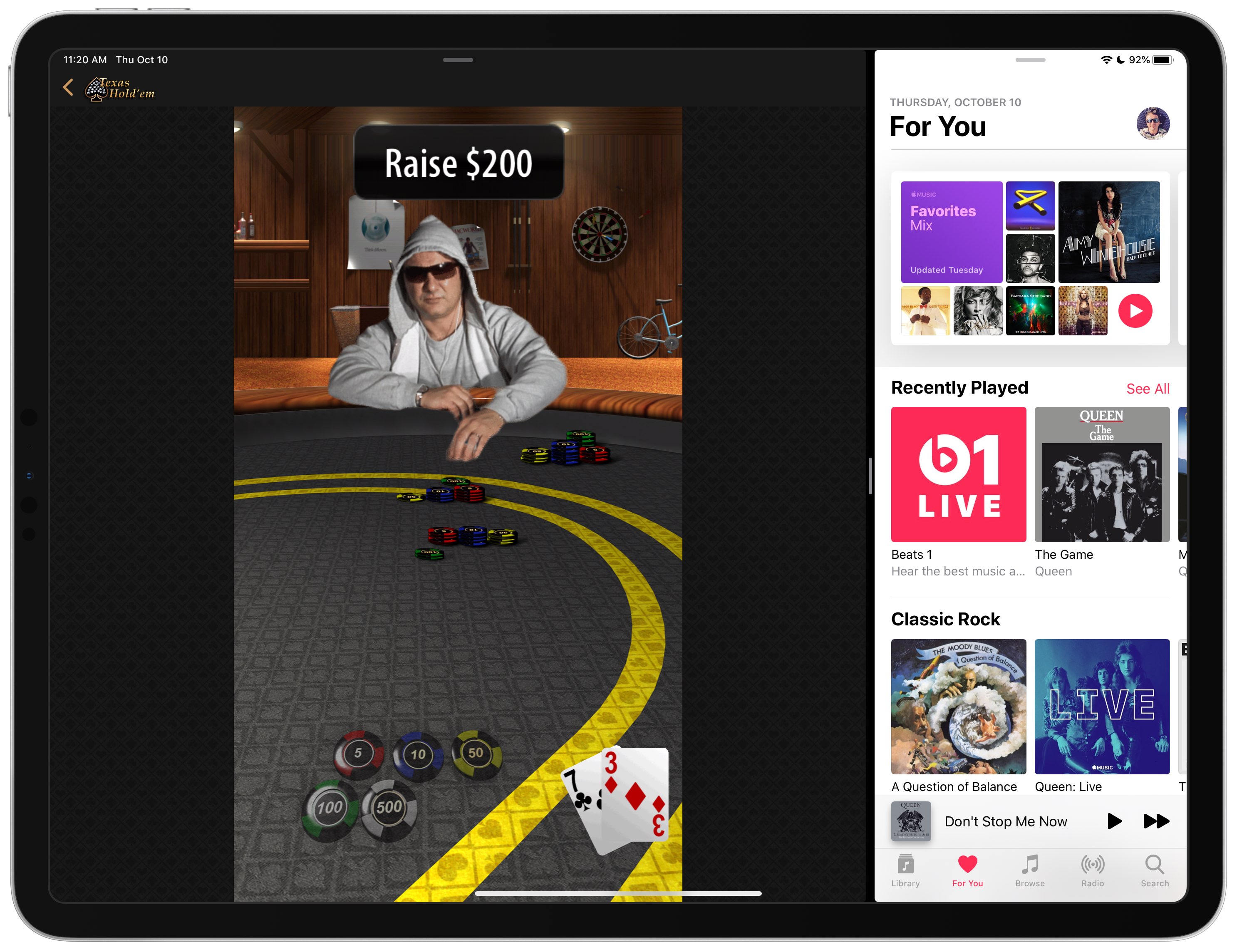
Peek and Pop is a great example, as it enables users to press firmly on objects throughout the operating system to view more information and options for that item. Peek and Pop is limited to devices that support 3D Touch or Haptic Touch, but with a new and free jailbreak tweak called Peekable by iOS developer Ryan Nair, you can enable Peek and Pop on any iOS device.

This tweak offers improved control over your handset’s many volume levels

There are so many different volume levels to configure in iOS that it’s not even funny. One moment you’re turning down your volume, and the next, you might realize that you’ve just muted your ringtone instead of quieting down your Now Playing volume.

iOS tries to be smart about how it configures volume depending on what you’re doing at any given point in time, but it’s far from perfect. Fortunately, a jailbreak tweak called Volume Mixer 3 by iOS developer VladMax offers users a higher sense of fine-grained and manual control over each individual volume setting present on their iOS device.

Augment your iPhone’s Home screen with Vigor 2

If you’ve just jailbroken your A12(X)-equipped (or other) iPhone or iPad for the first time, then you’re probably looking for some juicy jailbreak tweaks to spice up your handset’s stock capabilities. Fortunately, we’ve got an exciting one to show you today called Vigor 2 by the Atom Dev Team.

As shown in the screenshot examples above, Vigor 2 makes your Home screen icons a whole lot more useful by replacing the standard still images with dynamic widgets that change based on the content transpiring inside the respective app.

Mowgli transforms your Home screen icons into dynamic widgets

Your Home screen is literally teeming with tiny images designed to depict the applications they represent, but wouldn’t it be nice if these icons were more than just still images?

With the help of a newly released jailbreak tweak called Mowgli by iOS developer maximehip, you can command a whole lot more out of your iOS device’s Home screen experience.

Kill all App Switcher apps in one fell swoop with KillX Pro

If you’re the type of person that likes to kill all the apps in your App Switcher when you’re finishing using your iPhone, then chances are you’ll come to appreciate a newly released jailbreak tweak dubbed KillX Pro by iOS developer cemck.

Like the name implies, KillX Pro lets users kill every app from their App Switcher in one fell swoop without having to swipe on each app preview card individually to accomplish the same effect. Instead, as shown in the screenshot examples above, KillX Pro adds a single button to the bottom of your App Switcher to do this with just a tap.

Access your favorite apps from anywhere with AppShortcut

Some people are more anal than others in terms of keeping their Home screens neat and tidy, but those who install too many apps to keep track of can probably benefit from a jailbreak tweak dubbed AppShortcut by iOS developer db89.

As shown in the screenshot examples above, AppShortcut is precisely what you’d expect it to be: an app launcher that provides faster access to some of your favorite applications. The interface appears everywhere in iOS and can be collapsed or expanded depending on your needs at any particular time. Additionally, AppShortcut supports both dark and light UI modes.