iPad

From the latest news to the most comprehensive tutorials, learn how to get the most out of your iPad with our step-by-step guides and expert tips.

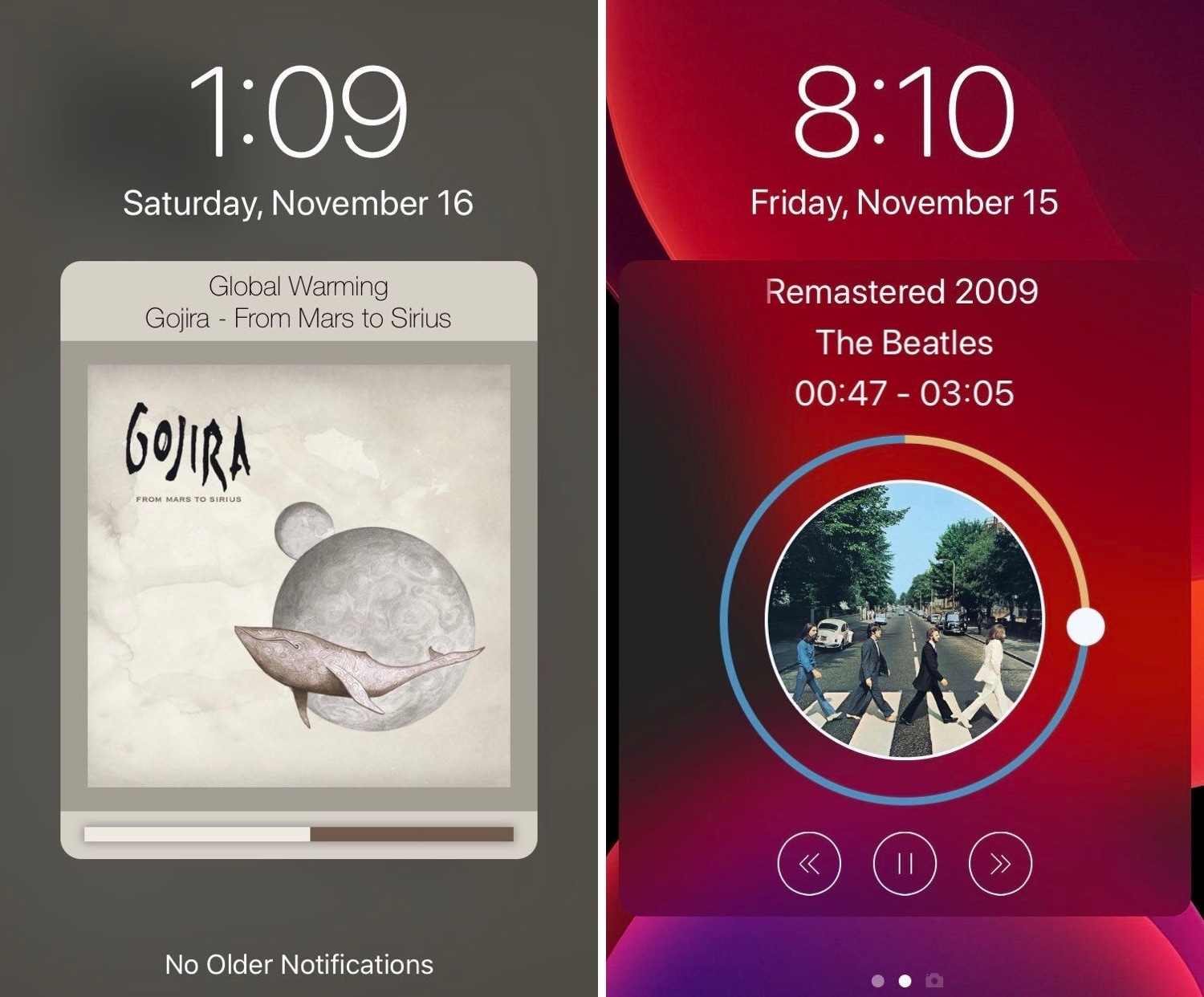
Pin any Today widget on the Lock screen with LockWidgets

Have a favorite iOS widget, but wish you could see it directly from the Lock screen without needing to swipe over to the Today page? There’s a jailbreak tweak for that!

If you answered ‘yes’ to the question above, then we’d like to introduce you to LockWidgets, a newly released add-on by iOS developer ConorTheDev that lets you pin your favorite Today widget to the primary Lock screen page so you can view it at a glance:

Bring useful iPad features to the iPhone with ipadify

If you’ve ever used an iPad before, then you should already know that it sports handy capabilities that can’t be had on the iPhone or iPod touch — at least not on a stock device, that is.

With the help of a newly released and free jailbreak tweak called ipadify by iOS developer Guilherme Rambo, you can port several of the iPad’s premier features to smaller handsets, including native picture-in-picture video viewing and the ability to side-load iPad-only applications like Photoshop.

Noire toggles iOS 13’s dark mode with a pull-down gesture in Settings

Apple integrates several ways into its mobile operating system to toggle iOS 13’s new dark mode feature on or off on demand, but perhaps you aren’t satisfied with them or you’d prefer to use a different method?

Enter Noire, a new and free jailbreak tweak by iOS developer MTAC that lets you turn dark mode on or off with a simple swipe-down gesture in the first page of the Settings app.

Saurik says Cydia Impactor “Xcode 7.3” error fix could come mid-December

Saurik made a rare public appearance on Twitter Tuesday afternoon to discuss the future of Cydia Impactor and a particularly frustrating error that users have been experiencing since Apple pushed some of its latest software updates for Mac and iOS.

More specifically, Saurik talked about an error in which Cydia Impactor would tell users that they needed to upgrade to Xcode 7.3 when they were trying to side-load a pertinent jailbreak app, such as Chimera, Electra, or unc0ver. That message looked something like this:

CozyBadges: A subtle upgrade for iOS’ native notification badges

Apart from a few tiny revisions in iOS 7 and later, iOS’ notification badge system has appeared mostly unchanged since its conception. Jailbreakers seeking a fresher take on notification badges would do good to check out a newly released jailbreak tweak called CozyBadges by iOS developer NoisyFlake.

As depicted in the multitude of screenshot examples above, CozyBadges replaces the traditional red circular notification badge with something much more subtle — an updated icon label that appears highlighted or colorized when there are missed notifications. Moreover, the label can be configured to display alternative text, assuming the user wants this.

Command what appears in your Status Bar with HideStatusBarItemsPro

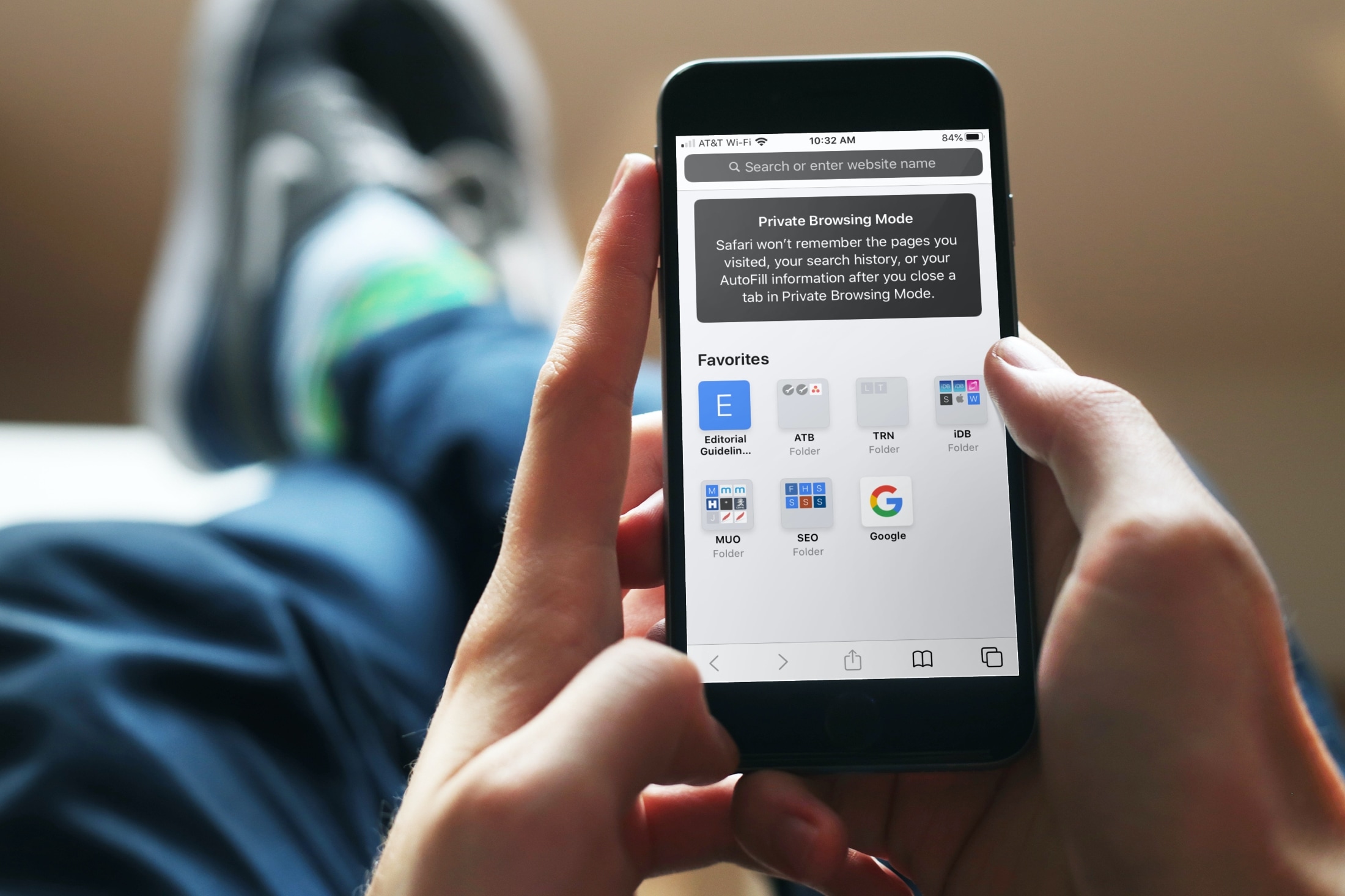
Your handset’s Status Bar displays pertinent information about current events, including the time, battery percentage, internet connection source, VPN connection, and even the date if you happen to be using using an iPad. But it also displays various icons and indicators depending on what your device is doing, such as location usage, personal hotspot usage, web loading activity, and more.

Those who’d like a greater command over what appears in the Status Bar may want to try using a jailbreak tweak called HideStatusBarItemsPro by iOS developer Chashmeet Singh. Just as the name denotes, this add-on lets users choose what does and doesn’t appear in their pwned handset’s Status Bar.