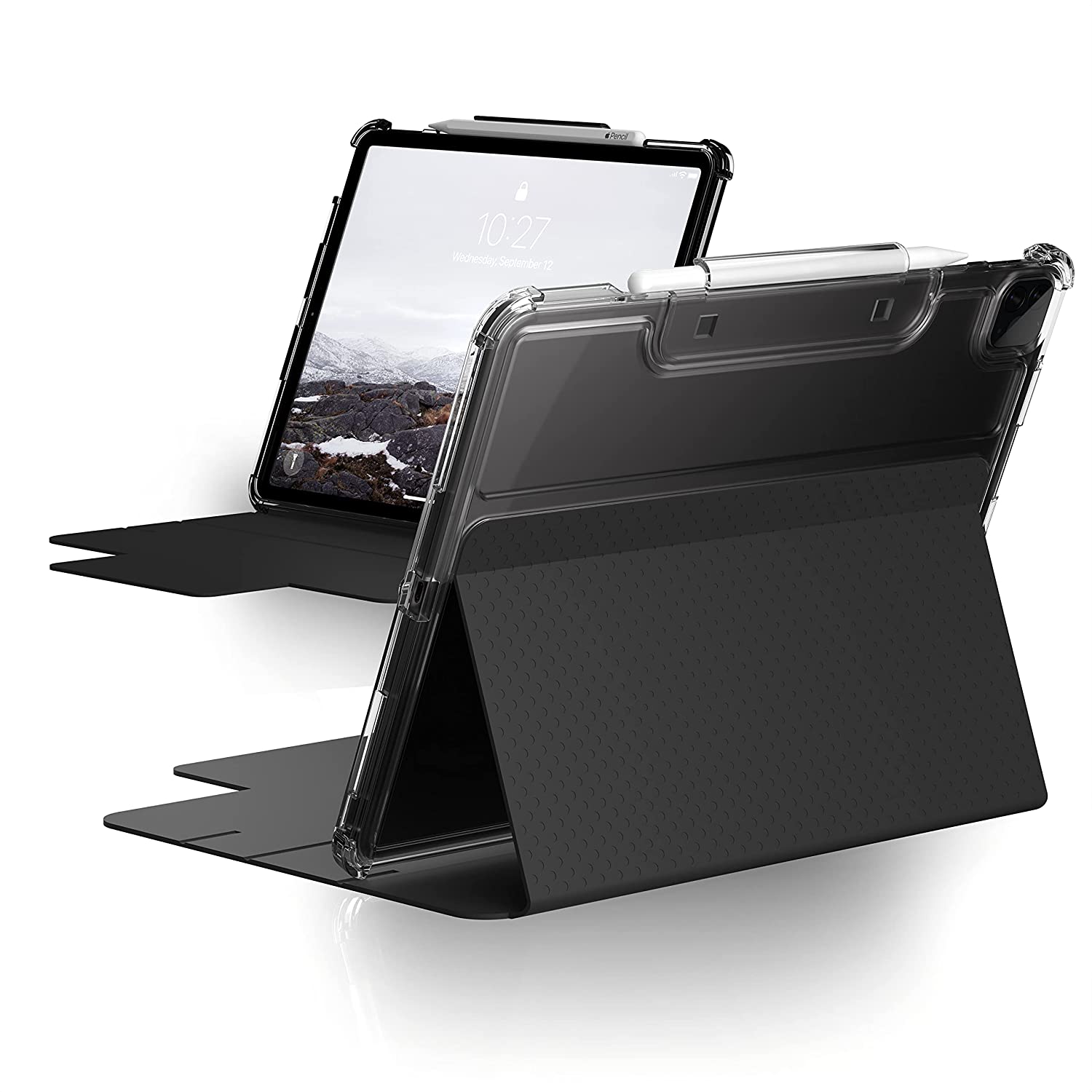
Earlier this week, Apple unveiled its newest 12.9-inch iPad Pro. And, with it, a slightly thicker case to handle the new mini-LED display.
Some great cases for the new 12.9-inch iPad Pro you can buy now
From the latest news to the most comprehensive tutorials, learn how to get the most out of your iPad with our step-by-step guides and expert tips.
Earlier this week, Apple unveiled its newest 12.9-inch iPad Pro. And, with it, a slightly thicker case to handle the new mini-LED display.

Apple’s carefully calibrated operating system animations are among the bevy of things that I think complement the iPhone and iPad user experience. They’re silky smooth enough not to jitter, yet springy enough to provide the user with an ounce of satisfaction each time they witness them.
As satisfying as Apple’s operating system animations may be right out of the box, jailbreakers often have the urge to customize animations speeds. Fortunately, that’s where a newly released jailbreak tweak dubbed FastUp by iOS developer mostafa89 might come in handy.
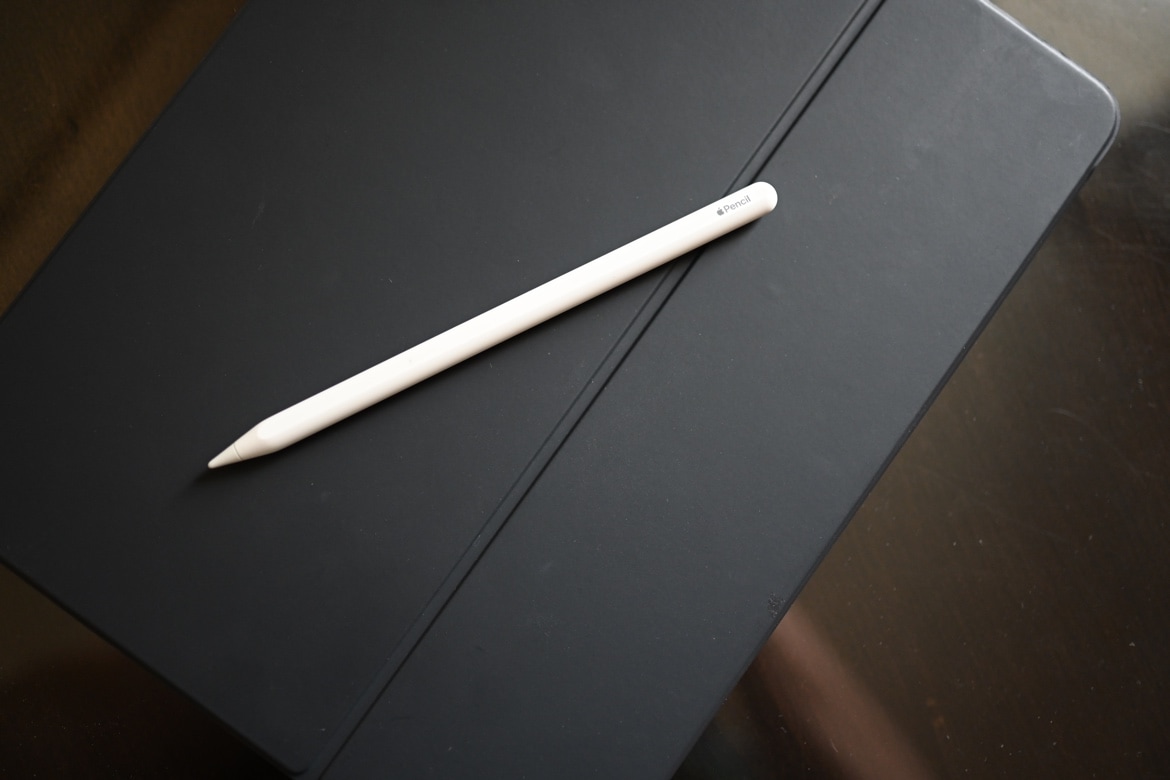
Check out 3 effective ways to locate a lost or misplaced Apple Pencil using your iPad in this detailed guide.
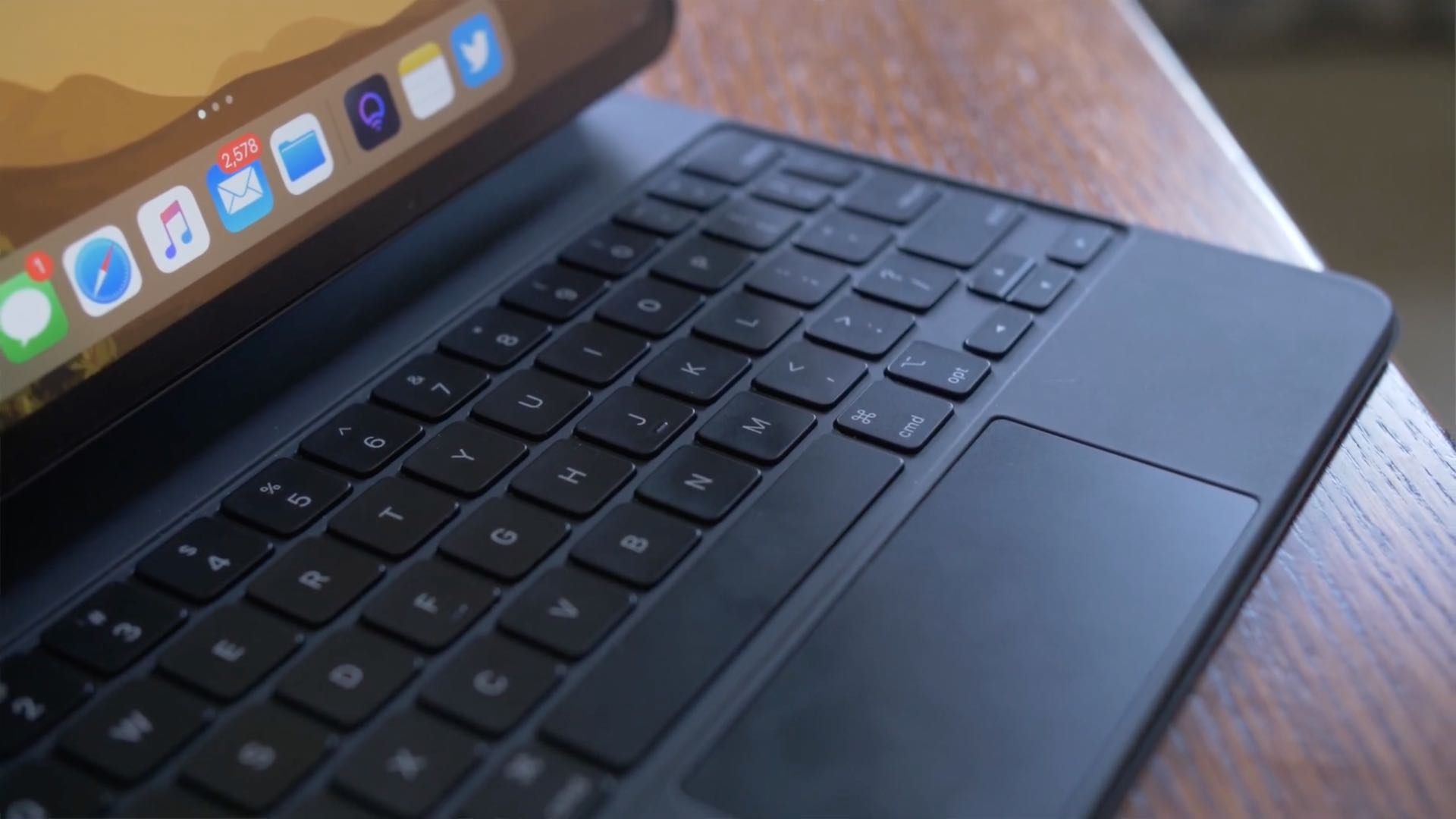
Bad news for anyone hoping to use their old Magic Keyboard with the new 12.9-inch iPad Pro sporting a mini-LED screen: you'll need to buy a new Magic Keyboard or find an alternative.
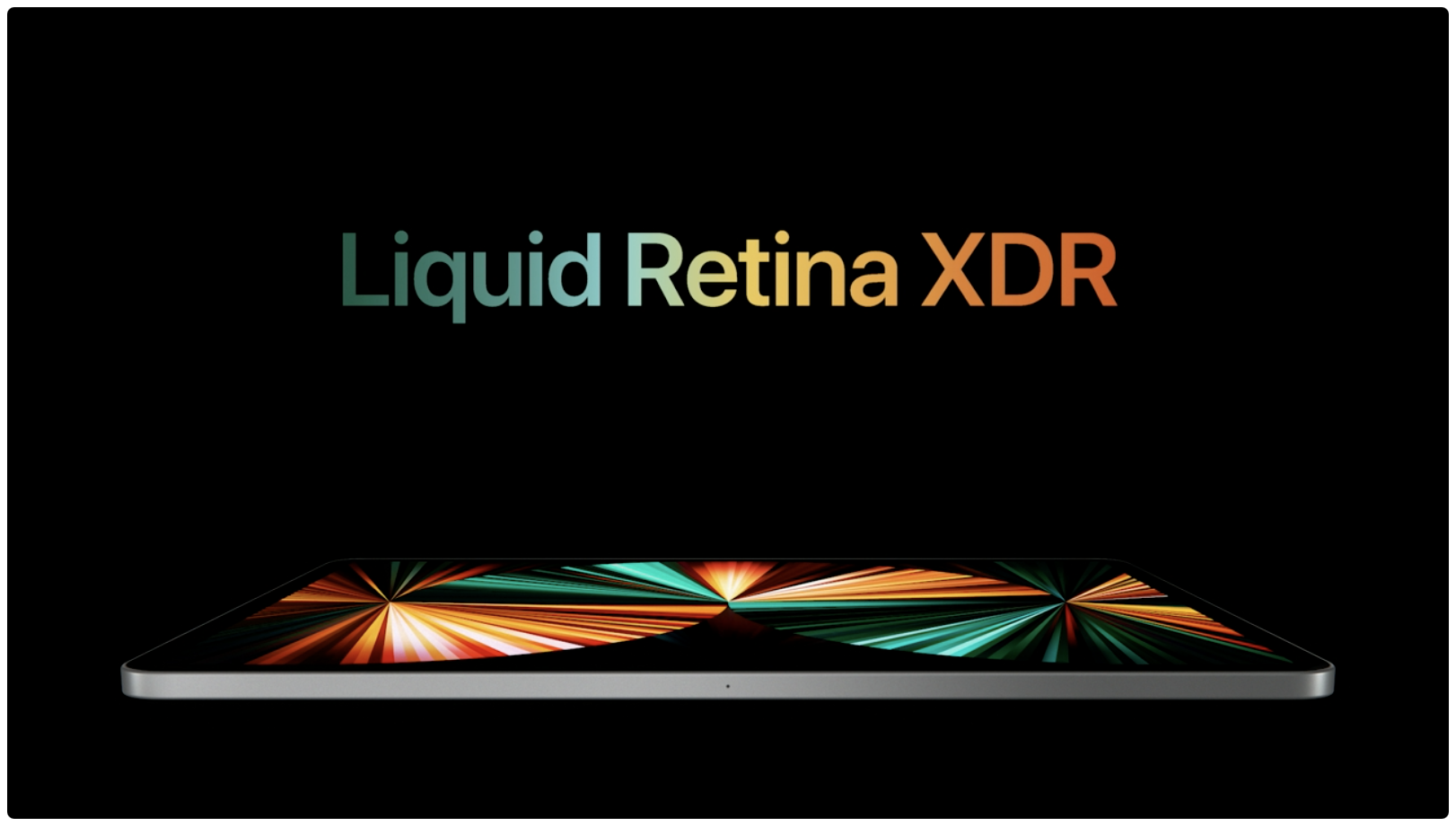
It has been speculated for quite some time that Apple will maybe, one day, merge the iPad and Mac lineup in some way or another. That may mean the removal of the MacBook Air in favor of the iPad Pro, or something else entirely. Like just putting macOS on an iPad, for instance. But so far, Apple hasn't gone through with it.
Apple has been working on updating its popular operating systems over the last few months, with iOS 14.5 set to launch next week. Before that happens, though, Apple's ready with another beta.
Apple has been making it clear that the environment is a major focal point for the company for quite some time. Back in July of last year, for instance, it restated its goal to have the entire supply chain be 100% carbon neutral by 2030. And, today, Apple's using a video to make that promise again.
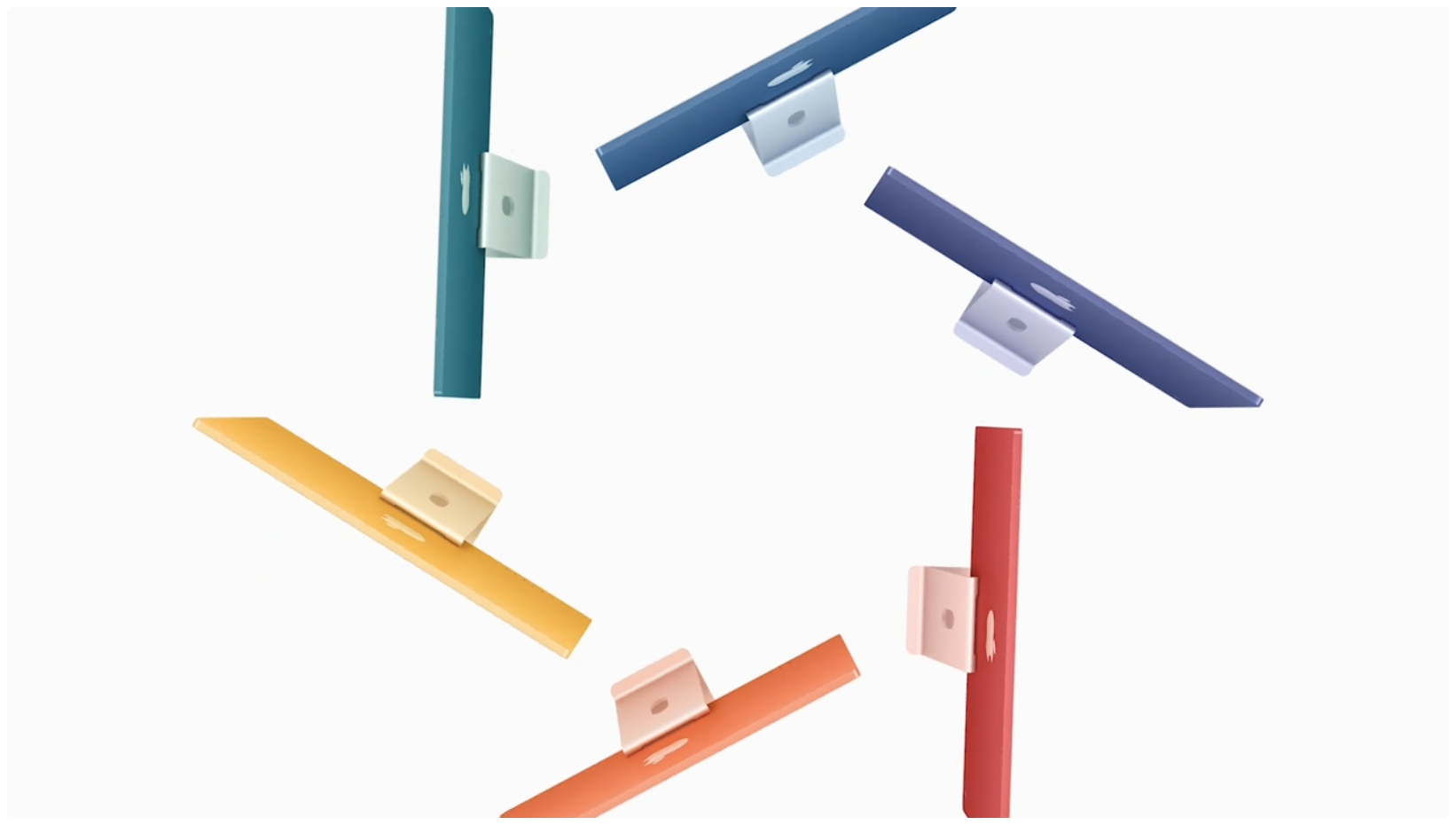
Apple's first event for 2021 was a busy one, and yet the company hummed right along and wrapped it up within an hour. But in that time, Apple announced quite a few new products.
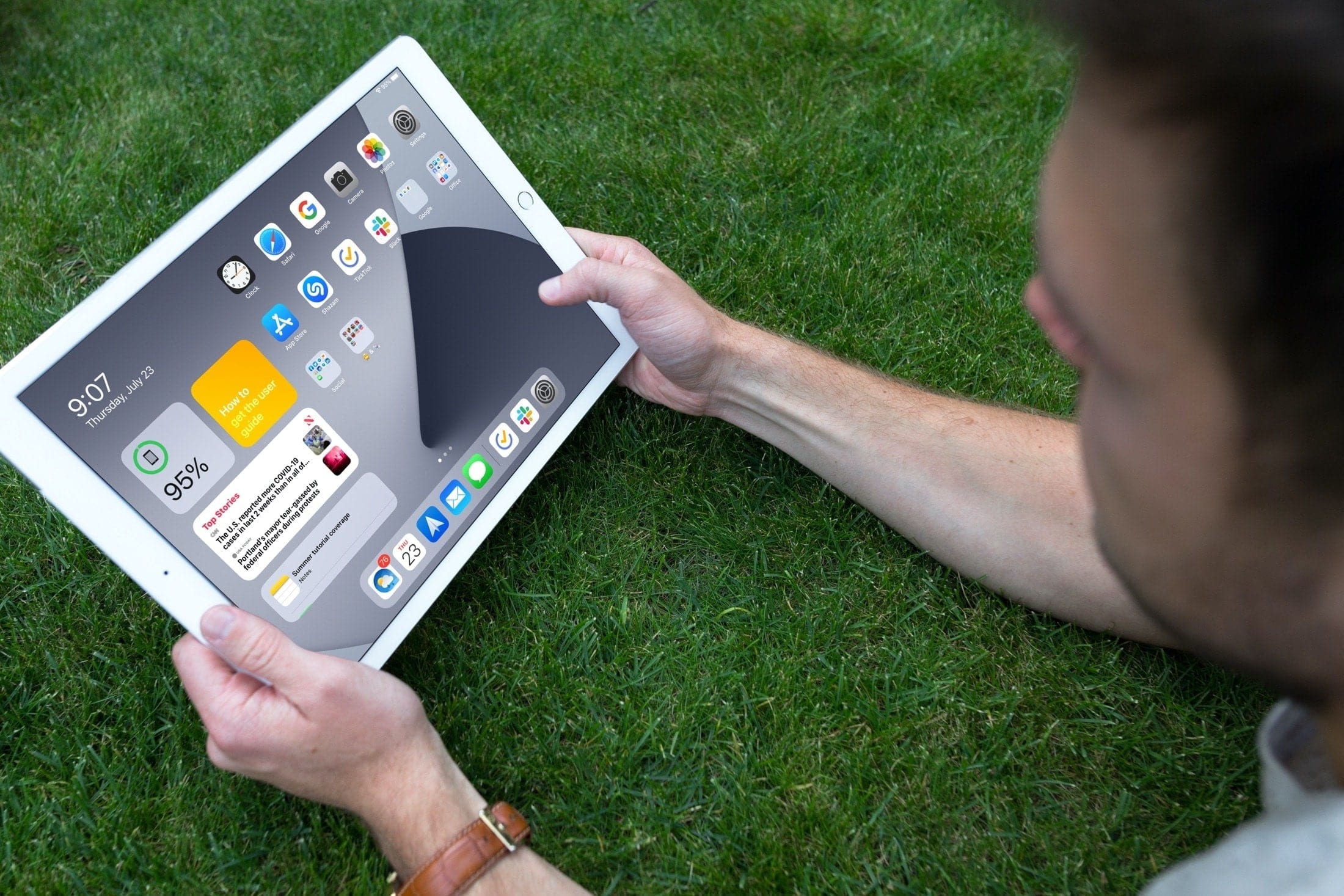
iOS 14 brought visual enhancements to the iPhone's boring Home screen with the App Library and interactive widgets. With the iOS 15 and iPadOS 15 updates, Apple will turn its attention to the Home screen of the iPad while adding quality-of-life improvements to the iPhone.
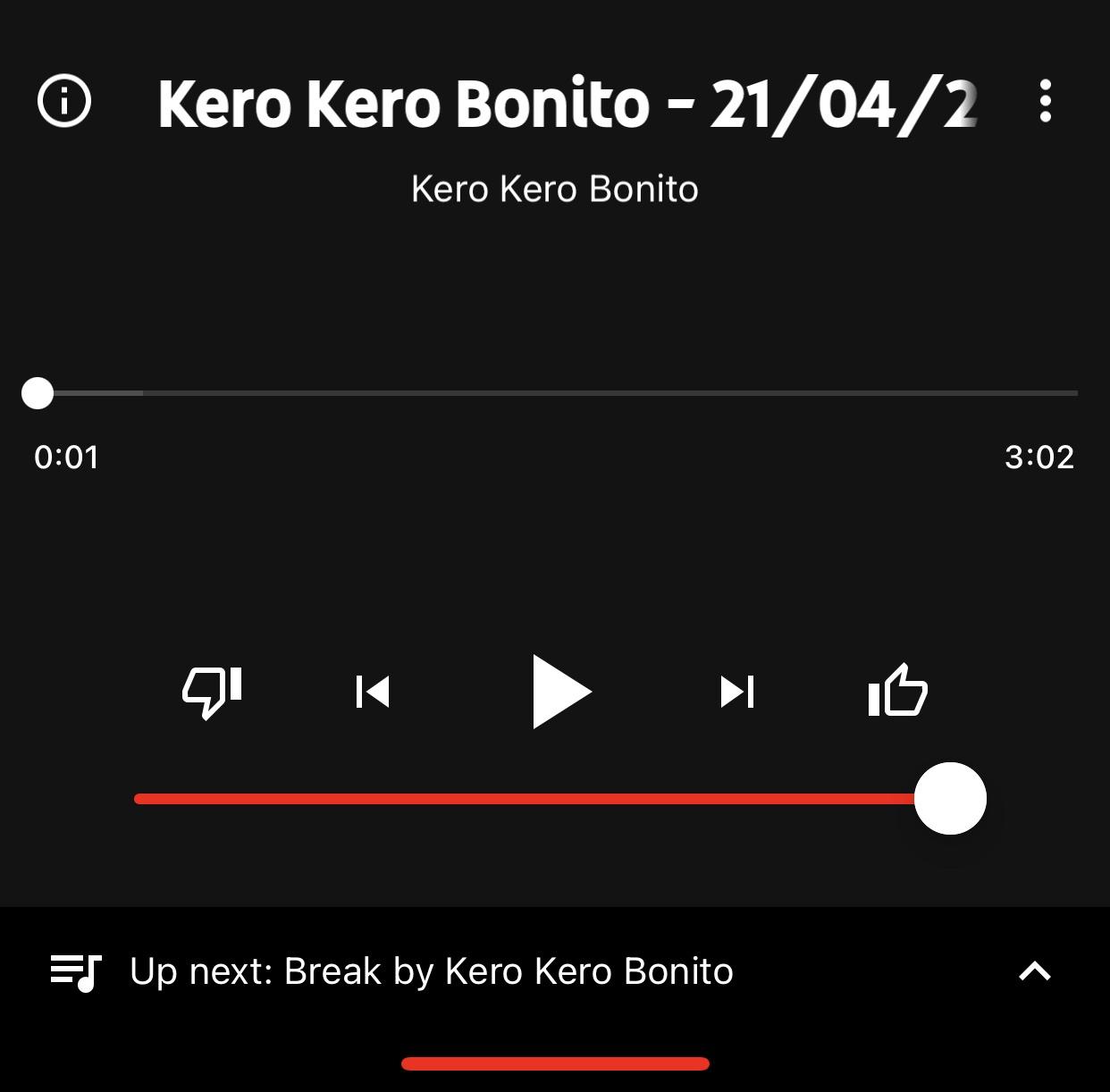
While Apple Music and Spotify are some of the go-to choices for online music streaming, another major contender in this space is YouTube Music, which provides a seemingly endless library of music sourced directly from YouTube.
After signing up for YouTube Premium, one of the first things I did was download the YouTube Music app so that I could enjoy ad-free music streaming without paying an additional fee for a music streaming service. But I noticed something was missing from the app’s Now Playing interface – namely, a volume slider.
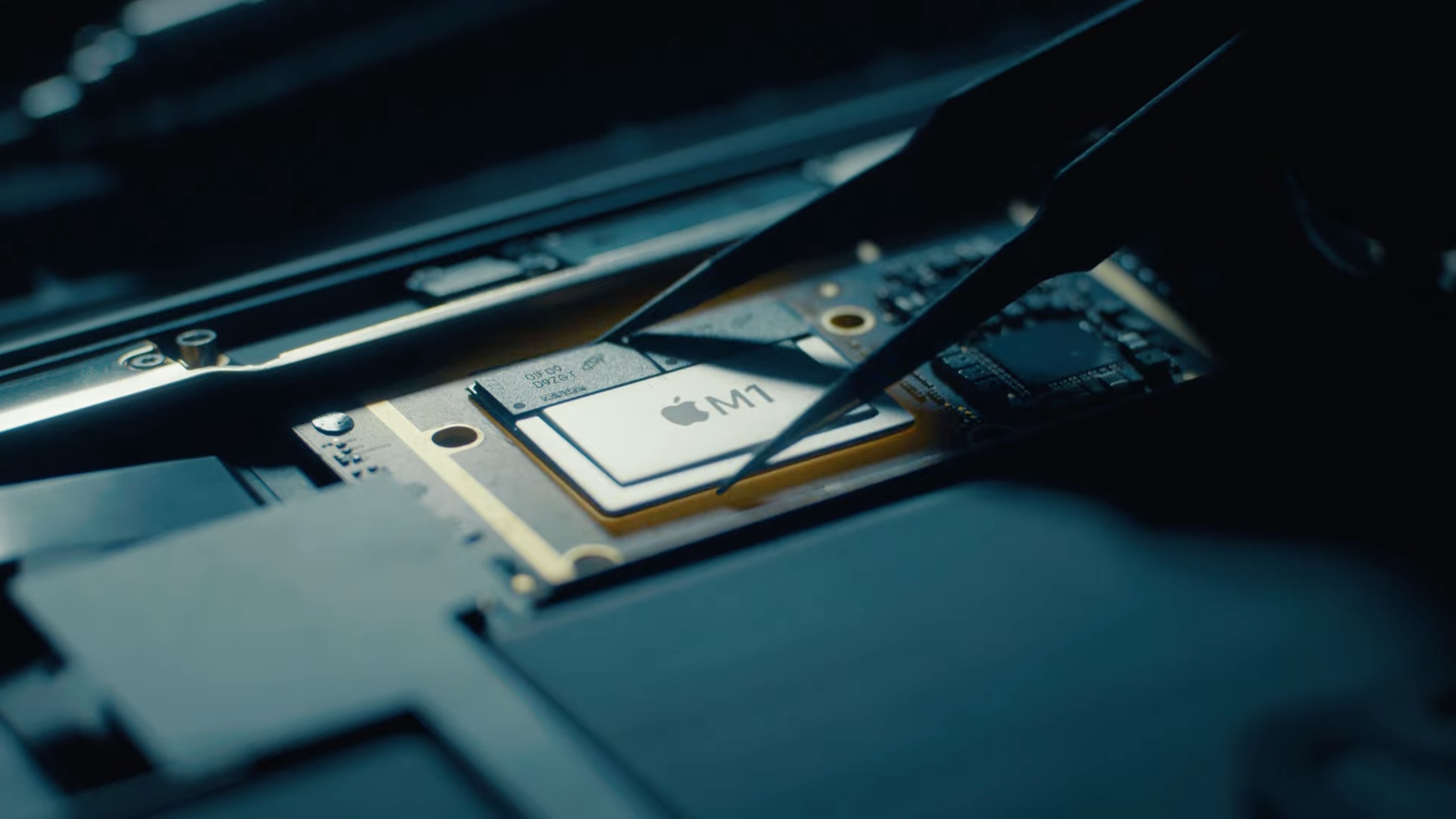
This awesome commercial wants to sell you the message that Apple has supercharged the newly announced iPad Pro by equipping it with the company's custom Mac chip, the Apple M1.