iPad

From the latest news to the most comprehensive tutorials, learn how to get the most out of your iPad with our step-by-step guides and expert tips.

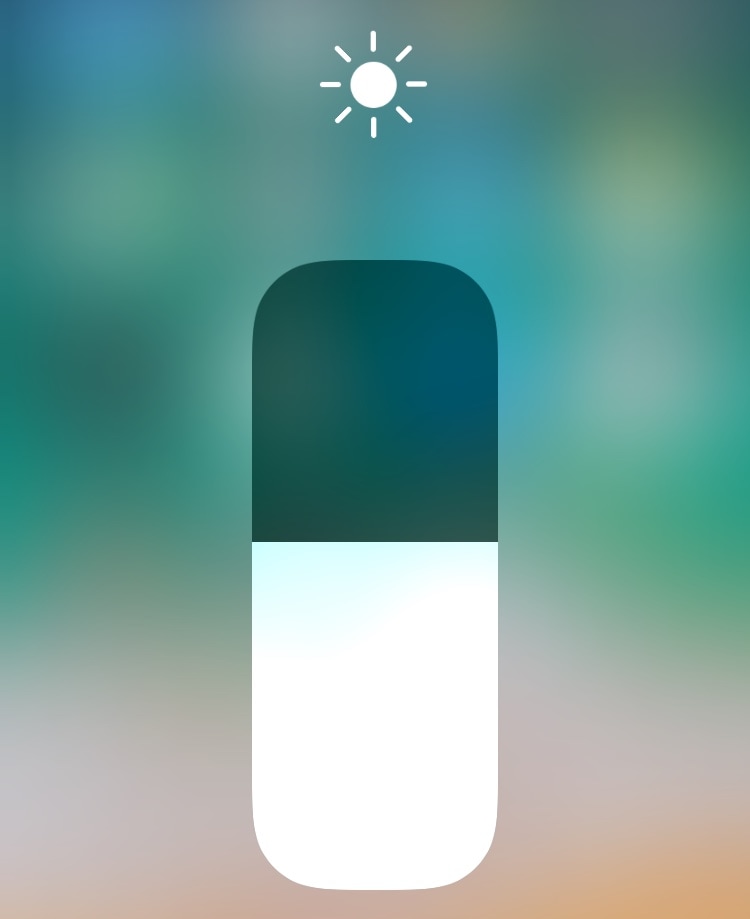
EasyBrightness makes it easier to revert to an ideal display brightness level

When it comes to your iPhone’s display brightness, you might have a preferred brightness level for both indoor and outdoor usage. Sadly, iOS’ automatic brightness setting tends to be less than optimal, and adjusting the display brightness manually can feel somewhat cumbersome at times.

If you’re in the same boat, then you might want to turn your attention to a newly-released and free jailbreak tweak called EasyBrightness by iOS developer gilesgc. This tweak mitigates the problem discussed above by letting you designate a default display brightness level and making it easy to return to it on demand.
The best iPhone apps for astronomy and exploring space

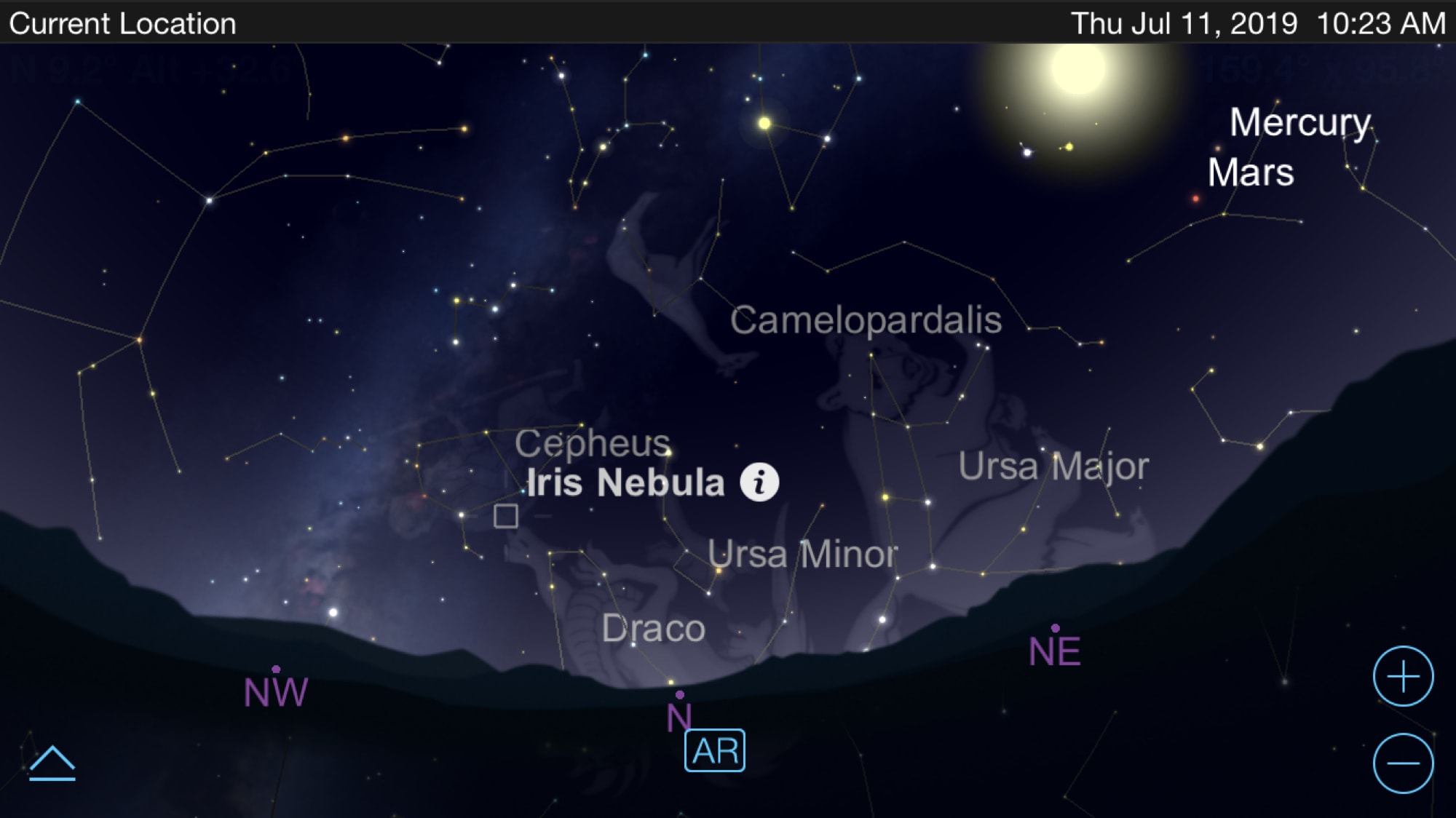
Astronomy apps for iPhone - SkySafari

You can use apps to virtually travel across the state, country, or world so why not use them to travel to outer space? If you are fascinated with astronomy or are just starting to become interested, there are some terrific tools for your iPhone that let explore our galaxy and beyond.

See the stars, watch the planet align, get details about constellations, and more. These are the best iPhone apps for astronomy and exploring space.

Adjust your iPhone’s native tint color with Rainbow

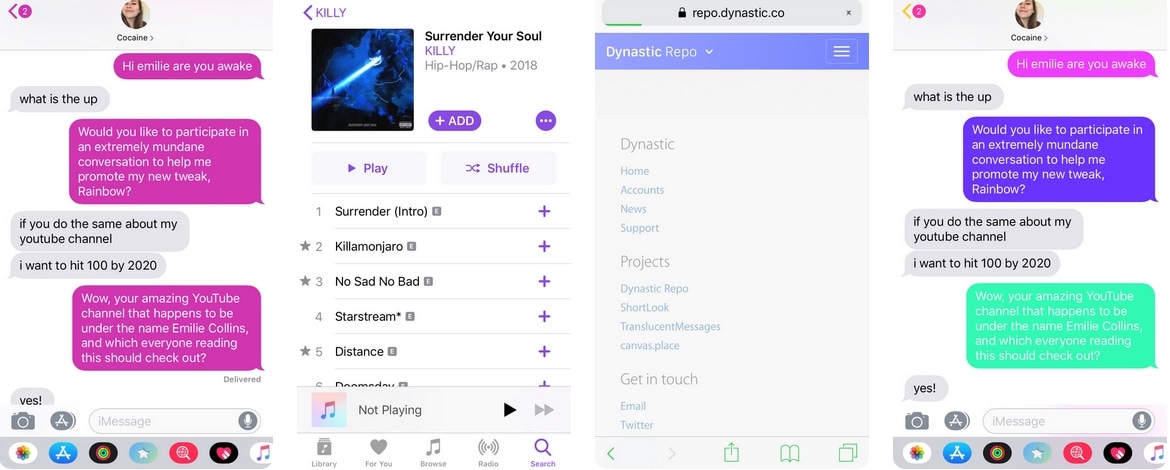
As you use iOS, you’ll find that Apple loves to use Blue as the system’s natural tint color. You’ll find this blue tint across various UI elements, including, but not limited to: iMessage chat bubbles, links, loading bars, and even those shortcuts that appear at the top right of the interface as you navigate preference panes in the Settings app.

Blue is a cool color, but if you’d rather have more control over your handset’s tint color, then we’d suggest turning your attention to a newly-released jailbreak tweak called Rainbow by iOS developer Justin Proulx, as it lets you change this color to almost anything you could ever want.

MathTeacher brings much-needed upgrades to the native Calculator app

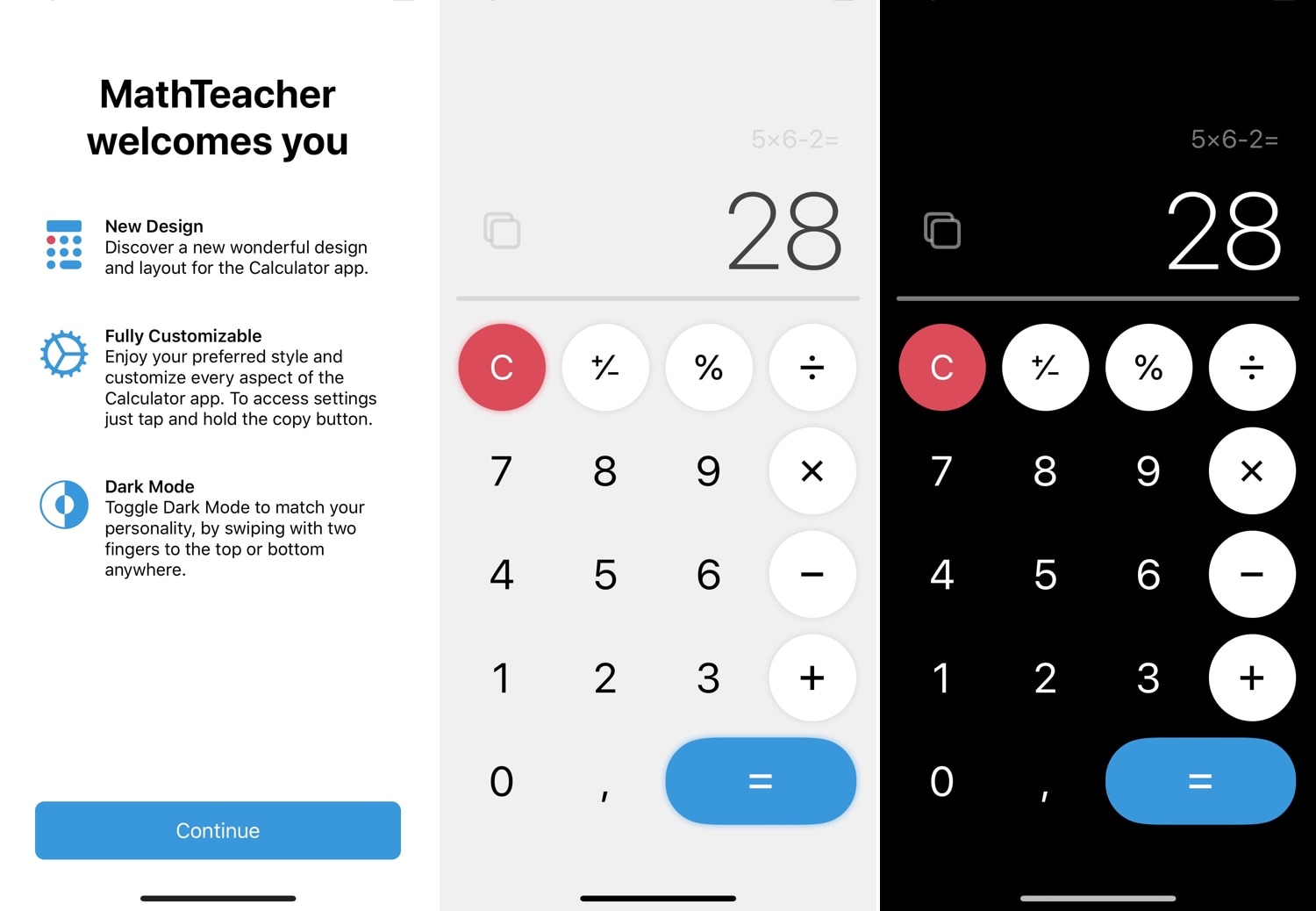
One of the native apps in iOS that doesn’t get the attention it deserves is the Calculator app. While you could download a more robust third-party alternative from the App Store, the fact remains that the native experience is abysmal at best. For that reason, we’re excited to show you a new free jailbreak tweak called MathTeacher by iOS developer Gabriele Filipponi.

As depicted in the screenshot examples above, MathTeacher incorporates several upgrades into iOS’ native Calculator app, making it a significantly more functional math-solving platform than it would have been out of the box.

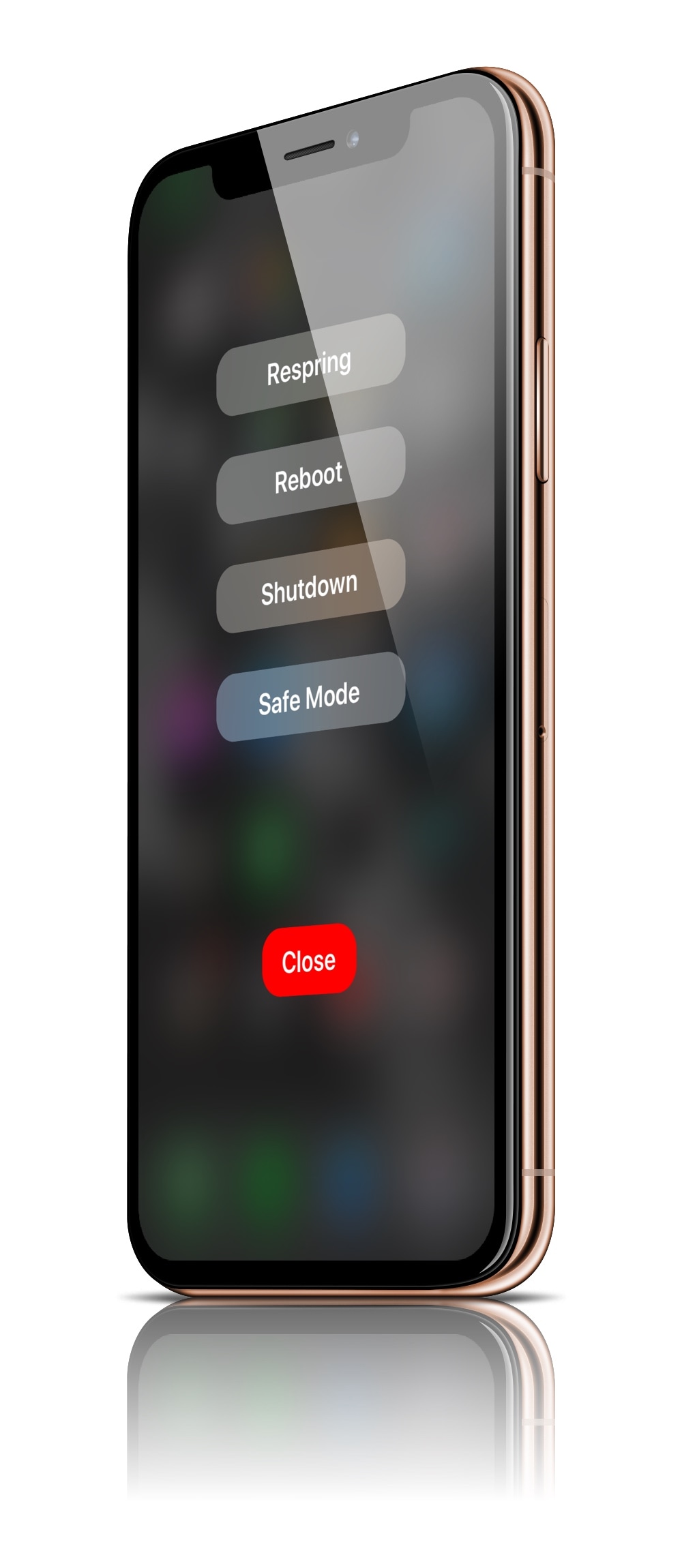
PowerMenuX: Another refreshing take on iOS’ power down menu

For as long as I’ve written about jailbreak tweaks, I’ve seen many different attempts to rethink the iPhone’s native power down menu. To this day, Apple’s native implementation is barebones and lacking in useful features, but when you jailbreak your device, those limitations seem to disappear.

Despite how many times I’ve covered power down menu-centric jailbreak tweaks in the past, it seems as if they continue to look nicer in terms of minimalism with each new release. With that in mind, I’m excited to share with you a new release called PowerMenuX (All Devices) by iOS developer MayBeMe.

Chimera v1.2.4 brings support for A7-A8 devices running iOS 12.1.3-12.3 beta

Chimera Banner Image.

The jailbreak tool revisions continue to roll out on Monday, starting with an update launched by the Electra Team early this morning to add more device and firmware support to Chimera for iOS 12.0-.12.3 beta.

The Electra Team announced the release of Chimera version 1.2.4 via Twitter, noting that it added support for 4K (A7-A8) devices running iOS 12.1.3-12.2 and some versions of the iOS 12.3 beta, making it the first modern jailbreak tool to do so: