Check out this list of excellent mind-mapping apps for iPhone and iPad to jot down your thoughts, brainstorm ideas, and make a clear path for your tasks.
The best mind map apps for iPhone and iPad for brainstorming
From the latest news to the most comprehensive tutorials, learn how to get the most out of your iPad with our step-by-step guides and expert tips.
Check out this list of excellent mind-mapping apps for iPhone and iPad to jot down your thoughts, brainstorm ideas, and make a clear path for your tasks.
It almost seems like there’s been a distinguishable influx of all-in-one jailbreak tweaks lately, and each new release we cover seems to be outdone by something new just a few weeks later. The famous Springtomize tweak once enjoyed its title as the king of all-in-one jailbreak tweaks, but all the competition lately is giving it a serious run for its money.
All-in-one tweaks are popular because they offer a plethora of benefits for one flat cost as opposed to downloading (and perhaps even purchasing) several one-off tweaks to accomplish the same outcome. Fortunately, a new release dubbed Lynx by iOS developer MTAC offers a wide selection of useful options, and we’d strongly recommend checking it out.
The Installer 5 package manager is now officially out of beta, which means that all jailbreakers now have yet another option to pick from in terms of managing their handset’s favorite tweaks and extensions.
In this tutorial, we’ll show you the steps necessary to install the all-new Installer 5 package manager on any jailbroken device running iOS 10 through 13.
It was only a couple of weeks ago that the Zebra package manager came out of beta to become publicly available to jailbreakers who wanted to a modern alternative to Cydia, but as of today, Zebra isn’t the only option.
Announced just this morning via the AppTapp Twitter page, it now seems that Installer 5 is officially out of beta and can be installed on jailbroken handsets running iOS 10 and later. Veteran jailbreakers may already be familiar with Installer, but the latest iteration has been rebuilt with newer versions of iOS in mind.
Apple is rumored to be working on a 5G-enabled iPad Pro model with support for the faster mmWave technology, and now another report has indicated that the tablet could arrive as early as the second half of this year.
Learn how to filter your YouTube subscriptions in the iPhone or Android app to quickly find what interests you and cut down on your backlog of unwatched videos.
Not everyone cares about song lyrics, but if you’re the type of person who likes to follow along with whatever it might be that you’re listening to, then we have no doubt that you’ll enjoy a newly released jailbreak tweak dubbed Lyricify – originally by iOS developer ConorTheDev and more recently passed to iOS developer Renaitare.
As depicted in the screenshot examples, Lyricify was beautifully designed to display your favorite song lyrics directly on your handset’s Lock screen in an Apple-esque manner. With that in mind, the tweak looks and feels native, making it feel both familiar and easy to use.
Learn how to set a sleep timer for your audiobook in the Apple Books app so the playback stops automatically after the set time without you having to worry about waking up in the middle of night to pause it manually.
Are you new to an iPhone or iPad? In this brief tutorial, we’ll show you how to quickly copy website URLs in Safari from browser tabs, bookmark folders, Favorites, and elsewhere to your device clipboard.
I have always hated the way notification badges look on the iOS Home screen. Although the red dots are great at catching my attention, they do so in an incredibly hideous way, and I sometimes think that it takes away from the beauty of Apple’s platform.
If you agree that iOS’ notification badge system is due for a facelift and you have a jailbroken iPhone or iPad at your disposal, then you just might want to try a new and free jailbreak tweak called BadgeBar by iOS developer JannikCrack.
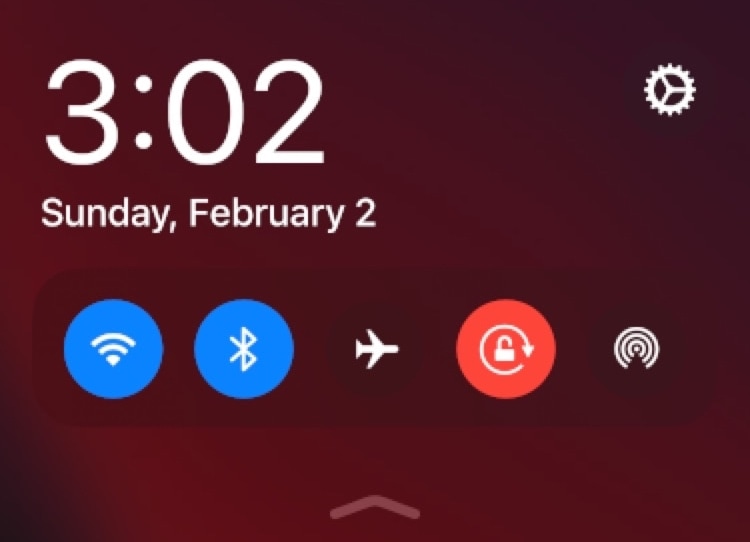
I use Control Center almost every day, and in some cases, the shortcuts near the top of my iPhone’s display can be challenging to reach with just one hand. Given the circumstances, I’m particularly excited to talk about a newly released jailbreak tweak called StayLowCC by iOS developer ubik.
Just as the name implies, StayLowCC moves Control Center’s toggle suite as far down on your display as possible. An example of this is depicted in the screenshot embedded above.
Just last week, we showed you a jailbreak tweak that could generate a QR code for quickly and easily sharing your iPhone’s Personal Hotspot with another user, whether they were using iOS or another mobile operating system such as Android.
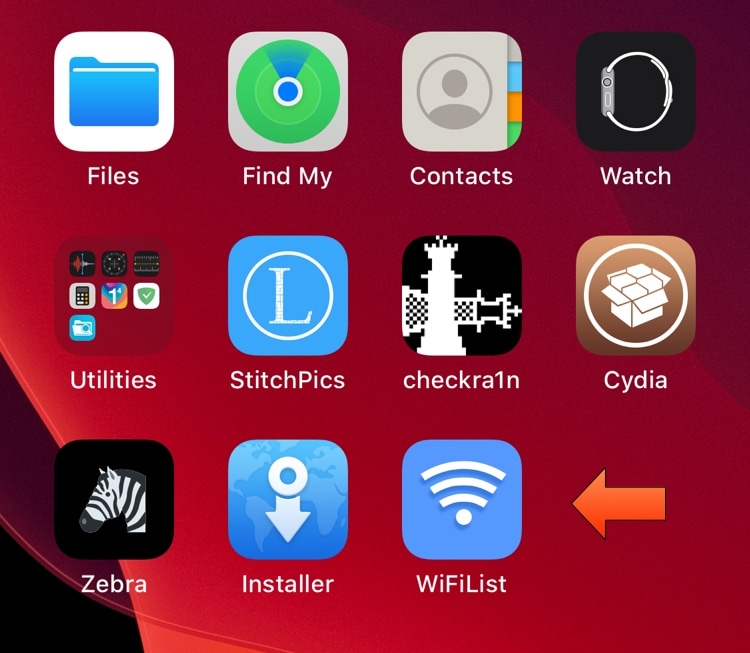
But now, a similar QR code-based jailbreak tweak called WiFiQR by iOS developer KingPuffDaddi has been released for sharing your currently-connected Wi-Fi network with others using comparable means to the tweak we showed you last week.