Having to re-download the same apps on your iPhone or iPad? Here’s how to disable the Offload Unused Apps feature and fix this once and for all.
How to stop your iPhone from deleting apps automatically
From the latest news to the most comprehensive tutorials, learn how to get the most out of your iPad with our step-by-step guides and expert tips.
Having to re-download the same apps on your iPhone or iPad? Here’s how to disable the Offload Unused Apps feature and fix this once and for all.

The Status Bar is something that iPhone and iPad users will interact with on a daily basis, and that’s why those looking to add a touch of personalization to their pwned handsets should consider checking out a newly released jailbreak tweak called Aerial 2 by iOS developer PolyTweaks.
As you might’ve ascertained already from the name, Aerial 2 is the reincarnation of a tweak that was initially released three years ago. Just like the original, the newer tweak lets users colorize their Status Bar’s icons however they want with individualized color pickers.
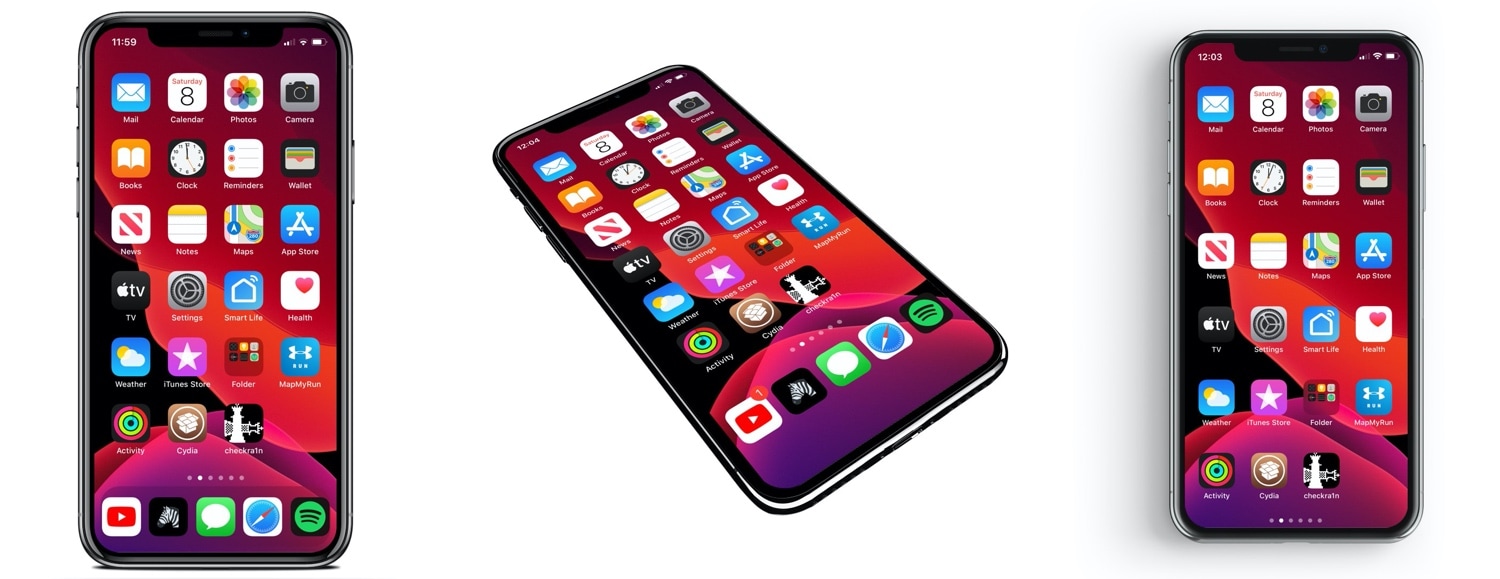
If you’re in the market to change the look and feel of your iPhone’s application Dock on the Home screen, then you might feel right at home with that of a new jailbreak tweak release called Dockify by iOS developer burrit0z.
After you’ve installed Dockify, you’ll find a dedicated preference pane in the Settings app with a myriad of different customization techniques for your Dock:

There's been no shortage of news updates and teasers from team unc0ver as Pwn20wnd works ever-so-carefully to integrate Brandon Azad’s oob_timestamp tfp0 exploit into the jailbreak tool. But while some of his Tweets have been more optimistic than others, one of those shared this Sunday afternoon is particularly exciting for those waiting for support on A12(X)-A13 devices.
Initially, Pwn20wnd had planned to support all versions of iOS 13.0-13.3 for all affected devices, but that tone changed on Saturday when the unc0ver lead developer noted that this wouldn’t be practical given all the work that it would necessitate and the fact that checkra1n already supports the bulk of those devices. Fortunately, those sporting A12(X)-A13 devices may still be able to look forward to such support:

It's a great time to be a jailbreaker, especially since there's the checkra1n jailbreak can't be patched and there are several other exploits looming in the wild for newer devices.
In this piece, we’ll discuss all the latest jailbreak tweaks released from Monday, January 27th to Sunday February 2nd. As usual, we’ll kick things off by discussing our favorite releases first and then wrap things up with an outline of the rest afterward.
If you’re avidly following the latest developments in the jailbreak community as of late, then you might be excited to learn that hacker and unc0ver lead developer Pwn20wnd has made swift and substantial progress on implementing Brandon Azad’s newly-released oob_timestamp tfp0 exploit for iOS 13.3 into the unc0ver jailbreak.
Throughout the past hour, Pwn20wnd has shared a plethora of status updates regarding his progress. Perhaps one of Pwn20wnd’s most notable Tweets was that he had successfully bypassed the mitigations in place by Apple to trump his codesigning bypass, which is claimed to be “the biggest part of the jailbreak on A12(X),” and apparently, on A13 too:
Several days ago, hacker and iOS security researcher Brandon Azad took the jailbreak community by storm when he said he would soon be releasing a new kernel exploit proof-of-concept targeting the iPhone 11 on iOS 13.3. It didn’t take long after that for unc0ver jailbreak lead developer Pwn20wnd to add that unc0ver would likely receive an update incorporating the new exploit.
The teasers have awakened a brand-new audience in the jailbreak community, namely those handling Apple’s latest handsets like the iPhone 11 and variants of the iPhone 11 Pro. But all that hype aside, Azad officially released his new kernel exploit proof of concept Friday afternoon, and he’s calling it OOB Timestamp:
If you’ve been following the jailbreak community as of late, then you’ve undoubtedly caught wind of Pwn20wnd’s plethora of recent announcements regarding the potential synergy between the unc0ver jailbreak tool and Brandon Azad’s yet-to-be-released tfp0 exploit.
Azad’s exploit was initially revealed to work on the iPhone 11 running iOS 13.3, and according to Pwn20wnd, it should also be viable on A12(X) devices and with all firmware versions between iOS 13.0-13.3. At the same time, Pwn20wnd cited three notable hurdles that would need to be dealt with if tweak injection was to work in the PAC-less implementation on iOS 13 via unc0ver.
The news that hacker and iOS security researcher Brandon Azad would be releasing a tfp0 exploit POC for the iPhone 11 on iOS 13.3 took the jailbreak community by storm, and it didn’t take long before unc0ver lead developer Pwn20wnd responded with plans to update unc0ver when it gets released.
Many questions have been circulating about whether this exploit would work on older devices or whether it would support older versions of iOS. Fortunately, Pwn20wnd has taken to Twitter to answer many of these questions and to prepare the jailbreak community for great things to come.

Twitter today updated its mobile app on App Store, fixing an issue that caused polls to disappear from iOS whilst adding a toggle to turn the search column on the iPad on or off.

The checkra1n team is best known for their checkm8 bootrom exploit-based checkra1n jailbreak tool, which just yesterday picked up support for Linux after being macOS-only for several months. We’ve known for quite some time that the checkra1n team intended to delve into more than just jailbreaking with the checkm8 bootrom exploit, and the fruits of such research are finally starting to surface.
The checkra1n team took to Twitter early Thursday morning to announce the initial release of PongoKit, a highly experimental and developer-only SDK that should help permit the deployment of other platforms on checkm8 vulnerable iOS devices:
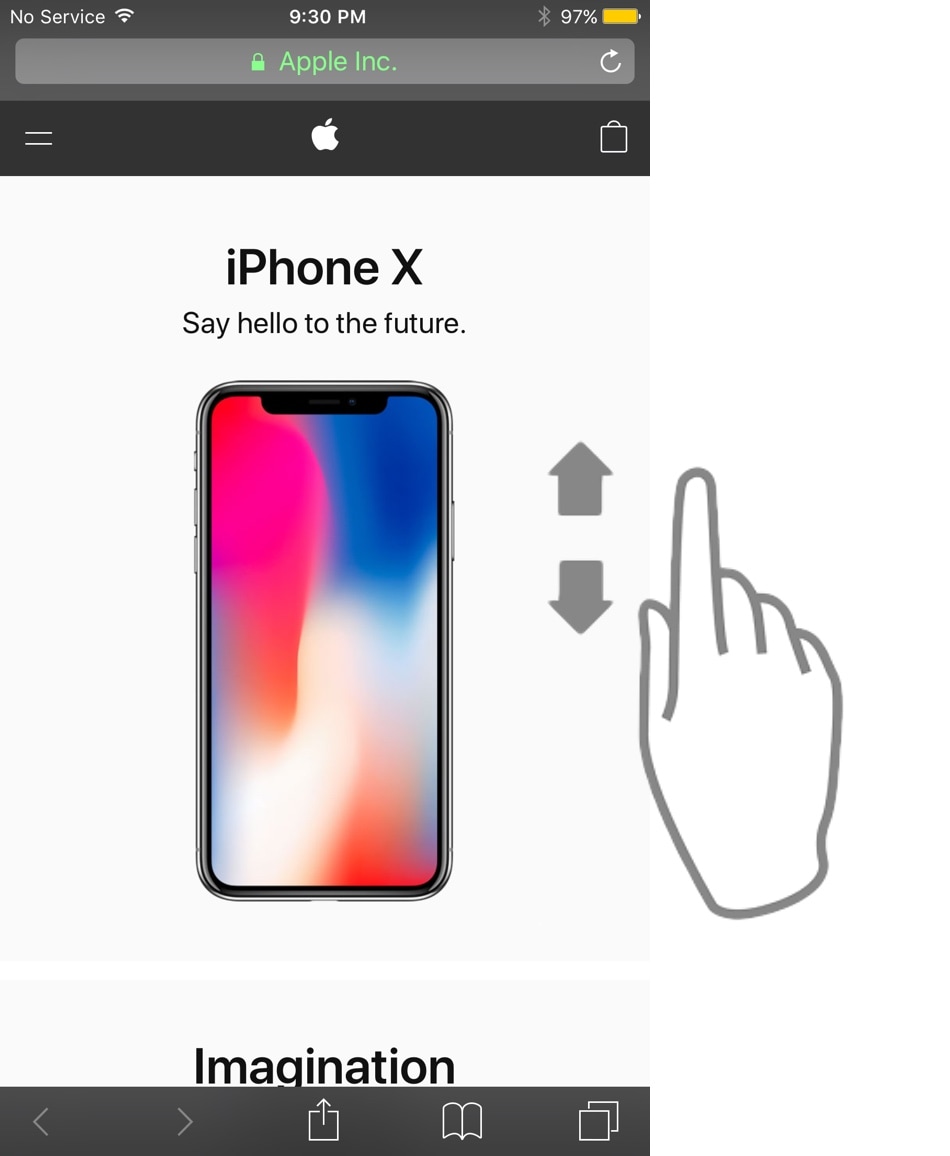
As Steve Jobs once said, your finger is the best pointing device for your iPhone. But with enough manual scrolling effort, it may not take long before you start to experience finger fatigue, especially when reading lengthy websites or eBooks.
Those looking for a solution to the finger fatigue problem when scrolling endlessly may enjoy a newly released jailbreak tweak called AutoScroll by iOS developer pxcex. Just as the name implies, this add-on incorporates automatic scrolling into iOS.